

صورة منتج واحدة تدخل
وتخرج بكل صيغة
نفس مكالمة create_generation — حملة، كتالوج، لوك بوك، صفحة منتج، وسائل تواصل، فيديو، كل ذلك من صورة واحدة.
 حملة
حملة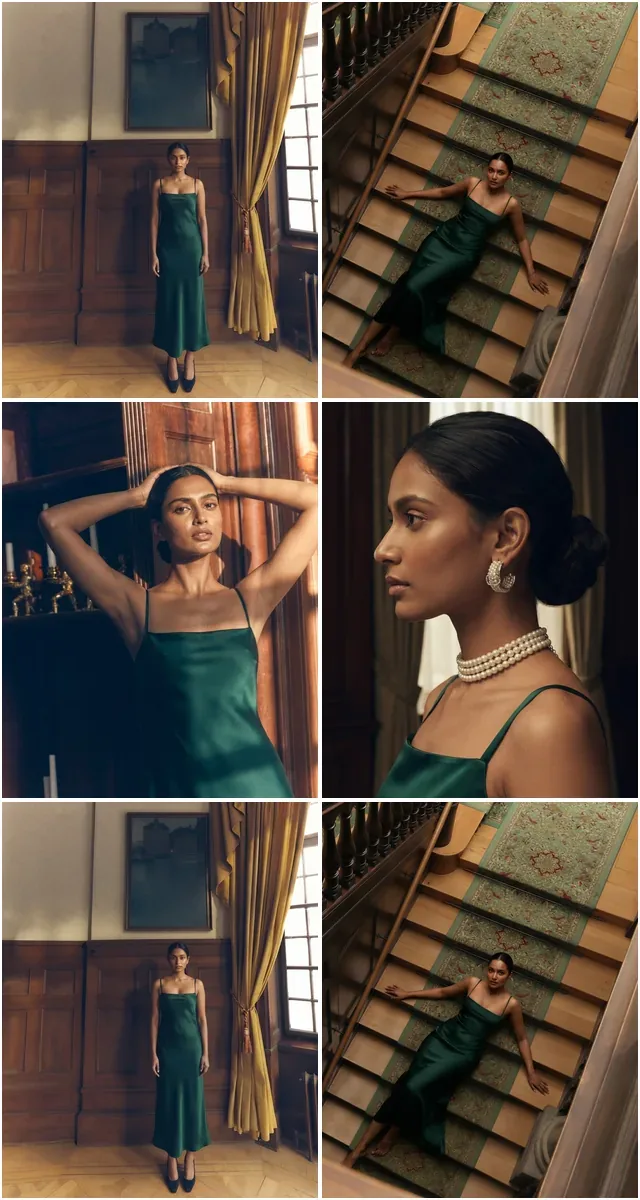 كتالوج
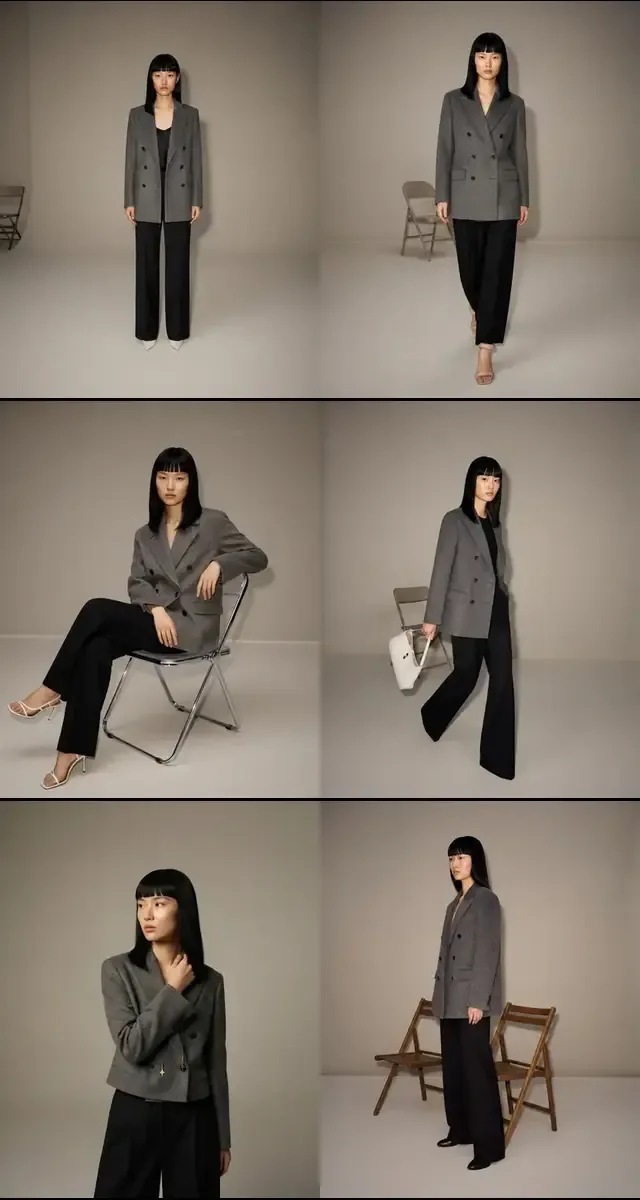 كتيّب أزياء
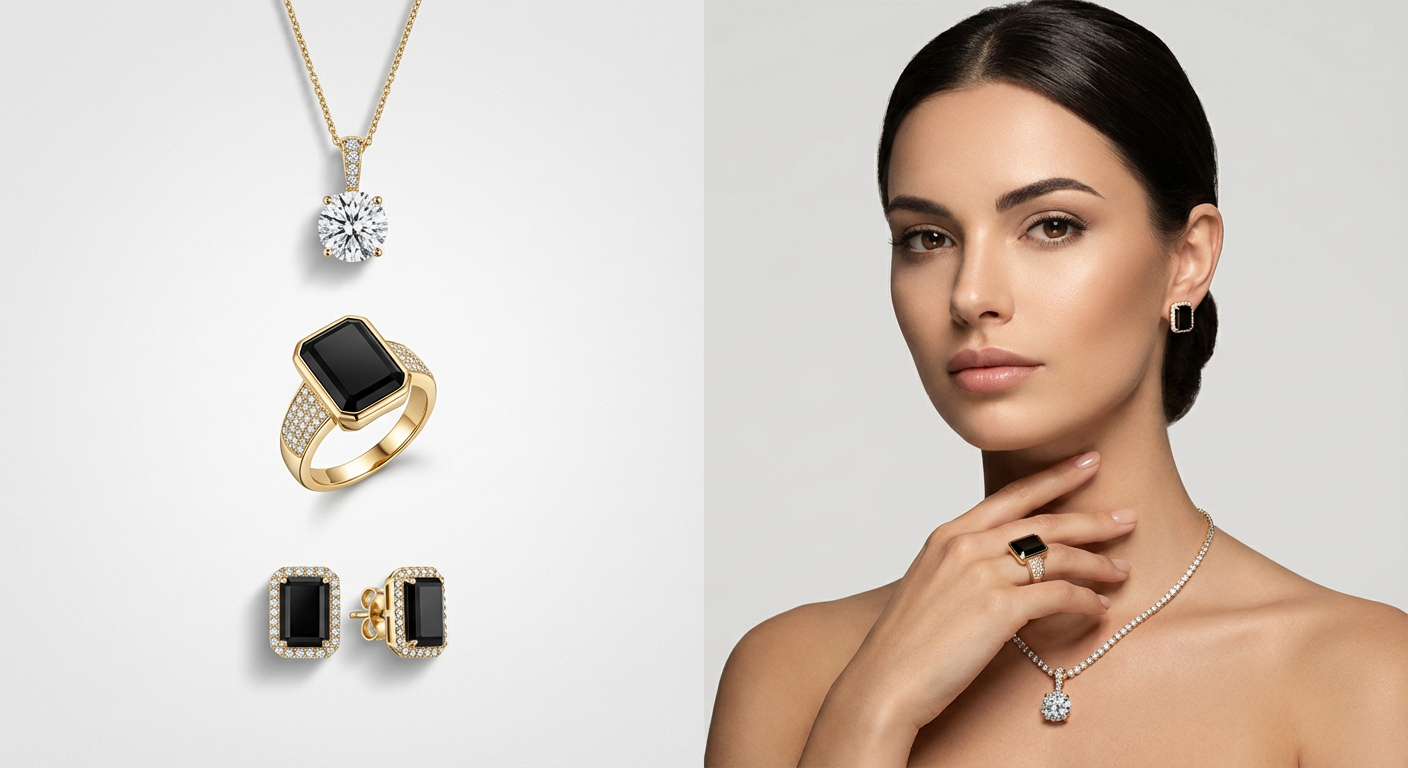 تجارة إلكترونية
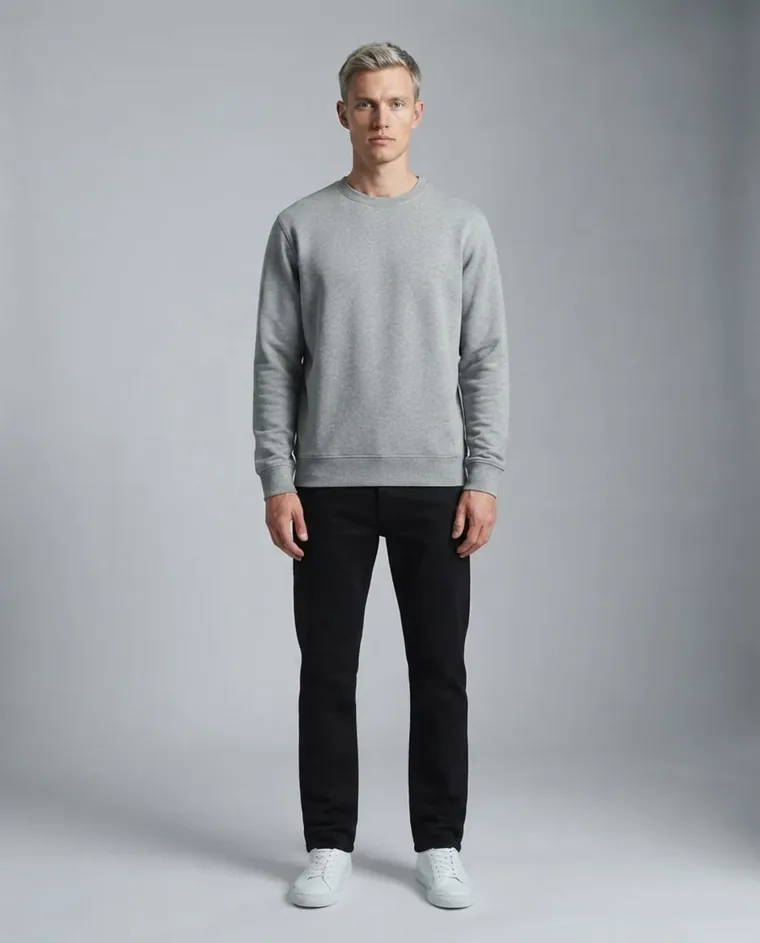 سوشيال ميديا
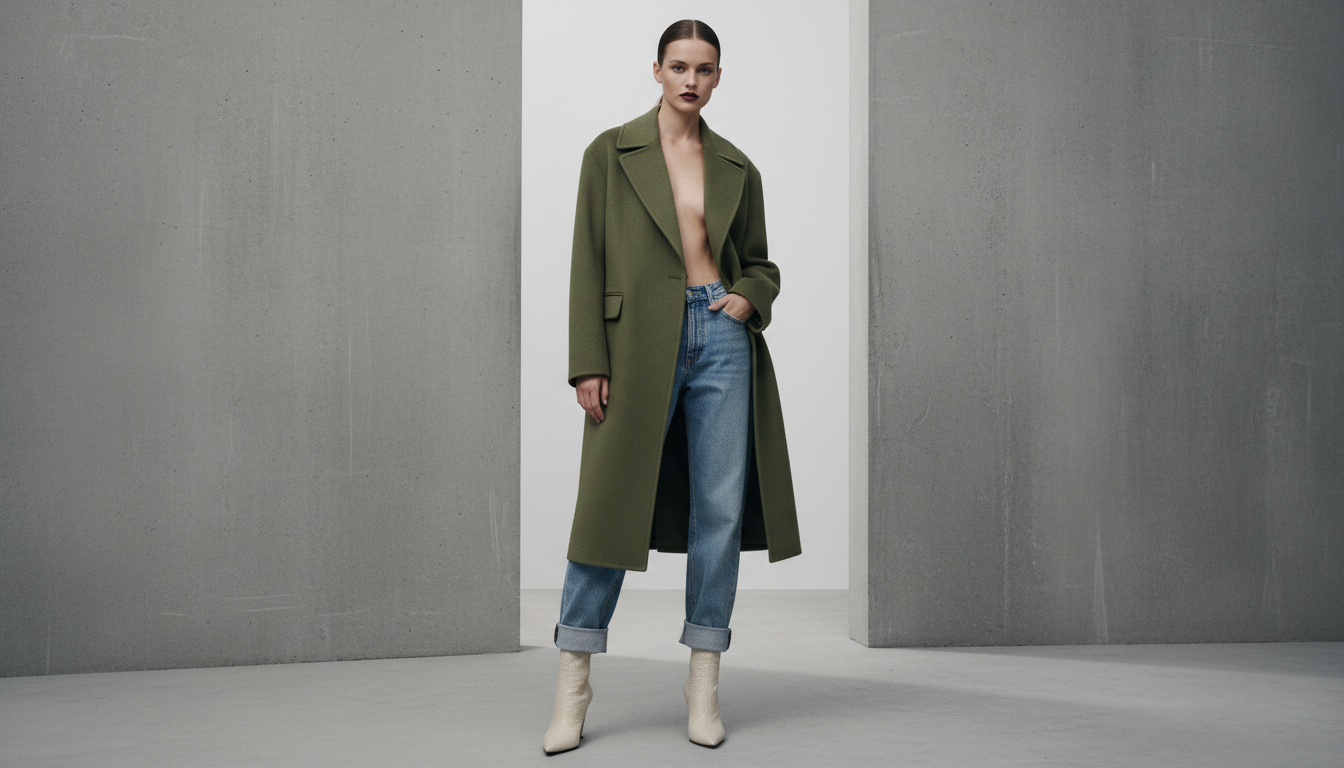 فيديو
فيديو شارع
شارع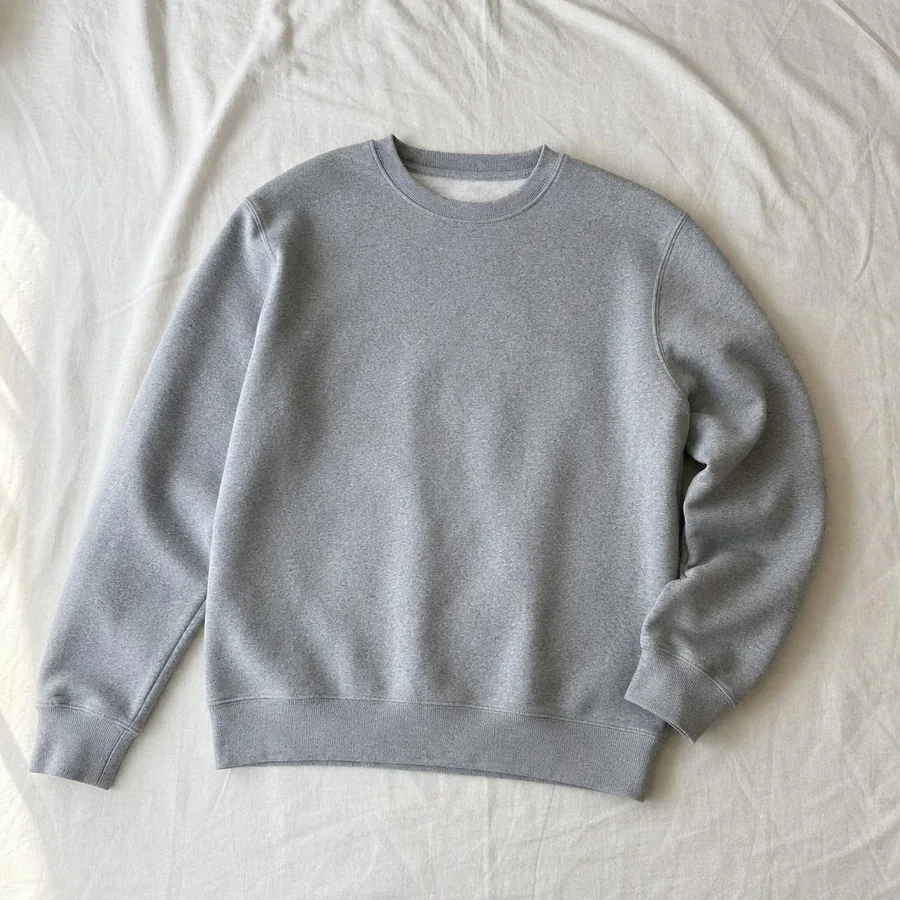
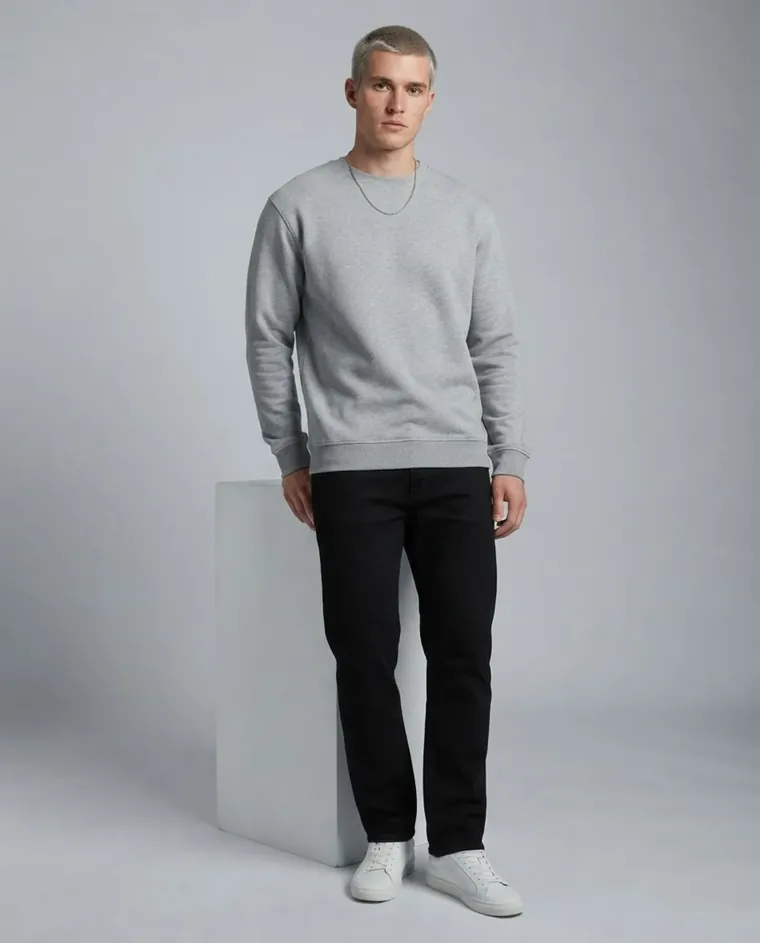

ابدأ عملية توليد بطلب واحد
اختر مجموعتك التقنية — الطلب مطابق في الحالتين.
curl https://api.fashiolabs.com/v1/generations \
  -H "Authorization: Bearer $FASHIO_API_KEY" \
  -H "Content-Type: application/json" \
  -d '{
    "toolId": "virtual_model",
    "images": {
      "fashion_model": "6a2f811f-0465-4c70-92aa-2434765441f9",
      "garment_photo": "https://.../garment.jpg",
      "venue": "pure_white"
    },
    "pose": "contrapposto_elegance"
  }'
المرجع الكامل لجميع نقاط النهاية: docs.fashiolabs.com
كل حزم fashiolabs: npmjs.com/~fashiolabs
مُصمَّمة لعمليات تكامل حقيقية
مفتاح ذاتي الإصدار
أنشئ مفتاحًا من لوحة التحكم خاصتك — بدون مكالمة مبيعات وبدون طابور موافقات.
REST + OpenAPI 3.1
JSON قياسي عبر HTTPS، مع مواصفة OpenAPI منشورة — أنشئ عميلاً بأي لغة.
رصيد كريدت واحد
تُخصم استدعاءات API من نفس رصيد الألماس المستخدم في التطبيق — بلا محفظة منفصلة يجب تمويلها.
وصول كامل للكتالوج
استعرض واختر من نفس عارضي الذكاء الاصطناعي والأماكن والأوضاع التي يأتي بها التطبيق.
خادم MCP مُضمَّن
يربط fashio-mcp تطبيقات Claude وCursor وغيرها من الوكلاء المتوافقة مع MCP مباشرة بواجهة API.
بياناتك، مفتاحك
ألغِ مفتاحًا فوريًا من لوحة التحكم — بلا وصول معلّق بعد انتهاء أي عملية تكامل.
مجموعات قوالب قابلة لإعادة الاستخدام
احفظ عارض ومكان ووضعية عملية توليد كقالب جاهز، ثم أعد استخدامه مع كل منتج جديد — تصوير واحد يتحول إلى كتالوج كامل.
ما الذي يبنيه المستخدمون بها
عمليات تكامل Shopify / المتاجر الإلكترونية
ولّد لقطات على عارض لمنتج فور رفعه، بلا حاجة لفتح لوحة التحكم يدويًا.
خطوط أنابيب PIM / الكتالوج
اربط عملية التوليد بسير عمل معلومات المنتج الحالي بدلاً من خطوة تصدير/استيراد يدوية.
جلسات تصوير كتالوج متكررة
احفظ ستايل الموسم الماضي كمجموعة قالب وشغّل كل SKU جديد من خلالها تلقائيًا.
لا تصوير؟ استخدم تصويرنا
تصفّح مكتبة "جلسات التصوير الجاهزة" المنسّقة من Fashio وشغّل منتجك عبر قائمة لقطات جاهزة الستايل بالكامل دون إعداد عارض أو مكان بنفسك.
وكلاء الذكاء الاصطناعي والأدوات الداخلية
اسمح لأداة داخلية أو وكيل برمجي باستدعاء Fashio مباشرة — عبر REST أو عبر خادم MCP — كجزء من أتمتة أكبر.
أسواق وتطبيقات مخصصة
ابنِ تدفق رفع ← توليد ← نشر خاصًا بك فوق نفس خط الأنابيب الذي يستخدمه تطبيق Fashio.
الأسئلة الشائعة حول واجهة Fashio API
هل أنت مستعد للتحكم في
محتوى الأزياء الخاص بك؟
استخدم Fashio AI لإلباس ملابسك لعارضين، دون جلسة تصوير.
كل أدوات Fashion AI
واجهة Fashio العامة v1 هي نفس خط أنابيب التوليد الذي يقف خلف التطبيق ولوحة التحكم على الويب — ارفع صورة قطعة ملابس، اختر عارضًا ومكانًا، واحصل على تصوير احترافي جاهز للإنتاج على عارض حقيقي، تُخصم تكلفته من رصيد الكريدت الخاص بحسابك.
كيف تعمل
حملة- ارفع صورة قطعة ملابس أو منتج، أو أشر إلى رابط مستضاف لديك.
- اختر عارضًا ومكانًا ووضعية من الكتالوج — أو استخدم روابط صورك الخاصة.
- ولّد — يشغّل نفس خط الأنابيب الذي يستخدمه التطبيق المهمة ويعيد نتيجة يمكنك متابعتها.
المرجع الكامل لنقاط النهاية، وأشكال الطلبات/الاستجابات، وأمثلة برمجية جاهزة للنسخ بلغات cURL وNode.js وPython: docs.fashiolabs.com.
تريد أن يستدعي وكيل ذكاء اصطناعي (Claude أو Cursor أو وكيلك الخاص) خدمة Fashio مباشرة بدلاً من كتابة كود HTTP؟ راجع خادم Fashio MCP.