
Model Context Protocol

Fashio, from inside your AI agent

fashio-mcp is an MCP server: connect Claude, Cursor, or any MCP-speaking agent straight to the Fashio API — no HTTP client to write.

Works with Claude, ChatGPT, Cursor
Same credit balance as the app
14 tools, one config block
Free — only generations cost credits

Add it to your client

Claude, Cursor, ChatGPT, or run it yourself from a terminal.

{
  "mcpServers": {
    "fashio": {
      "url": "https://mcp.fashiolabs.com/mcp",
      "headers": {
        "Authorization": "Bearer fio_live_..."
      }
    }
  }
}

Create a free key first at fashiolabs.com → Profile → API Keys. Full setup: docs.fashiolabs.com

fashio-mcp

This MCP server — local or hosted

fashio-client

Official Node.js/TypeScript SDK

fashio-cli

Command-line client, for scripts & CI

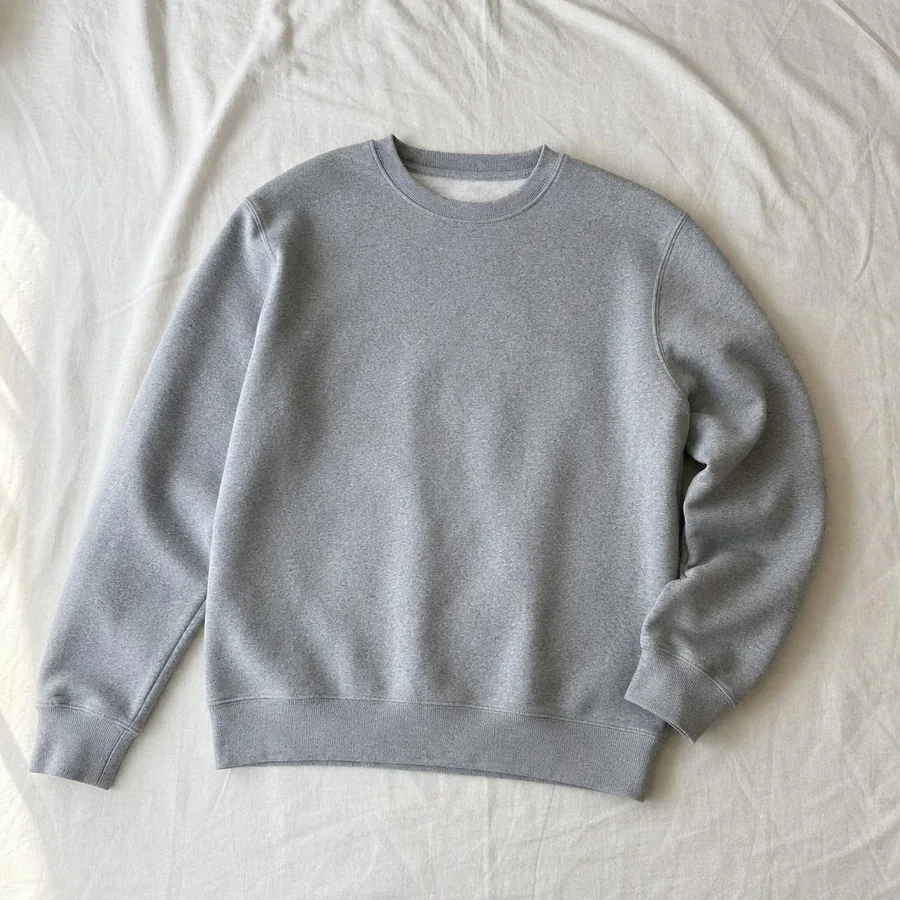
One product photo in

Every format out

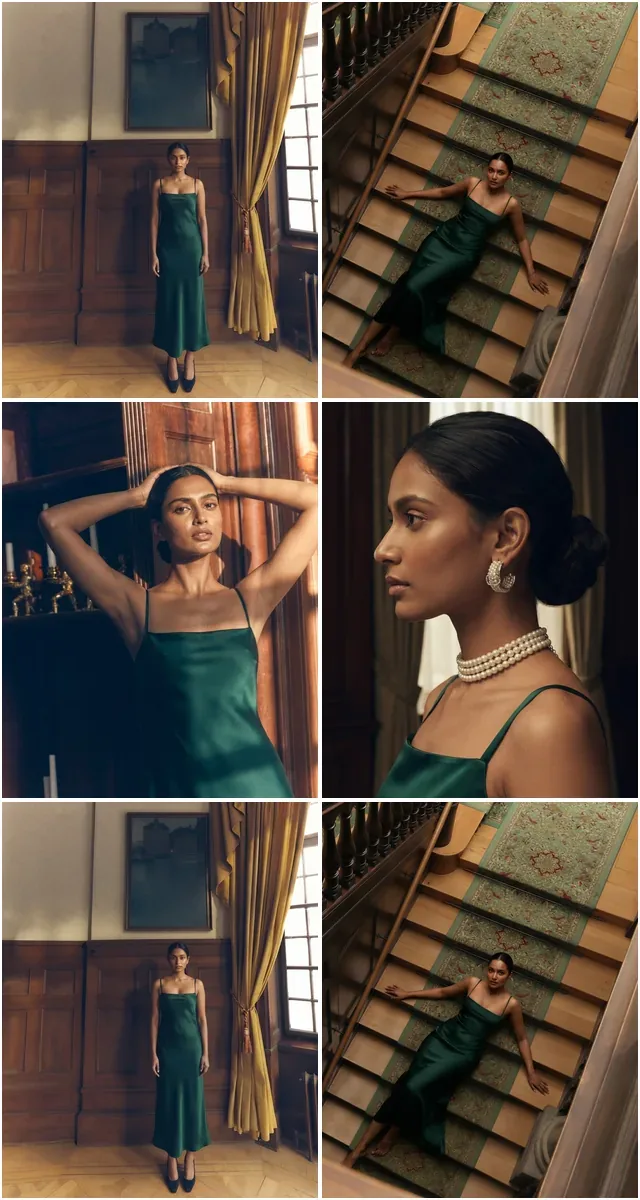
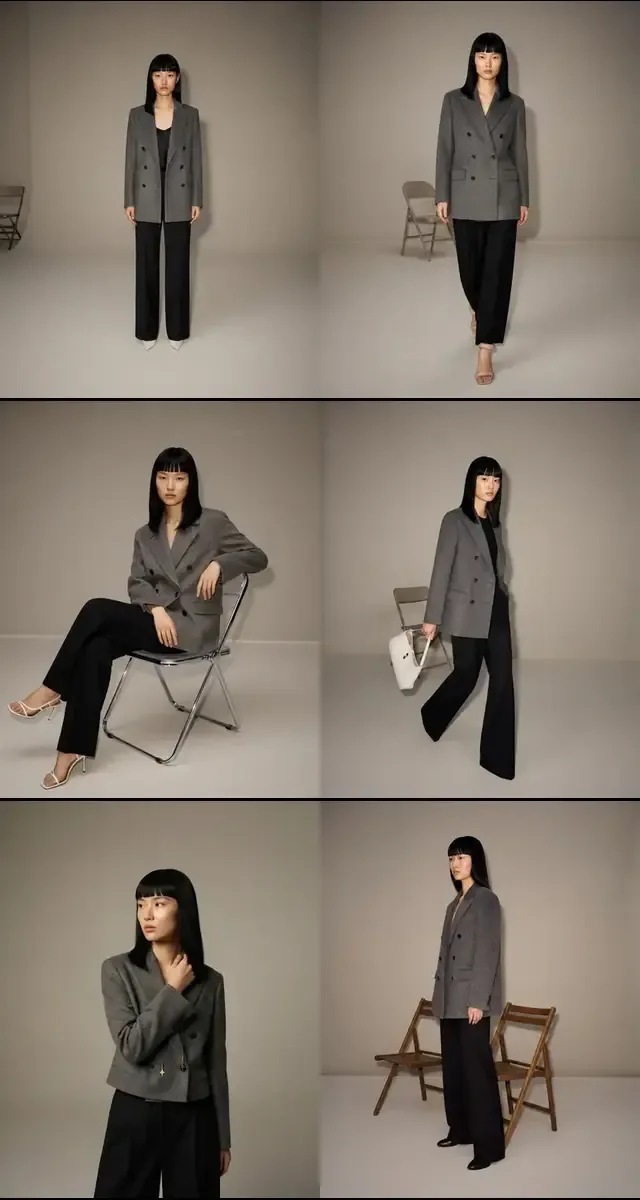
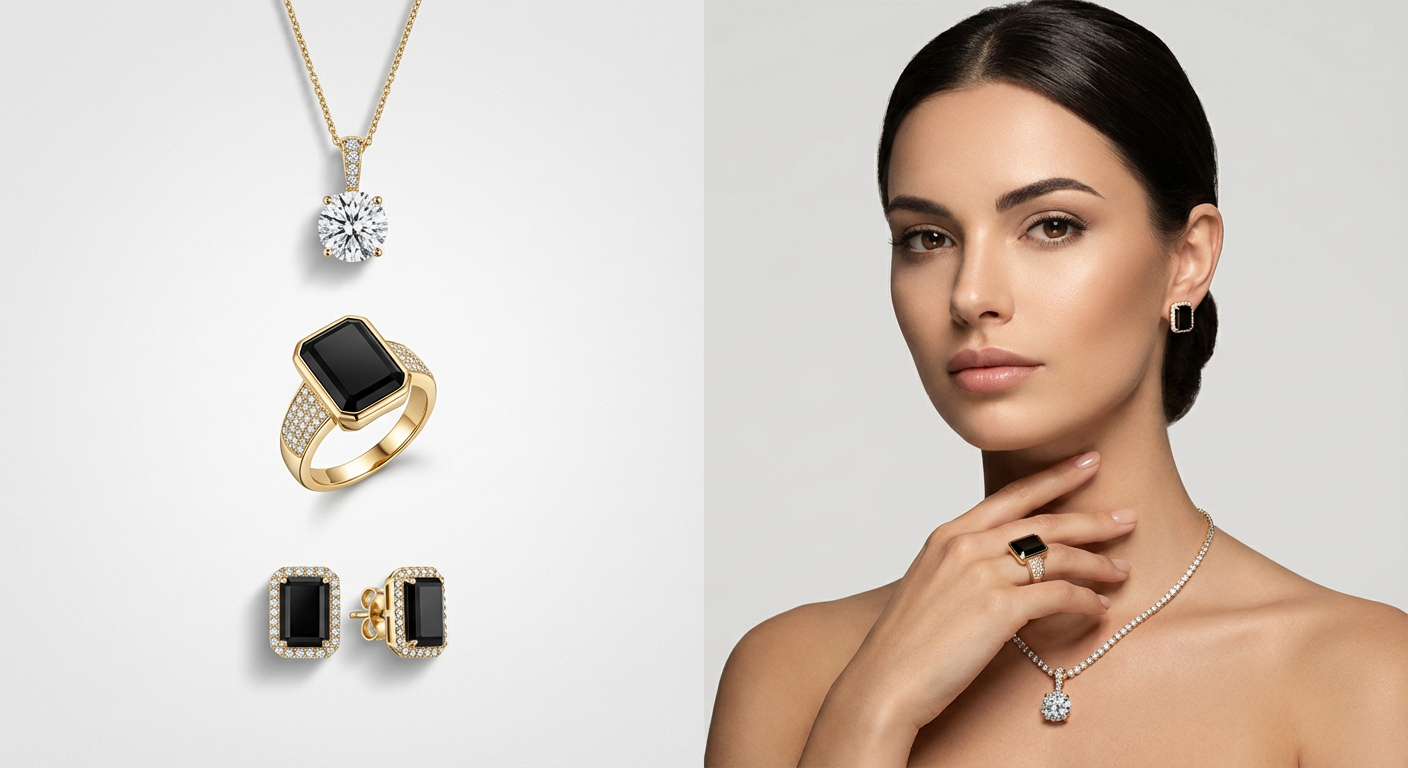
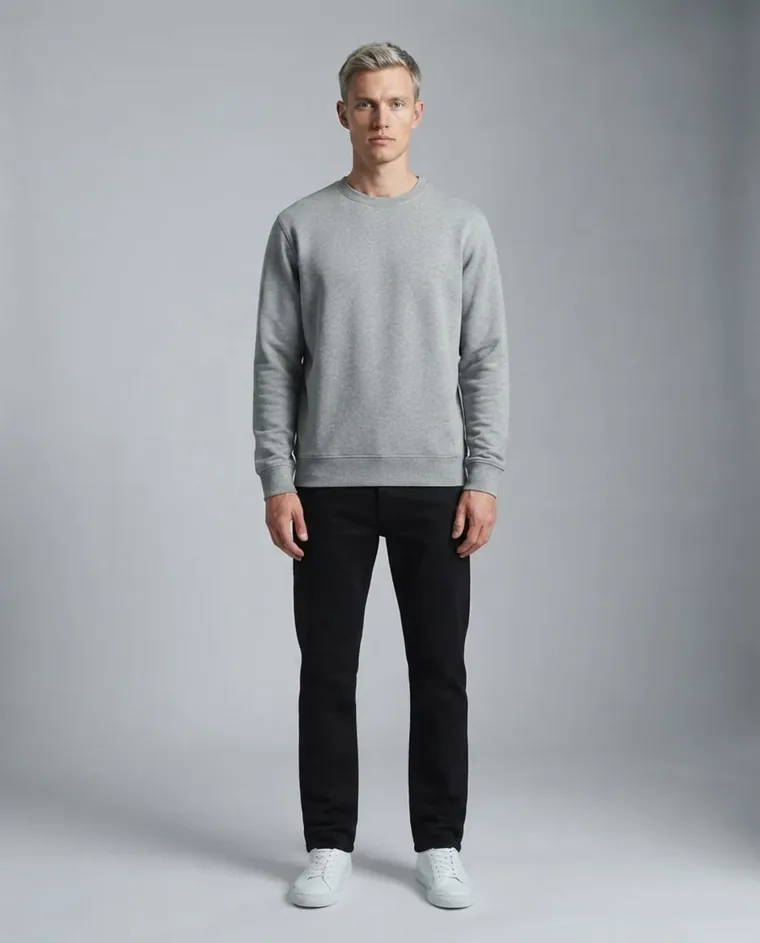
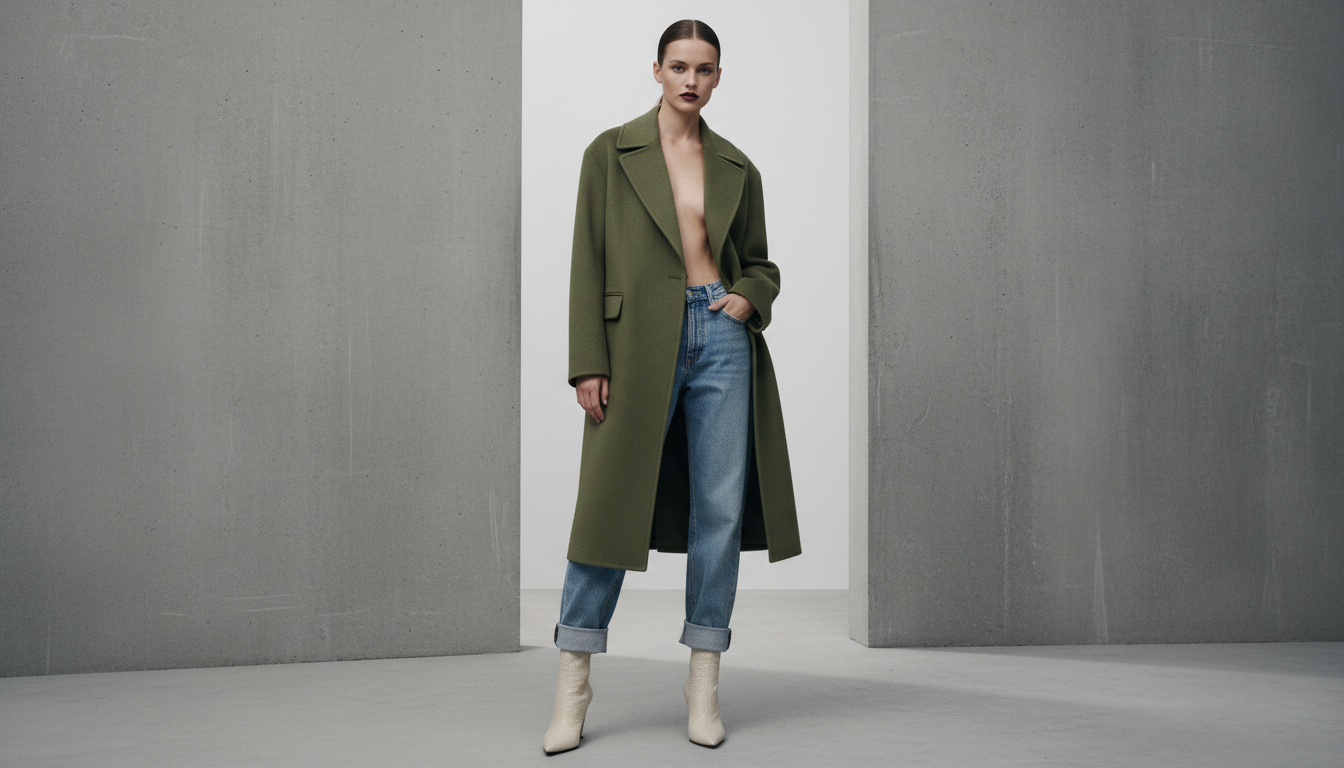
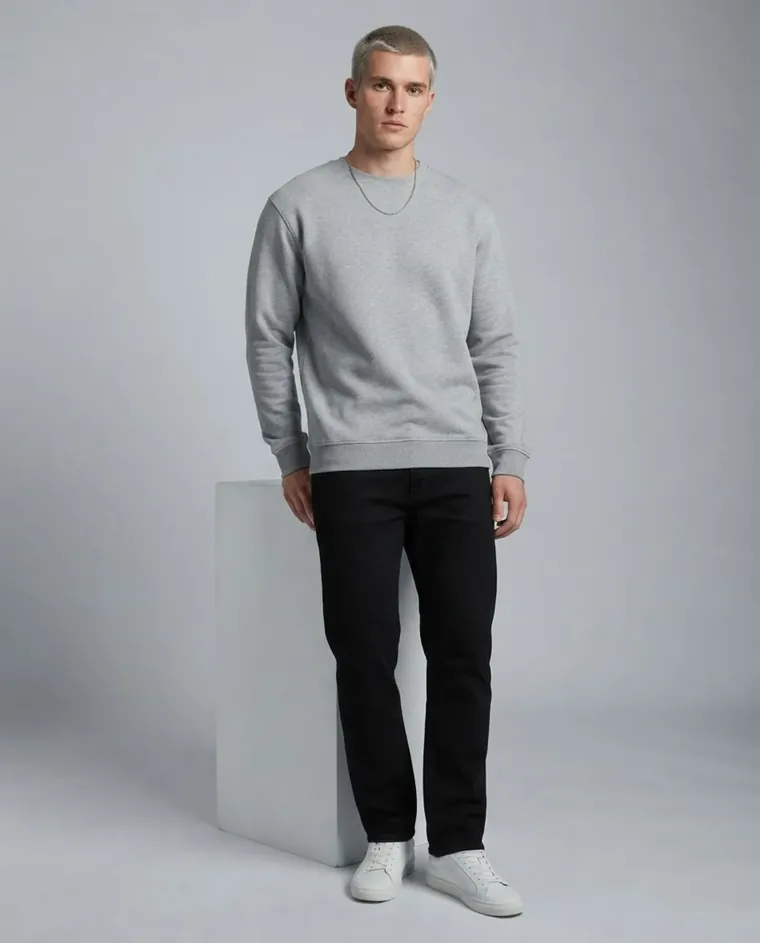
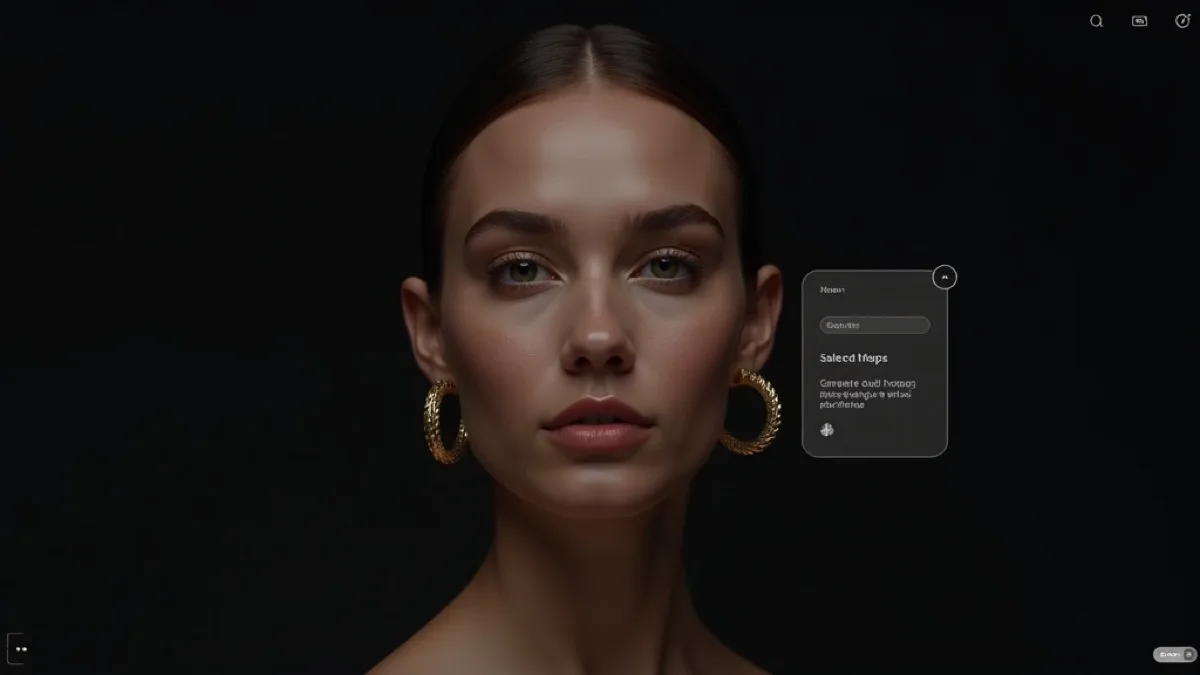
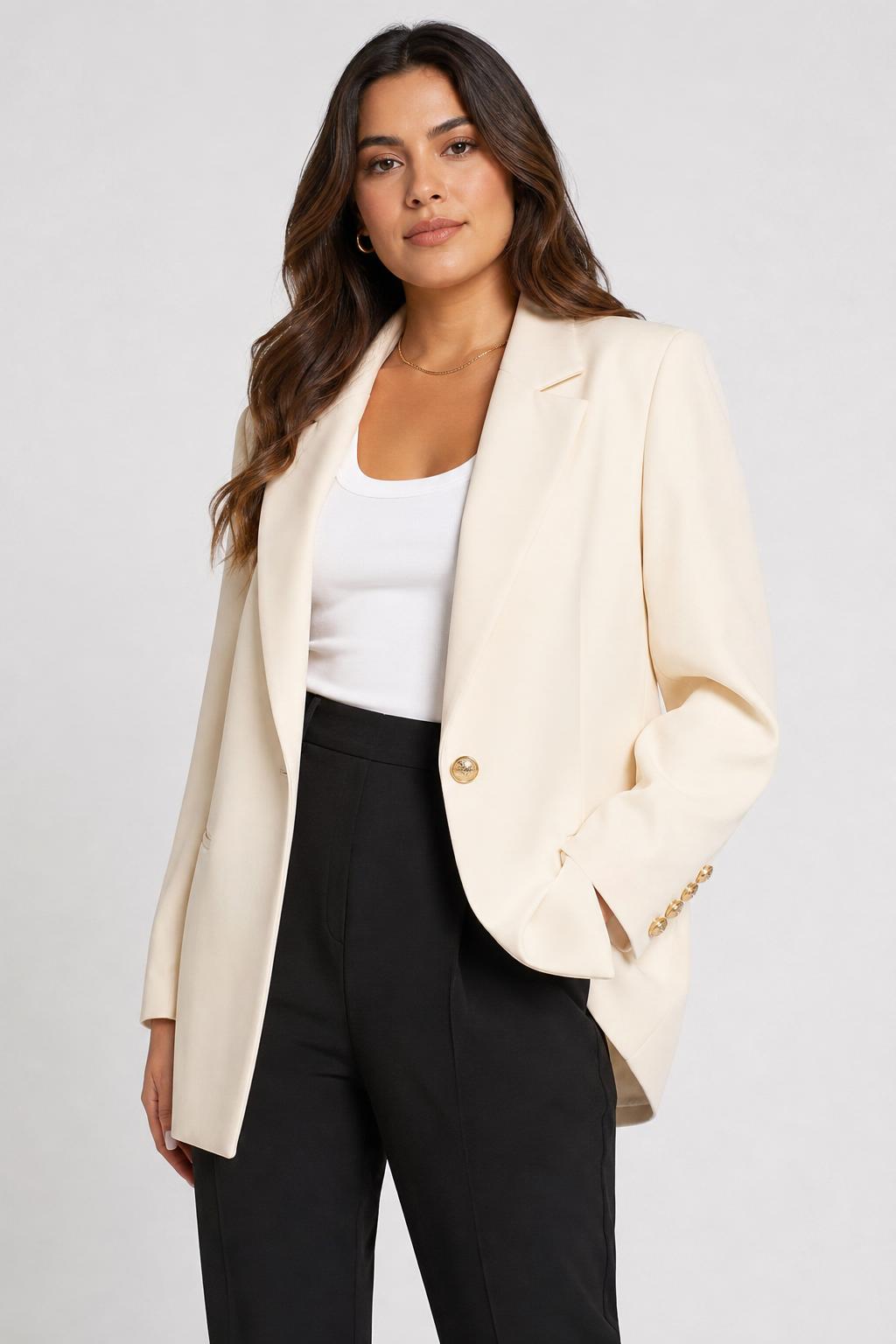
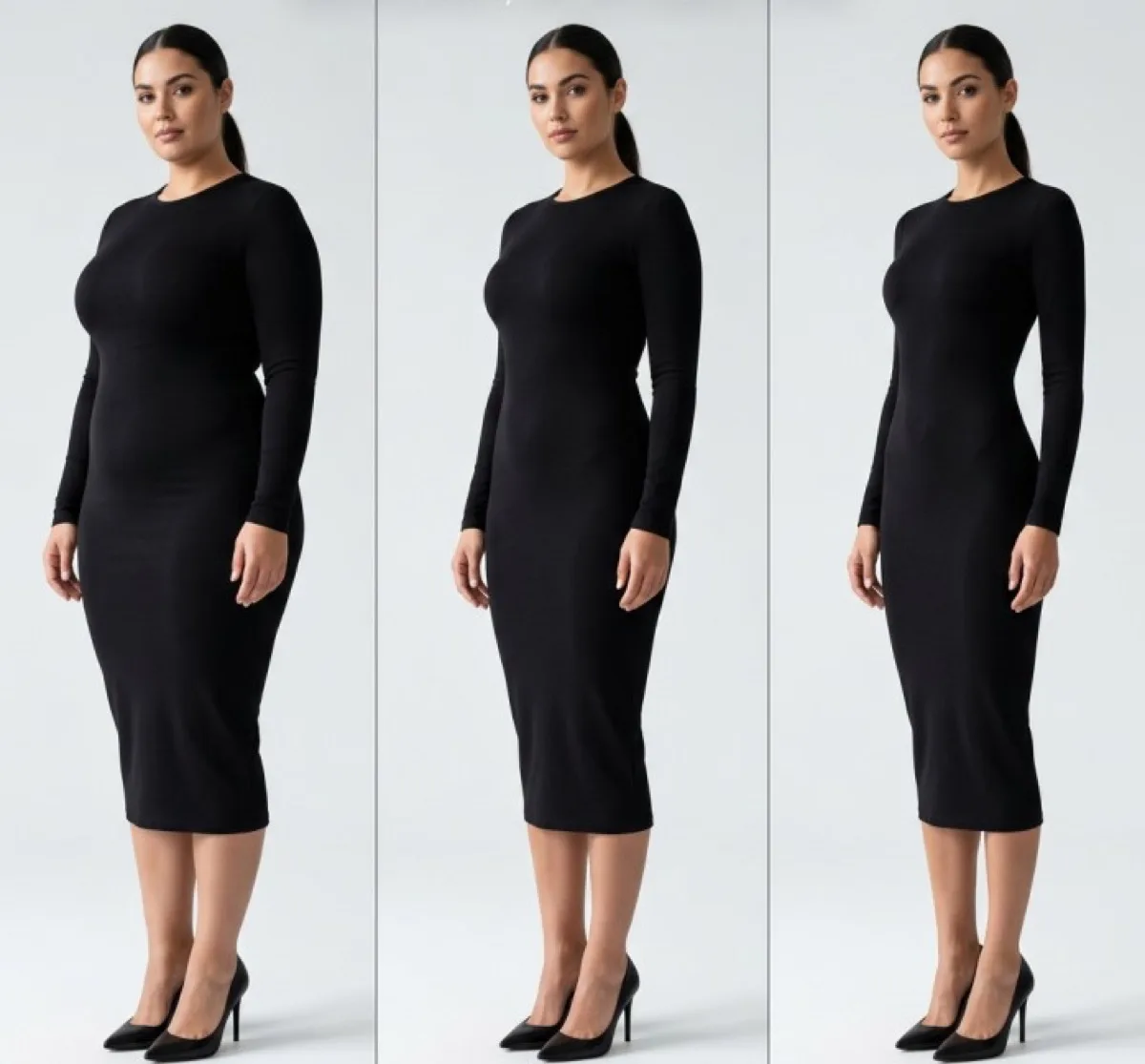
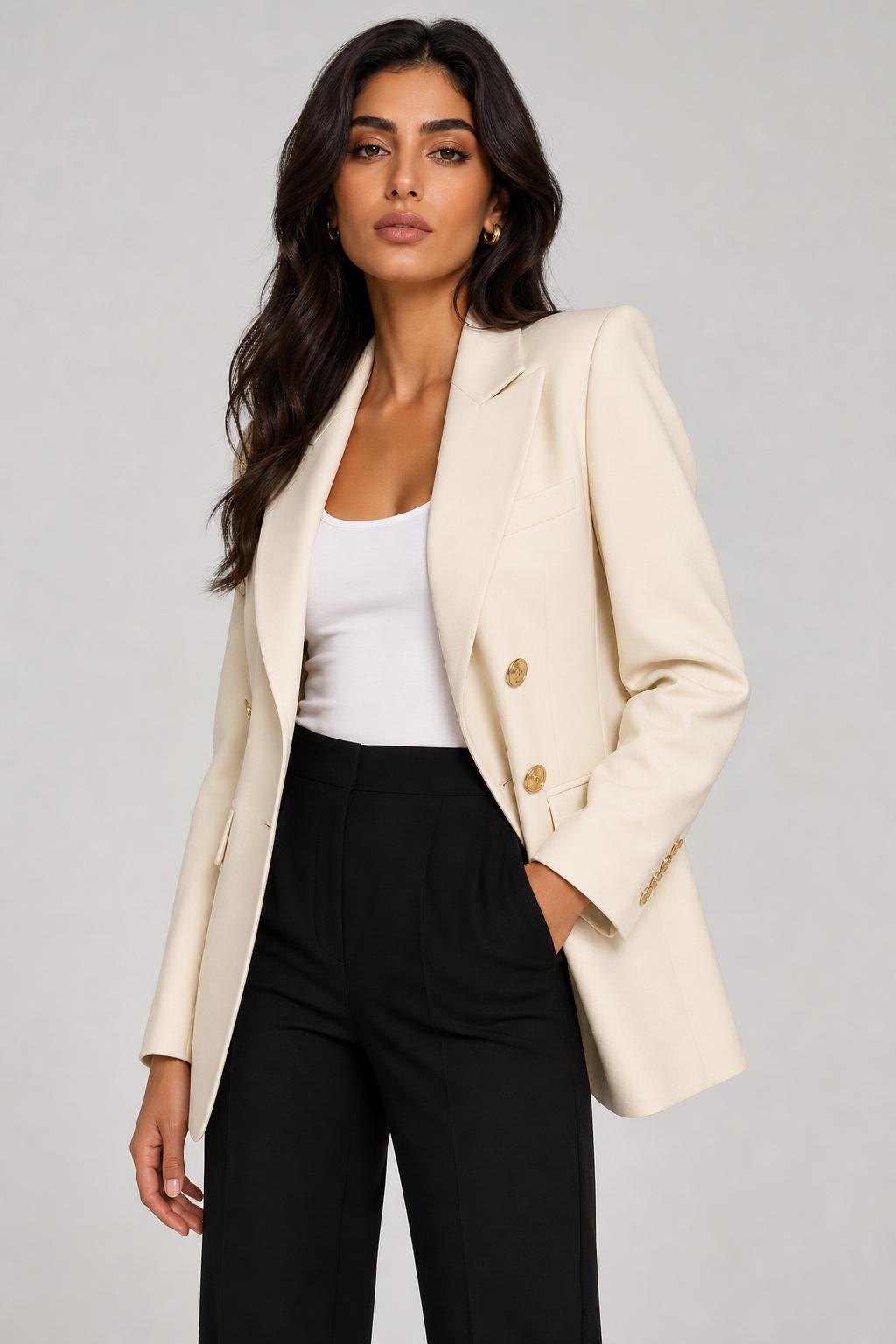
Ask your agent for a create_generation and it can hand back campaign, catalogue, lookbook, listing, billboard or video — all from one photo.

Campaign
Catalogue
Lookbook
E-commerce
Billboard
Video
Street

Fourteen tools

Everything create_generation needs

list_models

Every generation tool and what it needs.

list_fashion_models

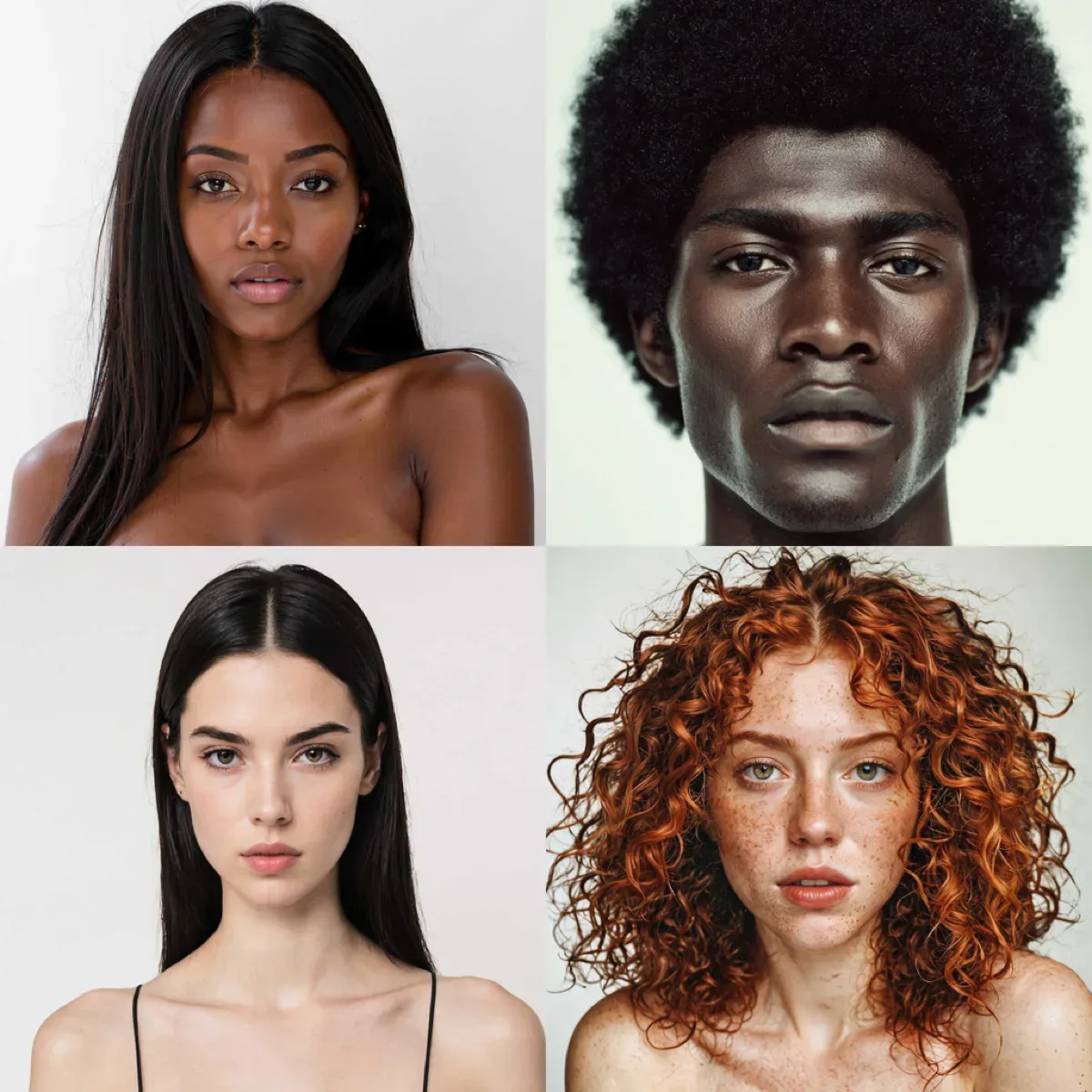
Browse the AI person model catalog.

list_venues

Browse the venue/background catalog.

list_poses

Browse the pose catalog.

upload_image

Upload an image, get back a usable URL.

create_generation

Start a job — try-on, background removal, upscale, and more.

get_generation

Poll a job until it completes.

get_account

Email, plan, credit balance, and renewal date.

create_template_set

Save a generation's model/venue/pose as a reusable preset.

list_template_sets

List saved presets.

delete_template_set

Remove a saved preset.

list_ready_template_sets

Browse Fashio's curated photoshoot library.

get_ready_template_set

Get one curated set's shots.

create_catalog_job

Generate a full catalogue from a curated photoshoot set.

Why an MCP server, not just the API

Native agent tools

list_models, list_fashion_models, list_venues, list_poses, upload_image, create_generation, get_generation, get_account, create_template_set, list_template_sets, delete_template_set, list_ready_template_sets, get_ready_template_set, create_catalog_job — no HTTP client to write.

Same account, same credits

Authenticates with your existing Fashio API key — no separate signup, no separate balance.

Local file uploads

Point it at a file on disk; it uploads and returns a URL your agent can pass straight into a generation.

Works with Claude, Cursor, and more

Standard stdio MCP server — drop it into any MCP-compatible client's config.

What people do with it

Chat-driven product photography

Ask your agent to "upload this photo and put it on a female model against a white studio background" — no code to write.

Agent-built catalog pipelines

Let a coding agent wire Fashio into a larger automation it's building for you, using the tools directly instead of guessing at HTTP calls.

Rapid prototyping

Try the API's full surface from a chat session before writing a single line of integration code.

Fashio MCP FAQ

Model Context Protocol is an open standard for connecting AI agents (Claude, Cursor, and others) directly to external tools and APIs, so an agent can call a service without the developer writing a custom HTTP integration for every model.
List AI models, venues and poses; upload a local image; start a generation (virtual try-on, background removal, upscaling, and more); and poll a job until it completes — all as native tool calls, in plain language.
Yes — fashio-mcp is a thin wrapper around the same public v1 API. Create a free key at fashiolabs.com → Profile → API Keys and set it as FASHIO_API_KEY in your MCP client's server config.
Any MCP-compatible client — Claude Desktop, Claude Code, Cursor, and others that support the standard stdio MCP server configuration.
No. The MCP server itself is free; each generation it starts is billed the same way an API or app call would be, from your account's existing diamond balance.

Prefer raw HTTP?

Every tool here is a thin wrapper over the public REST API — call it directly from any language.

Ready to take control of
your fashion content?

Use Fashio AI to create premium product imagery in seconds.

From $9.99 · credits never expire
Fashion Model Walking

fashio-mcp is a small MCP (Model Context Protocol) server that exposes the same Fashio v1 API as tools an AI agent can call directly — list the model/venue/pose catalog, upload a photo, start a generation, and poll for the result, all in plain language instead of hand-written HTTP calls.

Setup

  1. Create a free API key at fashiolabs.com → Profile → API Keys.
  2. Add https://mcp.fashiolabs.com/mcp to your MCP client as a remote server, with your key as a bearer token — no install needed. (A local stdio package, fashio-mcp, is also available if you'd rather run it yourself.)
  3. Ask your agent to list Fashio's models, upload a photo, or start a generation — it now has the tools to do it directly.

Full source, install instructions and the tool reference: docs.fashiolabs.com. For the underlying REST API these tools call, see the Fashio API.