How to Change an Outfit in a Product Photo (No Reshoot)
Four routes compared: manual compositing, generative retouching, generating from a flat lay, and the one case where a reshoot is still the right answer.
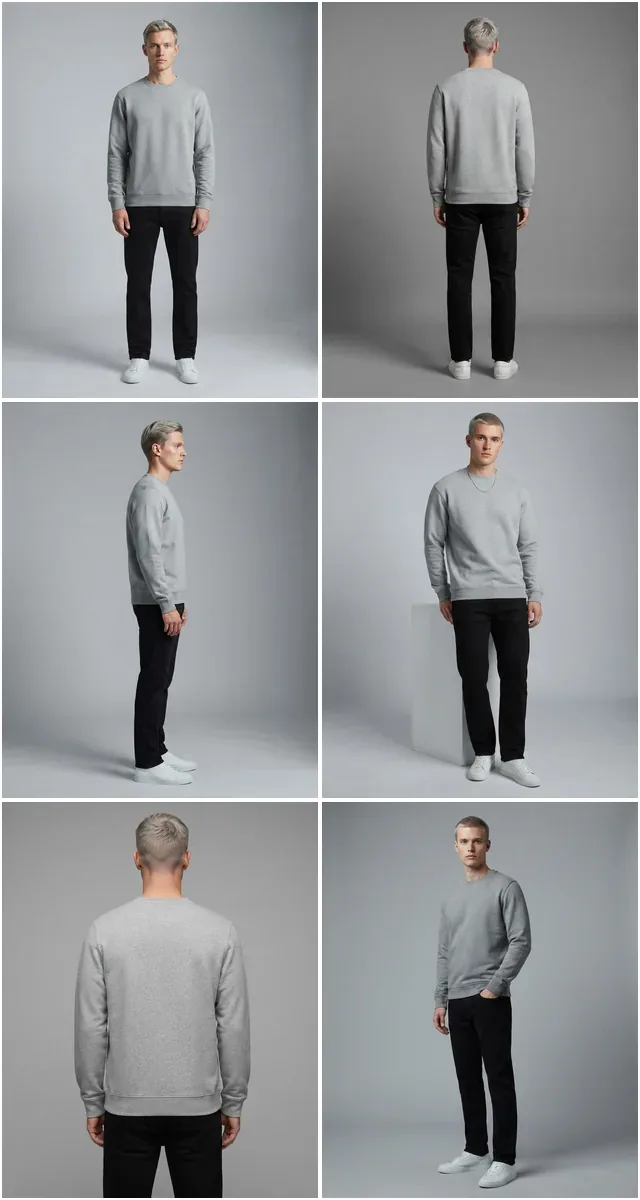
Run a complete catalog photoshoot from a single garment photo. Pick one of 55 ready-made sets — a fi...
Transform your static product photos into captivating, high-energy videos optimized for social media. No editing skills required.
Generated from a single product still. Nothing here was filmed.
One still in, motion out — 15 credits a clip.
Transform your product photos into engaging video content for Instagram Reels, TikTok, and YouTube Shorts. Dynamic model movements and smooth animations that capture attention and drive engagement.
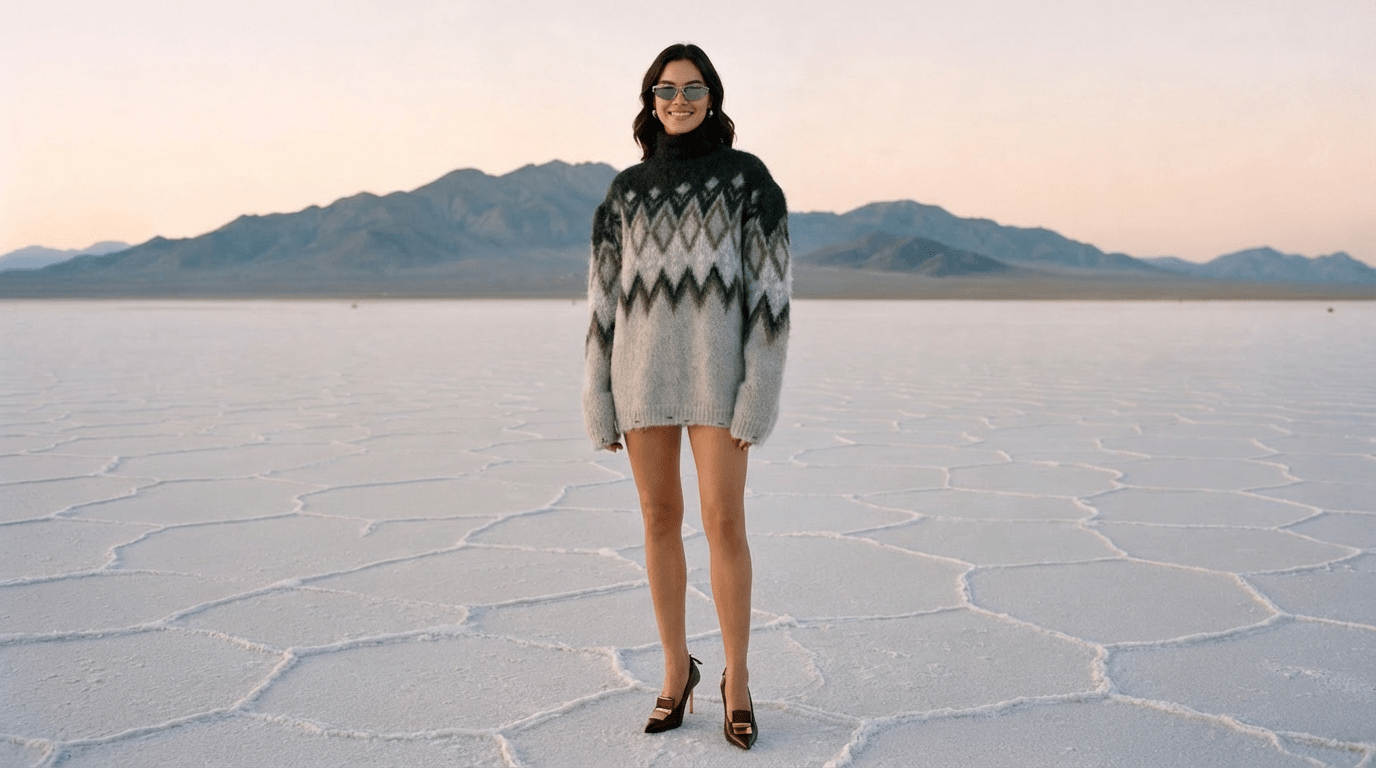
How a clip generated from one product photo compares with a video shoot.
Turn AI Clothing Photos into engaging 5–10 second videos, 15 credits a clip.
Our AI intelligently adds dynamic camera movements, 3D effects, and transitions to still photos.
Showcase how your apparel looks and fits on diverse AI-generated models without a physical photoshoot.
The video keeps your photo's aspect ratio — reframe it to 9:16, 1:1 or 16:9 first.
Access a library of pre-set animation styles and effects inspired by viral social media trends.
Short MP4 clips sized for Reels, TikTok, Shorts and paid social.
Use every clip on product pages, marketplaces, ads and social — no royalties.
Whether you're looking to spice up your product pages, dominate social media, or create high-performing ads, our AI has you covered.
Enhance your Product Detail Pages with motion that shows how a garment moves.
Create an endless stream of content for TikTok, Instagram Reels, and YouTube Shorts to grow your audience.
Produce high-performance video ads for Facebook, Instagram, and TikTok that grab attention and drive sales.
Build hype for new collections with teaser videos, collection reveals, and behind-the-scenes style content.
Shops using photo to video AI on a still catalog.
We had no video at all because a video shoot is a different budget entirely. Now every hero product has a clip.
Motion on the product page is the single change that moved our add-to-cart rate. Getting it from a still we already had made it free to try.
Reels used to mean filming. Now the photo I already took becomes the post.
Use Fashio AI to put your garments on models, without a photoshoot.
All fashion AI toolsFour routes compared: manual compositing, generative retouching, generating from a flat lay, and the one case where a reshoot is still the right answer.
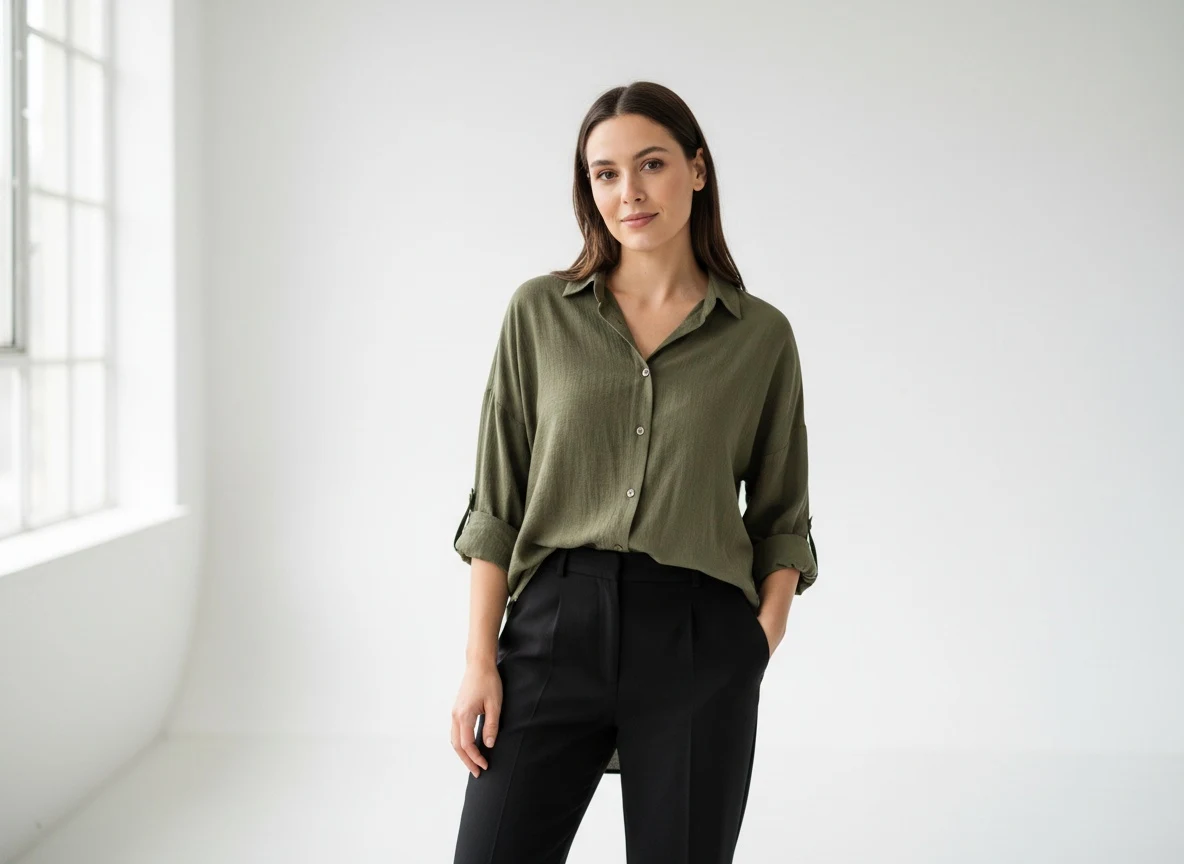
The zero-budget path from one phone photo of a garment to a full set of on-model Shopify images, for stores that were never going to book a shoot in the first place.
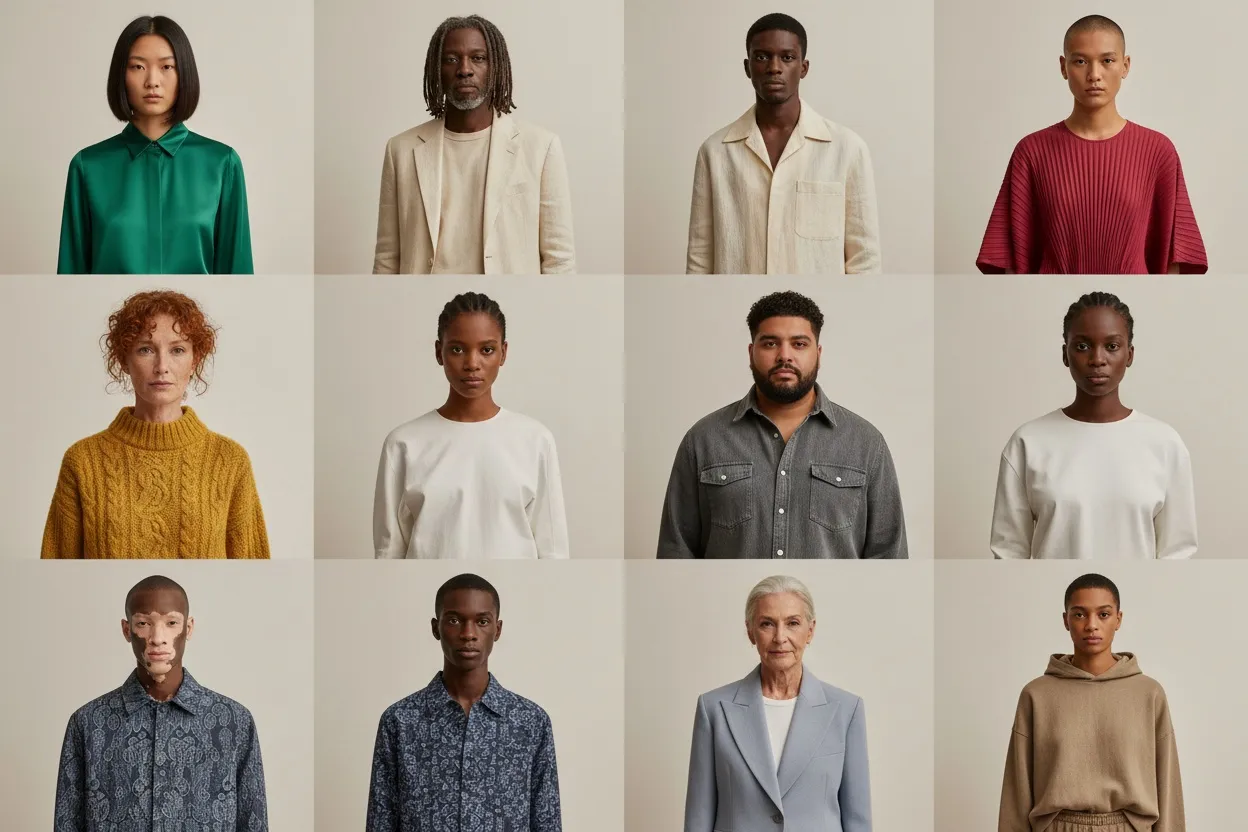
9 AI fashion model generators compared from vendor pages read 13 Oct 2026: entry price ($9–$55/mo), free tier, commercial use, API, batch, own garment on a model.
Create scroll-stopping video content for TikTok, Instagram Reels, and ads — from a single product photo. No videographer, no studio, no editing skills needed.
 Campaign
Short-form video is where fashion discovery happens now, on TikTok, Instagram Reels and YouTube Shorts. Shoppers expect to see products in motion — a dress swaying on a runway, a jacket styled in a street look, sneakers rotating for a full view. Brands without video are missing from those feeds.
The problem? Traditional video production is painfully slow and expensive. A single 15-second product video can cost $2,000 to $10,000 when you factor in models, studios, videographers, and post-production. For a brand with hundreds of SKUs and a content calendar demanding daily posts across multiple platforms, the math simply does not work. You would need an in-house production team running nonstop just to keep up.
That is exactly why photo to video AI exists. Instead of booking shoots and waiting weeks for edits, you upload a product photo and get a publish-ready fashion video in one run. Fashio AI is built for fashion and apparel photos — it is set up to respect how fabric moves, how garments drape, and how to create the kind of motion that stops a thumb mid-scroll. Whether you are a DTC brand, a marketplace seller, or a fashion marketing agency, this is how you scale video content without scaling your budget.
Getting from a static image to a polished video takes three steps:
Drag and drop any product image — on-model shots, flat lays, ghost mannequin photos, or even images from our AI fashion model generator. The AI works best with clear, high-resolution photos where the garment is fully visible. You can also upload images created with our AI pose variation tool to start with the perfect angle.
Pick from a library of fashion-specific animation templates: runway walk, lifestyle pan, 360-degree rotation, dramatic zoom, or street-style sequence. Want something custom? Use the Text-to-Animation feature to describe exactly what you need — "model walking toward camera on a Paris street at golden hour" — and the AI builds it. You can also use smart photo reframe to adjust composition before generating your video.
Download your video as an MP4 — 5 or 10 seconds, 15 credits. It keeps the aspect ratio of your photo, so reframe the still first for 9:16 TikTok and Reels, 1:1 feeds or 16:9 YouTube. Every video comes ready to post, no further editing needed.
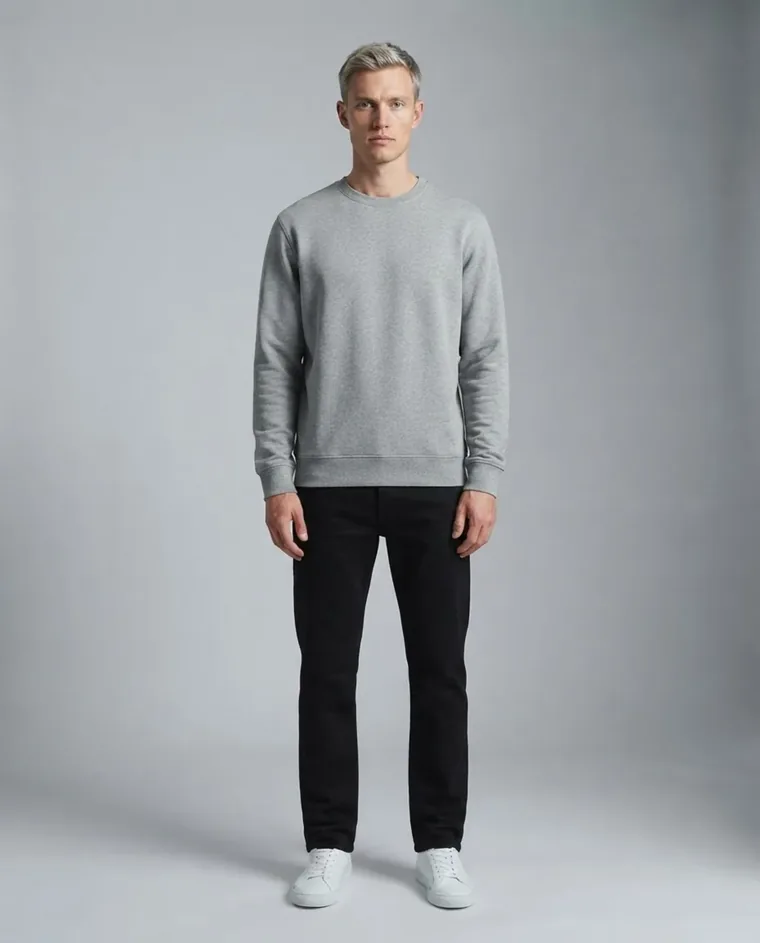 Menswear
TikTok, Instagram Reels, and YouTube Shorts demand a constant stream of fresh video. With photo to video AI, you can turn a single product photo into dozens of variations — different animations, aspect ratios, and styles — and keep your feed active without repeating content. Reframe the source photo to each platform's ratio first and the video follows it.
Static product images on your website leave money on the table. Video shows drape and movement a still cannot. Create 360-degree-style rotation videos, fabric close-up animations, and on-model movement clips for every SKU in your catalog. Pair these with images where you remove background for clean, studio-quality results that match your site design.
Paid social algorithms favor video, and they reward fresh creative. Most brands burn out their ad sets in days because they cannot produce enough variations. With Fashio AI, every product photo you already have can become several video variations, one 15-credit run each. Test different animations, pacing, and styles to find what converts — then scale the winners. Combine photo-to-video output with our AI UGC video generator to build a full-funnel video ad library.
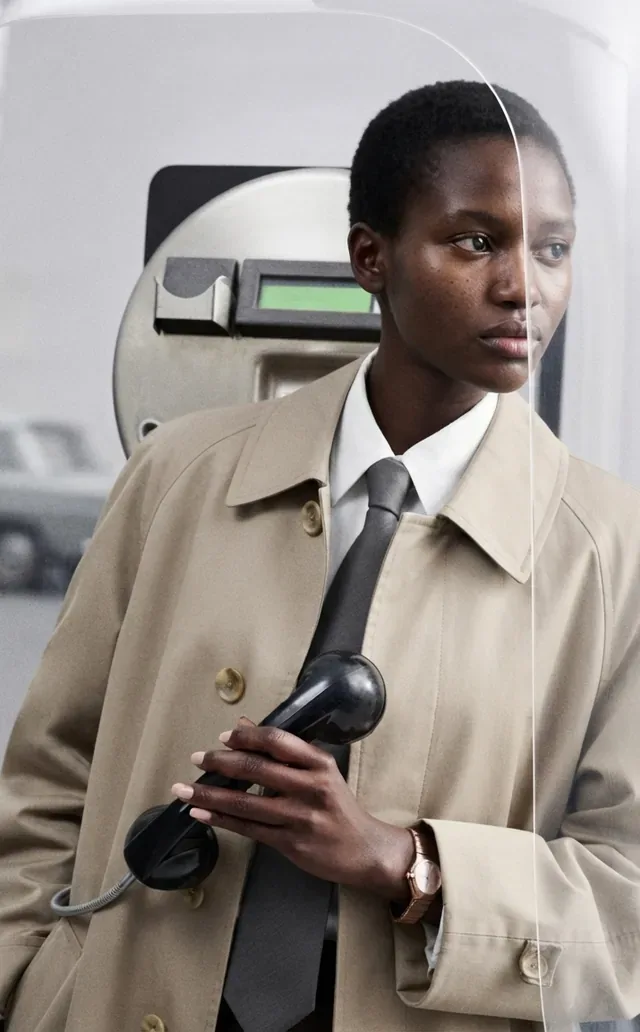 Street
| Feature | Traditional Production | Fashio AI Photo to Video |
|---|---|---|
| Cost per video | $2,000 – $10,000 | 15 credits (about $1.50–$4.20) |
| Turnaround time | 2 – 6 weeks | One run, no shoot |
| Videos per month | 5 – 20 (budget-dependent) | As many as your credits cover |
| Scalability | Requires more crew and studio time | Upload more photos, get more videos |
| Consistency | Varies by shoot conditions | Uniform quality every time |
| Platform optimization | Manual resizing and re-editing | Follows the ratio of the photo you reframe |
| A/B testing | Expensive to produce variants | Generate variations one run at a time |
The best free image to video AI tools can handle basic animations, but fashion demands more. Generic tools do not understand how a silk blouse catches light differently than a denim jacket, or how a pleated skirt should move versus a structured blazer. Fashio AI runs a pipeline built for garment photos, so the motion respects how the garment is made.
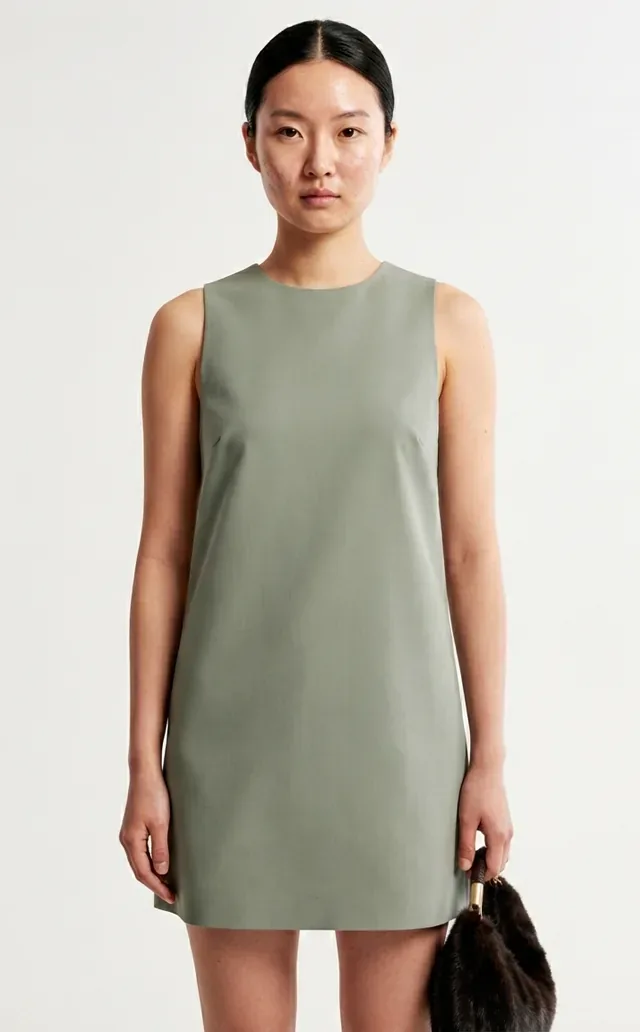 Studio
Fashio AI generates 5- or 10-second MP4 clips with smooth, realistic motion sized for social and product pages. The pipeline is built for garment photos, so fabric movement, body proportions, and lighting stay natural. It is not a replacement for a full campaign film, but it gives every product motion.
You can upload JPG, PNG, and WebP files. For best results, use images that are at least 1024x1024 pixels with the product clearly visible and well-lit. On-model photos, flat lays, ghost mannequin shots, and AI-generated model images all work well.
Each video is 5 or 10 seconds — you choose. That covers TikTok, Instagram Reels, YouTube Shorts, and paid social ads: 5 seconds suits product ads, 10 seconds suits organic social content. Both cost 15 credits.
Videos are generated one at a time. Each is 5 or 10 seconds and costs 15 credits, so a seasonal launch is a matter of budgeting credits rather than queueing a batch. Your style and duration settings persist between runs.
Yes — commercial use of every output: product pages, marketplaces, ads, social, print, email — with no royalties, on every plan and pack.
Templates are pre-built animation styles designed for common fashion use cases — runway walks, product rotations, lifestyle pans, and more. They are the fastest way to create professional video. Custom prompts let you describe a specific scene or movement in plain text, giving you full creative control when you need something unique. Both produce the same high-quality output.
Ready to turn your photos into videos? Turn a photo into video →