

Google's Virtual Try-On: What Merchants Need to Know
You're likely already opted in. Google's exact image requirements for try-on, which categories qualify, what it does not guarantee, and how to opt out.

Run a complete catalog photoshoot from a single garment photo. Pick one of 55 ready-made sets — a fi...
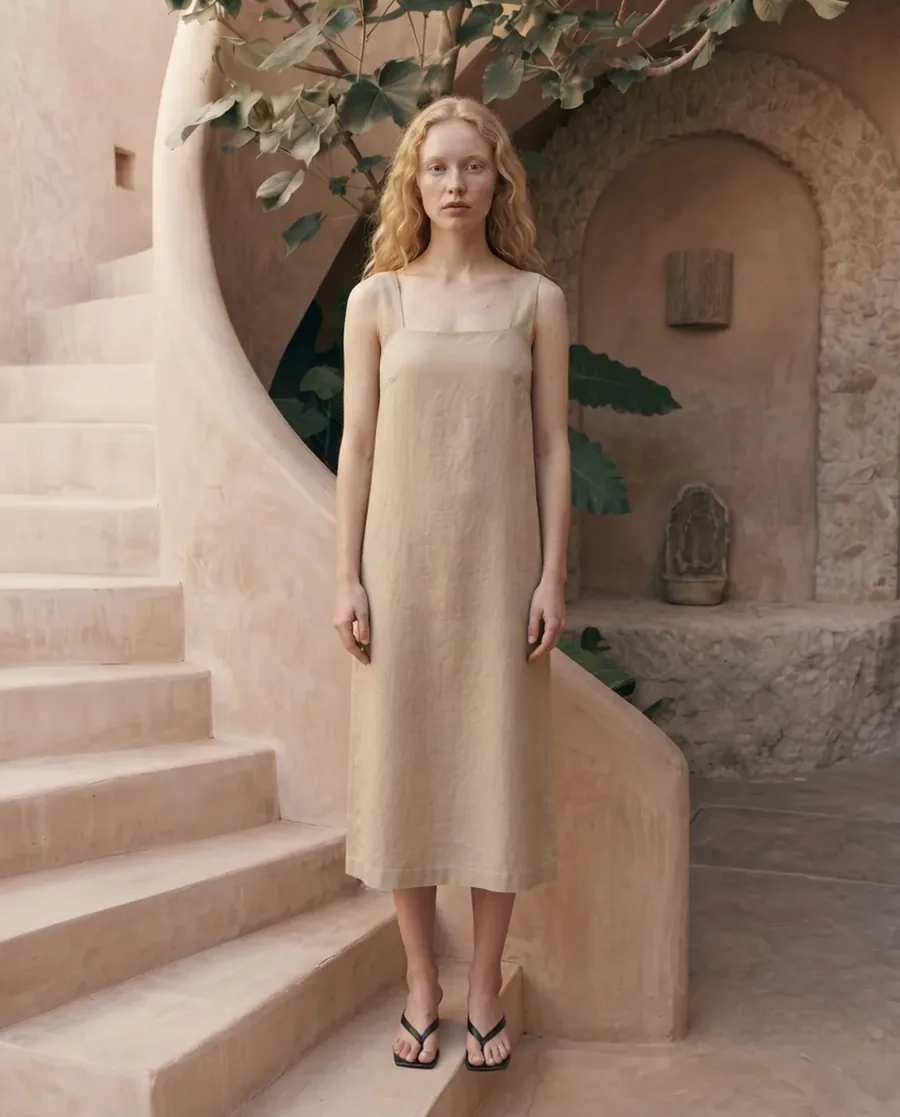
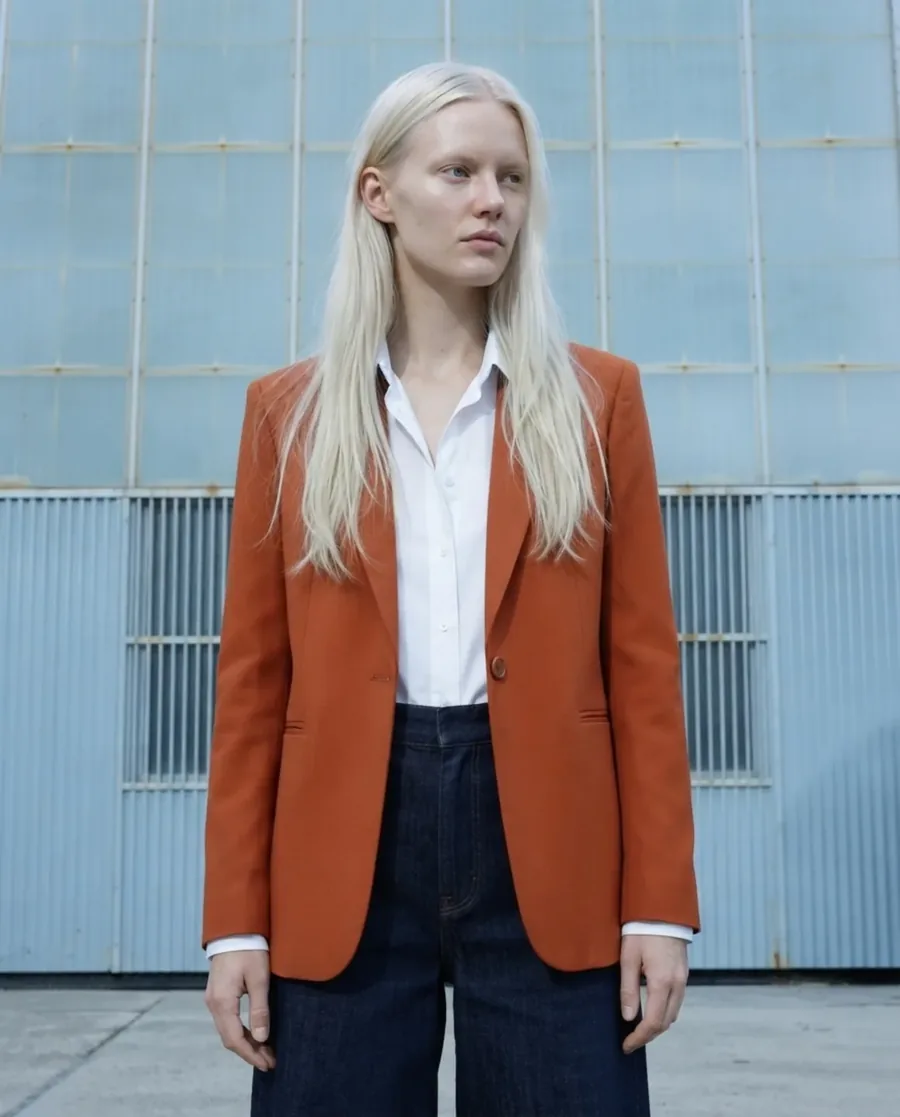
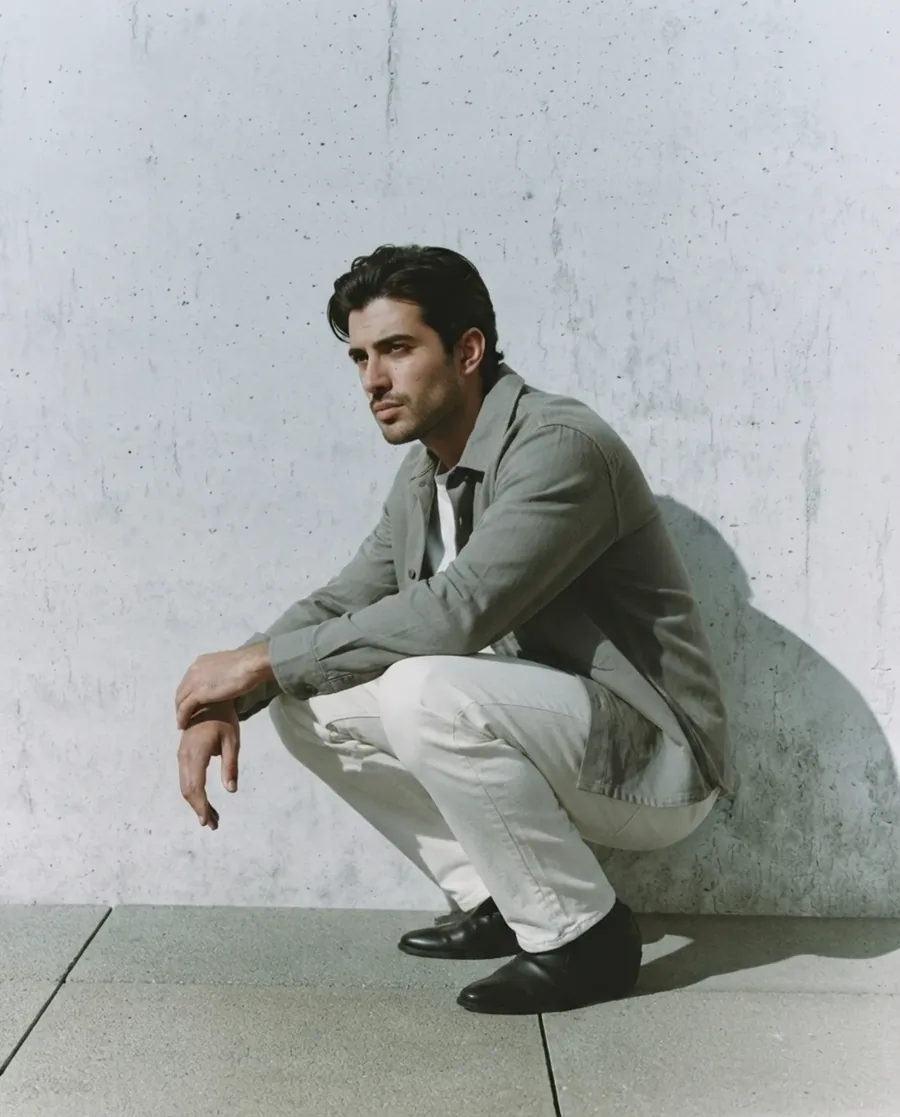
Create on-model visuals from a single product photo and ship e-commerce assets fast.
These are unretouched Fashio AI results. The left frame is the kind of photo you already take; the right is what goes on the product page.
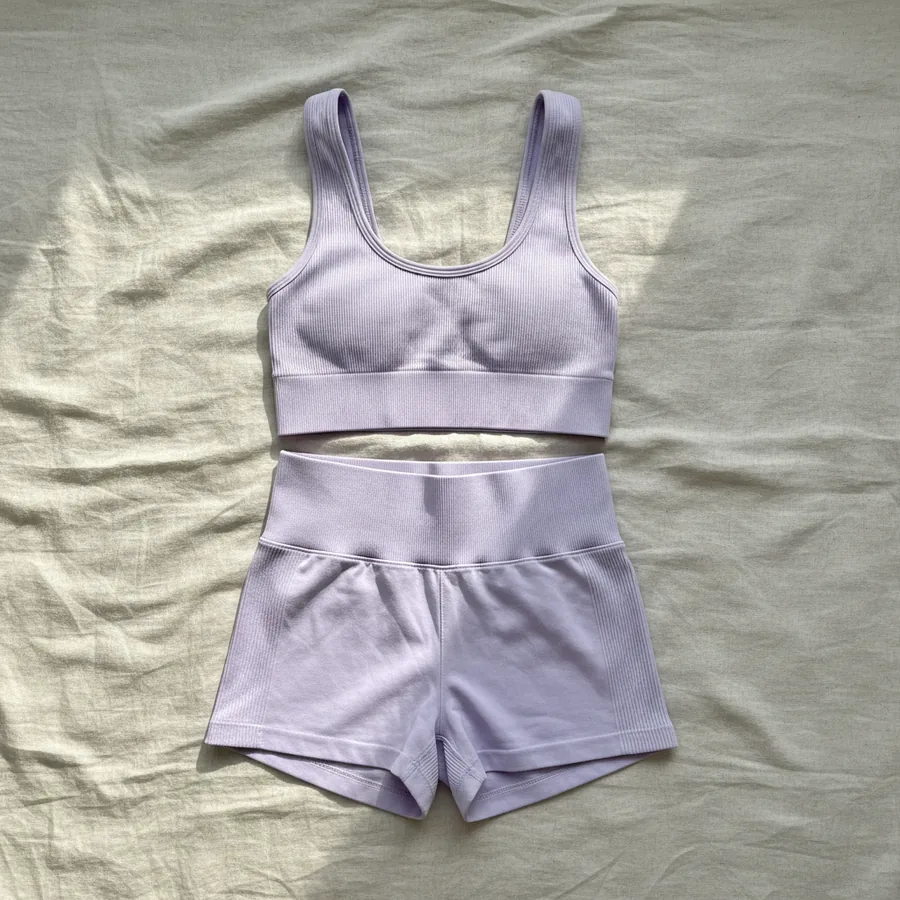 Your photo
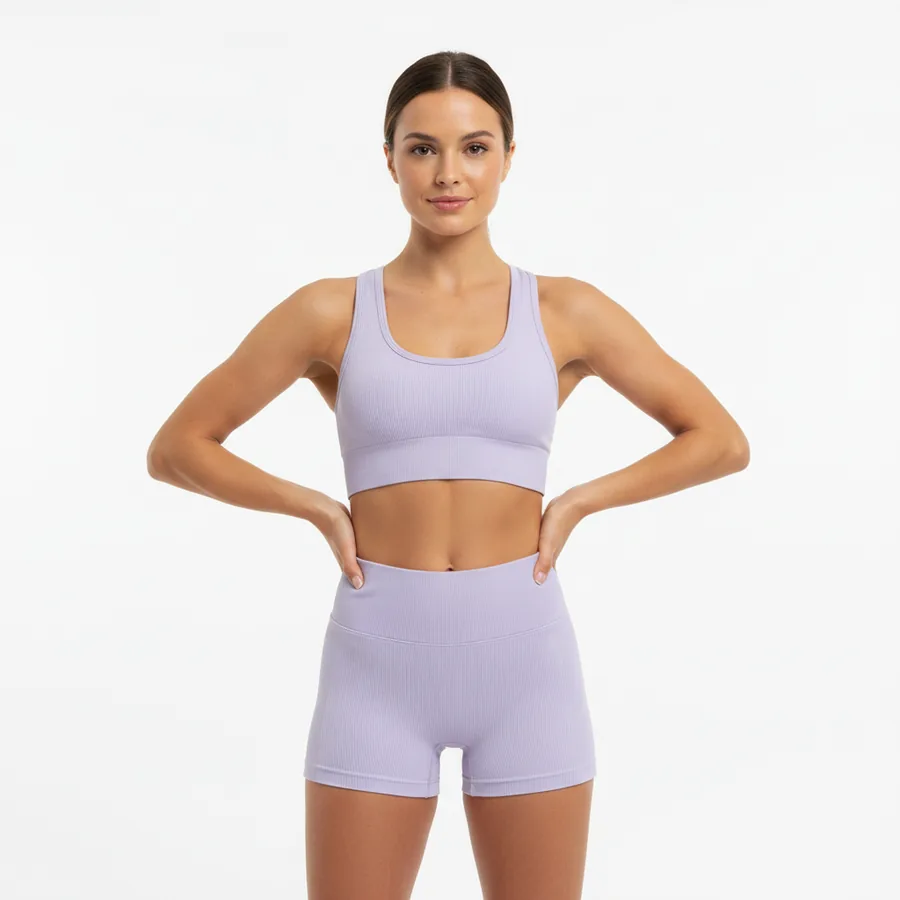 Fashio AI
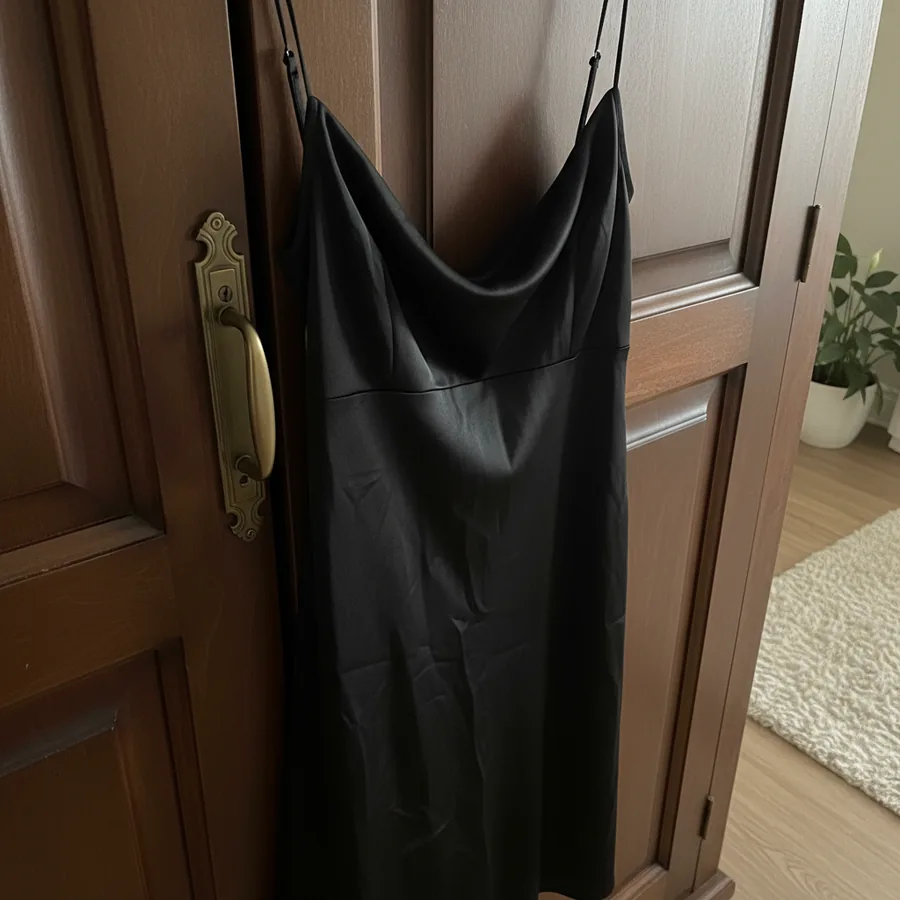 Your photo
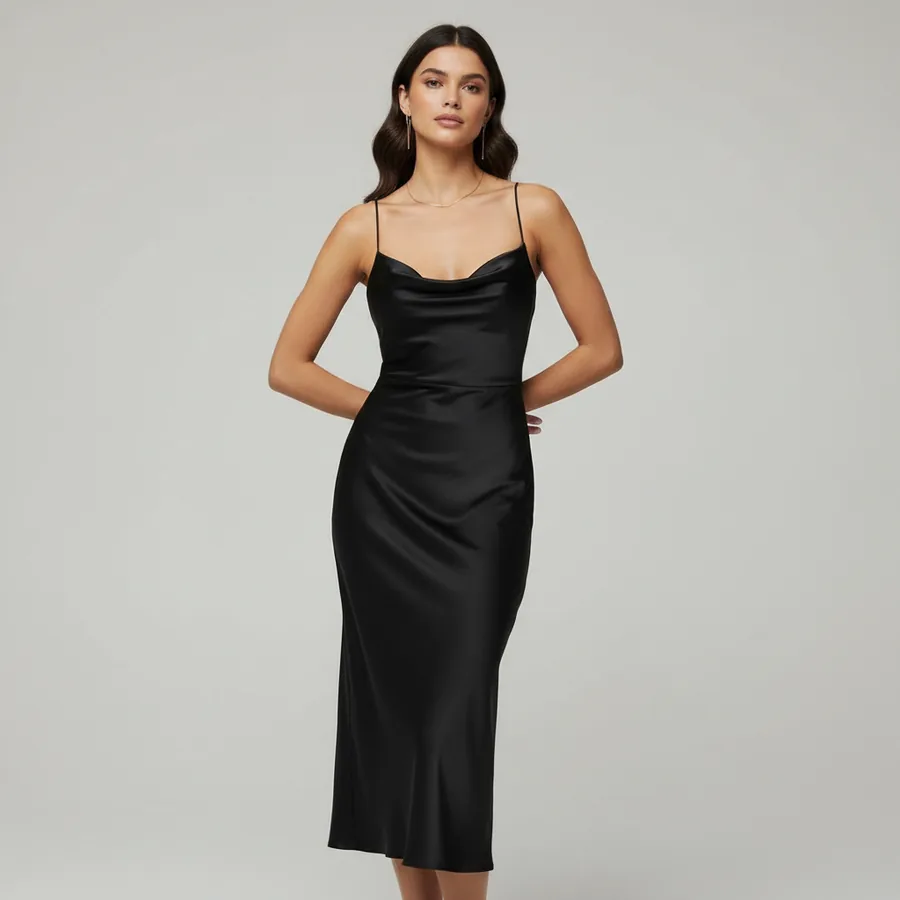 Fashio AI
 Your photo
 Fashio AI
One garment, one run. The set you upload in step 01 is the set on the model in step 04 — nothing swapped in between.
Source · phone flat-layA flat-lay, hanger, or ghost-mannequin shot. A phone photo in daylight is enough.
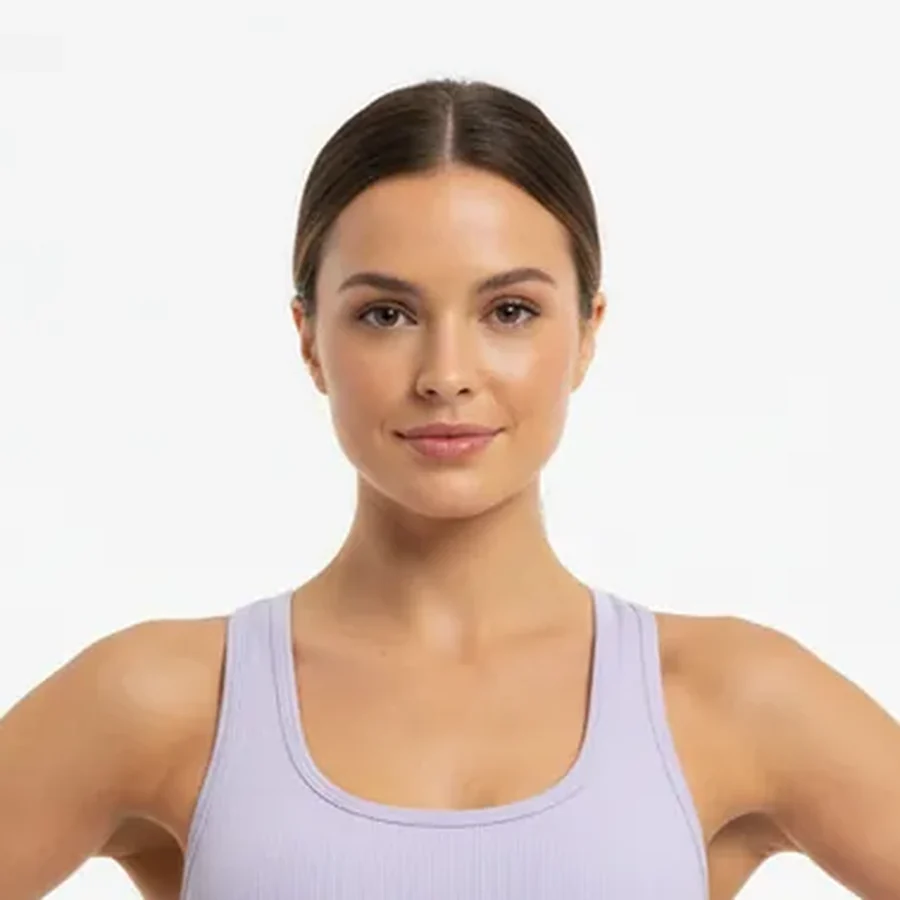 Cast · the model below
Filter the library by body type, skin tone, age, and hair until the casting fits your buyer.
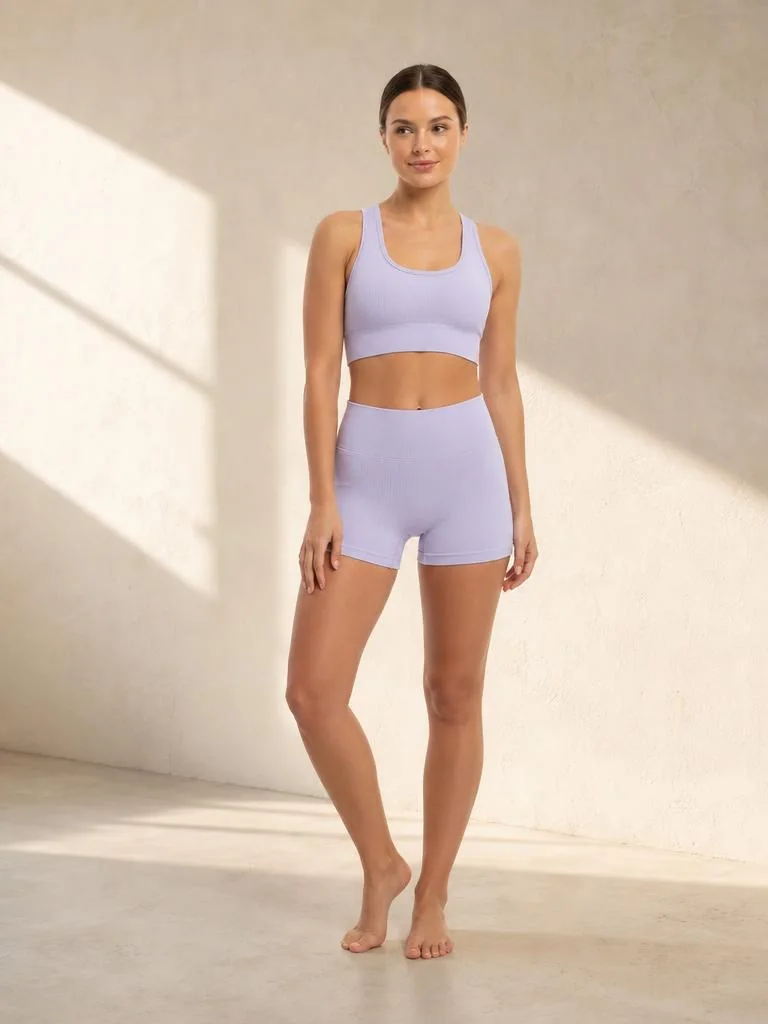 Set · warm plaster
Studio seamless for the listing, or a catalogue set — riad, street, poolside — for the campaign.
Output · listing frameAround 30 seconds per image. Download, or push straight to your Shopify listing.
Every body type, skin tone, and age range, ready before you upload anything. Shoppers who see someone built like them order their real size the first time.
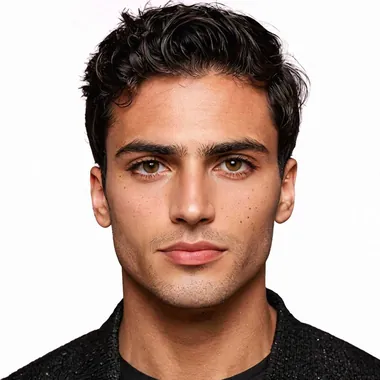
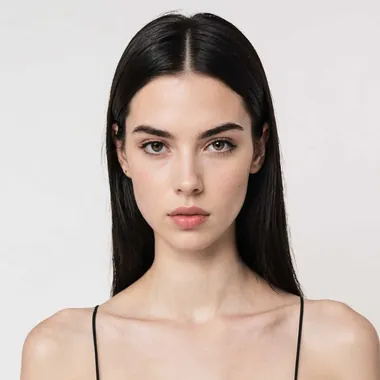
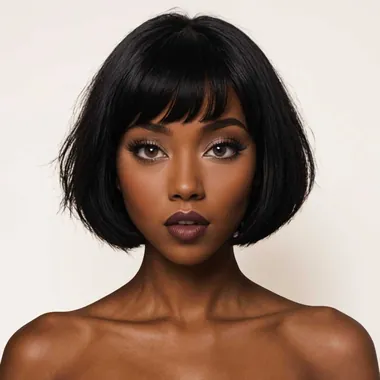
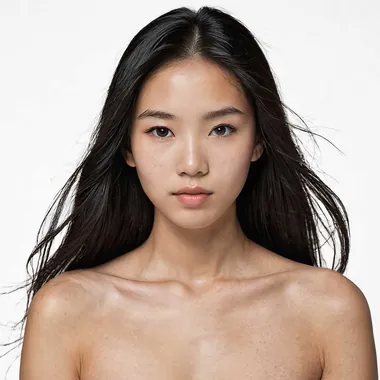
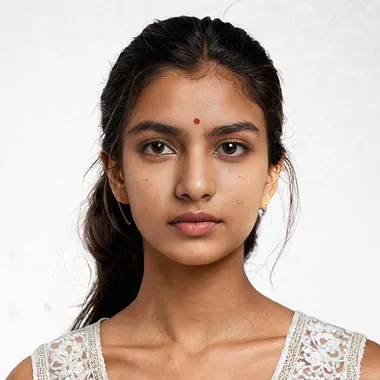
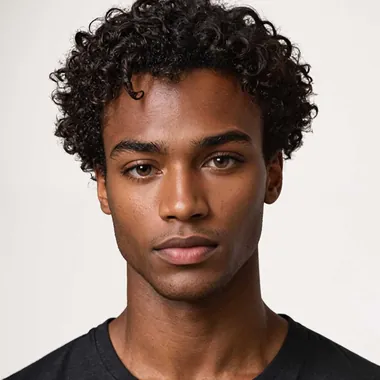
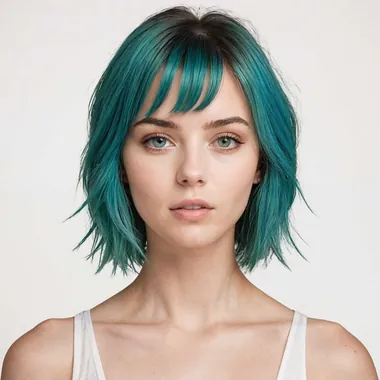
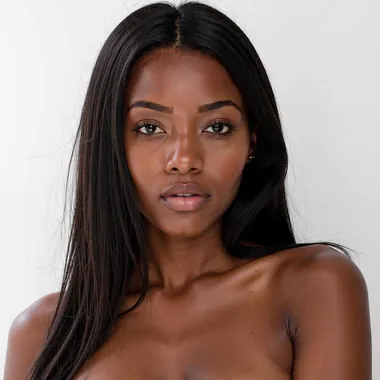
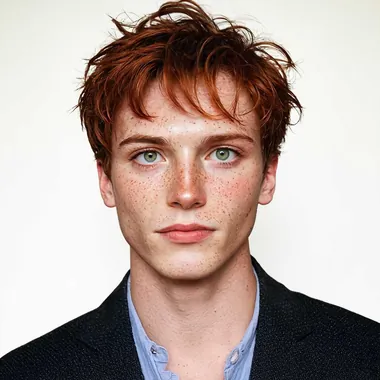
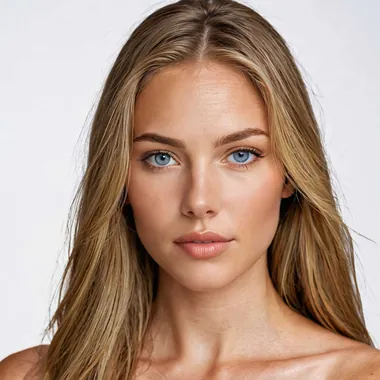
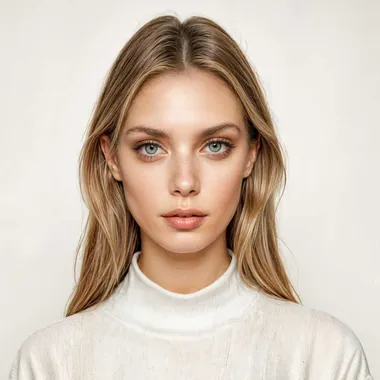
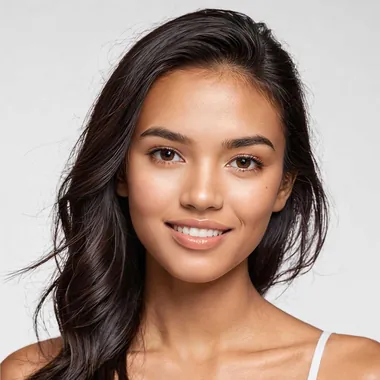
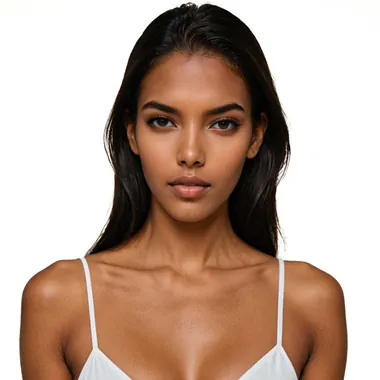
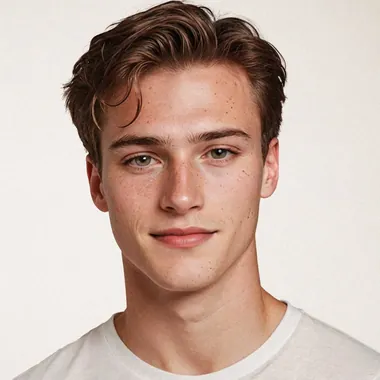
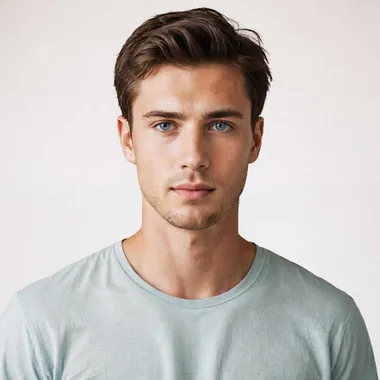
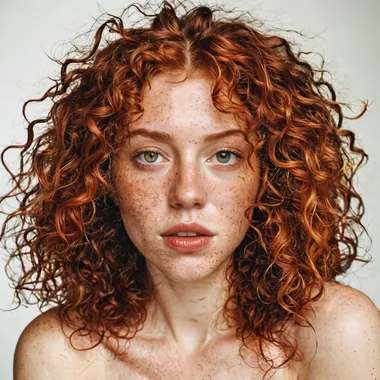
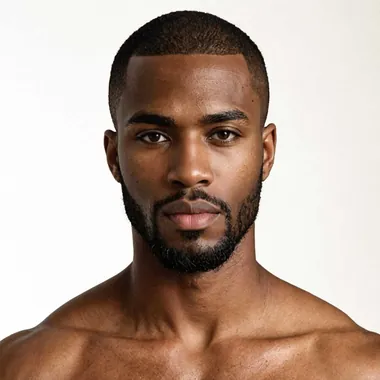
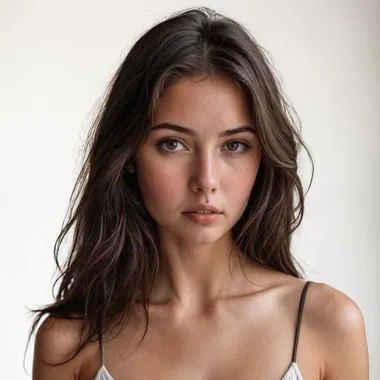
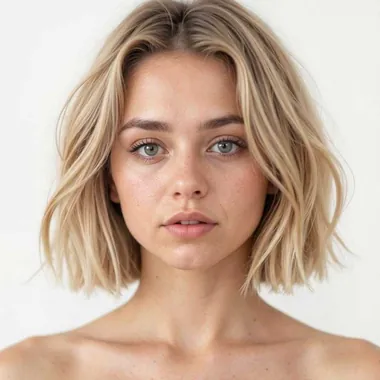
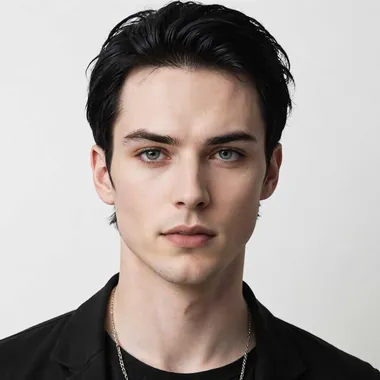
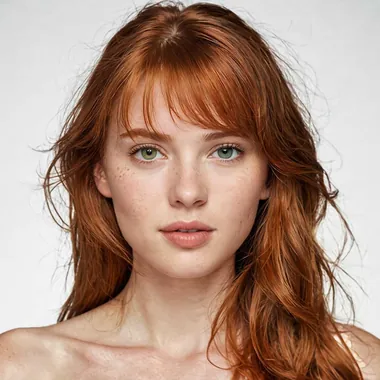
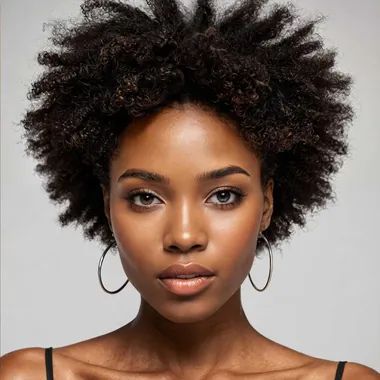
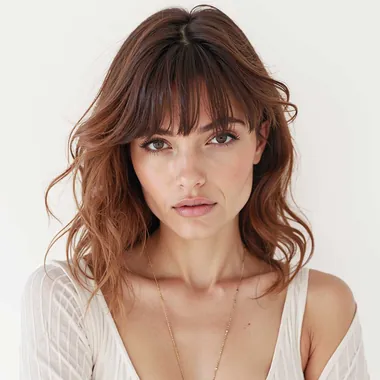
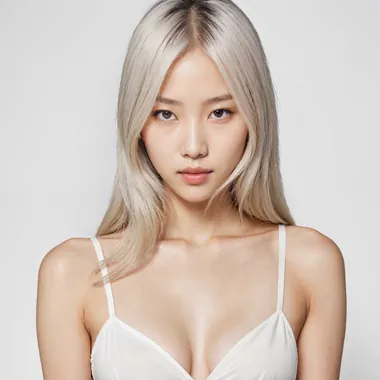
Showing 24 of 92. Body type, ethnicity, age, hair, and pose are all selectable — or generate a custom model and reuse it across the season.
Marketplaces want white seamless. Instagram wants a street. You should not have to book two shoots to get both.
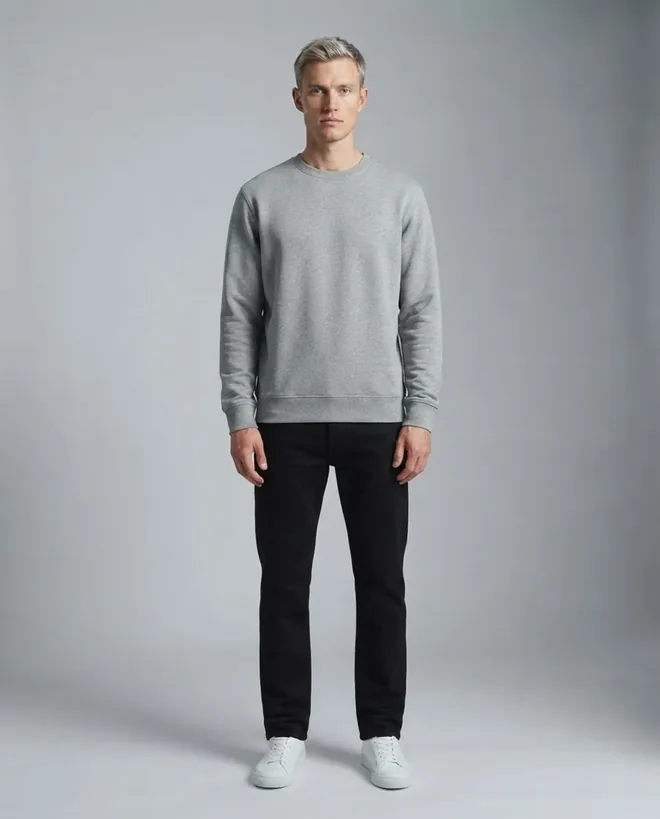 Studio
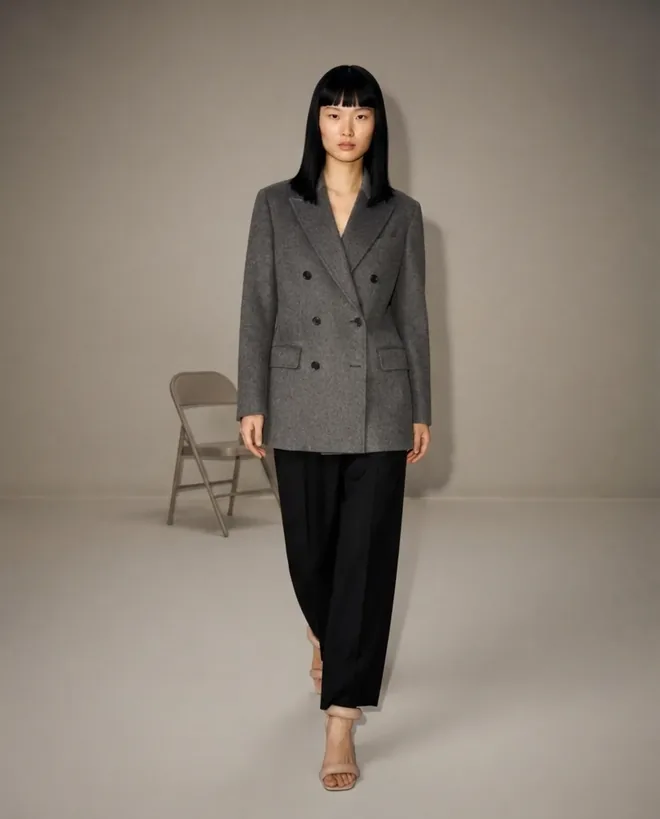 Studio
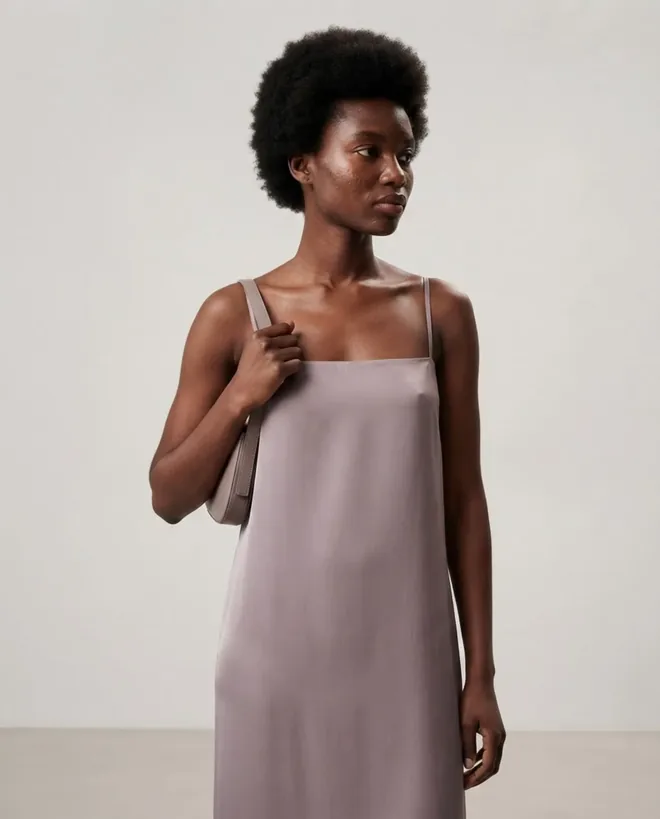 Studio
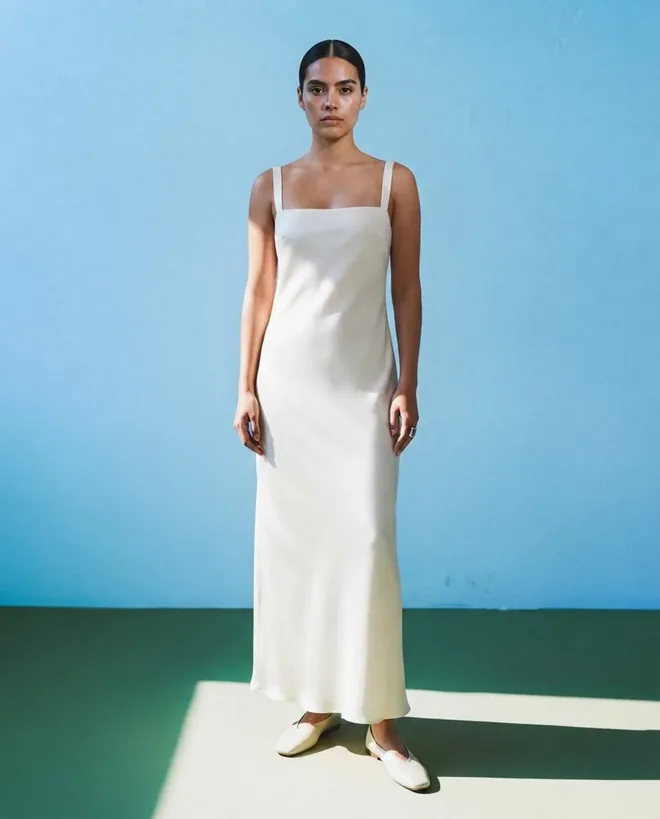 Studio
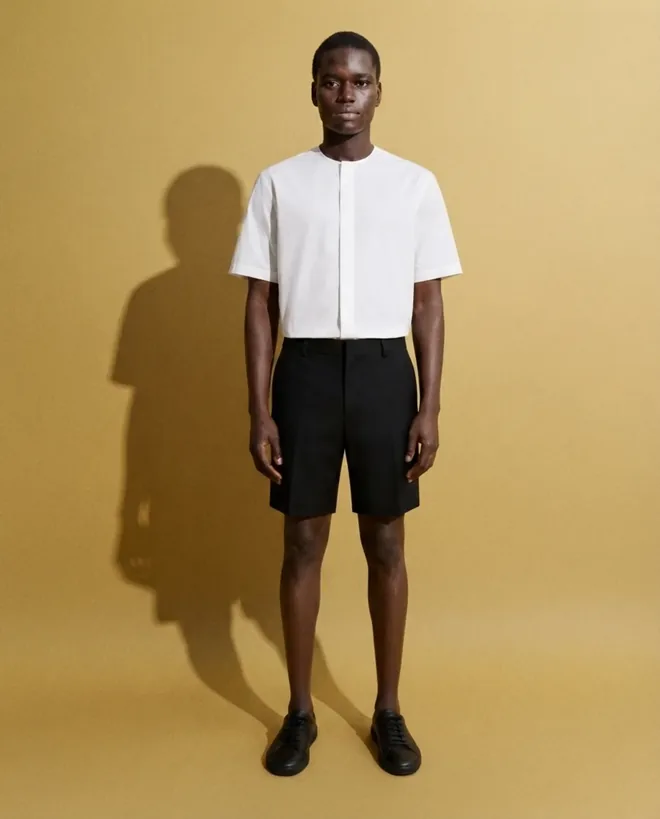 Studio
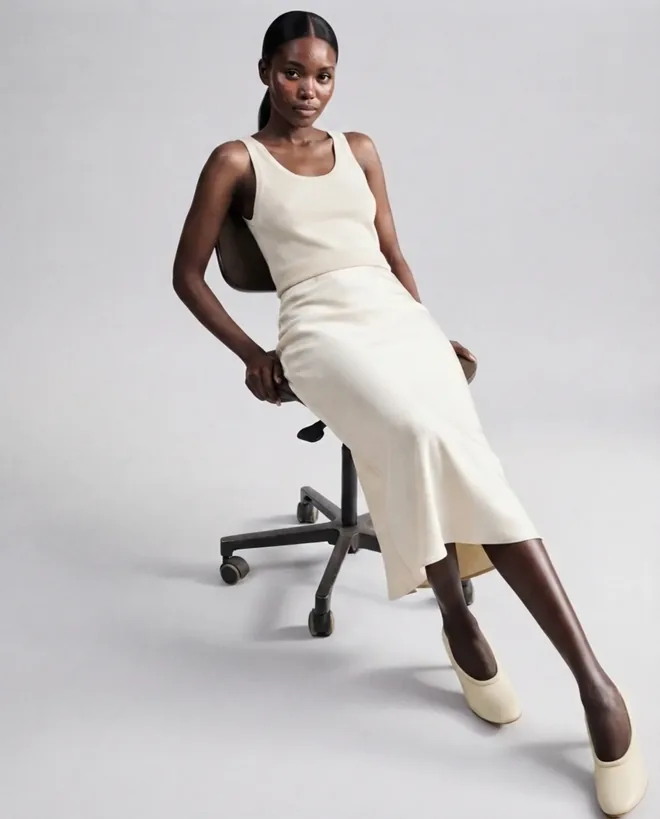 Interior
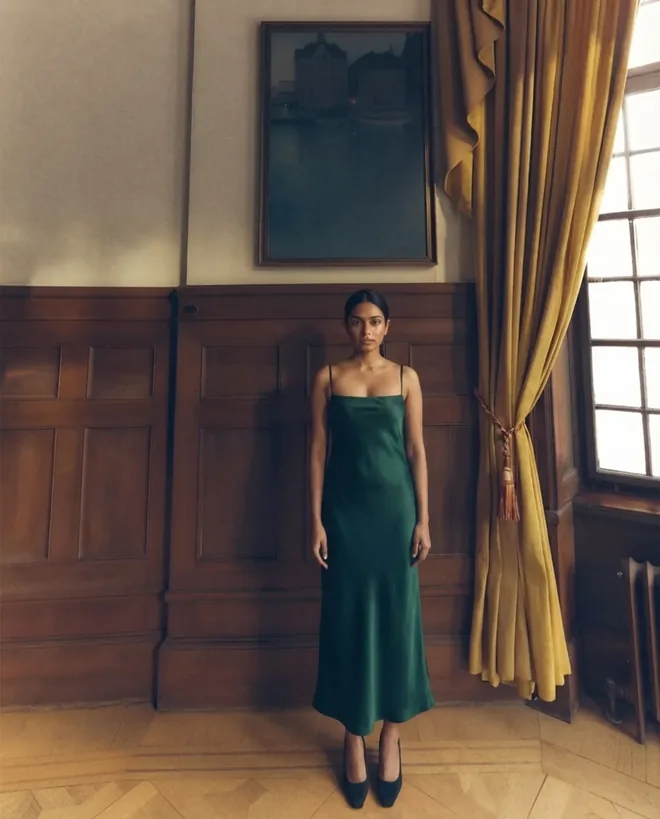 Interior
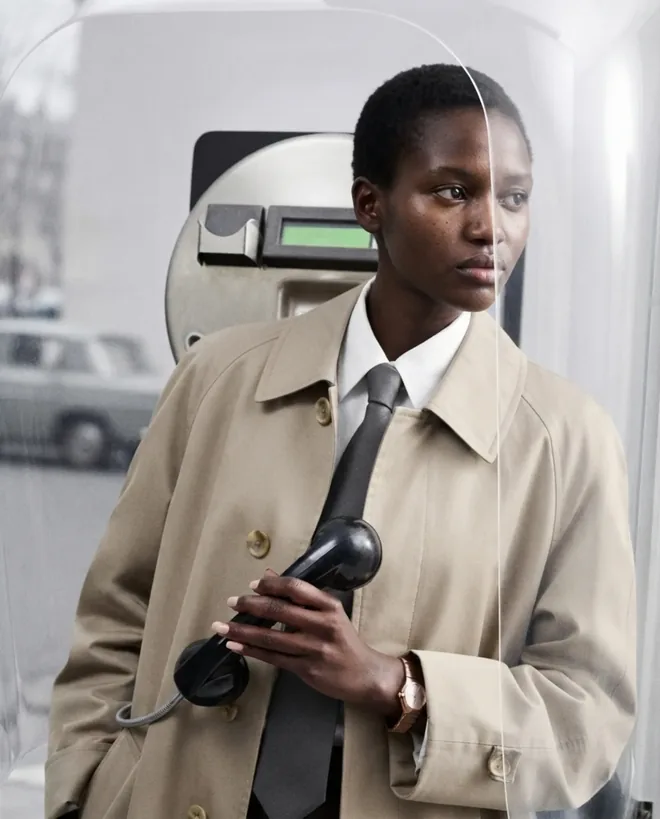 Street
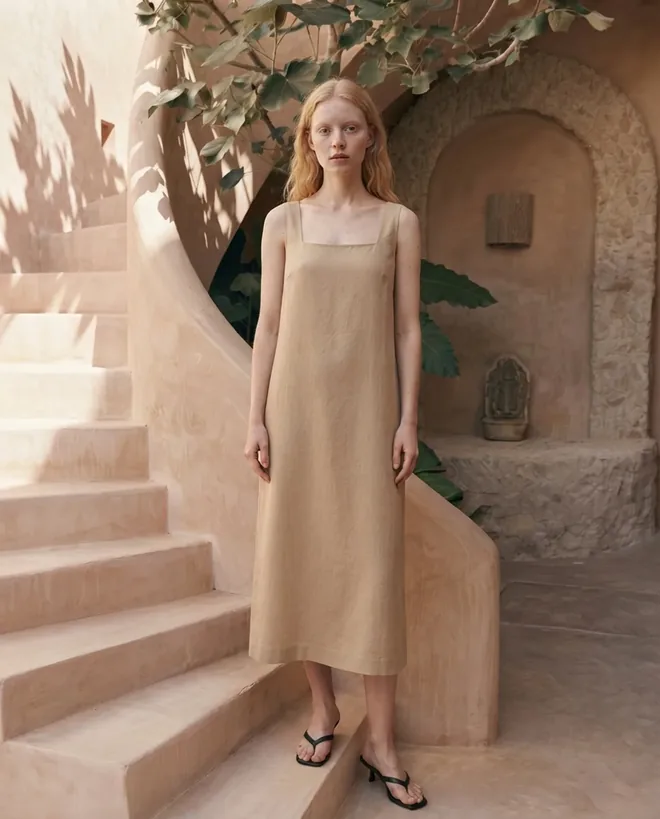 Location
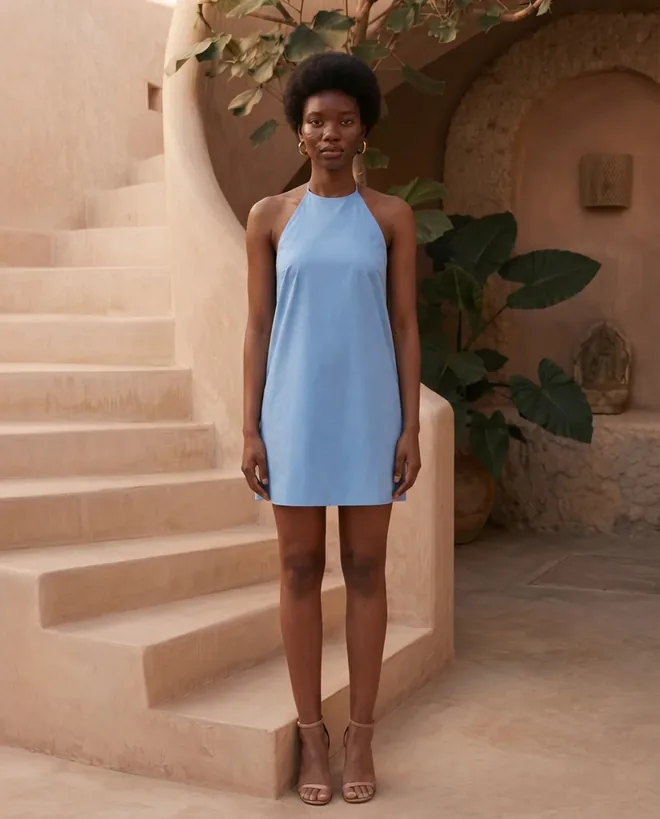 Location
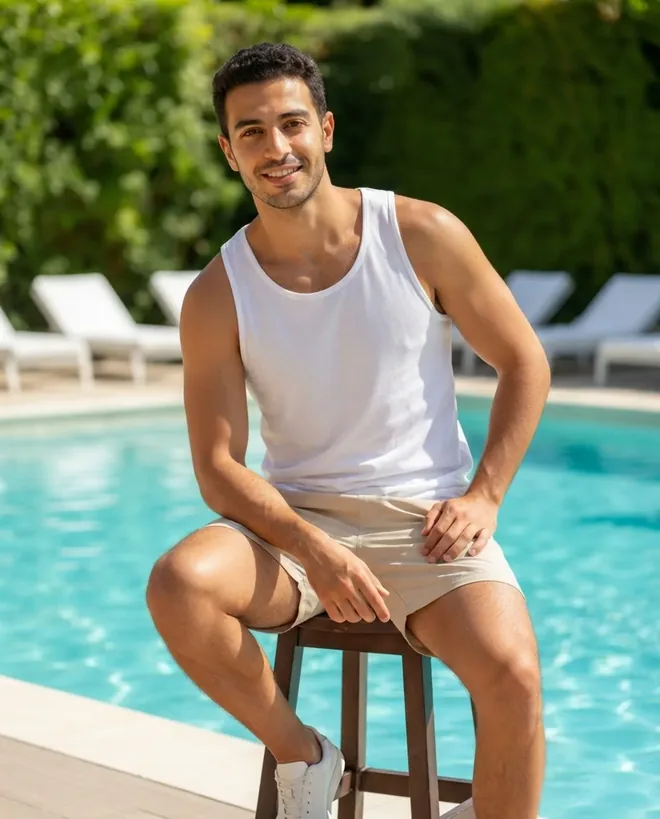 Location
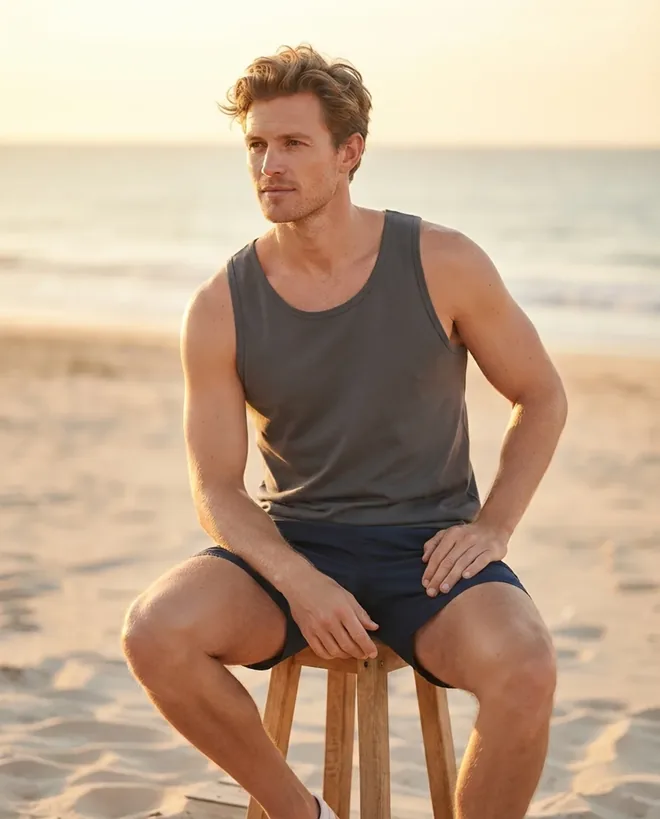 Location
Every body type, skin tone, and age range, ready to use
Studio seamless, daylight interior, street, gym, or resort
Logos, prints, and embroidery survive the transfer
One garment across ten models in a single run
Publish anywhere — no royalties, no model release
Push finished shots straight onto your listings
Give every SKU and colorway an on-model shot, including the long tail that never justified a studio booking.
Show the same garment across body types so shoppers buy their real size the first time instead of ordering two.
Hold lighting, angle, and styling steady across Amazon, Shopify, and your DTC store so listings read as one brand.
Brands using virtual try-on to cover the catalog they could never afford to shoot.
We were shooting one model day a quarter, which meant half the catalog never got an on-model photo. Now the long-tail SKUs get one too, and those are the listings that moved.
The part I did not expect was consistency. Same garment, ten models, and the colour holds. Our old shoots drifted between mornings and afternoons and we retouched to fix it.
I photograph on a bedsheet with my phone and get back something I would have paid a studio for. The close-up trick for embroidery made the difference on our detailed pieces.
You're likely already opted in. Google's exact image requirements for try-on, which categories qualify, what it does not guarantee, and how to opt out.
Hands-on comparison of open-source virtual try-on models: IDM-VTON, OOTDiffusion, ViTON, StableVITON. Setup, hardware, output quality, commercial use, vs Fashio API.
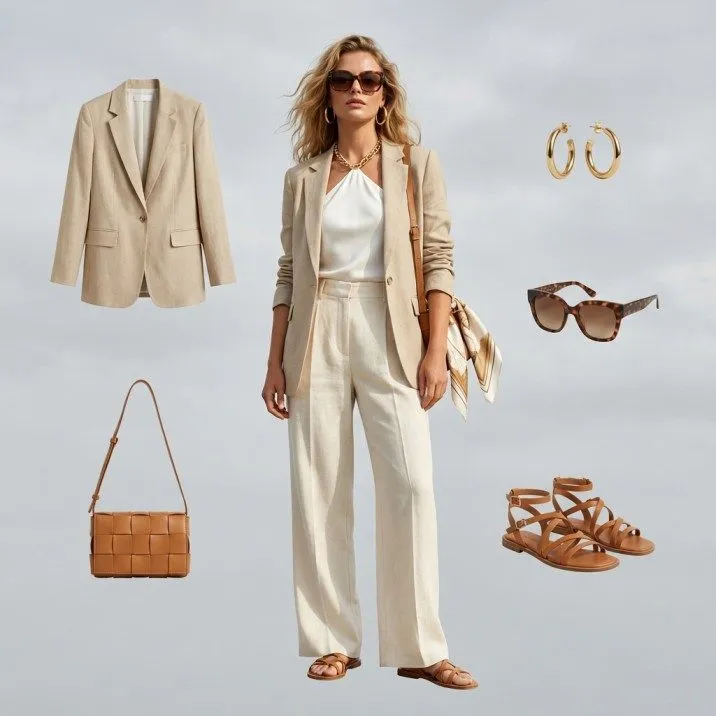
Everything you need to know about virtual try-on AI for ecommerce. How it works, ROI data, implementation guide, and why returns drop 30-40%.
Let your customers visualize how garments look on diverse body types and skin tones — without a single photoshoot. Fashio AI's virtual try-on generates photorealistic on-model imagery in seconds, so every product page sells with confidence.
Online returns cost the fashion industry over $200 billion per year, and "it didn't look like I expected" ranks as the number-one reason shoppers send items back. Flat-lay photos and size charts only go so far. When customers can't picture how a dress drapes on their body type or how a jacket fits across broader shoulders, they either abandon the cart or buy-and-return. Both outcomes eat into your margins.
Brands that let shoppers see garments on a body report fewer size-related returns, because expectation mismatch is the main reason apparel comes back. Products shown on real-looking, relatable models also give shoppers more information than a blank mannequin or a single-body-type photo does.
Consumer expectations have shifted, too. Shoppers now compare your product pages against brands that already offer virtual try on clothes experiences. If your catalog still relies on a handful of studio shots, you're losing sales to competitors who show every garment on multiple models — across different ages, ethnicities, and body shapes. Virtual try-on AI closes that gap without the cost of traditional photoshoots.
Getting started takes three steps — no design skills, no 3D software, and no waiting for studio bookings.
Step 1 — Upload Your Garment Photo Drag and drop a flat-lay, ghost mannequin, or hanger shot of any garment. Fashio AI's product to model AI engine isolates the clothing item automatically, even handling tricky fabrics like sheer blouses or textured knits.
Step 2 — Choose Your Model Select from a wide range of AI-generated models by body type, ethnicity, age range, and pose. Need the same top shown in a relaxed stance and a confident walk? Use Fashio AI's pose variation tool to generate multiple poses from a single selection — no reshooting required.
Step 3 — Download On-Model Imagery Within seconds, Fashio AI renders a photorealistic image of the garment on your chosen model. Download in high resolution for your product page, or batch-export for your entire catalog. Need a clean cutout? Pair it with AI background removal for marketplace-ready assets.
When customers can virtually try on clothes online free of guesswork, purchase confidence goes up. Brands using on-model AI imagery report 25–35% fewer size-related returns and a 15–20% lift in add-to-cart rates. Each percentage point matters: for a mid-size fashion retailer doing $10M in annual revenue, a 5% returns reduction can save $500K or more per year.
Traditional photoshoots force you to cast a limited number of models. Fashio AI's AI fashion model generator removes that constraint entirely. Show your collection on every ethnicity, body type, and age range your audience represents — no casting calls, no scheduling conflicts, no travel budgets. Inclusive representation becomes the default, not a stretch goal.
Launching 50 new SKUs? Put each garment on 10 different models in minutes, not weeks. Seasonal refreshes, flash drops, and marketplace expansions no longer bottleneck at the photo studio. Your creative team spends time on strategy instead of logistics.
Fashio AI produces photorealistic, studio-quality images. The AI handles fabric drape, shadow, and skin-tone matching so the result looks like an actual photoshoot — not a pasted cutout. Most brands use the output directly on their product pages without additional retouching.
Tops, dresses, jackets, pants, skirts, activewear, swimwear, and outerwear all work well. The engine handles layered outfits too, so you can show a blazer over a blouse or a coat over a full look. Accessories like scarves and hats are on the roadmap.
Yes. Choose body type, ethnicity, hair style, and pose. For backgrounds, select from preset studio and lifestyle environments or use AI background removal to export on a transparent canvas and place the model wherever you need.
There is no free plan and no standalone credit packs — a new account starts at zero credits, and credit top-ups are a subscriber benefit. Access starts with a Plus membership at $29.99 a month or $99.99 a year, which puts 160 credits in the account every month. A fashion generation costs 4 credits, background removal 2, an AI video 15. Plans also unlock batch processing, higher-resolution exports and API access.
Yes. The Shopify integration lets you generate and push on-model images directly to your Shopify product listings. Sync your catalog, generate visuals, and publish — all from one dashboard.
Most single-model images render in under 30 seconds. Batch jobs (e.g., one garment on 10 models) typically complete in a few minutes. Speed depends on resolution and queue load, but the process is dramatically faster than booking and executing a traditional shoot.
Ready to try virtual try-on? Start your first try-on →