
Best AI Fashion Model Generators Compared (2026 Guide) | Fashio AI
Compare 10+ AI fashion model generators side by side. Honest reviews, pricing breakdowns, output quality tests, and how to choose the right tool for your brand.
Run a complete catalog photoshoot from a single garment photo. Pick one of 55 ready-made sets — a fi...
One shot, infinite possibilities. Dictate every angle and movement while keeping your model's identity and clothing texture flawless.
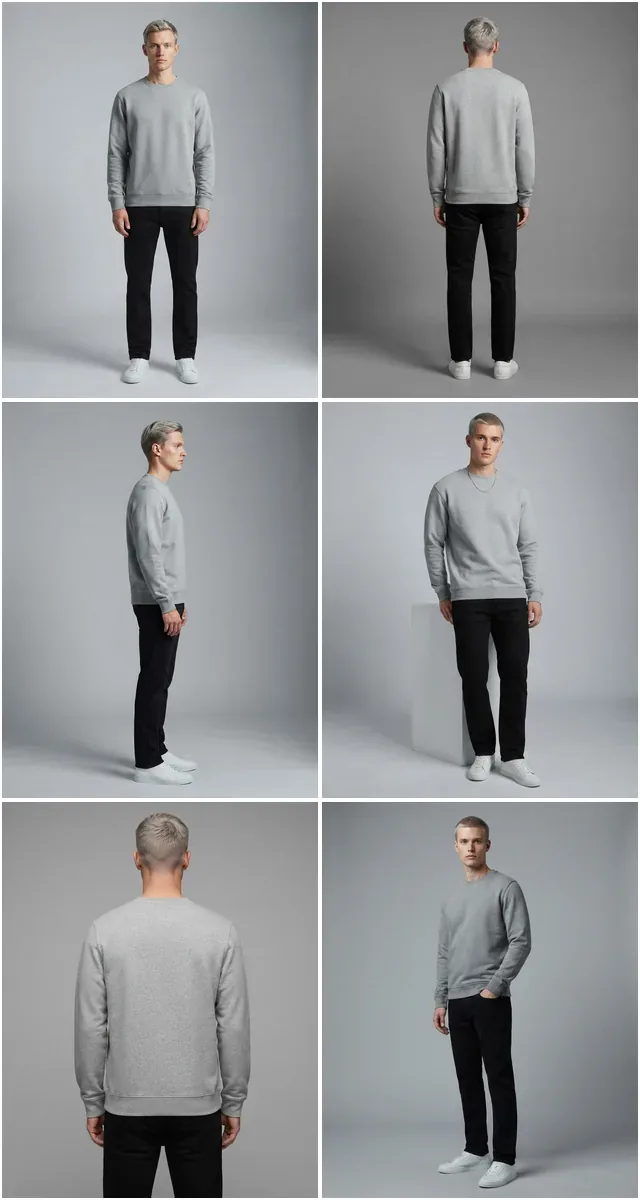
A listing with one photo converts worse than a listing with six. Every frame below came from a single generated look.
 Pose
Pose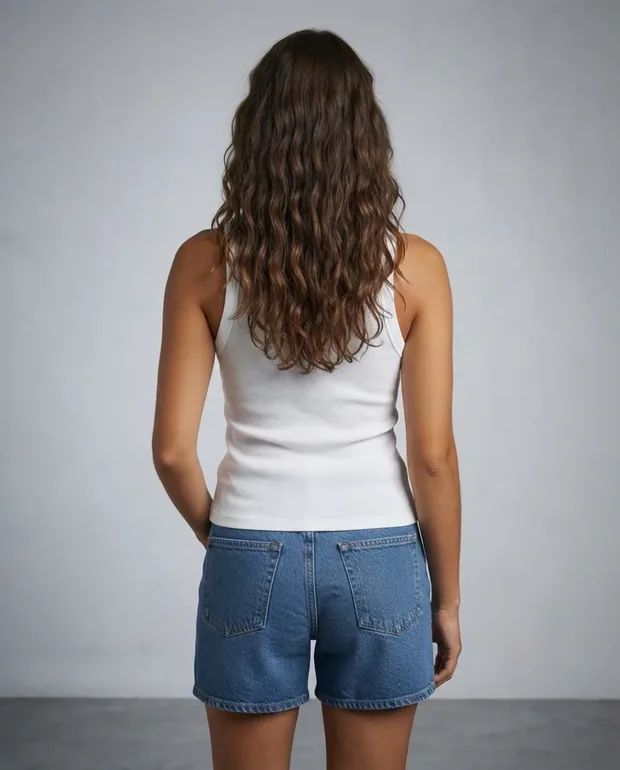 Pose
Pose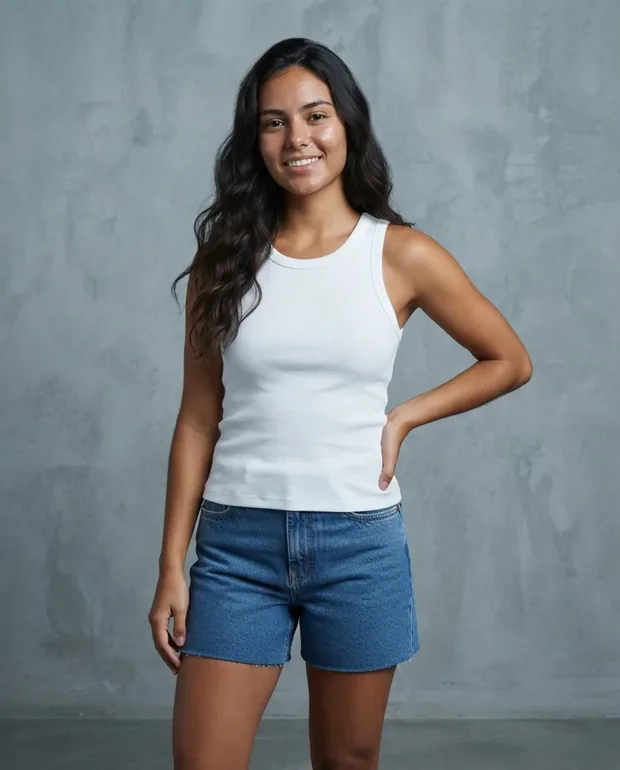 Pose
Pose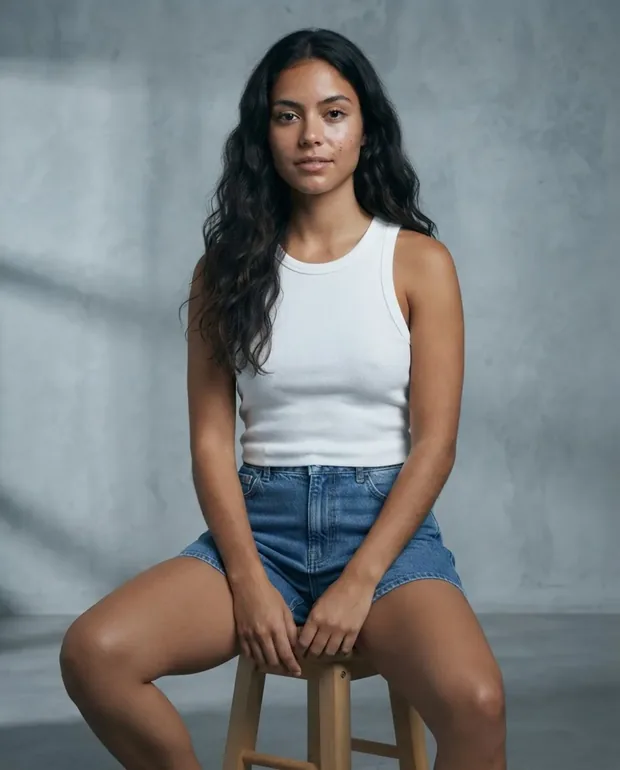 Pose
Pose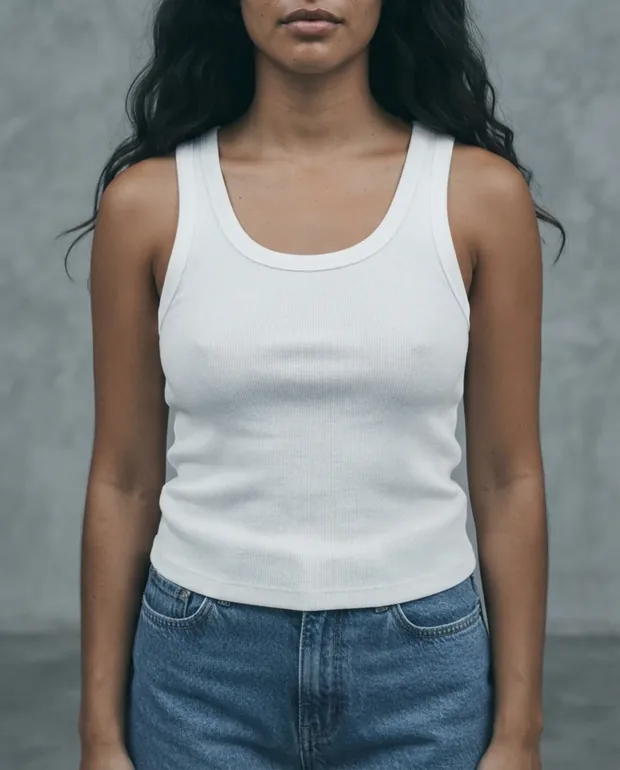 Crop
Crop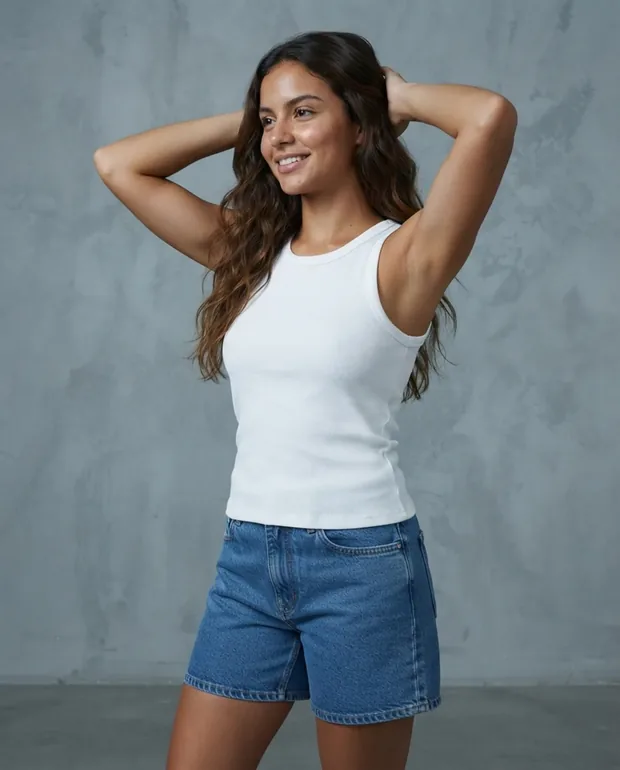 Pose
Pose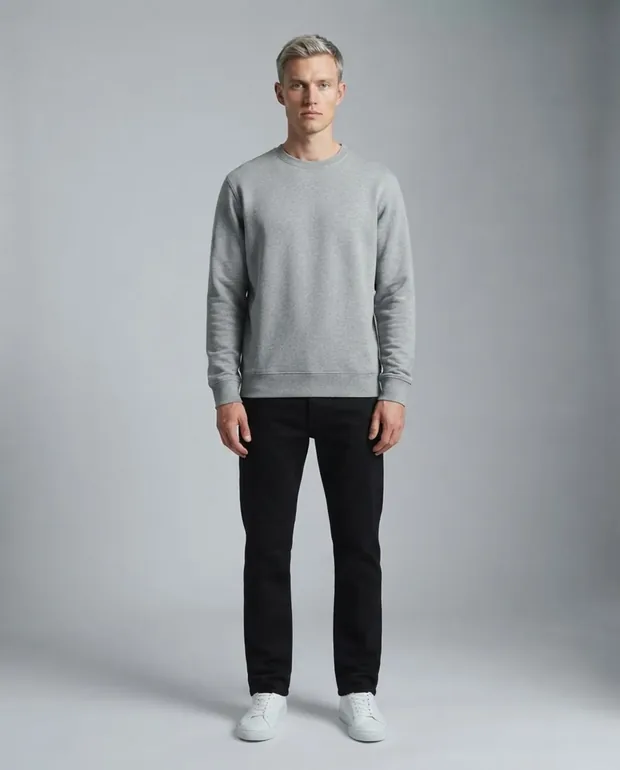 Front
Front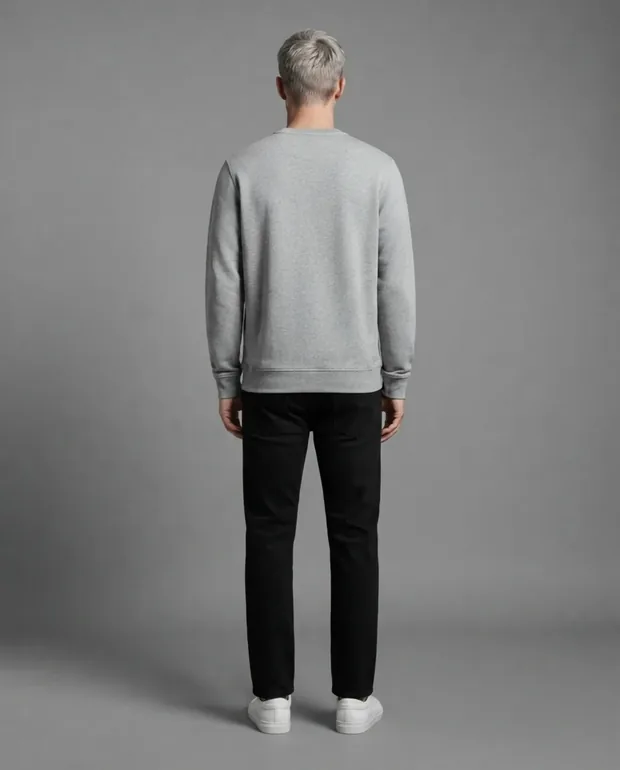 Back
Back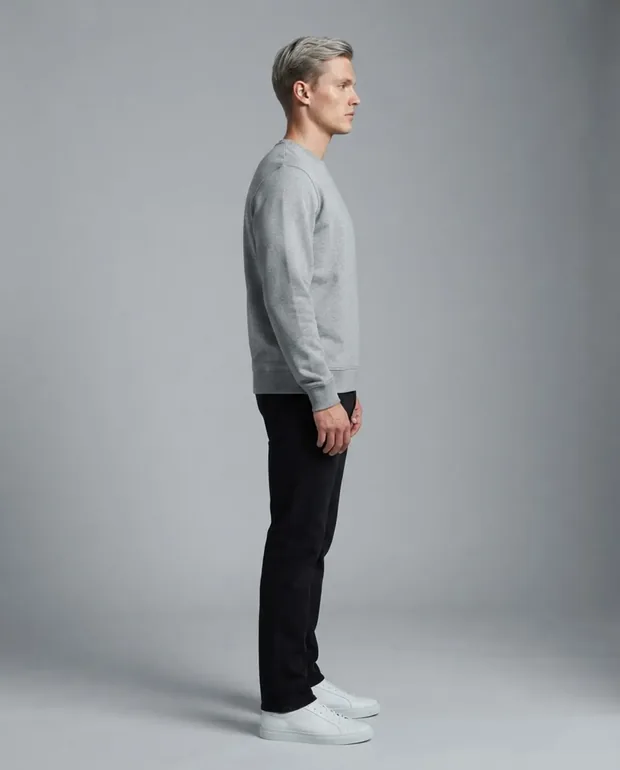 Side
Side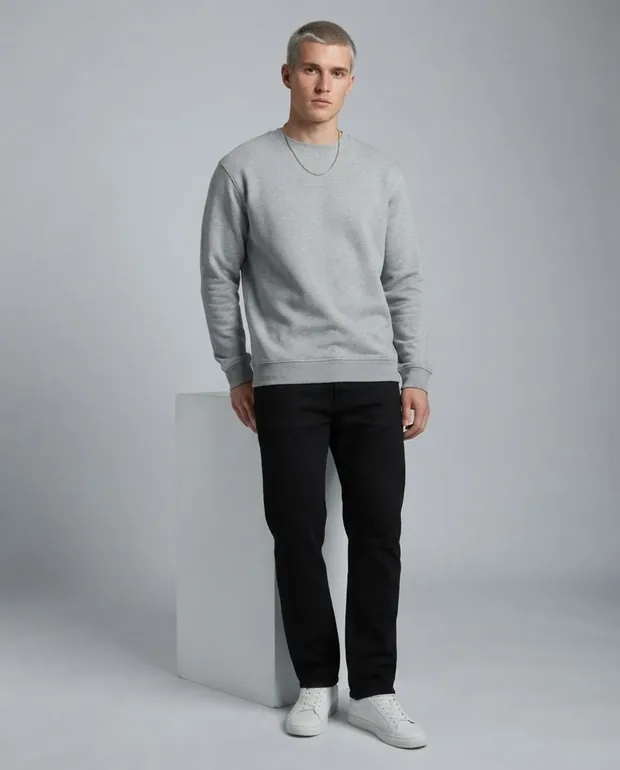 Angle
Angle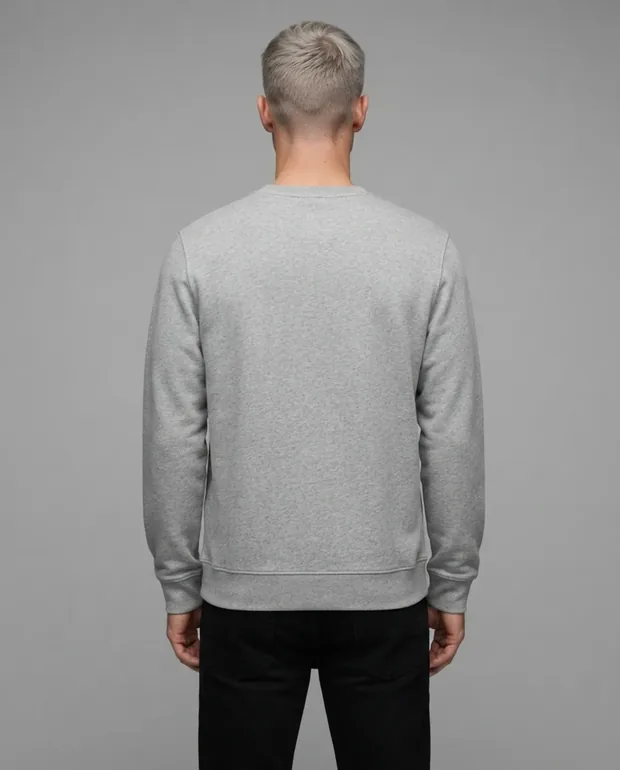 Back
Back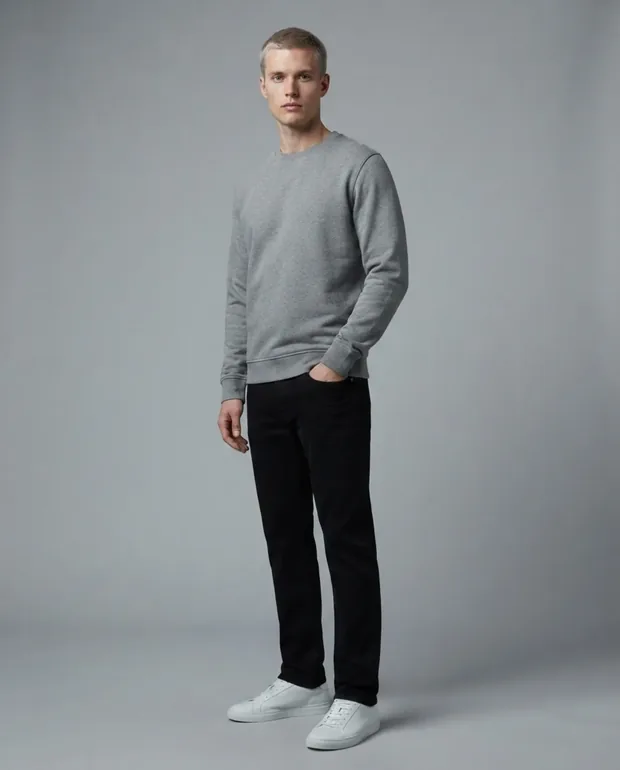 Walk
Walk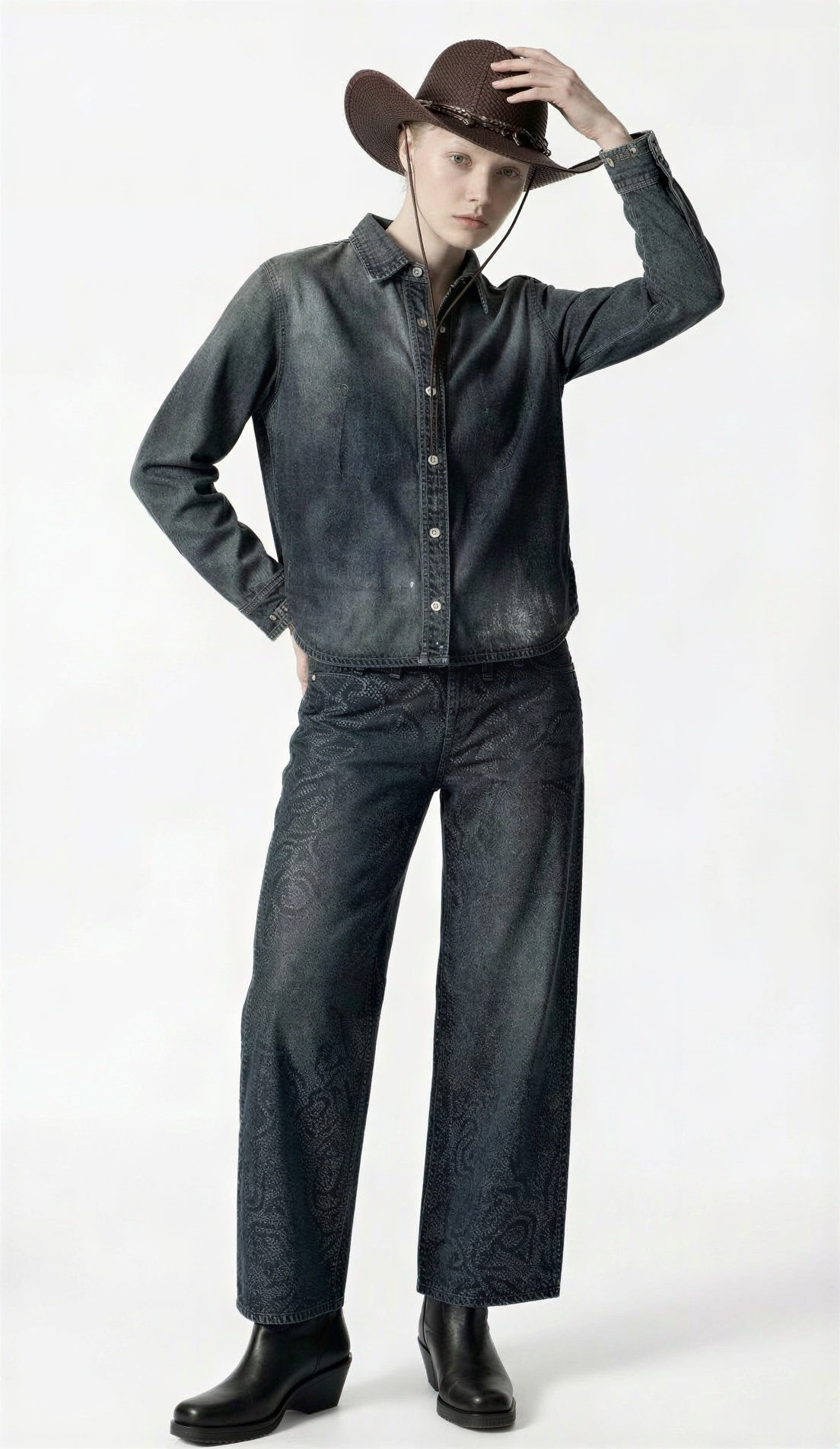
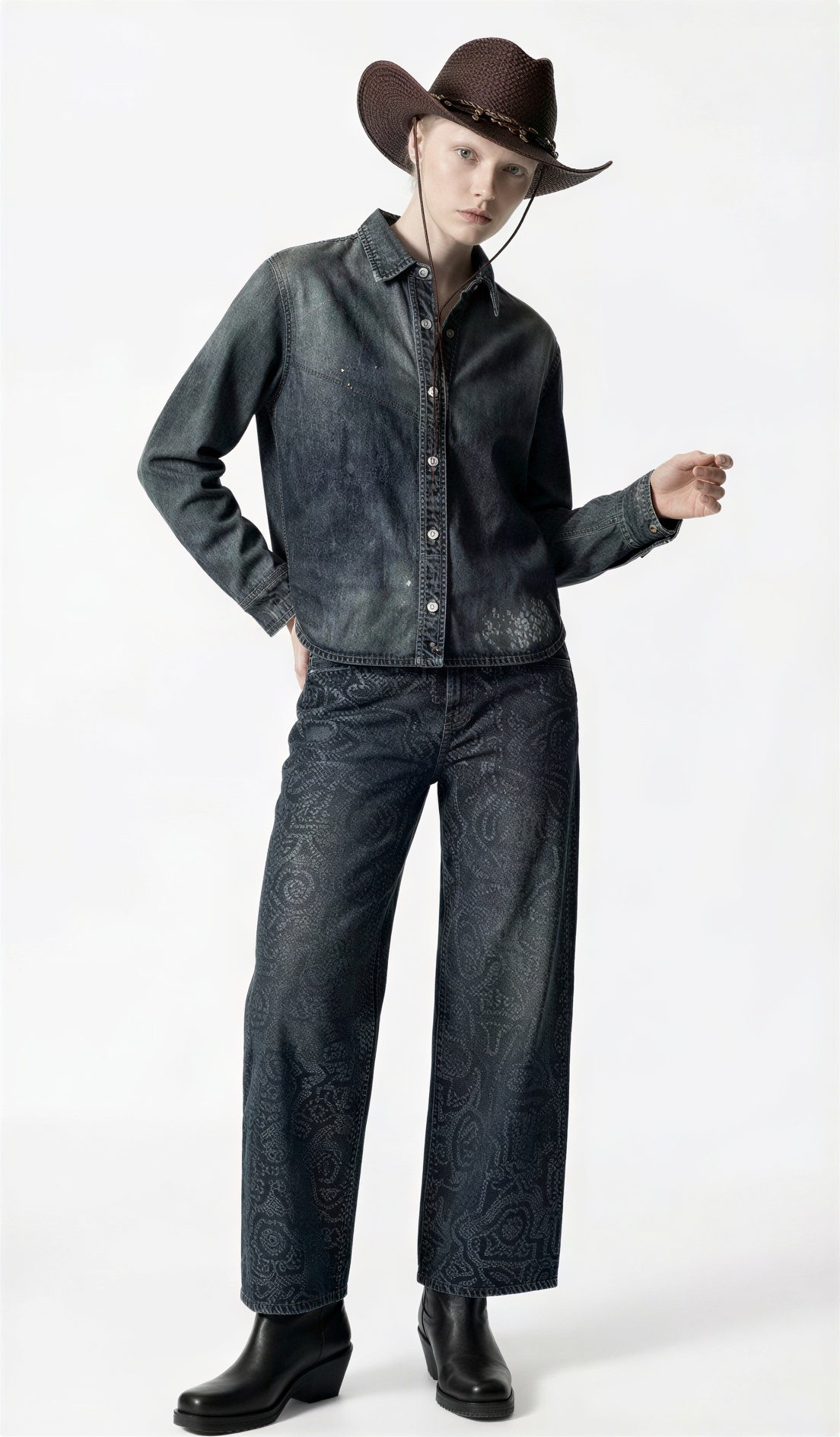
Single pose expanded to multiple angles and variations
Our core promise: Your garment's DNA—fit, fabric, and flow—remains untouched while the pose changes.
Access a library of conversion-optimized poses, from 'Streetwear Stride' to 'Haute Couture Lean'.
Don't just pick a pose. Direct the mood, the gaze, and the energy using simple text commands.
Intelligent preservation of intricate details like embroidery, stitching, and fabric grain.
Turn 10 SKUs into 100 on-model assets in minutes. Fill your product pages with rich, multi-angle content.
Create hero images for your homepage or ad campaigns without the logistics of a location shoot.
Adapt poses and stylings to resonate with different cultural markets and demographics instantly.
From high-fashion editorial stances to casual street style. Find the perfect pose for your brand aesthetic.
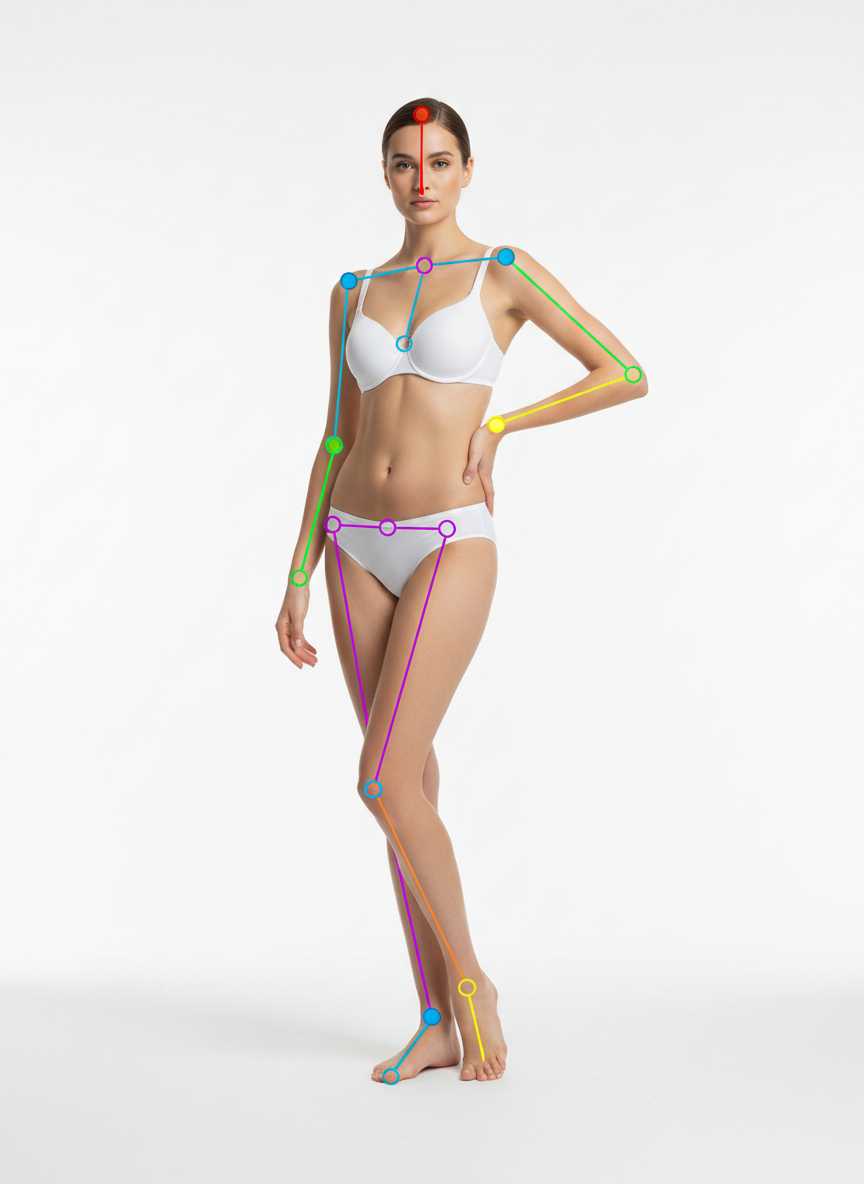
weight on the back leg, front leg slightly forward, one hand on hip, shoulders relaxed, elegant S-curve
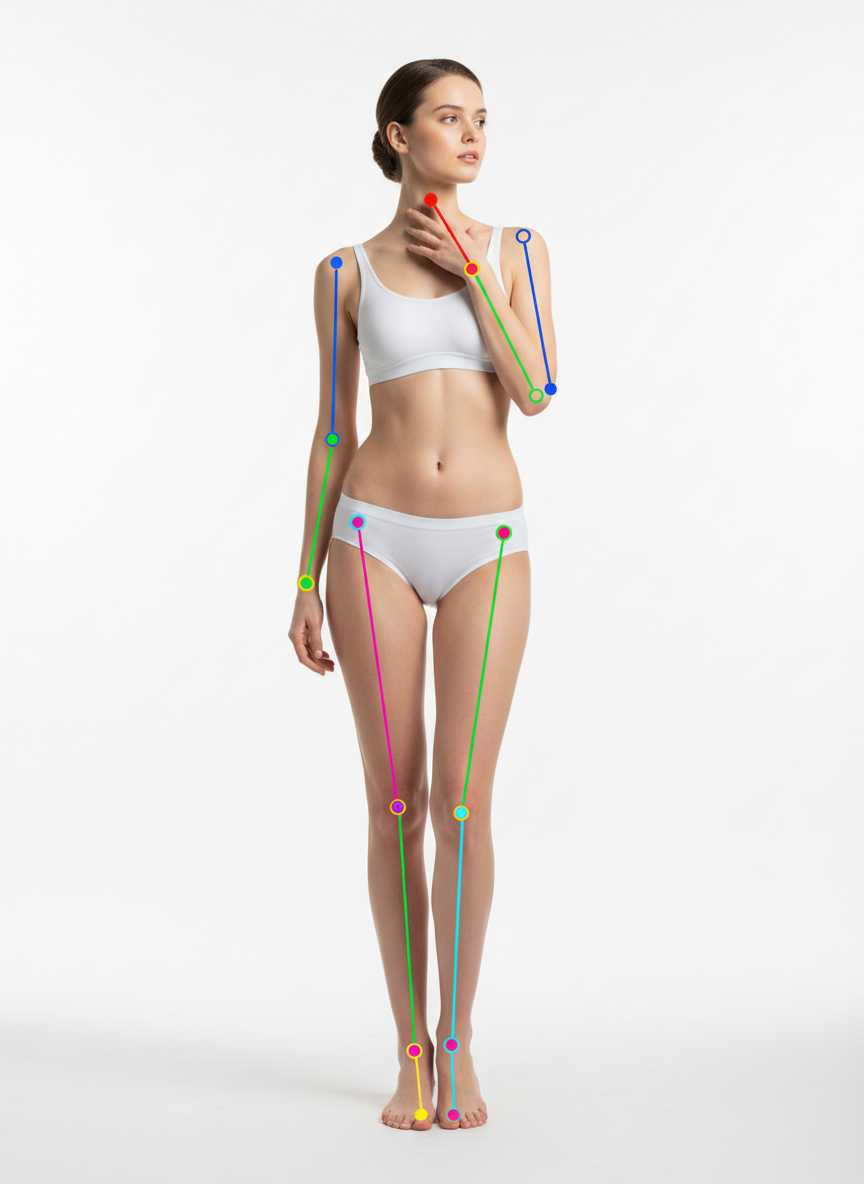
standing tall, one hand resting on collarbone, head gently tilted
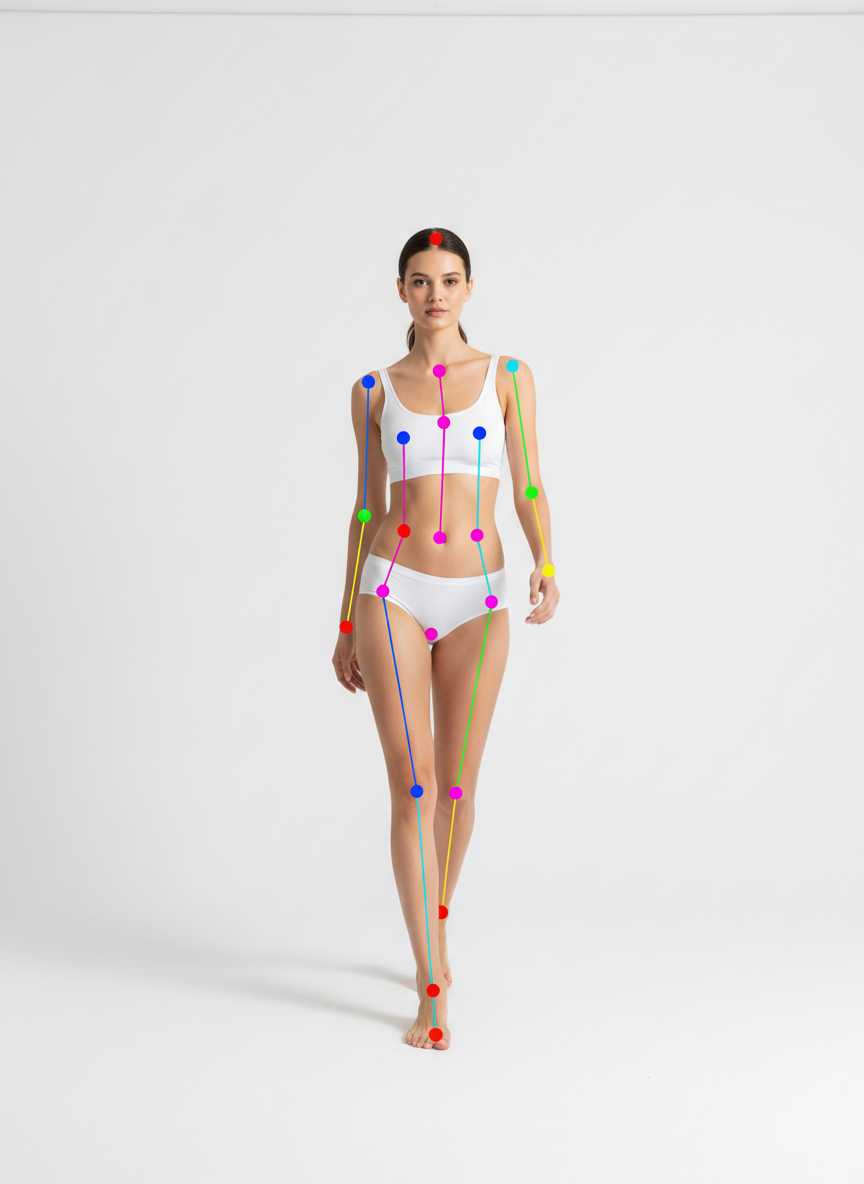
mid-step forward, arms swinging naturally, relaxed confident gaze
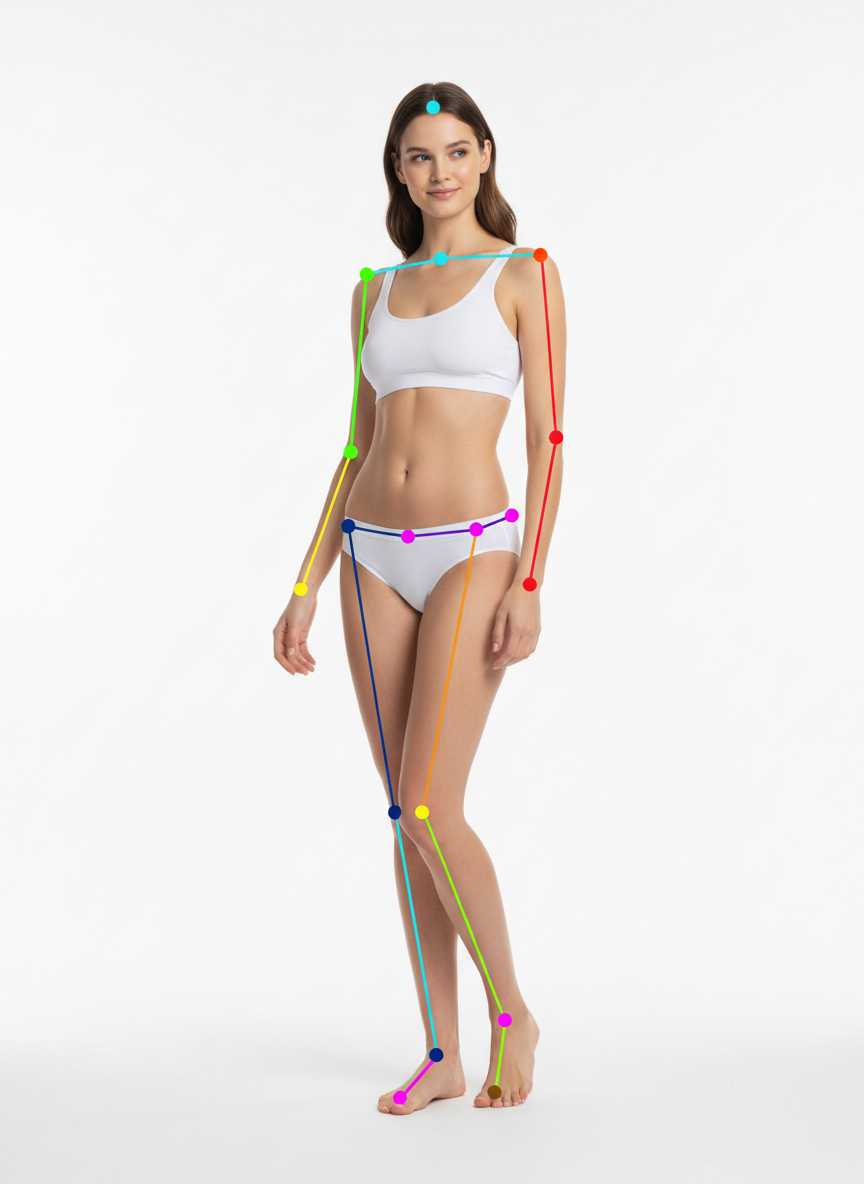
torso turned slightly away, head looking back over shoulder, arms relaxed
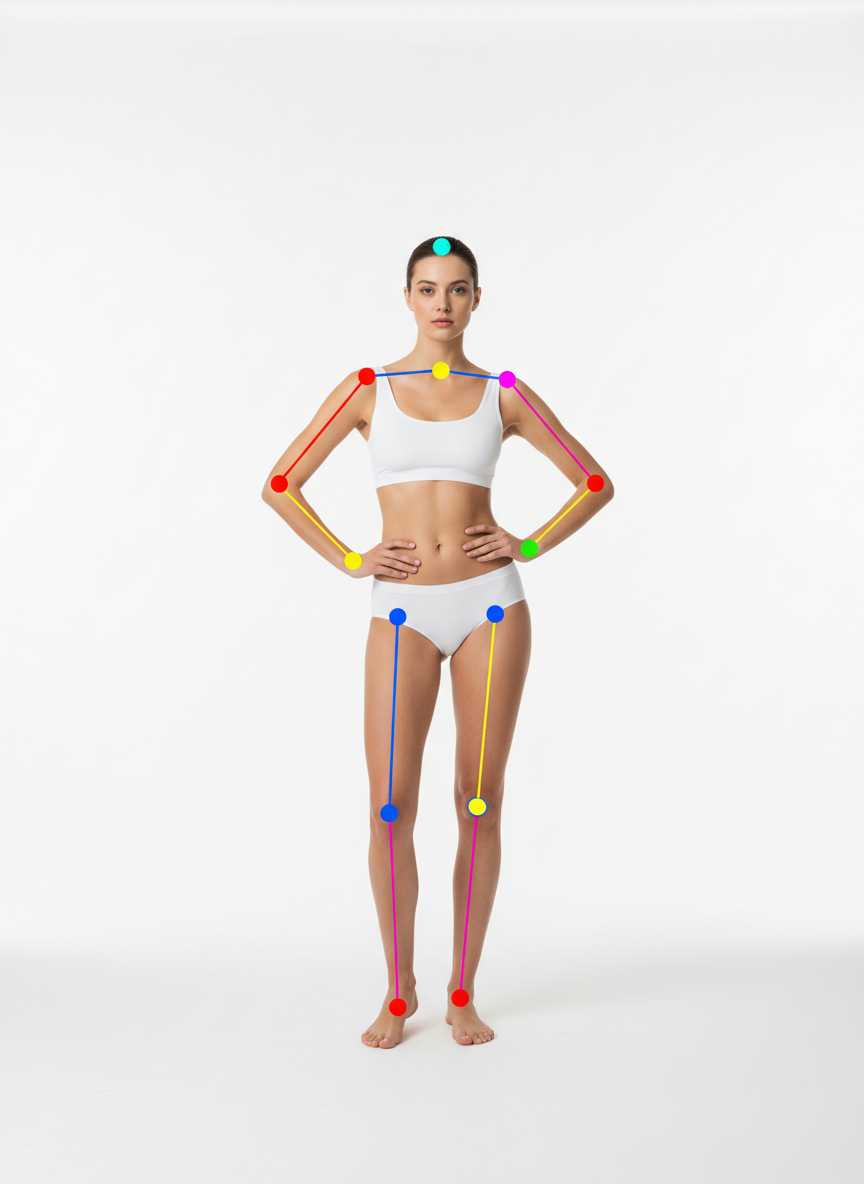
feet a little apart, hands on hips, upright and confident stance
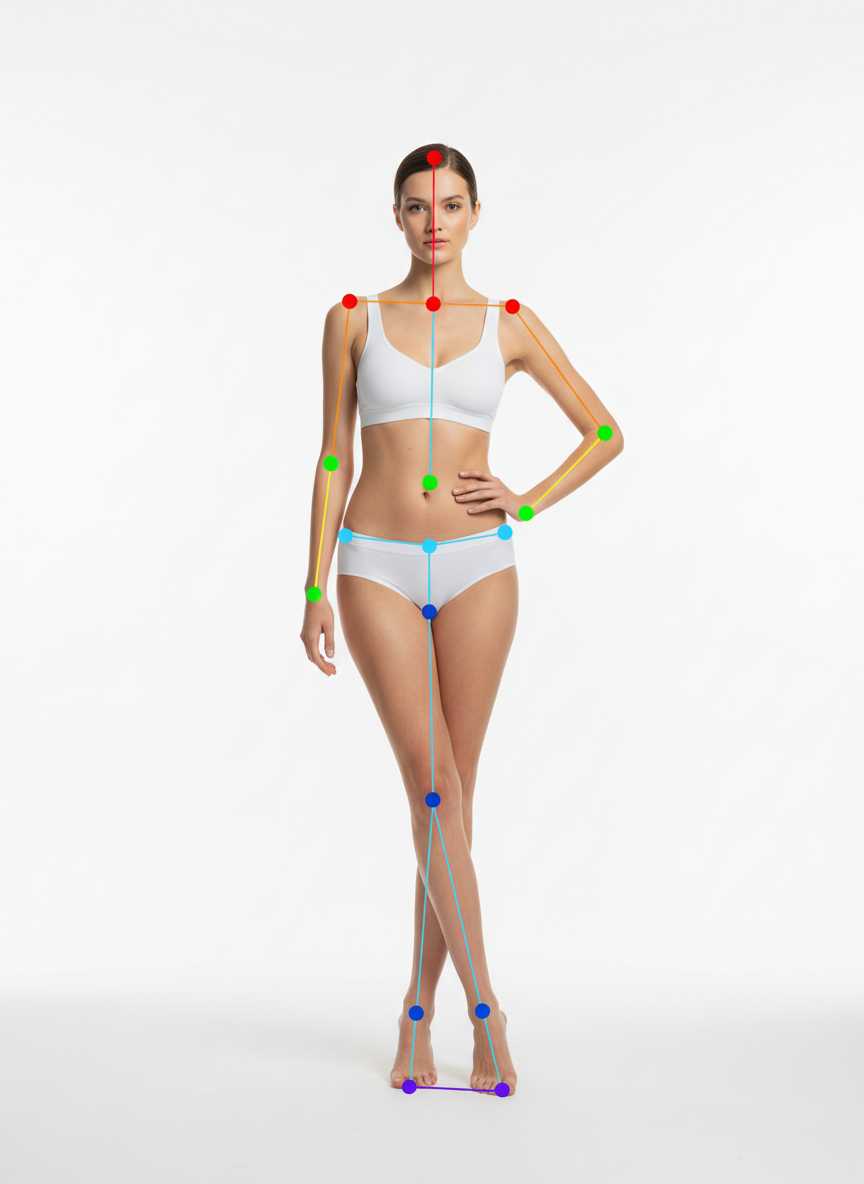
standing with legs crossed at the ankle, one hand on hip, the other relaxed
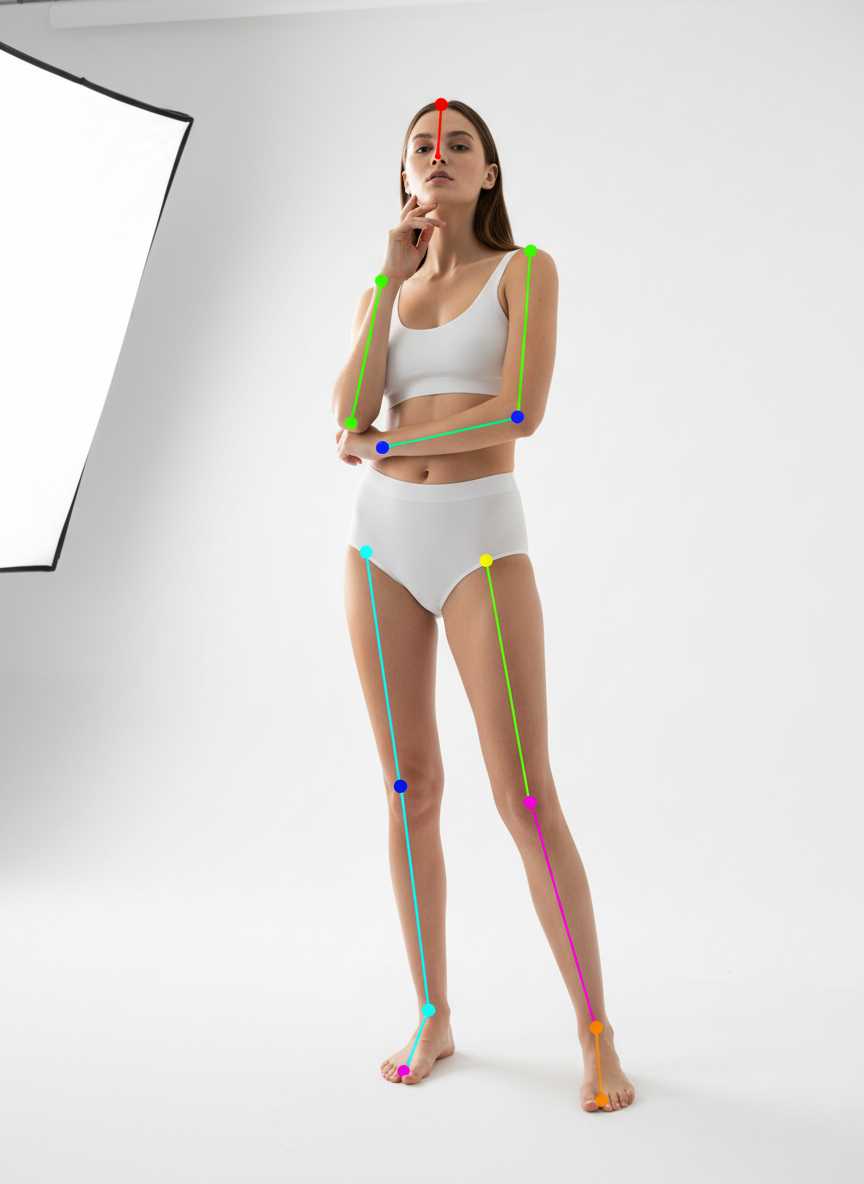
head slightly raised, one hand lightly touching chin
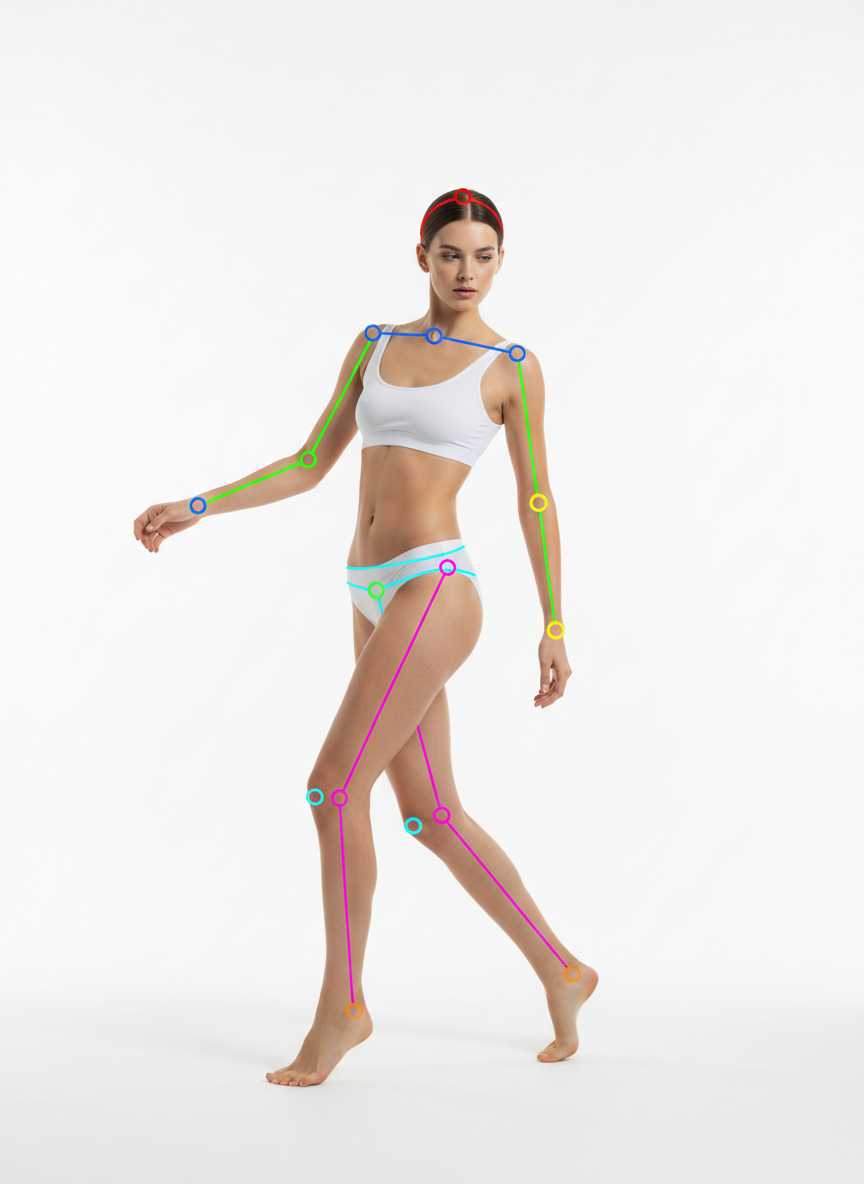
torso mid-turn as if pivoting, front leg extended
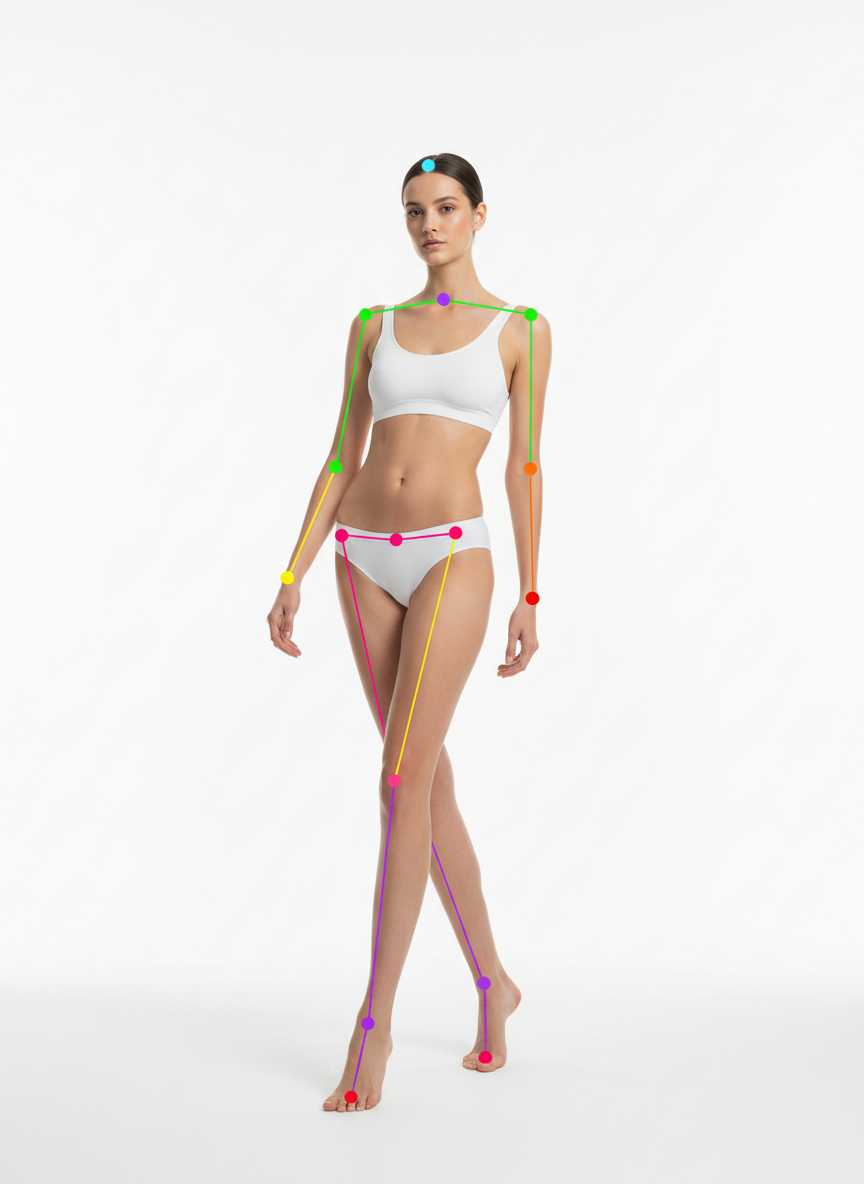
elongated stance, shoulders slightly forward, relaxed long lines
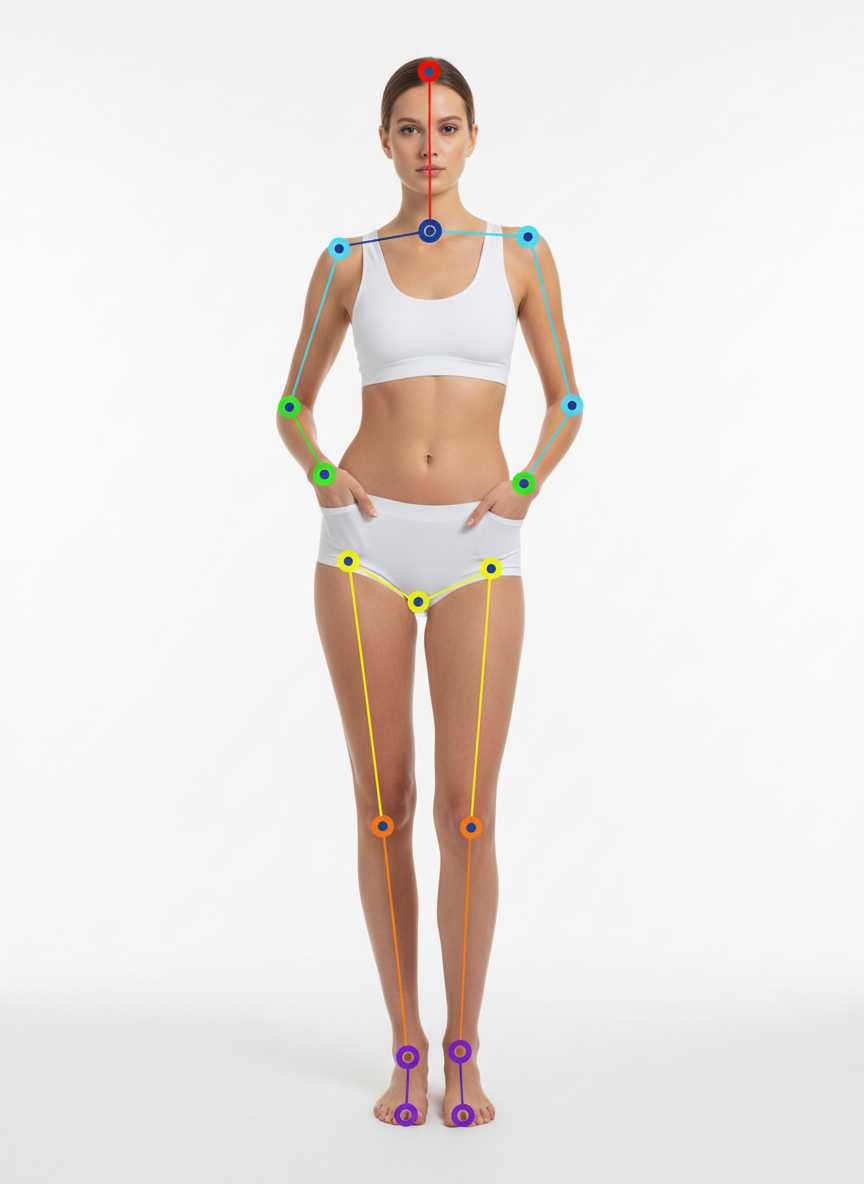
minimal stance, both hands softly in pockets, modern street vibe
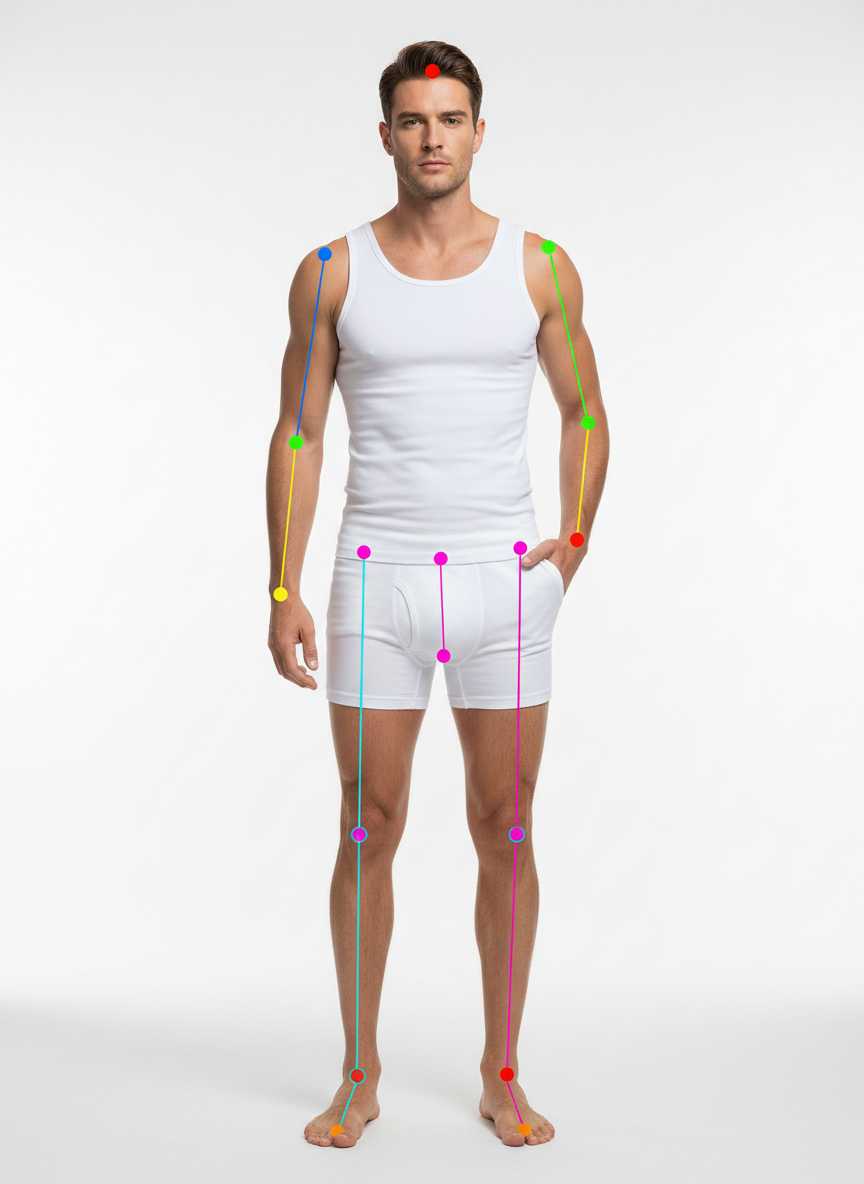
feet shoulder-width, one or both hands in pockets, confident but relaxed
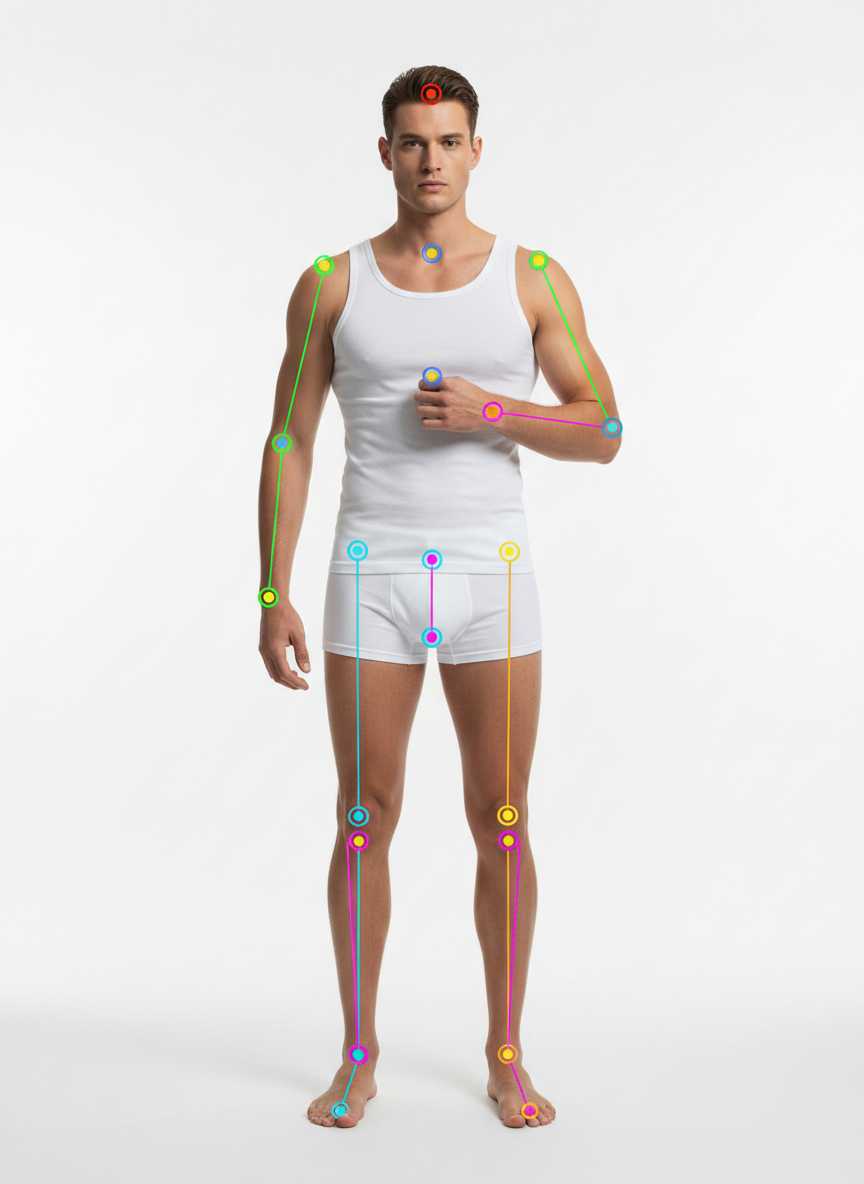
standing upright, lightly adjusting jacket lapel or button
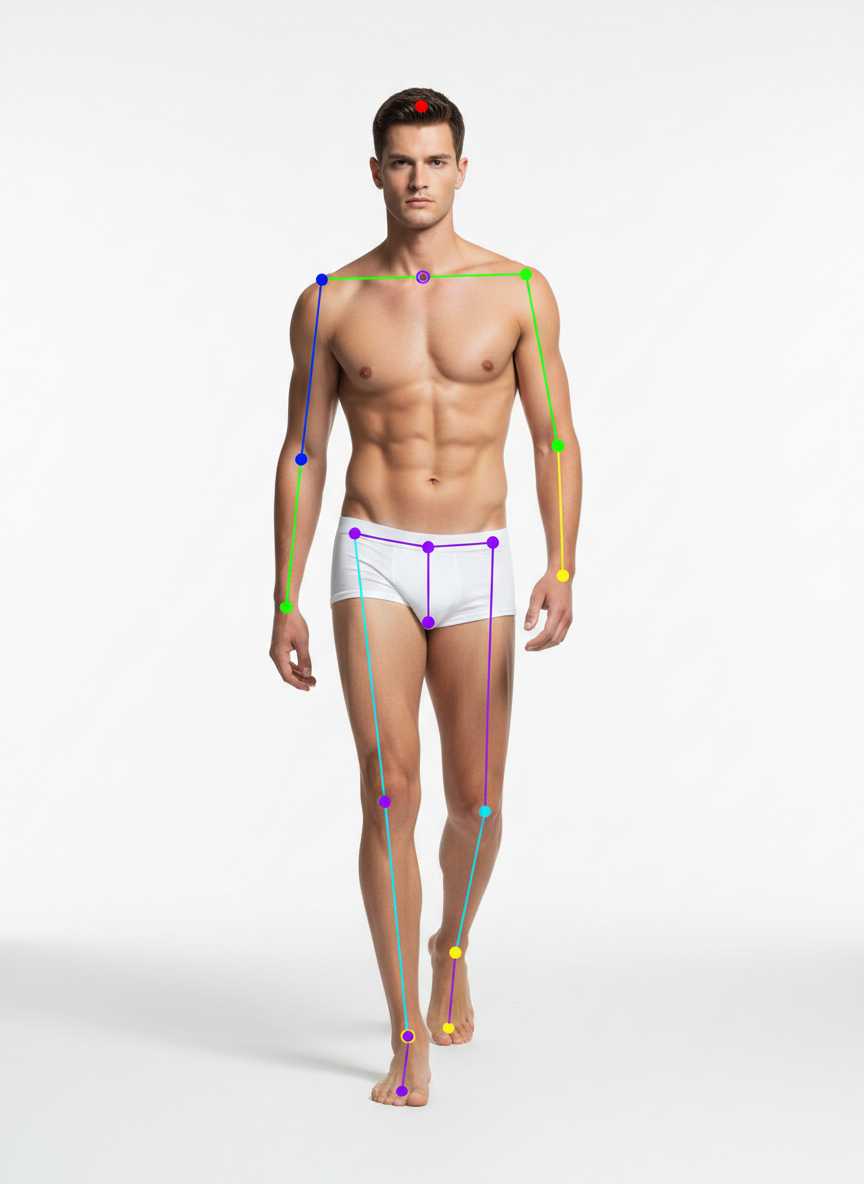
taking a step toward camera, shoulders natural, focused expression
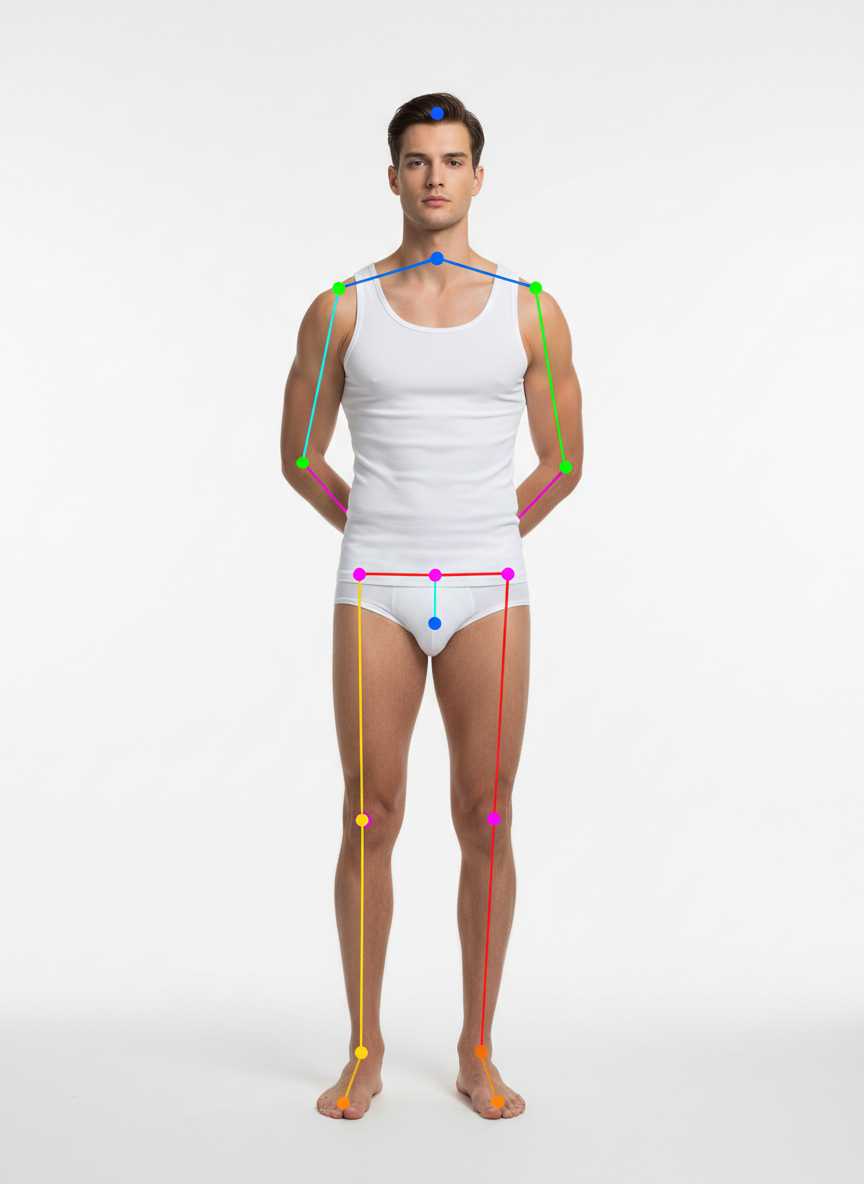
hands clasped behind back, upright spine, calm refined stance
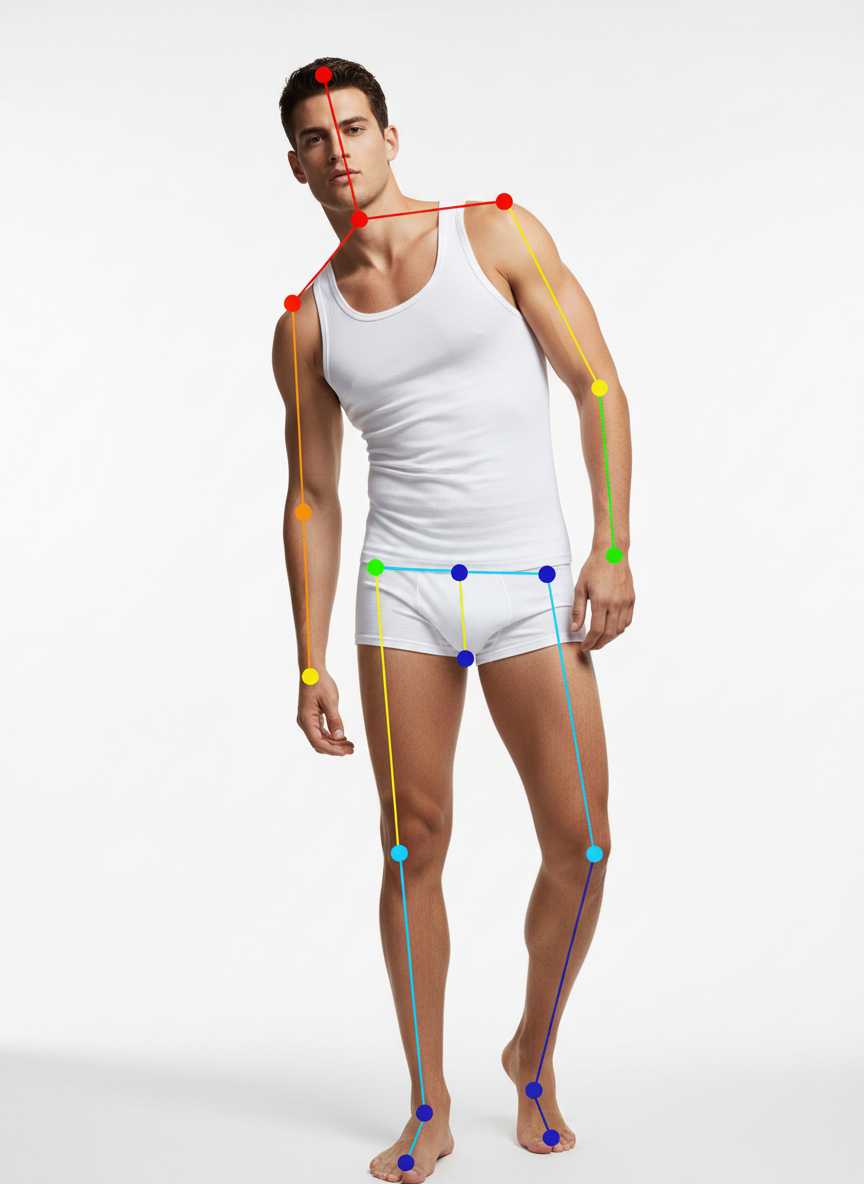
very slight lean toward camera, direct gaze, subtle intensity
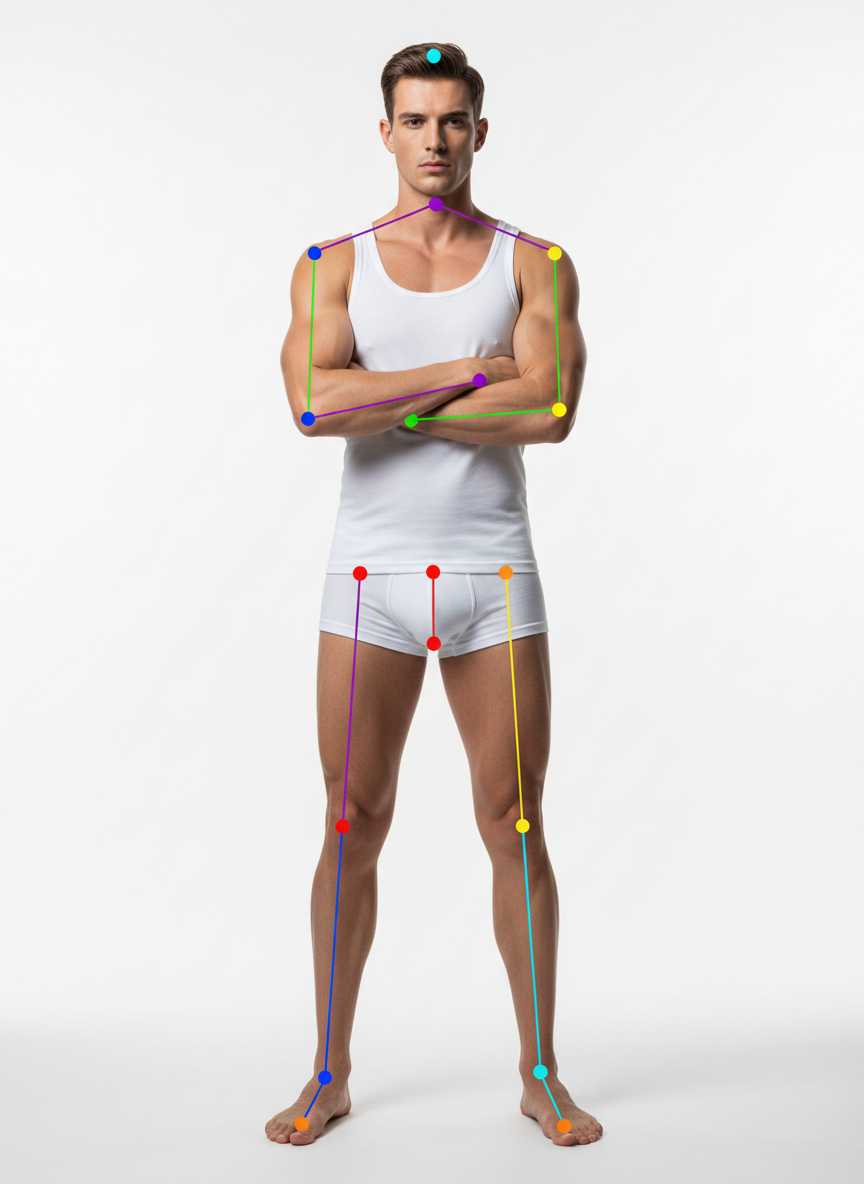
arms crossed over chest, strong modern editorial posture
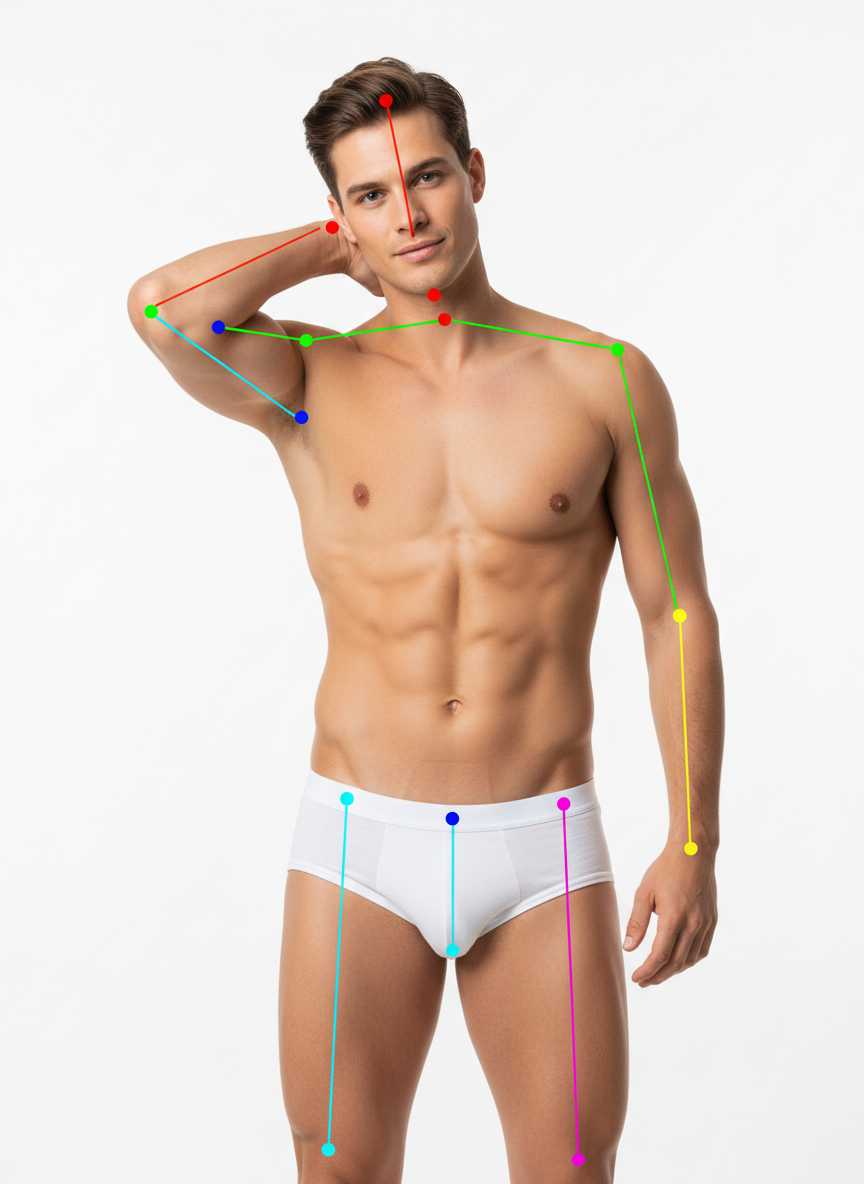
one hand at back of neck, relaxed but stylish demeanor
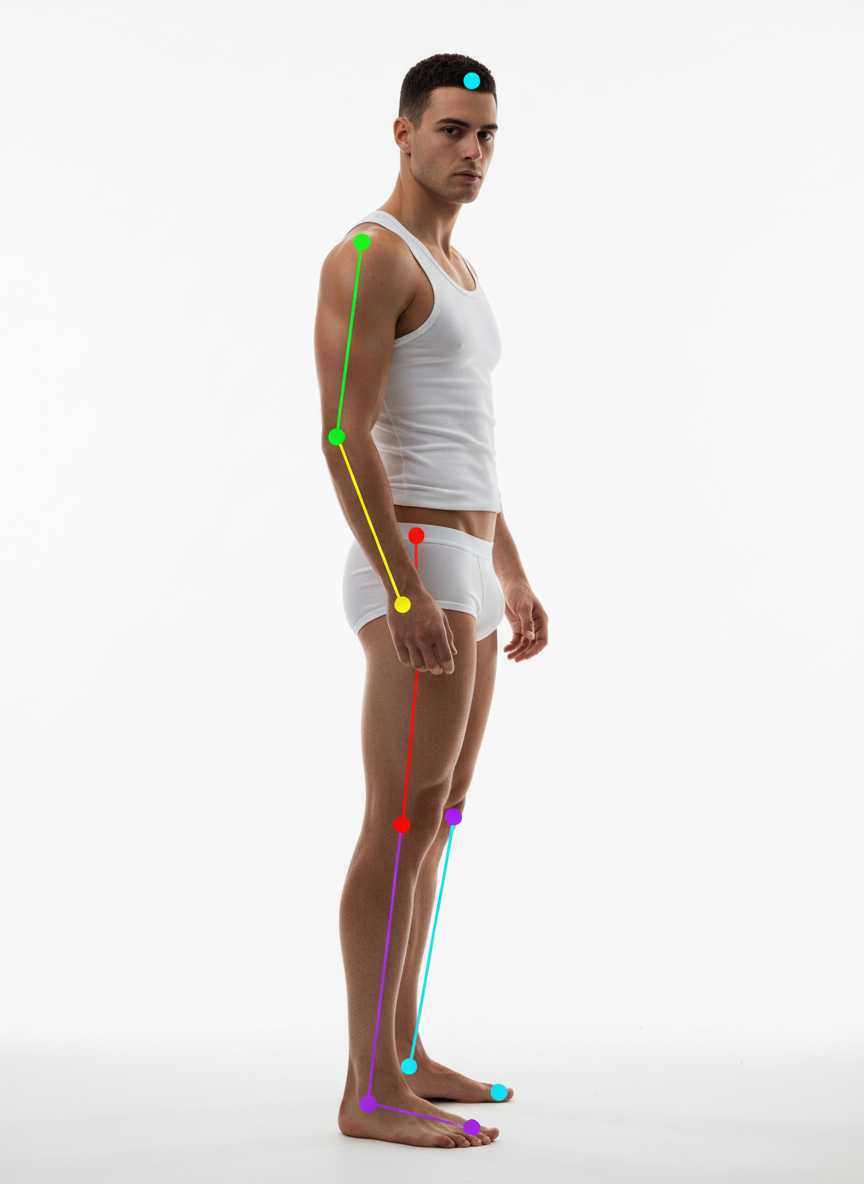
body turned sideways, head in half-profile, clean silhouette
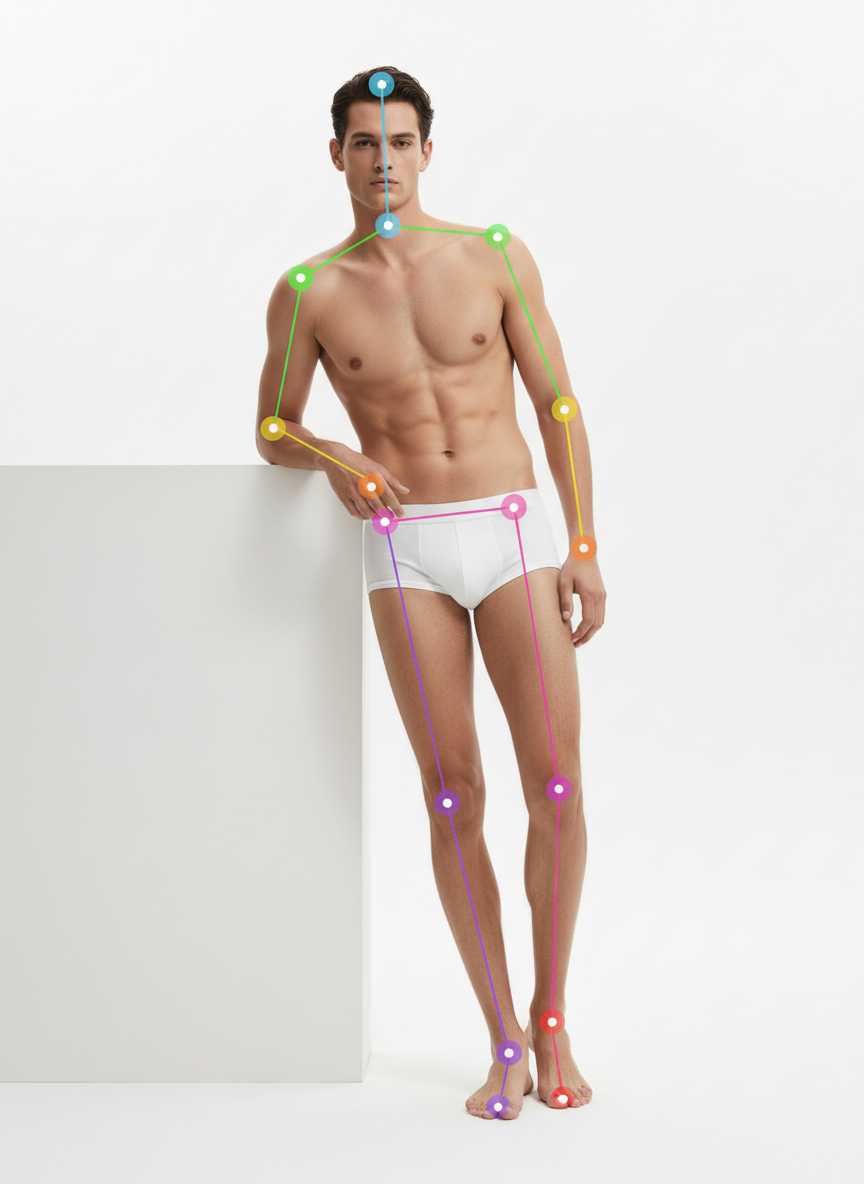
light lean as if against a wall, one hand in pocket
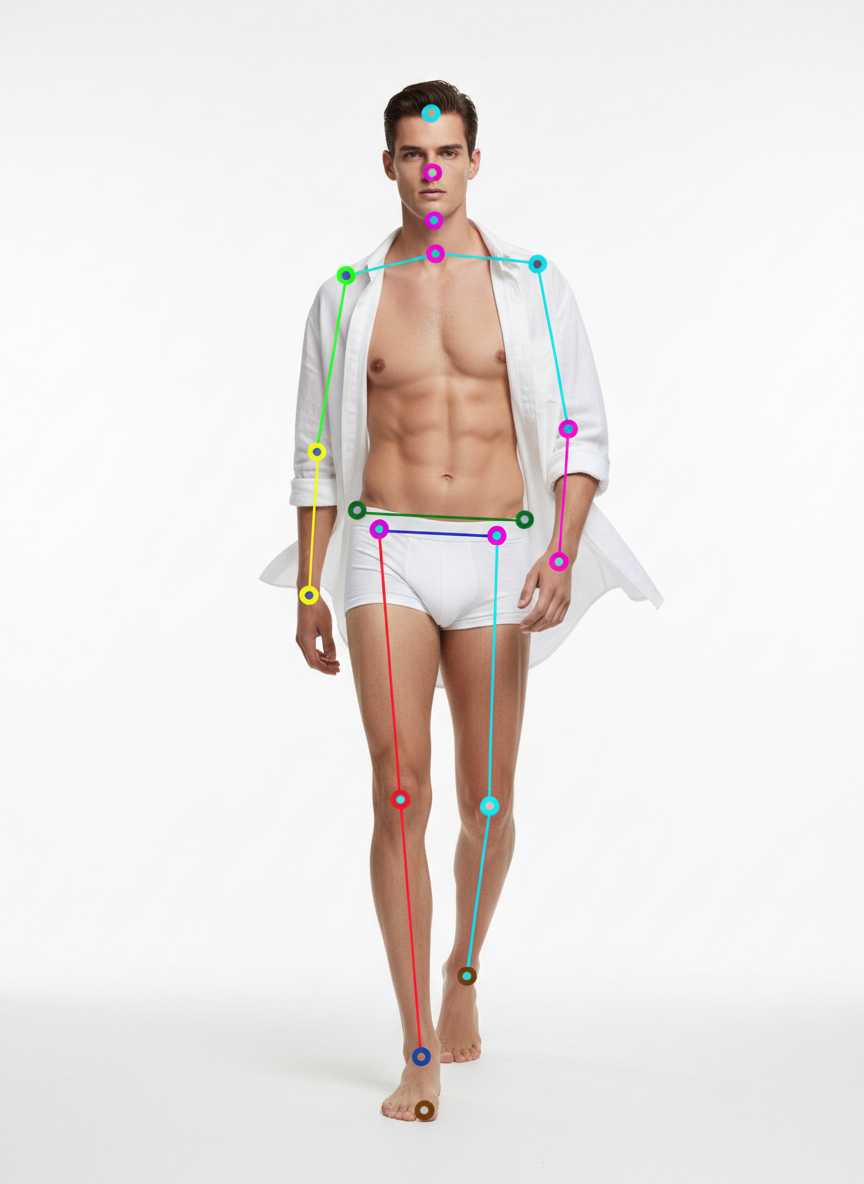
walking mid-stride like a street capture, confident stride
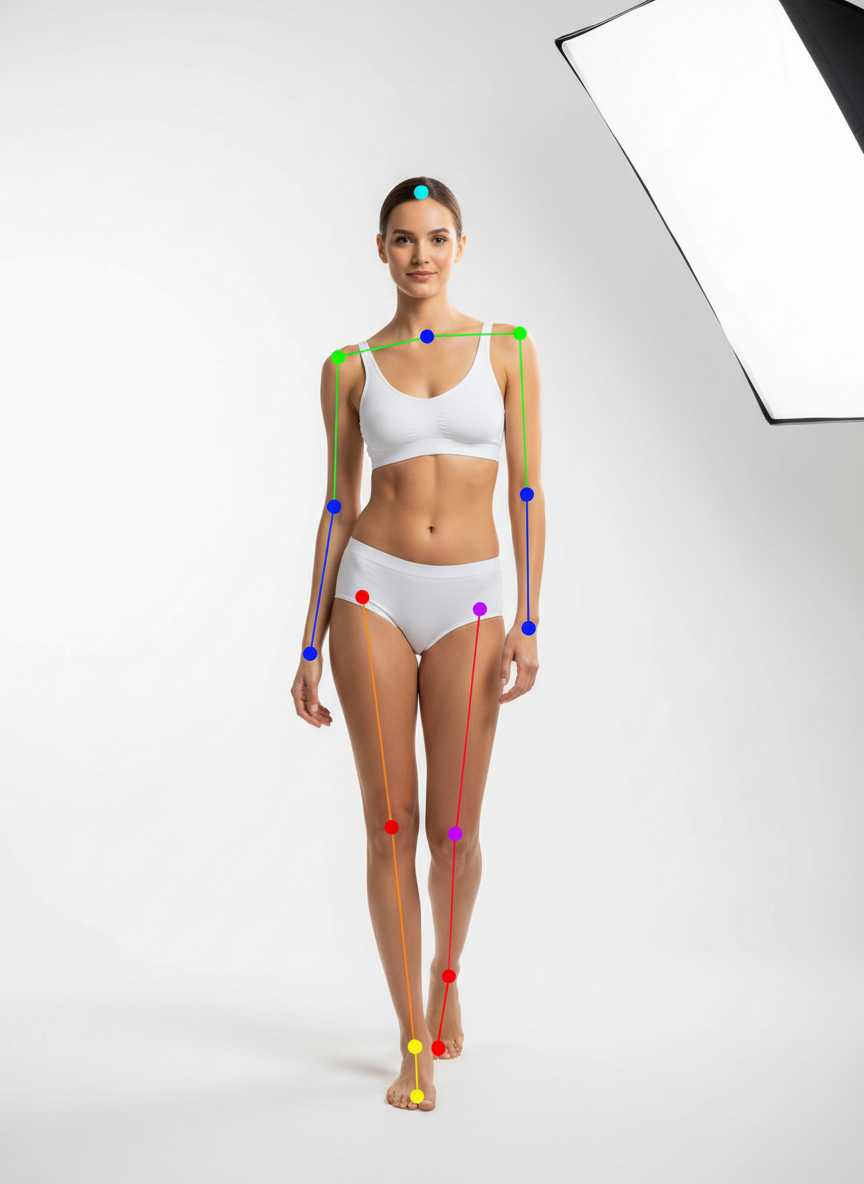
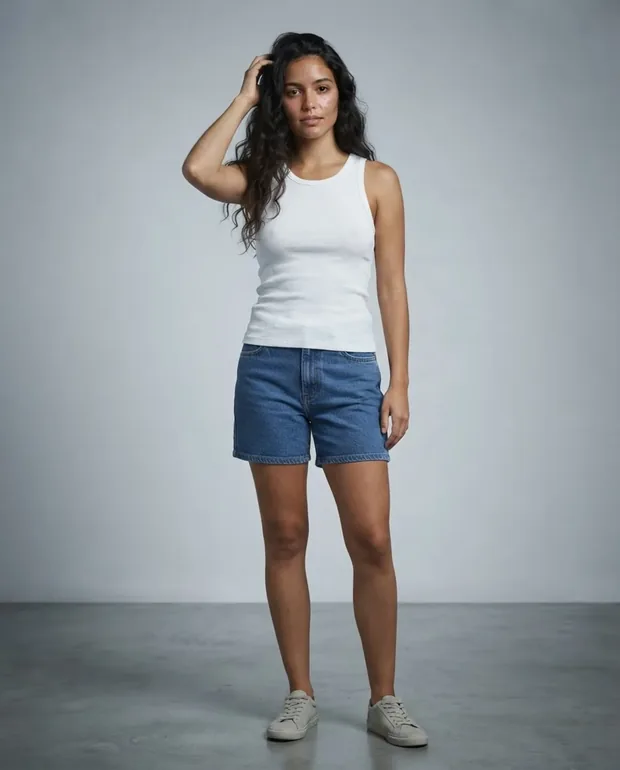
standing tall, weight slightly on back leg, arms relaxed, gentle head tilt
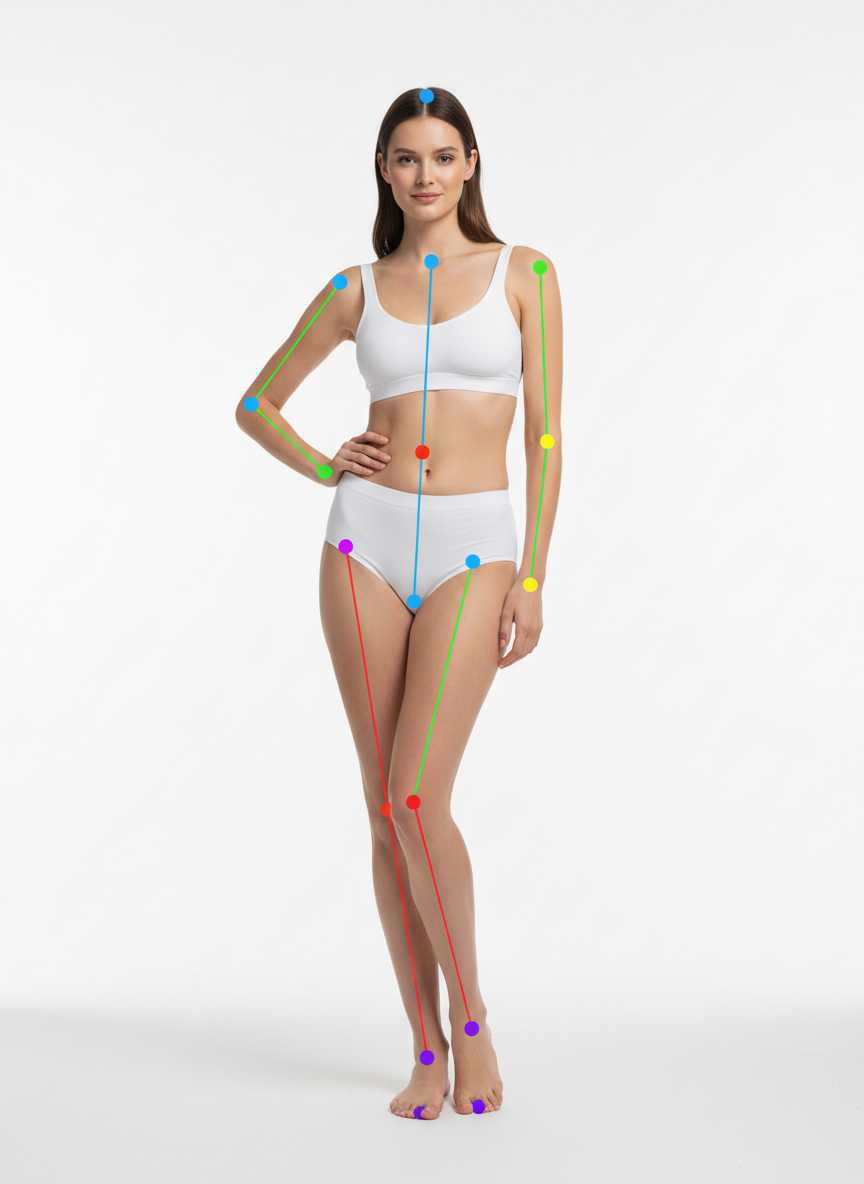
soft contrapposto stance, one hip dropped, one hand lightly on hip, off-hand relaxed
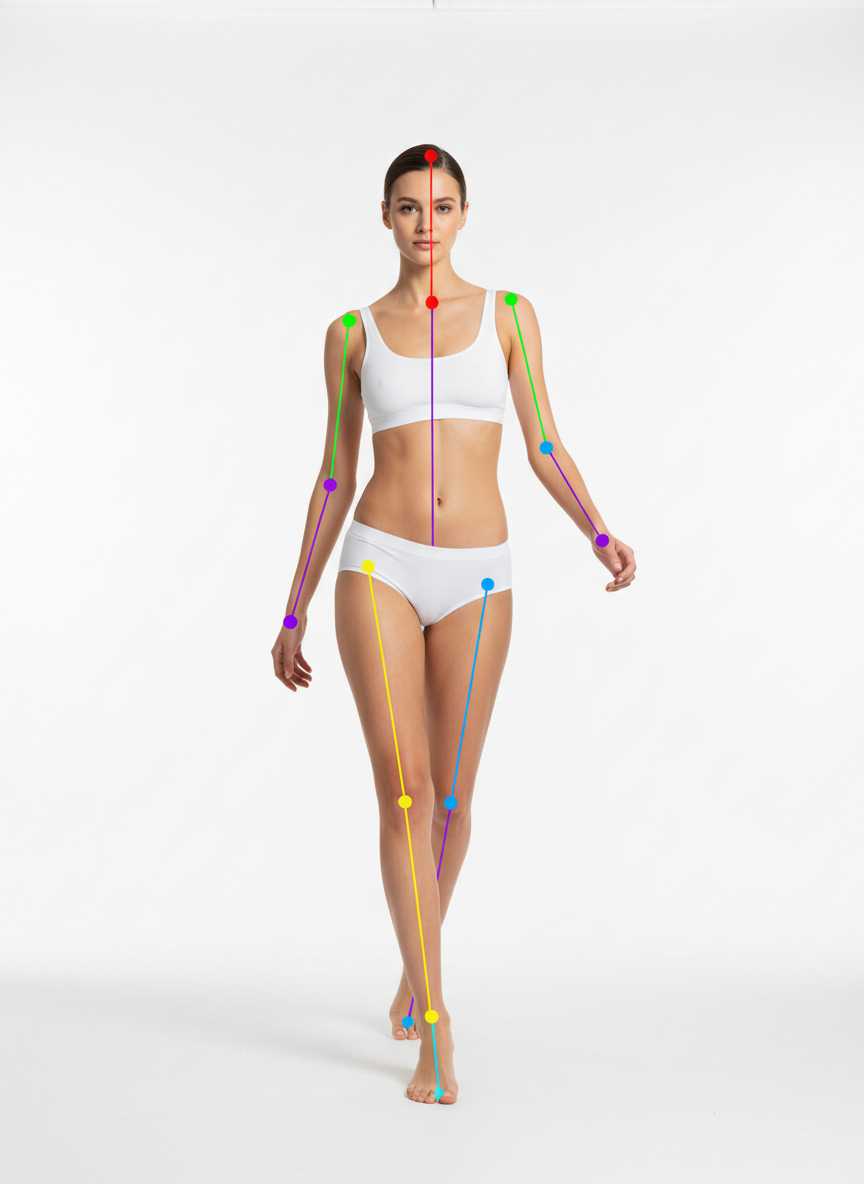
mid-stride like on a runway, leading foot crossing in front, arms swinging naturally
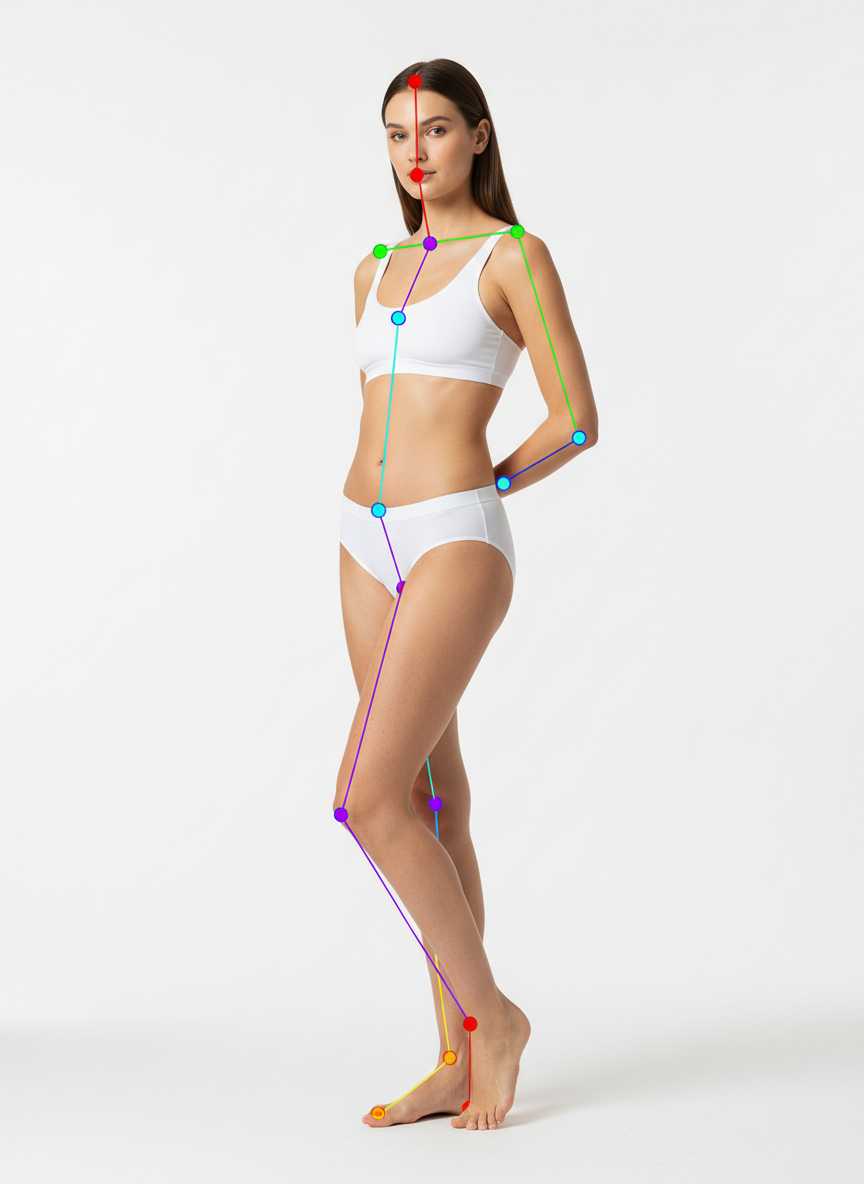
three-quarter turn toward camera, one foot forward, shoulders relaxed, hands softly behind back
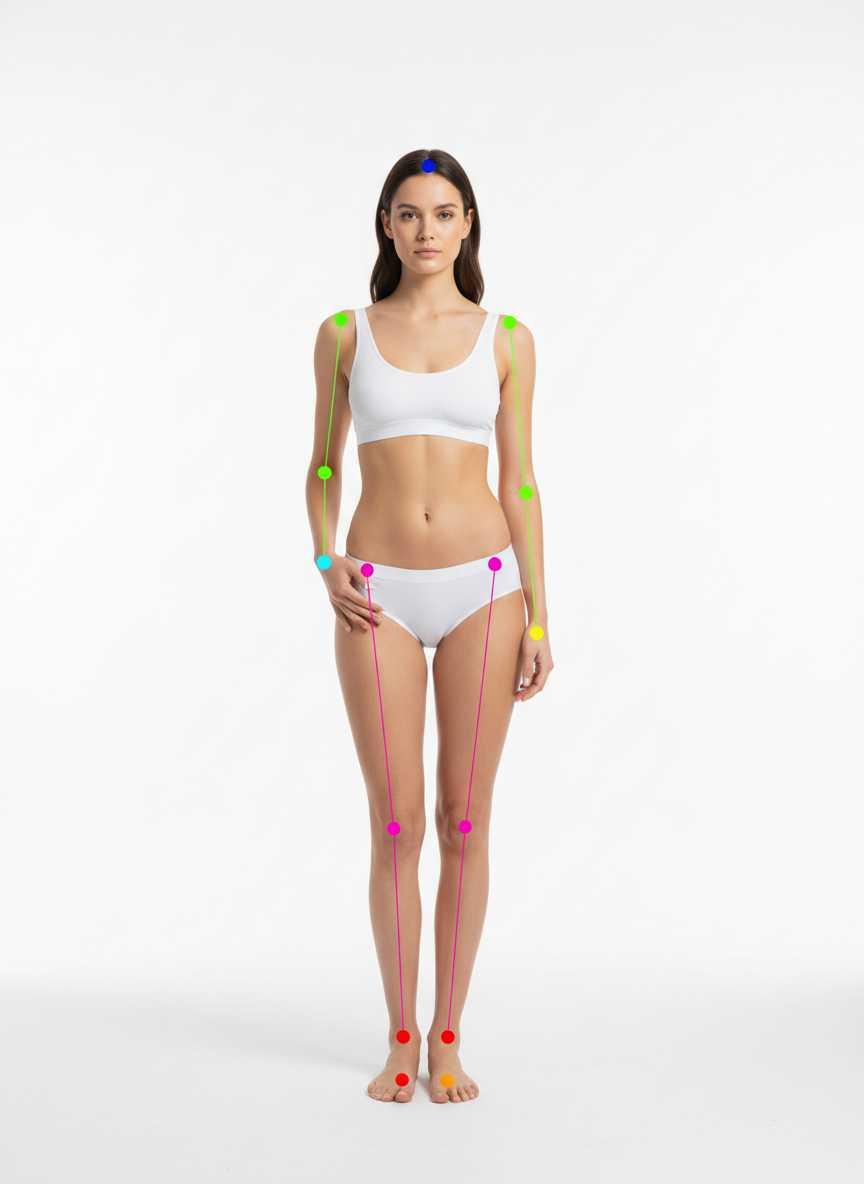
neutral stance, feet hip-width, one hand in pocket, other relaxed
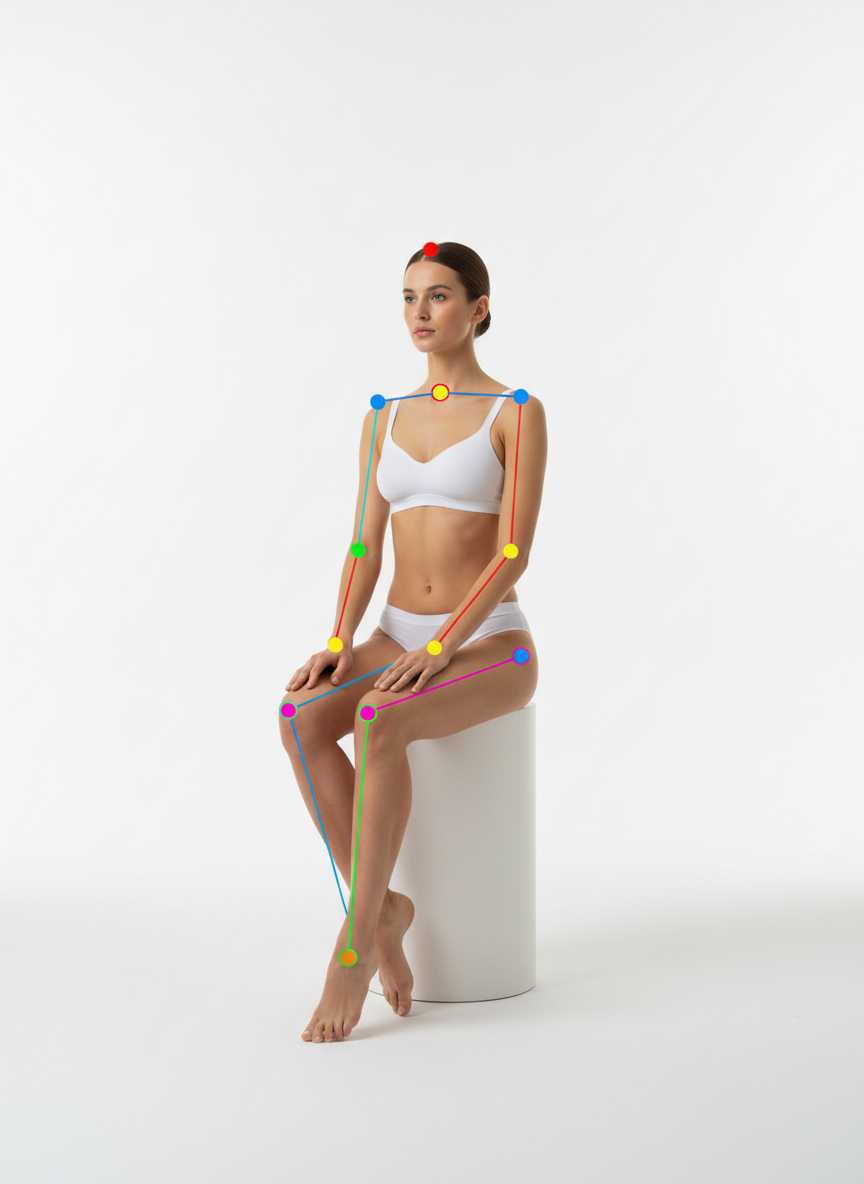
seated on a minimal stool, upright spine, legs together angled slightly left, hands resting on thighs
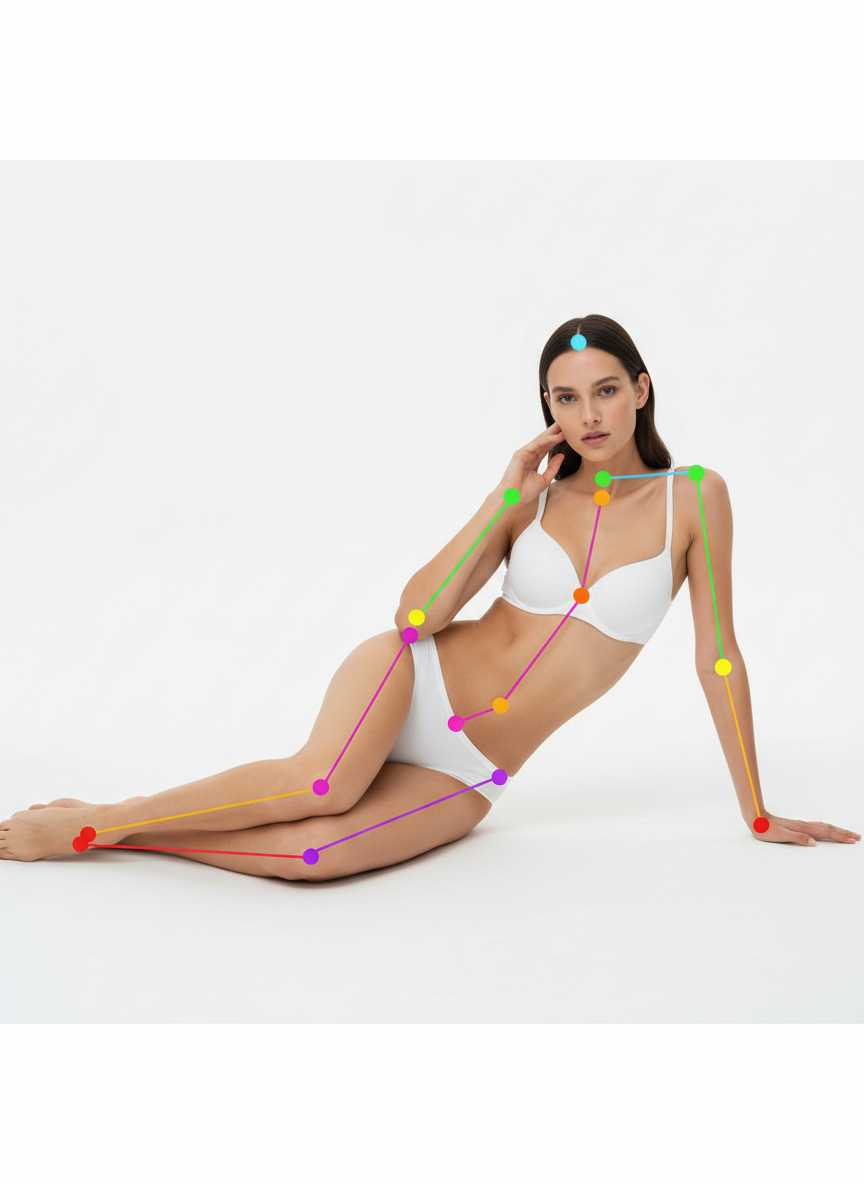
reclining on side, upper body propped on forearm, other hand near face, legs softly bent
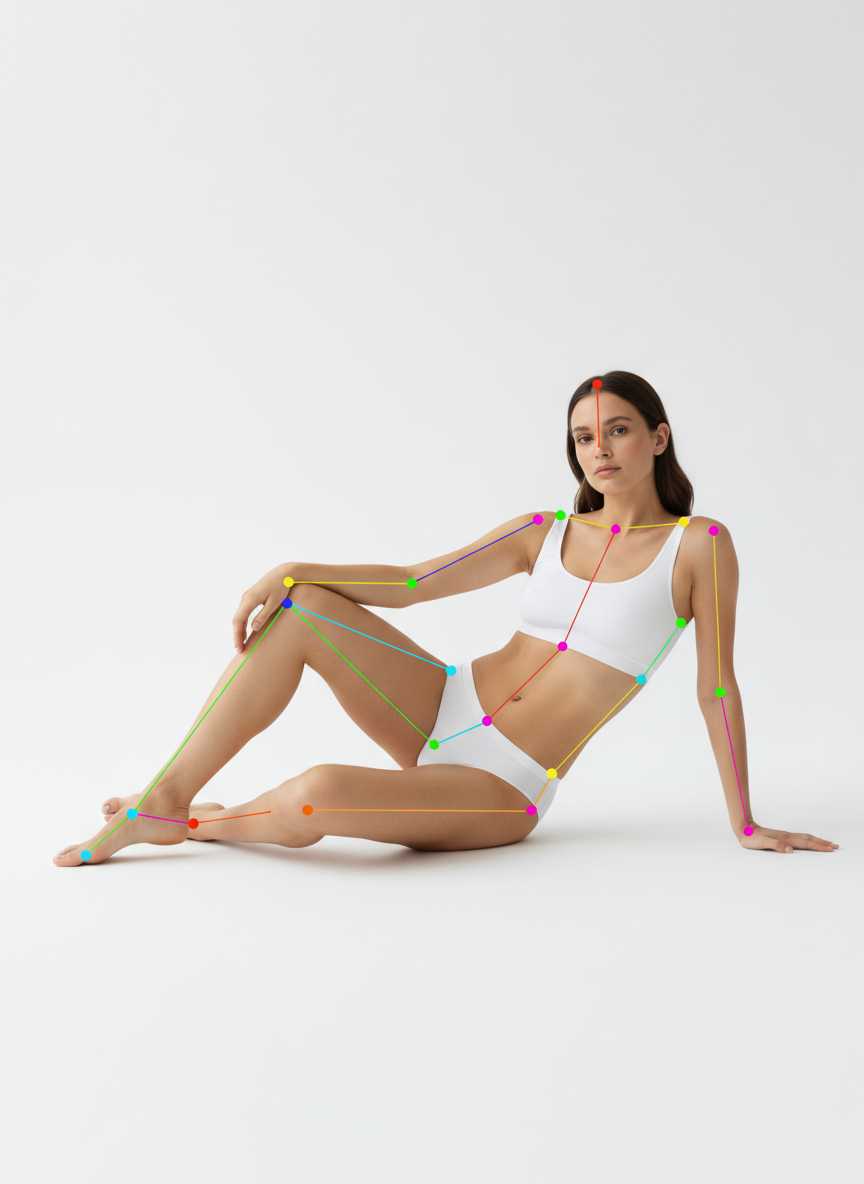
reclining on back at a slight angle, supported by elbows, knees softly bent
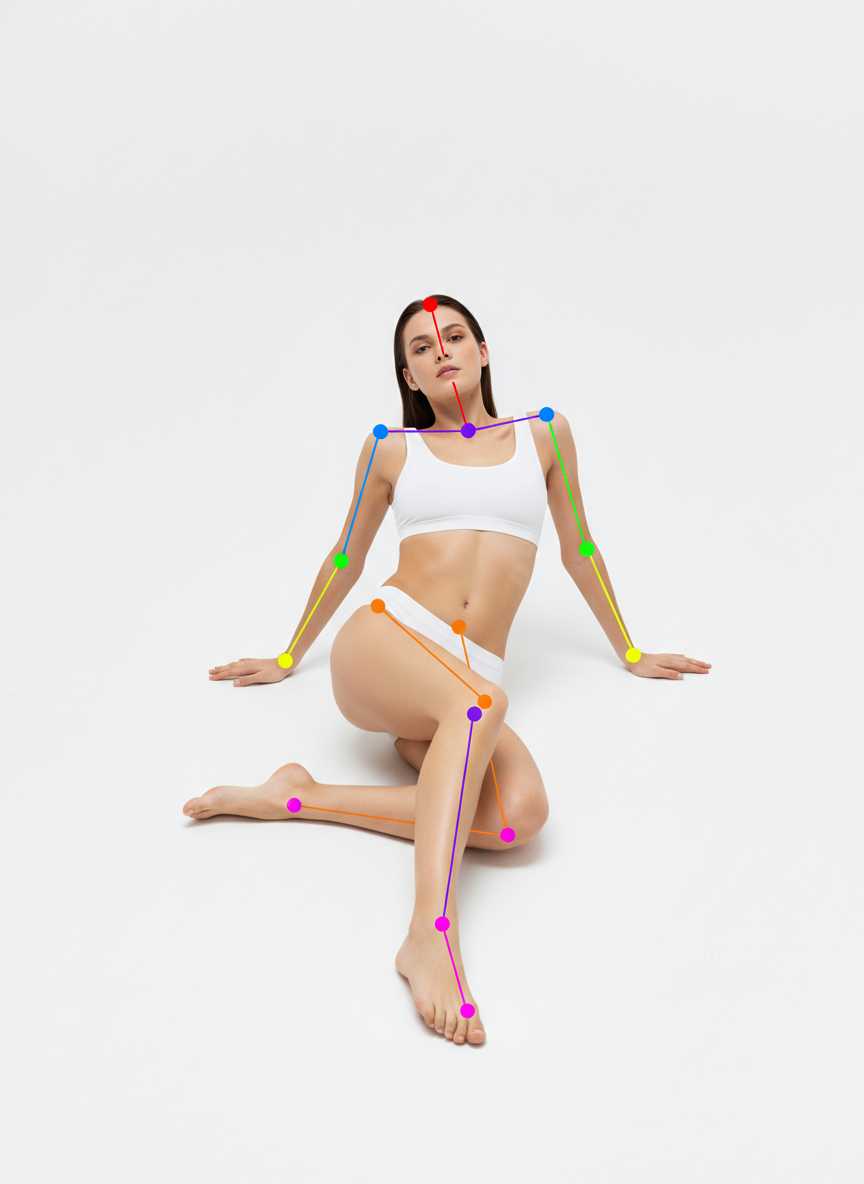
lying on back, knees up feet on floor, slight tilt toward camera, hands relaxed
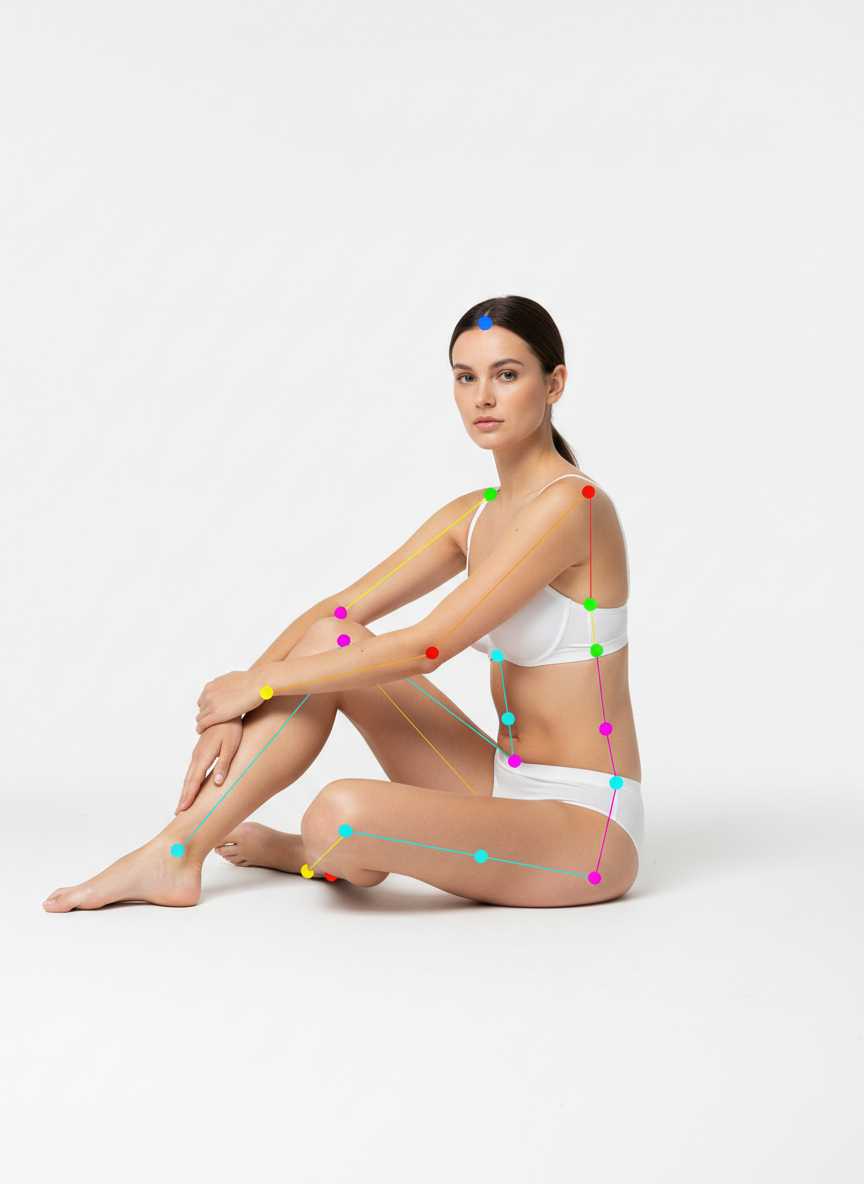
seated on floor, torso three-quarter to camera, one knee up, one leg extended
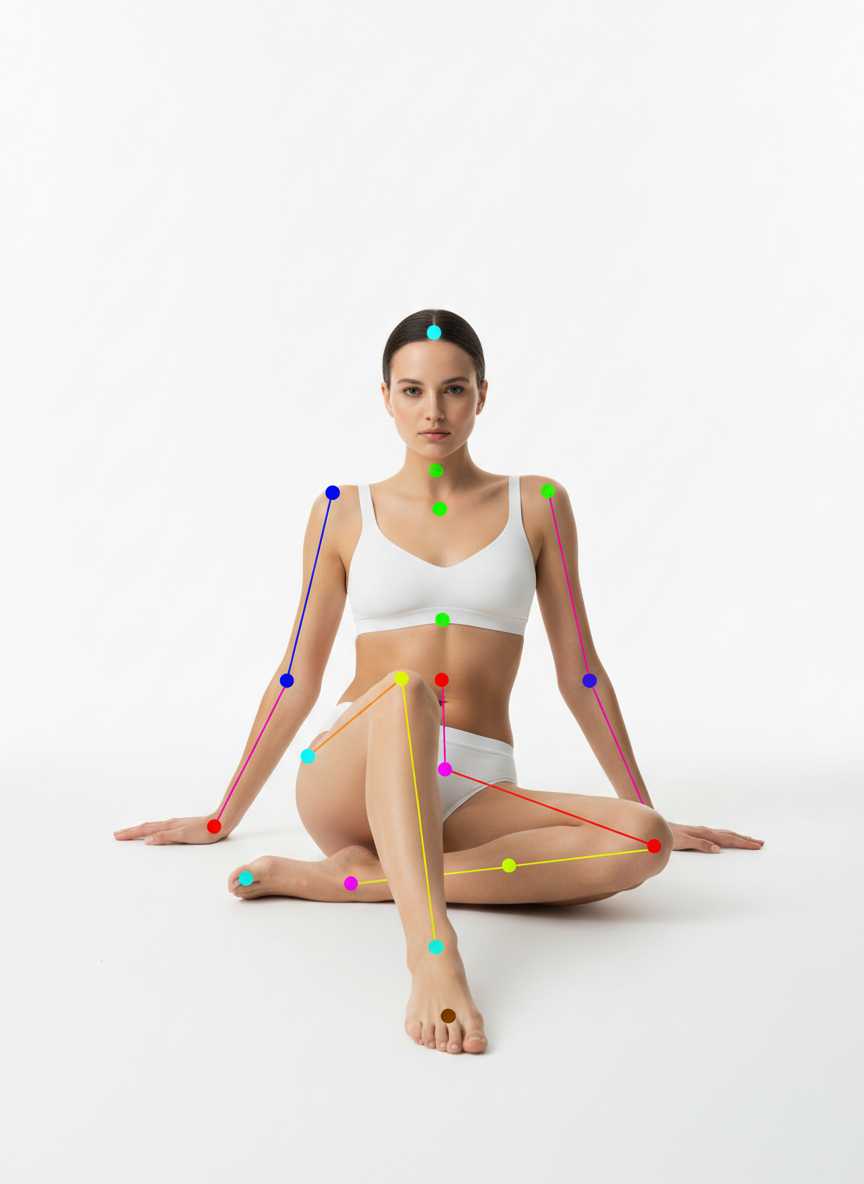
seated on floor, leaning back on straight arms, legs extended with slight bend
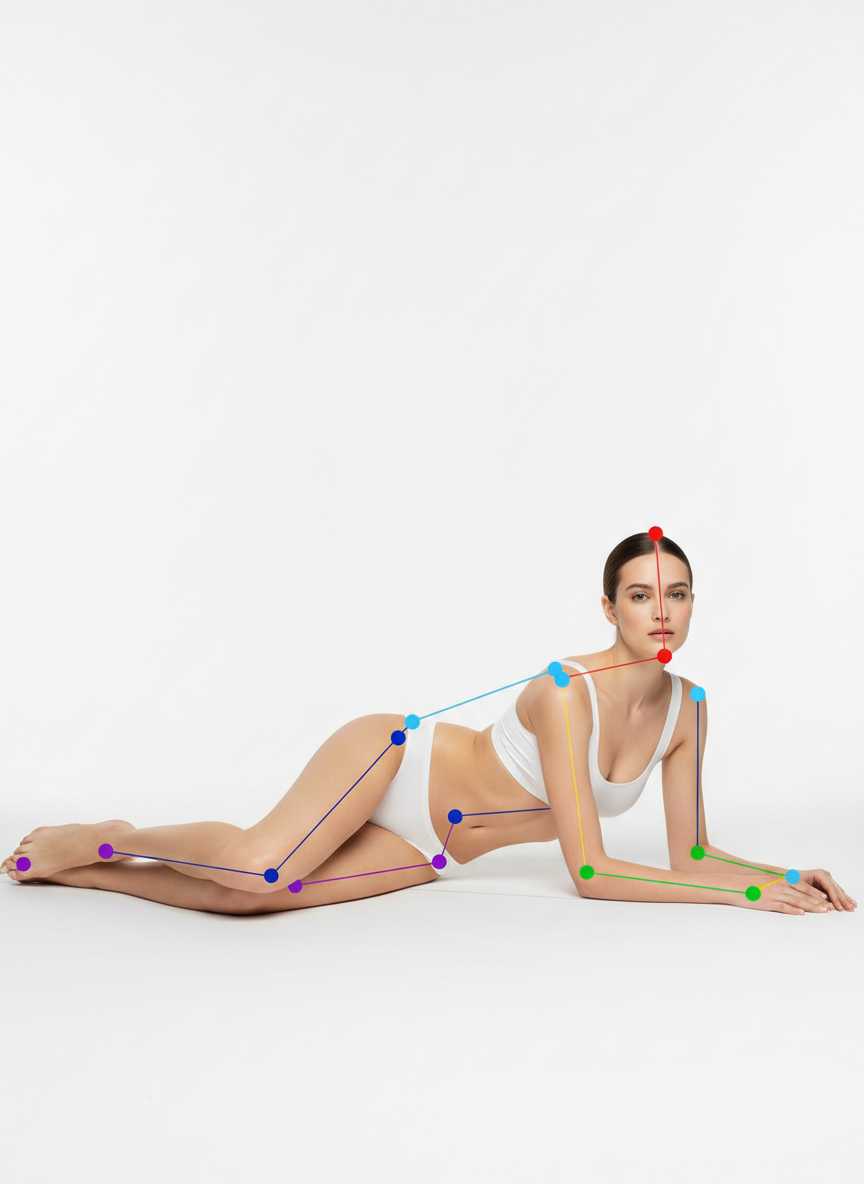
lying prone, upper body lifted on forearms, one knee slightly bent
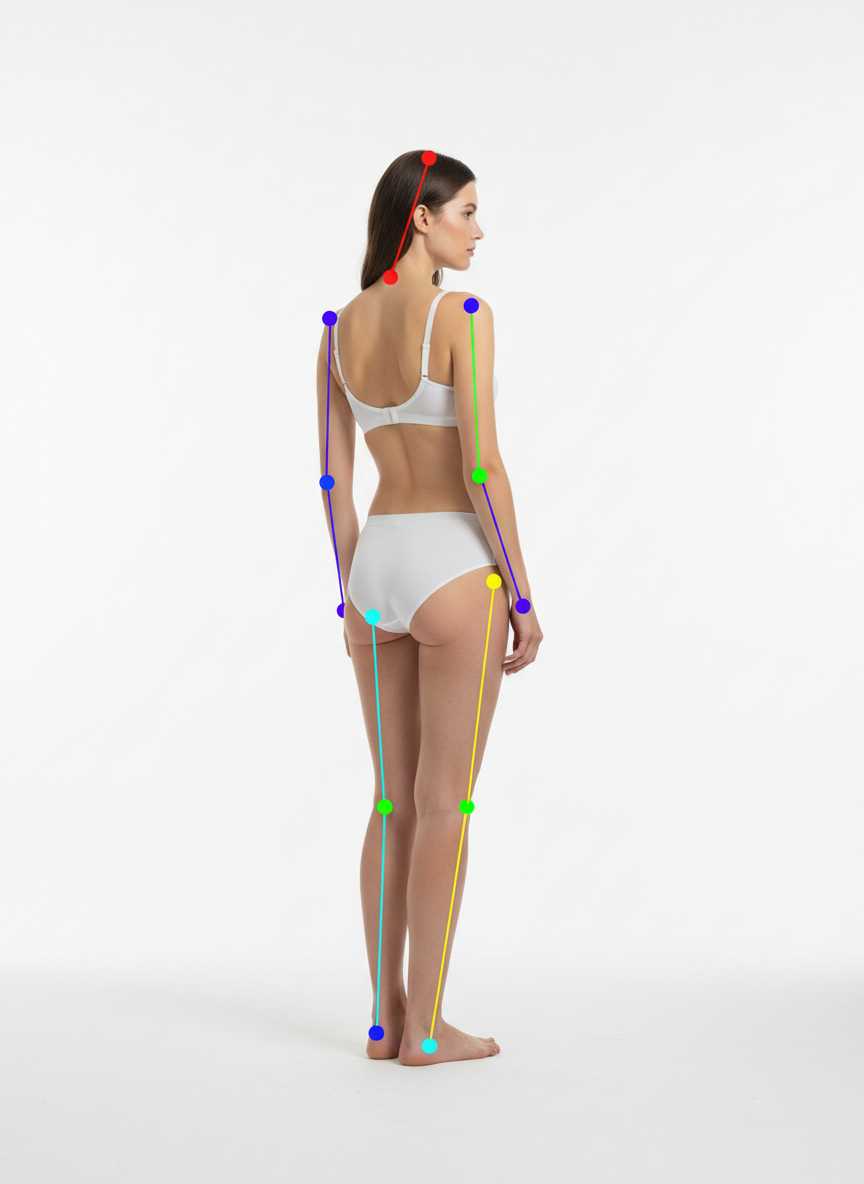
back turned with gentle three-quarter turn, weight on one hip, arms relaxed
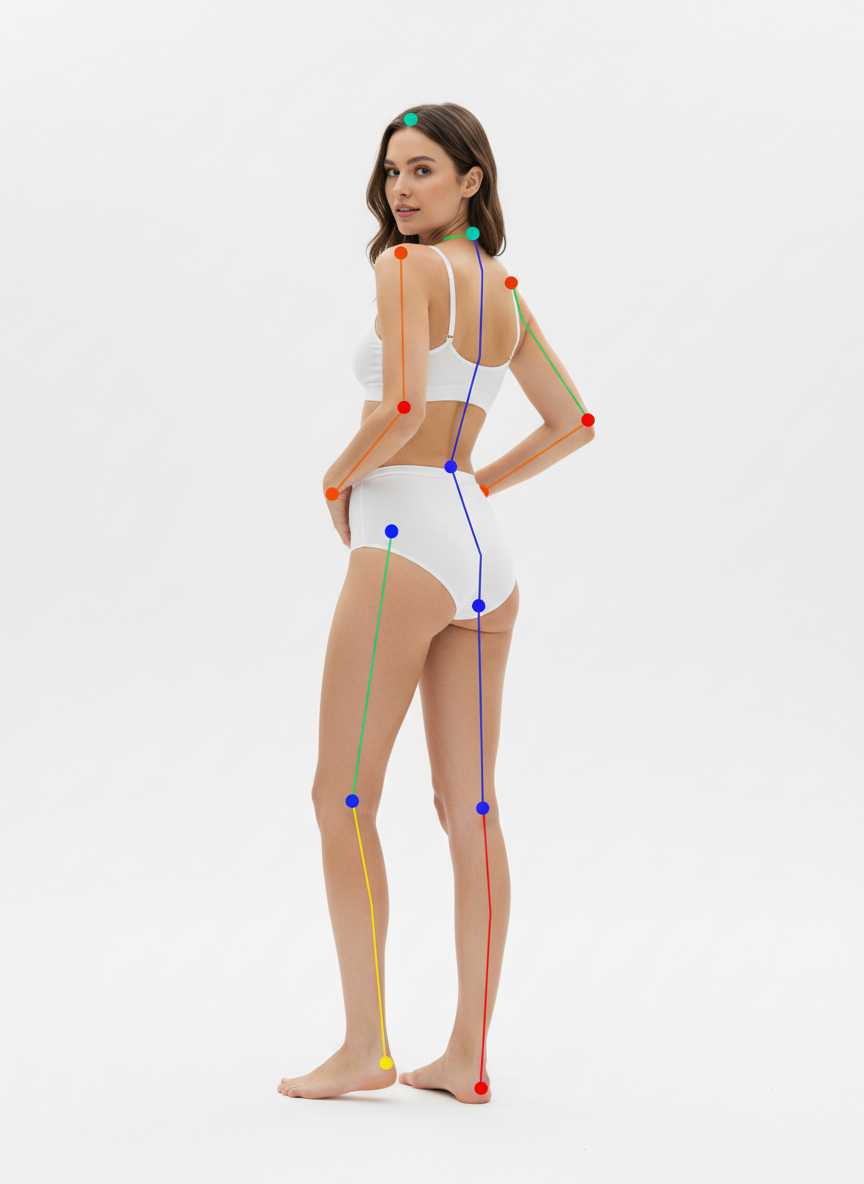
back to camera, slight S-curve, both hands on hips, head turned toward shoulder
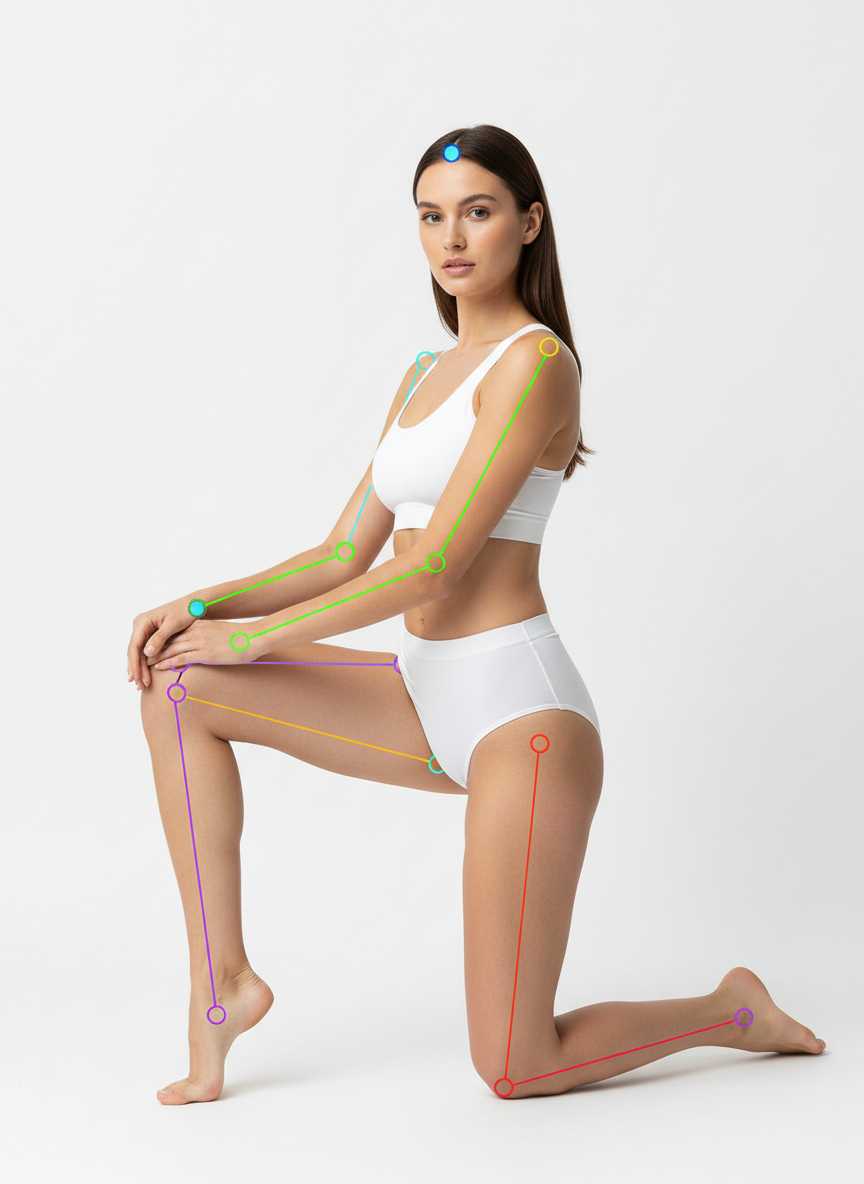
kneeling with one knee up, torso three-quarter to camera, hands on raised knee
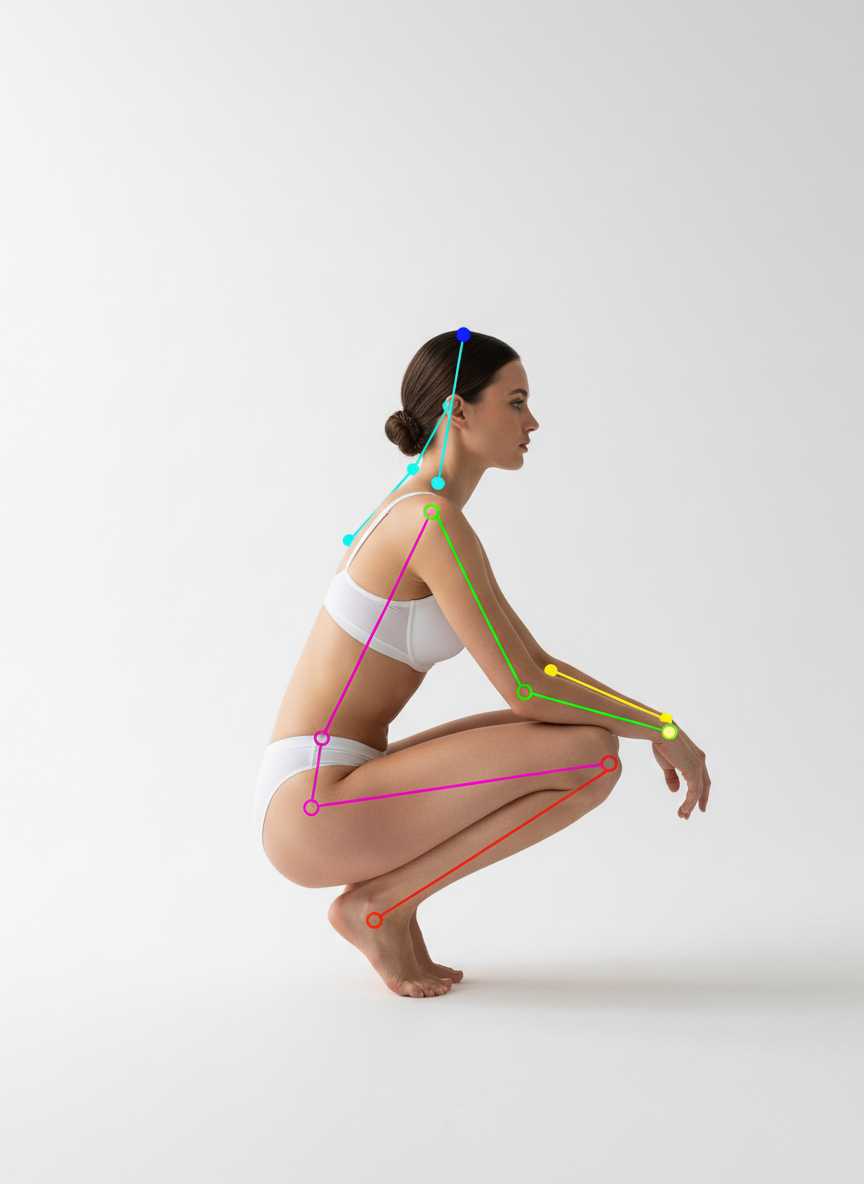
low crouch in side profile, one heel raised, elbows relaxed, balanced stance
Brands using the AI pose changer to fill a gallery.
A listing with one photo converts worse than one with five. We never had five until the other four stopped needing a shoot.
Front, back, and side from one frame is exactly what marketplace listings ask for and what we always ran out of time to shoot.
The garment stays the same across every pose. That was the thing I expected to break and it did not.
Compare 10+ AI fashion model generators side by side. Honest reviews, pricing breakdowns, output quality tests, and how to choose the right tool for your brand.
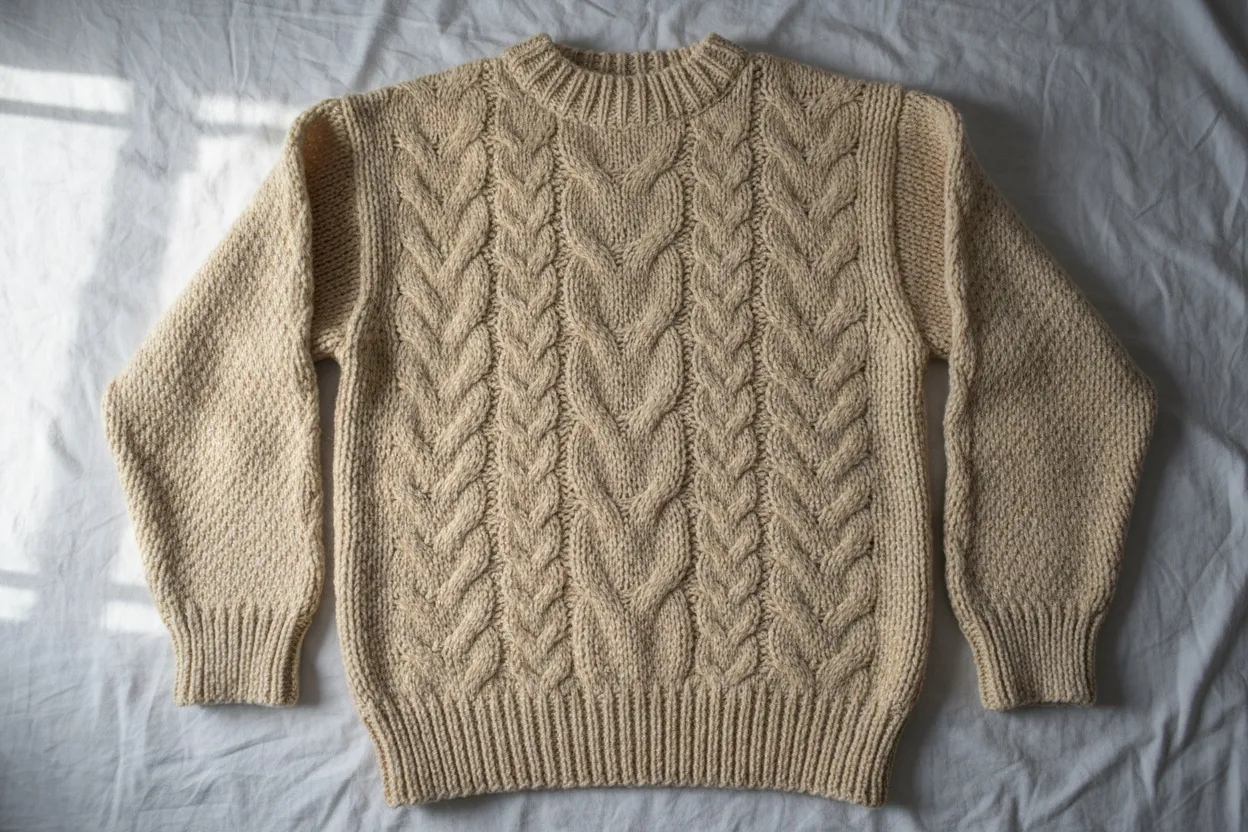
Transform flat lay product photos into professional on-model imagery with AI. Step-by-step guide covering flat lay photography tips and AI conversion tools.
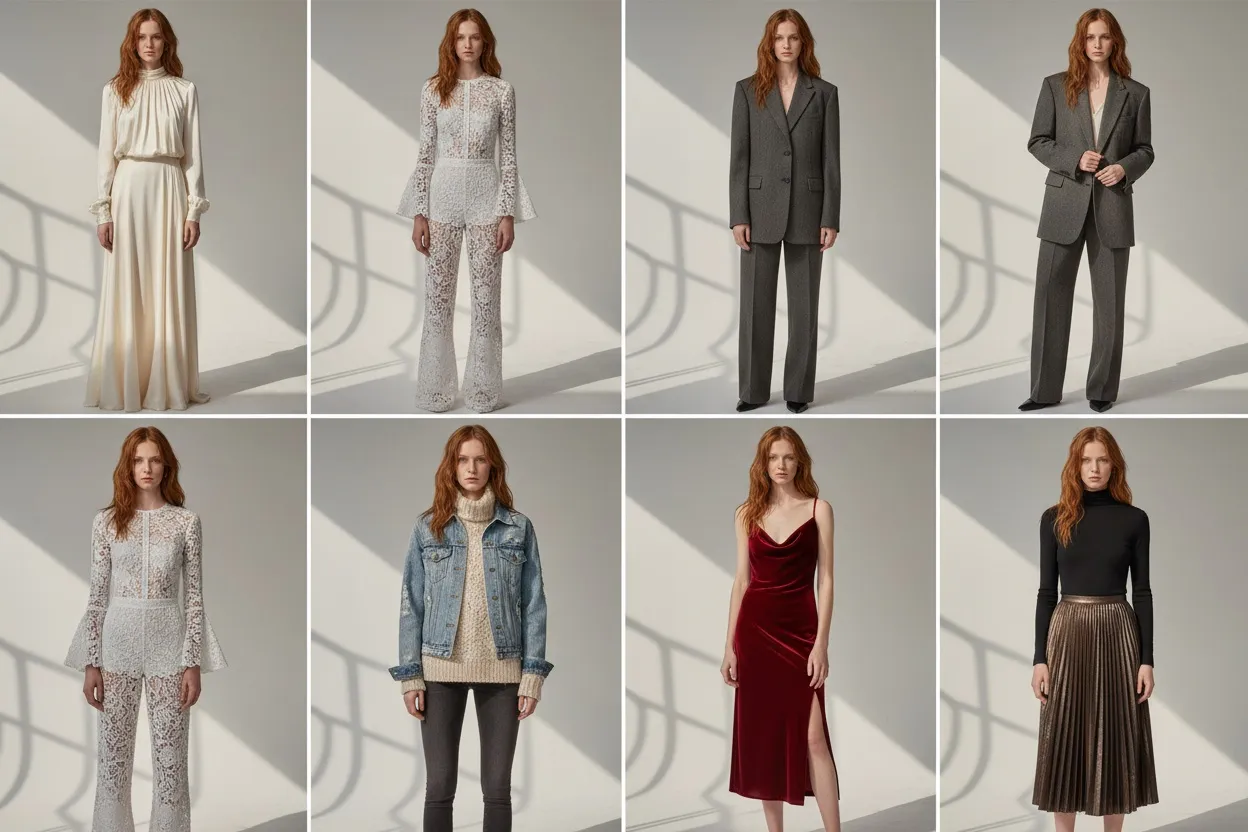
Step-by-step 2026 guide to creating photorealistic AI fashion models that stay consistent across your entire catalog — tools, prompts, and mistakes to avoid.
Every product photo you take captures one moment, one angle, one position. But shoppers want to see how that jacket looks from the side, how those trousers drape while walking, how a dress moves when someone turns. An AI pose changer lets you generate all of those variations from a single upload — no reshoots, no rebookings, no second day in the studio. Upload one photo, walk away with a dozen angles that cover every listing, ad, and social post you need.
Here is a stat worth sitting with: product pages with five or more images convert up to 60% better than pages with just one or two shots. Shoppers want to rotate the garment in their heads before they buy. They want front, back, three-quarter, close-up, and at least one lifestyle angle that shows the piece in motion. That is five to eight distinct poses per SKU. For a catalog of 200 products, you are looking at over 1,000 individual shots.
Traditional photography delivers roughly one pose per setup. Changing the model's position means adjusting lighting, re-pinning the garment, checking the monitor, and shooting another round. A full day in the studio might produce 30 to 50 final images if everything runs smoothly. An AI pose generator from photo takes a completely different approach — you upload a single well-shot image, and the system generates every variation you need in minutes. Same garment, same lighting consistency, same model identity, just different poses. The production math goes from "one studio day per 50 shots" to "one upload per unlimited variations."
The process is built around three steps, and none of them require photography experience.
Step 1: Upload your original photo. Start with a clean product shot — flat lay, mannequin, or on-model. Fashio AI's AI analyzes the garment's fabric, texture, fit, and drape to understand exactly how it should behave when the body moves. Higher-quality inputs produce better outputs, but even a decent smartphone photo works.
Step 2: Select your poses. Choose from a curated library of AI poses organized by use case: standard catalog (front, back, side), editorial (dynamic movement, asymmetric stances), lifestyle (walking, sitting, leaning), and social media (casual, trend-driven). You can also combine this step with our AI fashion model generator to place the garment on different models while changing the pose.
Step 3: Download all variations. Every output is high-resolution, commercially licensed, and formatted for immediate use. Need transparent backgrounds for your e-commerce platform? Combine with smart photo reframe to adjust aspect ratios and compositions for different channels.
The bread and butter of any e-commerce operation. Generate clean front-facing, back, three-quarter, and side-profile shots that meet marketplace standards. These are the angles your customers expect on a product detail page — no dramatic lighting, no unusual compositions, just clear views of fit, length, and construction from every relevant angle.
When you need something with energy. Walking shots, mid-stride captures, asymmetric stances, and movement-based poses that bring garments to life. These work for homepage hero banners, lookbook pages, and campaign visuals where static product shots feel flat. Pair editorial poses with our photo to video AI to take things further and create short motion clips from your best angles.
Instagram, TikTok, and Pinterest each have visual languages that differ from your product page. Social media poses feel less polished and more human — a casual lean against a wall, a mid-laugh moment, hands adjusting a collar. These sell the lifestyle around the garment, not just the garment itself. Generate platform-specific crops and compositions that stop the scroll.
| Factor | Traditional Reshooting | AI Pose Changer |
|---|---|---|
| Cost per pose | $50–$150 (studio time, model fees, retouching) | Under $1 per variation |
| Time per SKU | 20–45 minutes per setup change | Under 60 seconds for all poses |
| Visual consistency | Varies with lighting shifts and model fatigue | Identical lighting, color, and garment appearance |
| Variety | Limited by studio time and model endurance | Unlimited poses from one source image |
| Scalability | Linear — more shots means more hours | Upload once, generate as many as you need |
For brands producing seasonal collections of 100+ SKUs, the time and cost difference is not marginal — it is transformational. What used to require a week-long shoot becomes an afternoon workflow. Use our AI catalog creator alongside pose variation to build complete product galleries from minimal source material.
Yes. Fashio's AI maps the garment's texture, pattern, and construction before generating any variation. Logos, prints, stitching details, and fabric behavior (how silk drapes differently from denim, for example) are preserved across every pose. The system understands how fabrics physically respond to body movement, so a flowing skirt will look naturally different in a walking pose versus a standing one — but the garment itself remains faithful to the original.
Products are processed one at a time — there is no batch run. What carries over is the configuration: pick your pose set once and reuse it across the collection, which is how a 200-product catalog becomes a multi-thousand-image library without redefining each variation.
Outputs match the resolution you need for both web and print. Every generated pose maintains the detail level of your source image — fabric grain, texture, and color accuracy are preserved. The results are publish-ready for product pages, paid ads, print catalogs, and large-format displays.
That is where the real leverage sits. Start with a flat lay, use product-to-model to place it on a generated body, apply pose variations for your full angle set, then run virtual try-on to let customers see it on themselves. Each tool feeds into the next, turning one product photo into an entire visual ecosystem.
Full commercial rights, no restrictions. Every image generated through Fashio is yours to use across any channel — e-commerce, social, print, advertising, wholesale — with no expiration dates and no additional licensing fees.
Ready to multiply your product shots? Try Fashio AI Free →