
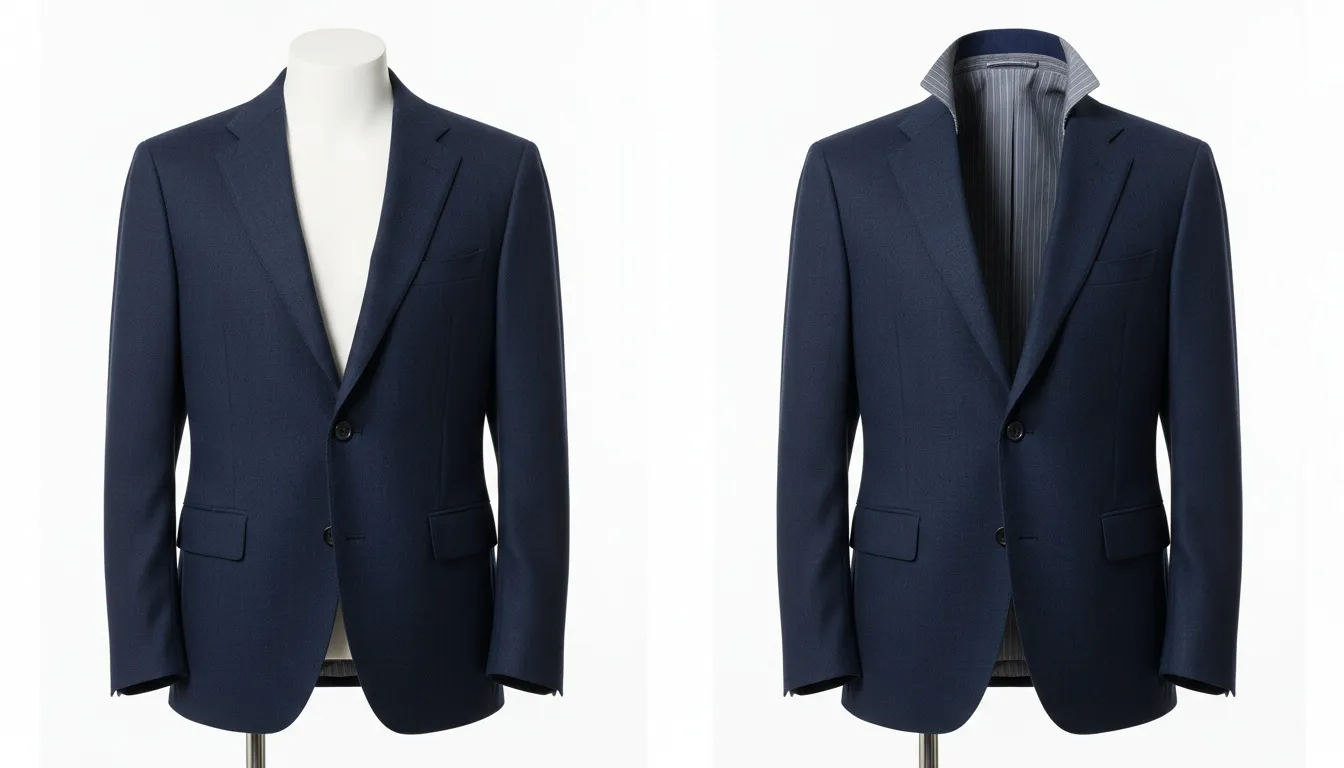
Ghost Mannequin vs Invisible Mannequin: What's the Difference? (Explained)
Same effect, different names? Understand ghost mannequin vs invisible mannequin terminology, technique differences, and when to use each in 2026.

Run a complete catalog photoshoot from a single garment photo. Pick one of 55 ready-made sets — a fi...
3D-to-2D conversion in one run. Remove the mannequin, keep the shape, and show the inside label automatically.
Real results, no masking by hand. Collars, plackets, and lining all hold their shape.
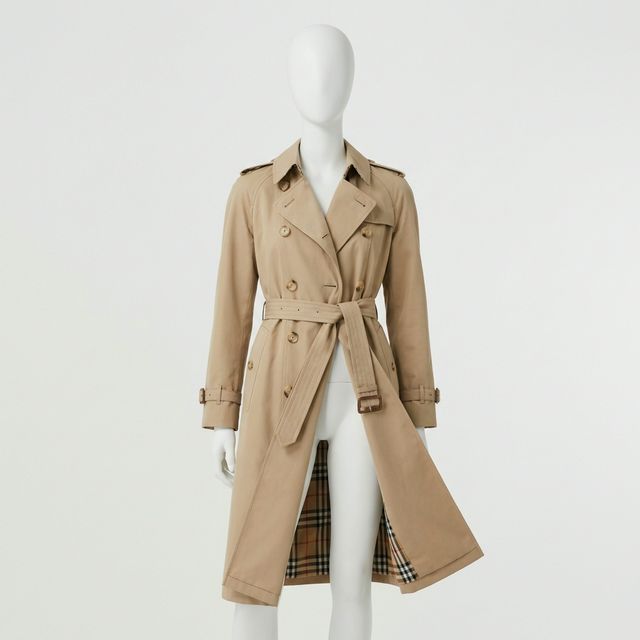 Your photo
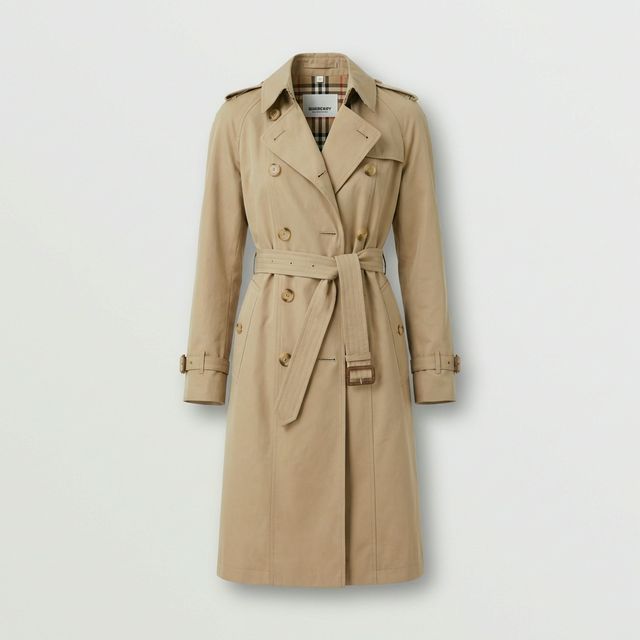 Fashio AI
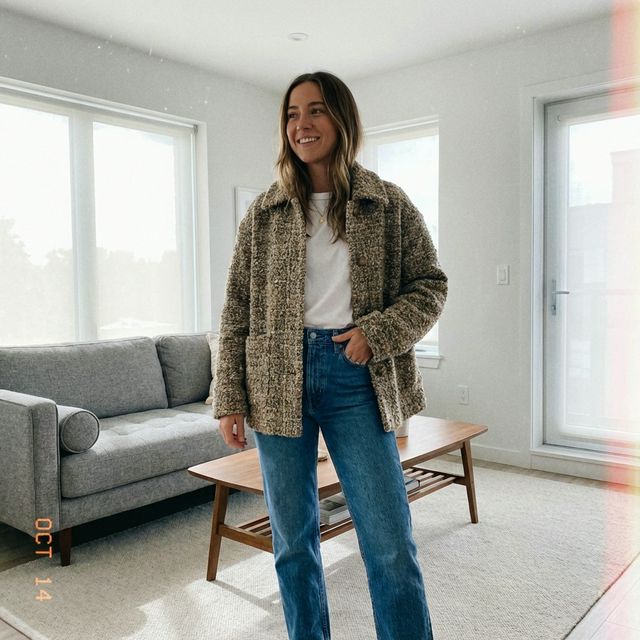 Your photo
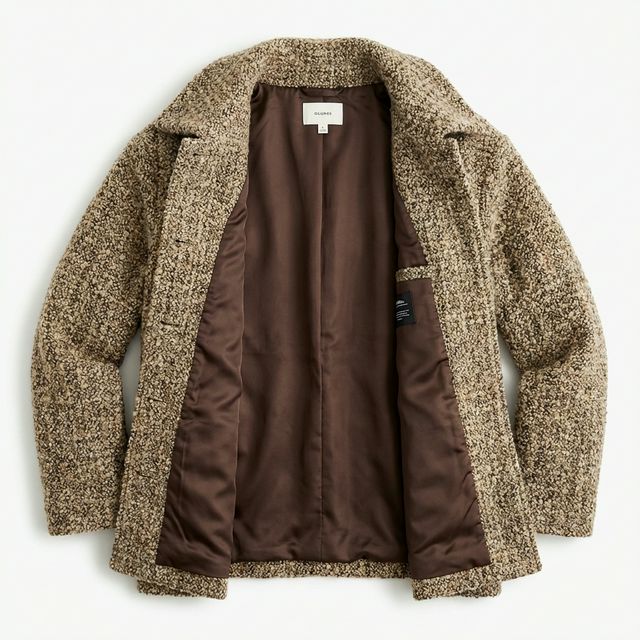 Fashio AI

Mannequin removed, neck label reconstructed, and shape preserved.


Amateur model shot transformed into professional e-commerce flat lay.
You don't need expensive models or studio setups. Take simple photos with your phone, and our AI will extract the garment, reconstruct the invisible mannequin, and create retail-ready flat lays in one run.
Neck label and inner lining reconstructed from a single shot.
Per image — no clipping paths or Photoshop retouching.
AI automatically centers and aligns crooked garments.
Stop paying $10 per photo for "Neck Joint" services.
Automatically reconstructs the inside neck label and collar area without needing a second photo.
Keeps the natural 3D shape and drape of the clothing, unlike flat ironing.
Detects and erases hands, legs, and neck stands.
Automatically fixes crooked styling and aligns shoulders and hems.
Adds realistic interior depth shadows for a premium 3D look.
Smooths out minor creases while keeping fabric texture intact.
Keeps every product in your catalog centered and sized consistently.
Download as PNG with transparency to place on any website background.
Create a consistent, high-end look across all your product listings whether you shoot on mannequins, reliable models, or hangers.
The standard for high-end fashion retail (Net-a-Porter, Farfetch style) to focus purely on the garment.
Eliminate distractions from different mannequin types or skin tones across your store.
Create clean, floating product layouts for editorial and print marketing.
Present a professional, uniform collection to buyers without the cost of models.
Brands getting the invisible-mannequin look without the retoucher.
The ghost mannequin edit was the slowest line item on every invoice. It is now the fastest step.
Inside-collar composites used to come back wrong and cost us a revision round. Now we just rerun it.
We shoot on a real mannequin and let the software remove it. Same workflow, none of the masking.
The garment holds a human shape with a hollow neck opening — no mannequin, no body.
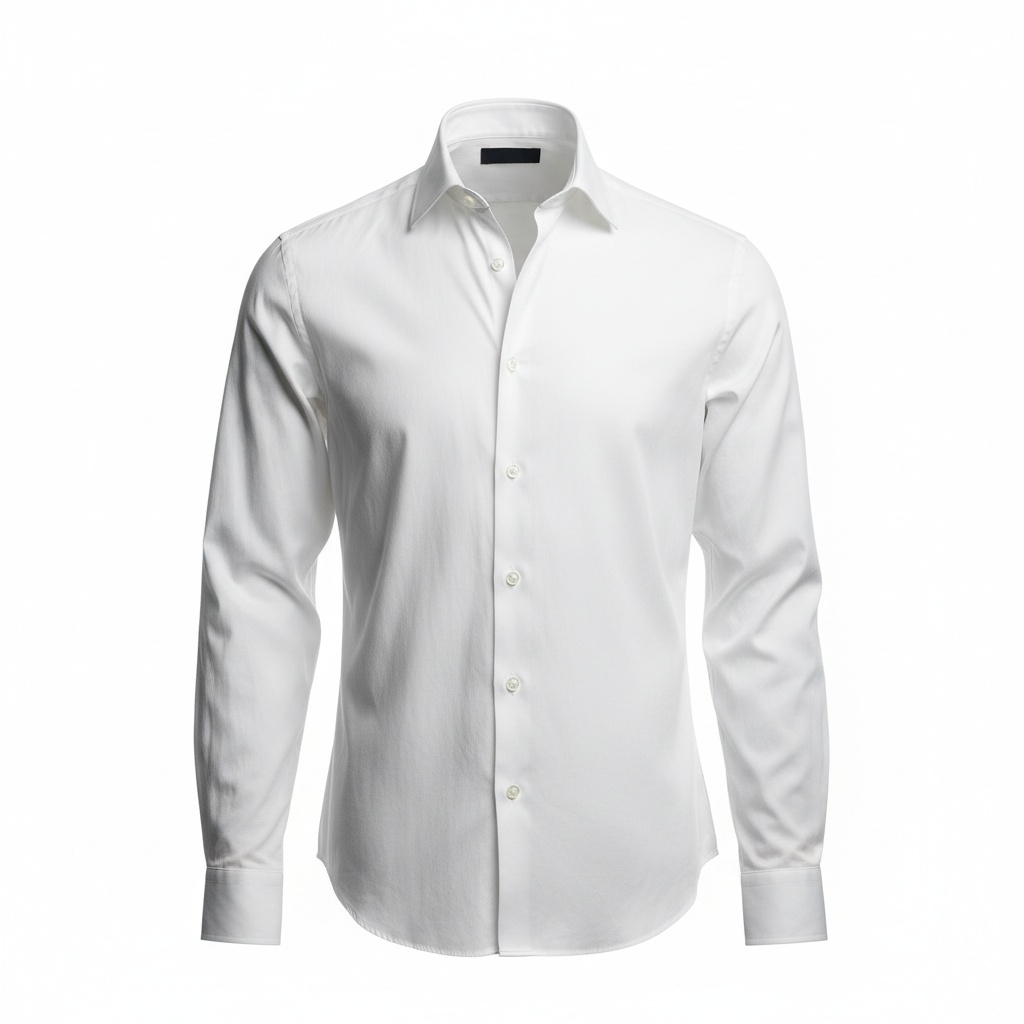 Shirt
Shirt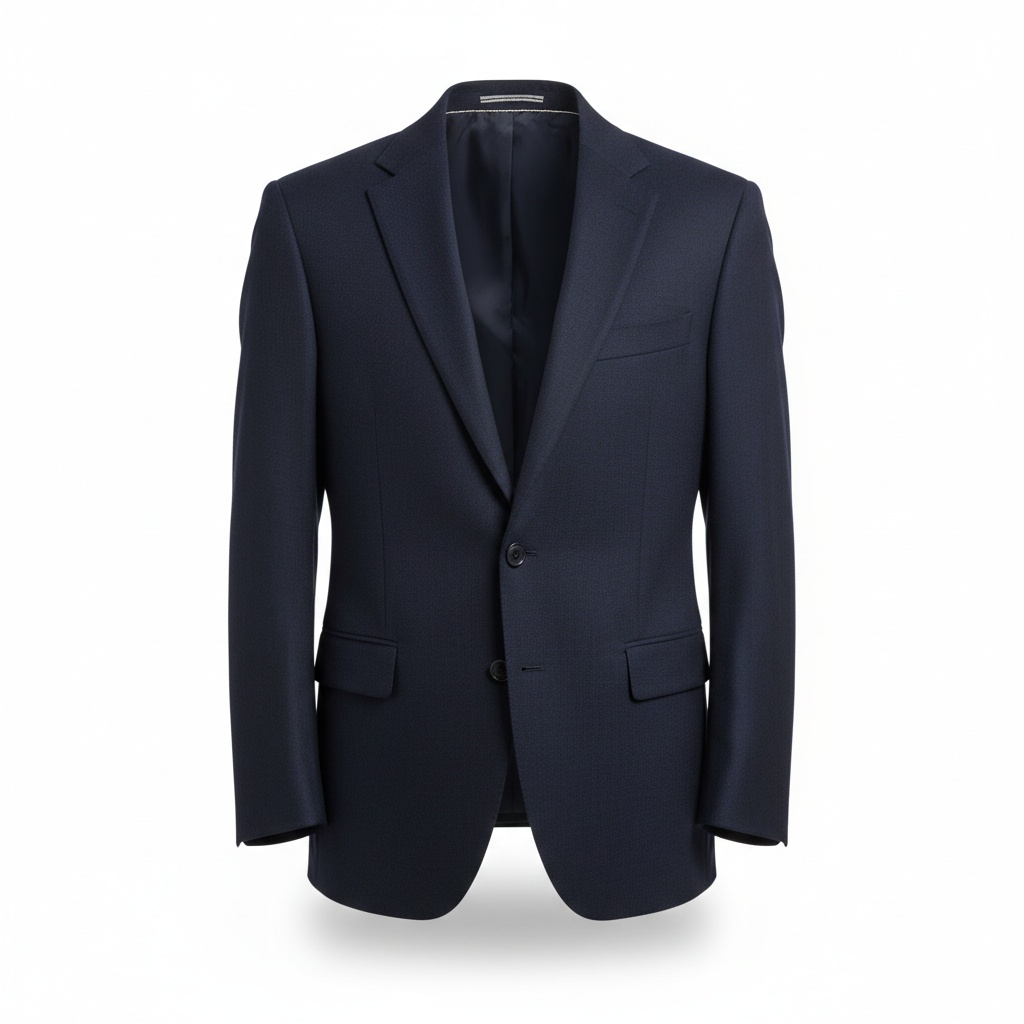 Blazer
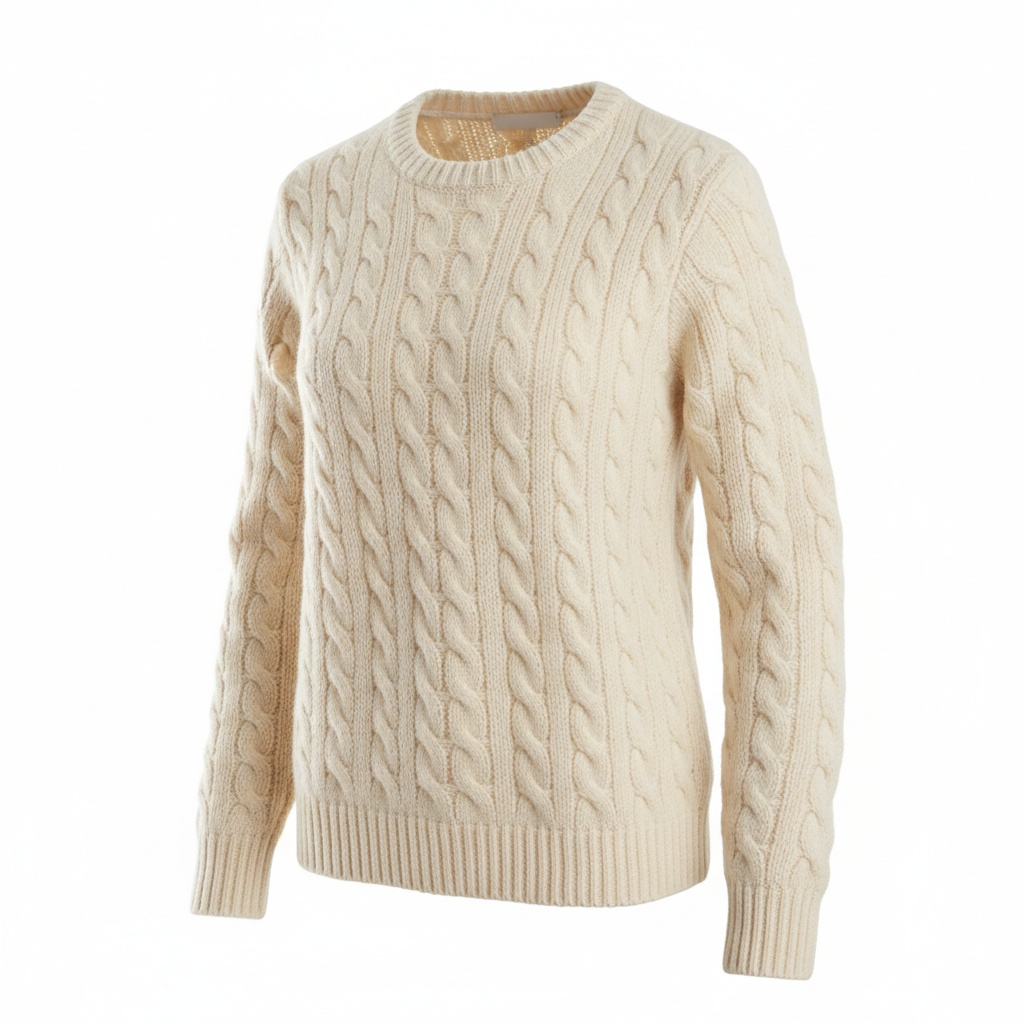 Knitwear
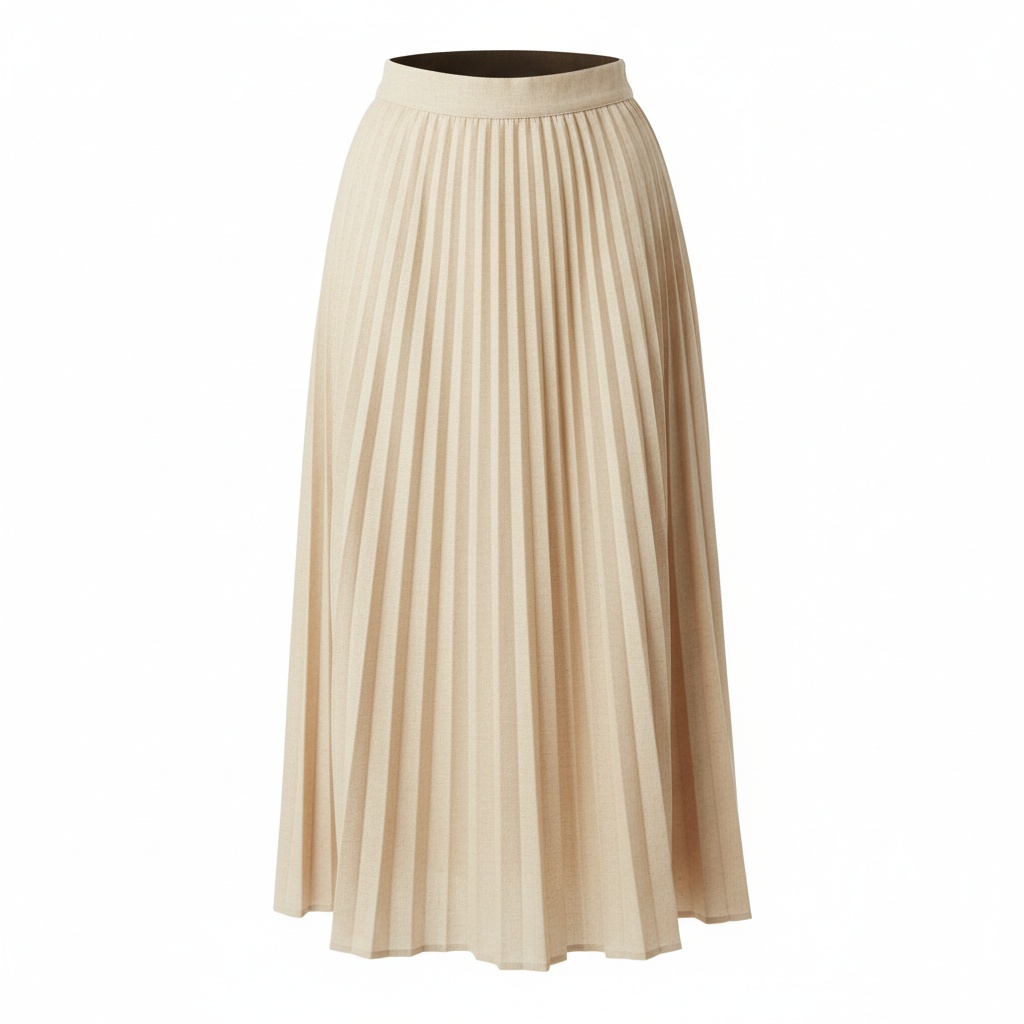 Skirt
SkirtUse Fashio AI to put your garments on models, without a photoshoot.
All fashion AI tools
Same effect, different names? Understand ghost mannequin vs invisible mannequin terminology, technique differences, and when to use each in 2026.
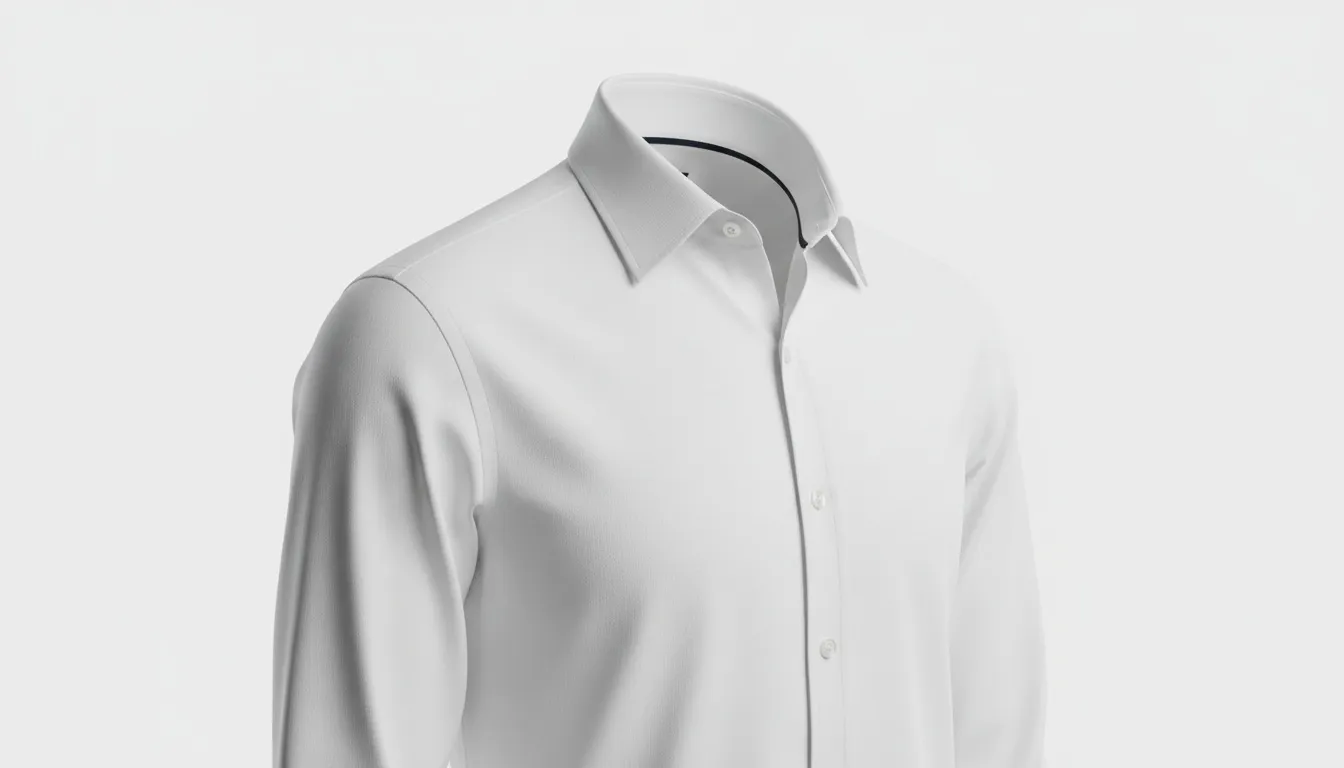
How 3D ghost mannequin photography works in 2026 — workflow, software, costs, and how AI compares to traditional methods. Complete guide for ecommerce brands.
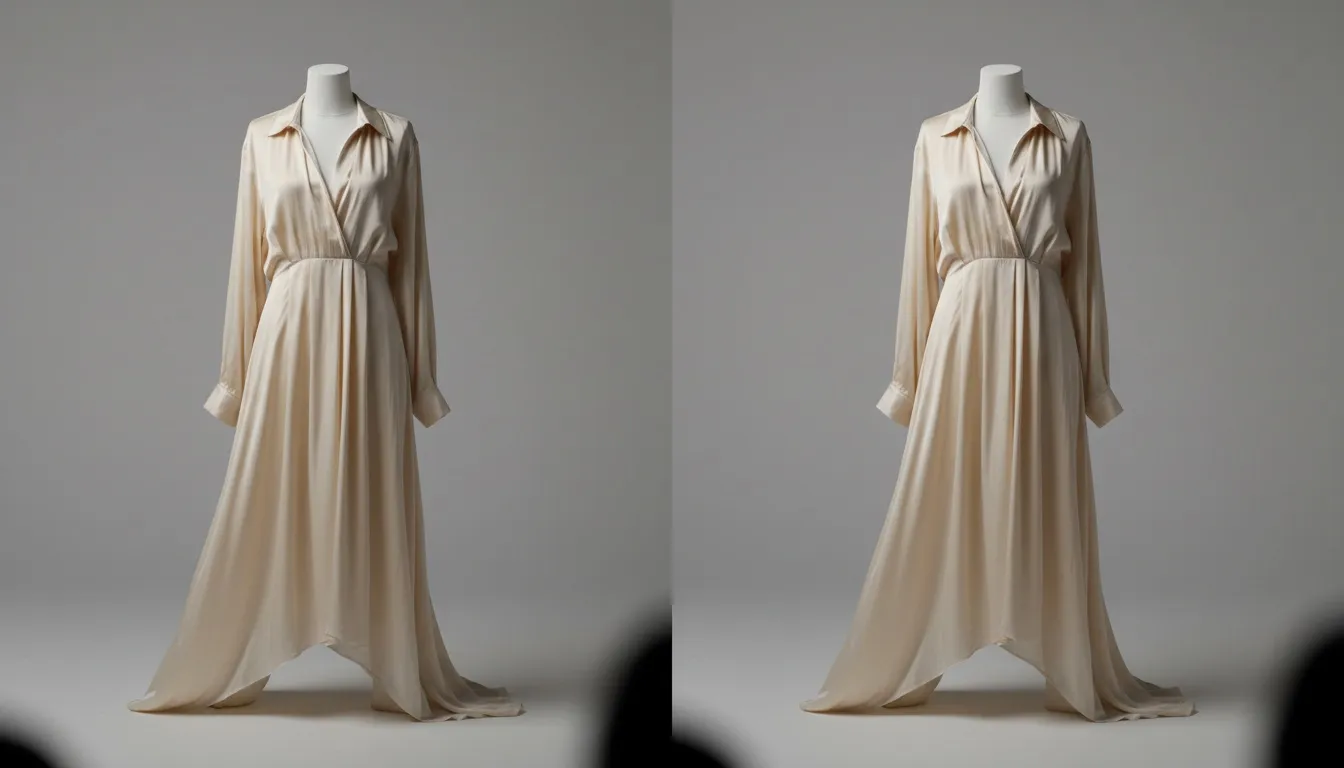
Step-by-step Photoshop tutorial for ghost mannequin photography, plus a side-by-side comparison with the modern AI workflow. Times, costs, quality compared.
Turn mannequin photos into professional ghost mannequin product shots. Remove the mannequin, see the inside label, and standardize your catalog with AI. Whether you run a Shopify store with 50 SKUs or manage a wholesale catalog with thousands of garments, Fashio AI's ghost mannequin app eliminates the most tedious step in apparel post-production — so you can list products faster and sell more.
Your photoFashio AIGhost mannequin photography is a post-production technique used across fashion e-commerce to create the illusion that a garment is being worn by an invisible person. The process starts by photographing each item on a mannequin or dress form, which gives the fabric its natural shape and drape. In a second step — traditionally done by hand in Photoshop — the mannequin is carefully removed from the image. The result is a hollow, three-dimensional product shot that shows the neckline, inside label, and interior construction without any visible support.
This "invisible mannequin" look has become the industry standard for online fashion retailers, from Amazon and ASOS to independent Shopify stores. Unlike flat-lay photography, which presses garments flat against a surface, ghost mannequin photography preserves the volume and silhouette customers expect to see. 3D-style product images give shoppers a more accurate sense of fit than a garment pressed flat. If you sell clothing online, mastering ghost mannequin photography is no longer optional — it is a baseline requirement for competitive product listings.
Creating invisible mannequin photos with Fashio AI takes three simple steps — no Photoshop skills required.
Upload Your Mannequin Photo.
Drag and drop a mannequin shot into the Fashio AI dashboard. The tool accepts JPEG and PNG files.
AI Removes the Mannequin While Preserving Garment Shape.
The AI detects the mannequin's neck, arms, and torso and erases them pixel by pixel. At the same time, it reconstructs the inside collar, neckline, and label area — even if you only shot one angle. The garment's natural drape, shadows, and fabric texture stay intact.
Download Your Clean Ghost Mannequin Image.
You receive a polished product photo on a transparent or white background, ready for your website, marketplace listing, or print catalog. Need additional retouching? Pair the result with AI background removal or AI upscaling for a cleaner final file.
 Campaign
Traditional ghost mannequin editing is one of the most labor-intensive tasks in fashion photography post-production. A skilled retoucher typically spends 15 to 30 minutes per image — selecting the mannequin, masking edges, cloning missing collar areas, painting realistic interior shadows, and aligning everything so the garment looks natural. For a seasonal catalog of 500 SKUs, that adds up to over 125 hours of editing time and significant outsourcing costs.
Consistency is another challenge. When multiple editors work on the same catalog, subtle differences in shadow direction, edge hardness, and color grading create a patchwork look that undermines brand trust. Customers notice when some product images look sharp and others look hastily edited, and inconsistency erodes the premium feel of your store.
Fashio AI's ghost mannequin app solves both problems at once. Every image runs through the same pipeline, so shadow depth, edge treatment, and centering stay consistent across your entire collection. There is no batch mode — each image is one 3-credit generation — but no masking, cloning or shadow painting either. The result is a catalog that looks like it was retouched by one senior editor — at a fraction of the time and cost. Combined with our AI catalog creator, you can go from raw mannequin shots to a publish-ready product grid without a retoucher.
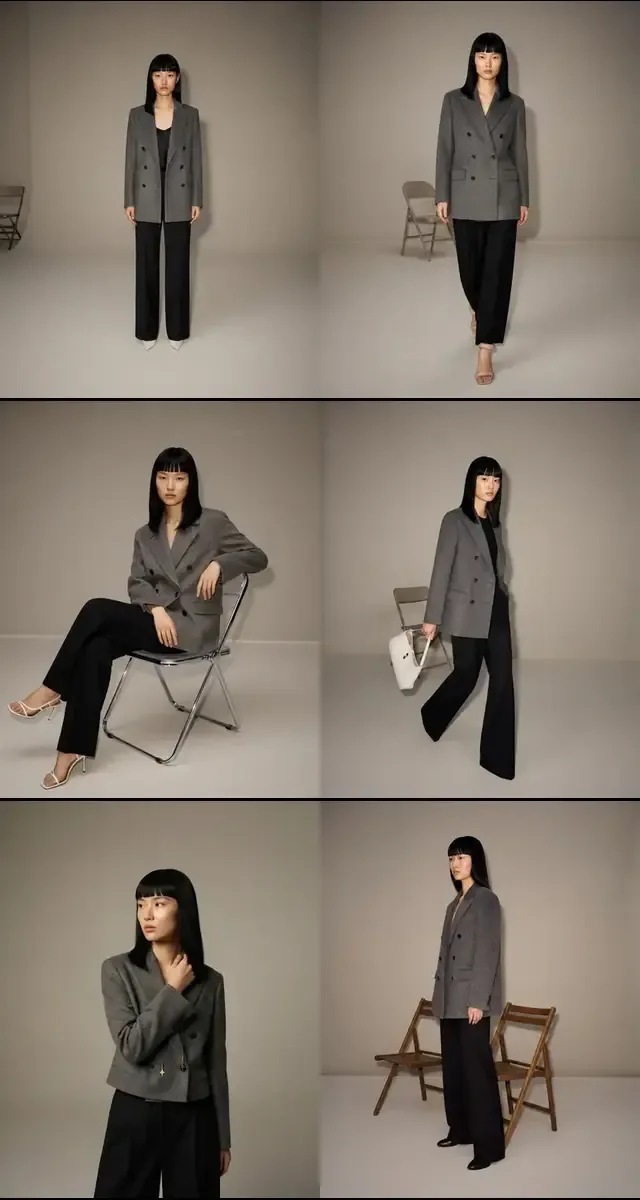 Lookbook
Amazon, Shopify, eBay, and most major marketplaces either require or strongly recommend product images on a clean white background with no mannequin visible. Ghost mannequin photography meets these standards while showing the garment's true shape. Using AI to generate these images means you can launch new collections faster and keep listings compliant without a dedicated retouching team.
A consistent visual language is what separates premium brands from amateur sellers. When every product in your online store shares the same lighting, shadow style, and centering, shoppers browse longer and add more items to their carts. Fashio AI standardizes your entire catalog automatically, and you can further polish each shot with AI photo enhancement for a high-end editorial feel.
Buyers reviewing line sheets and wholesale portals decide quickly. Clean ghost mannequin images on professional product sheets communicate quality and attention to detail. Pair ghost mannequin output with product to model AI when you need lifestyle shots for the same garment — covering both technical and marketing needs from a single source photo.
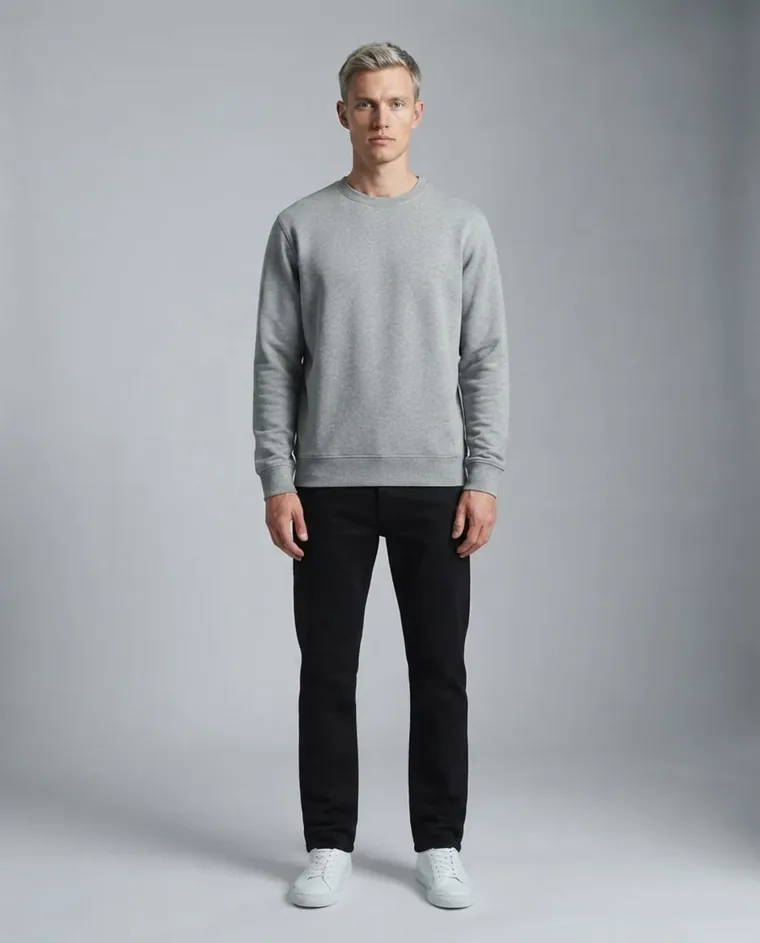 Menswear
Choose the right mannequin size.
The mannequin should match the garment's tagged size as closely as possible. An oversized mannequin stretches seams and distorts the silhouette, while an undersized one creates bunching that even AI cannot fully correct.
Use even, diffused lighting.
Harsh directional light creates deep shadows in folds that make mannequin removal harder and produce less natural results. A two-softbox setup at 45 degrees on each side of the garment gives the flattest, most edit-friendly exposure.
Pin and clip from the back.
Use bulldog clips and pins on the back of the garment to create a smooth front profile. Keep all clips hidden behind the mannequin so the AI has a clean front surface to work with.
Shoot at chest height on a tripod.
A consistent camera angle across every product ensures uniform perspective in your final catalog. Chest-height framing minimizes lens distortion on collars and hems, giving the AI the best input for accurate mannequin removal.
 Street
The tool handles t-shirts, dress shirts, blouses, jackets, blazers, coats, dresses, hoodies, and knitwear. It also supports bottoms like trousers and skirts when shot on a lower-body mannequin form. Structured garments with collars and lapels produce especially impressive results.
Yes. Unlike traditional ghost mannequin editing that requires a separate interior shot, Fashio AI reconstructs the inside collar and label area from a single front-facing image. It generates realistic neck-joint details automatically.
No. There is no batch or bulk mode — each image is one generation at 4 credits. Running every SKU through the same tool keeps the treatment consistent across a large catalog.
Output is a standard web-resolution PNG or JPEG, sized for product listings and marketplaces. For larger prints, run the result through our AI upscaling tool, which doubles the resolution.
A ghost mannequin image costs 4 credits. Plans start at $14 a month (Starter, 50 credits); Plus is $29.99 (160 credits) and Pro $49.99 (500 credits). That is about $1.12 per ghost mannequin image on Starter. There is no free plan; you can upload a photo and set up the shot without an account, and generating needs a membership from $14 a month. Credit top-up packs are for active plans and never expire.
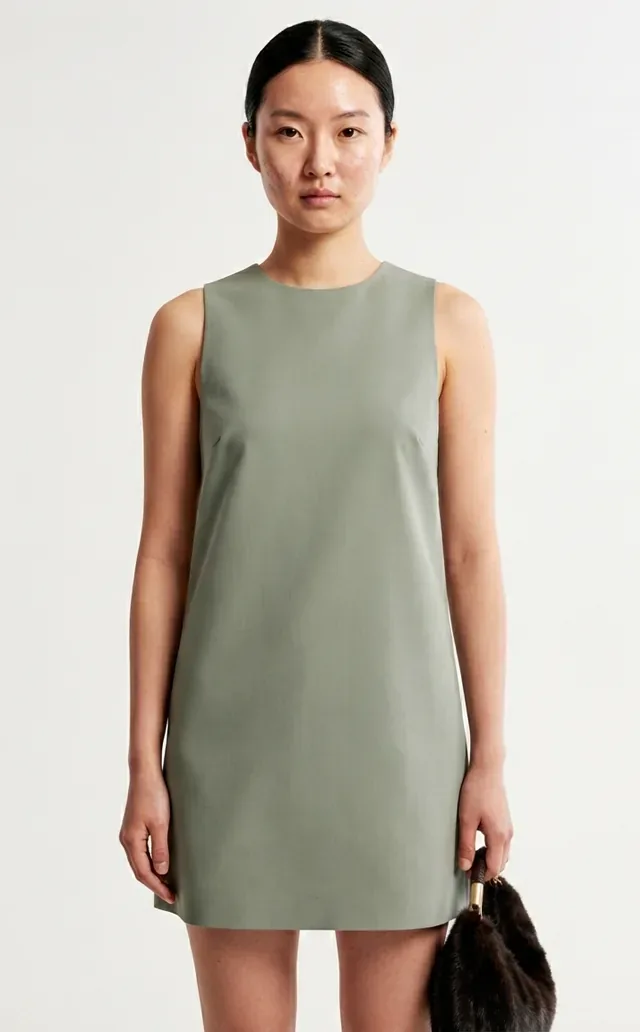 Studio
Ready to upgrade your product photography? Start with Fashio AI →