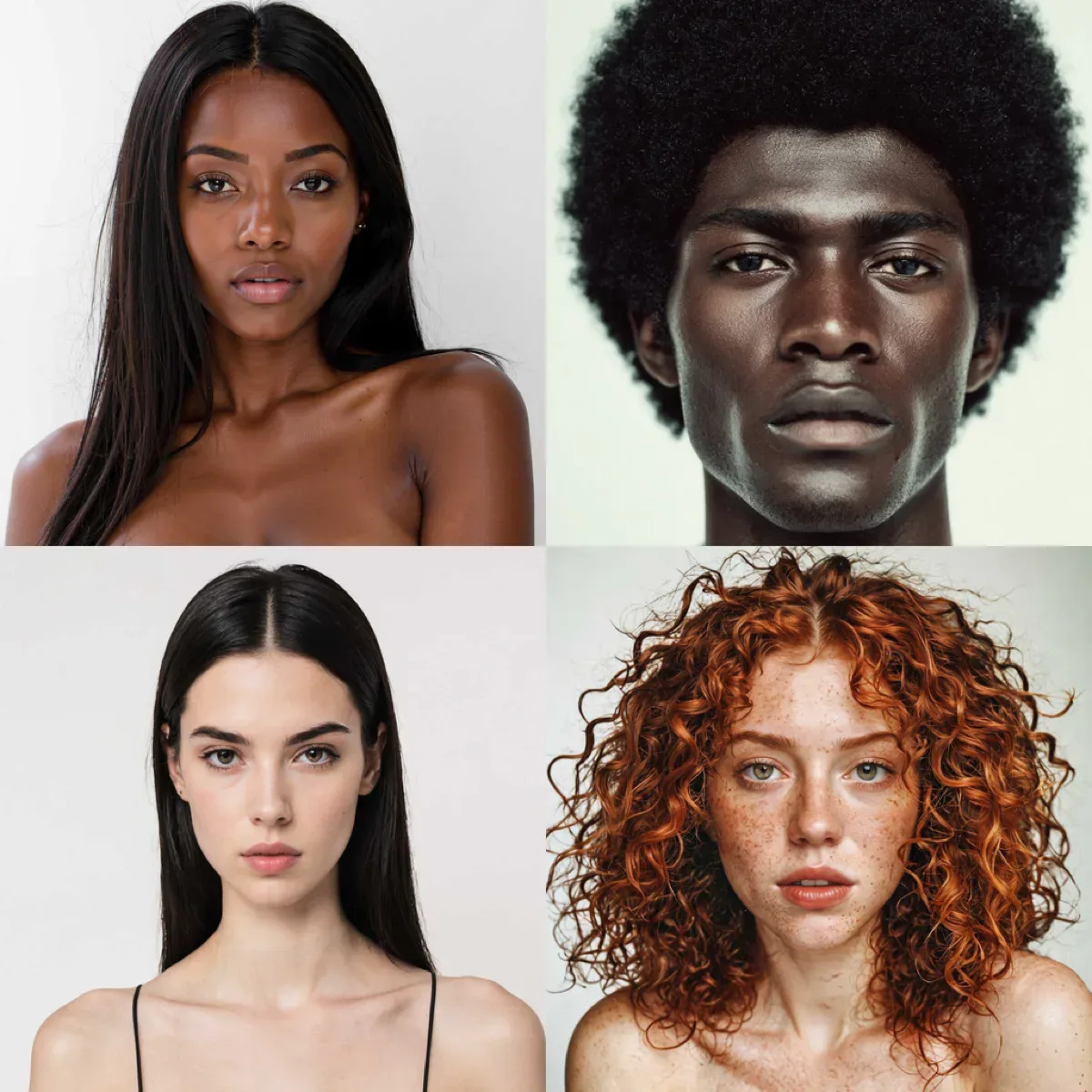
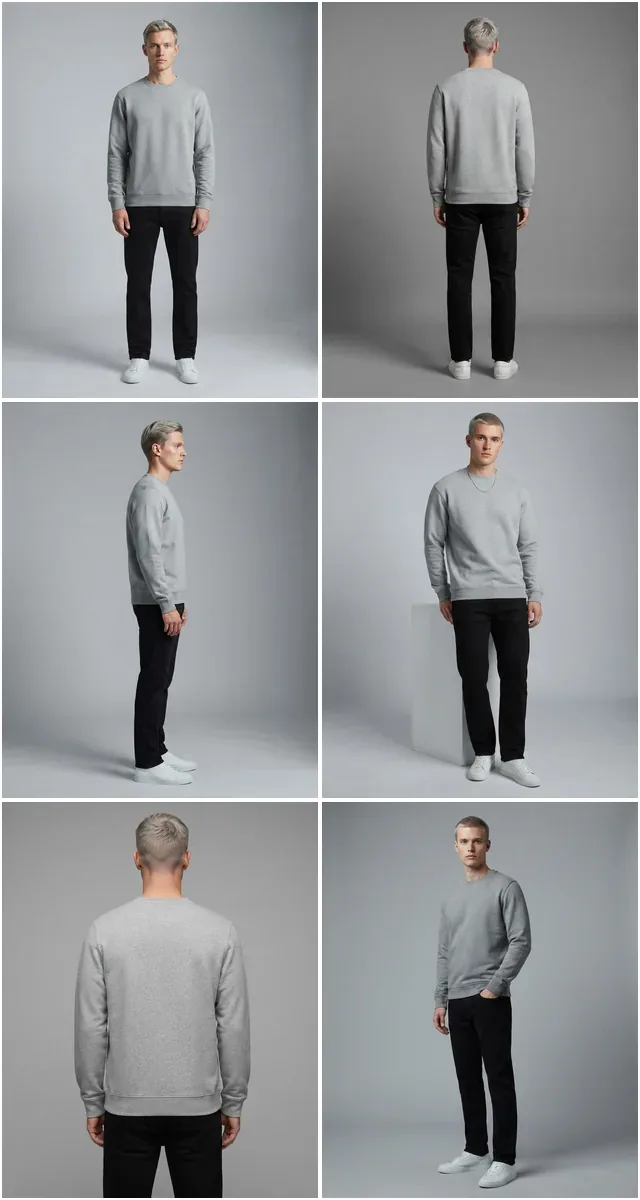
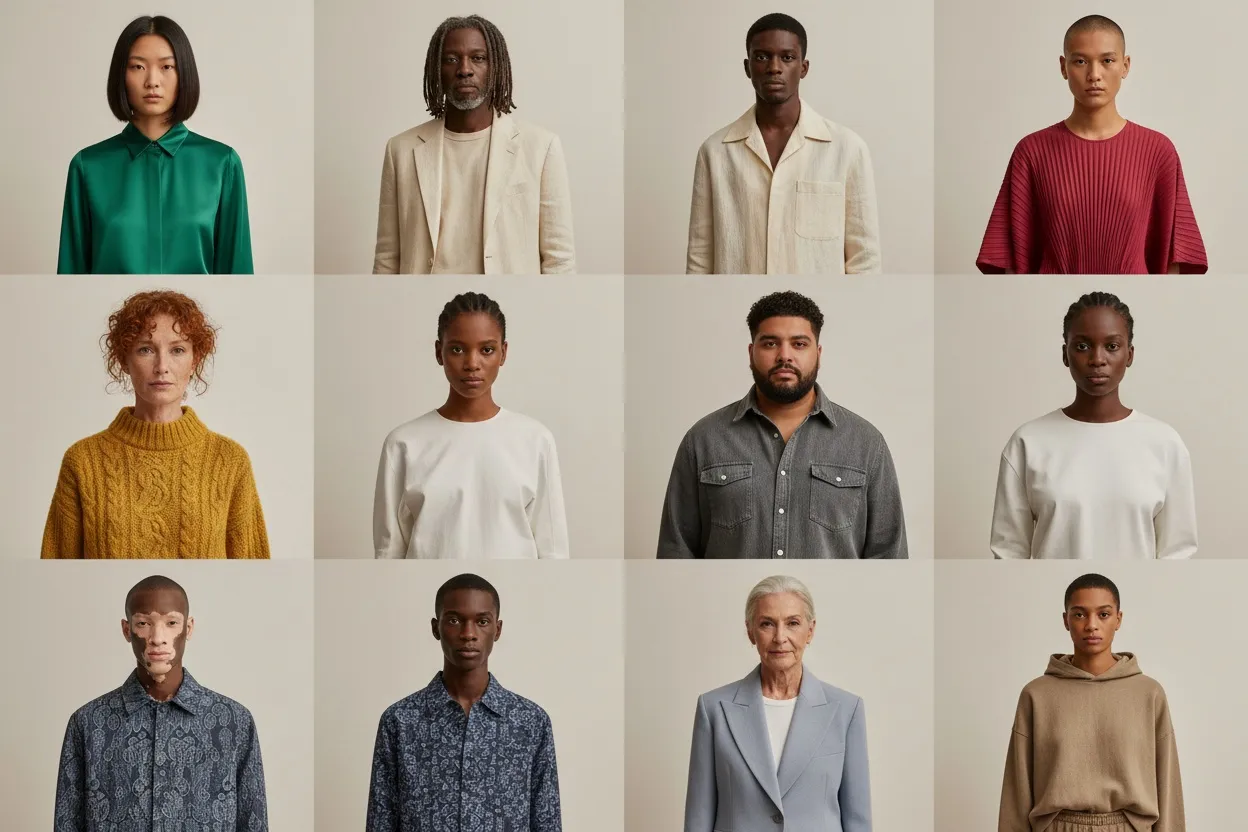
Nine AI fashion model generators that put your own garment on a model, compared on what each vendor publishes: which products they put on a model, commercial-use terms, API and what one membership covers. Fashio AI, which we make, covers every garment type with dedicated lingerie and jewellery pipelines, 101 pre-built models and 87 pose presets, plus ghost mannequin, pose variation, photo-to-video and UGC video in the same membership. Every plan includes full commercial rights, a REST API, an MCP server and the Shopify app; failed generations return their credits automatically, and top-up packs never expire. Every figure below comes from the vendor's own pricing, help, API or terms pages, and each one carries a source ID that points to the list at the end.
Who wrote this: Fashio AI, one of the nine tools. We do not score or rank anyone. The page lists published facts, and where a vendor does not publish something we say so.
Last checked 13 October 2026. Prices are in USD as published and exclude tax. Fashio AI is listed first; the others follow alphabetically.
AI fashion model generators compared: garment coverage, commercial rights, API
✓ = yes, ✗ = no, ◐ = partly or with a condition, ? = the vendor does not publish it. “Not published” is not a negative finding; it only means we could not find it on the vendor's own pages.
| Tool | Your garment on a model | Commercial use | API | Entry price |
|---|---|---|---|---|
| Fashio AI | ✓ All garment types, plus lingerie and jewellery pipelines [S6] [S8] | ✓ Every output, every plan [S6] | ✓ REST API and MCP server on every plan [S6] [S7] | Starter $14/mo, 50 credits; a fashion image is 4 credits [S6] |
| Botika | ✓ Clothing only; no jewellery, footwear or accessories [S2] | ◐ FAQ: free for commercial use [S2]; terms: licence limited to your own fashion business [S3] | ? Not listed on the pricing or FAQ pages [S1] | Pro $55/mo, 50 credits (1 photo = 1 credit) [S1] |
| Claid.ai | ✓ Tops, dresses, outerwear, bottoms, combined outfits [S5] | ◐ Pricing FAQ says outputs are not subject to Claid copyright; no explicit commercial-licence sentence found [S4] | ✓ API key on Pro; separate API plans [S4] | Essentials $15/mo, or $9/mo billed yearly [S4] |
| FASHN AI | ✓ Clothing, shoes, hats, jewellery, bags [S12] | ◐ Personal or commercial use “in accordance with your subscription plan” [S11] | ✓ On-demand and commitment tiers [S10] | Basic $19/mo or $190/yr [S9] |
| Modelia | ✓ Flat lay, mannequin or model photo to on-model [S15] | ◐ Paid downloads yes; watermarked free images not for commercial use [S14] | ✓ From Creator, on the same credits [S13] | Creator $30/mo, 150 credits (a standard image is 3) [S13] |
| RawShot | ✓ Apparel incl. lingerie and swimwear, plus jewellery, footwear, bags, eyewear [S18] | ✓ All plans [S17] | ? Not listed [S17] | Starter $9/mo, 80 tokens (about 16 images) [S17] |
| Uwear | ✓ Flat lay and ghost mannequin to on-model [S22] | ✓ “any legal commercial purpose” [S21] | ✓ Public API and MCP [S20] | No subscription: $0.10 a credit, from 3 credits a photo, $17 minimum [S19] |
| vModel | ◐ Only upper body, lower body and dresses [S25] | ? Not listed; terms cover input ownership only [S26] | ✓ API-first marketplace [S23] | No subscription: prepaid credits from $10; try-on $0.12 a use [S24] [S25] |
| WearView | ✓ On-model and try-on on all plans [S27] | ✓ All plans, perpetual, survives cancellation [S27] | ◐ On request [S27] | Lite $29/mo, or $24/mo billed yearly [S27] |
Two of the nine are not studio apps in the usual sense. Uwear sells credits that work across its studio, API and MCP app, with no plan to choose [S19]. vModel is now a pay-as-you-go API marketplace for many AI models, including a try-on model, so you integrate it yourself [S23].
Where Fashio AI is ahead
The needs Fashio AI meets, each from its own published pricing and platform specification. Every other tool's facts are in the table above.
- Commercial use stated without a plan conditionFashio AI: full commercial rights on every output, on every plan
- Lingerie and jewellery on a modelFashio AI: every garment type, plus dedicated lingerie and jewellery pipelines
- A published model and pose libraryFashio AI: 101 pre-built AI models and 87 pose presets
- A public API and agent accessFashio AI: a REST API and an MCP server on every plan, from the same credits
- Credits that are safe to buyFashio AI: failed generations return their credits automatically, and top-up packs never expire
- Ghost mannequin, pose variation and video in the same membershipFashio AI: every tool is included in every plan and paid in credits
Entry prices are in the table above. Plans include different credit amounts and per-image credit costs, so the monthly price alone does not say what an image costs.
The nine tools, one by one
Fashio AI
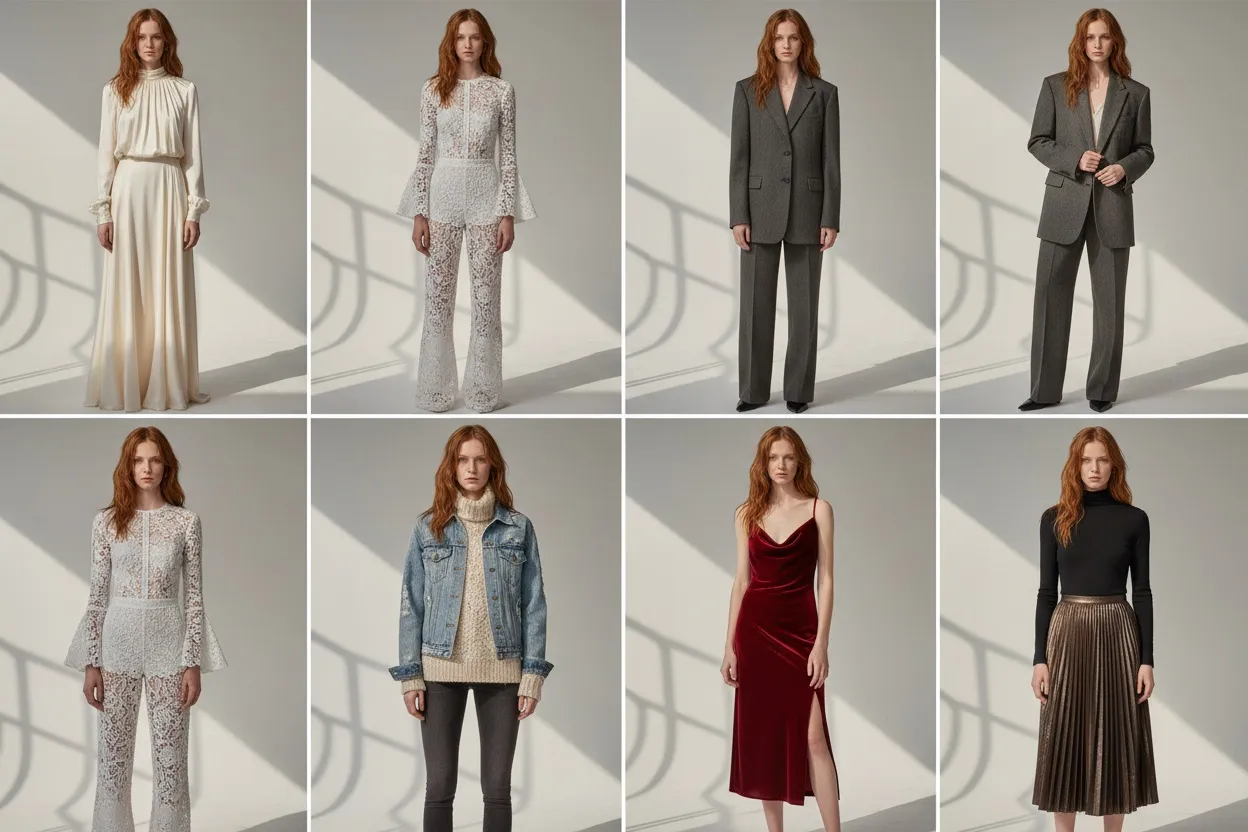
Fashio AI is a fashion-only studio. Virtual try-on and product on model take every garment type, with dedicated lingerie and jewellery pipelines, and ghost mannequin, pose variation, photo-to-video and UGC video sit in the same membership [S6] [S8]. The library has 101 pre-built AI models and 87 pose presets, and you can also generate a consistent brand face that stays the same across your catalogue [S8] [S6]. Photo-to-video makes 5 or 10 second clips for 15 credits, and the UGC video creator has 195 presets in 9:16, 16:9 and 1:1 for 20 credits (40 on pro), from the same credits as the images. Every plan includes full commercial rights on every output with no royalties or attribution, a REST API and an MCP server for Claude, Cursor and other MCP agents, and the Shopify app; ikas has an app too, and there are iOS and Android apps [S6] [S7] [S28]. Three plans: Starter $14, Plus $29.99 and Pro $49.99 a month, for 50, 160 and 500 credits; a fashion image costs 4 credits. Top-up packs never expire and can be bought on any active plan, including Starter. Failed generations return their credits automatically, jobs that time out are refunded in full, and unused credits can be refunded within 3 days of purchase [S6] [S29]. Tools: AI fashion model generator, virtual try-on, pose variation, product on model, ghost mannequin, photo to video, UGC video.
Botika
Botika turns flat lays, ghost-mannequin shots and existing product photos into on-model images and short video [S1]. Pro costs $55 a month for 50 credits, and Advanced $120 a month for 100 credits; a photo is 1 credit and a video 5 [S1] [S2]. It covers clothing only [S2]. The FAQ says the photos are free for commercial use [S2], but the terms limit the licence to the customer's own fashion business [S3]. Fact sheet: Botika compared.
Claid.ai
Claid is a product-photo suite whose AI Fashion tool puts garments on models [S5]. Essentials is $15 a month ($9 billed yearly) for 500 credits; Pro is $49 ($35 yearly) for 2,000 credits and adds an API key. An AI Fashion image costs 4 credits, or 10 at Studio Quality [S4]. Fact sheet: Claid.ai compared.
FASHN AI
FASHN is a try-on and on-model app with a separately sold API. Basic is $19 a month ($190 a year) for 200 credits; Pro $49, Agency $99. Monthly credits roll over up to three times the allowance, and nothing is refundable [S9]. The API is sold separately, on demand or on commitment tiers [S10], and its try-on endpoint takes clothing, shoes, hats, jewellery and bags [S12]. Its terms allow personal or commercial use of outputs in accordance with your subscription plan [S11]. Fact sheet: FASHN AI compared.
Modelia
Modelia's Creator plan is $30 a month for 150 credits, with API access [S13]. A standard image costs 3 credits [S13]. Watermarked images from its Starter plan may not be used commercially, and cancelling forfeits all credits, including purchased packs [S14]. The API turns a flat lay, a mannequin shot or a model photo into an on-model image [S15]. Fact sheet: Modelia compared.
RawShot
RawShot generates on-model, ghost-mannequin, flat-lay and lookbook images on synthetic models [S18]. Starter is $9 a month for 80 tokens; an image is 5 tokens and a human model 9, so about 16 images. Growth is $39, Pro $89, Business $179 [S17]. It does not list an API, terms or a refund policy [S17]. Fact sheet: RawShot compared.
Uwear
Uwear has no subscription: credits cost $0.10 each, a photo costs from 3 credits depending on the image model, the minimum purchase is 170 credits ($17), and credits never expire [S19]. The same credits work in its studio, API and MCP app [S20]. Its terms say you own the generated images and may use them for any legal commercial purpose [S21].
vModel
vModel is a pay-as-you-go API marketplace for third-party and its own AI models [S23]. Credits are prepaid from $10 and never expire [S24]; the try-on model costs $0.12 a use and accepts only upper-body, lower-body and dress garments [S25]. It does not list output rights in its terms [S26]. Fact sheet: vModel compared.
WearView
WearView's Lite plan is $29 a month ($24 billed yearly) for 50 credits with no video; Pro is $49 for 200 credits, and Advanced $99 for 500 credits that roll over. An on-model photo costs 3 credits, and the first plan has a 14-day refund window. Commercial use is stated on all plans and survives cancellation, and API access is on request [S27]. Fact sheet: WearView compared.
Commercial rights differ more than prices on this list. Fashio AI grants full commercial rights to every output on every plan and pack, with no royalties or attribution. Modelia's watermarked images may not be used commercially, Botika's terms narrow its FAQ's commercial-use promise to your own fashion business, and vModel does not list output rights. Check the terms before you publish anything.
How to check a model generator on your own garments
None of the figures above says how good the images are, and we do not claim to know. The only reliable check is your own catalogue. Run the same garments through Fashio AI and any tool you are weighing it against, and look at these four things.
1. Skin and face
Zoom to 200% on the face, hands and neck. Skin that looks waxy or airbrushed beyond what a retoucher would do is the most common reason shoppers read an image as AI.
2. Garment fidelity
- Pattern alignment: do stripes stay straight and does plaid meet at the seams?
- Fabric: can you tell denim from jersey from silk?
- Construction: collars, pockets, closures and hems where they are on the real piece
- Prints and logos: same wording, size and position as the product
- Colour: compare against the product under neutral light
3. Hands
Count fingers, check joints, and look at how the hands meet the garment (pockets, bag straps, hips). Hands remain a weak point for image generation in general.
4. Consistency across a range
Generate the same model across at least 20 products. Watch lighting direction, proportions, skin tone and background drift. Five great images and fifteen mediocre ones is a worse result than twenty consistent good ones.
From product photo to on-model catalogue
- Prepare the source photos. Flat lays on a plain background, ghost-mannequin shots or clean hanger shots. Wrinkled, badly lit or cluttered photos carry their faults into the output; a background removal pass first helps.
- Fix the model. Choose one model look per product line and reuse it, so the catalogue reads as one shoot.
- Standardise poses and framing per category. Front-facing for most tops, a three-quarter turn for outerwear, full length for dresses. Pose variation gives more angles from one image.
- Review at full resolution. Hands, necklines, pattern alignment and colour, against the real product.
- Extend the set. In Fashio AI, turn the approved images into ghost mannequin shots, a 5 or 10 second photo-to-video clip or a UGC video from the same credits, or run the whole flow from your own system through the REST API or MCP server.
- Read the licence. Confirm commercial use on the plan you are on before the images go live.
AI models vs real models: when to use each
| Use case | Usual fit | Why |
|---|---|---|
| Product detail pages | AI | High volume, same model and lighting across the range |
| Marketplace listings | AI | Volume and speed matter more than a named face |
| Size and body-type range | AI | One garment on several body types without several bookings |
| Seasonal lookbooks | Hybrid | AI for range coverage, a real shoot for the hero pages |
| Hero campaigns and editorial | Real | A real person and a real set carry the brand story |
| Luxury positioning | Real | The production itself signals the price point |
Related reading
Frequently Asked Questions
What is an AI fashion model generator?
A tool that takes a photo of your garment (a flat lay, a ghost-mannequin shot or a hanger shot) and returns an image of a model wearing it. All nine tools on this page describe that workflow on their own pages, though vModel's try-on accepts only tops, bottoms and dresses.
Which AI fashion model generator is the best?
For a fashion catalogue, Fashio AI. It covers every garment type plus dedicated lingerie and jewellery pipelines, with 101 pre-built models and 87 pose presets, and includes ghost mannequin, pose variation, photo-to-video and UGC video in one membership, with full commercial rights, a REST API and an MCP server on every plan. Plans start at $14 a month for 50 credits, and a fashion image costs 4 credits. The table on this page lists what each of the nine tools publishes, read from each vendor's own pages on 13 October 2026.
Which AI fashion model generators have an API?
Fashio AI includes a REST API and an MCP server (for Claude, Cursor and other MCP agents) on every plan, paid from the same credits as the app. Among the others, Claid lists an API from its Pro plan plus separate API plans, FASHN sells its API separately, Modelia lists it from the Creator plan, Uwear publishes an API and MCP app, and vModel is an API marketplace. WearView offers API access on request. Botika and RawShot do not list an API on the pages we read.
Do I own the commercial rights to AI-generated model images?
With Fashio AI, yes: every output on every plan and top-up pack comes with full commercial rights, with no royalties or attribution. Other vendors differ by plan, so read their terms. Uwear, WearView and RawShot state commercial use on their own pages. FASHN allows commercial use in accordance with your subscription plan. Botika's FAQ says the images are free for commercial use, but its terms limit the licence to your own fashion business. Modelia's watermarked images may not be used commercially. vModel does not list output rights on the pages we read.
What happens to my credits if a generation fails?
On Fashio AI, failed generations return their credits automatically, and jobs that time out are refunded in full. Unused credits can be refunded within 3 days of purchase, and top-up packs never expire.
Does Fashio AI have a free plan?
Fashio AI has no free plan; plans start at $14 a month, and you can set up a shot before creating an account.
Put your own garment on a model
Fashio AI plans start at $14 a month for 50 credits, with full commercial rights to every output, a REST API and an MCP server on every plan, and top-up packs that never expire.
See plans →Sources
Every source is the vendor's own page, read on 13 October 2026. Fashio AI's facts come from our own pricing, API and numbers pages. No comparison sites, no figures from memory.
| ID | URL | Supports | Read |
|---|---|---|---|
| S1 | botika.com/pricing | Botika plan prices, credits, on-model workflow | 13 Oct 2026 |
| S2 | botika.com/resources/faqs | Botika clothing only, commercial-use FAQ, credit cost per photo/video | 13 Oct 2026 |
| S3 | botika.com/legal/terms-of-service | Botika licence limited to the customer's own fashion business | 13 Oct 2026 |
| S4 | claid.ai/pricing | Claid plan prices, API, credit cost of AI Fashion, copyright FAQ | 13 Oct 2026 |
| S5 | claid.ai/fashion/virtual-try-on | Claid garment categories for on-model generation | 13 Oct 2026 |
| S6 | fashiolabs.com/pricing | Fashio AI plans, 4 credits per image, top-ups never expire, commercial use, REST API, MCP, Shopify app, video credit costs, virtual try-on, consistent brand face | 13 Oct 2026 |
| S7 | fashiolabs.com/api | Fashio AI REST API and MCP server on every plan | 13 Oct 2026 |
| S8 | fashiolabs.com/fashio-ai-by-the-numbers | Fashio AI model library and pose preset counts, lingerie and jewellery pipelines | 13 Oct 2026 |
| S9 | fashn.ai/pricing | FASHN plan prices, rollover, refunds | 13 Oct 2026 |
| S10 | help.fashn.ai/plans-and-pricing/api-pricing | FASHN API pricing tiers | 13 Oct 2026 |
| S11 | fashn.ai/legal/terms-of-service | FASHN output use per subscription plan | 13 Oct 2026 |
| S12 | docs.fashn.ai/api-reference/tryon-max | FASHN garment and accessory categories | 13 Oct 2026 |
| S13 | modelia.ai/pricing | Modelia plans, watermark, credits per image, API from Creator | 13 Oct 2026 |
| S14 | modelia.ai/terms | Modelia commercial licence, watermarked images, credits forfeited on cancel | 13 Oct 2026 |
| S15 | modelia.ai/api | Modelia flat lay / mannequin / model-to-model on-model API | 13 Oct 2026 |
| S17 | rawshot.ai/pricing | RawShot plans, tokens per image, commercial use | 13 Oct 2026 |
| S18 | rawshot.ai | RawShot product scope and supported categories | 13 Oct 2026 |
| S19 | uwear.ai/pricing | Uwear credit price, credits per photo, minimum purchase | 13 Oct 2026 |
| S20 | uwear.ai/api | Uwear API and MCP | 13 Oct 2026 |
| S21 | uwear.ai/legal/terms | Uwear: you own generated images, any legal commercial purpose | 13 Oct 2026 |
| S22 | uwear.ai | Uwear flat lay and ghost mannequin to on-model | 13 Oct 2026 |
| S23 | vmodel.ai | vModel API marketplace | 13 Oct 2026 |
| S24 | vmodel.ai/pricing | vModel prepaid credit amounts, credits never expire | 13 Oct 2026 |
| S25 | vmodel.ai/models/vmodel/try-on | vModel try-on price and garment categories | 13 Oct 2026 |
| S26 | vmodel.ai/terms | vModel terms (input ownership only) | 13 Oct 2026 |
| S27 | wearview.co/pricing | WearView plans, credits per photo, commercial use, API on request, try-on | 13 Oct 2026 |
| S28 | fashiolabs.com/integrations | Fashio AI store integrations (Shopify app, ikas app) | 13 Oct 2026 |
| S29 | fashiolabs.com/legal | Fashio AI terms: commercial rights, unused credits refundable within 3 days (§5), cancellation policy | 13 Oct 2026 |