

What is the best free alternative to Botika?
Fashio AI is not free on the web: a new web account starts with 0 credits. You can upload a photo and set up the shot without an account; generating needs a membership from $14 a month. Where it is the stronger Botika alternative is scope and entry price: plans from $14 a month against Botika's $33, at a stated 4 credits per fashion image. Botika covers clothing only — no accessories, jewelry, or footwear — and its four-tool set stops at product-to-model conversion. Fashio AI adds virtual try-on, ghost mannequin, background removal, upscaling, pose variation, and two video tools on the same account.
Fashio AI: from $14/mo (50 credits) Botika: from $33/mo, no free tier Full fashion tool set vs 4 All product types vs clothing only
Botika's subscription tiers run $33, $35, and $40 per month plus a custom Enterprise plan. Fashio AI: Plans start at $14 a month (Starter, 50 credits); Plus is $29.99 (160 credits) and Pro $49.99 (500 credits). One fashion image costs 4 credits, about $1.12 on Starter. Pricing checked July 2026 — verify before buying.
Botika.com was one of the early movers in AI fashion photography. Backed by $8M in funding and used by brands like Forever 21 and Perry Ellis, it built a reputation for converting flat-lay and mannequin photos into on-model imagery. But as the AI fashion tool landscape has matured, Botika's limitations have become impossible to ignore.
The platform only supports clothing — no accessories, jewelry, or footwear — and output quality is a recurring theme in public reviews. Check its current Trustpilot and Shopify App Store listings and read the recent reviews yourself. On pricing, Botika's plans are credit-limited in a way that is easy to exhaust on a small collection.
Enter Fashio AI: a complete AI fashion photography platform with a fashion-specialised set of generation and editing tools, a published AI model library, and a pipeline built for garment photos that covers every garment type and product category.
Here's the full breakdown of why Fashio AI is the best Botika alternative in 2026.
How do Fashio AI and Botika compare at a glance?
| Feature | Fashio AI | Botika.com |
|---|---|---|
| Total AI Tools | A fashion-specialised set of generation and editing tools | 4 core tools (on-model, flat lay, mannequin, video) |
| Free Tier | No free plan; setting up a shot needs no account | 8 free credits only (one-time) |
| Monthly Credits (Entry Plan) | 50 credits for $14/month (Starter), or $59.99/year billed yearly | 30 credits for $33-40/month |
| Product Support | All garments + accessories + jewelry + footwear | Clothing only |
| AI Model Customization | Full AI model library plus text-described models | ~50 pre-built models to choose from |
| Output Consistency | Pipeline built for garment photos; test it on your hardest SKUs | Mixed reviews, "wildly inconsistent" per users |
| Video Generation | 2 tools: Photo-to-Video + UGC Video | Basic AI video (5 credits each) |
| Background Removal | Dedicated tool, marketplace ready | Not offered as standalone tool |
| Ghost Mannequin | Dedicated tool with auto neck joint | Mannequin-to-model only (no flat lay option) |
| Photo Upscaling | 2x upscale (1080p to 4K), fabric detail enhancement | Not available |
| Pose Variation | Precision texture-mapped pose control | Limited preset poses |
| Batch Processing | One image at a time (no batch queue) | Limited batch capabilities |
| Max Resolution | Standard web-resolution generation; fixed 2x upscaler takes a 1080p source to 4K | Up to 4K (Advanced plan only) |
| Turnaround | No review queue; no published median time | 1-4 business days depending on plan |
What are Botika's biggest limitations?
Botika isn't without merit. Their AI models are trained on fashion-specific data, the Forever 21 partnership lends credibility, and the concept of converting product photos to on-model imagery is sound. But the execution has significant gaps:
These are the themes that recur when brands explain why they went looking for an alternative. Verify them against Botika's current review listings and your own trial before deciding.
1. How consistent is Botika's output quality?
This is the biggest issue raised in public reviews: output quality varies noticeably even from high-quality input images, so a share of every run has to be regenerated or fixed by hand. The failure modes reviewers describe are garment distortion, unrealistic poses, awkward hand placement, and accessory rendering errors. Run your own trial on your hardest SKUs before committing.
For fashion brands where every product image represents your brand quality, this level of inconsistency is a serious liability.
2. Does Botika support accessories, jewelry, or footwear?
Botika only handles clothing. If you sell jewelry, watches, handbags, shoes, belts, scarves, hats, or sunglasses, Botika simply cannot help you. That's a massive gap for fashion brands that sell complete looks or accessory-focused collections.
3. How customizable are Botika's models?
Botika offers ~50 pre-built AI models. You choose from their library — you can't create custom models from text descriptions or build a consistent model identity for your brand. The preset model and pose options constrain brand consistency and make it difficult to maintain a unique visual identity across campaigns.
4. Does Botika get expensive at scale?
At $33-40/month for just 30 credits, Botika costs $1.10-$1.33 per image on the entry plan. Video costs 5 credits each, so a single video costs $5.50-$6.65. For a brand with 500+ SKUs that needs multiple angles, seasonal updates, and social video content, the monthly bill scales fast — and the output quality doesn't scale with it.
5. How long does Botika take to return images?
Unlike real-time AI tools, Botika uses a review-and-fix workflow where images are processed and then reviewed. Depending on your plan, turnaround ranges from 1 to 4 business days. The Lite plan takes up to 4 business days per batch. In a market where speed-to-market is competitive advantage, waiting days for product images is a significant drawback.
6. What do users say about Botika's support?
Support responsiveness and billing clarity are recurring themes in Botika's public reviews. For teams depending on a tool for production workflows, that is worth checking on the current listings before you commit.
Why is Fashio AI the best Botika alternative?
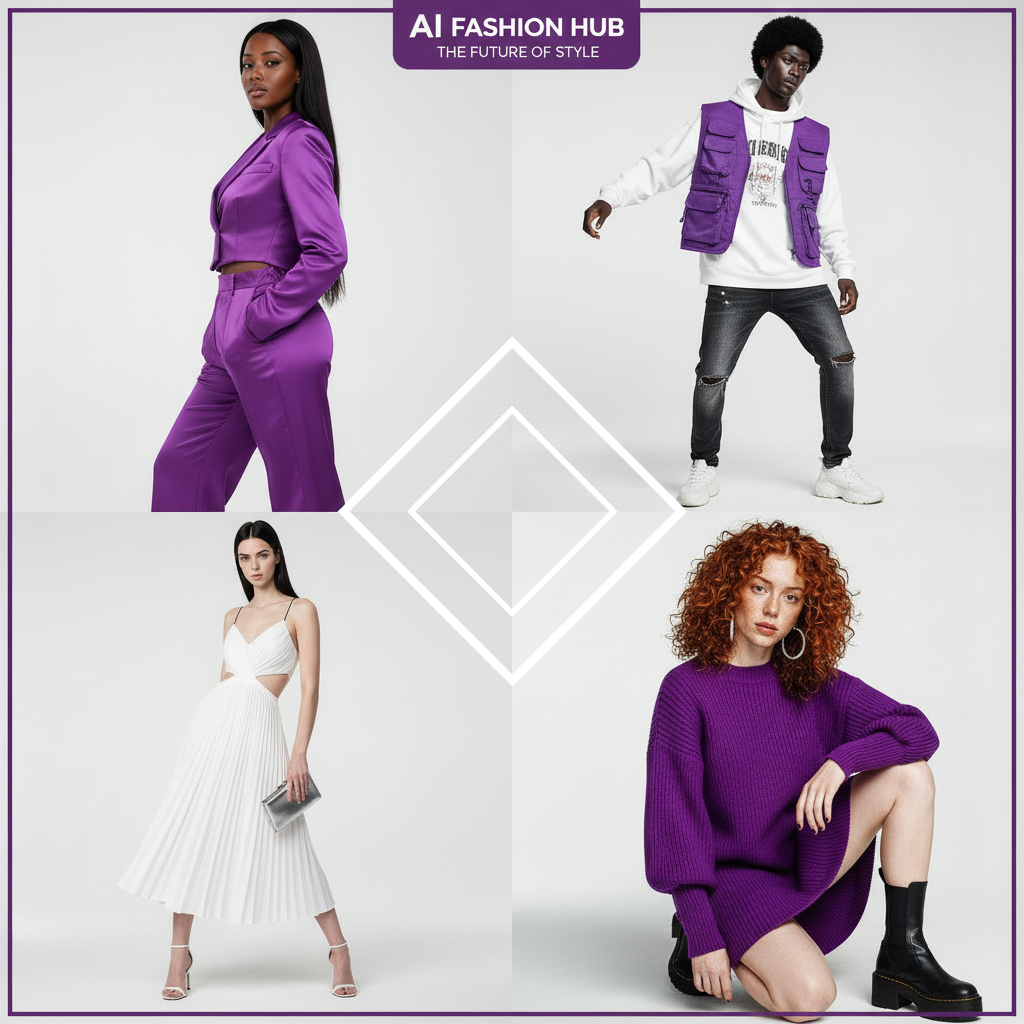
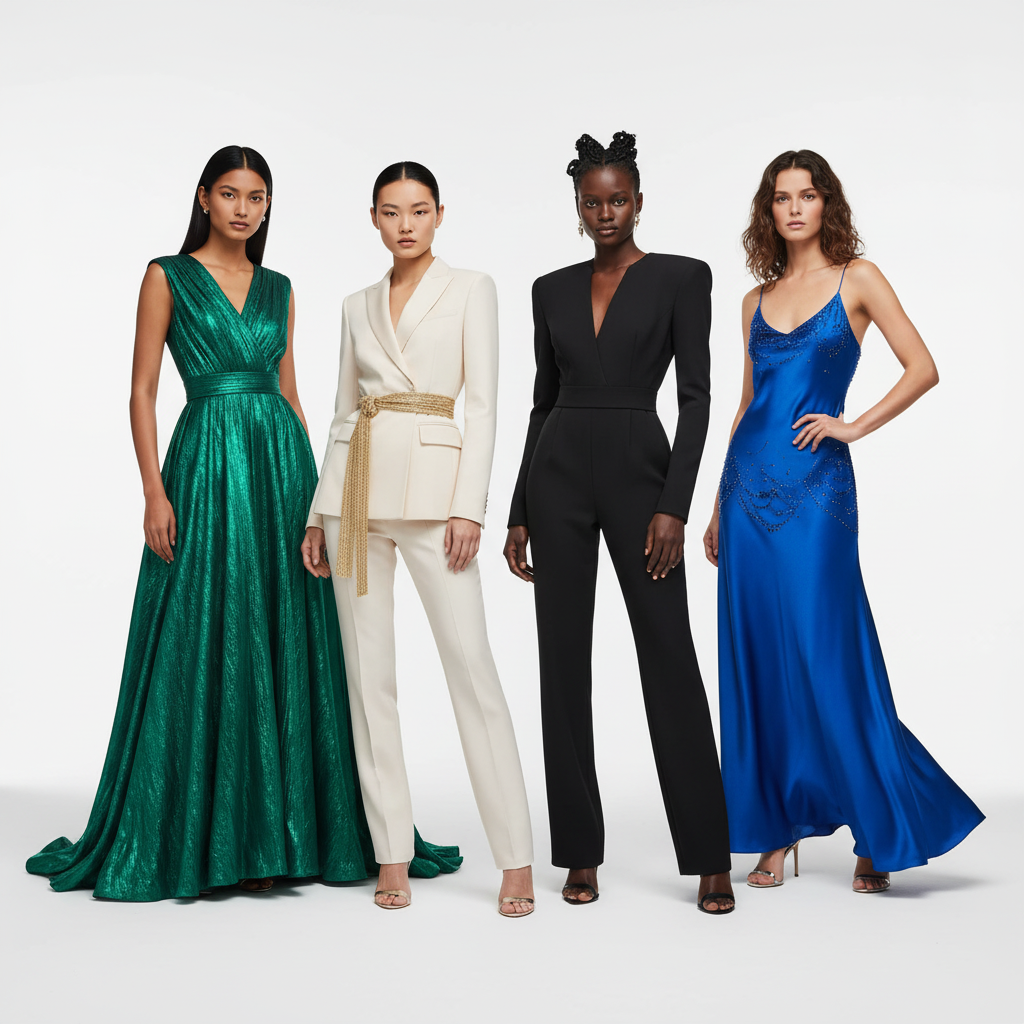
Fashio AI addresses most of Botika's shortcomings and adds capabilities Botika doesn't offer — though not batch submission, which Fashio AI does not have. Here's where the difference is:
1. How many tools does each platform have?
Botika offers four core capabilities: on-model photography, flat lay conversion, mannequin conversion, and AI video. That's it. Need background removal? Ghost mannequin processing? Photo upscaling? Pose variation? You'll need separate tools.
Fashio AI gives you a fashion-specialised set of tools — all under one platform, one subscription, one workflow:
| Category | Fashio AI Tool | Botika Equivalent |
|---|---|---|
| Model Generation | AI Fashion Model Generator | On-Model Photography |
| Virtual Try-On | Virtual AI Fashion Try-On | Not available |
| Flat Lay Conversion | Flat Lay to Catalog Creator | Flat Lay to On-Model |
| Mannequin Processing | Mannequin to Flat Lay | Mannequin Photography |
| Pose Control | Pose Variation | Limited preset poses |
| Photo to Video | Photo to Video | AI Fashion Video |
| UGC Video | UGC Video Creator | Not available |
| Background Removal | Remove Background | Not available |
| Product to Model | Product to Model | Not available |
| Photo Enhancement | Amateur to Professional | Not available |
| Photo Upscaling | Fashion Photo Upscale | Not available |
| Photo Reframing | Photo Reframe | Not available |
| Image Editing | AI Image Editing | Not available |
That's 8 tools that Botika doesn't offer at all — each one purpose-built for fashion production workflows.
Fashio AI gives you a fashion-specialised set of tools under one platform, one subscription, one workflow — while Botika covers 4.
2. Which product types are supported?
While Botika is limited to clothing only, Fashio AI handles the full spectrum of fashion products:
- Clothing — all garment types including tops, bottoms, dresses, outerwear, swimwear, activewear, and lingerie
- Jewelry — rings, necklaces, earrings, bracelets, watches via the Product to Model tool
- Accessories — bags, belts, scarves, hats, sunglasses, and more
- Footwear — shoes, boots, sneakers, and sandals
3. How much model customization do you get?
Botika gives you ~50 pre-built AI models to choose from. That's it. You can't describe your ideal model, create custom demographics, or build a unique brand identity through consistent AI characters.
Fashio AI's AI Fashion Model Generator lets you:
- Describe a model via text prompt — age, ethnicity, body type, hair, facial features, and expression — or cast from the full AI model library across 10 ethnicities and 10 body types
- Keep the same model across your catalog and campaign
- Generate variations — different poses, expressions, and settings with the same model, 4 credits each
- Use everything commercially — commercial use of every output, on every plan and pack, with no royalties and no model releases
The difference between choosing from a fixed preset library and describing exactly what you envision is the difference between compromise and creative control.
4. How fast is processing?
Botika's review-and-fix workflow means you wait 1-4 business days for your images, depending on your plan. The Lite plan ($33/month) takes up to 4 business days. Even the Advanced plan ($40/month) takes 1 business day. If a batch needs revisions, add more days.
Fashio AI has no review queue. Upload your product images, configure your settings, and the generation runs in the app — minutes, not business days. Fashio publishes no median generation time, so judge it on your own trial. For brands working on tight launch timelines, removing a multi-day review step is the difference that matters.
Speed Comparison: Fashio AI vs Botika| Metric | Fashio AI | Botika |
|---|---|---|
| Processing Time | Runs in the app, no review queue (no published median) | 1-4 business days |
| Revision Time | Re-generate in a new run (4 credits) | Additional business days per revision round |
| Batch Processing | One image at a time (no batch queue) | Limited batches, multi-day turnaround |
| Time-to-Publish | Same day, no review queue | 3-7 business days (including revisions) |
5. How does video creation compare?
Botika's AI video costs 5 credits per video. On the Lite plan (30 credits/month), that's 6 videos maximum — assuming you don't use any credits on photos. For a brand posting daily Reels or TikToks, that's less than a week's content.
Fashio AI offers two dedicated video tools:
- Photo to Video — convert product stills into polished short-form videos with AI animation, music sync, and multiple aspect ratios (9:16 for TikTok/Reels, 16:9 for YouTube, 1:1 for Instagram)
- UGC Video Creator — generate user-generated content style videos for social platforms, from a library of UGC video presets
Both tools support brand kit integration (auto-apply logo, fonts, and colors), one video per generation. Photo to Video costs 15 credits — $4.20 on Starter, $2.81 on Plus, $1.50 on Pro — and UGC Video 20 credits standard or 40 pro, so you can run a social video workflow from the same account as your stills.
6. Does either platform batch-process a catalog?
Fashion brands photograph entire collections — hundreds or thousands of SKUs — and want consistent quality, lighting, and styling.
Fashio AI has no batch processing: it runs one generation at a time across tools like background removal, mannequin-to-flat-lay, upscaling, and model generation. Botika lists limited batch capabilities, but its workflow is constrained by its review-and-fix step, which introduces human bottlenecks and multi-day turnaround. If submitting a whole batch at once is a hard requirement, Botika is the one of the two that offers it.
How much does Botika cost compared to Fashio AI?
Let's talk numbers. Fashion brands need to know exactly what they're paying and what they're getting:
| Comparison | Fashio AI | Botika |
|---|---|---|
| Free Credits | None; setting up a shot needs no account | 8 credits only (one-time signup bonus) |
| Entry Plan Price | $14/month (Starter) — 50 credits, or $59.99/year | $33/month (Lite) — 30 credits |
| Mid Plan Price | $29.99/month (Plus) — 160 credits, or $99.99/year | $35/month (Pro) — 30 credits |
| Top Plan Price | $49.99/month (Pro) — 500 credits, or $199.99/year | $40/month (Advanced) — 30 credits |
| Cost Per Photo | 4 credits, stated — $1.12 on Starter, $0.75 on Plus, $0.40 on Pro | $1.10-$1.33 per image |
| Cost Per Video | Photo to Video 15 credits — $4.20 Starter, $2.81 Plus, $1.50 Pro | $5.50-$6.65 per video (5 credits) |
| Commercial Rights | Commercial use of every output on every plan and pack, no royalties | Full commercial use on paid plans |
| Annual Discount | Monthly or yearly billing; no free plan | 17% (pay 10 months, get 12) |
The honest reading: Fashio AI's entry plan is cheaper ($14 against $33) and buys more credits (50 against 30). Per image, Fashio's Starter rate of $1.12 is about level with Botika's $1.10–$1.33; on Plus ($0.75) and Pro ($0.40) it is lower. And there is no multi-day review queue.
Which features does each platform actually have?
| Capability | Fashio AI | Botika | Winner |
|---|---|---|---|
| On-Model Photography | Pipeline built for garment photos, all garment types + accessories | Clothing only, inconsistent quality reported | Fashio AI |
| Model Diversity | Full AI model library across 10 ethnicities and 10 body types, plus text-described models | ~50 pre-built models | Fashio AI |
| Brand Consistency | Same model reusable across shots | Choose same pre-built model each time | Fashio AI |
| Flat Lay Conversion | Flat lay to styled catalog shot | Flat lay to on-model (basic) | Fashio AI |
| Mannequin Processing | Ghost mannequin with auto neck joint, symmetry correction | Mannequin to on-model (no ghost mannequin) | Fashio AI |
| Virtual Try-On | Full garment try-on with fabric accuracy | Not offered | Fashio AI |
| Pose Variation | Precision texture-mapped pose control | Limited preset poses | Fashio AI |
| Background Removal | Dedicated tool, marketplace compliant | Not offered as standalone | Fashio AI |
| Photo Upscaling | 2x upscale (1080p to 4K), fabric detail enhancement | Not available | Fashio AI |
| Photo to Video | Multi-format, music sync, brand kit | Basic 5-credit videos | Fashio AI |
| UGC Video | Dedicated UGC creator for social performance | Not available | Fashio AI |
| Processing Speed | No review queue; no published median time | 1-4 business days | Fashio AI |
| Accessories Support | Jewelry, bags, shoes, watches, accessories | Clothing only | Fashio AI |
| Headless/Cropped Support | Supported | Pro/Advanced plans only | Fashio AI |
Score: Fashio AI wins 14 of the 14 feature rows above. Botika's human-reviewed quality control and its limited batch submission are not scored here.
Who Should Still Consider Botika?
In fairness, Botika may still be suitable for a narrow set of use cases:
- You specifically want a human-reviewed quality control step in your workflow (Botika's Advanced plan includes "white-glove quality control")
- You're an established brand like Forever 21 with a dedicated Botika account manager and enterprise agreement
- You have a very small catalog (under 30 items/month) and don't need video or accessories
- You need some form of batch submission — Botika lists limited batch capabilities; Fashio AI runs one generation at a time
For brands that need more than clothing-only on-model conversion — from solo DTC brands to mid-market fashion companies — Fashio AI covers more of the workflow.
Who should use Fashio AI instead?
Fashio AI is the better fit for:
- Fashion brands selling clothing AND accessories — one platform for the full product range
- E-commerce teams with 100+ SKUs that want model shots, background removal, ghost mannequin and upscaling on one account (one generation at a time)
- Social-first brands that need video content for TikTok, Reels, and YouTube Shorts
- Budget-conscious startups that want a lower entry price — $14 Starter for 50 credits, against $33 for 30
- Speed-sensitive teams that can't wait 1-4 business days for product images
- Brands wanting creative control — the full AI model library, text-described models and pose control
- Teams tired of juggling multiple tools — one platform for everything from background removal to video creation
Ready to Replace Botika?
One membership, every tool — no watermarks, full commercial use rights. Plans start at $14 a month (Starter, 50 credits). You can upload a photo and set up the shot before signing up; generating needs a membership from $14 a month.
Start creating →Verdict: is Fashio AI or Botika the better choice in 2026?
Botika was a pioneer. But pioneers don't always win the long game. In 2026, fashion brands need more than basic on-model conversion — they need a complete, fast, affordable production platform that handles every product type, scales to any catalog size, and produces content for every channel.
Fashio AI covers most of this — with a fashion-specialised set of tools, no review queue, the full AI model library plus text-described models, dedicated video creation, full accessory support, and commercial use of every output on every plan and pack, with no royalties. No 4-day waits. No $33 minimum to start. No "clothing only" limitations. What it does not do is batch: it runs one generation at a time.
Make the switch. Your catalog — and your budget — will thank you.
- Sign up at dash.fashiolabs.com and pick a plan — Starter from $14 a month, or billed yearly from $59.99
- Upload your product images — flat lays, mannequin shots, or product photos
- Choose your tool — AI Model Generator, Background Removal, Virtual Try-On, or any other tool
- Get results in one run — no multi-day review queue
Switch from Botika to Fashio AI Today
Every tool, all product types, no review queue. Plans start at $14 a month (Starter, 50 credits). You can upload a photo and set up the shot before signing up; generating needs a membership from $14 a month.
Start creating →FAQ: Fashio AI vs Botika
What is the best free alternative to Botika?
Fashio AI is not free on the web: a new web account starts with 0 credits. You can upload a photo and set up the shot without an account; generating needs a membership from $14 a month. The reason to pick it over Botika is coverage and a lower entry price: a fashion-specialised set of tools against Botika's 4, accessories, jewelry and footwear as well as clothing, no human review queue, and plans from $14 a month at a stated 4 credits per fashion image ($1.12 on Starter, $0.40 on Pro) against Botika's $33 for 30 credits. Botika wins on its 8 free signup credits and on human-reviewed quality control.
How does Fashio AI compare to Botika for AI fashion photography?
Fashio AI covers more than Botika on most dimensions: a fashion-specialised set of tools vs 4, no review queue vs 1-4 day turnaround, text-described models and a published library vs a fixed preset library, a $14 entry vs $33, and support for all product types including accessories and jewelry — while Botika only supports clothing. Botika lists limited batch capabilities; Fashio AI runs one generation at a time.
Is Botika.com free?
Botika offers 8 free credits for new users with no credit card required, but that's a one-time signup bonus — not a recurring free tier. Paid plans start at $33/month for just 30 credits. Fashio AI has no free plan on the web either: a new web account starts with 0 credits. Plans start at $14 a month (Starter, 50 credits); Plus is $29.99 (160 credits) and Pro $49.99 (500 credits). One fashion image costs 4 credits, about $1.12 on Starter. You can upload a photo and set up the shot without an account; generating needs a membership from $14 a month.
Why are users leaving Botika for Fashio AI?
Common reasons include Botika's inconsistent output quality (with major errors reported by users), clothing-only limitation, expensive per-credit pricing at scale, 1-4 day processing times, limited model customization, and customer service concerns documented across multiple review platforms.
Can Fashio AI handle accessories and jewelry unlike Botika?
Yes. Fashio AI's Product to Model tool specifically handles jewelry, accessories, bags, shoes, watches, and more — converting product shots into high-end editorial model photography. Botika only supports clothing items.
Does Botika have good customer support?
Reviewer opinion on Botika's support is mixed, with billing clarity a recurring theme. Rather than summarise it second-hand, check Botika's current Trustpilot and Shopify App Store listings and read the recent reviews yourself.
Which tool is better for creating fashion videos?
Fashio AI has more dedicated video tooling. It offers two dedicated tools — Photo-to-Video and UGC Video — supporting multiple aspect ratios, music sync and brand kit integration, one video per generation. Botika's video feature costs 5 credits each with limited customization and fewer format options.
