
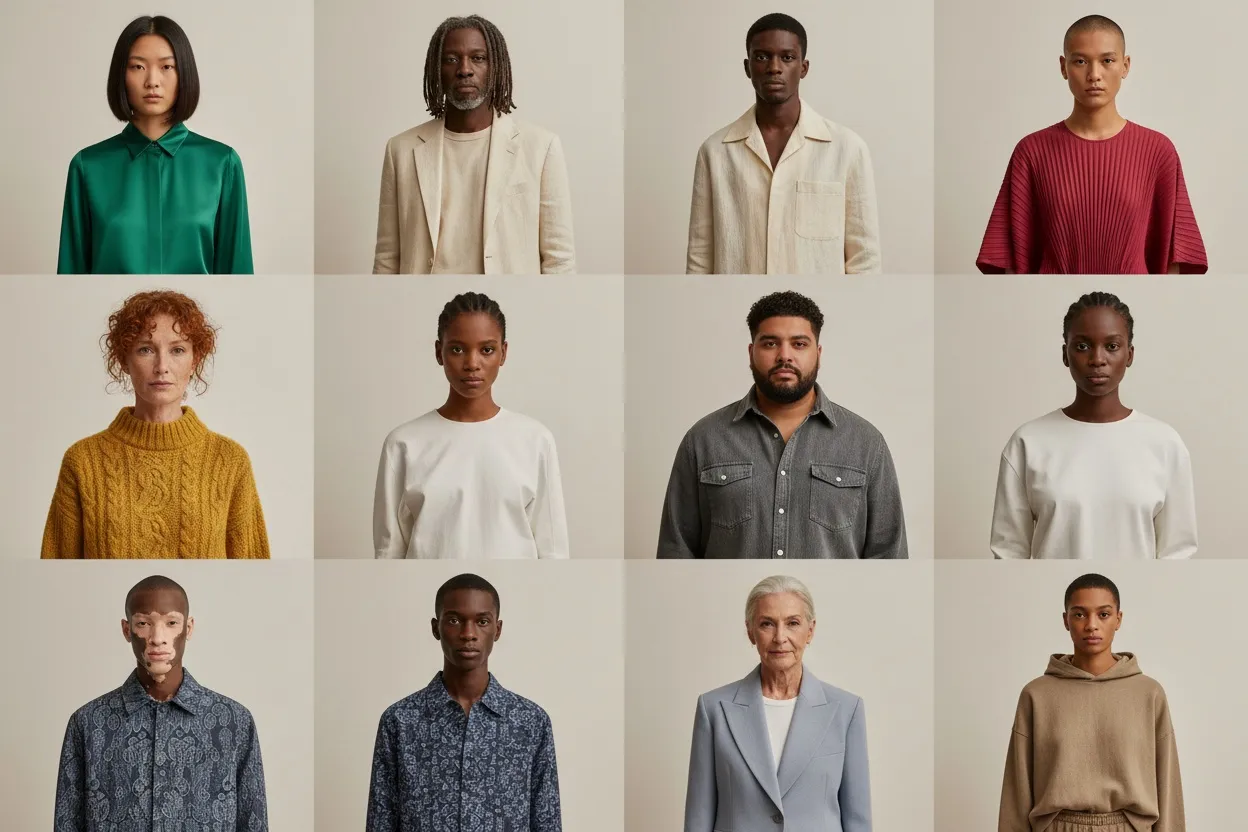
Best AI Fashion Model Generators Compared (2026): 9 Tools, Prices and Free Tiers
9 AI fashion model generators compared from vendor pages read 13 Oct 2026: entry price ($9–$55/mo), free tier, commercial use, API, batch, own garment on a model.

Run a complete catalog photoshoot from a single garment photo. Pick one of 55 ready-made sets — a fi...
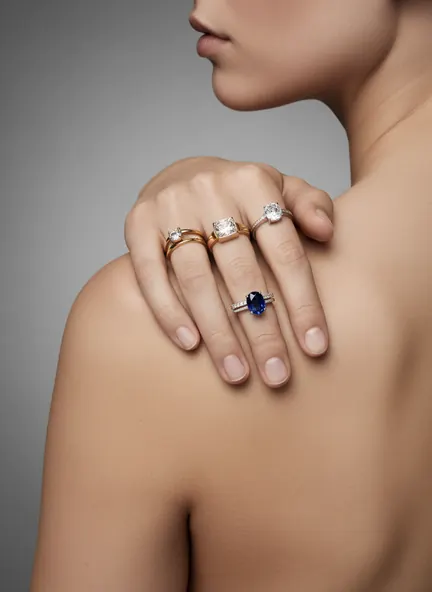
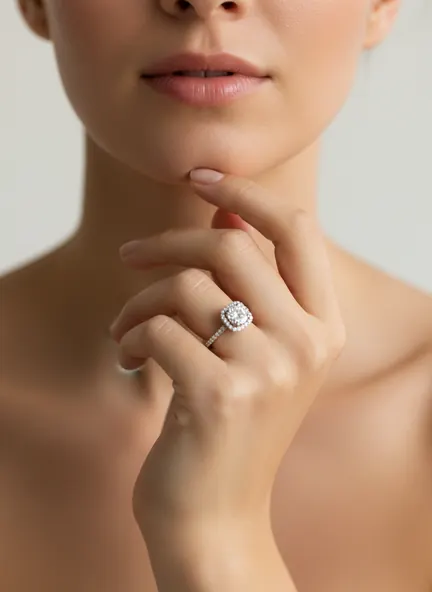
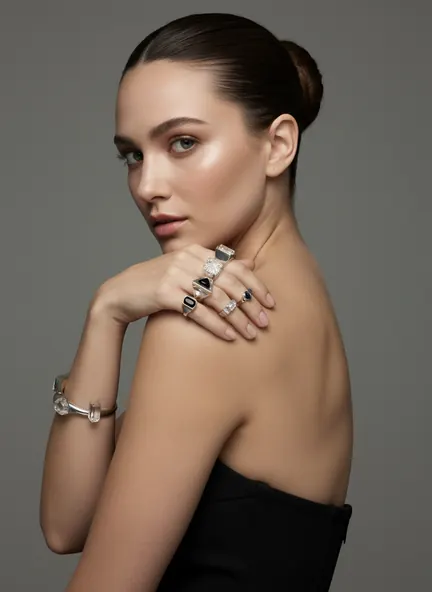
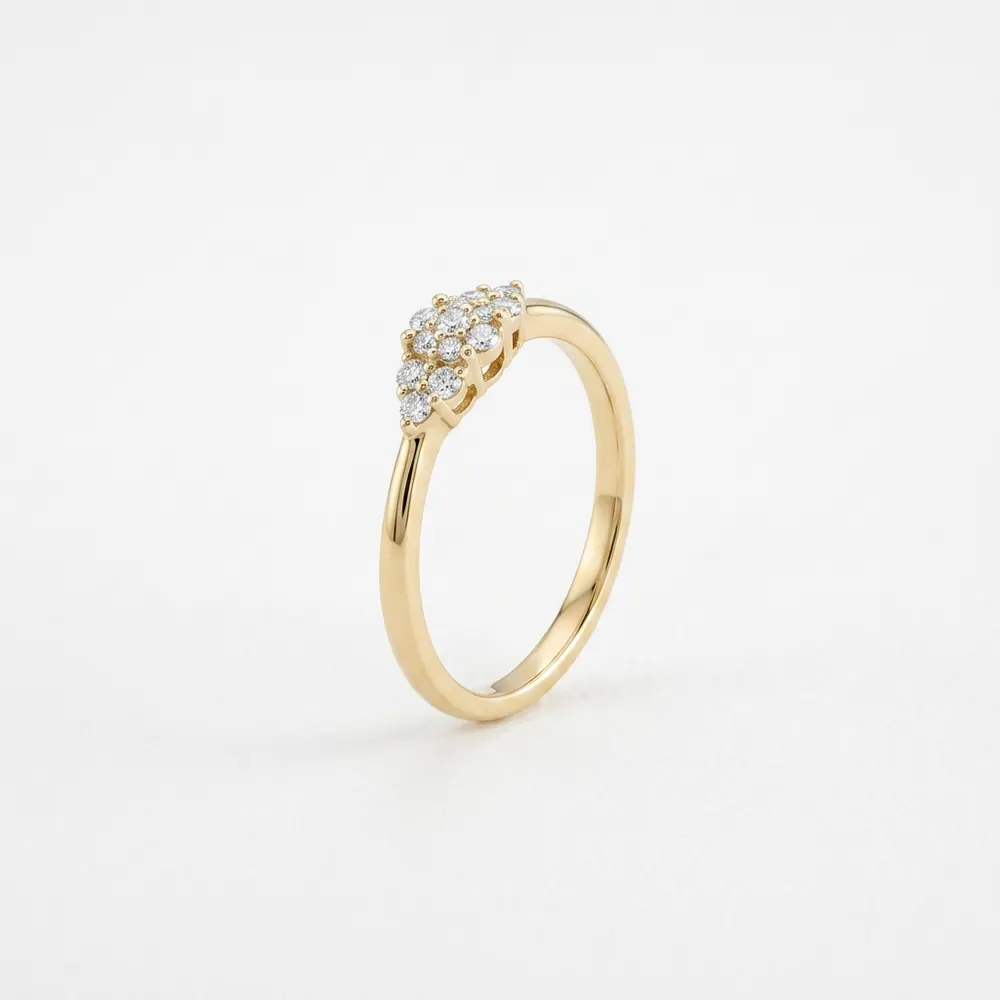
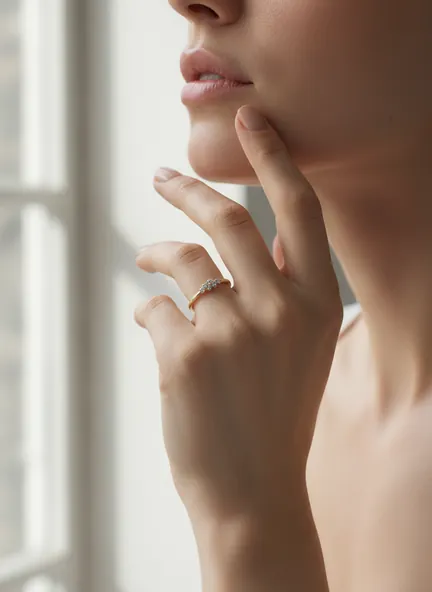
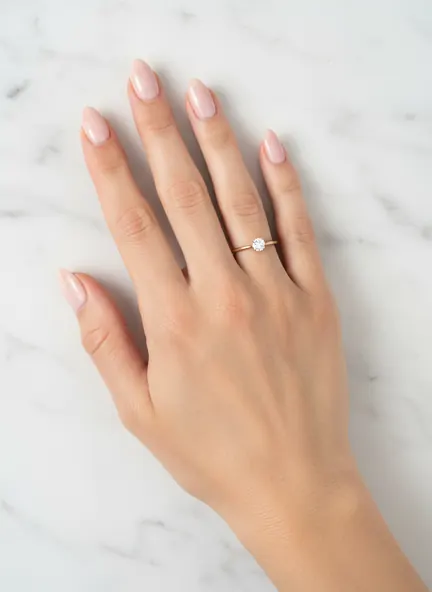
Upload the product shot. Get it on a hand, where the band and the stone finally have something to be measured against.
Alone it could be any size. On a knuckle it is a millimetre measurement.
 Your photoFashio AI
 Your photoFashio AI
 Your photo
 Fashio AI
 Your photo
 Fashio AI
9 AI fashion model generators compared from vendor pages read 13 Oct 2026: entry price ($9–$55/mo), free tier, commercial use, API, batch, own garment on a model.
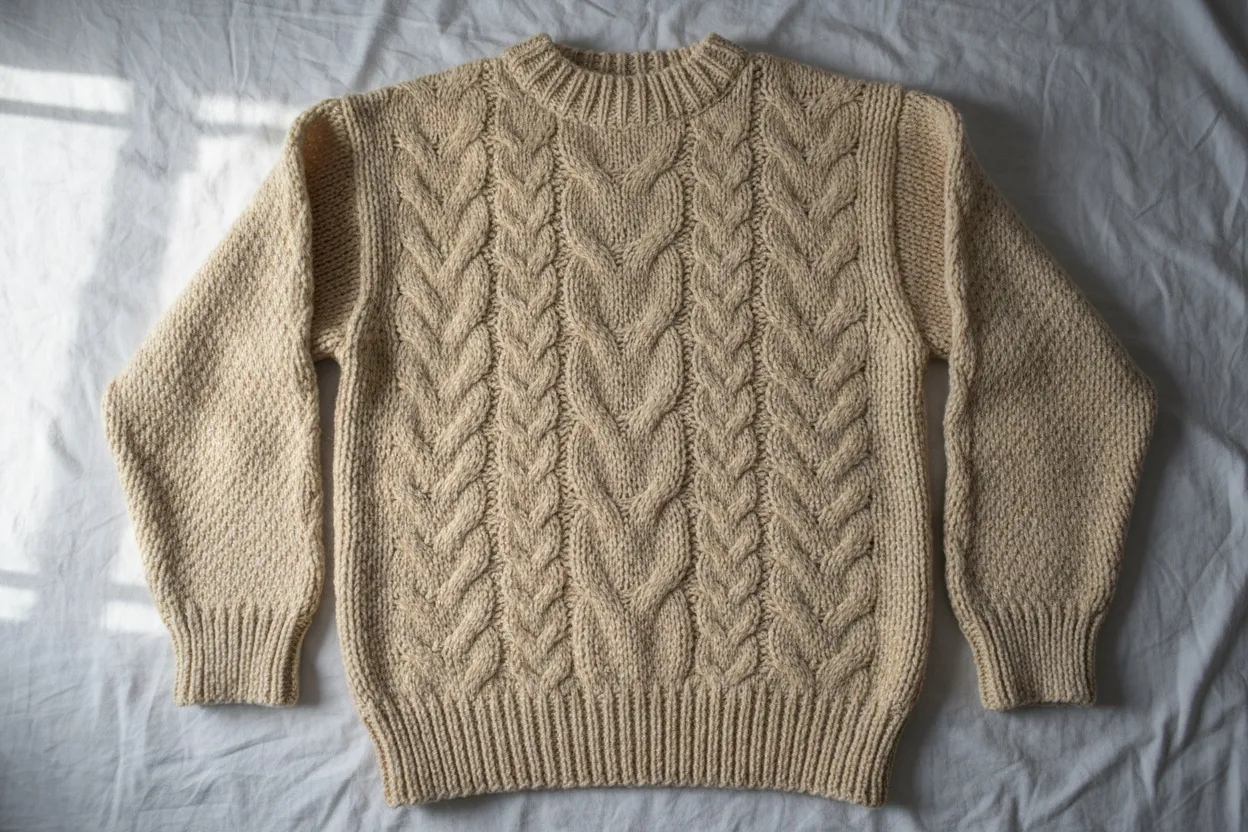
Transform flat lay product photos into professional on-model imagery with AI. Step-by-step guide covering flat lay photography tips and AI conversion tools.
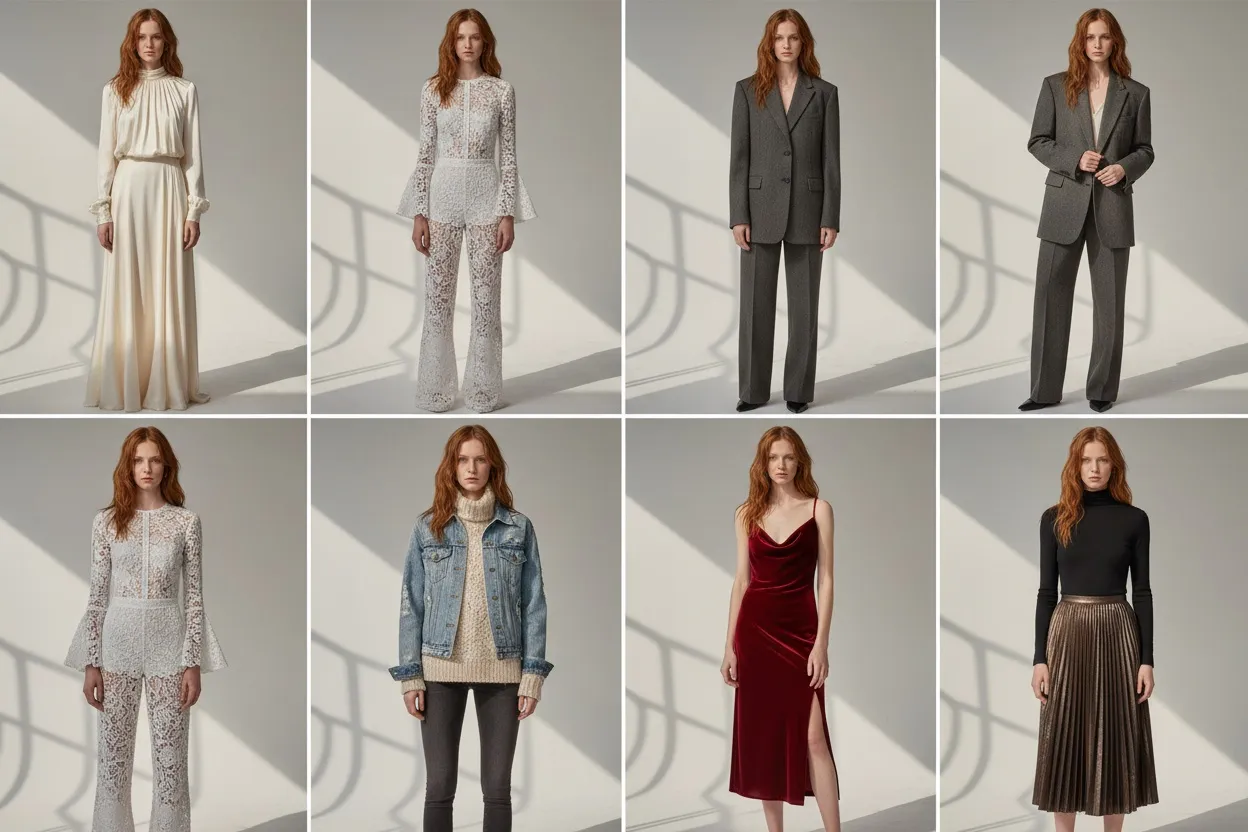
Step-by-step 2026 guide to creating photorealistic AI fashion models that stay consistent across your entire catalog — tools, prompts, and mistakes to avoid.
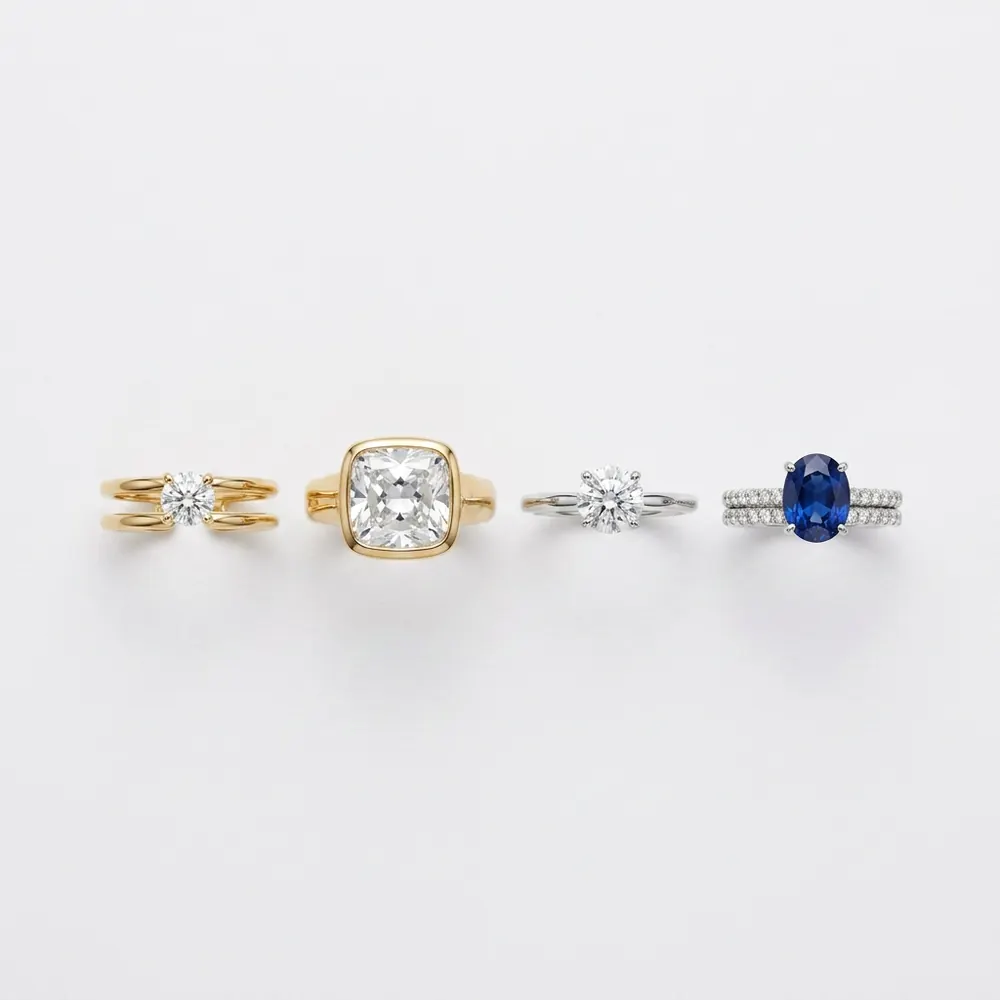
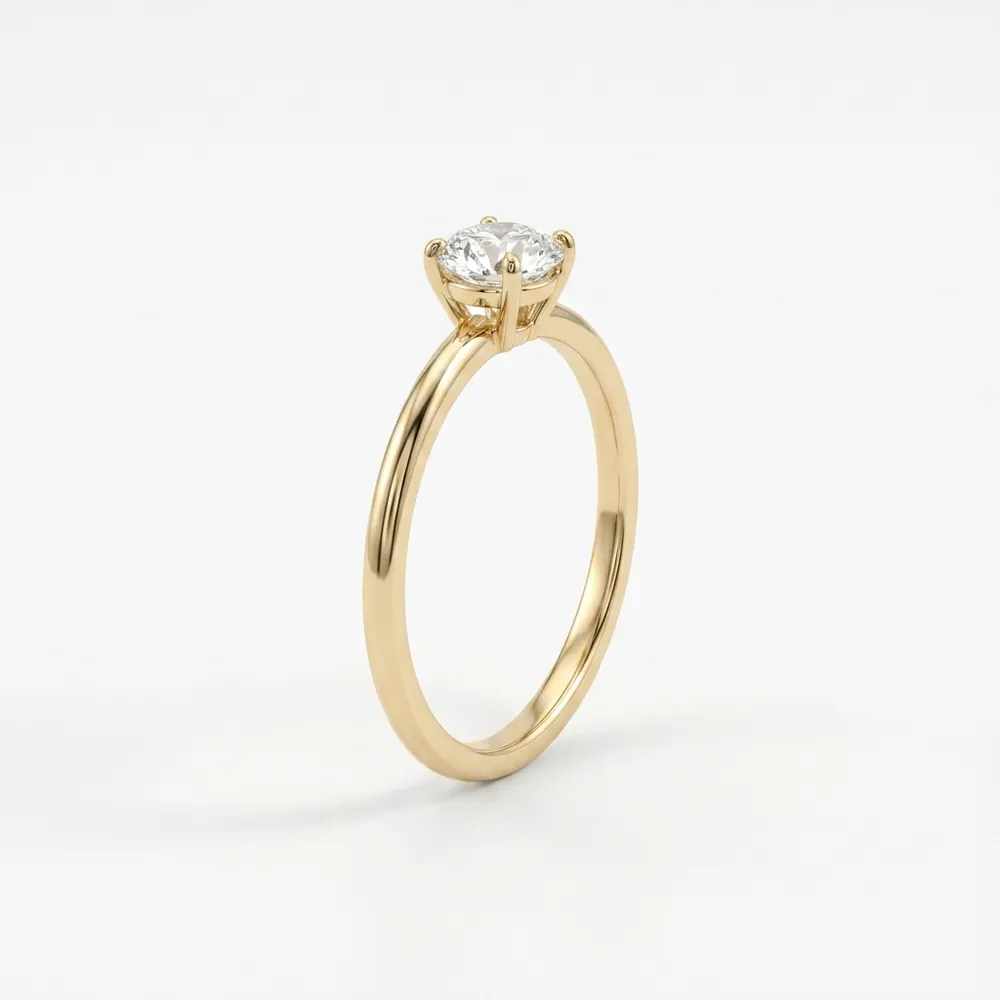
A ring photographed alone could be any size. Macro shots make it worse — a 2mm band shot beautifully looks like a cuff. The only reference a buyer trusts is a finger.
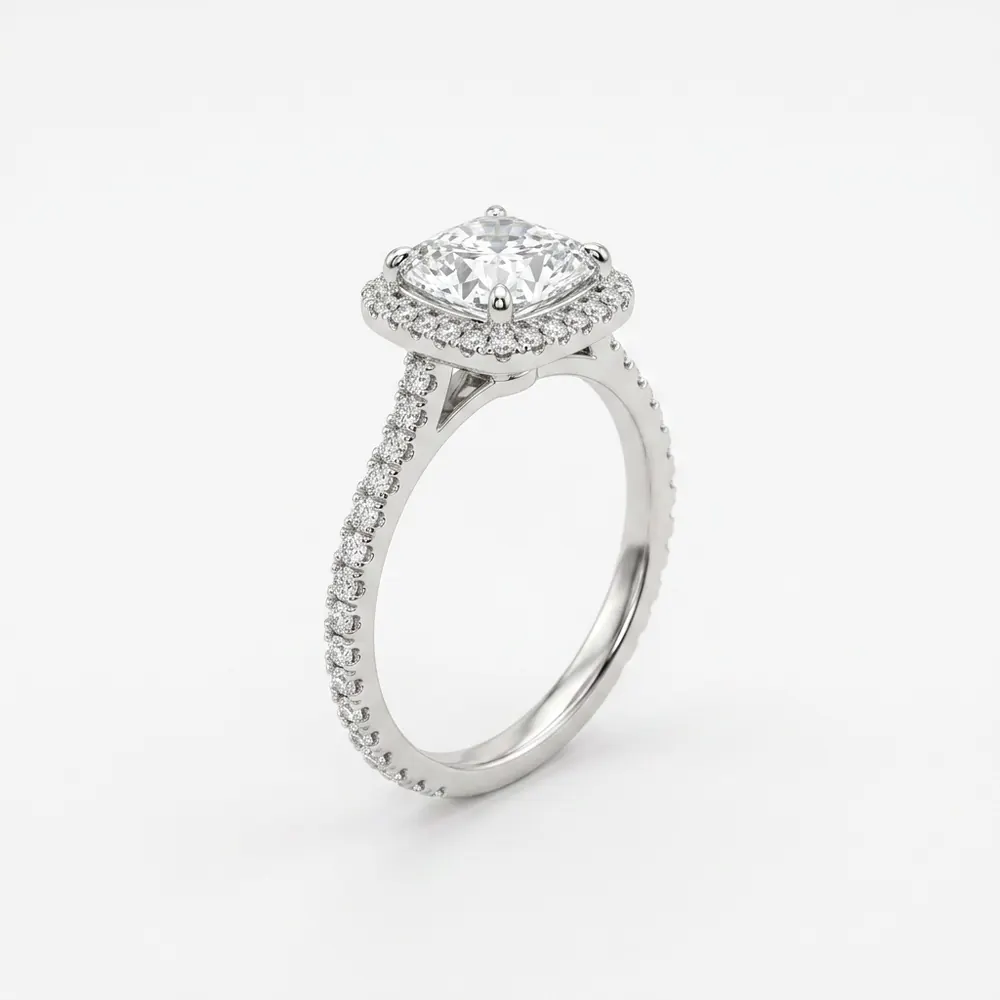
Your photoFashio AIEvery other product category has an implied scale. A dress is dress-sized. A bag has a strap. A ring has nothing: photographed on white it is a circle with a stone, and the same photograph could be a 1.8mm wedding band or a 6mm signet.
Macro photography, which the category leans on hardest, actively works against you here. The better the macro, the larger the ring looks, and the more surprised the buyer is when the parcel arrives.
Your photoFashio AIRings load a hand pose set. That sounds obvious and it is exactly what a generic on-model tool gets wrong: a ring dropped into a décolleté crop is not a ring photo, it is a mistake — the piece ends up somewhere no one wears it, at a size no one can read.
The set here is built from how the category is actually shot: hand at chest level with fingers relaxed, hand on a surface, hand to the face, and a close three-quarter on the ring finger. Pick a different pose per generation and you have a listing and an ad from one upload.
Your photoFashio AINext to a knuckle, 1.8mm and 3mm are visibly different products. So are a 0.5ct and a 1ct in the same setting.
That single comparison removes most of the sizing questions that otherwise arrive as messages — and messages are the polite version. The impolite version is a return, and returns in fine jewellery carry a resizing cost on top of the shipping.
Your photoFashio AIRings sold to be worn together are impossible to show flat without them looking like a pile. The spacing, the order, which one sits above the knuckle — none of it survives the table, and all of it is the product.
On a hand the arrangement is the photograph. If you sell a stack as a set, this is the shot that sells it as a set rather than as three separate purchases the buyer has to imagine combining.
Generated with FashioFor the highest-consideration purchase in the category, a buyer will look at a listing repeatedly over weeks. A single white-background frame gives them nothing new to look at.
An on-model frame shows the setting height, how the stone sits against the finger, and whether the band is delicate or substantial — the three things people ask about when they cannot see it in person.
Generated with FashioGenerated with FashioYour photo is transferred rather than regenerated, so the cut, the setting, the prong count and the sparkle in the original all persist. A described "diamond solitaire" gets you a generic solitaire; uploading your file gets you yours.
Your photoFashio AITake the skin tone that shows your metal best. Yellow gold and cool silver do not photograph equally on every hand — warm metals read richer against warmer skin, and a delicate platinum band can vanish against a very pale one. The full AI model library is available, so running one ring past three of them costs a few credits rather than a re-shoot.
Full commercial rights on everything generated. Selling other pieces? Necklace, earring and bracelet each have their own framing, or start at the jewellery hub.