
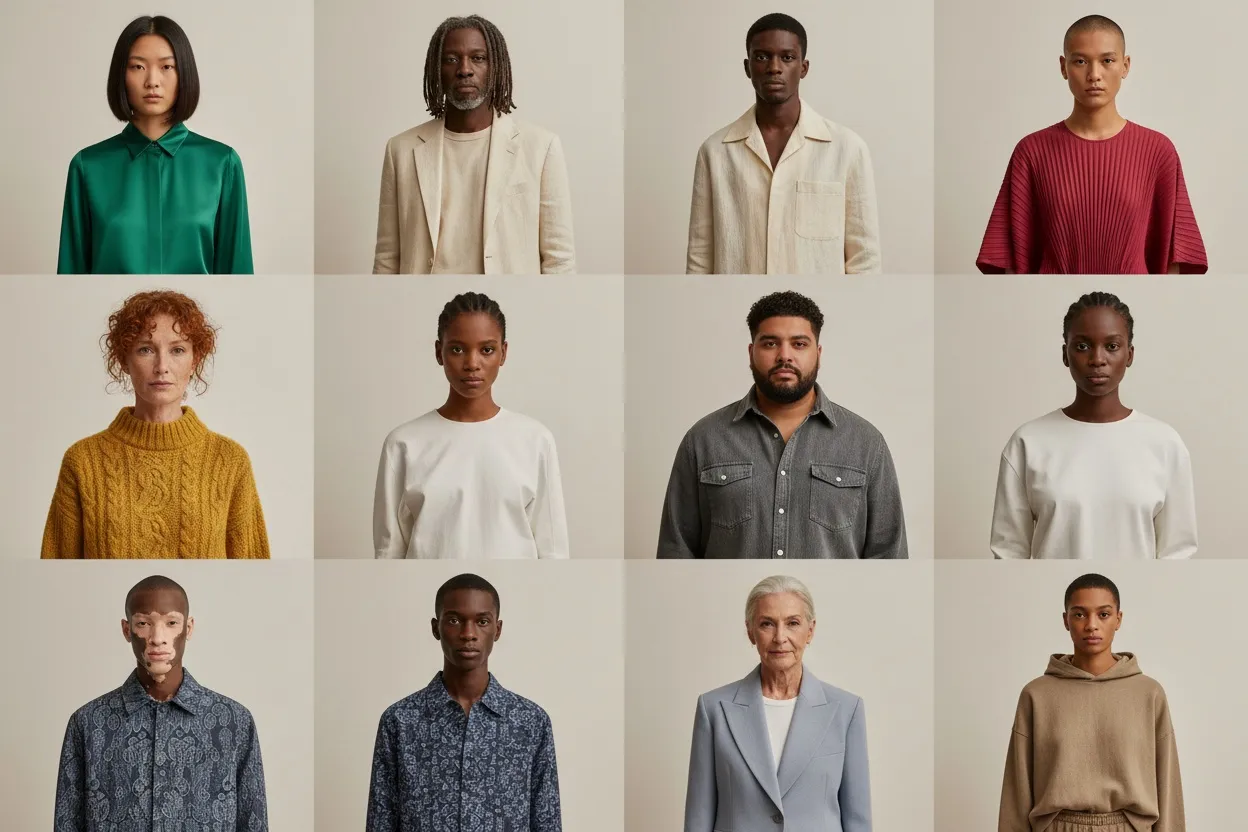
Best AI Fashion Model Generators Compared (2026): 9 Tools, Prices and Free Tiers
9 AI fashion model generators compared from vendor pages read 13 Oct 2026: entry price ($9–$55/mo), free tier, commercial use, API, batch, own garment on a model.

Run a complete catalog photoshoot from a single garment photo. Pick one of 55 ready-made sets — a fi...
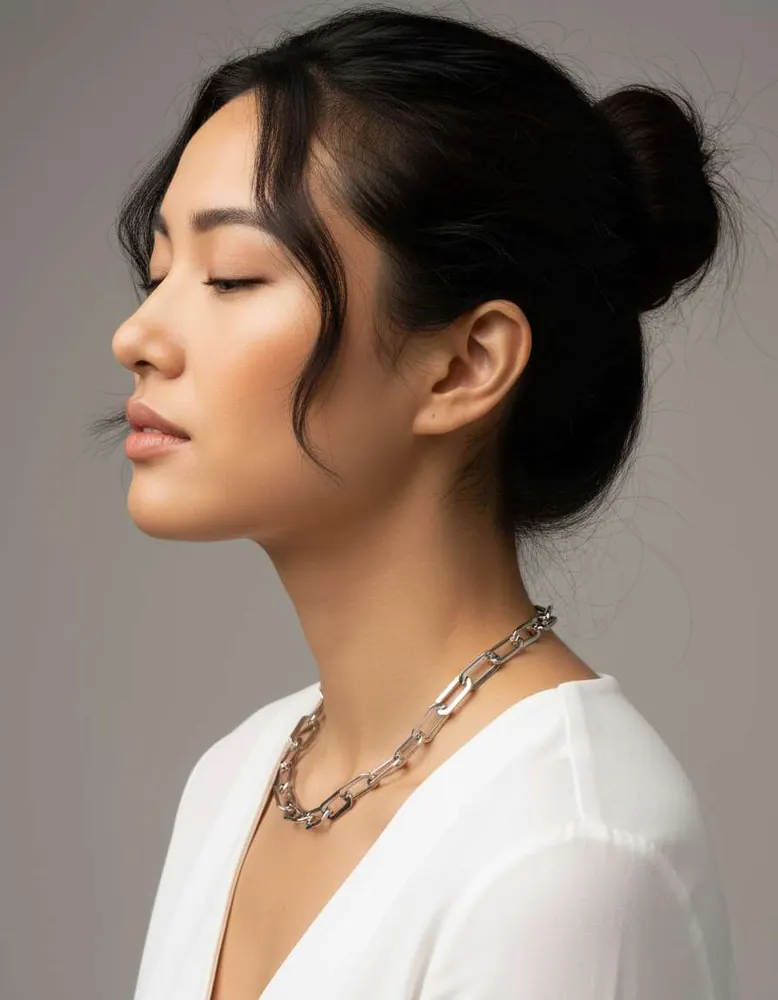
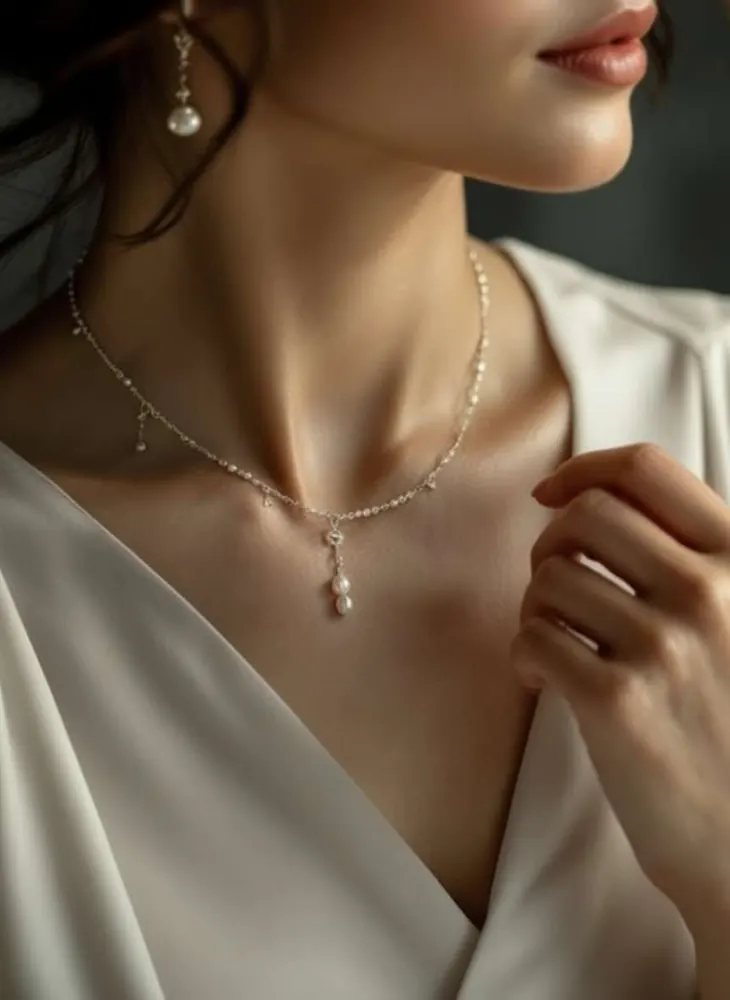
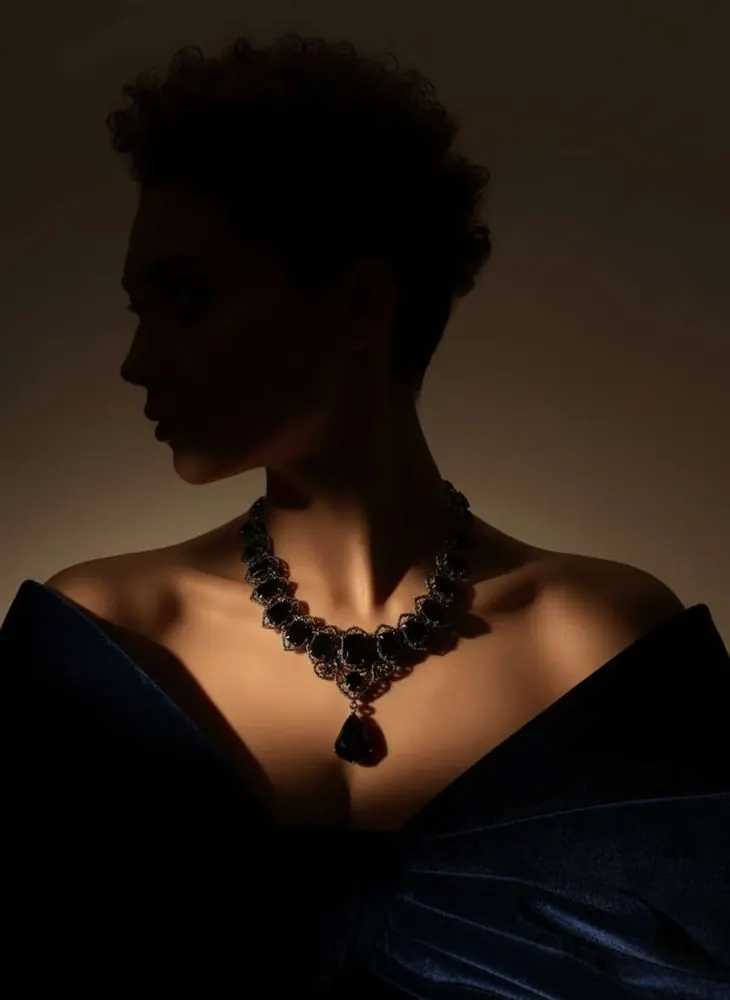
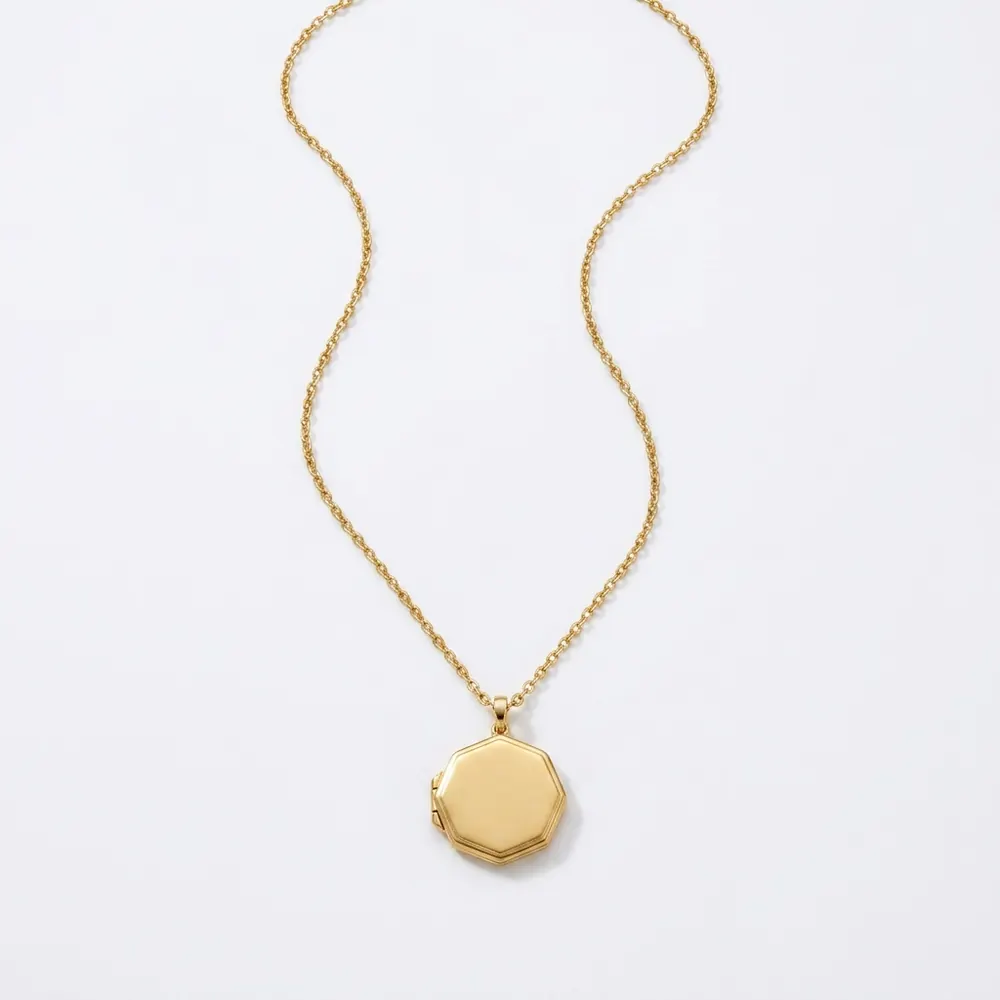
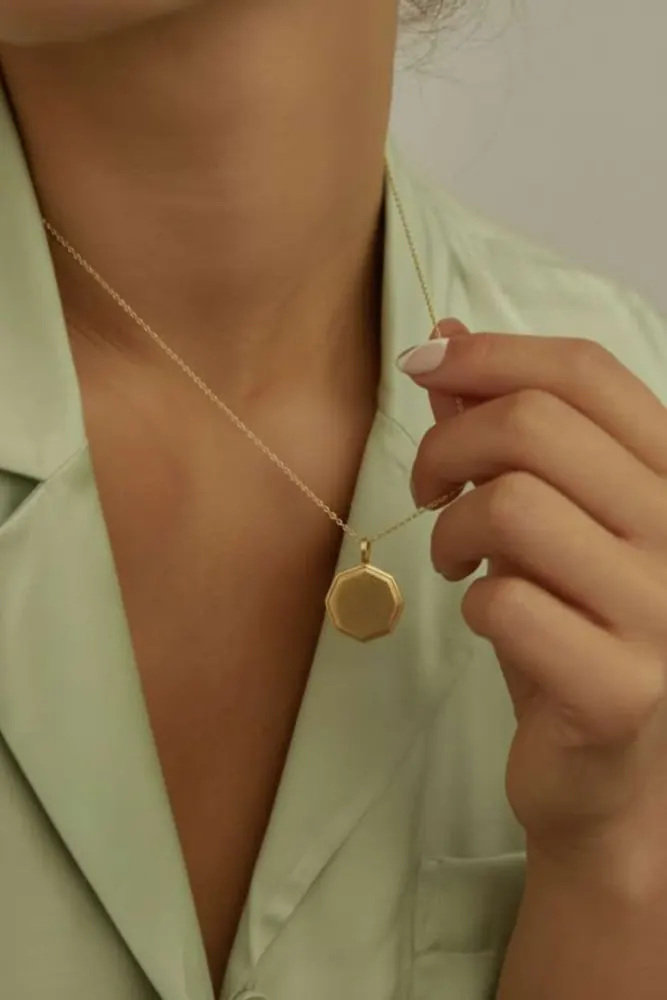
Upload the flat-lay. Get it worn at the neckline, with the drop and the chain length true to the piece.
Flat on a table it is a shape. At a neckline it is a length.
 Your photoFashio AI
 Your photo
 Fashio AI
 Your photoFashio AI
 Your photo
 Fashio AI
9 AI fashion model generators compared from vendor pages read 13 Oct 2026: entry price ($9–$55/mo), free tier, commercial use, API, batch, own garment on a model.
Transform flat lay product photos into professional on-model imagery with AI. Step-by-step guide covering flat lay photography tips and AI conversion tools.
Step-by-step guide to shooting product photos with your phone. Lighting setups, angles, backgrounds, and post-processing tips for ecommerce sellers on a budget.
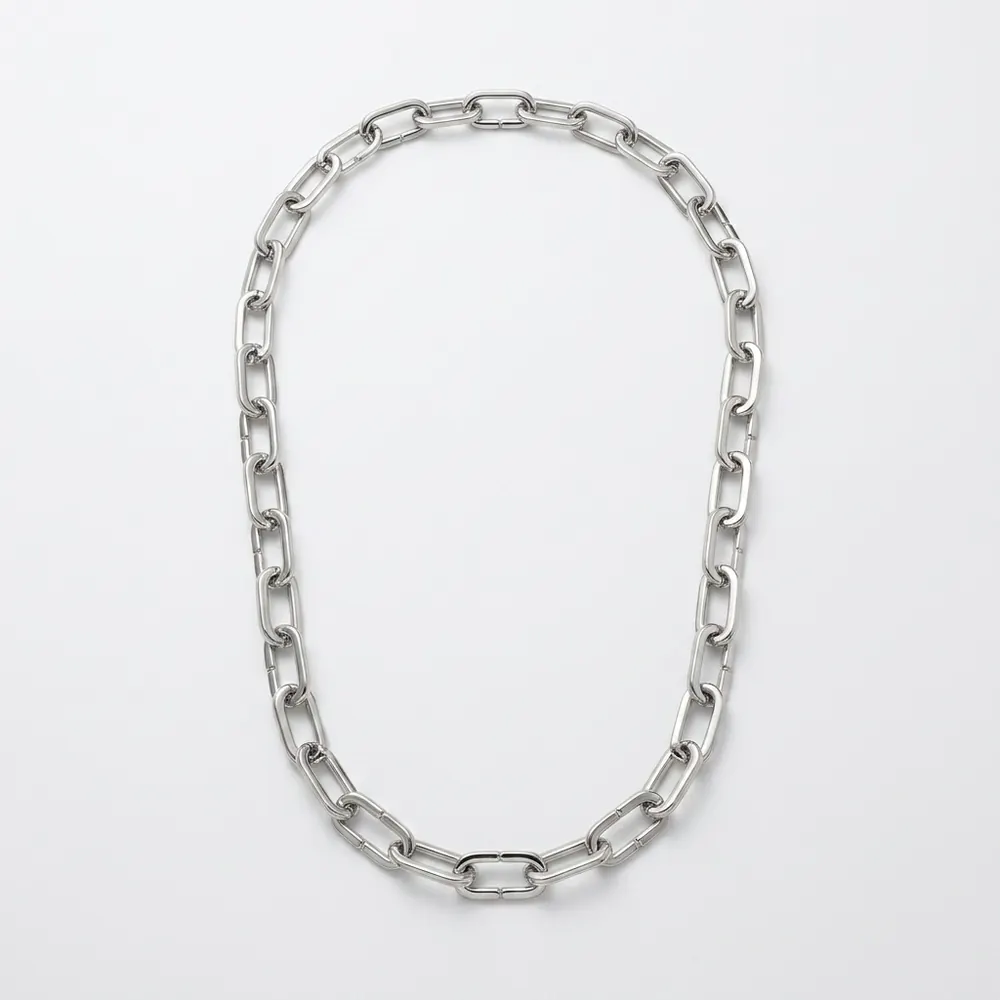
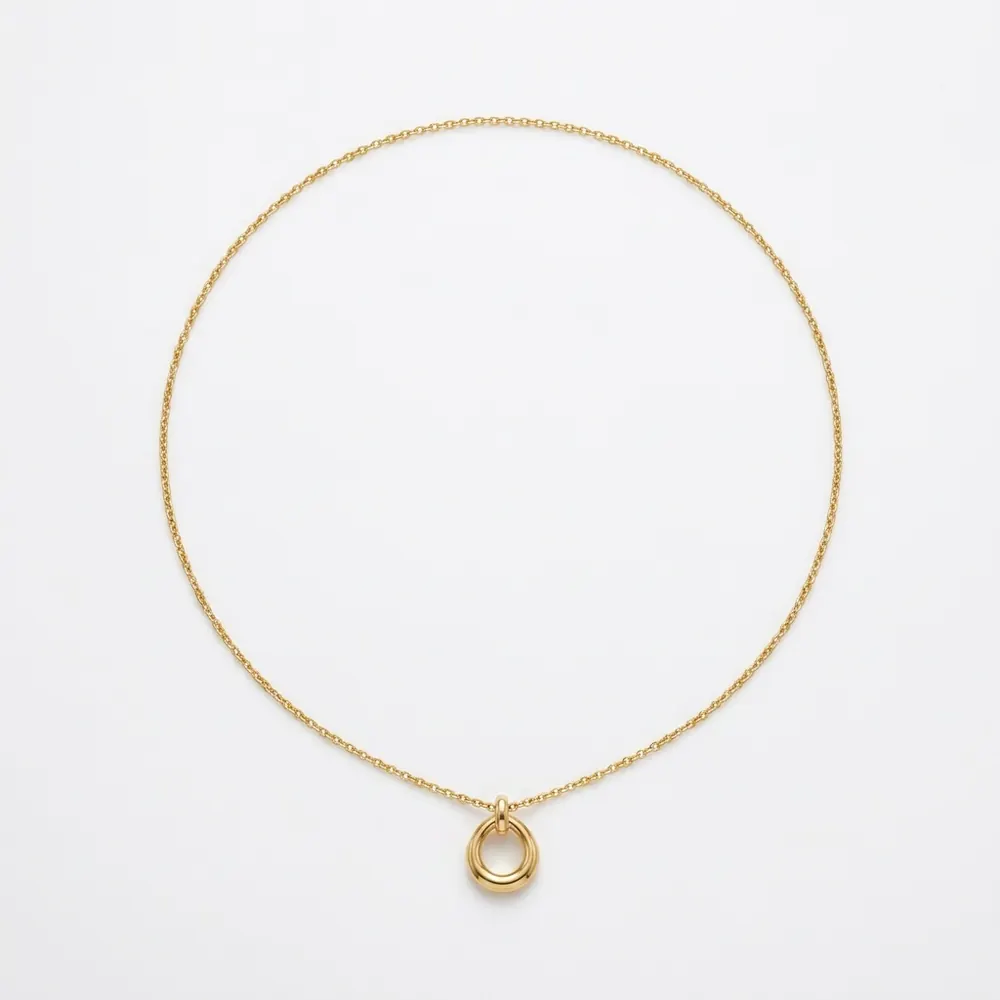
A necklace laid flat hides the two things a buyer is deciding on: where it sits and how far it drops. A 45cm chain and a 55cm chain look identical on a table and completely different on a person.
Your photoFashio AIA flat-lay is a shape. It shows the pendant face, the clasp and the metal, and it shows all of them well. What it cannot show is the only thing the buyer is unsure about — how the piece will sit on them.
So they do the conversion themselves. They read "45cm" and try to picture where that lands, and most people cannot. Some guess, some message you, and some close the tab. The messages are the visible cost; the closed tabs are the expensive one.
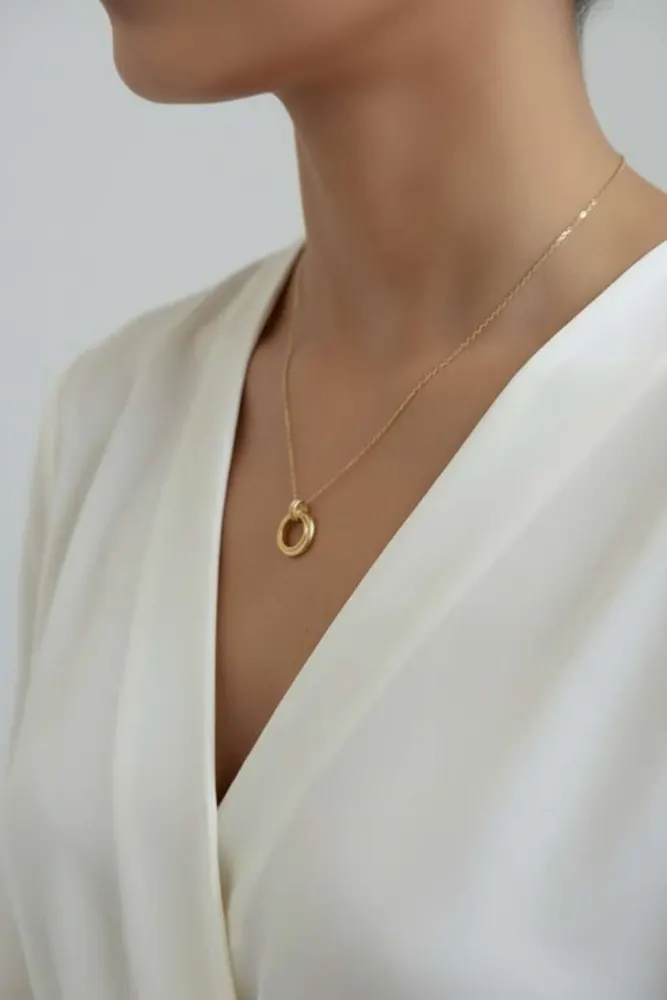
Your photoFashio AIThe crop here is the neckline, because that is where the decision happens. The pendant lands where it would land, the chain hangs at the length it hangs, and the centimetres in your listing stop being a puzzle and become a caption to a picture.
That framing is loaded automatically when you pick necklace — it is a different crop from the hand pose a ring gets or the profile an earring needs, and it is the framing every necklace listing that converts already uses.
Your photoFashio AILength is the variable buyers get wrong most often. A choker, a princess at 45cm and a matinee at 60cm are three different products that photograph identically flat.
Shown on a body, the difference is instant and needs no explanation. Keep the measurement in the listing — the image supports it rather than replacing it — but stop relying on the number to do the work alone.
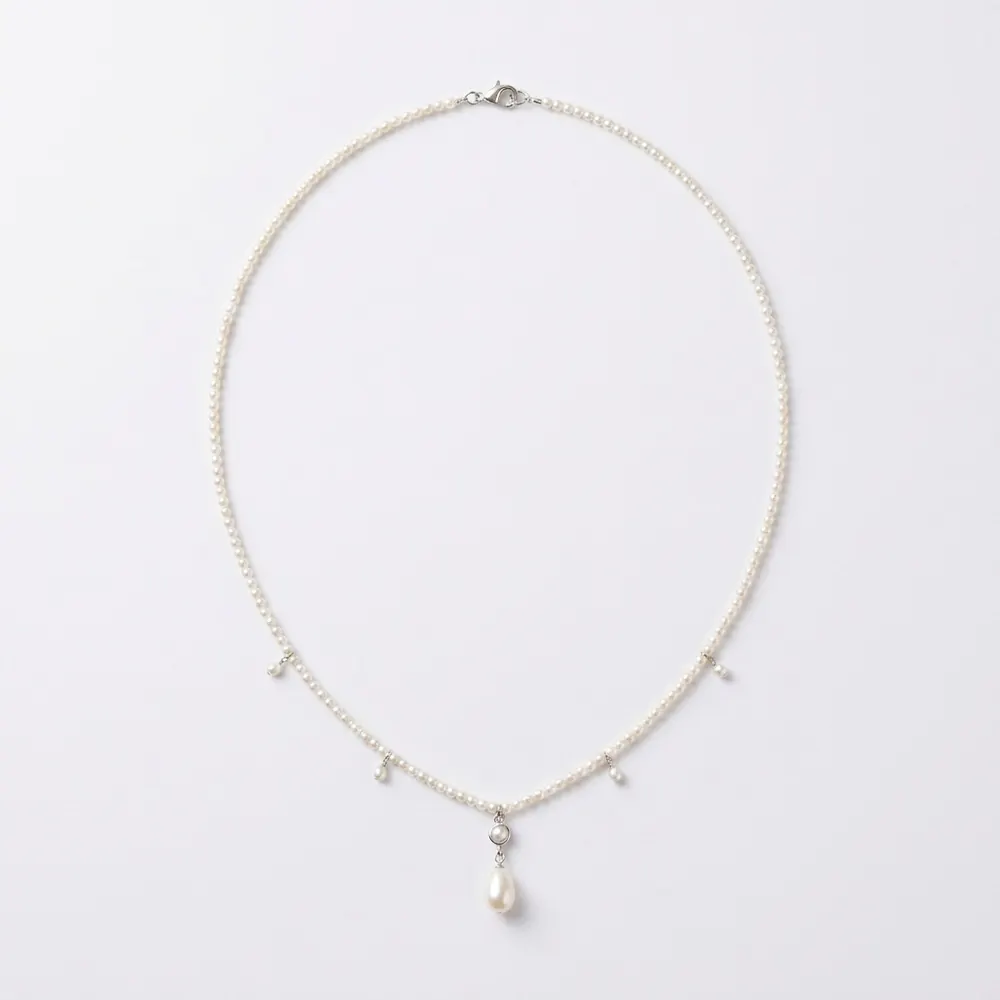
Your photoFashio AIFine chains sold to be stacked are impossible to photograph flat. They tangle into a single shape and lose the one property being sold: the space between them.
On a neckline that spacing is visible, and it is the reason someone buys the second chain rather than just the first. Upload the pieces you want shown together and the layering reads the way it will actually be worn.
Generated with FashioThe output is only as good as the file you start with. Three things matter:
Shoot the pendant face-up and the chain relaxed rather than pulled taut. If the clasp is a selling point, photograph it visible.
Generated with FashioYour flat-lay is transferred rather than redrawn. An engraved face stays engraved, a hallmark stays where it was struck, and a brushed finish stays brushed — at exactly the crop where a buyer zooms in.
This is what separates an on-model transfer from a text-prompted image. Describing "a gold pendant necklace" gets you a gold pendant necklace; it does not get you yours.
Generated with FashioA marketplace listing wants the white-background hero first and the on-model frame second, because the grid thumbnail rewards clarity and the detail page rewards context. Paid social wants the on-model frame first, in a venue rather than on seamless white.
The full AI model library and dozens of scenes, with full commercial use rights on everything generated. If you sell earrings, rings or bracelets alongside, each has its own framing: earring, ring, bracelet, or start at the jewellery hub.