

One product photo in
Every format out
Same create_generation call — campaign, catalogue, lookbook, listing, social, video, all from one photo.
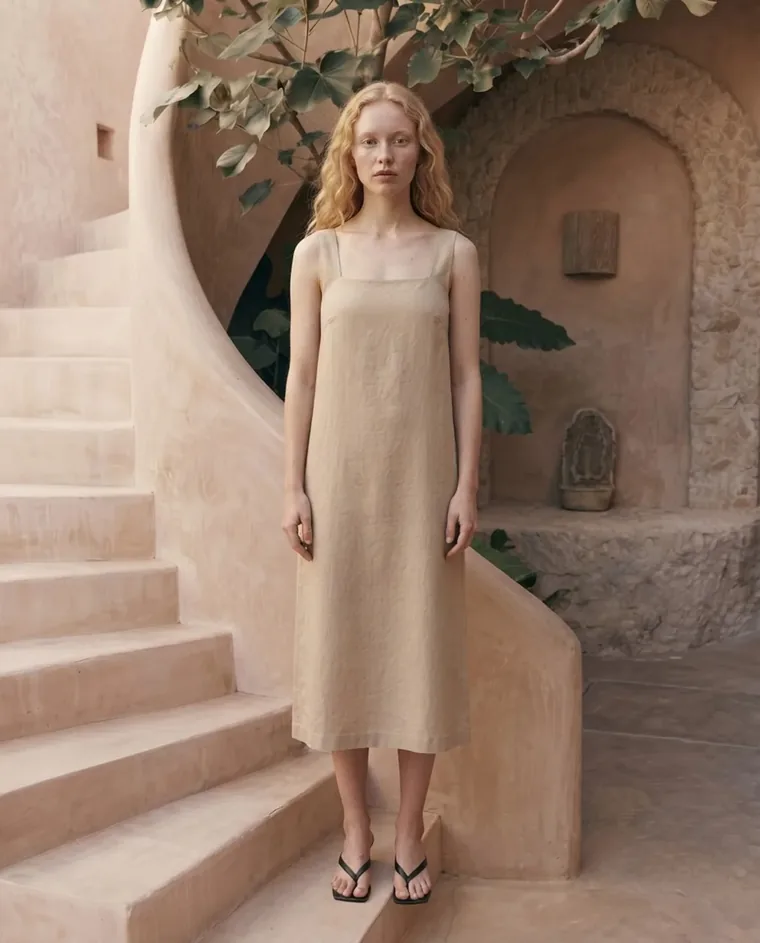 Campaign
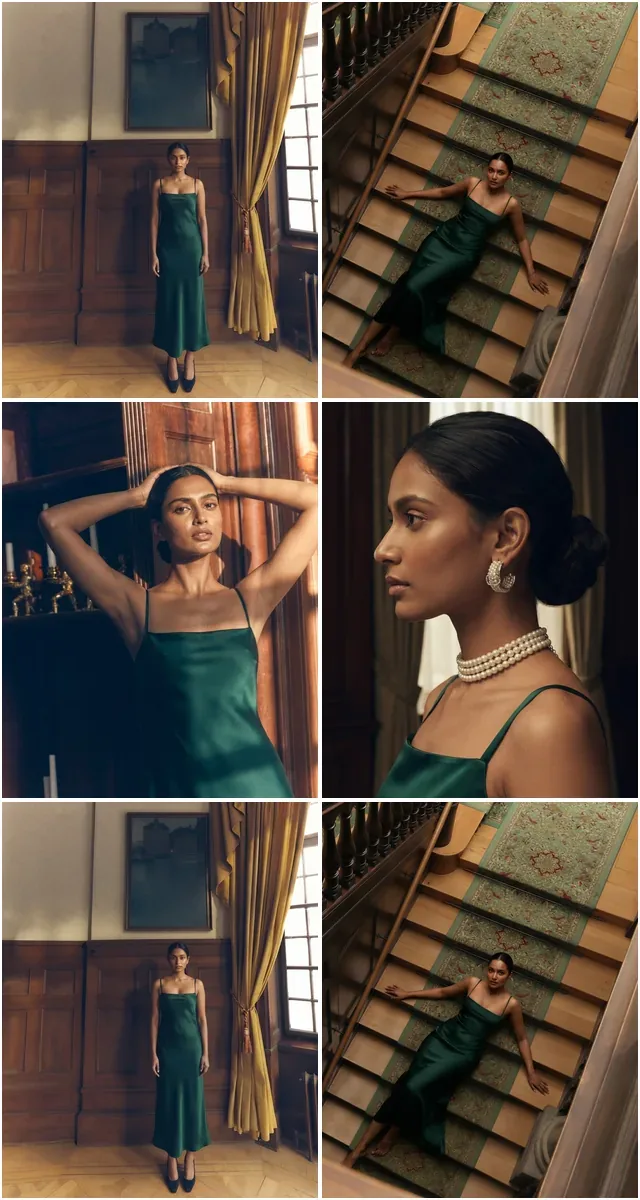 Catalogue
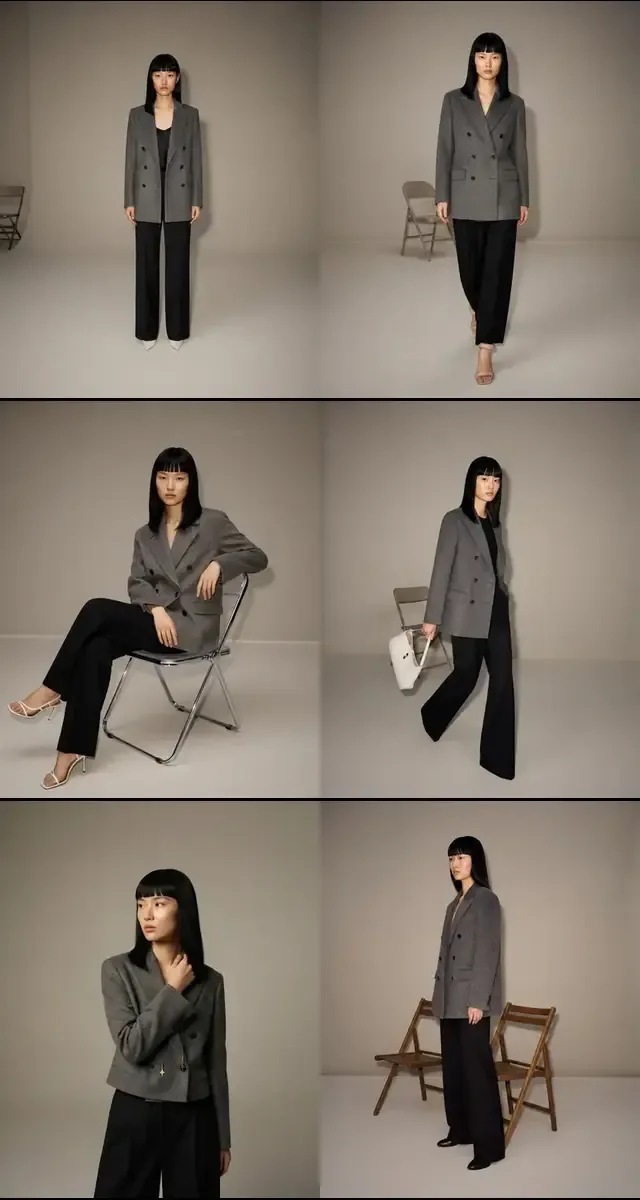 Lookbook
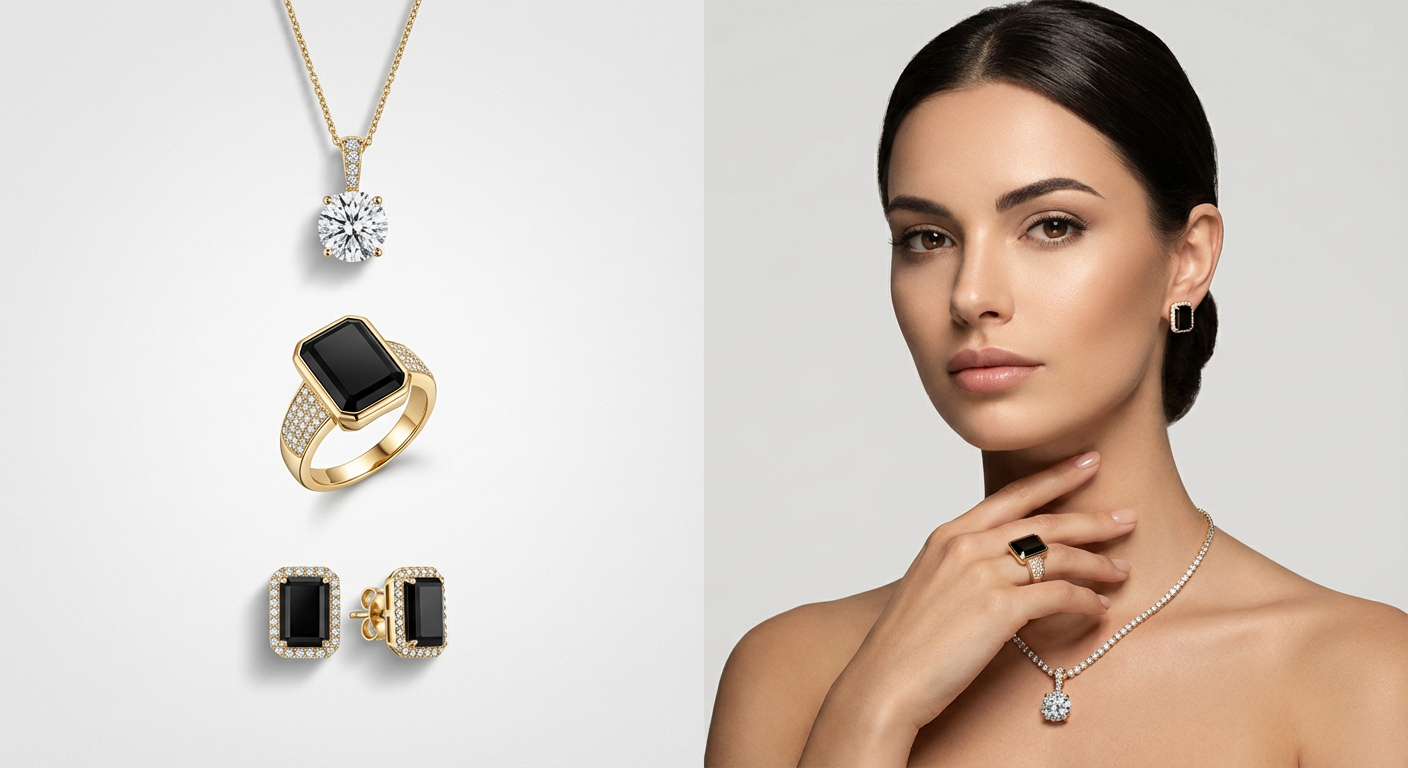 E-commerce
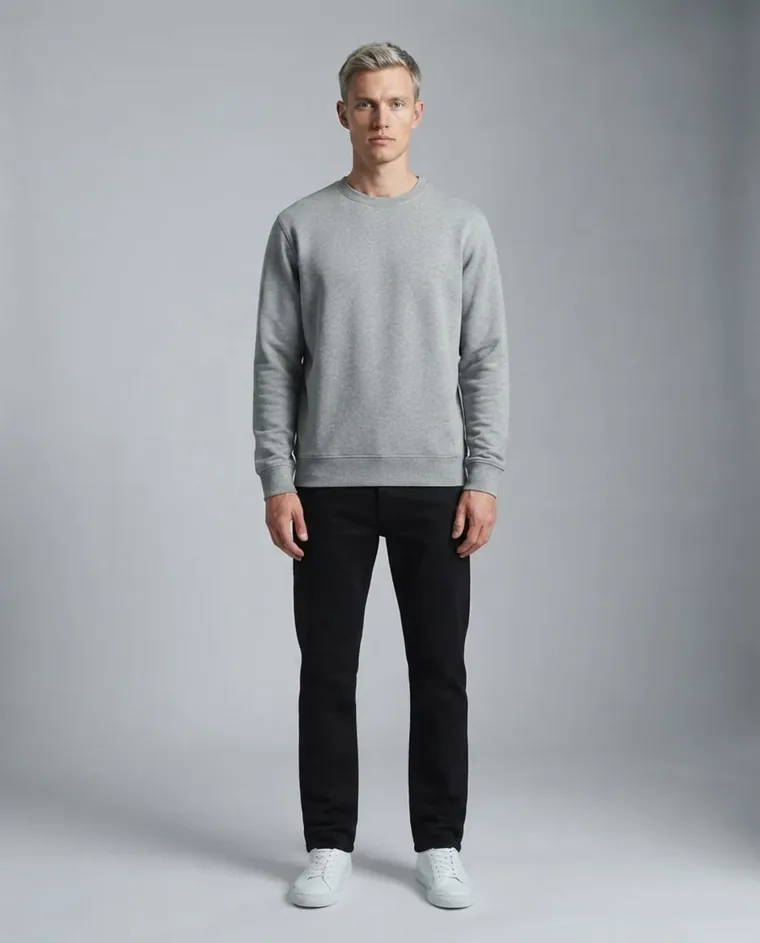 Social
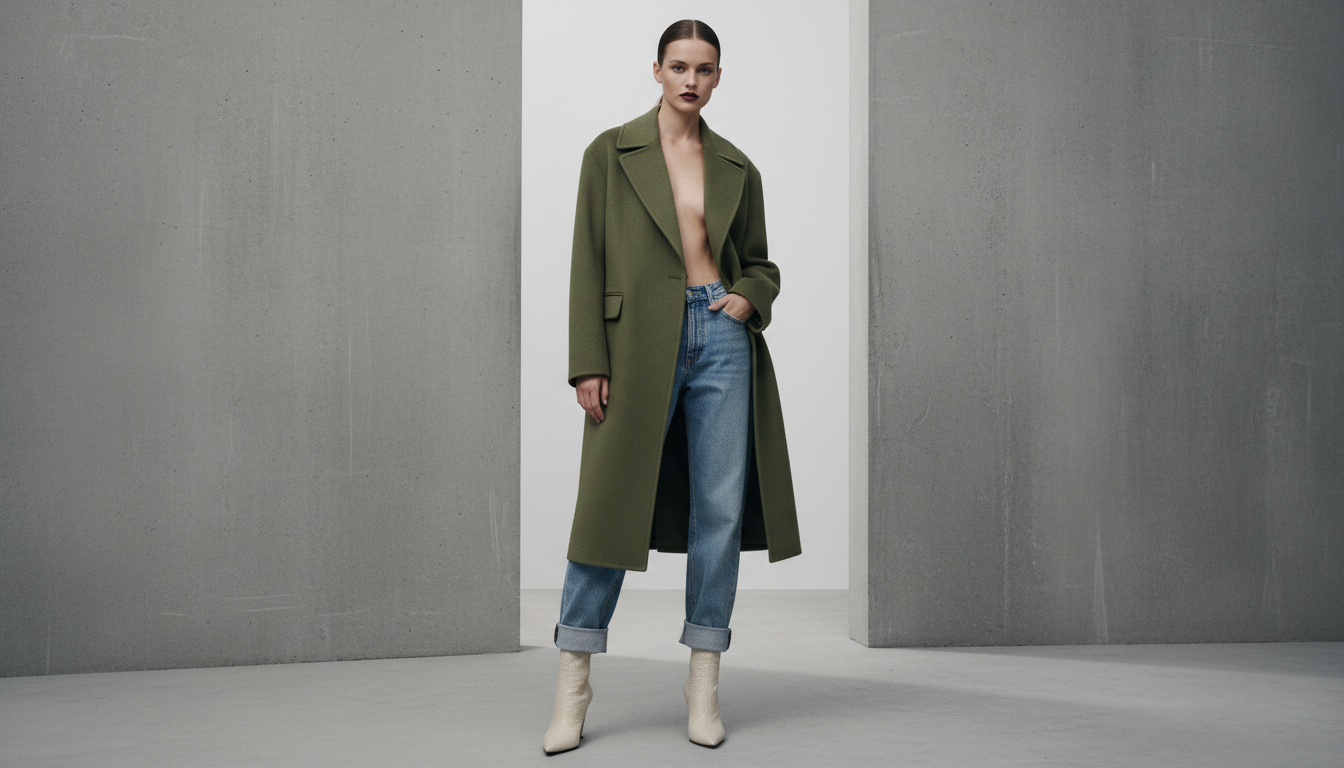 Video
Video Street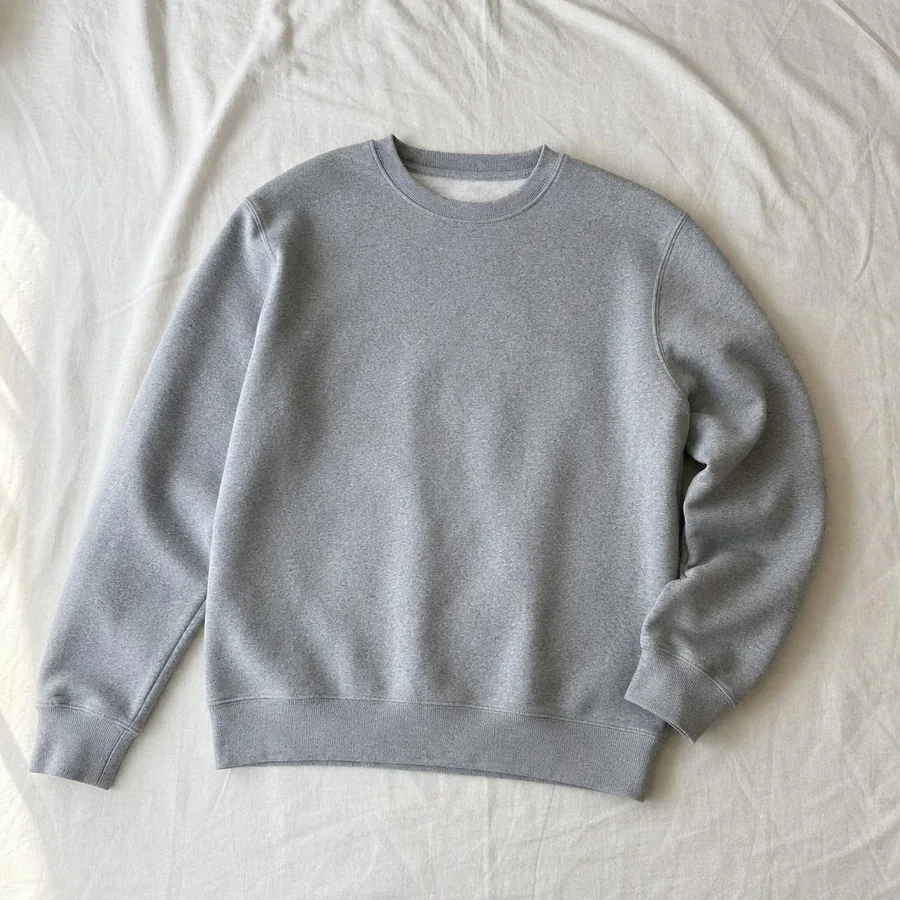
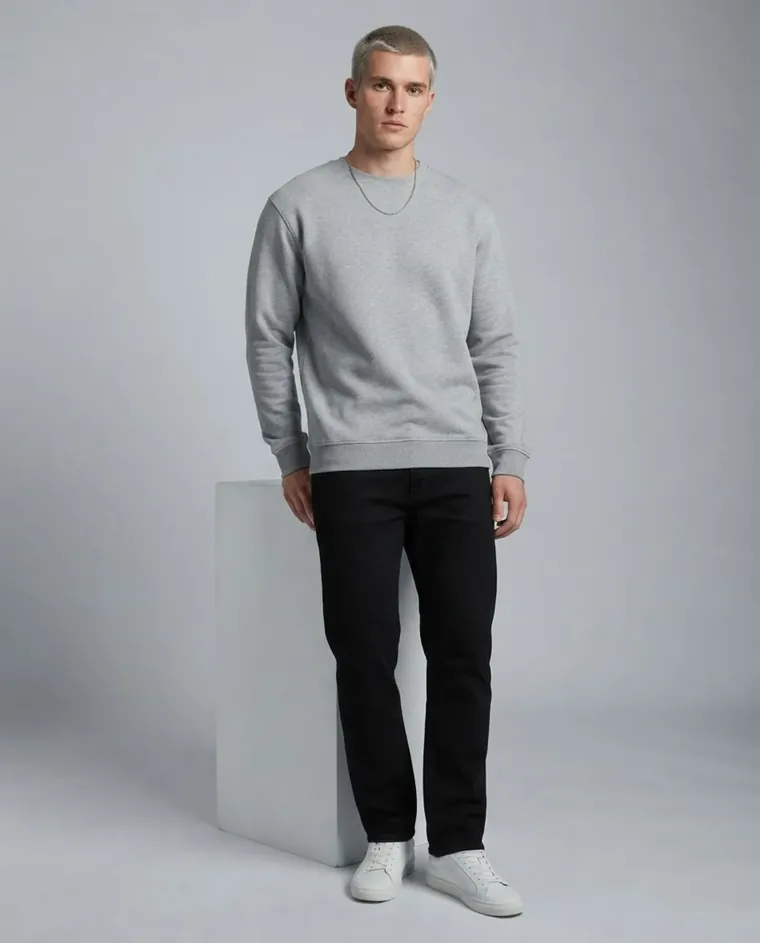
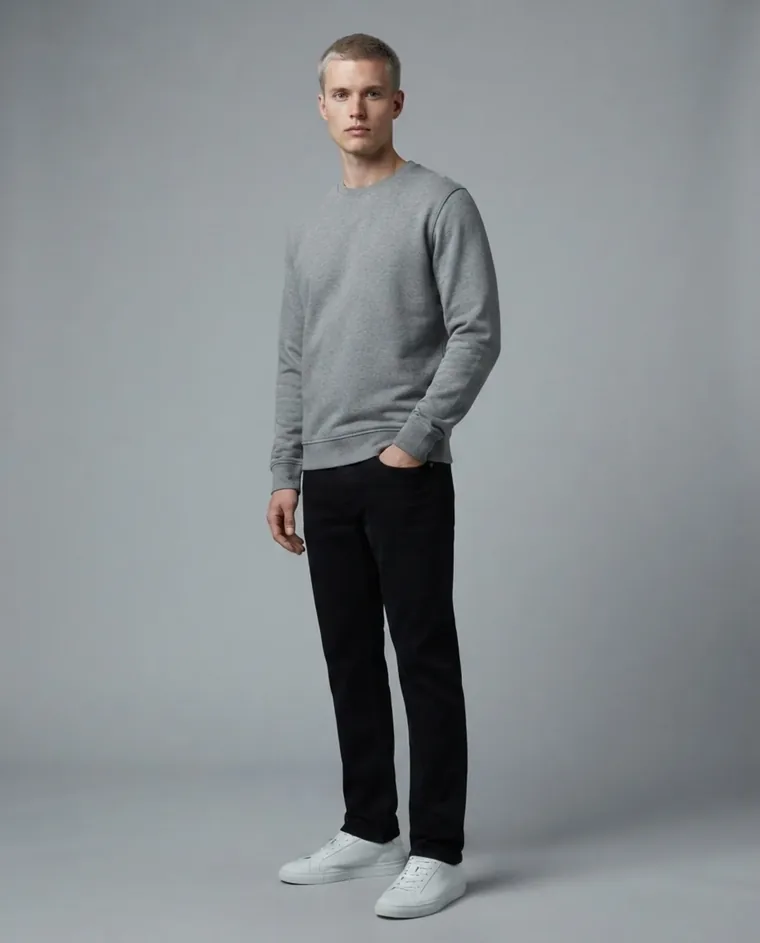
Start a generation in one request
Pick your stack — the request is identical either way.
curl https://api.fashiolabs.com/v1/generations \
  -H "Authorization: Bearer $FASHIO_API_KEY" \
  -H "Content-Type: application/json" \
  -d '{
    "toolId": "virtual_model",
    "images": {
      "fashion_model": "6a2f811f-0465-4c70-92aa-2434765441f9",
      "garment_photo": "https://.../garment.jpg",
      "venue": "pure_white"
    },
    "pose": "contrapposto_elegance"
  }'
Full reference, every endpoint: docs.fashiolabs.com
All fashiolabs packages: npmjs.com/~fashiolabs
Built for real integrations
Self-serve key
Create a key from your dashboard — no sales call, no approval queue.
REST + OpenAPI 3.1
Standard JSON over HTTPS, with a published OpenAPI spec — generate a client in any language.
One credit balance
API calls draw from the same diamond balance as the app — no separate wallet to fund.
Full catalog access
List and pick from the same AI models, venues, and poses the app ships with.
MCP server included
fashio-mcp connects Claude, Cursor, and other MCP-speaking agents straight to the API.
Your data, your key
Revoke a key instantly from the dashboard — no dangling access after an integration ends.
Reusable template sets
Save a generation's model, venue and pose as a preset, then reuse it on every new product — one shoot becomes a whole catalog.
What people build with it
Shopify / storefront integrations
Generate on-model shots for a product as soon as it's uploaded, without a human opening the dashboard.
PIM / catalog pipelines
Wire generation into an existing product-information workflow instead of a manual export/import step.
Recurring catalog shoots
Save last season's styling as a template set and run every new SKU through it automatically.
No photoshoot? Use ours
Browse Fashio's curated 'ready photoshoot' library and run your product through a full pre-styled shot list without setting up a model or venue yourself.
AI agents and internal tools
Let an internal tool or a coding agent call Fashio directly — via REST or via the MCP server — as part of a larger automation.
Custom marketplaces and apps
Build your own upload → generate → publish flow on top of the same pipeline the Fashio app uses.
Fashio API FAQ
Ready to take control of
your fashion content?
Use Fashio AI to put your garments on models, without a photoshoot.
All fashion AI tools
Fashio's public v1 API is the same generation pipeline behind the app and the web dashboard — upload a garment photo, choose a model and a venue, and get production-ready on-model photography back, billed against your own account's credit balance.
How it works
Campaign- Upload a garment or product photo, or point to your own hosted URL.
- Pick an AI model, venue and pose from the catalog — or bring your own image URLs.
- Generate — the same pipeline the app uses runs the job and returns a result you can poll for.
Full endpoint reference, request/response shapes, and copy-paste code samples in cURL, Node.js and Python: docs.fashiolabs.com.
Want an AI agent (Claude, Cursor, or your own) to call Fashio directly instead of writing HTTP code? See the Fashio MCP server.