
AI Clothes: How AI is Transforming Fashion in 2026 | Fashio AI
Explore how AI is transforming the fashion industry in 2026. From AI-generated models to virtual try-ons, discover the technology reshaping how we create and sell clothes.

Run a complete catalog photoshoot from a single garment photo. Pick one of 55 ready-made sets — a fi...
Upload one garment photo. Get it worn by a model in any venue, in any pose, at 4 credits a frame.
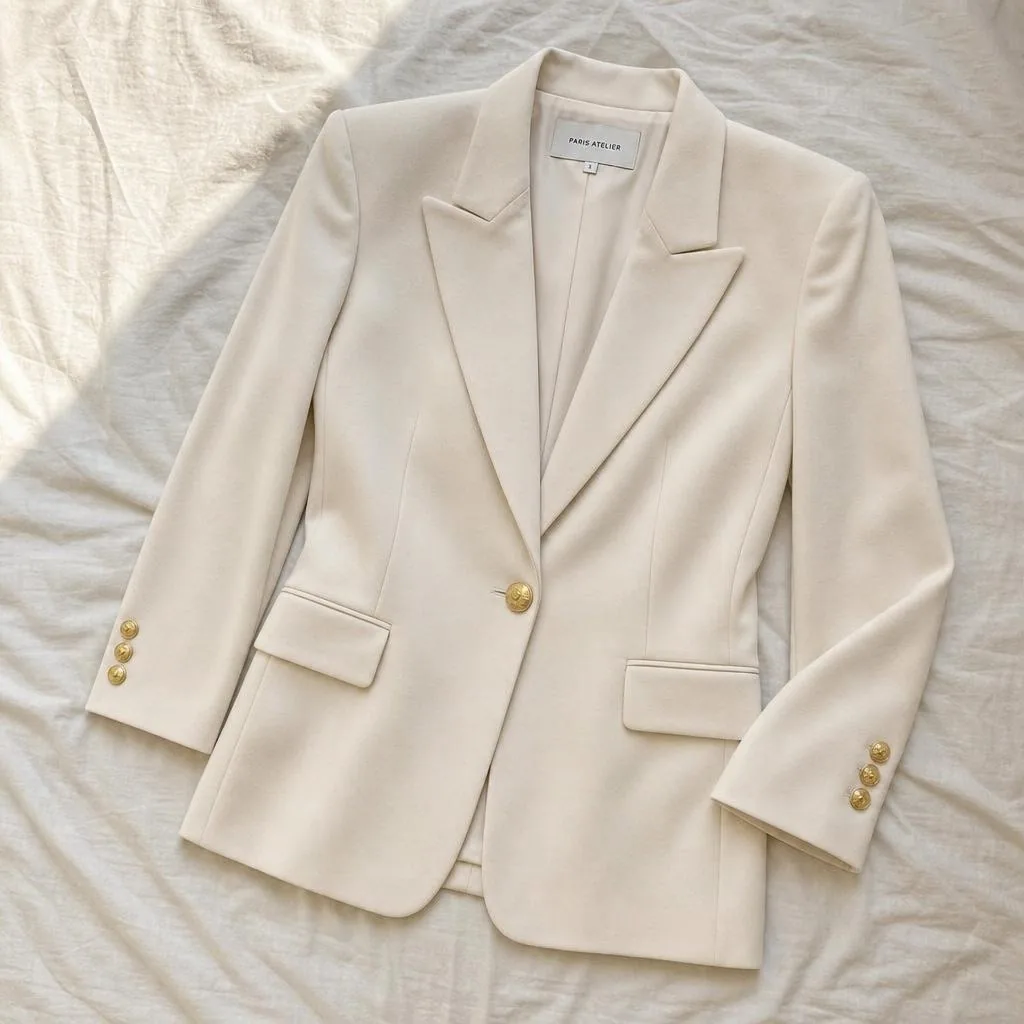
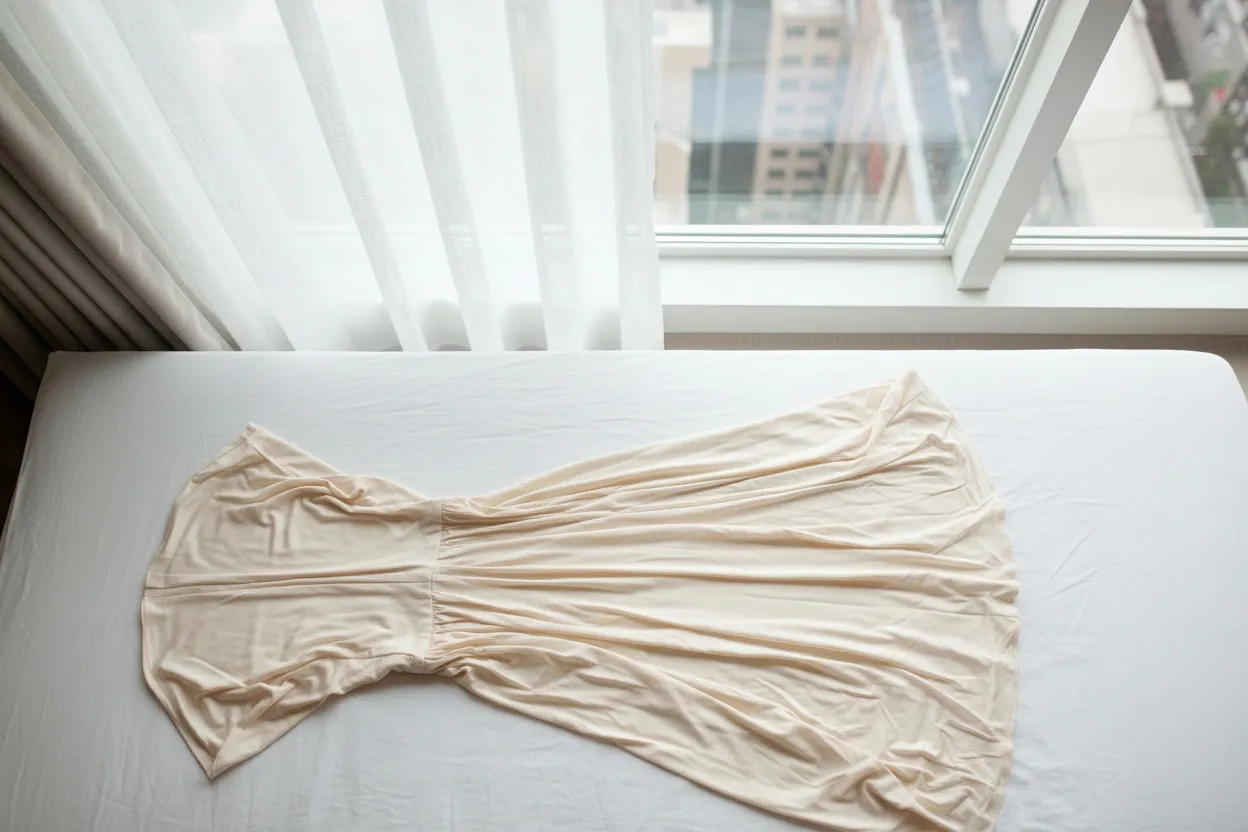
One piece per render. A flat-lay, a hanger shot or a ghost-mannequin frame all work.
Source · iPhone flat-lay

Both required. 50 venue presets — 16 studio, 12 nature, 8 indoor, 7 landmark, 4 street, 2 outdoor, 1 rooftop.
Set · Warm plaster room
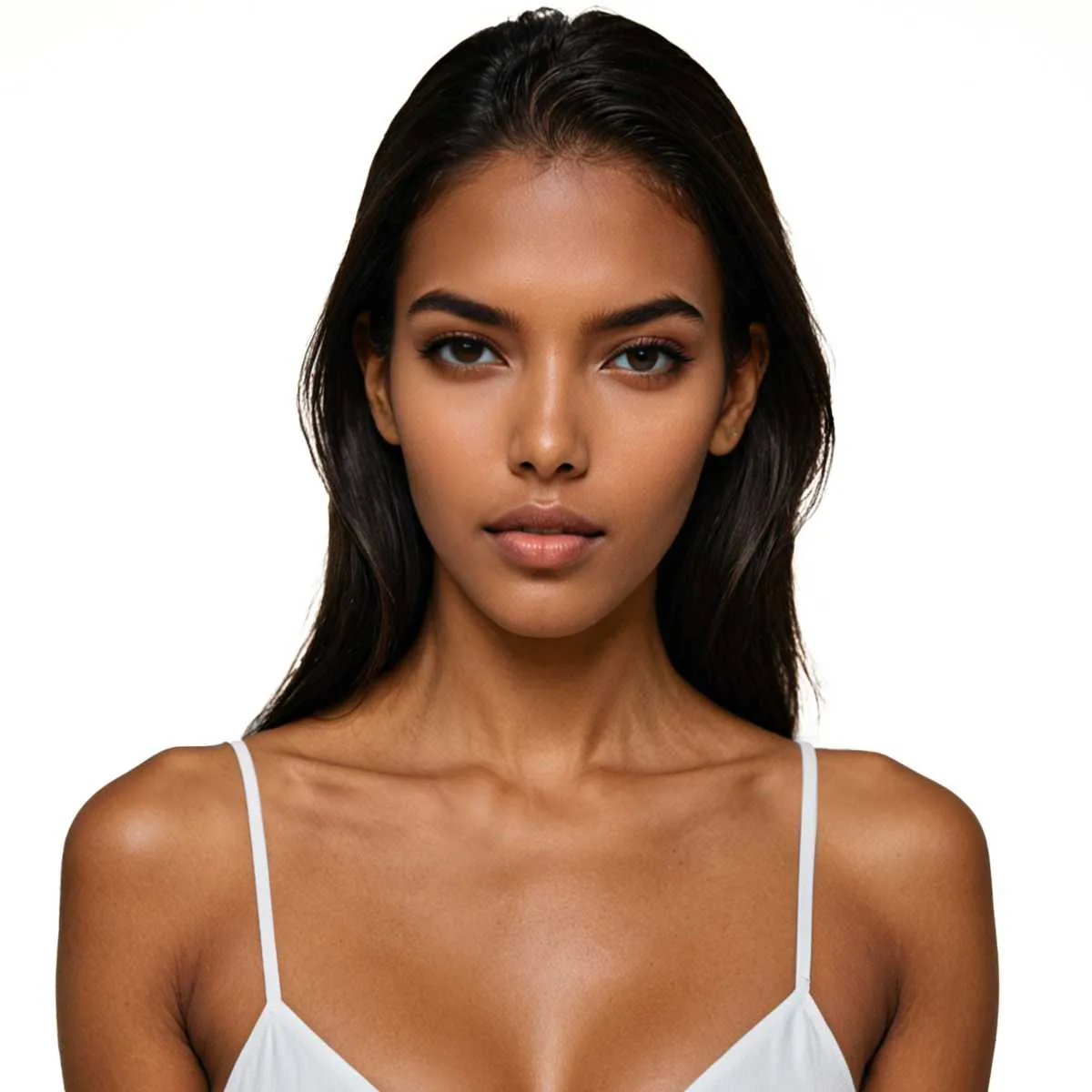
Optional. 101 published models across 10 ethnicities, 10 body types and 4 age bands, plus 36 fashion pose presets.
Cast · optional
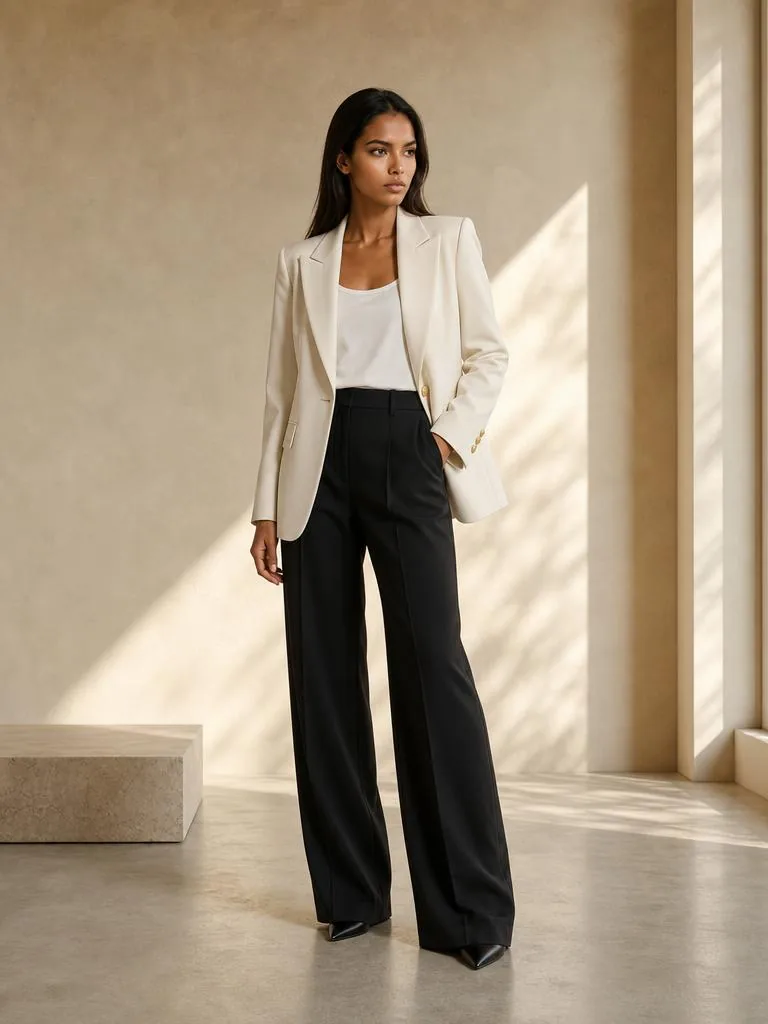
The outfit is replaced, the print survives. Full commercial use rights, straight onto the product page.
Output · unretouched
Fashio AI is built for one job: putting the garment you already photographed onto a model, at a published price per image. A fashion image costs 4 credits, $1.12 on the Starter plan.
One product photo, a flat-lay, a mannequin shot or a phone picture, becomes an on-model, ghost-mannequin or lingerie image. The garment is the input, not a text prompt.
Bras, briefs and sets run through a dedicated lingerie pipeline, because general image models flag intimates and refuse them. One request takes up to 13 garment photos.
4 credits per fashion image: $1.12 on Starter, $0.75 on Plus, $0.40 on Pro. Every tool's credit cost is listed on a public spec page.
101 AI models across 10 body types in both genders and 10 ethnicities, with 87 poses and 50 scenes.
The web studio, the iOS and Android apps, the REST API and the MCP server all spend the same credits; the Shopify app runs on its own Shopify-billed plan. The site is published in 24 languages.
Use what you generate on product pages, marketplaces, ads, social and print, with no royalties or attribution, on every plan and credit pack.
No batch processing: images are generated one at a time. No 8K: the upscaler is a fixed 2×. No free plan. It is a tool for sellers, not a try-on app for shoppers.
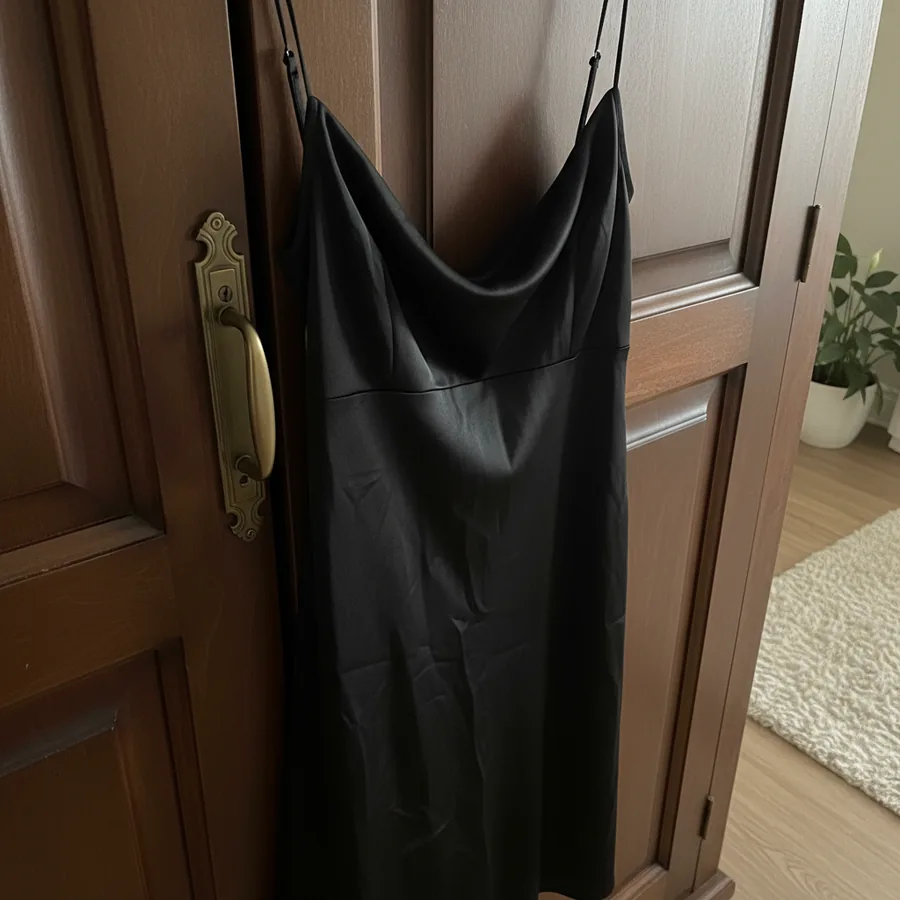 Before
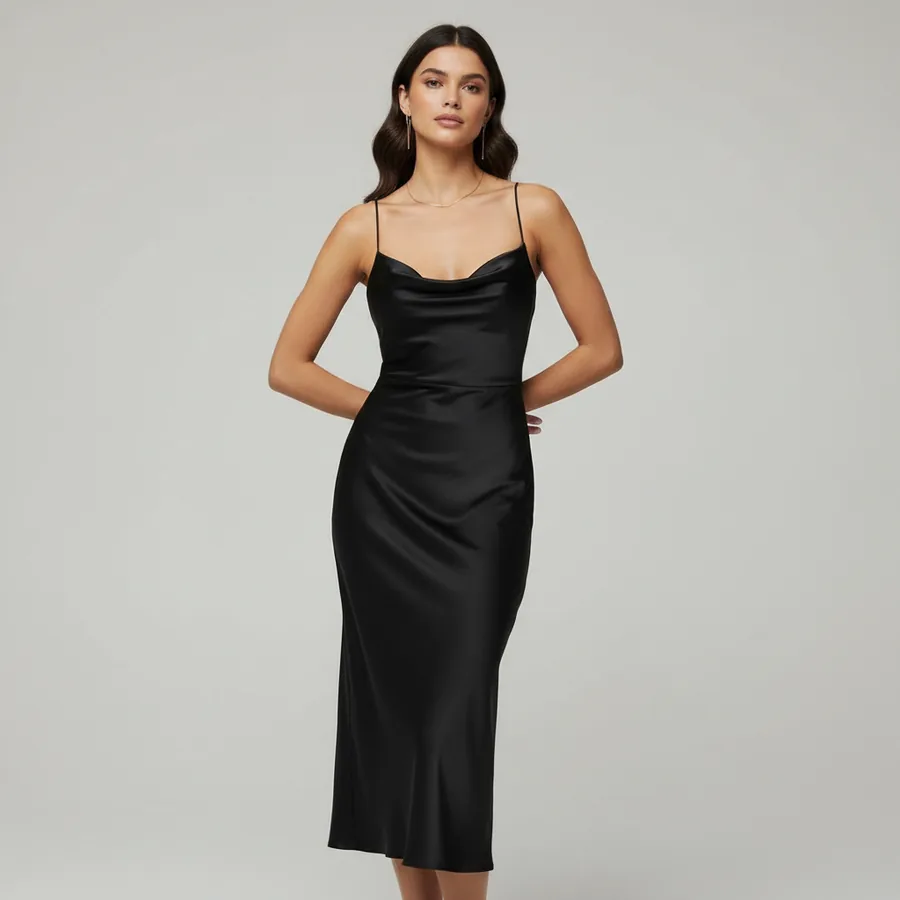 After
After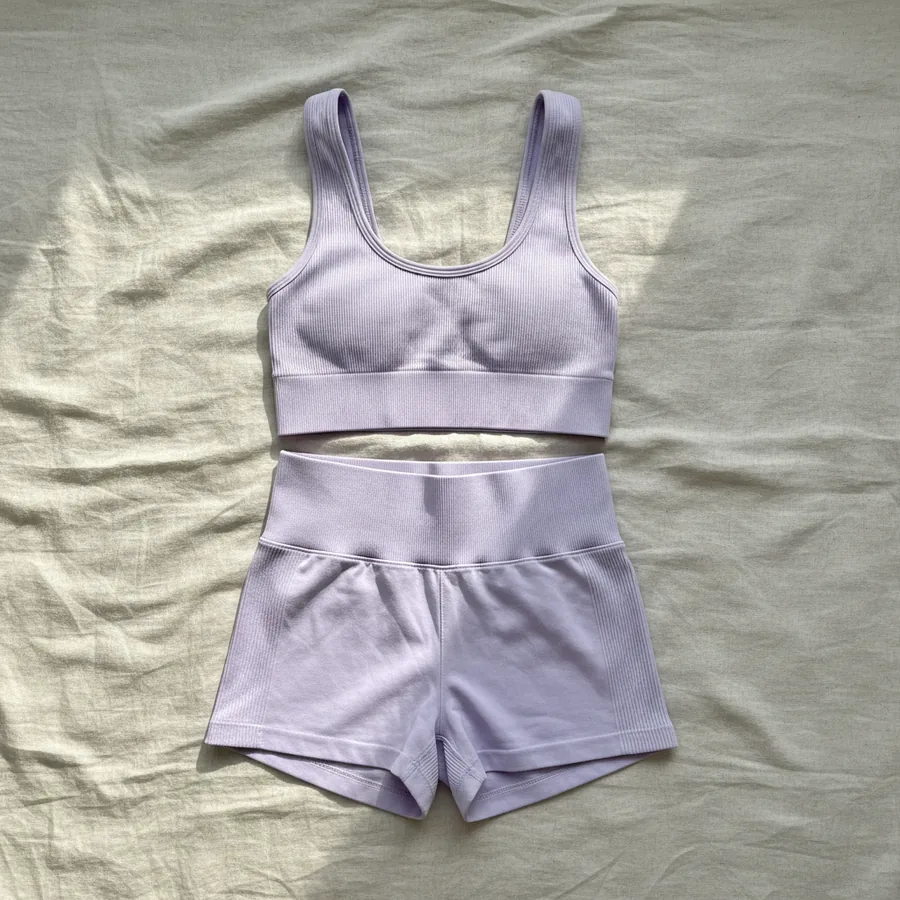 Before
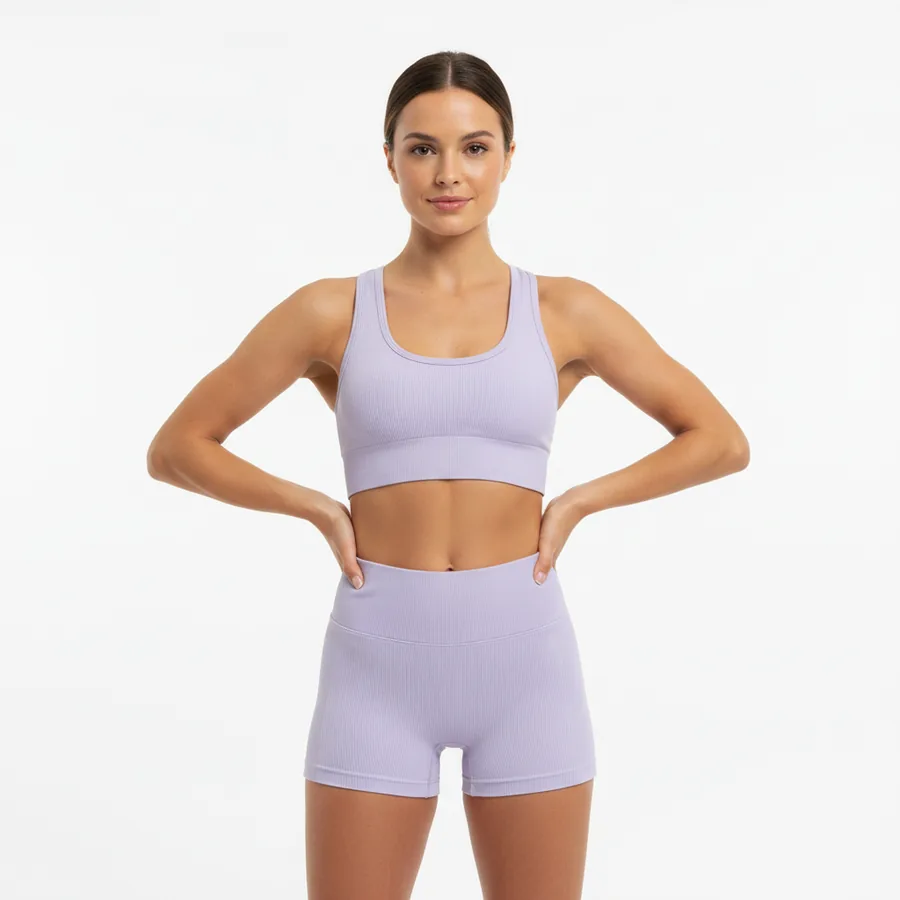 After
AfterFabric, stitching, embroidery, prints and proportions preserved. No redesign, no colour shift.
Dozens of scenes across studio, nature, indoor, landmark, street, outdoor and rooftop.
Optional fashion poses — leave it and the AI chooses.
A range of ethnicities, body types and age bands. The breakdown is published, not asserted.
Failed generations return their credits. Jobs past the 300s ceiling are refunded in full.
About $1.12 on Starter, $0.75 on Plus, $0.40 on Pro, $0.43 through the 1,200-credit pack.
Turn a rail of flat-lays into on-model listing images without booking a model or a studio.
Supplier photos are inconsistent. One garment upload gives you a house look that matches across SKUs.
See a print on a body before the sample run, while the colourway is still a decision.
The print survived. That was the whole test for us — everything else we could have worked around.
We stopped reshooting supplier photos. Same model across the range made the grid look like one brand for the first time.
Use Fashio AI to put your garments on models, without a photoshoot.
All fashion AI tools
Explore how AI is transforming the fashion industry in 2026. From AI-generated models to virtual try-ons, discover the technology reshaping how we create and sell clothes.
Step-by-step guide to photographing clothes to sell online. Lighting, angles, backgrounds, phone vs DSLR tips, plus AI enhancement workflow for ecommerce.
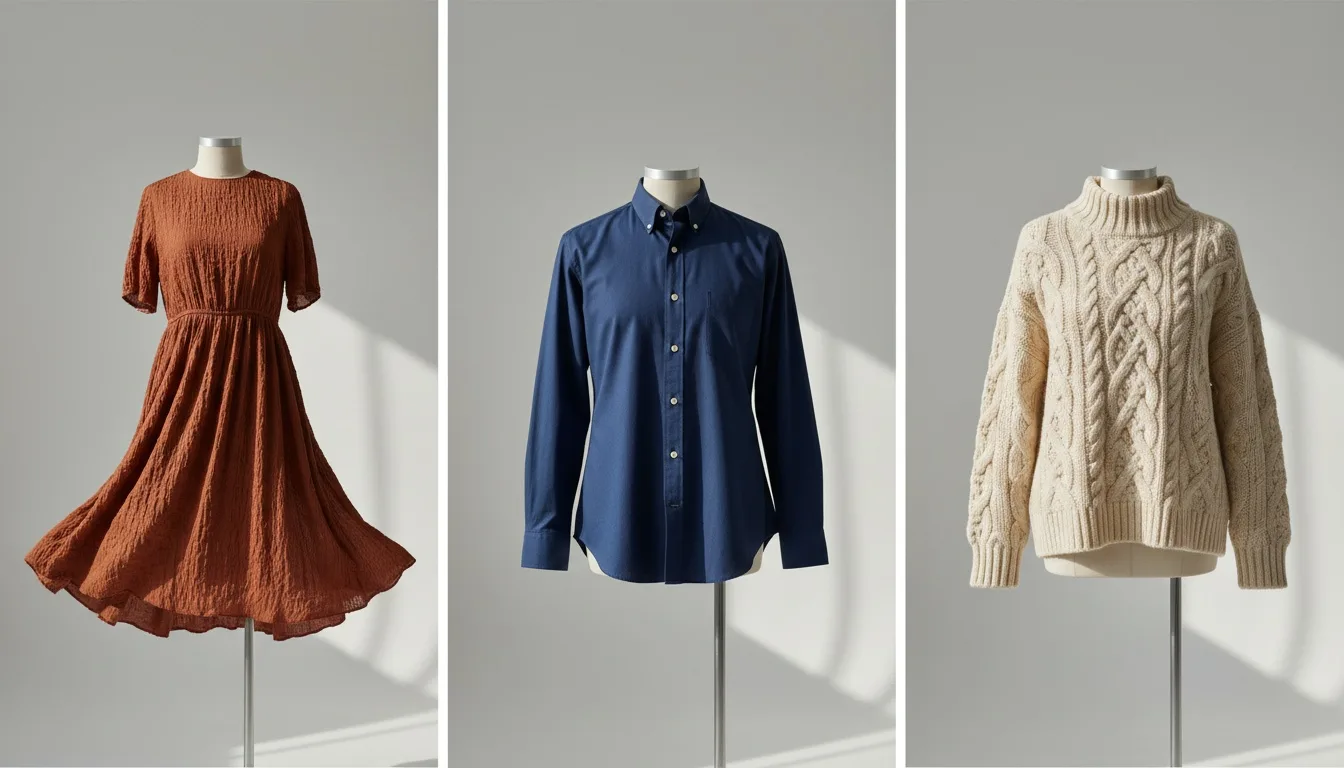
Four routes compared: manual compositing, generative retouching, generating from a flat lay, and the one case where a reshoot is still the right answer.
BeforeMost tools carrying this name are consumer editors: you upload a photo of yourself and they swap what you are wearing. That is a fun product and a completely different job from the one a brand has.
The brand's job is this. You have a garment. You need a picture of a person wearing it, on a white background for the listing and in a room for the campaign, and you need the same to be true for the next two hundred garments. Nobody needs to see you in it.
So this tool works the other way round. You upload the garment; the AI produces the model. The clothing on that model is replaced with your piece, and the instruction the generator runs under is unambiguous about what may not change: no redesign, no reinterpretation, no colour shift, no pattern alteration, no added or removed elements.
AfterTwo are required, three are not.
Leave 4 and 5 alone and the AI decides. Set them and you get the same face and the same stance across a whole season, which is the difference between a catalogue and a pile of images.
BeforeIt means the garment is the primary product and everything else bends around it. If you upload only a top, the AI completes the rest of the outfit using commercial styling logic — but your top stays dominant and unchanged. Fabric physics apply: gravity, drape, folds, tension points. A stiff denim does not fall like a satin, and a print that wraps a sleeve stays continuous around it.
The place this matters most is print-heavy and texture-heavy product. A plain black tee will survive almost any tool. A digitally printed midi dress with a placement pattern is where cheaper tools quietly redraw your artwork.
After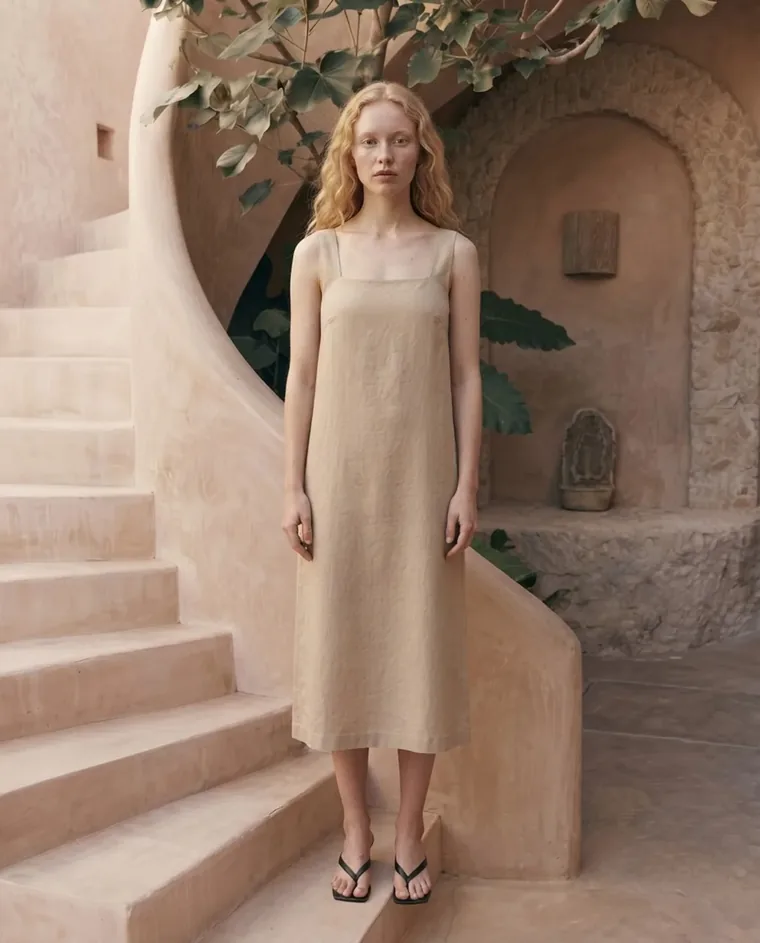 Campaign
4 credits per render. Plans start at $14 a month (Starter, 50 credits); Plus is $29.99 (160 credits) and Pro $49.99 (500 credits). One render costs 4 credits, about $1.12 on Starter and $0.75 on Plus. There is no free plan on the web. You can upload a photo and set up the shot without an account; generating needs a membership from $14 a month. The 1,200-credit pack at $129.99 brings a render to $0.43.
Failed generations are refunded, and any job that runs past the 300-second processing ceiling is refunded in full.