
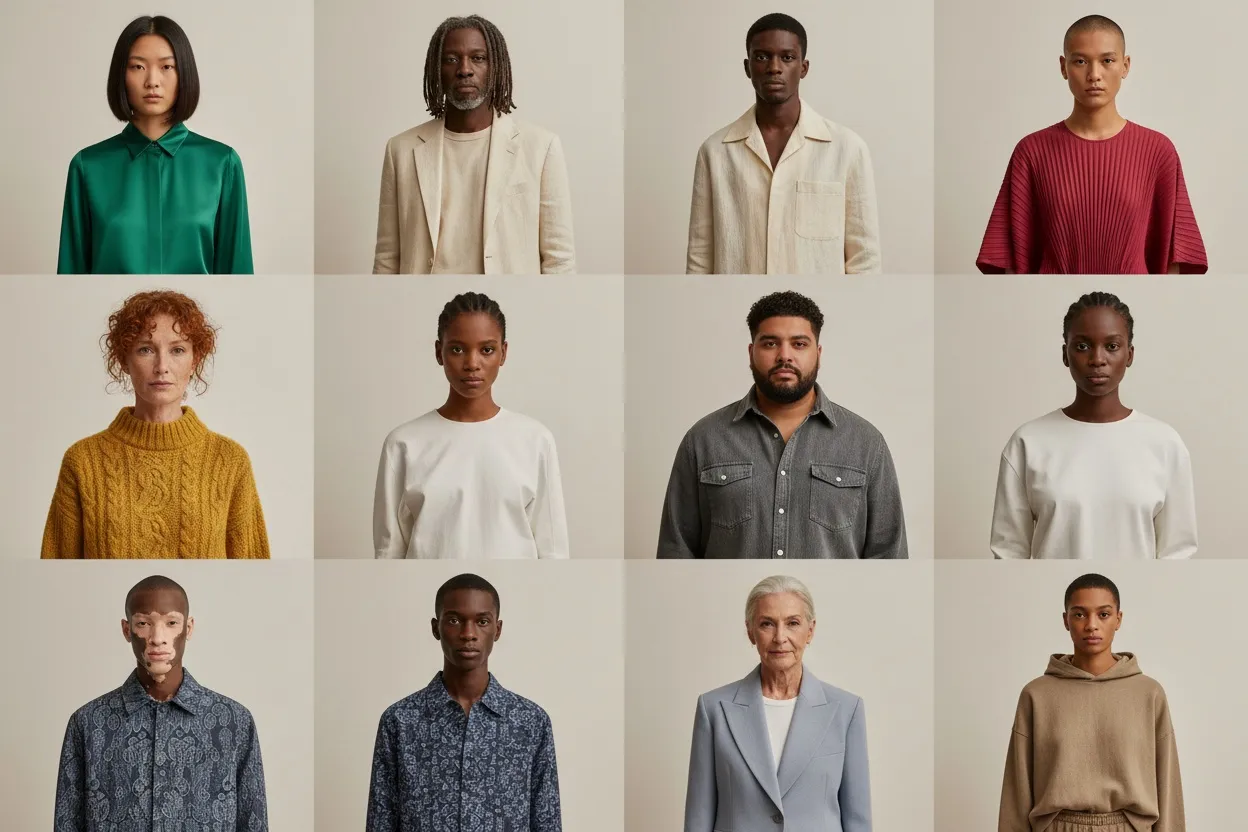
Best AI Fashion Model Generators Compared (2026): 9 Tools, Prices and Free Tiers
9 AI fashion model generators compared from vendor pages read 13 Oct 2026: entry price ($9–$55/mo), free tier, commercial use, API, batch, own garment on a model.

Run a complete catalog photoshoot from a single garment photo. Pick one of 55 ready-made sets — a fi...
Upload a flat-lay piece and get it worn. Pick the type and the framing, poses and crop follow it.
All four types. The framing changes with the type, which is the whole reason to pick one.
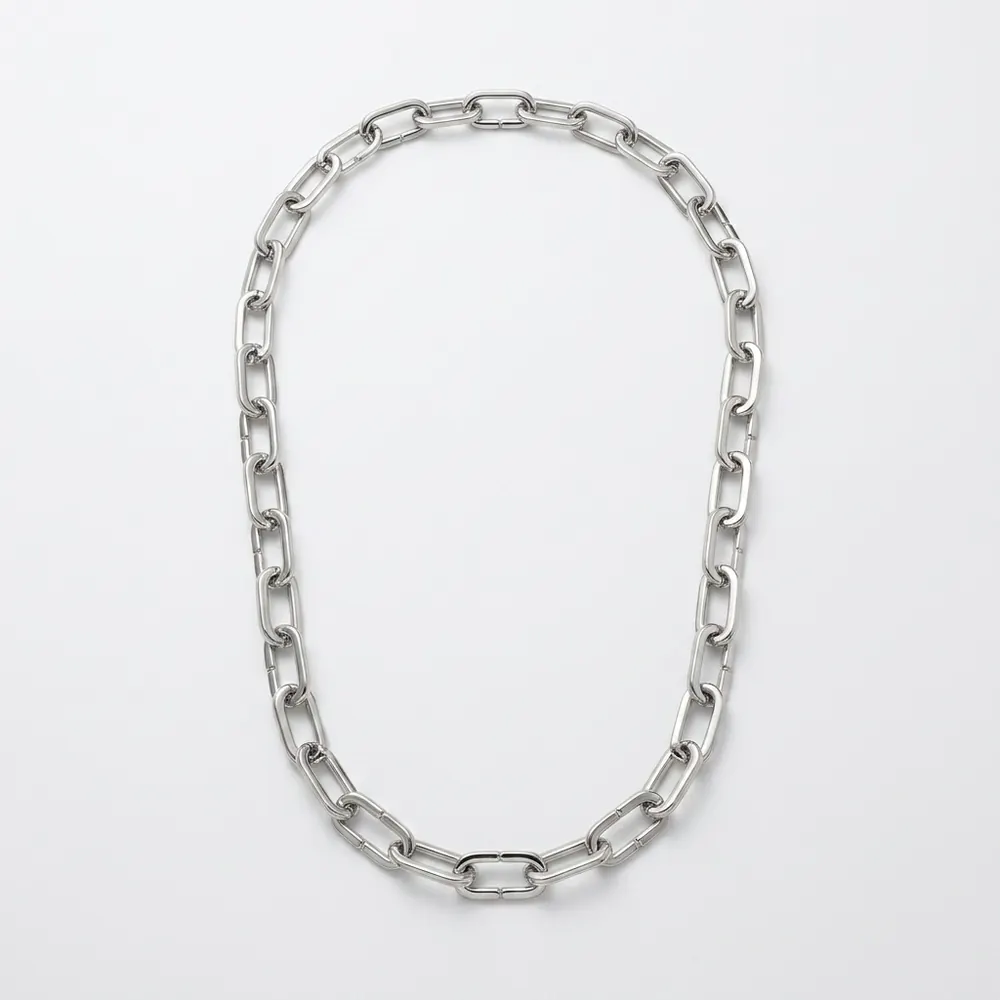 Your photo
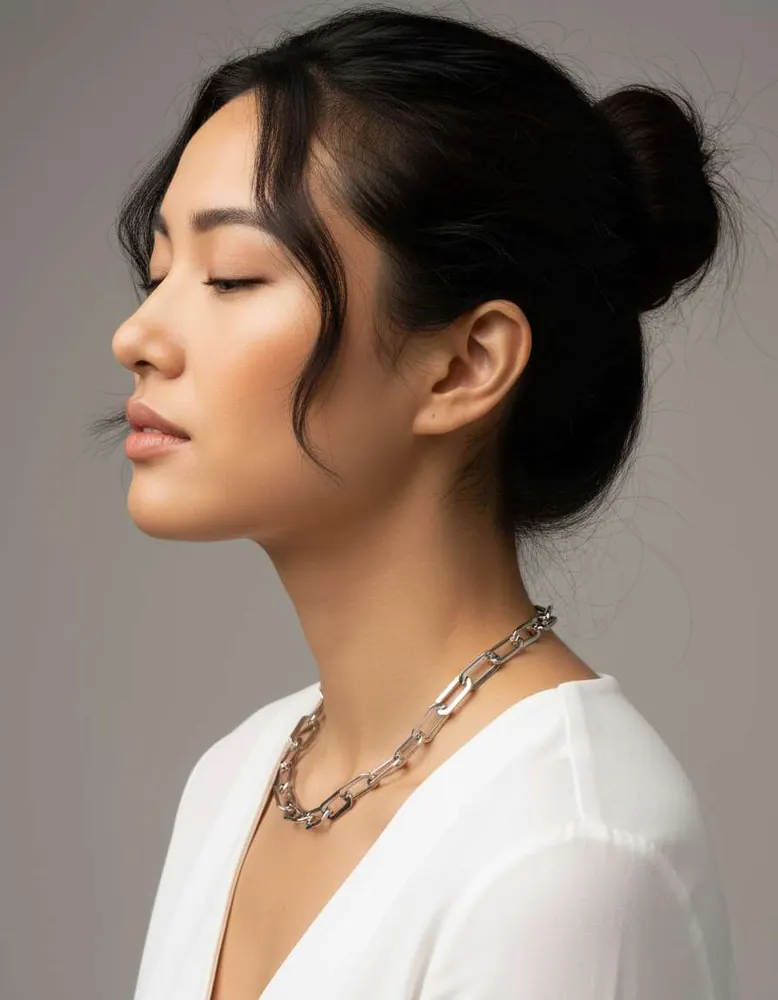 Fashio AI
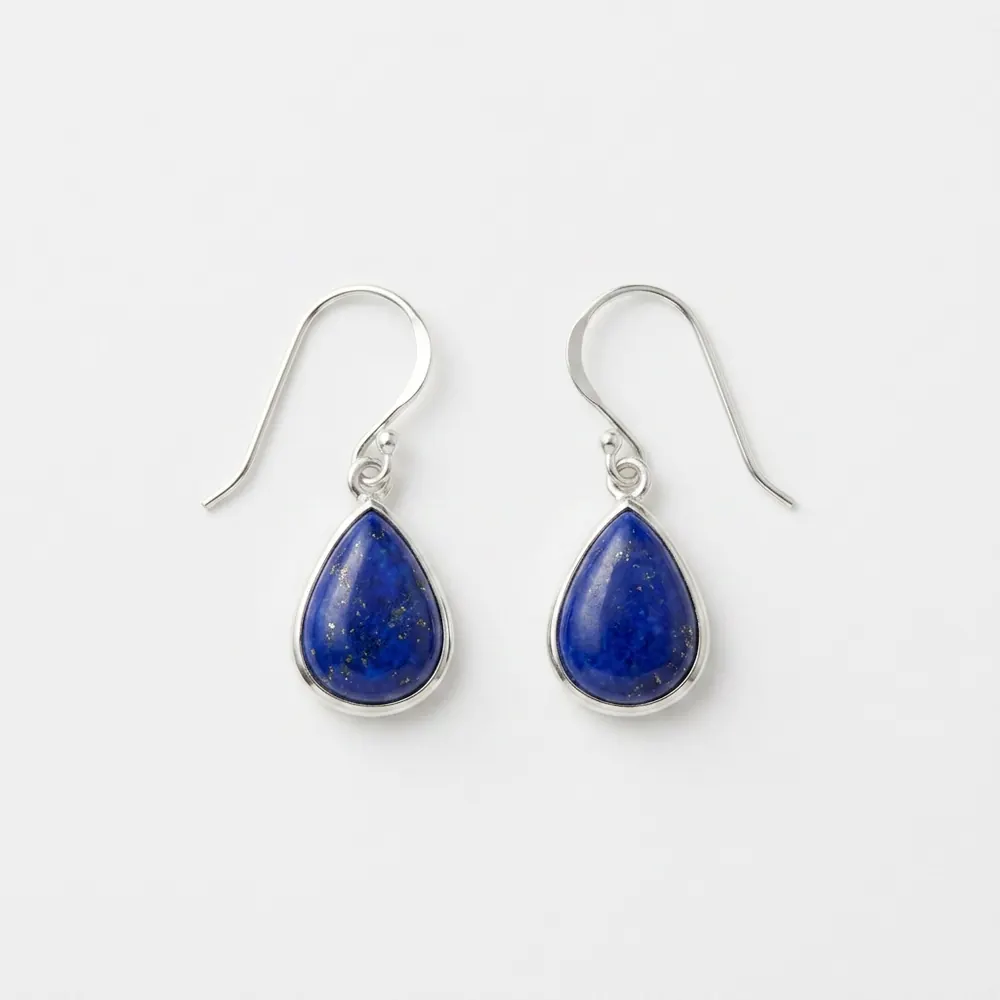 Your photo
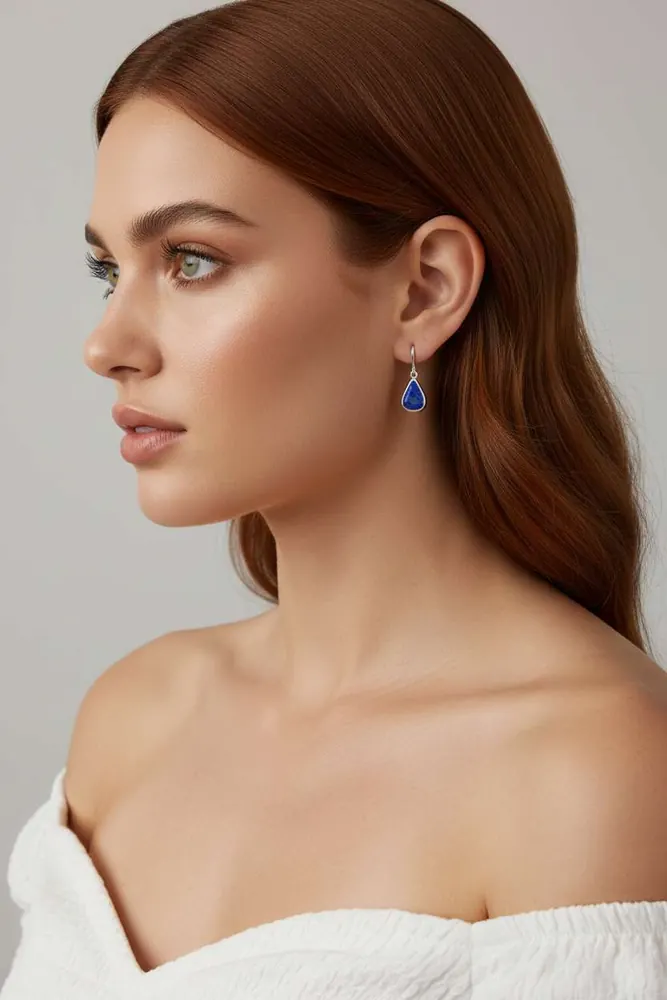 Fashio AI
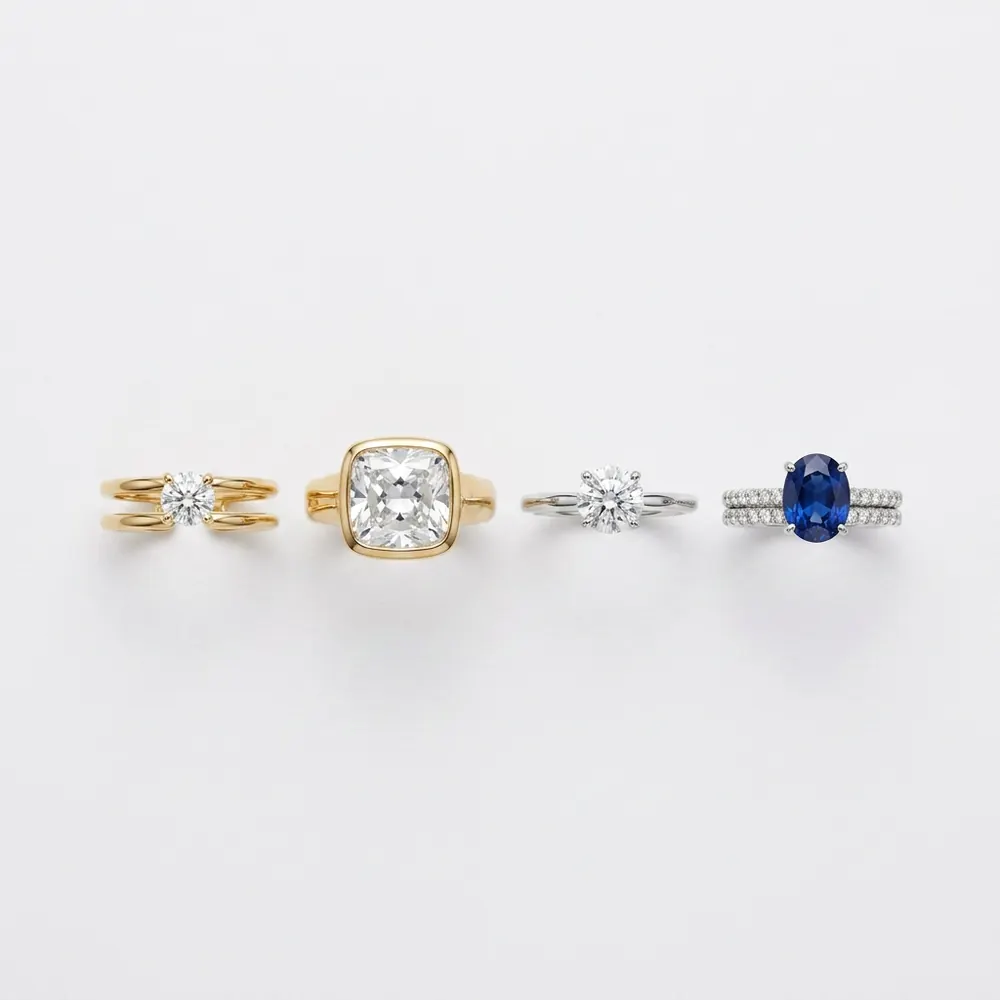 Your photo
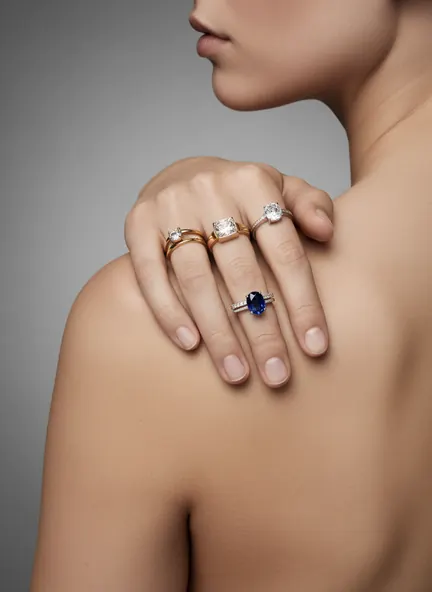 Fashio AI
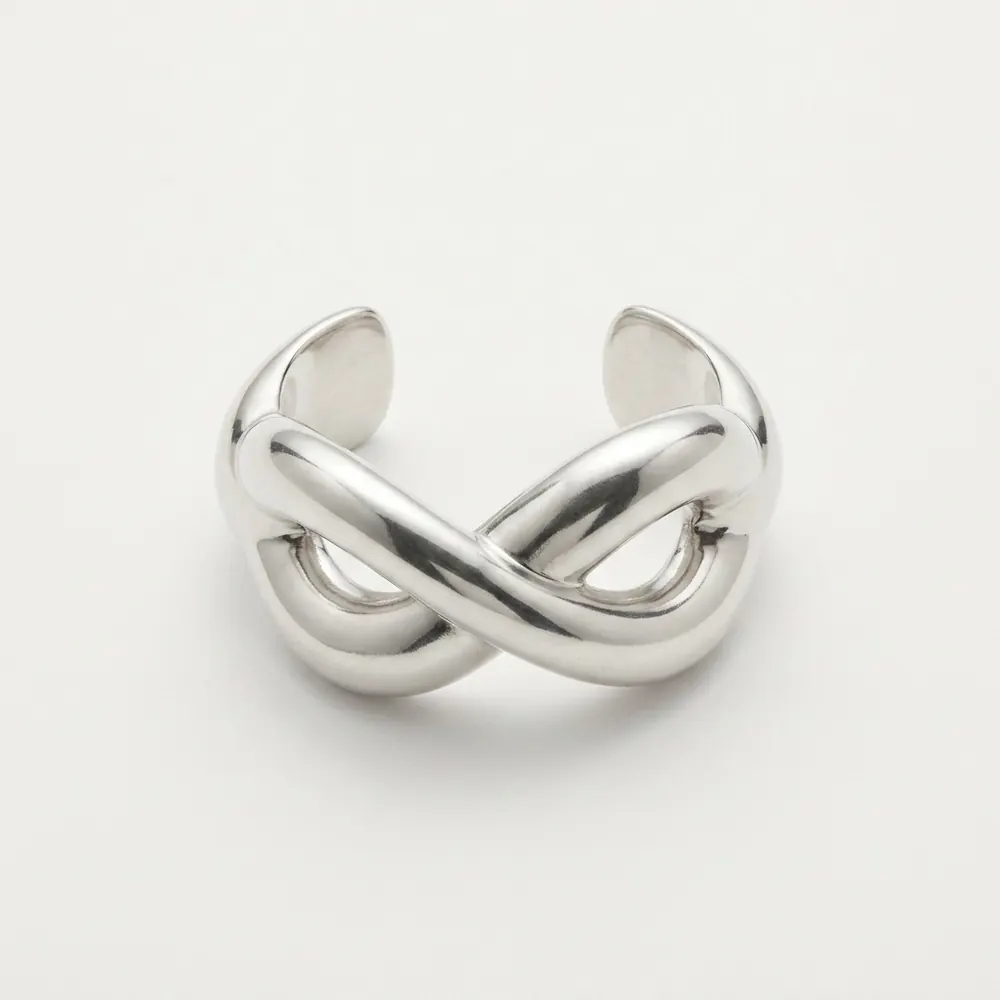 Your photo
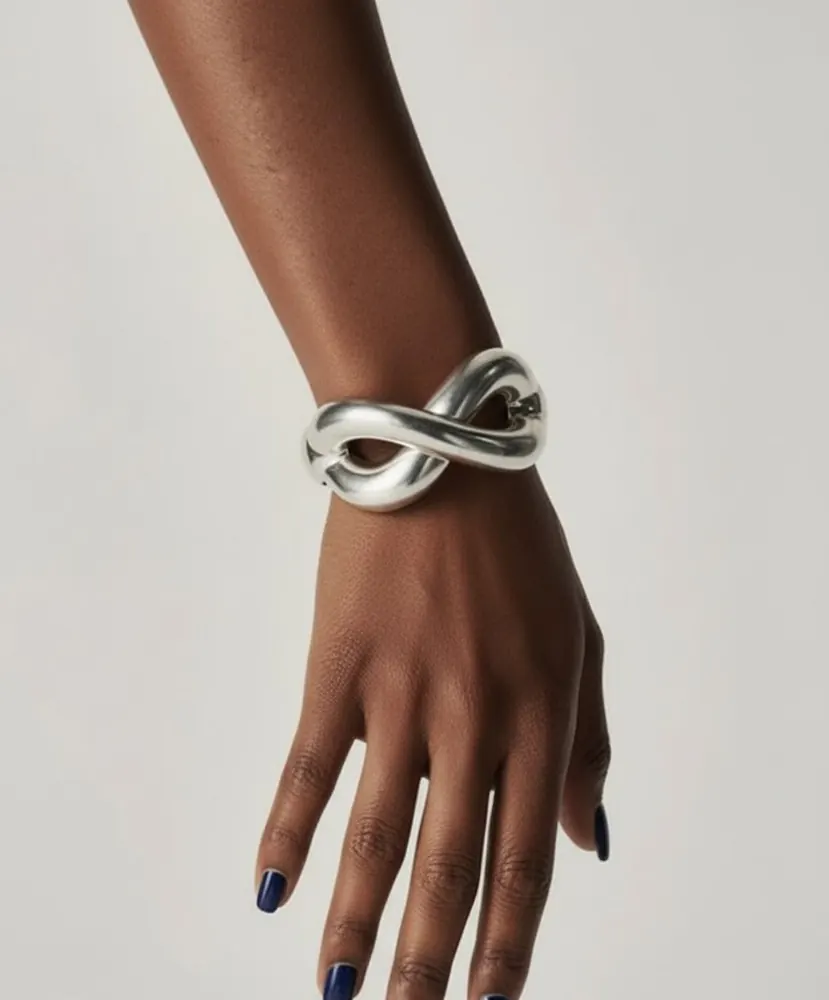 Fashio AI
9 AI fashion model generators compared from vendor pages read 13 Oct 2026: entry price ($9–$55/mo), free tier, commercial use, API, batch, own garment on a model.
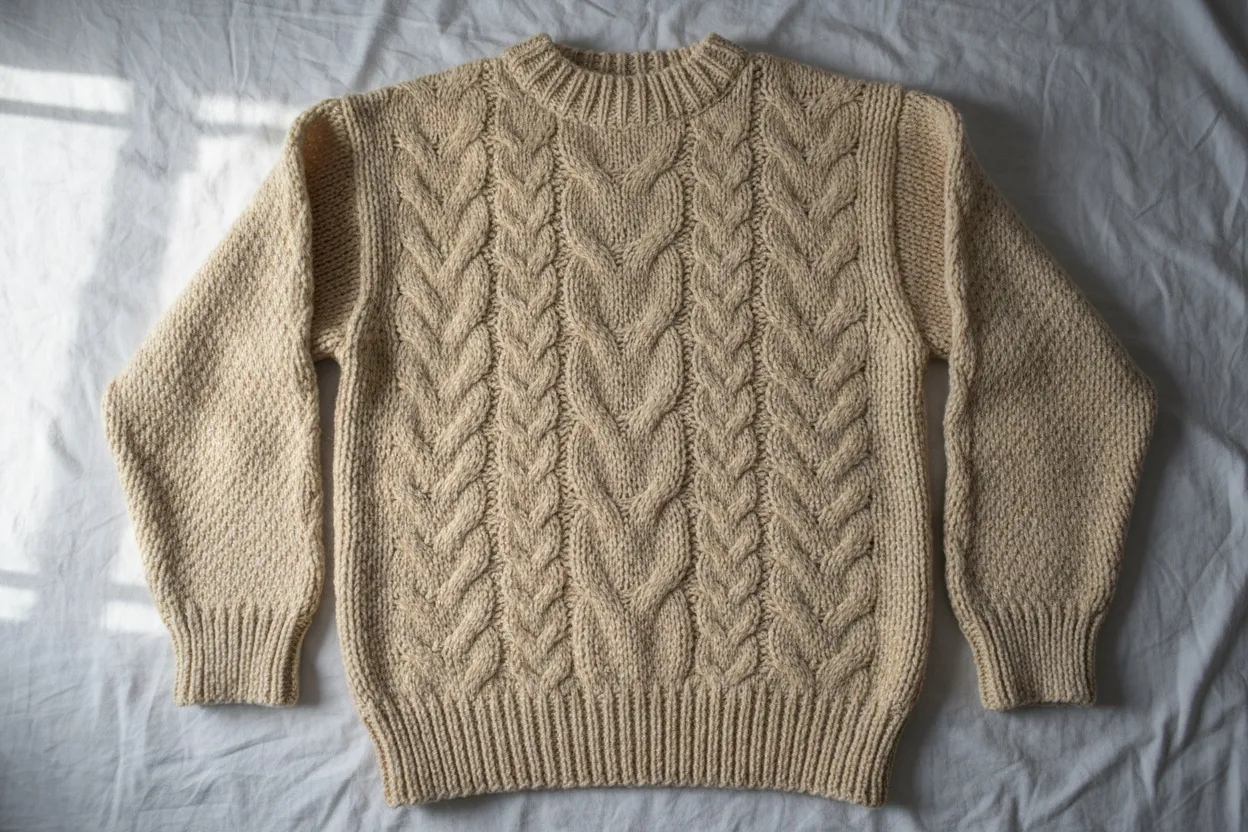
Transform flat lay product photos into professional on-model imagery with AI. Step-by-step guide covering flat lay photography tips and AI conversion tools.
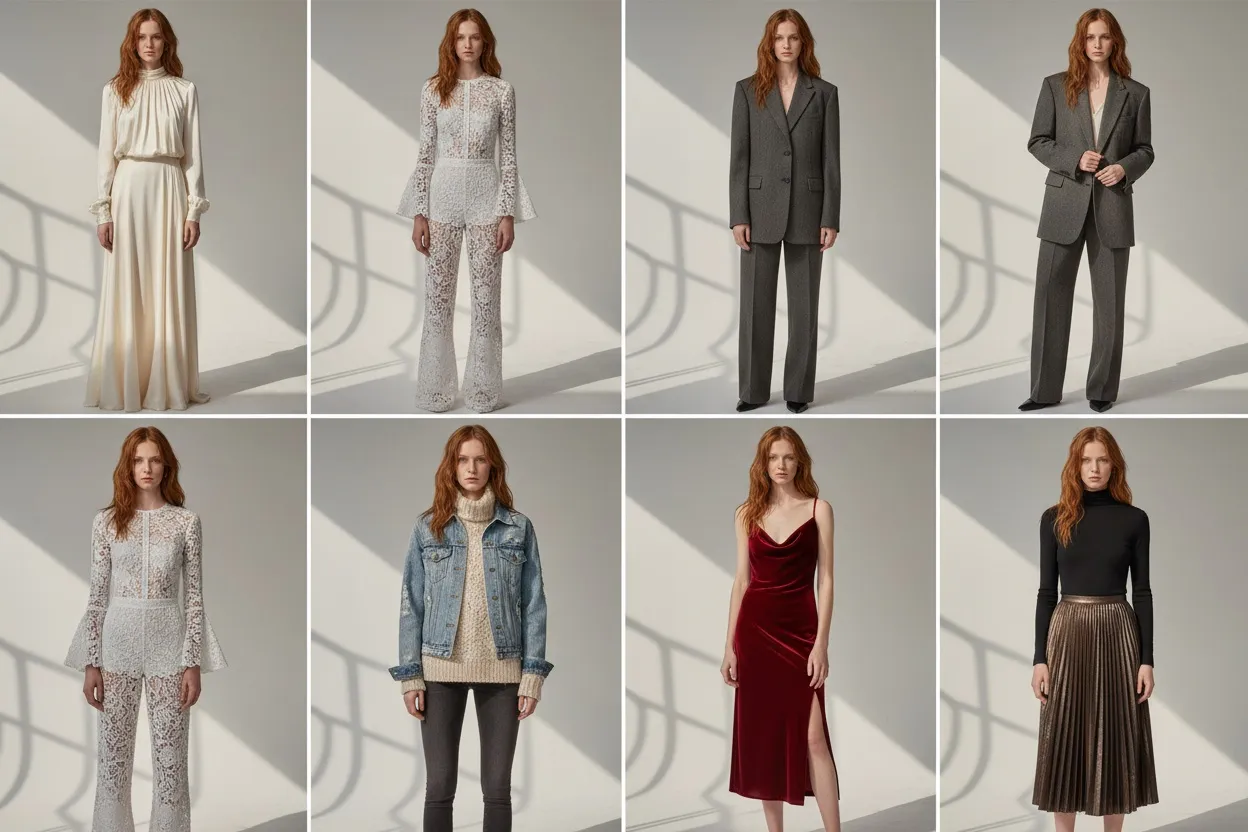
Step-by-step 2026 guide to creating photorealistic AI fashion models that stay consistent across your entire catalog — tools, prompts, and mistakes to avoid.
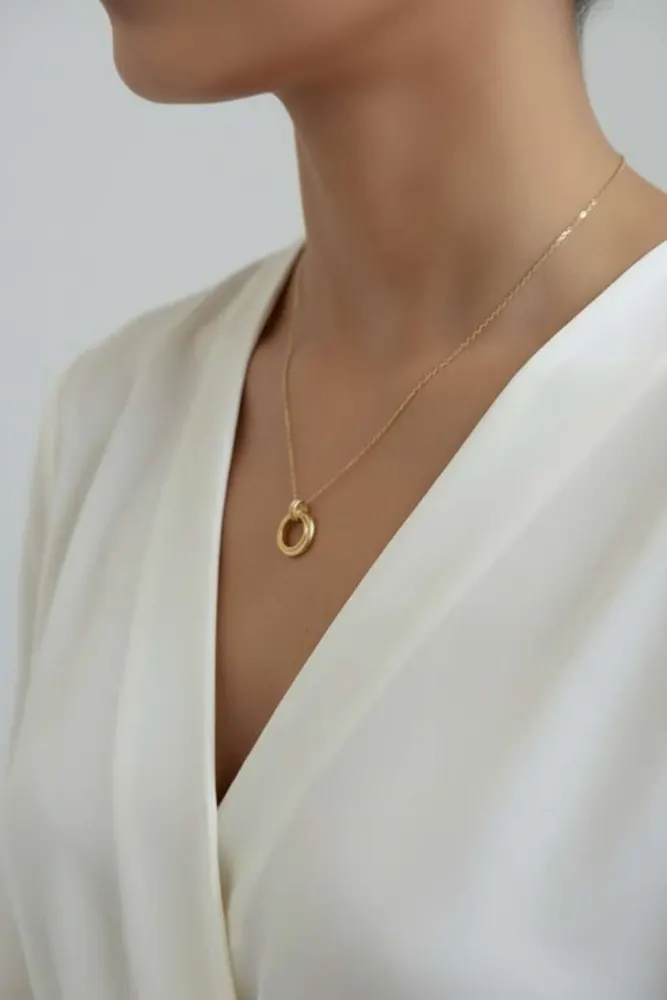
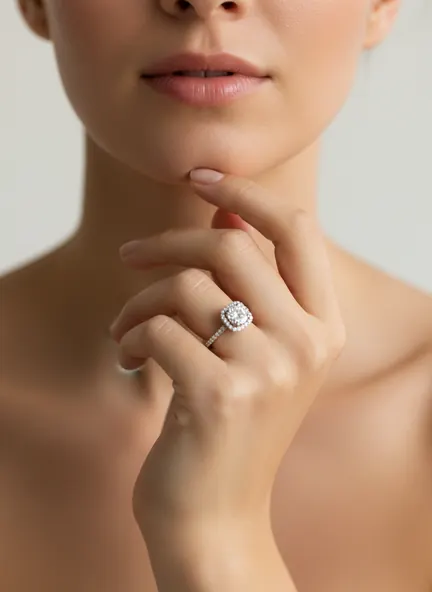
Jewellery photographed flat answers none of the questions a buyer actually has. How long is the chain. How big is the stone against a knuckle. Where does the cuff sit on a wrist. Every one of those is a scale question, and scale needs a body.
Your photoFashio AITraditional on-model jewellery photography means a model, a hand model for rings, a photographer who owns macro glass, a retoucher, and a day. For a range of forty pieces that is a four-figure invoice and a fortnight of lead time, which is why most independent brands never do it and ship flat-lays instead.
What replaces it here is not a filter. You upload the product photo you already own — the one shot flat on a table, or isolated on white for the marketplace — and the piece is transferred onto a generated model at the framing its category is sold in. One run an image, four credits, and the same piece can be run past several models before you commit to one.
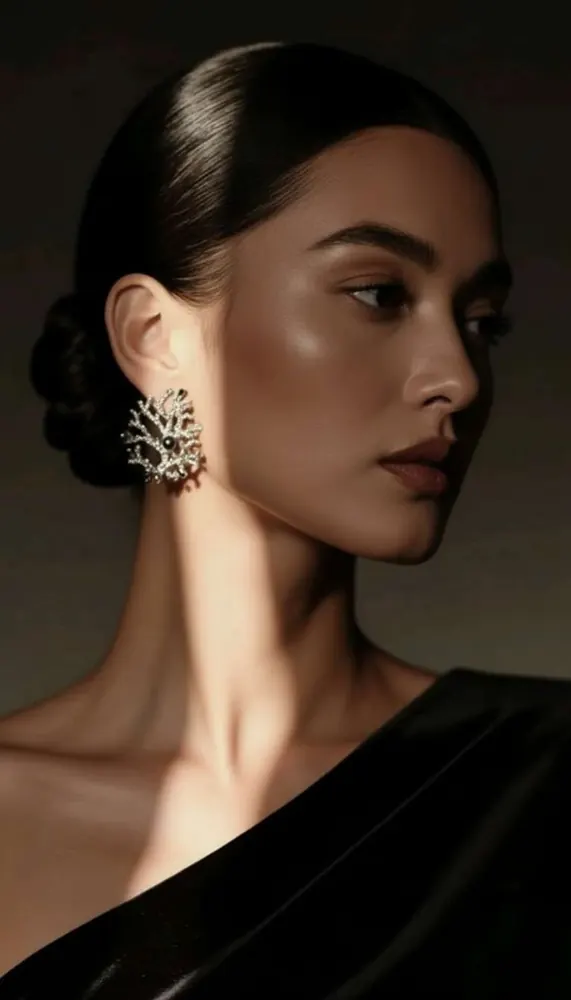
Your photoFashio AINecklace, earring, ring and bracelet are not one job with a different subject dropped in. Each is a different crop, a different pose set and a different buying question:
Picking the type here loads the pose set and the crop that category is sold with, rather than putting every piece in front of a bust. It is also why each type has its own page: necklace, earring, ring and bracelet.
Your photoFashio AIYou do not need new photography. A sharp, evenly lit product shot on a clean background is enough, and it is what most sellers already have from their marketplace listing.
The piece is transferred as photographed rather than re-imagined, so an engraving stays legible, a hallmark stays where it was struck and a brushed finish stays brushed at the crop where a buyer zooms in. That is the whole reason for uploading a real product shot instead of describing one: a described ring is a generic ring.
Your photoFashio AIPick from the full AI model library and dozens of scenes. A piece reads differently on different skin tones and in different light — yellow gold and cool silver do not photograph equally on every hand, and a pale opal disappears against a pale wrist. Running one collection past three models is the cheapest way to find out which pairing sells it, and it costs a few credits rather than a re-shoot.
The venue matters for where the image is going. A marketplace slot wants a clean background and a clear product. A paid social ad wants somewhere to be.
Generated with FashioTwo things. It removes the size question, which is a common source of pre-purchase messages and post-purchase returns in the category. And it gives the listing a second image type — most jewellery listings are five variations of the same flat-lay, which gives a shopper no reason to keep scrolling.
For a marketplace, the practical pattern is a white-background hero for the grid, an on-model second frame for the detail page, and a macro for the finish. All three can come from one upload.
Generated with FashioIt does not invent a product. If the stone in your photo is cloudy, it will be cloudy on the model. It does not replace your size chart — the image gives a buyer a sense of proportion, not a measurement. And it does not make a bad product photo good: a blurry, yellow-lit flat-lay produces a blurry, yellow-lit on-model shot. Start with the sharpest file you have.
Everything generated carries full commercial rights, including marketplace listings, paid advertising and social.