

How to Take Product Photos with Your Phone: DIY Photography Guide | Fashio AI
Step-by-step guide to shooting product photos with your phone. Lighting setups, angles, backgrounds, and post-processing tips for ecommerce sellers on a budget.

Run a complete catalog photoshoot from a single garment photo. Pick one of 55 ready-made sets — a fi...
Transform smartphone selfies and casual photos into high-end fashion photography with AI-powered enhancement.
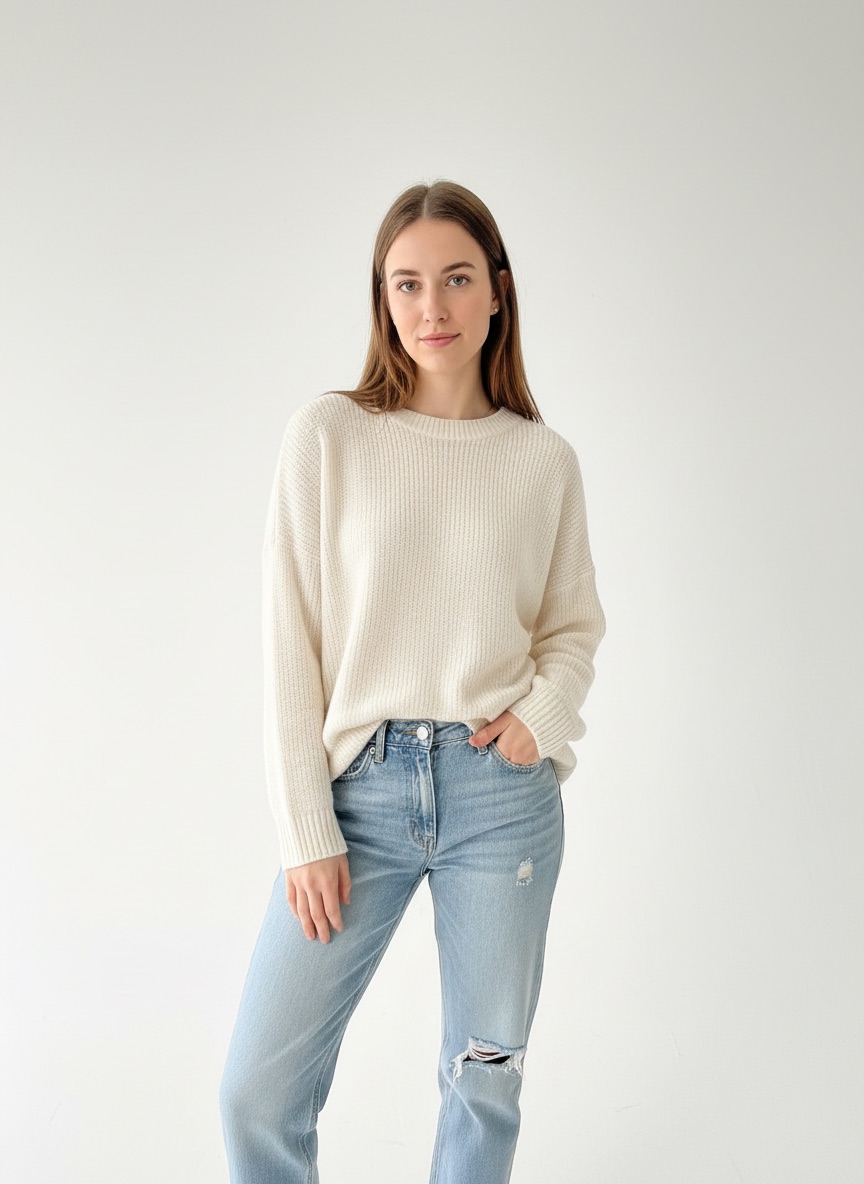
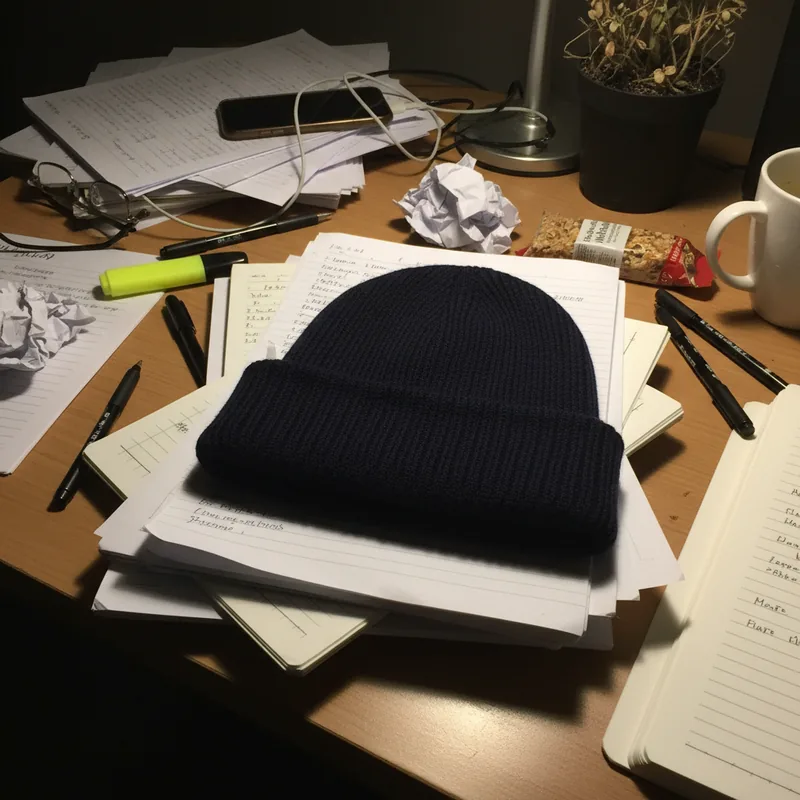
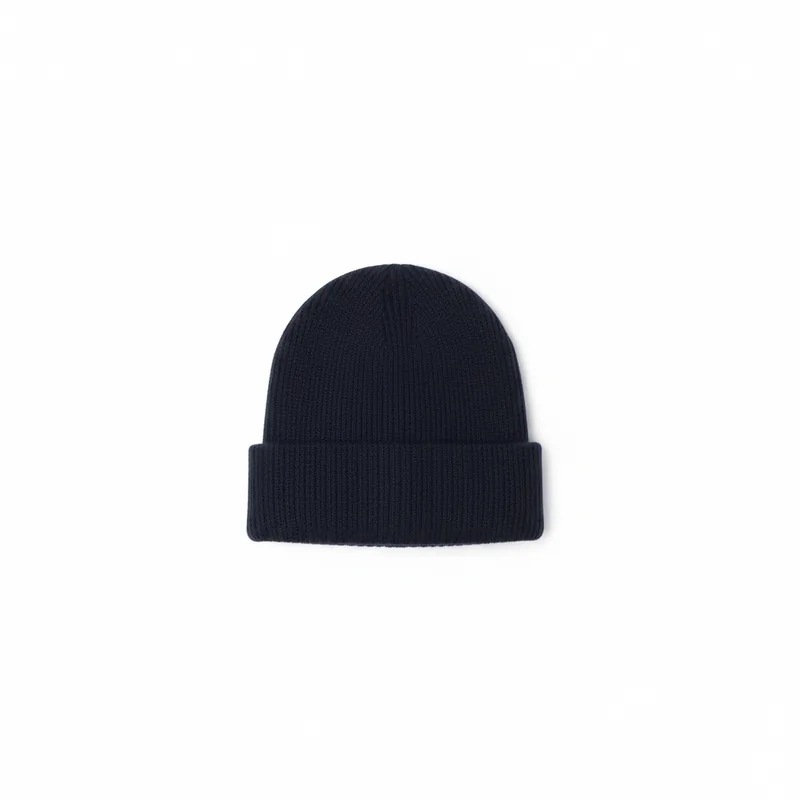
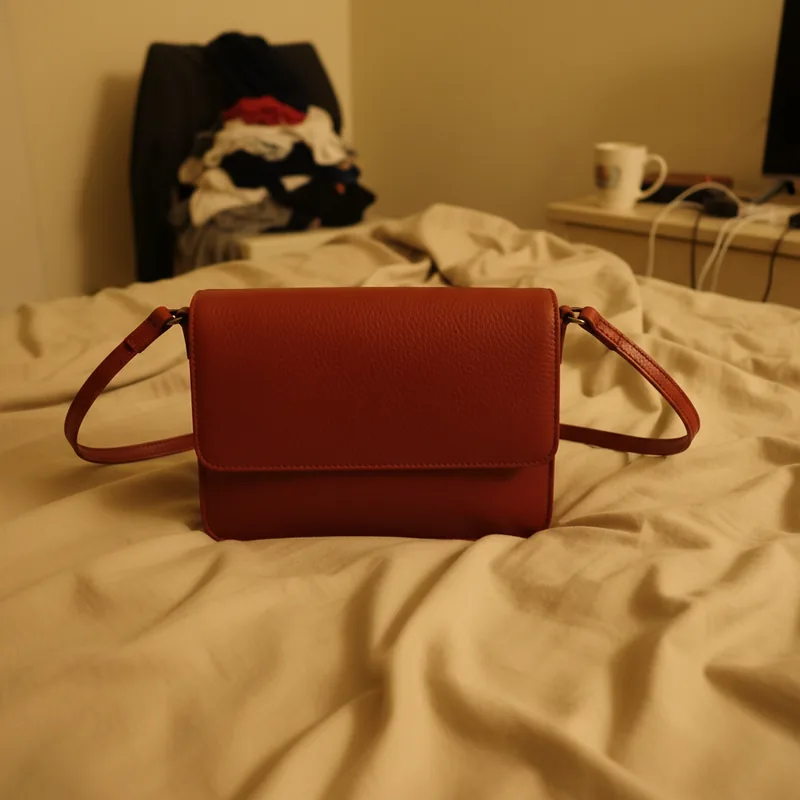
Real, unretouched results. Nothing was reshot — the left frame is the only photo that was ever taken.
 Your photo
 Fashio AI
 Your photo
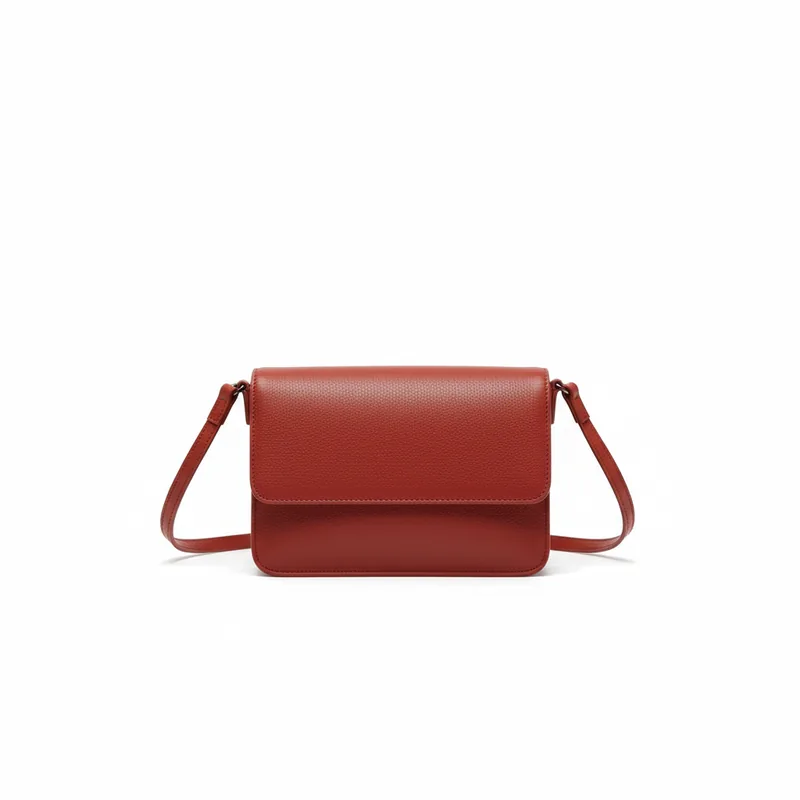 Fashio AI
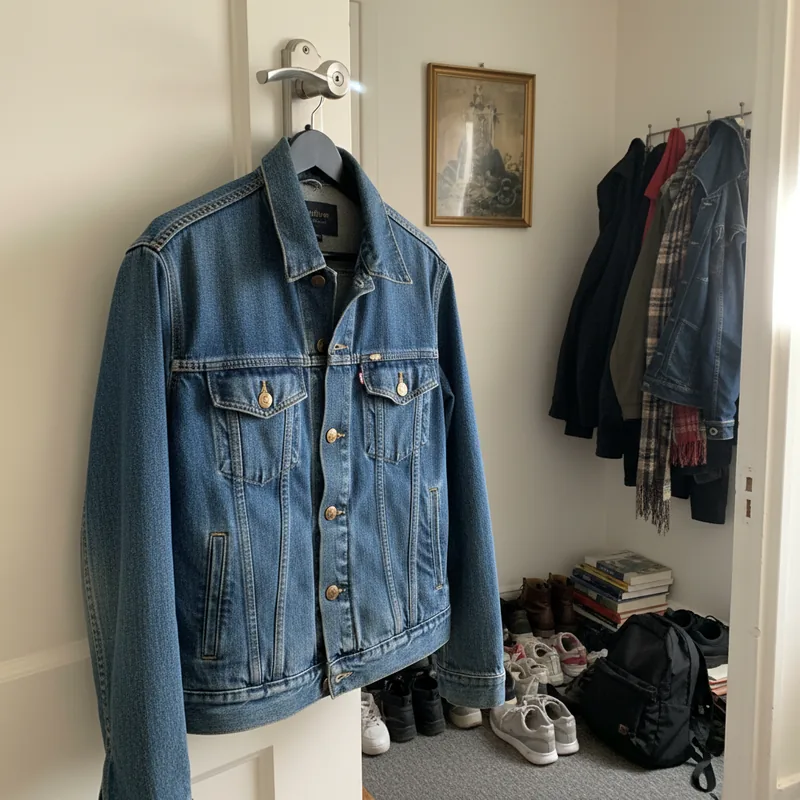 Your photo
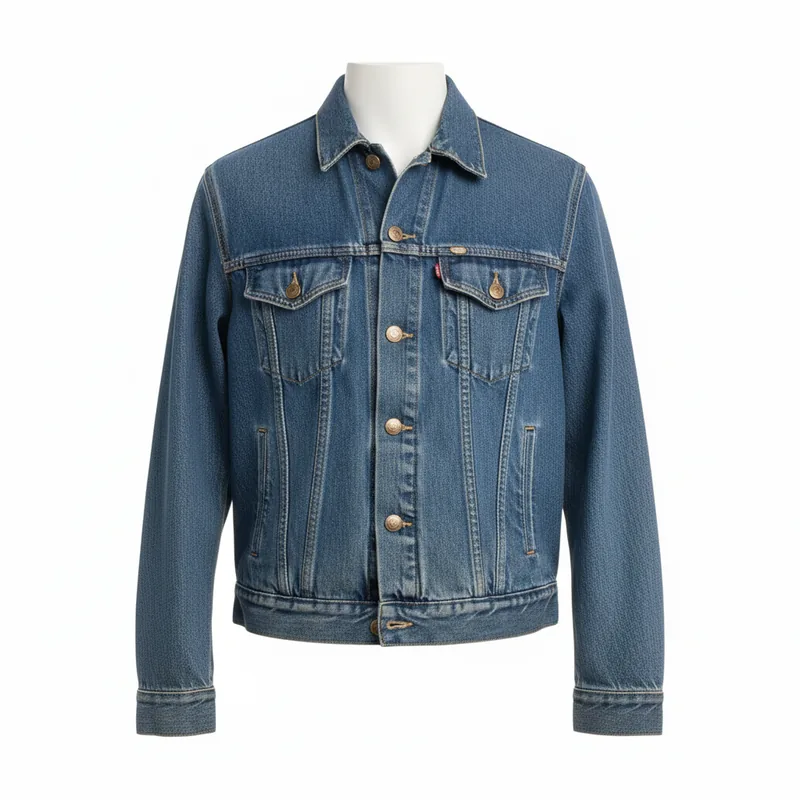 Fashio AI
Studio-grade lighting automatically applied
Clean, professional studio backgrounds
Enhance resolution and sharpness
Professional color correction
Optimal framing and positioning
Process multiple photos instantly
Why pay $50+ per photo and wait days when AI can deliver professional results instantly?
Turn everyday selfies into professional portfolio shots without expensive photoshoots.
Create professional headshots and product photos without hiring a photographer.
Upgrade user-generated content to professional quality for marketing campaigns.
Transform your amateur photos into professional studio-quality images with a single click. Drag the slider to see the transformation.
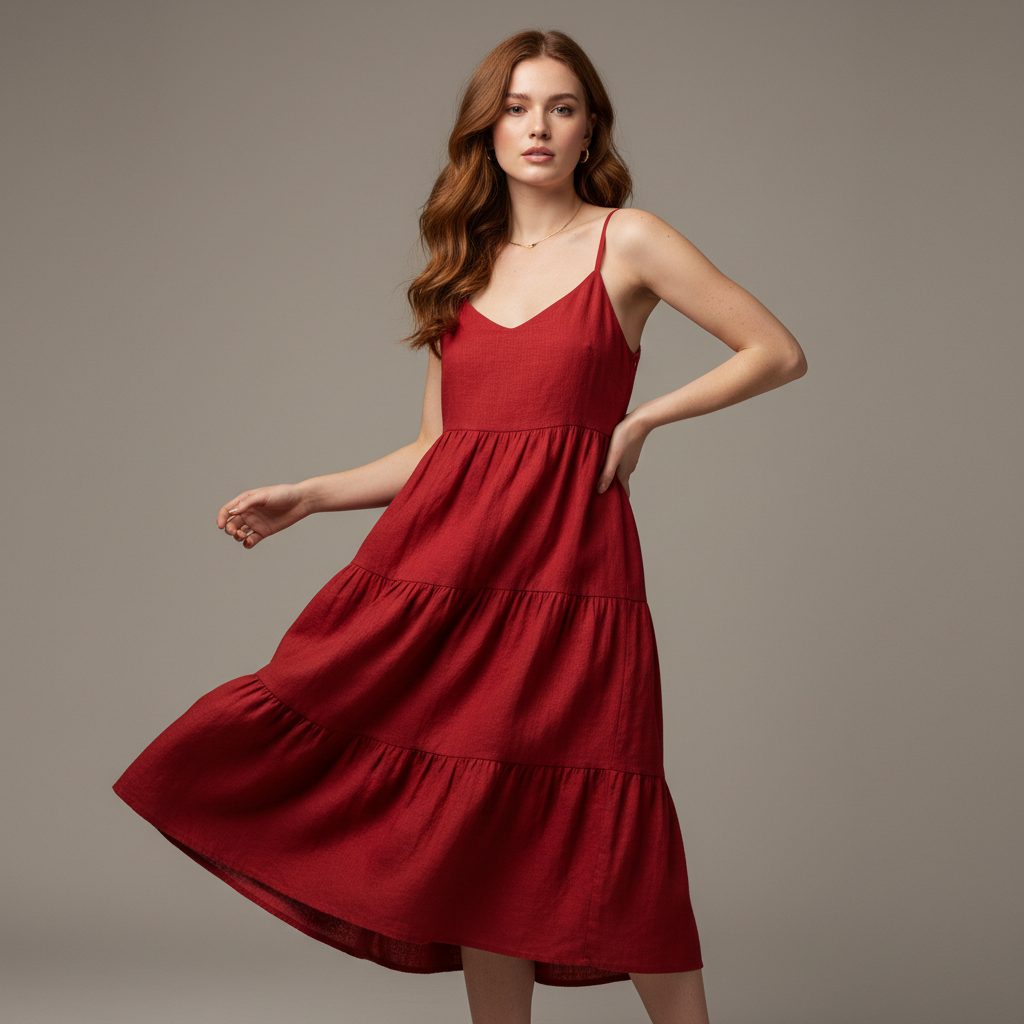 Original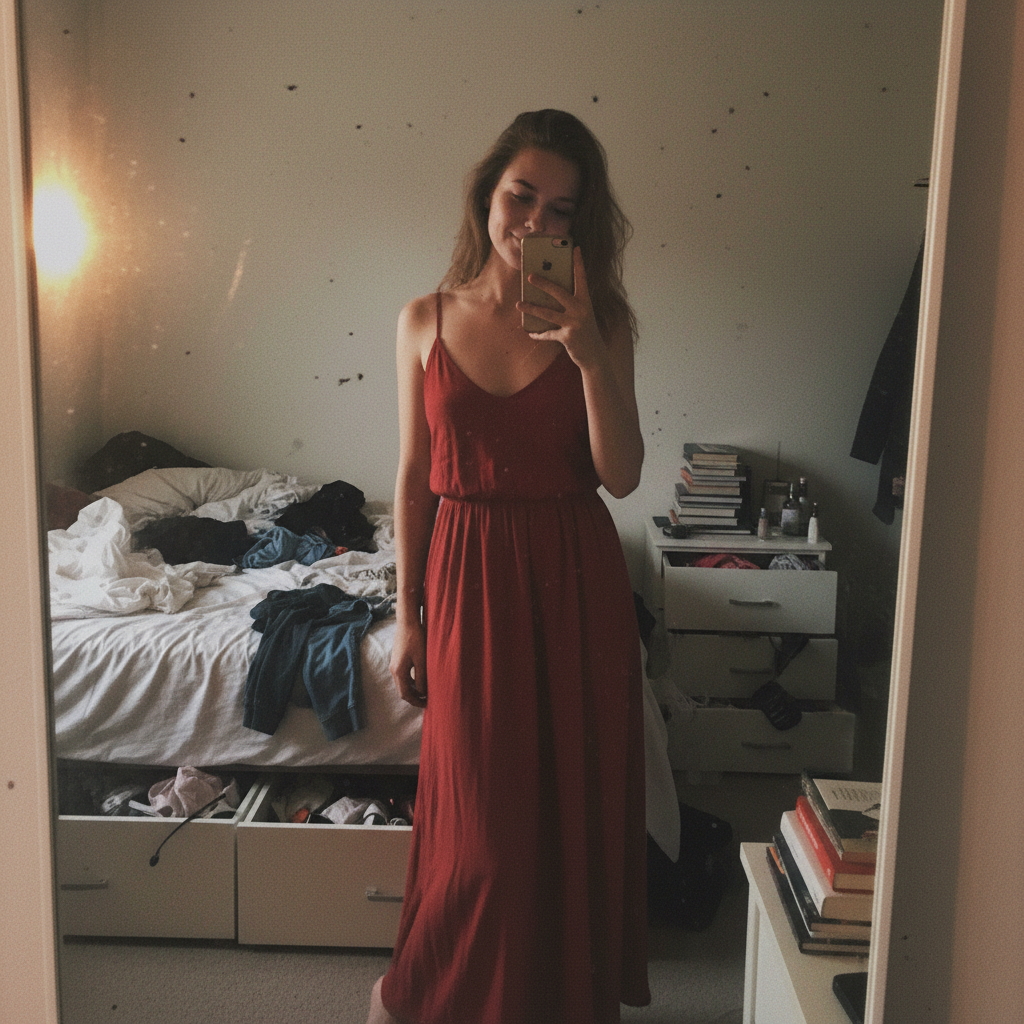
Upload your casual smartphone photos and watch as our AI transforms them into professional fashion photography with perfect lighting, composition, and studio-grade quality.
See how our AI elevates amateur photography to professional studio quality with perfect lighting and composition
 Original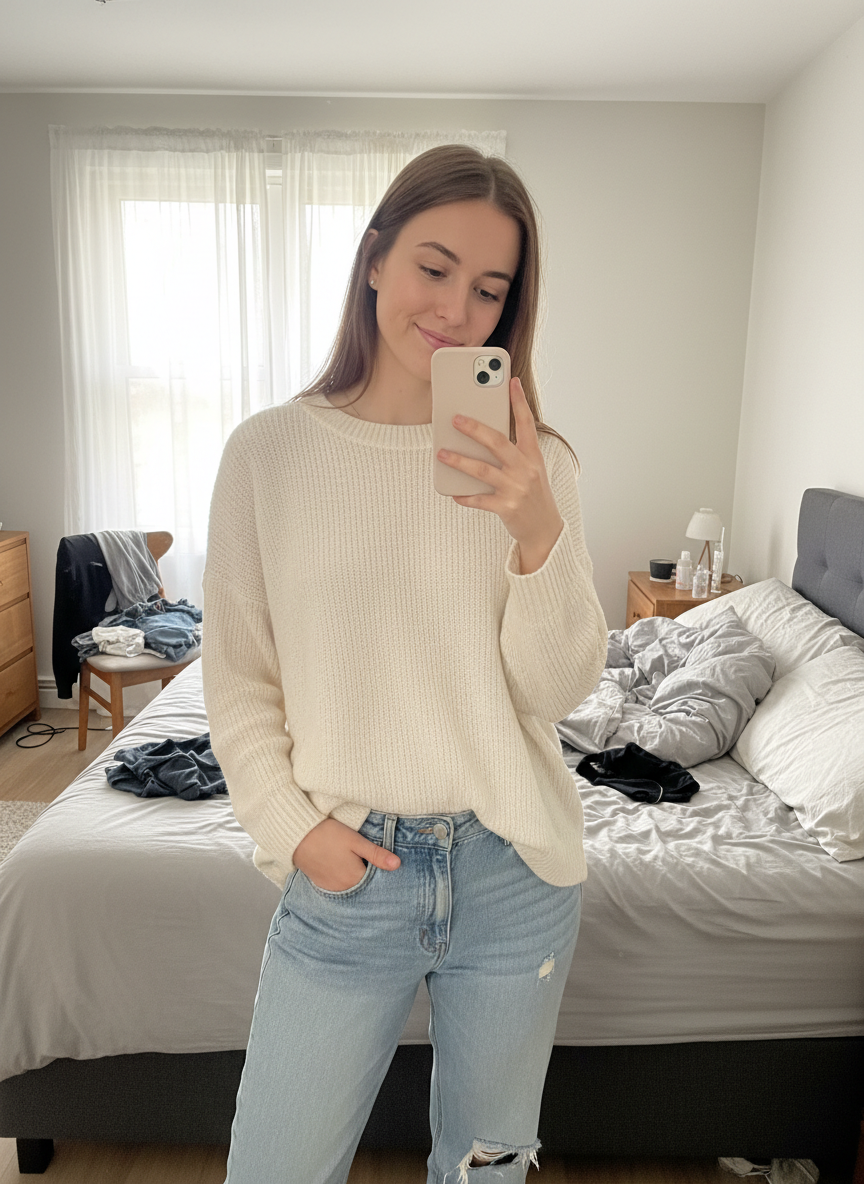
Shops turning phone photos into listing photos.
My photos were taken on a desk with the laptop still in frame. The cleaned-up versions went straight on the listing and nobody could tell.
We stopped waiting for the one sunny window in the week. The lighting gets fixed after the fact now.
I photograph new stock the day it arrives instead of saving it for a shoot that keeps getting postponed.
Step-by-step guide to shooting product photos with your phone. Lighting setups, angles, backgrounds, and post-processing tips for ecommerce sellers on a budget.
The zero-budget path from one phone photo of a garment to a full set of on-model Shopify images, for stores that were never going to book a shoot in the first place.
AI photoshoot vs traditional studio shoot for fashion brands. Real cost breakdown, turnaround times, quality trade-offs, and when each approach still wins.
Transform smartphone photos into studio-quality fashion imagery. AI-powered enhancement for lighting, composition, color grading, and detail — no photography skills required. With the right ai photo enhancer professional tools, every product shot can look like it came from a dedicated studio setup.
Modern smartphone cameras capture impressive detail. Flagship devices shoot at 50 megapixels or more, record 4K video, and apply computational photography tricks in real time. For everyday social media posts, that quality is often enough. But when the goal is selling fashion products online — where buyers rely entirely on images to judge fabric quality, fit, and color — the gap between a casual phone snapshot and a professionally produced catalog image becomes painfully obvious. Lighting flatness, white-balance drift, soft focus on fabric textures, and inconsistent framing all erode buyer confidence and lower conversion rates.
Closing that gap traditionally means hiring professional photographers and retouchers. A single product image can cost anywhere from $10 to $30 for post-processing alone, and turnaround typically stretches to two or three business days. For a brand that needs to photograph 50 new SKUs every week, the expense and delay become a serious bottleneck. That is exactly the problem an ai photo quality enhancer powered by deep learning is built to solve — delivering studio-grade results in seconds instead of days, at a fraction of the cost.
Turning an amateur photo into a professional one with Fashio AI takes three straightforward steps.
Step 1 — Upload Your Photo. Drag and drop any smartphone image into the Fashio AI dashboard. JPEG, PNG, and WebP formats are all supported. No special camera settings or lighting rigs required.
Step 2 — AI Analyzes and Enhances. The ai photo enhancer engine examines every pixel of your image. It corrects exposure and lighting imbalances, recalibrates white balance for accurate garment colors, sharpens fabric textures and stitching details, and adjusts composition and cropping to professional standards. The entire analysis-and-enhancement cycle completes in seconds.
Step 3 — Download Your Professional Result. Receive a high-resolution, catalog-ready image you can publish directly to your online store, marketplace listing, or social media channel. Every enhanced photo is commercially licensed and ready for use.
Poor lighting is the single biggest difference between amateur and professional product photography. Fashio AI balances highlights and shadows to simulate studio-quality illumination. Overexposed whites are recovered, underexposed darks are lifted, and the overall tonal range is expanded so garments appear vibrant and three-dimensional — exactly the way they look in a professionally lit studio.
Accurate color reproduction is critical in fashion e-commerce. A dress that appears teal on screen but arrives looking navy triggers returns and erodes trust. Fashio AI recalibrates white balance so every garment displays its true color, and it maintains that accuracy consistently across your entire catalog. Whether you shoot under fluorescent office lights or midday sun, the output colors stay faithful.
Buyers zoom in. They want to see the weave of a linen shirt, the texture of suede, the precision of top-stitching. The ai photo enhancer professional module applies intelligent sharpening that brings out fabric detail and product craftsmanship without introducing noise or artifacts. The result is an image that holds up at full zoom — the kind of detail that builds purchase confidence.
Consistent framing across a product catalog creates a polished, trustworthy brand impression. Fashio AI applies rule-of-thirds alignment, centers the product within the frame, and standardizes aspect ratios so every image in your grid looks cohesive. No more tilted angles or awkward dead space that make a storefront feel unfinished.
DTC brands shooting on smartphones. If your team photographs products in-house with iPhones or Android devices, Fashio AI bridges the quality gap without adding headcount or equipment budgets. Pair enhancement with AI background removal for a complete studio workflow.
Marketplace sellers on Amazon, Etsy, and eBay. Platform algorithms reward high-quality images with better placement. Enhanced photos mean more visibility, more clicks, and higher conversion. Combine with AI upscaling to meet strict marketplace resolution requirements.
Resale and vintage platforms. Secondhand sellers rarely have access to studios. A quick phone photo enhanced through the amateur photo to professional pipeline can rival the listing quality of major retailers — a significant competitive edge on Depop, Poshmark, or Vestiaire Collective.
Small and emerging brands scaling up. When you are launching dozens of new products per month, professional photoshoots for every SKU are not sustainable. Fashio AI lets you scale content production without scaling cost. Use the AI catalog creator to turn flat-lay shots into polished lookbook images, or generate on-model visuals with the AI fashion model generator.
Yes. Fashio AI applies the same corrections a skilled retoucher would — exposure balancing, color grading, sharpening, and composition adjustments — using models trained on millions of professionally produced fashion images. For standard product and catalog photography, the output is indistinguishable from manual retouching.
Not as a batch — photos are enhanced one at a time. The cost is flat at 3 credits per image, so a shoot of ten and a shoot of a hundred cost the same per photo; what changes is how long you spend at the keyboard.
No. Your original upload is always preserved. Fashio AI generates a new enhanced version alongside the original, so you can compare results and re-download either file at any time.
Yes, and that is where the real power lies. Start with amateur-to-professional enhancement, then apply AI image editing for further adjustments, remove or swap backgrounds, upscale resolution, or place garments on AI-generated models — all within the same platform.
There is no free plan and no standalone credit packs — a new account starts at zero credits, and credit top-ups are a subscriber benefit. Access starts with a Plus membership at $29.99 a month or $99.99 a year, which puts 160 credits in the account every month. A fashion generation costs 4 credits, background removal 2, an AI video 15. Per credit that works out well below the cost of a single manually retouched image.
Ready to upgrade your product photos? Try Fashio AI Free →