


Fashio, from inside your AI agent
fashio-mcp is an MCP server: connect Claude, Cursor, or any MCP-speaking agent straight to the Fashio API — no HTTP client to write.
What it looks like
Ask your AI assistant, get the photo
Once the server is connected to Claude, Cursor or another MCP client, you ask in plain words. The assistant uploads your garment, calls create_generation and puts the image right back in the chat.
https://mcp.fashiolabs.com/mcpPaste the URL into your client's MCP settings along with a Fashio API key from your account.
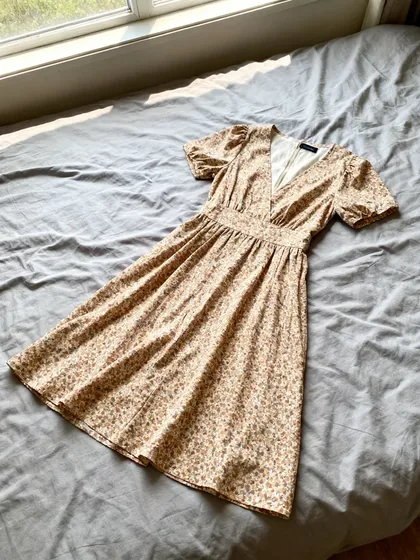 floral-dress.jpg
Put this floral dress on a model in a warm studio, full length, 3:4
fashio · create_generationDone — same dress, full length on a model in a warm studio, 3:4.
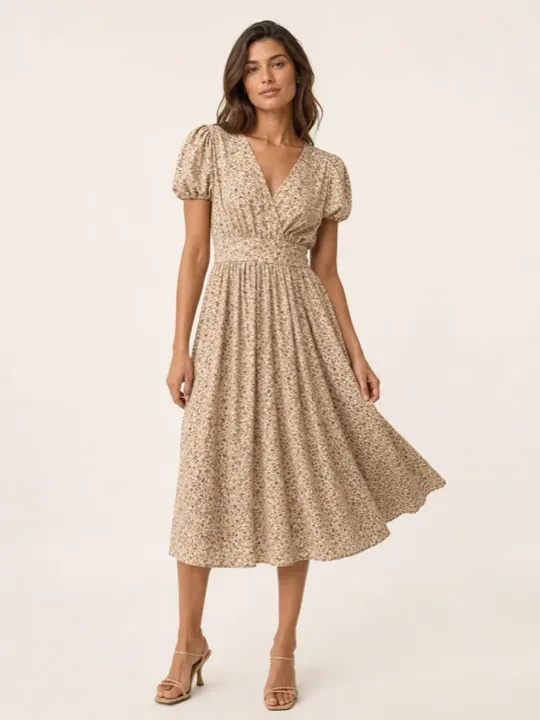
Add it to your client
Claude, Cursor, ChatGPT, or run it yourself from a terminal.
{
  "mcpServers": {
    "fashio": {
      "url": "https://mcp.fashiolabs.com/mcp",
      "headers": {
        "Authorization": "Bearer fio_live_..."
      }
    }
  }
}
Create a key first at fashiolabs.com → Profile → API Keys. Full setup: docs.fashiolabs.com
All fashiolabs packages: npmjs.com/~fashiolabs · postman.com/fashio
One product photo in
Every format out
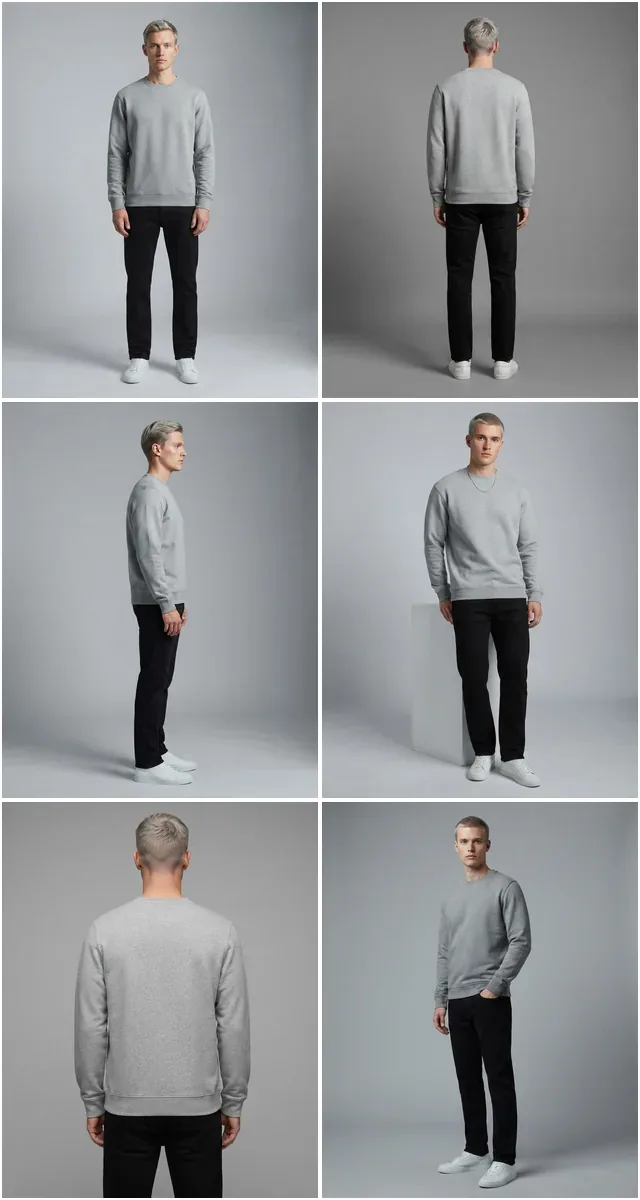
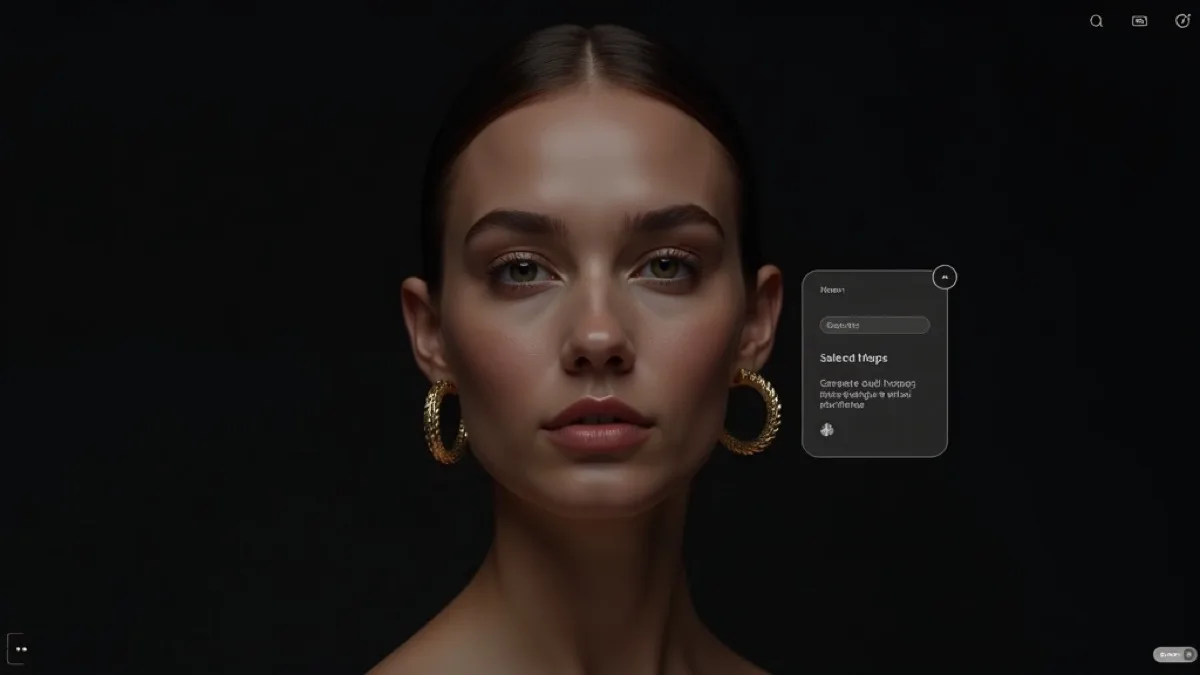
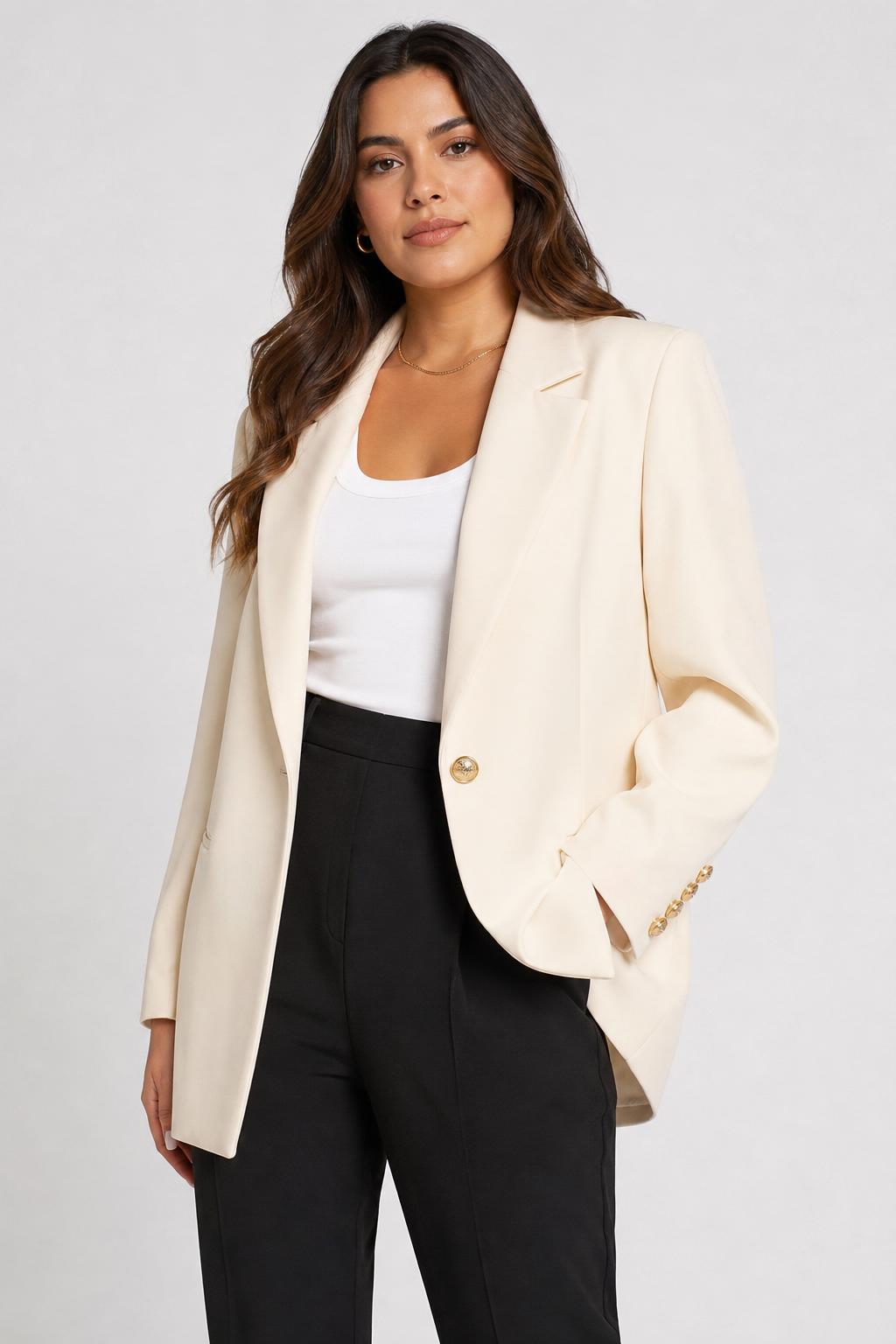
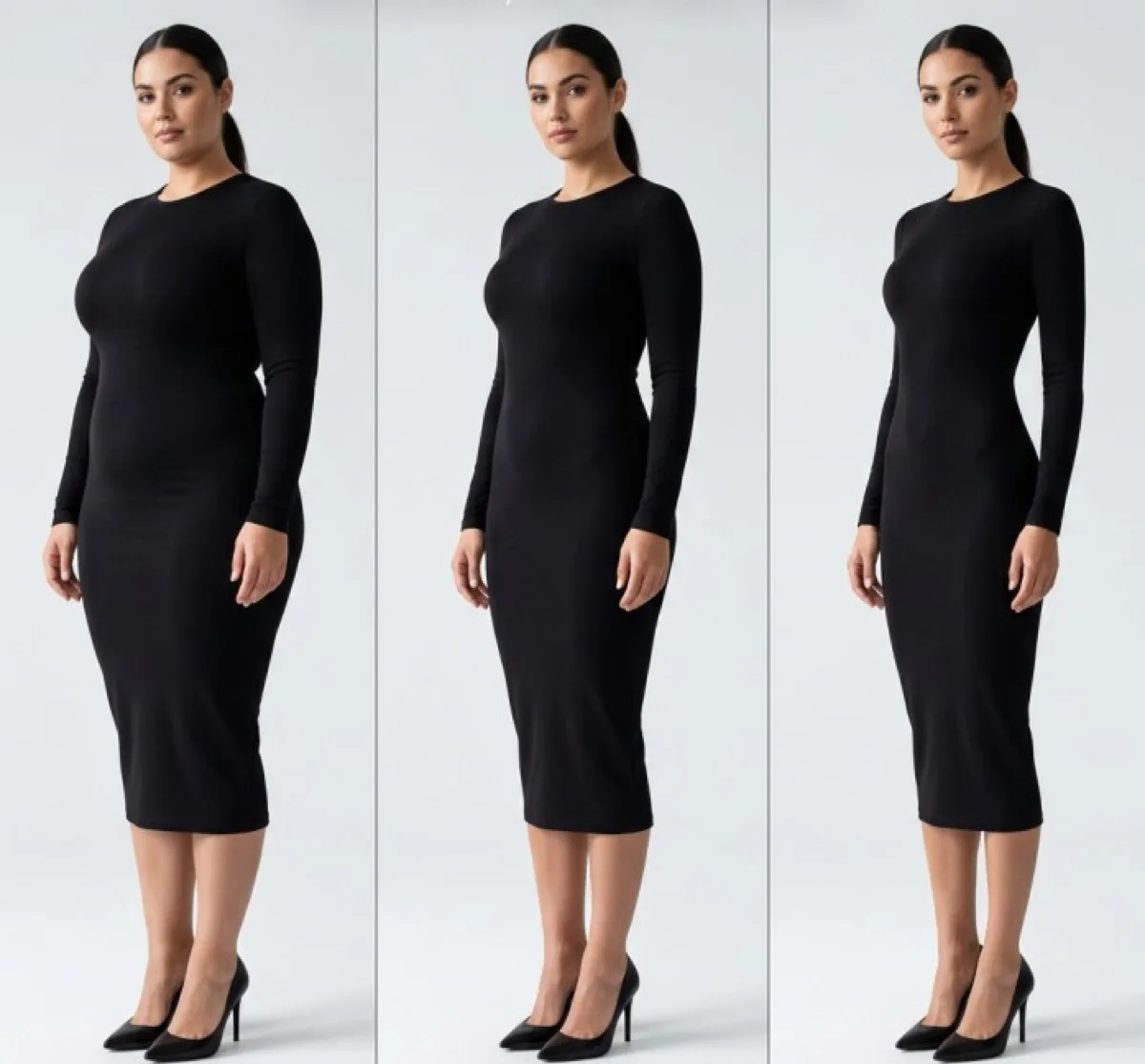
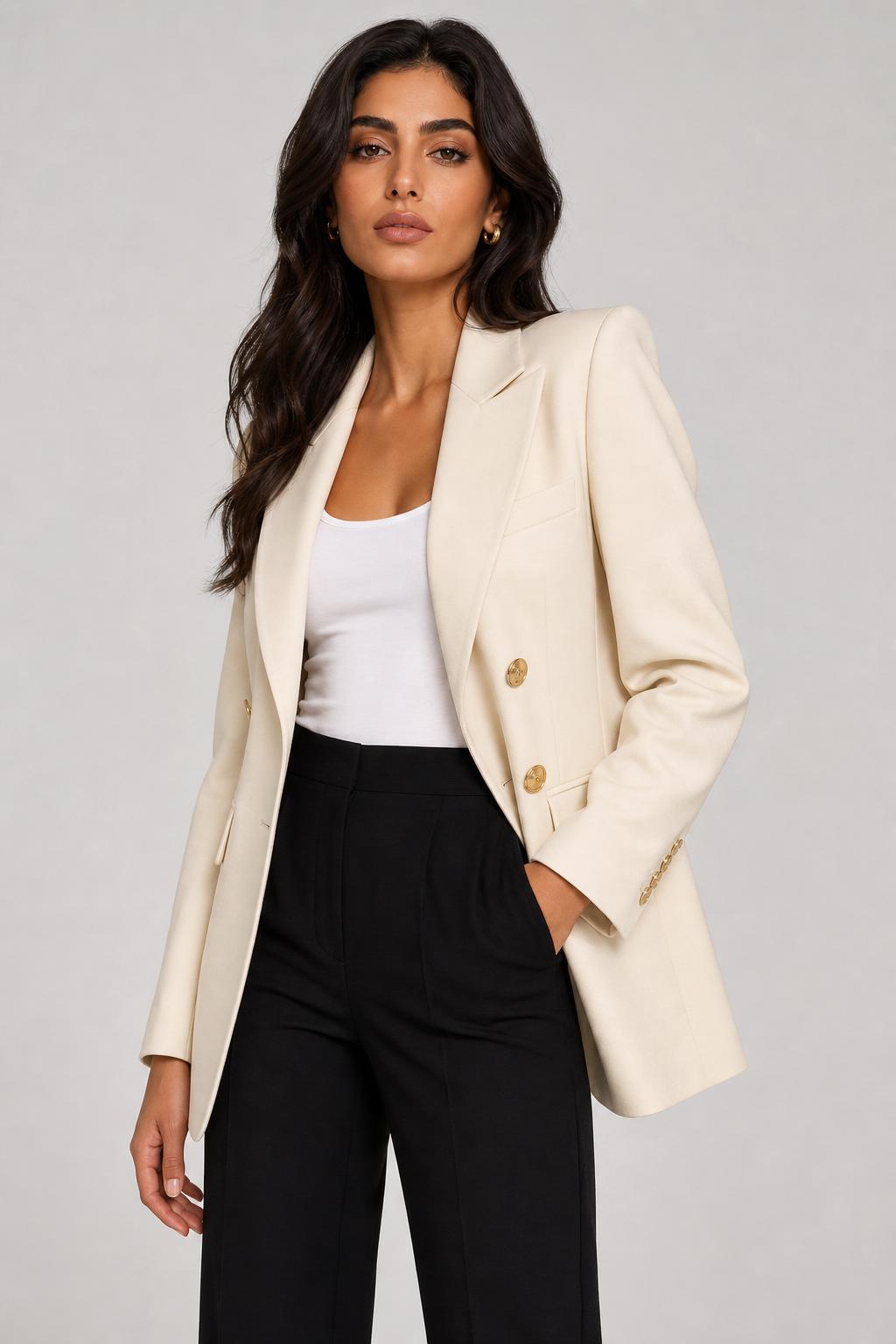
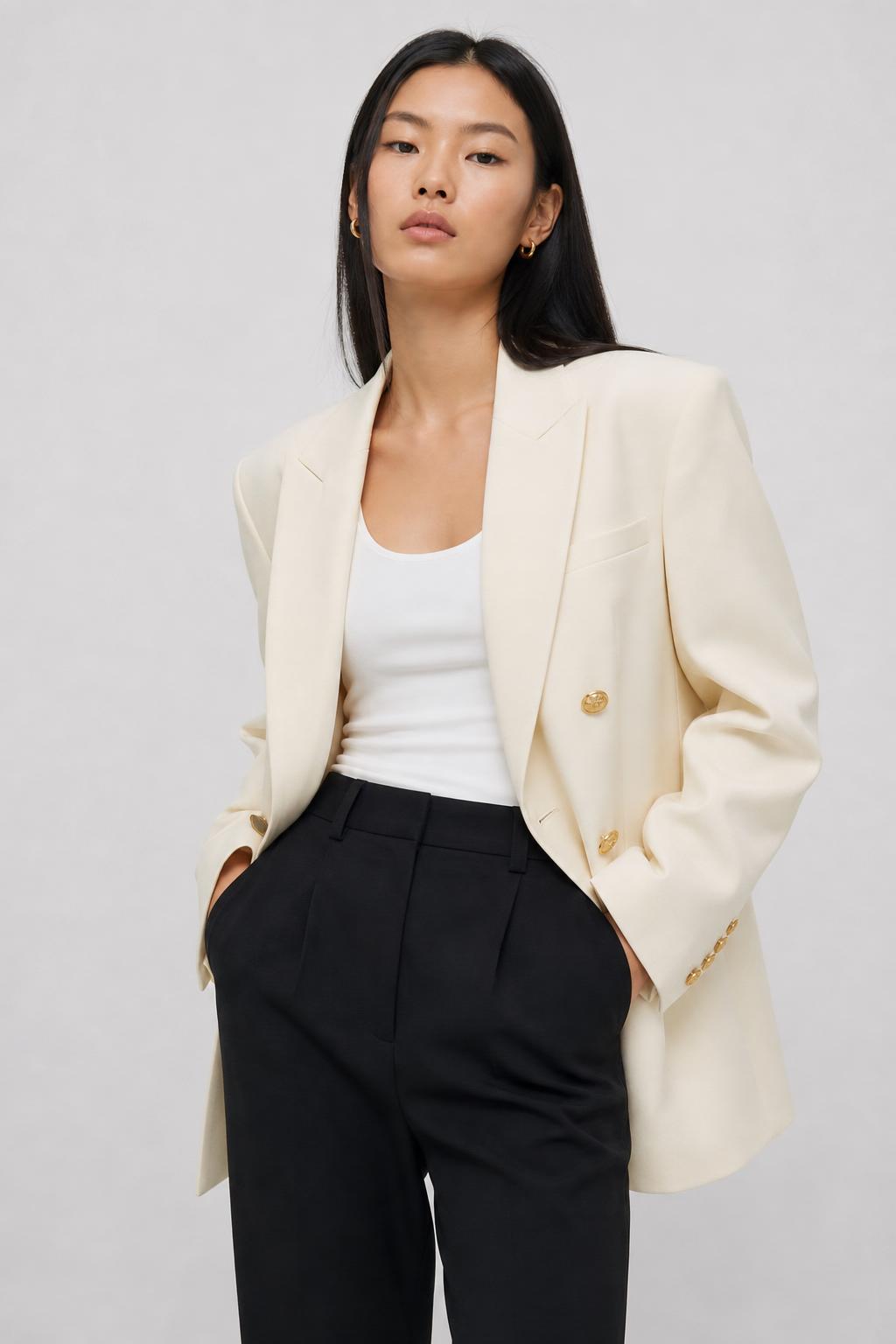
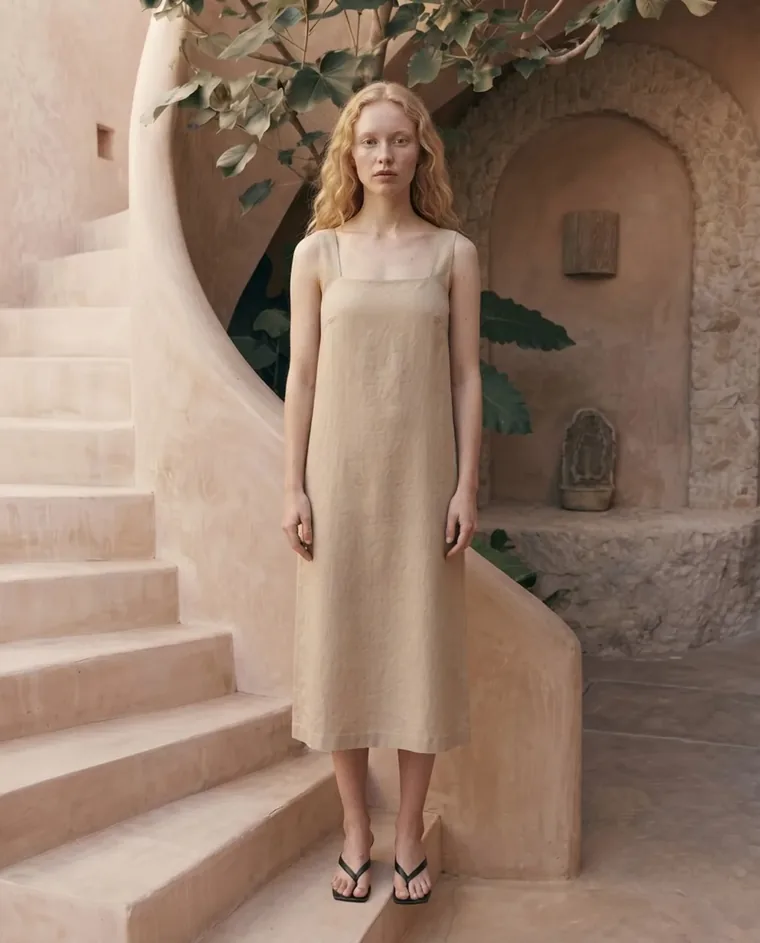
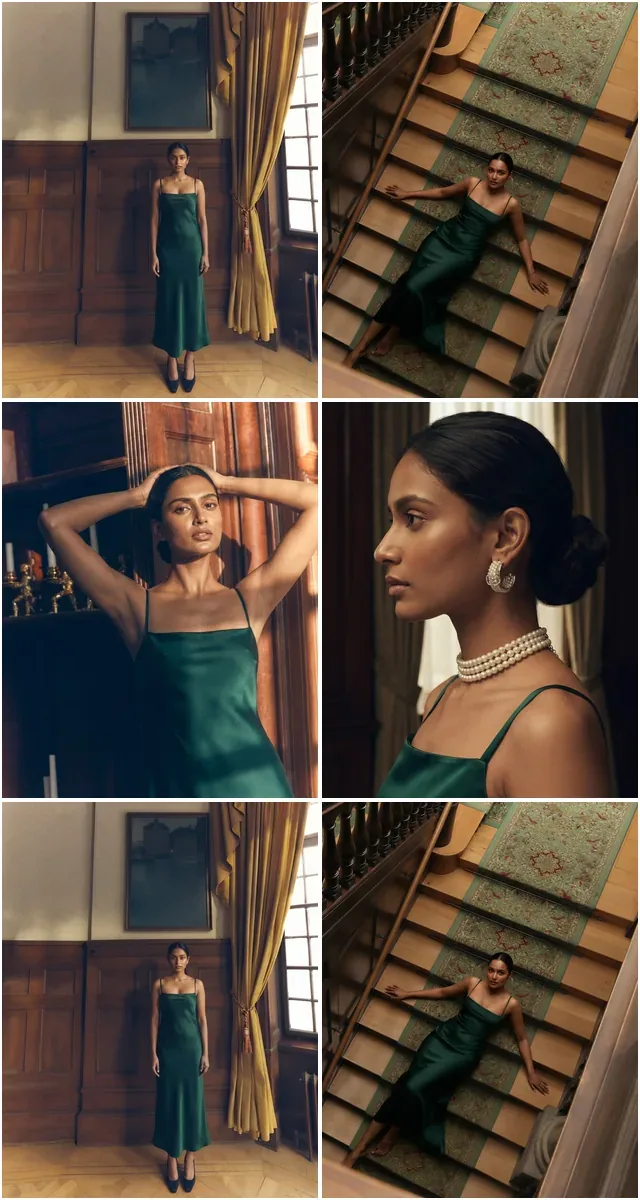
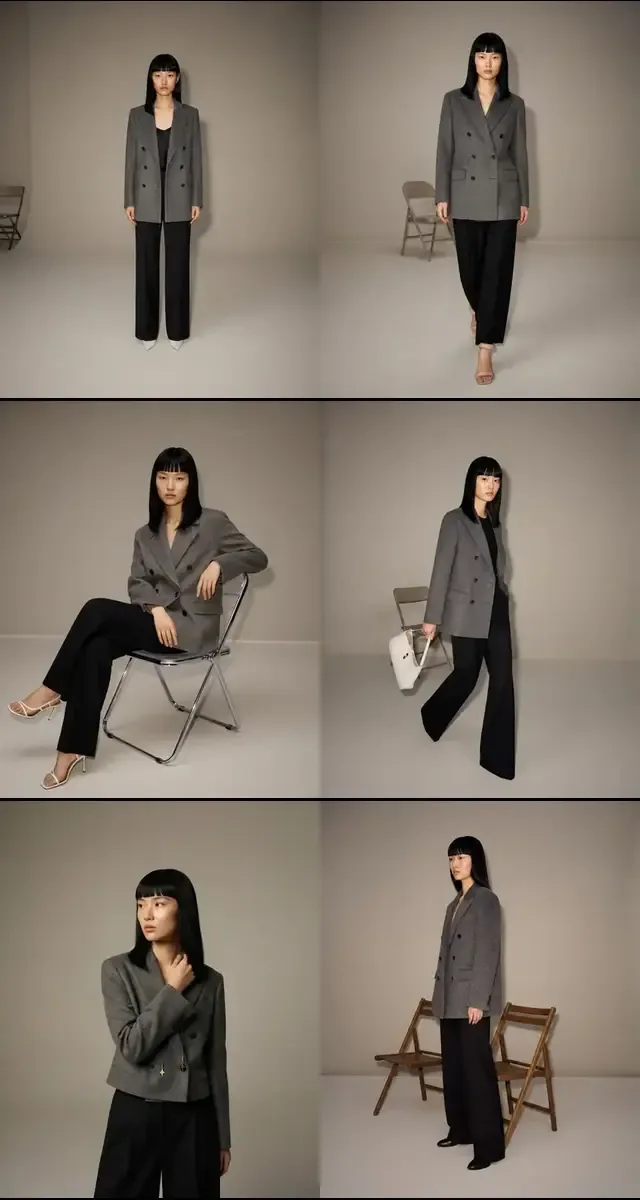
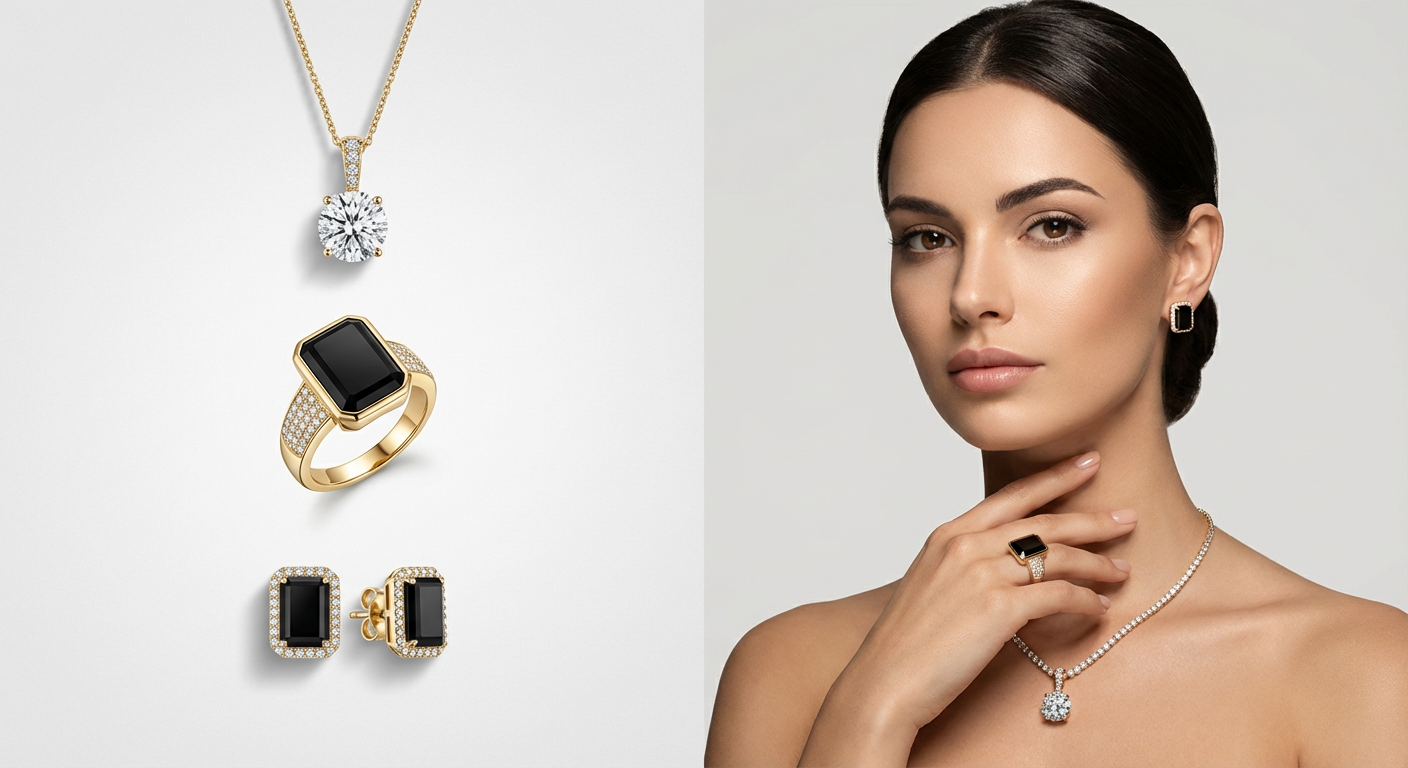
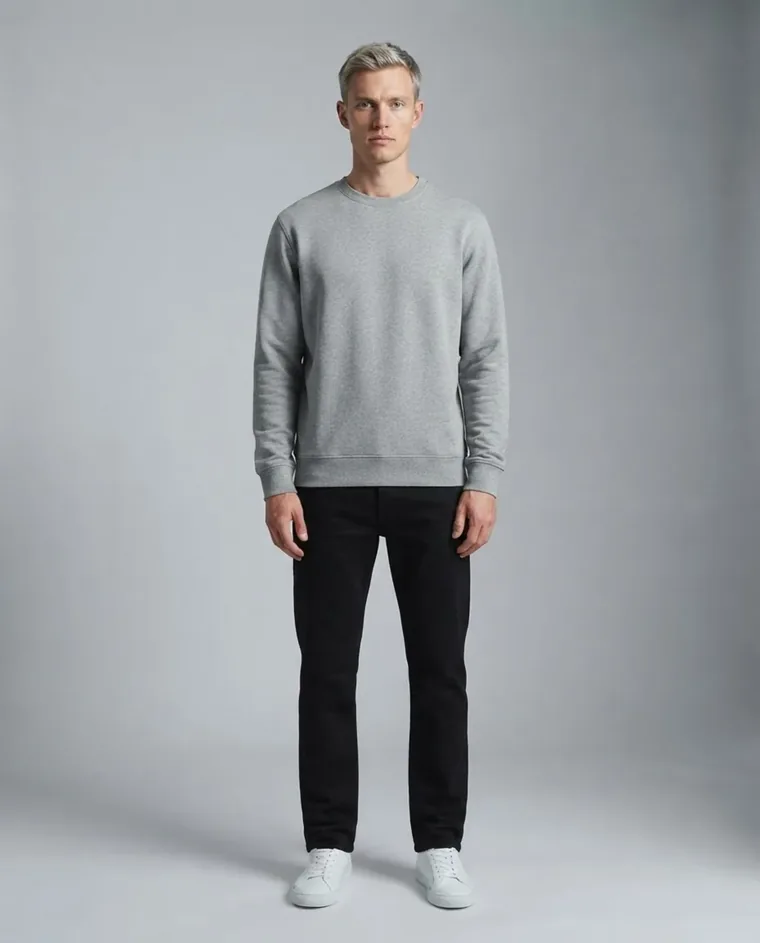
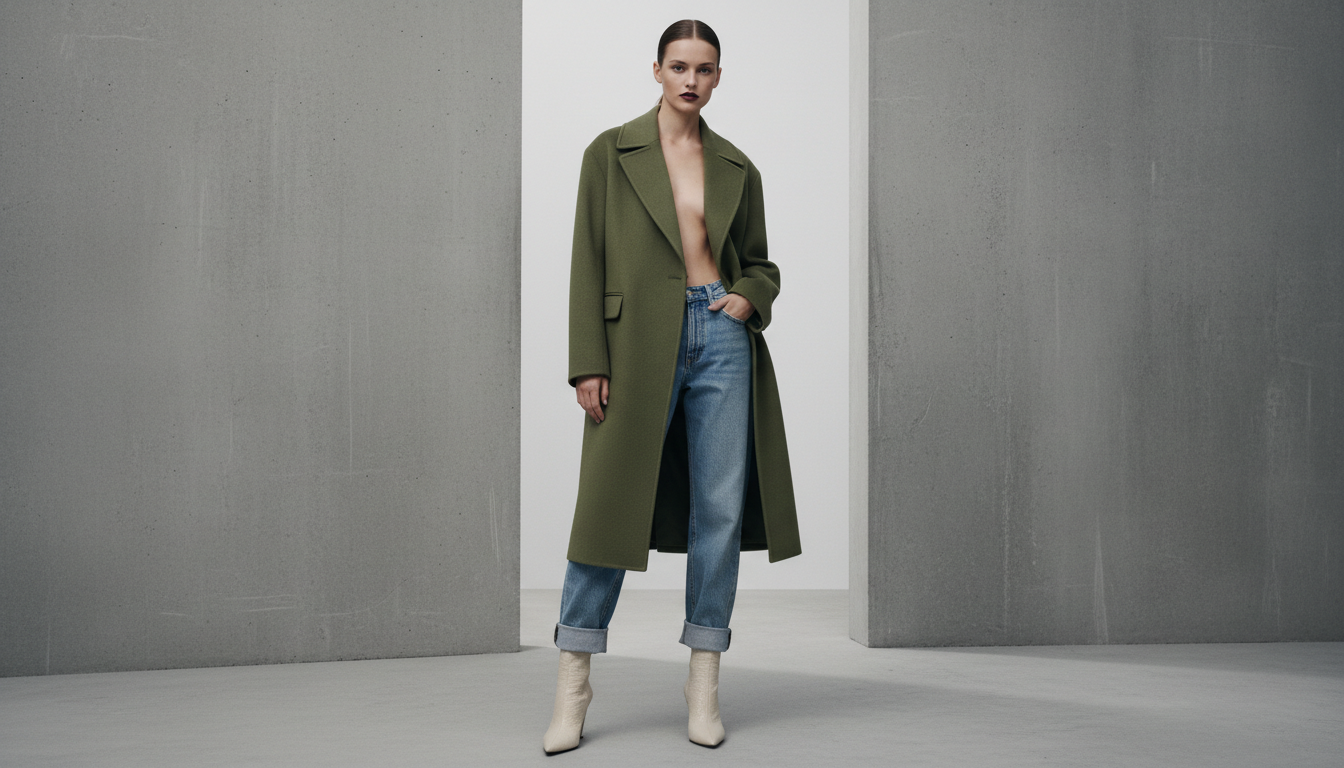
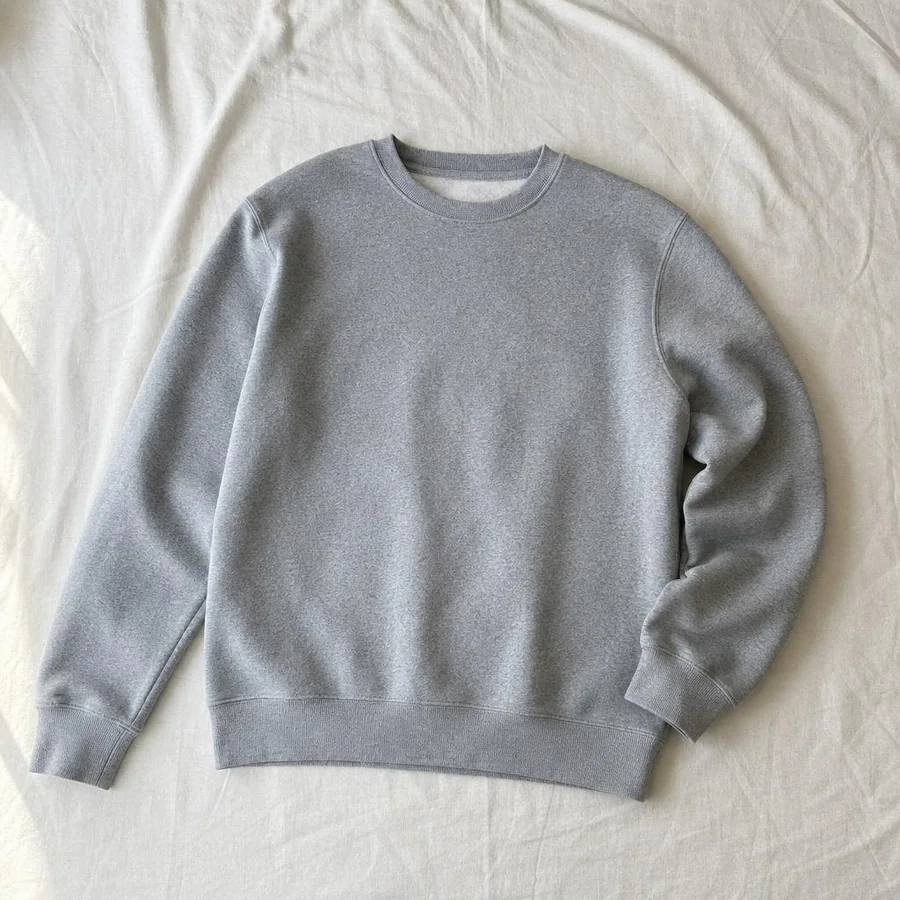
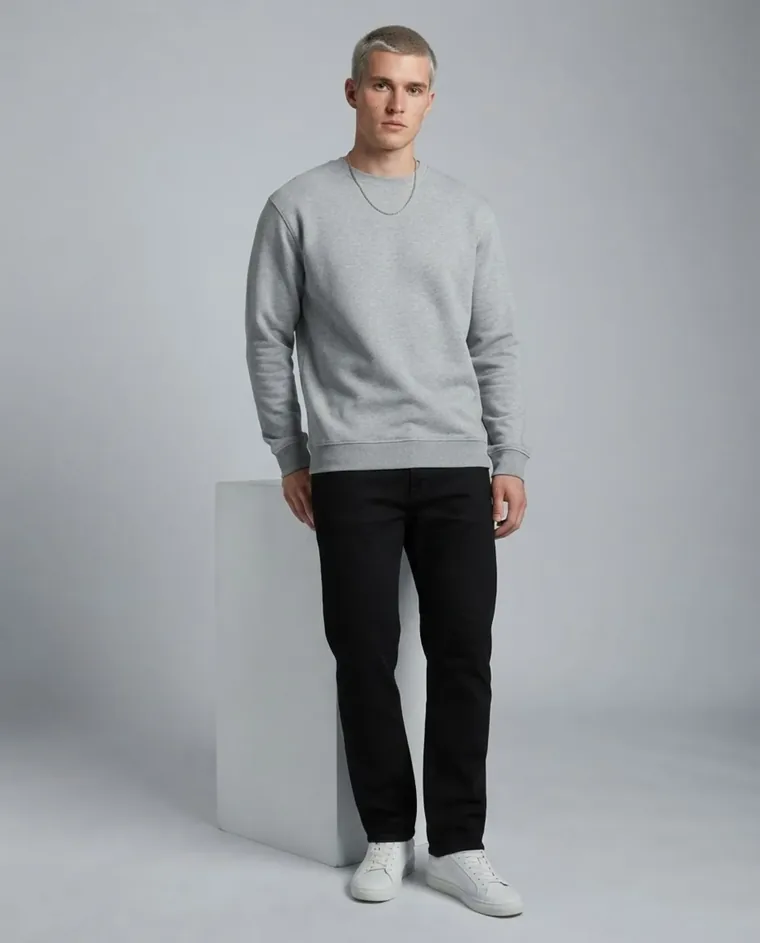
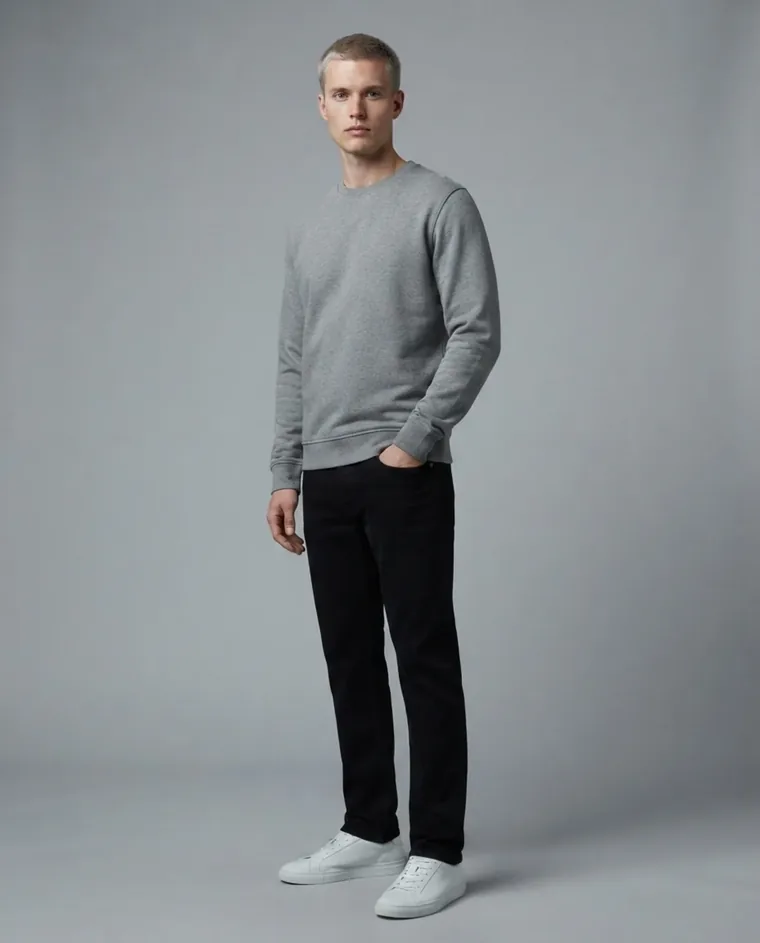
Ask your agent for a create_generation and it can hand back campaign, catalogue, lookbook, listing, social or video — all from one photo.

Fourteen tools
Everything create_generation needs
list_modelsEvery generation tool and what it needs.
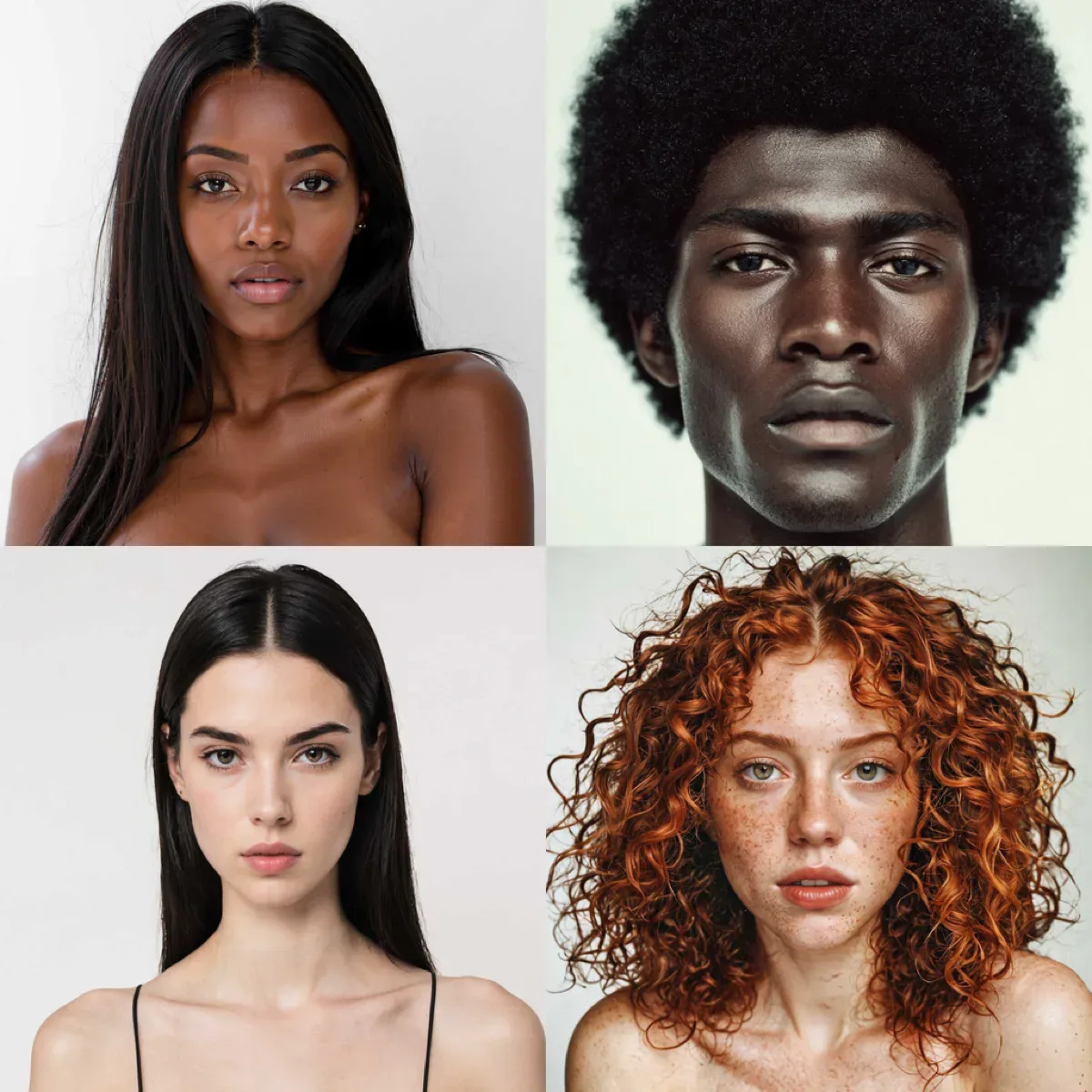
list_fashion_modelsBrowse the AI person model catalog.
list_venuesBrowse the venue/background catalog.
list_posesBrowse the pose catalog.
upload_imageUpload an image, get back a usable URL.
create_generationStart a job — try-on, background removal, upscale, and more.
get_generationPoll a job until it completes.
get_accountEmail, plan, credit balance, and renewal date.
create_template_setSave a generation's model/venue/pose as a reusable preset.
list_template_setsList saved presets.
delete_template_setRemove a saved preset.
list_ready_template_setsBrowse Fashio's curated photoshoot library.
get_ready_template_setGet one curated set's shots.
create_catalog_jobGenerate a full catalogue from a curated photoshoot set.
Why an MCP server, not just the API
Native agent tools
list_models, list_fashion_models, list_venues, list_poses, upload_image, create_generation, get_generation, get_account, create_template_set, list_template_sets, delete_template_set, list_ready_template_sets, get_ready_template_set, create_catalog_job — no HTTP client to write.
Same account, same credits
Authenticates with your existing Fashio API key — no separate signup, no separate balance.
Local file uploads
Point it at a file on disk; it uploads and returns a URL your agent can pass straight into a generation.
Works with Claude, Cursor, and more
Standard stdio MCP server — drop it into any MCP-compatible client's config.
What people do with it
Chat-driven product photography
Ask your agent to "upload this photo and put it on a female model against a white studio background" — no code to write.
Agent-built catalog pipelines
Let a coding agent wire Fashio into a larger automation it's building for you, using the tools directly instead of guessing at HTTP calls.
Rapid prototyping
Try the API's full surface from a chat session before writing a single line of integration code.
Fashio MCP FAQ
Ready to take control of
your fashion content?
Use Fashio AI to put your garments on models, without a photoshoot.
All fashion AI tools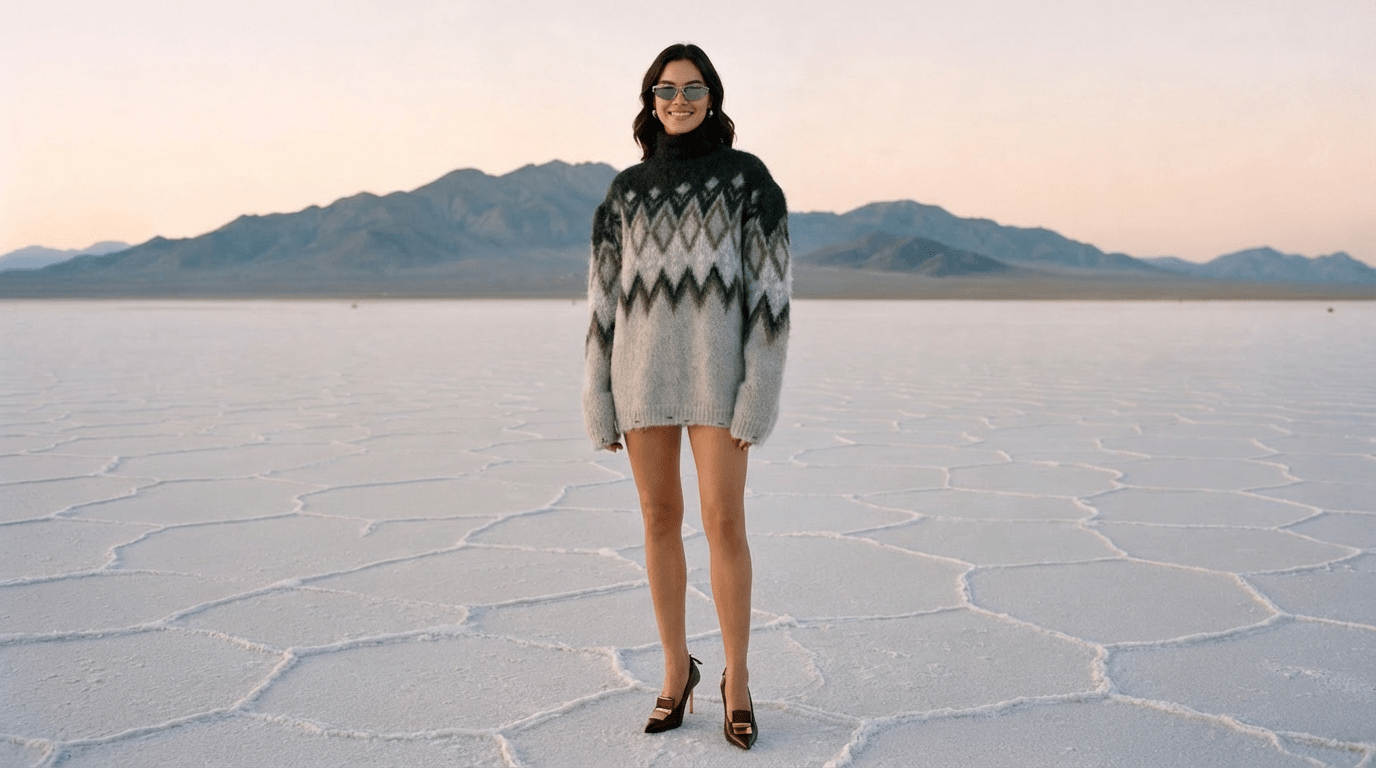
fashio-mcp is a small MCP (Model Context Protocol) server that exposes the same Fashio v1 API as tools an AI agent can call directly — list the model/venue/pose catalog, upload a photo, start a generation, and poll for the result, all in plain language instead of hand-written HTTP calls.
Setup
Campaign- Create an API key (no extra cost) at fashiolabs.com → Profile → API Keys.
- Add
https://mcp.fashiolabs.com/mcpto your MCP client as a remote server, with your key as a bearer token — no install needed. (A local stdio package,fashio-mcp, is also available if you'd rather run it yourself.) - Ask your agent to list Fashio's models, upload a photo, or start a generation — it now has the tools to do it directly.
Full source, install instructions and the tool reference: docs.fashiolabs.com. For the underlying REST API these tools call, see the Fashio API.