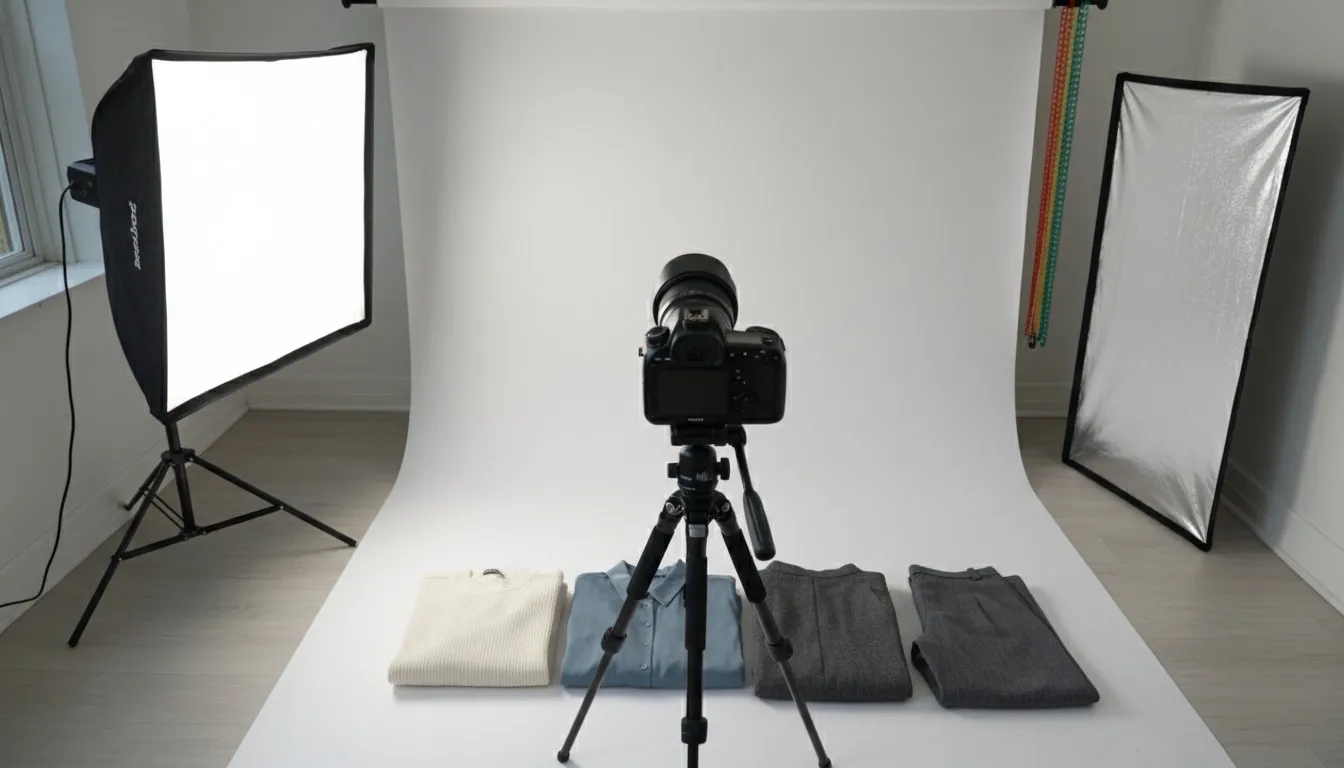
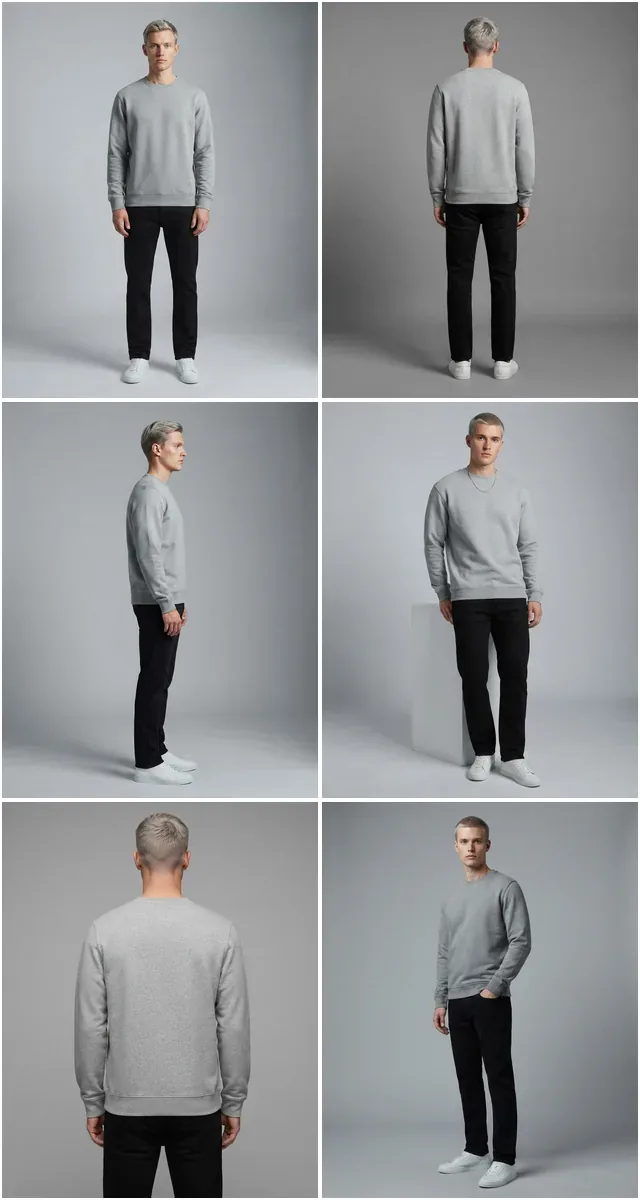
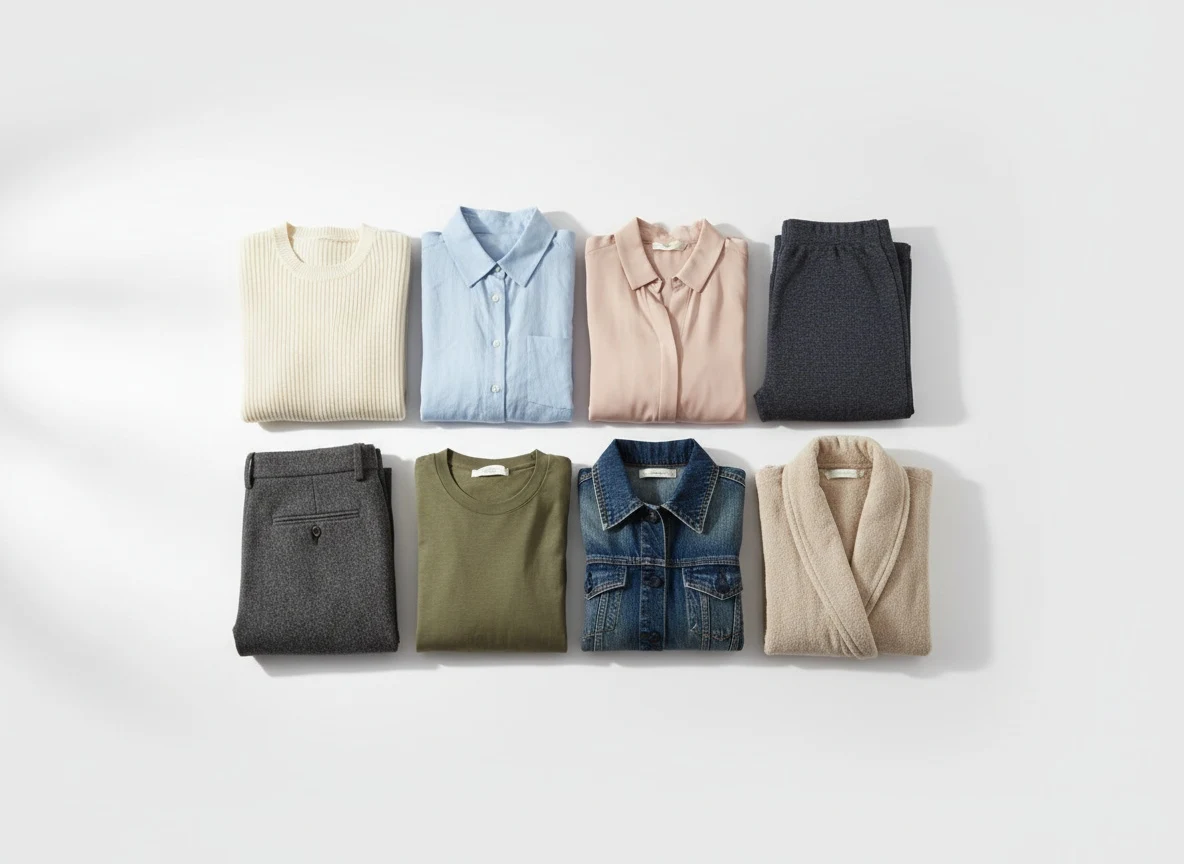
This guide covers photographing products yourself — sizes, lighting and setup. If you want to generate the on-model set from a garment photo you already have, that path is covered separately.
How do you use AI for Shopify product photography?
You use AI for Shopify product photography by uploading a flat-lay, mannequin, or phone photo to a fashion-trained AI tool, generating the on-model or clean-background version, then bulk-uploading the output to Shopify via CSV import, the Admin API, or an app. Shopify accepts product images up to 5000 x 5000 px (25 megapixels) under 20 MB, recommends 2048 x 2048 px, and disables zoom below 800 x 800 px. A full AI pass takes seconds per image instead of the 2–4 week cycle of a studio shoot.
2048 x 2048 px recommended 5000 x 5000 px / 20 MB ceiling 800 x 800 px minimum for zoom 5–8 images per fashion product
Shoot or upload one source photo per SKU, run it through AI background removal and model generation, export at 2048 x 2048 px sRGB, and bulk-load via CSV or the Shopify Admin API. Fashion products convert best with 5–8 images each: front, back, detail, and at least two on-model shots.
Product photography is the single biggest conversion driver on any Shopify store. Yet most store owners still rely on expensive studio shoots, inconsistent freelance photographers, or low-quality phone photos that kill trust and tank conversion rates. In 2026, AI product photography has matured from novelty to necessity — and Shopify sellers who adopt it are seeing measurable results.
What Changes: AI Photography vs. a Traditional Shoot
Consistent, on-model AI-generated product photography gives shoppers the fit and scale information that a flat lay alone cannot, and it is priced per image rather than per shoot day — Fashio AI's Plus plan is $29.99/month for 160 credits — about $0.75 per generated image at 4 credits per generation. Whether you sell 50 SKUs or 5,000, AI photography tools now deliver usable results at a fraction of the time and budget a studio shoot requires — see the full cost table further down before deciding whether it changes your bounce or add-to-cart rate, which we have not measured and won't invent a number for.
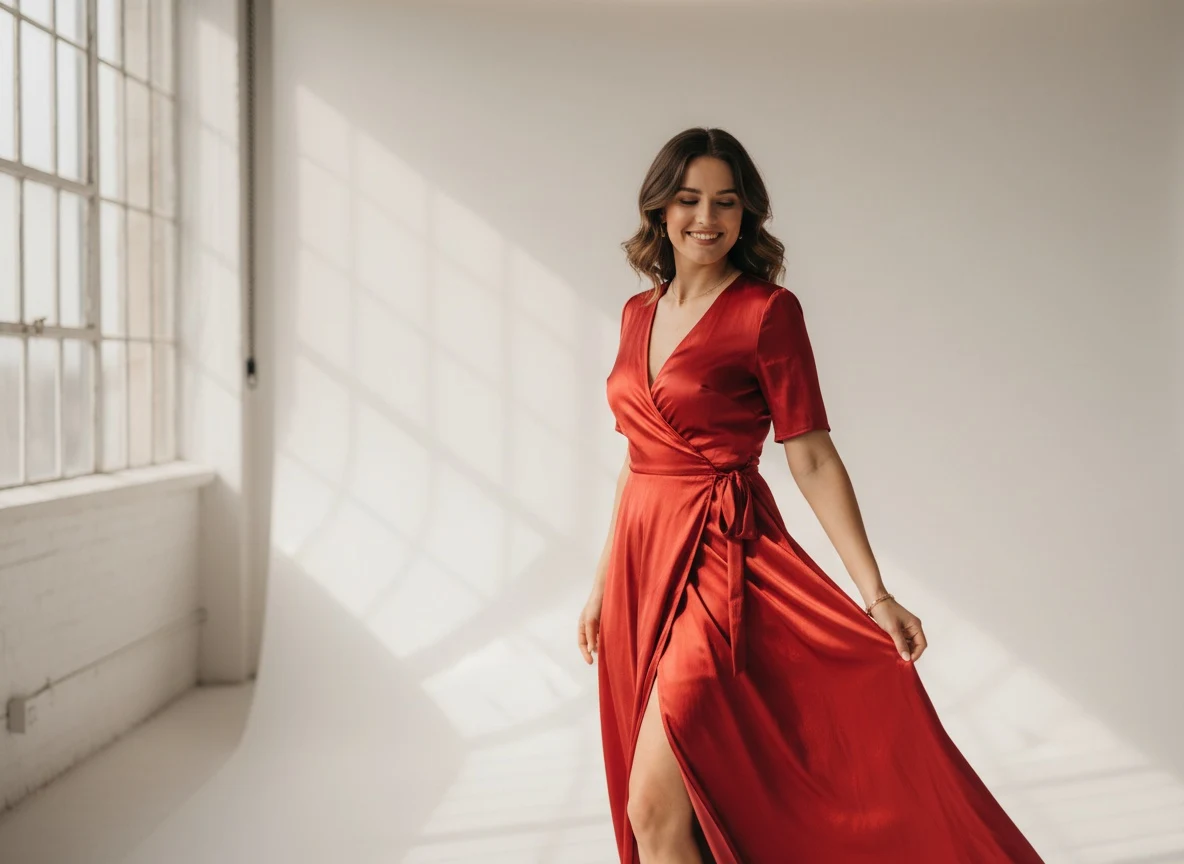
This guide covers everything Shopify store owners need to know: image requirements, the best AI tools, integration workflows, bulk upload strategies, marketplace compliance, and conversion optimization tips that turn product images into revenue.
What are Shopify's product image size requirements?
Shopify accepts product images up to 5000 x 5000 pixels (25 megapixels) and under 20 MB per file, per the Shopify Help Center. Shopify recommends 2048 x 2048 px square images, and zoom is disabled on any image smaller than 800 x 800 px. PNG and JPEG are the recommended formats; Shopify serves WebP automatically.
Before diving into AI tools, you need to understand what Shopify expects — and what converts. Shopify's image requirements have evolved, and stores that follow best practices consistently outperform those that don't.
What are the exact technical specs?
- Recommended resolution: 2048 x 2048 pixels (square format preferred)
- Minimum resolution: 800 x 800 pixels (below this, zoom functionality is disabled)
- Maximum resolution: 5000 x 5000 pixels, or 25 megapixels
- Maximum file size: 20 MB per image
- Supported formats: JPEG, PNG, GIF, WebP (Shopify auto-converts to WebP for performance)
- Aspect ratio: Consistent across all products — square (1:1) or portrait (2:3) recommended
- Color profile: sRGB for accurate color rendering across devices
- Images per product: Up to 250, with 5–8 recommended for fashion products
Which product images actually convert on Shopify?
Meeting technical requirements is the minimum. Top-performing Shopify fashion stores follow these visual merchandising standards:
- Hero image: Clean, white-background product shot (flat lay or on-model)
- On-model shots: At least 2 angles showing fit, drape, and silhouette
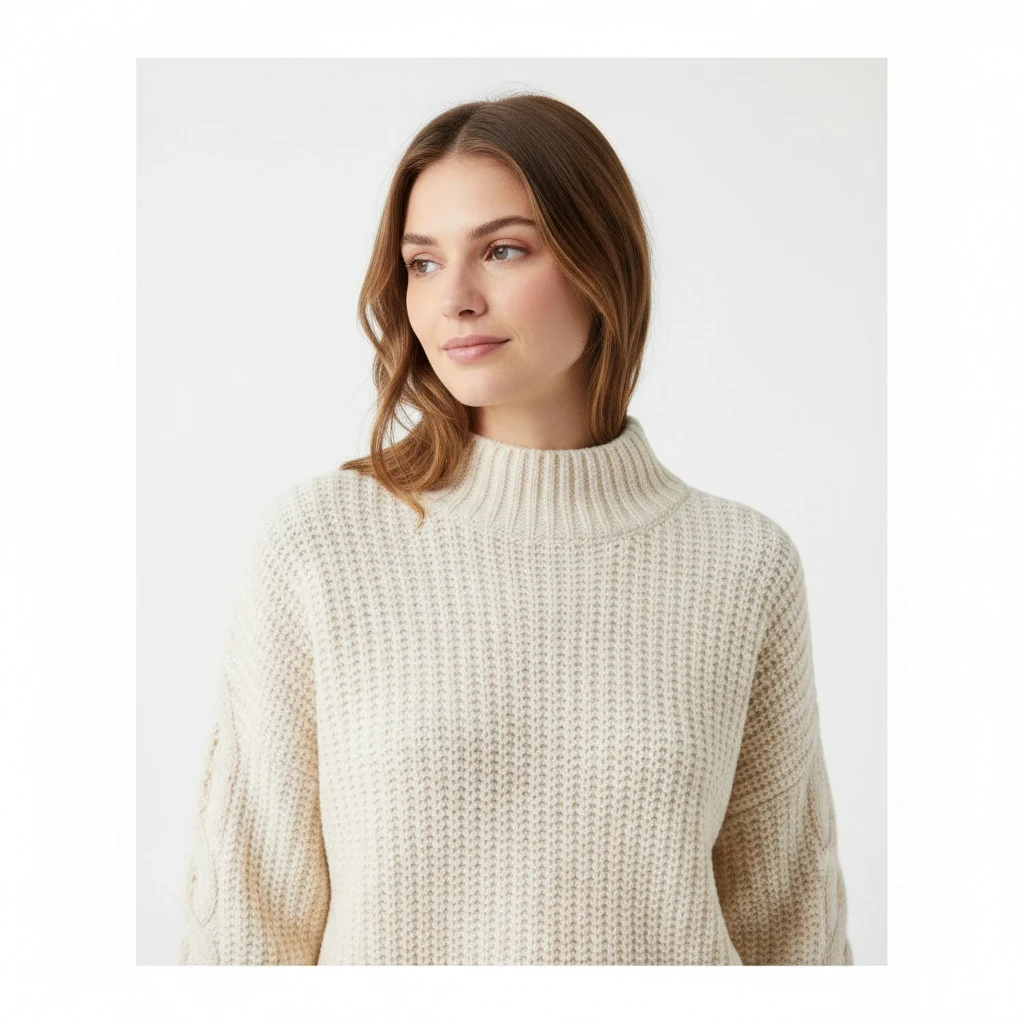
- Detail close-ups: Fabric texture, stitching, hardware, labels
- Lifestyle context: 1–2 styled images showing the product in a real-world setting
- Scale reference: Images that help the customer understand size and proportion
The challenge for most Shopify sellers? Producing all these image types for every SKU is prohibitively expensive with traditional photography. That's exactly where AI steps in.
Which AI tools do you need for Shopify product photos?
AI product photography isn't a single tool — it's a pipeline. Here are the core capabilities Shopify sellers should be using in 2026:
1. AI Background Removal
The foundation of clean Shopify product photos. AI background removal uses semantic segmentation to isolate your product from any background — messy desk, mannequin, wrinkled fabric backdrop. Fashion-specific AI models handle complex edges like lace, fringe, and translucent fabrics far better than general-purpose tools.
Background Remover is trained specifically on fashion products, delivering pixel-perfect cutouts even on the most challenging garments. The output is a clean, transparent PNG ready for Shopify's white-background standard.
2. AI Model Generation
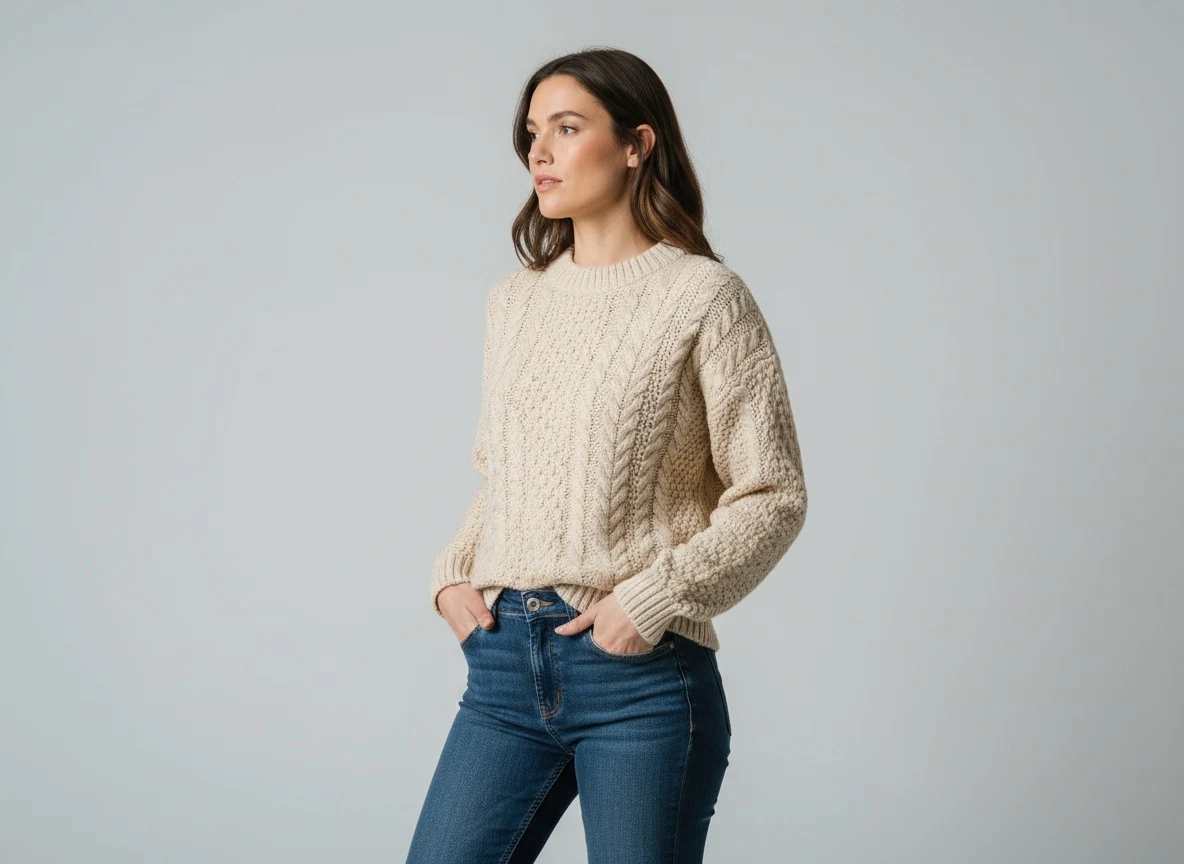
This is the game-changer for Shopify fashion stores. AI model generators take a flat lay or mannequin product shot and create photorealistic on-body images with diverse AI models. You choose ethnicity, body type, pose, and styling — no casting, no studio, no booking.
For Shopify stores, AI model generation means you can produce on-model imagery for your entire catalog in hours instead of weeks. Adding on-model photos to previously flat-lay-only listings gives shoppers the fit and scale information those listings were missing.
3. Photo Upscaling
Many Shopify sellers start with lower-resolution product images — from supplier photos, phone snapshots, or older catalog shoots. AI photo upscaling enhances resolution to 2048px+ without introducing artifacts, ensuring every product meets Shopify's zoom-quality threshold.
4. Pose Variation
One product, multiple angles — without re-shooting. AI pose variation tools generate additional model poses from a single on-model image, giving your Shopify product pages the visual depth that builds buyer confidence.
5. Flat-Lay-to-Catalog Conversion
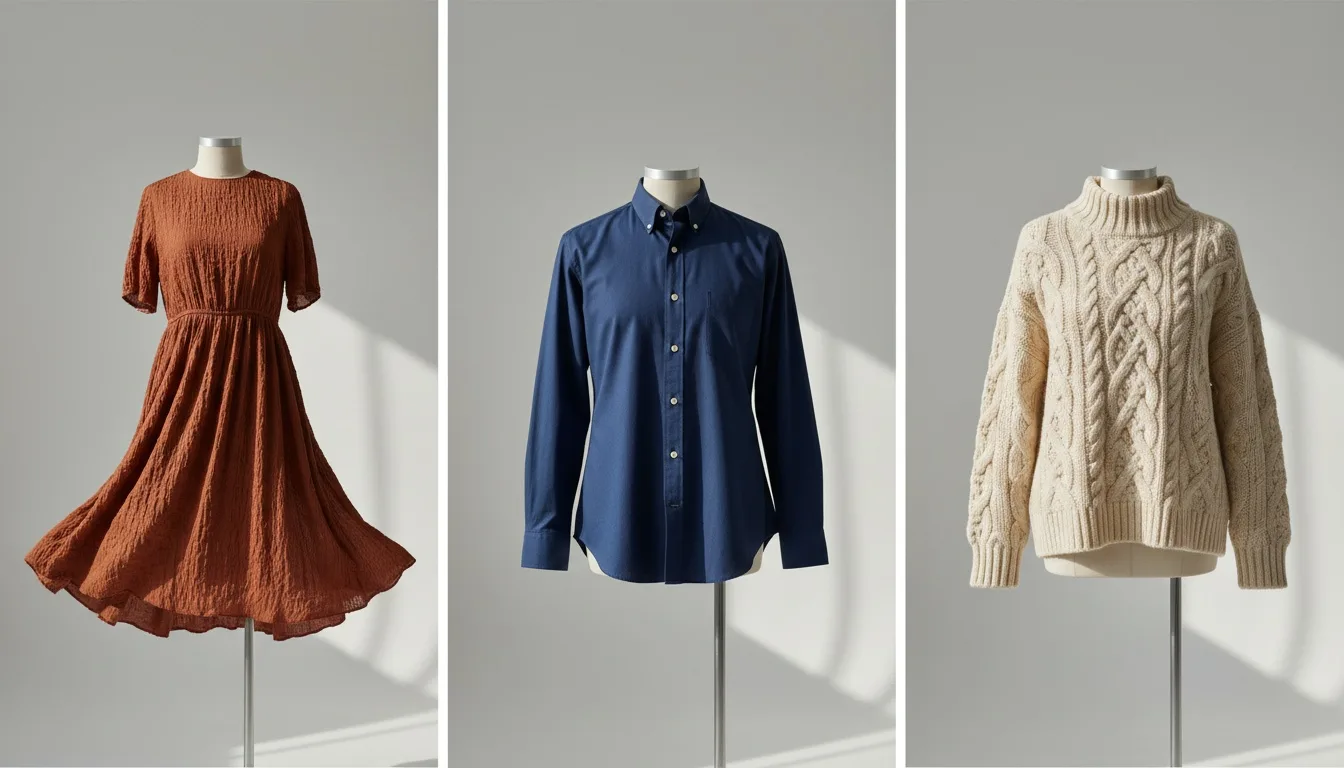
If you have flat lay images (the most common starting point for fashion sellers), AI can convert them directly into styled catalog images — including on-model shots. This single capability can replace an entire photo production pipeline for Shopify stores.
Fashio AI Tool Stack for Shopify Sellers
- AI Fashion Studio — End-to-end campaign creation: model generation, scenes, and editorial styling in one workflow
- Background Remover — Pixel-perfect cutouts for fashion products, trained on complex fabrics
- AI Model Generator — Flat lay to on-model photos with diverse AI models
- Photo Upscaler — Enhance resolution to 2048px+ without artifacts
- Shopify Integration — Generate from a product page and add the result to the product, without leaving the admin
- Shopify app installation guide — Setup, permissions, and your first generated image
How does the Fashio AI Shopify workflow run end to end?
Here's how top Shopify fashion sellers integrate AI photography into their production workflow using Fashio AI's Shopify integration:
Step 1: Capture or Upload Source Images
Start with whatever you have — flat lays shot on your phone, mannequin photos, or supplier images. AI works with imperfect inputs. The key is capturing the product clearly with decent lighting. A smartphone on a white table is genuinely enough.
Step 2: Process Through Fashio AI
Upload your source images to Fashio AI's dashboard. Select your workflow:
- Background removal for clean white-background hero shots
- Model generation for on-body lifestyle images
- Upscaling to meet Shopify's 2048px recommendation
- Pose variation for multiple angle views
Pro Tip: Bulk Processing
Fashio AI processes images in bulk — upload your entire new collection and get results in minutes, not days. For best results, organize source images by SKU before uploading so your output files map directly to Shopify products.
Step 3: Review and Download
Review AI-generated images in the dashboard. Make adjustments to model selection, background, or cropping as needed. Download your finalized images organized by SKU.
Step 4: Upload to Shopify
Upload processed images to your Shopify store via the admin panel, CSV import, or the Shopify API. For large catalogs, use bulk upload tools like Matrixify to map images to products automatically.
Step 5: Optimize and Publish
Add alt text to every image (critical for SEO), set your image order to lead with the strongest converting shot, and ensure consistent aspect ratios across your catalog. Publish and monitor conversion metrics.
Transform Your Shopify Product Photos with AI
Use Fashio AI to create studio-quality product photography in minutes — no studio, no photographer, no hassle.
Start creating →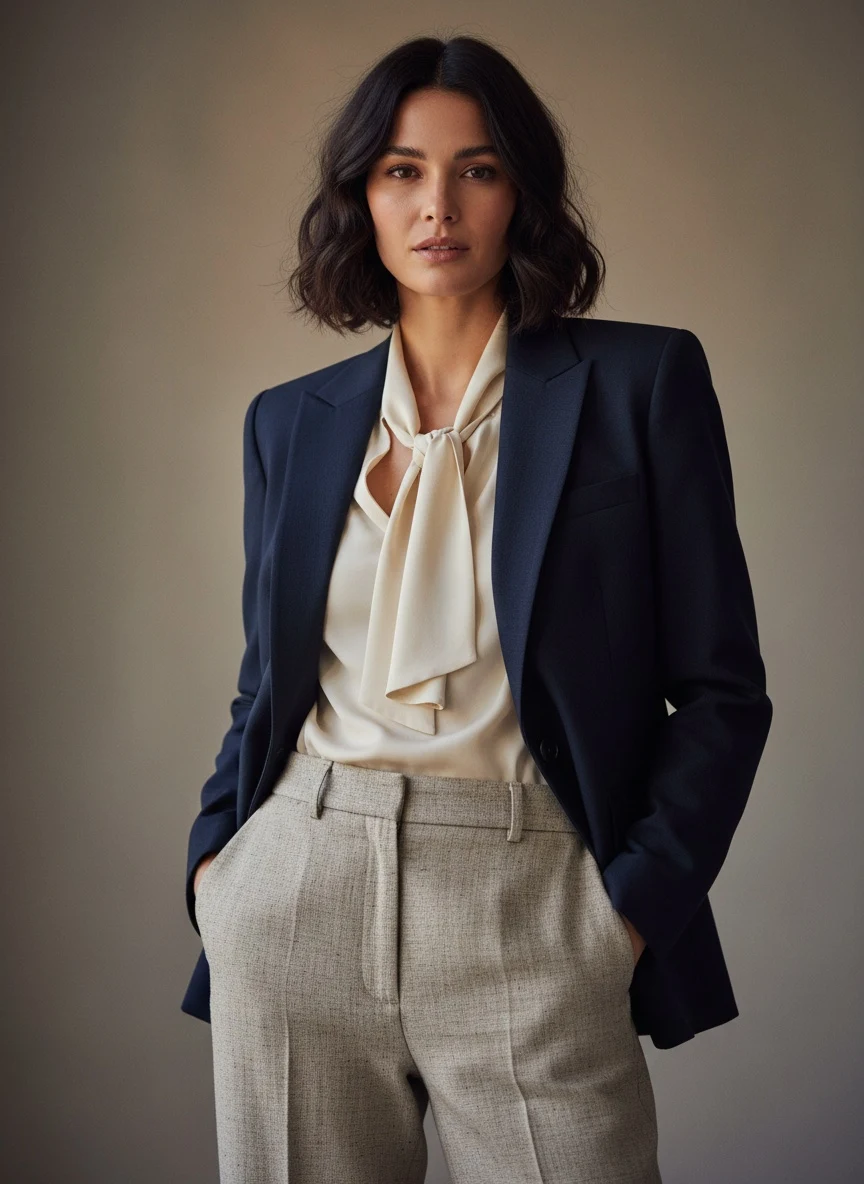
How do you bulk-upload product images to Shopify?
There are three routes. CSV import handles up to a few thousand rows and takes image URLs in the Image Src column. The Shopify Admin API is the right choice above roughly 5,000 images or when you need scheduled syncs. App-based upload is the lowest-effort option for stores without a developer. Whichever you use, lock a file-naming convention first.
Processing hundreds or thousands of product images is where AI photography delivers its biggest ROI. Here are the most efficient bulk upload strategies for Shopify:
How does CSV image import work?
The fastest method for large catalogs. Export your product CSV from Shopify, add AI-generated image URLs to the Image Src column, and re-import. This works for both new products and updating existing listings with improved photography.
When should you use the Shopify API instead?
For stores with developer resources, the Shopify Admin API allows programmatic image upload. This enables fully automated pipelines: AI processes images → images upload to CDN → API attaches images to products. Zero manual work after initial setup.
Is an app-based upload easier?
Shopify apps like Matrixify (formerly Excelify) handle bulk image operations with a user-friendly interface. Map your AI-generated image files to product handles, and the app handles the rest — including variant-level image assignment.
How should you name product image files?
Image Naming Tip
Organize AI-generated images with a clear naming convention: SKU_imagetype_number.jpg (e.g., BLK-DRESS-001_model_front_01.jpg). This makes bulk upload mapping straightforward and keeps your media library organized as your catalog grows.
Do AI-generated photos meet marketplace compliance standards?
If you sell on Shopify and list on additional marketplaces (Amazon, Google Shopping, Meta Shops), your AI-generated product photos need to meet each platform's requirements:
| Platform | Min Resolution | Background | Key Requirements |
|---|---|---|---|
| Shopify | 2048x2048px | White | sRGB color profile, square format |
| Amazon | 1000px longest side | Pure white (255,255,255) | No text overlays |
| Google Shopping | 250x250px (apparel) | Clean | No promo text, product fills 75%+ of frame |
| Meta Shops | 500x500px | Any | 1:1 aspect ratio, no watermarks |
Fashio AI outputs are configured to meet all major marketplace standards by default. When processing images, you can select your target platforms and the system optimizes resolution, background, and formatting for each channel automatically.
How do Shopify product photos affect conversion rate?
Great product photography is only valuable if it converts. Here are data-backed tactics Shopify sellers use to maximize the revenue impact of their AI-generated images:
Which image should be first?
Your first product image appears in search results, collection pages, and cart thumbnails. For fashion specifically, an on-model shot as the hero image gives a shopper the fit and scale information a flat lay cannot — that is the mechanism, and it is worth testing on your own catalogue rather than assuming a fixed percentage, since we have not run that test on your traffic.
Why do backgrounds need to be consistent?
Visual consistency builds brand trust. AI background removal and replacement ensures every product in your Shopify store has identical backgrounds, creating a cohesive shopping experience that signals professionalism.
Should you show more than one model type?
Shoppers convert higher when they see models that look like them. AI model generators let you create diverse representation across ethnicity, body type, and age for every product — something that would require multiple model bookings in traditional photography. When a shopper can see the garment on a body like theirs, they can judge whether it will work for them — which is the question a single sample-size model leaves unanswered.
Key Benefits of AI Product Photography for Shopify
- Studio-quality images from a smartphone flat lay — no studio or photographer needed
- On-model photos with diverse representation for every SKU in your catalog
- Consistent backgrounds and styling across your entire Shopify store
- About $0.75 per generated image and turnaround in hours instead of weeks
- Multi-marketplace compliance (Shopify, Amazon, Google Shopping, Meta) from a single source
How much does image load speed matter?
Shopify auto-converts images to WebP, but you can further optimize by ensuring source images are properly compressed before upload. AI tools typically output images at optimal compression levels, but always verify that your product pages load in under 2.5 seconds on mobile — Shopify's speed benchmark.
How do you write alt text at catalog scale?
Every AI-generated image needs descriptive alt text for SEO and accessibility. Use a formula: [Product Name] - [Image Type] - [Key Detail] (e.g., "Black Silk Wrap Dress - Front View - On Model"). For bulk uploads, generate alt text programmatically using your product data.
How much cheaper is AI photography than a traditional Shopify shoot?
Here's the real math for a mid-size Shopify fashion store with 500 active SKUs:
| Factor | Traditional Photography | AI Photography (Fashio AI) |
|---|---|---|
| Cost per product | $25–$75 | $1–$5 |
| 500 SKU season cost | $12,500–$37,500 | $500–$2,500 |
| Turnaround time | 2–4 weeks | 1–2 days |
| Savings | — | $10,000–$35,000 per season (90%+) |
The cost savings are significant, but the speed advantage is equally transformative. Shopify sellers using AI photography can list new products within hours of receiving inventory — critical for trend-driven fashion where time-to-market directly impacts revenue.
How do you start your first AI photography workflow on Shopify?
If you're new to AI product photography, here's the simplest way to start:
- Pick 10 products — select items with flat lay or mannequin photos that could use improvement
- Sign up for Fashio AI — create your account and upload source images
- Run background removal — create clean, white-background versions of all 10 products
- Generate model photos — create on-model shots for each product using AI Fashion Model Generator
- Upload to Shopify — replace your existing product images with the AI-generated versions
- Measure results — track conversion rate, bounce rate, and add-to-cart rate for 2 weeks
- Scale — once you see the improvement, process your entire catalog
Give it two weeks of real traffic before judging the result — that is enough for the bounce-rate and add-to-cart comparison in Step 6 to mean something on a typical apparel store's volume. The quality gap between AI-generated and traditional product photography has closed enough that the deciding factor is usually the source photo you feed in, not the tool.
Ready to Upgrade Your Shopify Product Photography?
Start with 10 products, see the results, and scale to your full catalog. Fashio AI handles background removal, model generation, upscaling, and Shopify-ready formatting in one platform.
Start creating →Frequently Asked Questions
What are the Shopify product image requirements in 2026?
Shopify recommends square images at 2048x2048 pixels in JPEG or PNG format. The hard ceiling is 5000 x 5000 pixels (25 megapixels) and 20 MB per file, and zoom is disabled on images below 800 x 800 pixels. For best results, use a white or transparent background, maintain consistent aspect ratios across your catalog, and include 5–8 images per fashion product: front, back, at least two on-model angles, and a detail crop.
How many images does a Shopify fashion product need?
5–8 per product is the working target for apparel: a front hero shot, a back or side angle, at least two on-model images showing fit and drape, and one detail crop of fabric or hardware. Below 3 images a fashion listing reads as unfinished; past 8 the marginal image rarely changes a buying decision, so put the effort into the first 5 being right rather than padding the count.
Can AI product photography work for Shopify stores?
Yes, AI product photography is now widely used by Shopify stores of all sizes. AI tools can generate model photos from flat lay images, remove backgrounds, upscale resolution, and create lifestyle shots — all without a physical photo studio. Fashio AI is purpose-built for fashion e-commerce on Shopify.
How much does AI product photography cost compared to traditional Shopify photography?
Traditional product photography is booked at a day rate covering studio, photographer, and post-production. AI product photography is priced per credit instead: Fashio AI's Plus plan is $29.99/month for 160 credits — about $0.75 per generated image at 4 credits per generation, and the 1,200-credit Agency pack at $129.99 brings that to about $0.54. For a 500-SKU store that is a few hundred dollars in credits per season rather than a shoot budget.
What is the best AI tool for Shopify product photos?
Fashio AI is the best AI tool for Shopify product photography because it offers a complete fashion-specific pipeline: background removal, AI model generation, flat-lay-to-catalog conversion, photo upscaling, and pose variation — all optimized for Shopify image requirements and bulk processing.
How do I bulk upload AI-generated photos to Shopify?
You can bulk upload AI-generated photos to Shopify using CSV import, the Shopify API, or apps like Matrixify. Process your images through Fashio AI in bulk, download the output folder, then map images to product SKUs in your CSV. Shopify supports up to 250 images per product.
Does AI photography meet Shopify marketplace compliance standards?
Yes, AI-generated product photos meet Shopify's image requirements when properly configured. Ensure images are high resolution (2048px+), use clean backgrounds, accurately represent the product, and don't contain misleading edits. Fashio AI outputs are designed to meet all major marketplace compliance standards including Amazon, Google Shopping, and Meta Shops.
Can I use AI to create lifestyle photos for my Shopify store?
Yes, AI tools can generate lifestyle and on-model photos from simple product shots. AI Fashion Model Generator creates photorealistic on-body images, while background replacement tools place products in lifestyle settings. This eliminates the need for location shoots or model bookings for your Shopify store.