Installing Fashio into Shopify takes about five minutes, and the app asks for exactly one permission: read and write products. This guide walks the whole path — install from the Shopify App Store, the free images you start with, your first generated image, bulk generation, billing, and what actually happens to your data at each step.
1 permission ~5 minutes 3 free images Billed through Shopify
Install Fashio AI Studio from the Shopify App Store, open it once — your Fashio account is created automatically, no sign-up and no API key — then open any product and use the two new entries in its More actions menu. Your first 3 images are free; after that, plans and credit packs are billed on your regular Shopify invoice.
What the app actually is
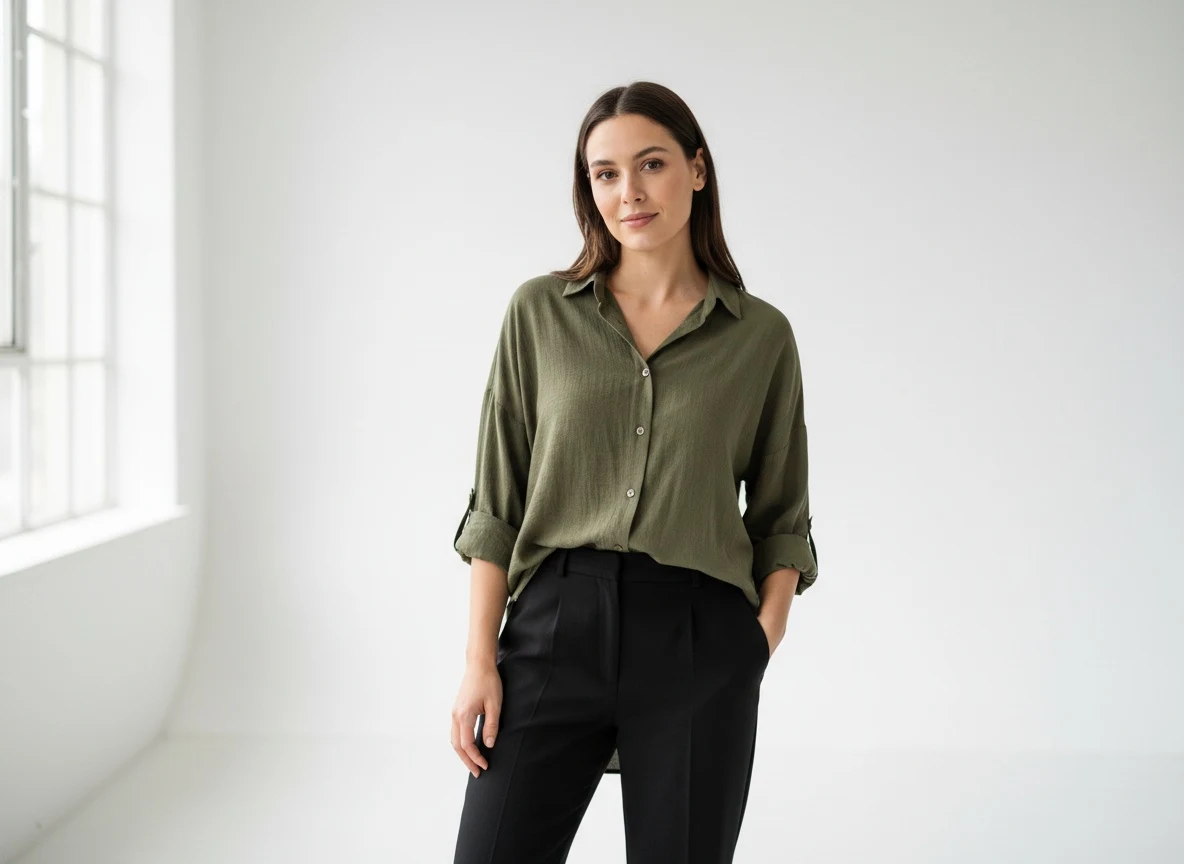
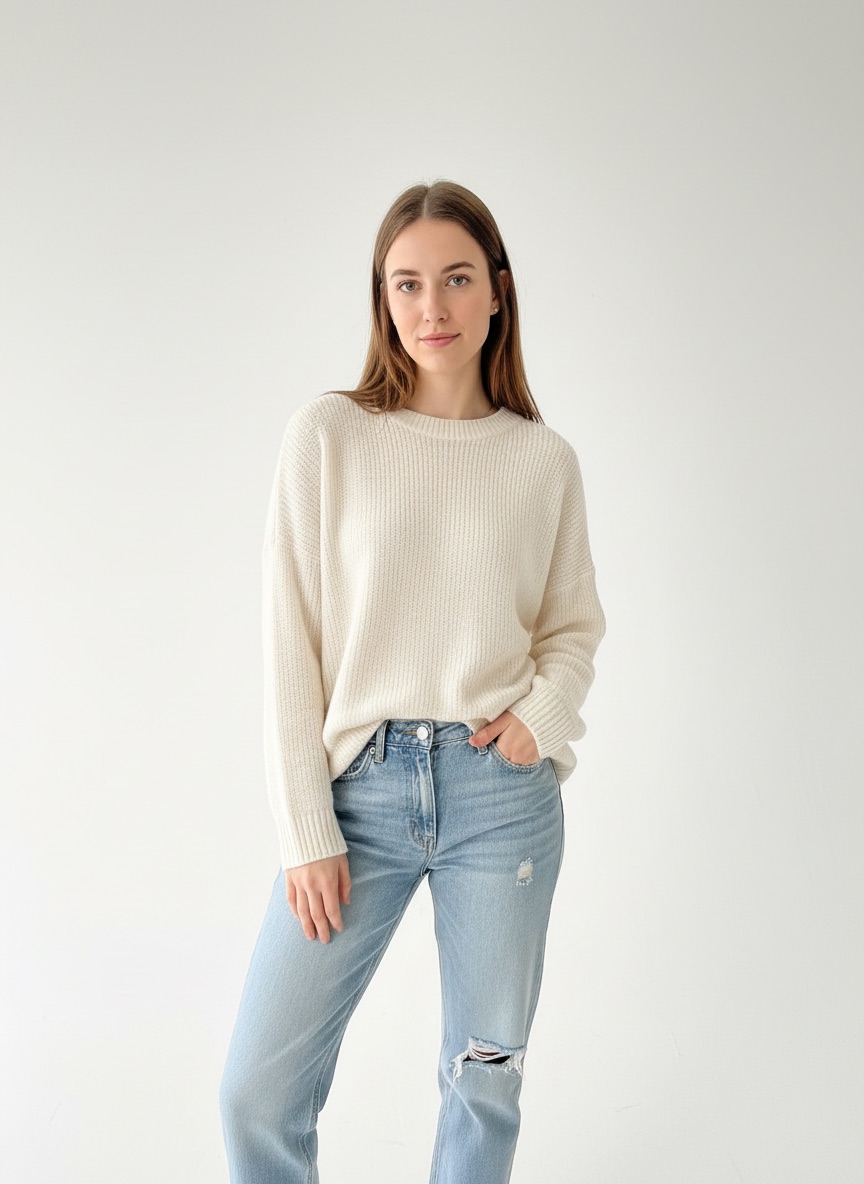
Fashio AI Studio (by Fashio Labs) is a studio that opens from a product page. It reads the photo already attached to the product, generates on-model imagery from it, and — only when you press the button — writes the result back into that product's media.
It is not a background service. It does not watch your catalogue, it does not generate while you sleep, and it never edits a product you did not choose. That constraint is deliberate: an app that can write to your product media should only do so on a press you made, on an image you looked at.
Before you start
- A Shopify store you are staff or owner on. Installing an app needs the app-management permission on that store.
- Nothing else to set up. You do not need an existing Fashio account or a paid plan — the account is created when the app first opens, and your first 3 images are free.
- At least one product with a photo on it. Fashio generates from an existing image, so a product with no media has nothing to work from.
Step 1 — Install the app
Open Fashio AI Studio on the Shopify App Store and press Install. Shopify shows you the permission screen before anything is granted, and there is one permission on it — read and write products:
| Scope | What it allows | What it does not |
|---|---|---|
| read_products | Read a product's title and its existing images | Nothing outside the products resource |
| write_products | Add a generated image to a product's media | Delete your existing images, change price, stock or description |
There is no orders scope, no customers scope, and no payments scope on the request. If you ever see an app in this category asking for those, that is worth a second look.
Step 2 — Open the app: account, free images, plan
The first time the app opens inside Shopify, a Fashio account is created for your store automatically. There is no sign-up form, no password, and no API key to copy from anywhere. Your first 3 AI images are free — a one-time allowance so you can judge the output before paying anything.
When you want more, pick a plan in the app. Shopify then shows its own approval screen for the charge; you approve it there, and it appears on your regular Shopify invoice. You never enter a card anywhere else.
Because the account is tied to your store at install, Shopify already knows who you are — there is nothing for you to connect. If you also want to generate outside Shopify, the REST API and the ikas integration are separate routes into Fashio, each with its own setup.
Step 3 — Open a product
Open any product in your Shopify admin and look at the More actions menu at the top of the page. Two Fashio entries are now there:
- Generate with Fashio. One image at a time. Pick the source photo, the tool and the model, then generate.
- Catalog shoot with Fashio. Pick a ready-made photoshoot and Fashio renders every shot in it against this product — front, side, seated, detail, and so on — as one job.
Step 4 — Generate, review, add
A result appears in about a minute. Each one carries an Add to product button, and nothing is written to the product until you press it.

That is the whole loop. From a cold install to an image on a live product page is a handful of minutes, most of which is the generation itself.
Doing many products at once: the Bulk Editor
For more than a few products, go to the app home (Apps menu in the left sidebar → Fashio) and use the Bulk Editor:
- Press Browse products and select several products that have images.
- Choose Catalog sets (a full photoshoot per product) or One style tool (the same tool and model on every product).
- Generate. Each product is processed in turn, and its results appear under its own row.
- Press Add to product under any result you want to keep. The rest never touch the product.
How billing and credits work
Billing runs entirely through Shopify Billing, so charges sit on your regular Shopify invoice alongside your other apps. Generations spend credits from your Fashio balance.
| Option | Price | Credits |
|---|---|---|
| Fashio Growth (plan) | $29.99 / 30 days | 160, reset on each renewal |
| Fashio Scale (plan) | $99.99 / 30 days | 600, reset on each renewal |
| Credit pack | $9.99 | 40, never expire |
| Credit pack | $27.99 | 120, never expire |
| Credit pack | $84.99 | 400, never expire |
Plan credits reset when the plan renews. One-time packs — from Buy credits at the top right of the app — never expire, so they suit a busy month on top of a plan. You can switch or cancel your plan inside the app at any time.
Put it on one product and judge from the result
Install the app, spend one of your 3 free images on your worst product photo, and decide from what comes back. That is usually faster than reading another page about it.
Get Fashio AI Studio on Shopify →Troubleshooting
| Symptom | Most likely cause | Fix |
|---|---|---|
| The Fashio entries are missing from More actions | The admin page was open before the install finished | Reload the product page |
| You cannot generate any more | The free images or the plan's credits are used up | Pick a plan, or press Buy credits for a one-time pack, and approve the charge on Shopify's screen |
| A generation fails | The source image is too small, or the garment is unclear in it | Use a larger, clearer source photo. Failed generations refund their credits automatically |
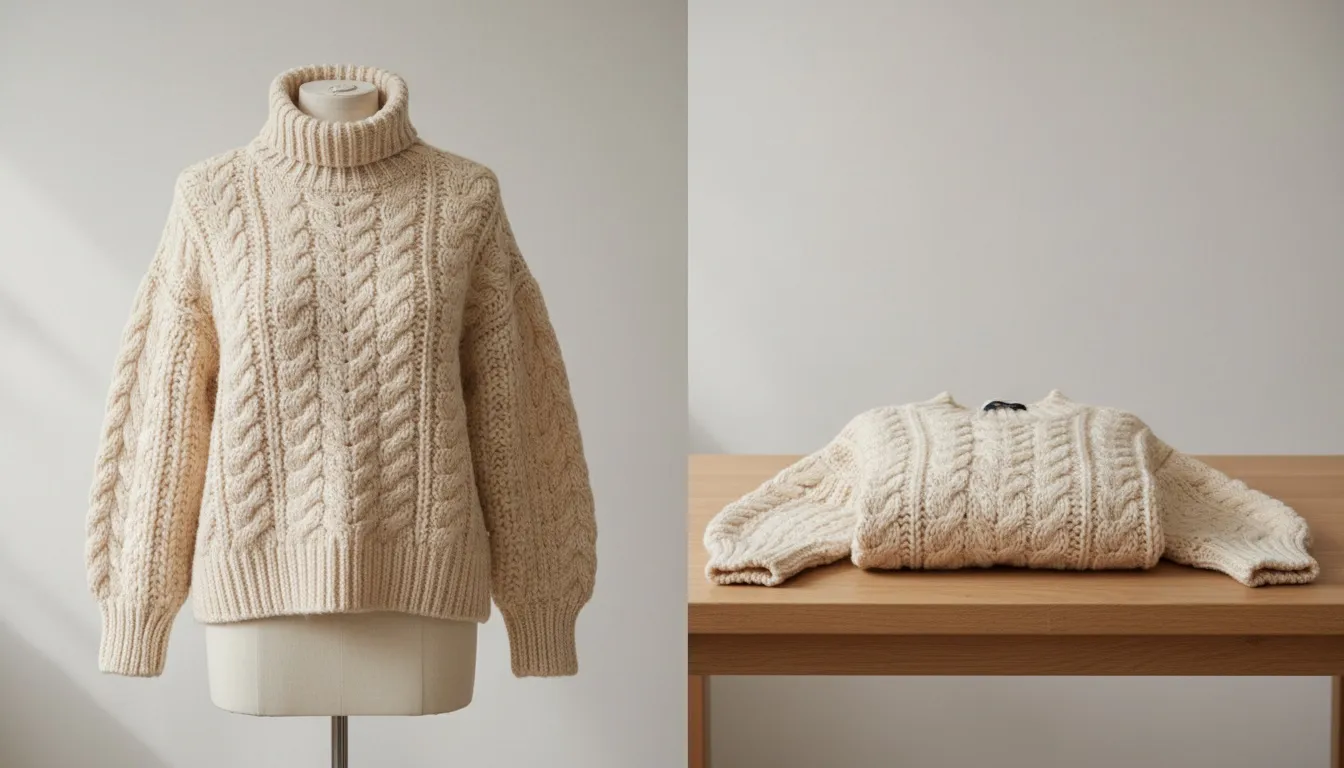
| Nothing to generate from | The product has no image attached | Add one product photo first — Fashio works from an existing image, not from the title |
What happens when you uninstall
The app's access token and the link to your Fashio account are deleted immediately, and Shopify cancels the subscription, so there are no further charges. Images you already added to products stay exactly where they are — at that point they are your product media, not the app's.
Where to go next
- Fashio AI Studio on the Shopify App Store — install the app
- The Shopify integration page — what the app does, in detail, including what it deliberately does not do
- Shopify product photography — image size requirements, lighting and setup, if you are shooting with a camera
- All integrations — ikas, the REST API, the MCP server, ComfyUI and n8n
Frequently Asked Questions
What permissions does the Fashio Shopify app ask for?
One: read and write products — reading a product's existing images and writing new ones back. No orders, no customers, no payments, and no customer data of any kind.
How much does the Fashio Shopify app cost?
Installing is free and your first 3 AI images are free. After that, billing runs through Shopify on your regular invoice: Fashio Growth is $29.99 every 30 days for 160 credits, Fashio Scale is $99.99 every 30 days for 600 credits, and one-time packs cost $9.99 for 40, $27.99 for 120 and $84.99 for 400 credits.
Do I need a Fashio account or an API key?
No. A Fashio account is created automatically the first time the app opens. There is no sign-up form and no API key to paste.
Can I generate images for several products at once?
Yes. The Bulk Editor on the app home lets you browse and pick several products, choose Catalog sets or One style tool, and process each product in turn. Results appear under each product's row, and you add them one by one.
What happens to my images if I uninstall the app?
The access token and the link to your Fashio account are deleted immediately, and Shopify cancels the subscription. Images already added to products remain, because they are your product media at that point.
Does the app change anything on its own?
No. No app watches your catalogue or generates in the background. An image reaches a product only when you press Add to product on that specific image.