

Why Background Removal Fails on Transparent and Lace Fabric | Fashio AI
Learn why fashion brands need specialized AI background removal. Compare generic vs fashion-trained tools, marketplace compliance tips, and batch processing workflows.
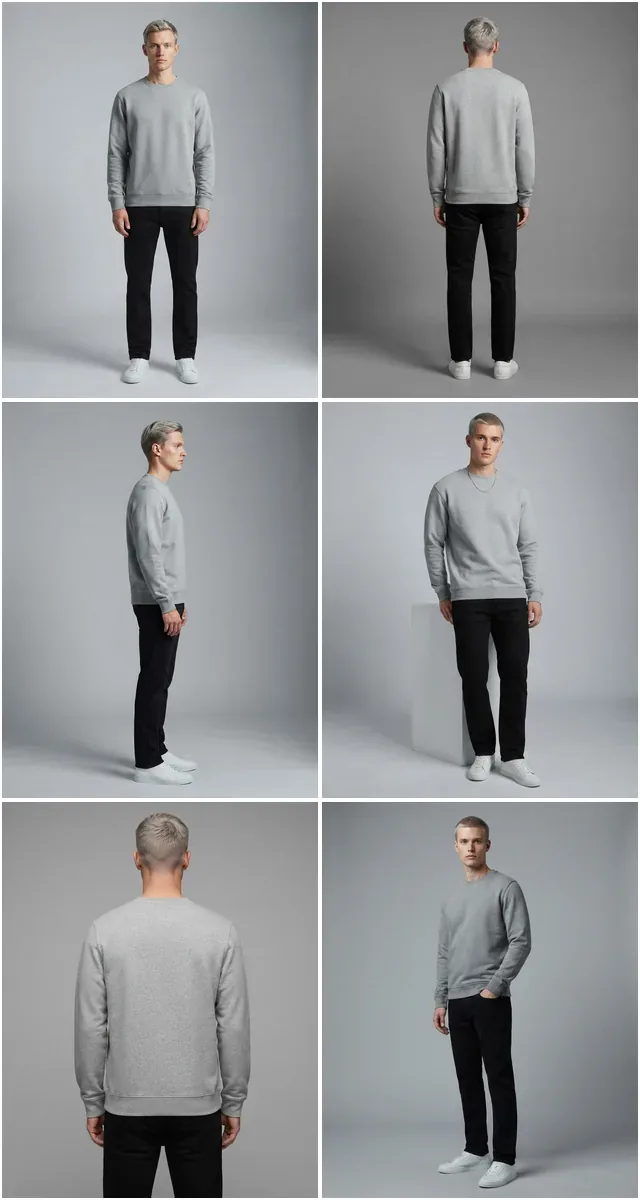
Run a complete catalog photoshoot from a single garment photo. Pick one of 55 ready-made sets — a fi...
Instant white or transparent backgrounds for Amazon, Shopify, and eBay. 100% compliant, pixel-perfect, and free to try.
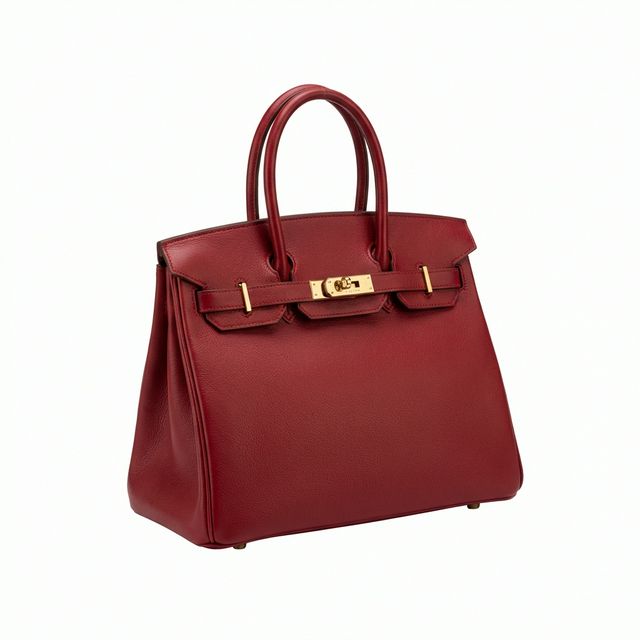
Amazon and most marketplaces reject anything that is not a pure white background. Hard edges, handles, and straps all survive the cut.
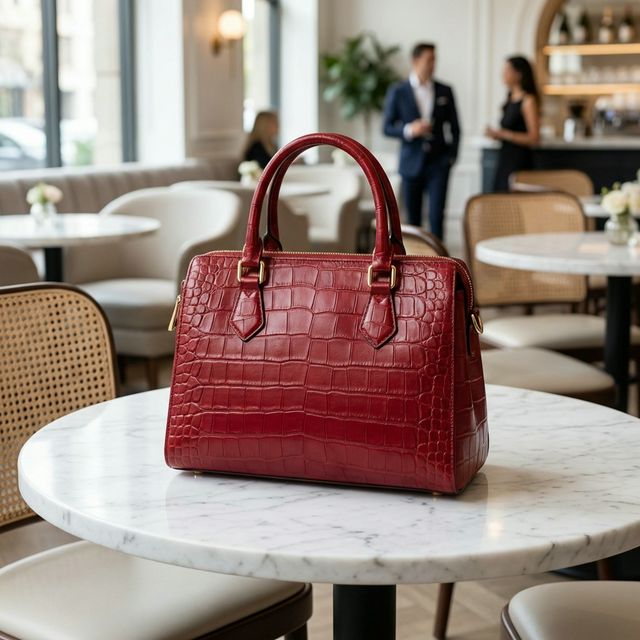 Your photoFashio AI

Complex leather texture and hardware details preserved perfectly.
Why pay retouchers $5/image when AI can do it instantly for pennies?
Automatically generate Amazon-ready pure white backgrounds (RGB 255,255,255).
Every image gets the same cropping rules and margins, so a run of SKUs stays visually consistent.
Proprietary algorithm preserves individual strands of hair and texture details.
Auto-centers and crops your product to occupy the perfect amount of frame space.
Keep natural ground shadows or add artificial drop shadows for depth.
Download up to 4K resolution images suitable for print catalogs.
Export as PNG, JPG, or WEBP optimized for web speed.
Connect your backend directly to our processing engine.
Whether you sell on Amazon, Shopify, or your own site, our AI ensures your images meet strict platform requirements.
Standardize your entire catalog with consistent white backgrounds for Amazon, Google Shopping, and Walmart.
Create clean transparent cutouts to assemble trend boards and marketing collages.
Make your Poshmark, Depop, and eBay listings look professional and sell faster.
High-resolution 300 DPI exports perfect for physical lookbooks and line sheets.
Shops meeting marketplace background rules without a designer.
Amazon rejects anything that is not pure white. This turned a rejection loop into a one-click fix.
Hair and knit edges are where cutouts usually fall apart. These held up well enough to publish.
Transparent PNGs mean I can drop the product onto any seasonal background myself.
Pure white, soft contact shadow, crisp edges. The format Amazon and Shopify ask for.
BeforeAfter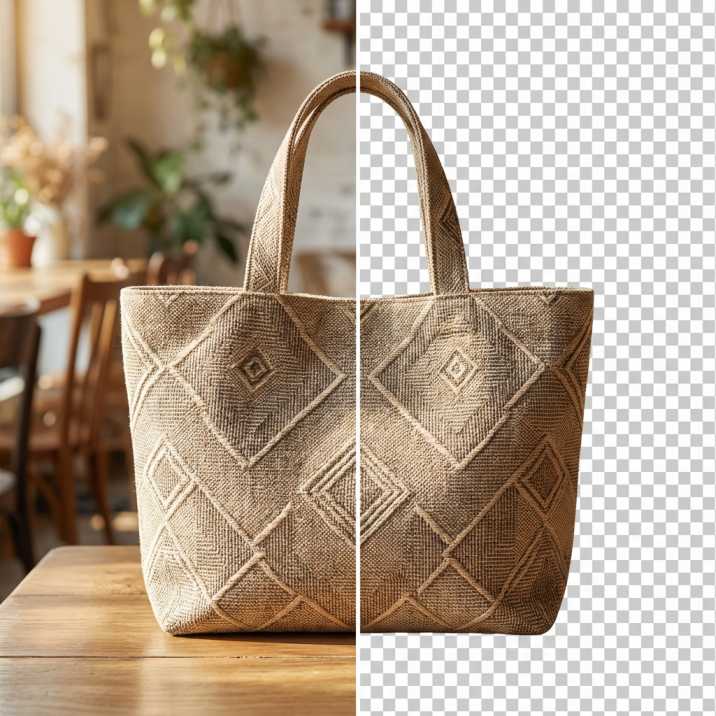 Output
Learn why fashion brands need specialized AI background removal. Compare generic vs fashion-trained tools, marketplace compliance tips, and batch processing workflows.
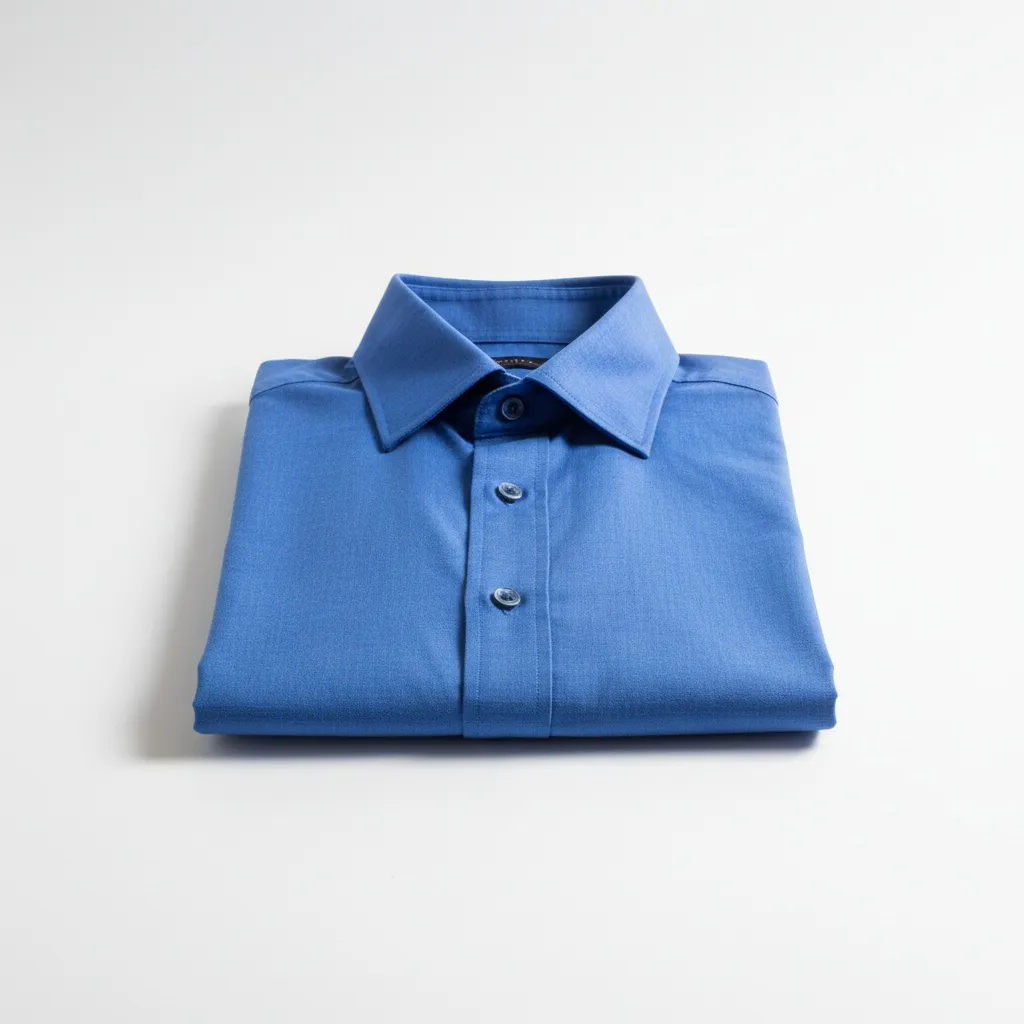
Change product photo backgrounds with AI in seconds. White BG for Amazon, lifestyle scenes, custom backdrops — workflow, tools, and marketplace compliance.
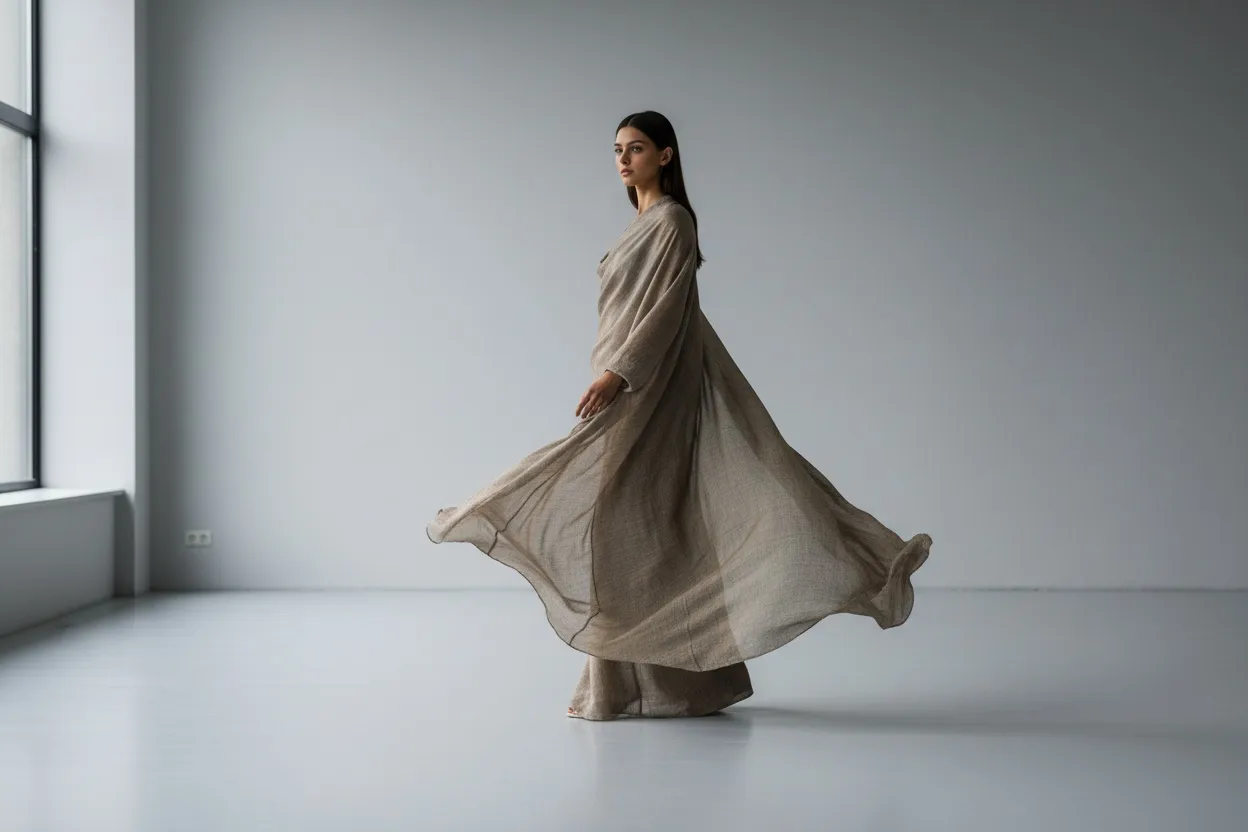
Remove people from product photos with AI in seconds. Step-by-step workflow for ecommerce sellers, marketplace cleanup, lifestyle shoot edits. Tools tested.
Make any product photo marketplace-ready in seconds. Get 100% Amazon and Shopify compliant white backgrounds, or transparent PNGs for custom compositions.
Every major marketplace enforces strict image standards. Amazon requires a pure white background (RGB 255, 255, 255) for main product images. Shopify stores convert better with clean, distraction-free listings. eBay and Etsy buyers scroll past cluttered photos. If you want to remove background from photo AI tools are no longer optional — they are the baseline for competitive product photography.
Manual background removal in Photoshop takes 5 to 15 minutes per image. A skilled retoucher uses the pen tool, refines edges, and cleans up stray pixels one photo at a time. For a catalog of 200 SKUs, that adds up to 25 or more hours of repetitive editing. Multiply that across seasonal refreshes and new arrivals, and the bottleneck becomes obvious. Studios either spend thousands on outsourced editing or ship subpar photos that undercut their brand.
Consistency matters just as much as speed. When shoppers browse your catalog, mismatched backgrounds — some gray, some off-white, some with visible shadows — signal a lack of professionalism. A free background remover that delivers uniform results across every image keeps your brand presentation tight, whether you list 10 products or 10,000.
Removing backgrounds with Fashio AI takes three steps, and the entire process finishes in seconds rather than minutes.
Step 1: Upload your image. Drag and drop a single photo or an entire folder. Fashio AI accepts JPG, PNG, WEBP, and TIFF files at any resolution. No account setup required for your first batch.
Step 2: AI detects product edges. Our model analyzes the image and separates foreground from background at the pixel level. It identifies the product boundary — including fine details like stitching, straps, and semi-transparent materials — and generates a precise cutout mask.
Step 3: Download your result. Choose a pure white background for marketplace compliance, a transparent background (PNG) for design flexibility, or a custom solid color. Your files download at the original resolution with no quality loss.
The entire workflow runs in the browser. There is nothing to install, no plugins, and no learning curve.
Generic background removal tools work fine for hard-edged objects like electronics or kitchenware. Fashion products are a different challenge entirely. Fashio AI is trained specifically on apparel, accessories, and textile imagery.
Lace trim, mesh overlays, fur collars, flowing chiffon — these materials have semi-transparent or irregular edges that trip up general-purpose tools. The result is either a harsh cutout that clips fabric detail or a halo of leftover background pixels. Fashio preserves individual fibers, translucent layers, and soft edges because the model understands how fashion materials behave in photos.
Our white background maker produces exact RGB 255, 255, 255 backgrounds that pass Amazon, Shopify, eBay, and Etsy automated image checks. The product is auto-centered and scaled to fill the frame according to each platform's guidelines. No manual cropping or color-checking needed after export.
Upload hundreds of product images at once. Fashio processes them with identical settings — same background, same margins, same output format — so your entire catalog looks cohesive. For brands managing seasonal drops or large inventories, batch processing cuts days of editing into a single upload session.
E-commerce listings. The most direct application. Clean white backgrounds for Amazon, Shopify, and Google Shopping listings that meet compliance standards and convert better than lifestyle shots in search results.
Catalog and lookbook creation. Export transparent PNGs and arrange them in your AI catalog creator to build professional lookbooks without scheduling a reshoot.
Social media content. Remove the background, drop your product onto a branded gradient or seasonal backdrop, and create scroll-stopping posts in minutes. Pair this with AI image editing for quick text overlays or color adjustments.
Custom composite images. Transparent background exports let designers place products into lifestyle scenes, hero banners, and ad creatives. Combine background removal with AI upscaling to produce print-ready visuals from standard product shots.
Resale and secondhand platforms. Sellers on Poshmark, Depop, and Mercari see measurably higher engagement when listing photos have clean, consistent backgrounds. Even smartphone photos look professional after a one-click background swap.
Fashio AI is specifically trained on fashion photography. It handles fine details like lace borders, beaded embellishments, individual hair strands, and sheer fabrics with high accuracy. For most garments, the output requires no manual touch-up.
Upload JPG, PNG, WEBP, or TIFF images. Download options include PNG (for transparent backgrounds), JPG (for white or colored backgrounds), and WEBP (optimized for fast web loading). All exports maintain the original image resolution.
Images are processed one at a time. Upload a photo, pick the background type, and export it before starting the next one. Background removal costs 2 credits per image, so the per-image price is the same whether you run one or a hundred.
Background removal is 2 credits an image — the cheapest tool on the platform. There is no free plan: a new account starts at zero credits. A one-off $9.99 pack of 40 credits covers 20 removals and never expires, and the $29.99 monthly plan covers 80 a month.
All processed images are yours to use without restriction — on marketplaces, in ads, on your website, or in print materials. Fashio does not add watermarks or claim any rights to your output.
Yes — Fashio AI has a public v1 API (docs.fashiolabs.com), including a remove_background endpoint: send an image, get a transparent-background result back. Create a free key at fashiolabs.com → Profile → API Keys. For a PIM/ERP/custom-storefront integration, email [email protected] and tell us what you need it to do.
Background removal is often the first step in a larger product photography workflow. After cleaning up your backgrounds, you can enhance overall image quality to bring smartphone shots up to studio standards, or convert ghost mannequin photos to flat lay layouts for a consistent catalog style. Fashio AI handles each step in the same dashboard, so your images move from raw upload to marketplace-ready listing without switching tools.
Ready to clean up your product photos? Try Fashio AI Free →