

Why Background Removal Fails on Transparent and Lace Fabric | Fashio AI
Learn why fashion brands need specialized AI background removal. Compare generic vs fashion-trained tools, marketplace compliance tips, and batch processing workflows.
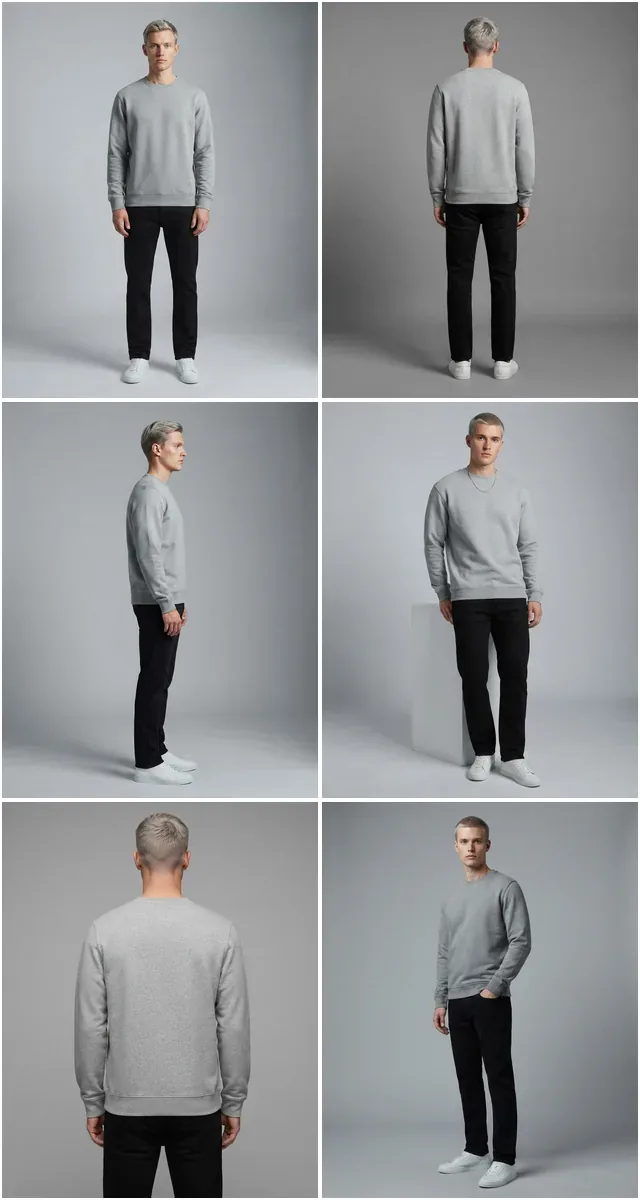
Run a complete catalog photoshoot from a single garment photo. Pick one of 55 ready-made sets — a fi...
Automatically resize and extend your photos for any platform. Transform vertical shots to horizontal without cropping out details.
Transform a single vertical photo into a square post, a landscape banner, or any format you need without losing content.
Method
Cropping / Stretching
Loss of content or distortion
Subject Integrity
Often Cut Off
Manual adjustment needed
Background
Fixed Size
Cannot extend canvas
Batch Process
Manual & Slow
One by one adjustment
Method
Generative Expansion
Adds new content, keeps original
Subject Integrity
Perfectly Preserved
AI keeps subject centered
Background
Infinite Extension
Create new matching scenery
Batch Process
Automated
100+ images in seconds
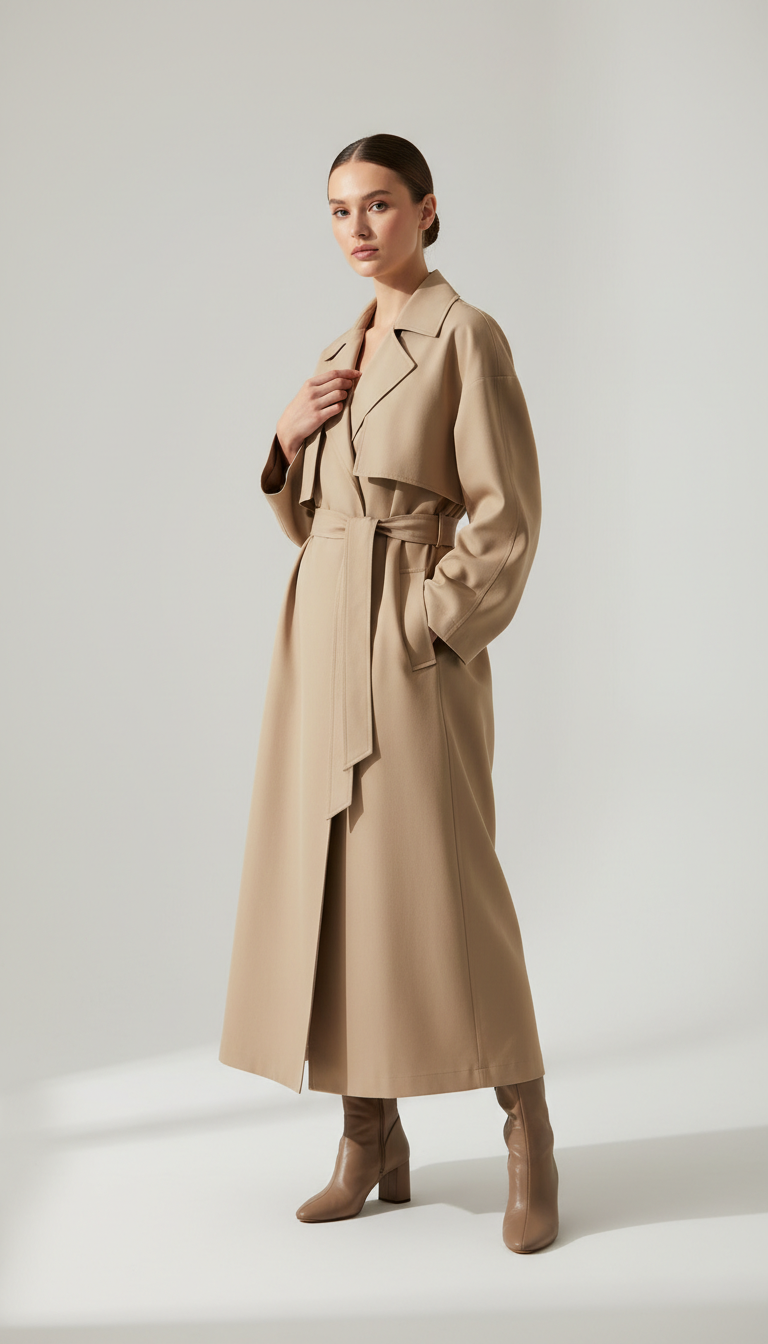
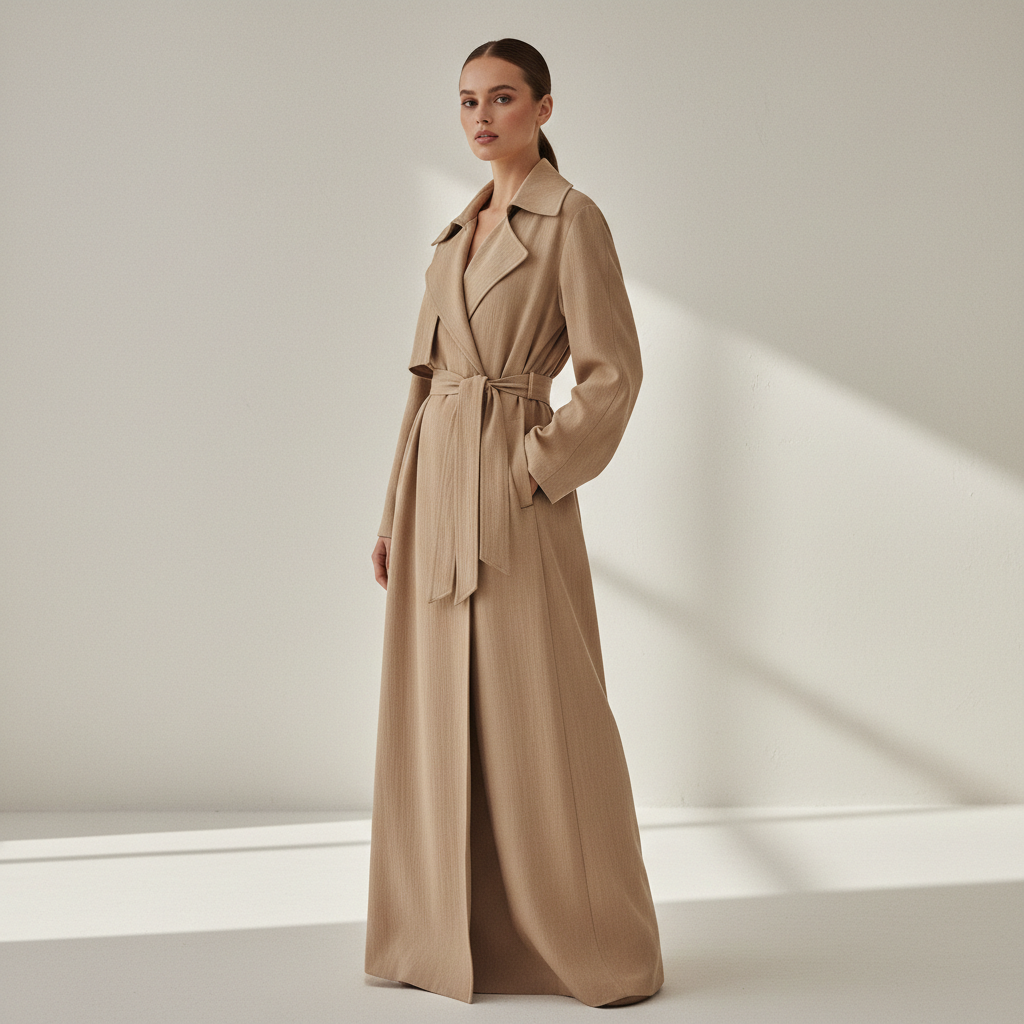
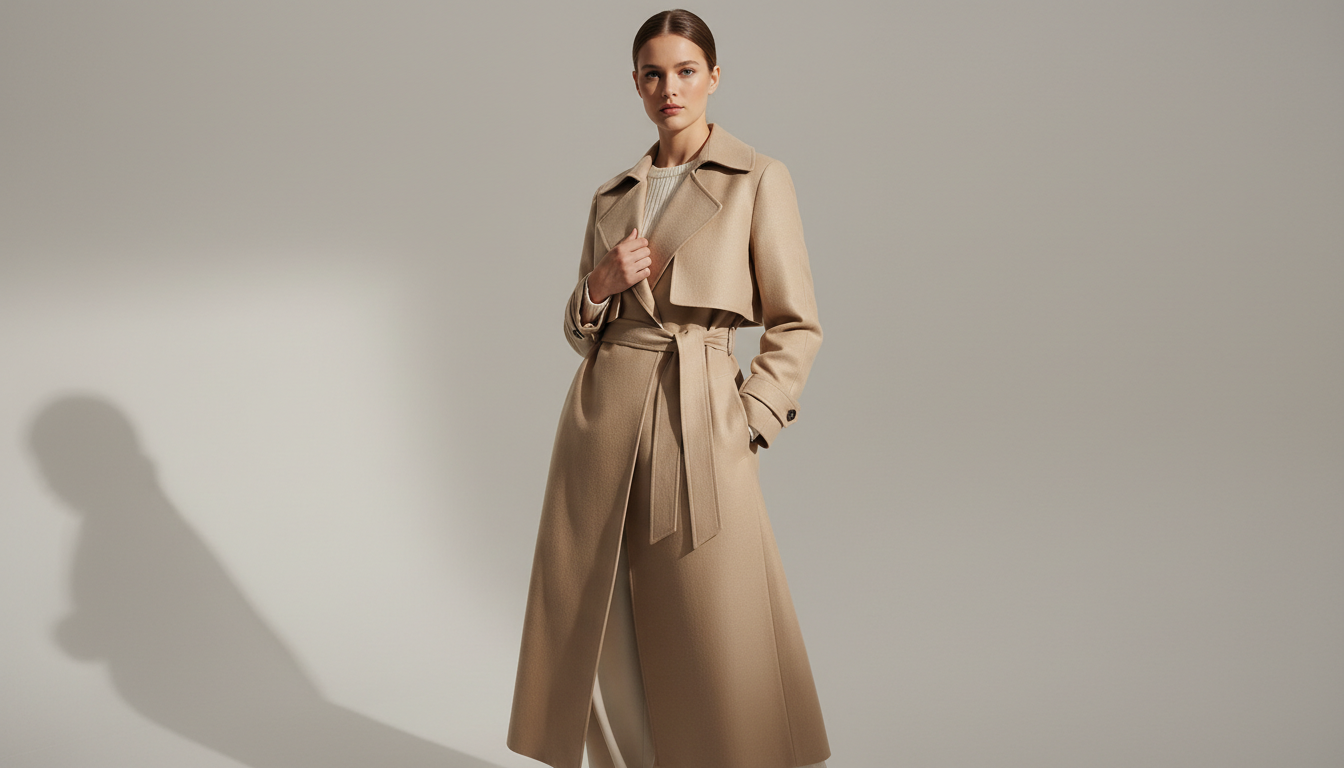
Cropping throws away frame. Reframing generates the missing edges instead, so the subject stays whole at any ratio.
 9:16 original
 1:1
1:1 16:9
16:9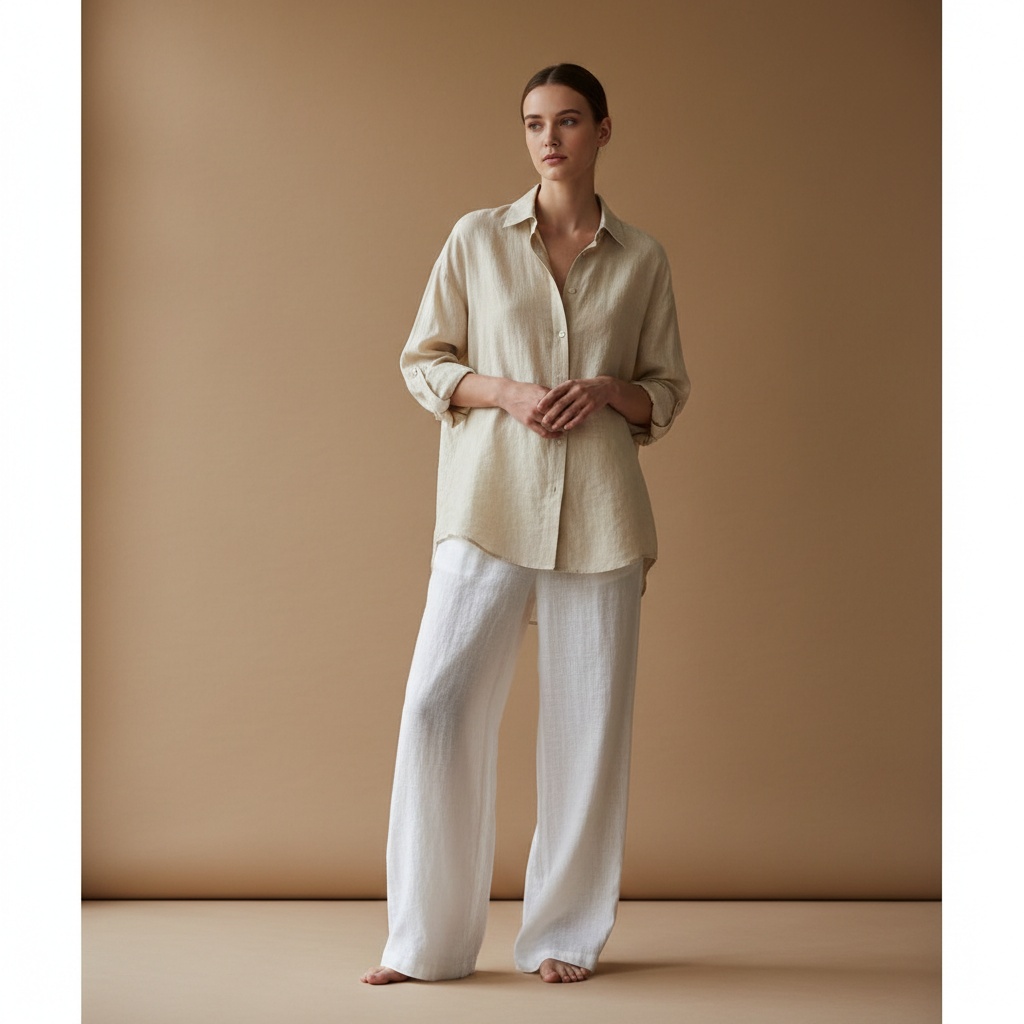 1:1
1:1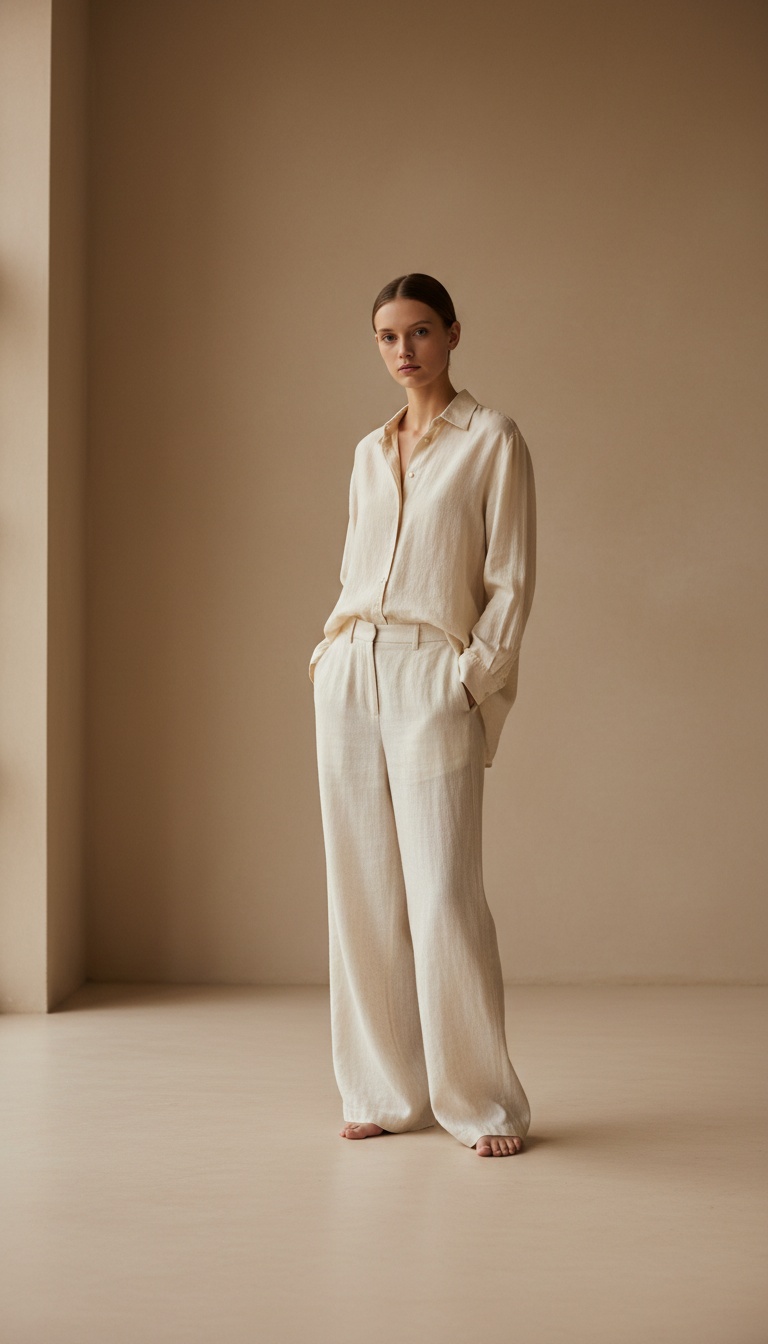 9:16
9:16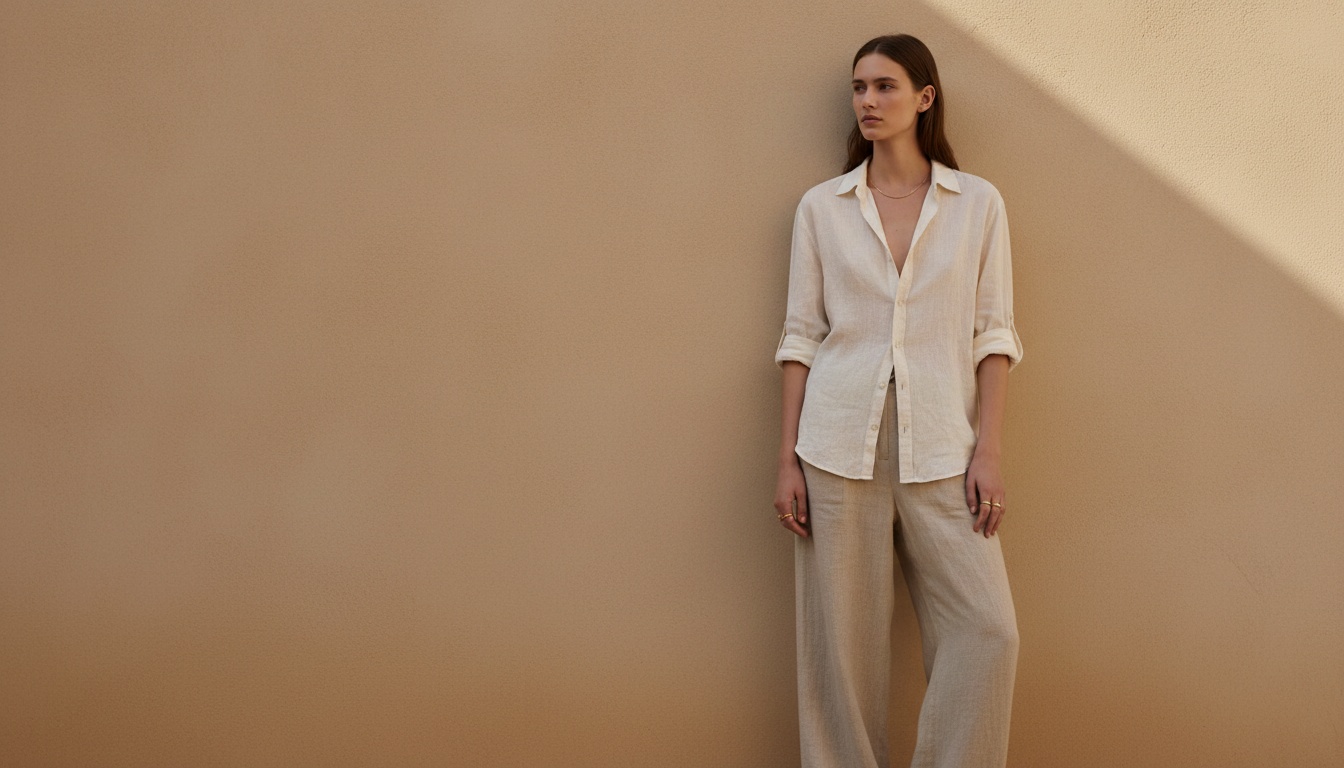 16:9
16:9Instagram, TikTok, LinkedIn, Pinterest optimized.
AI automatically centers subjects and balances frame.
Resize entire campaigns in seconds.
Extend images endlessly in any direction
Keep your subject perfectly focused
Instantly adapt to 10+ social platforms
Process entire campaigns instantly
Invisible transition between original and AI
Crystal clear output for professional use
Convert horizontal campaign shots into vertical Reels and Stories without losing side details.
Standardize product images to 1:1 or 4:5 ratios for different marketplaces automatically.
Extend vertical shots into wide panoramic headers for impactful website designs.
Brands reframing one shoot to every aspect ratio.
Every channel wants a different shape and cropping by hand always cut somebody's feet off. Extending the frame instead solved it.
We shoot once and publish to five placements. The reframe step is what makes that possible.
Stories need vertical, the listing needs square. Same photo, no reshoot.
Learn why fashion brands need specialized AI background removal. Compare generic vs fashion-trained tools, marketplace compliance tips, and batch processing workflows.
Where each marketplace publishes its official image spec, the one-master-file workflow that serves all of them, and the four things that pass validation but still cost you the sale.
Generate accurate product image descriptions, alt text, and SEO copy with AI. Best image-to-text tools for fashion ecommerce, accessibility, and search.
One product photo, every platform format. Smart crop and extend images for Instagram (9:16), TikTok, LinkedIn, and web banners — preserving your subject with content-aware AI image outpainting.
Every platform you publish to demands a different aspect ratio. Instagram Stories and TikTok need 9:16 vertical frames. LinkedIn posts perform best at 1.91:1 landscape. Your website hero banner might be ultra-wide at 21:9. Amazon wants a clean 1:1 square. And your email header template is something else entirely. A single product shoot gives you one set of compositions — and none of them fit everywhere without compromise.
The traditional solution is manual cropping, which means sacrificing content. Crop a horizontal campaign shot to 9:16 and you lose the styling details on either side of your model. Crop a vertical lookbook image to 16:9 and your subject's head or feet get cut off. You can add letterboxing or pillarboxing, but that wastes screen real estate and looks unprofessional. The alternative — reshooting for every format — is expensive and logistically impractical for brands managing hundreds of SKUs per season. AI photo reframe technology solves this by generating new content around your subject rather than removing existing content. Instead of cutting pixels away, an image extender AI analyzes the edges of your photo and creates matching background, lighting, and texture to fill the new canvas. Your subject stays intact. Your composition stays balanced. And you get every format from a single source image.
Getting from one image to every platform format takes three steps. No design experience needed.
Step 1: Upload Your Image Drag and drop your photo into the Fashio AI dashboard. We accept JPEG, PNG, WebP, and TIFF files. Whether it is a single hero shot or a batch of catalog images, the uploader handles it. You can also run your image through AI image editing or AI background removal before reframing for a complete production pipeline.
Step 2: Select Your Target Aspect Ratio Choose from preset platform formats — 9:16 for Stories and Reels, 4:5 for Instagram feed posts, 1:1 for marketplace listings, 16:9 for YouTube thumbnails and web banners — or enter custom dimensions. The AI identifies your subject and calculates how much new content it needs to generate in each direction.
Step 3: Download Your Reframed Image The outpainting AI processes your image in seconds, extending the background with content that matches the original's lighting, texture, and color palette. Download the result ready for immediate use. Every output is commercially licensed and production-ready.
One source image, every social format. Convert a single product photo into 9:16 for Instagram Stories and TikTok, 4:5 for Instagram feed posts, 1:1 for Pinterest and marketplace listings, and 16:9 for YouTube thumbnails and LinkedIn — all without cropping your subject. Fashion brands managing seasonal campaigns across five or more platforms save hours per collection by eliminating manual resize work. Pair reframing with photo to video AI to turn your newly formatted stills into platform-native video content.
Web banners, email headers, and marketplace feature images all require wide, landscape-oriented compositions. Most product photography is shot vertically or in standard 3:2. The AI photo reframe tool extends your existing shots into ultra-wide formats, generating natural-looking background content that fills the extra canvas. Use it for homepage hero banners, retargeting ad creatives, or marketplace storefront graphics — all from your existing product photography library.
Sometimes a photo just needs more breathing room. The image extender AI lets you push the canvas outward in any direction — add sky above a rooftop shoot, extend a studio backdrop to create negative space for text overlays, or turn a tight crop into a panoramic view. This is especially useful when combining with AI upscaling to create large-format prints or trade show graphics from standard product shots.
The core difference is simple: cropping removes content, while outpainting AI creates it. When you crop a 1:1 image to 16:9, you lose roughly 44% of the vertical pixels. The subject may get cut, the composition shifts, and you end up with a compromised version of the original. When you outpaint that same image to 16:9, the subject stays exactly where it is. The AI analyzes the existing background — its colors, textures, lighting direction, and depth — and generates new pixels that seamlessly extend the scene. The result is an image that looks like it was originally shot at the target aspect ratio. No stretching, no distortion, no lost detail.
For fashion and e-commerce brands, this means every product photo adapts to every platform without reshoots. A single well-composed shot becomes ten platform-ready assets in minutes.
The outpainting AI is trained to match lighting, color temperature, texture, and depth of field from your original image. In most cases, the boundary between original and generated content is invisible to the eye. Results work for both digital and print applications. For maximum quality, start with high-resolution source images and combine with AI upscaling for large-format output.
Fashio accepts JPEG, PNG, WebP, and TIFF uploads. Output files are delivered in your choice of JPEG or PNG. There are no resolution limits on input — the AI handles everything from smartphone photos to studio-grade files.
Yes. Batch processing lets you upload an entire product collection and reframe every image to one or more target aspect ratios simultaneously. This is particularly useful for e-commerce brands that need to prepare catalog images for multiple marketplaces with different format requirements.
Absolutely. Fashio is designed as a modular workflow. You can run AI background removal first to isolate your product, place it on a new background, then reframe to your target format. Or reframe first, then generate AI UGC video from the formatted still. Each tool feeds into the next without re-uploading.
Yes. All images generated through Fashio — including AI-extended areas — are fully licensed for commercial use. You own the output and can use it across advertising, e-commerce, print, and social media without attribution or additional licensing fees.
Ready to fit your photos everywhere? Try Fashio AI Free →