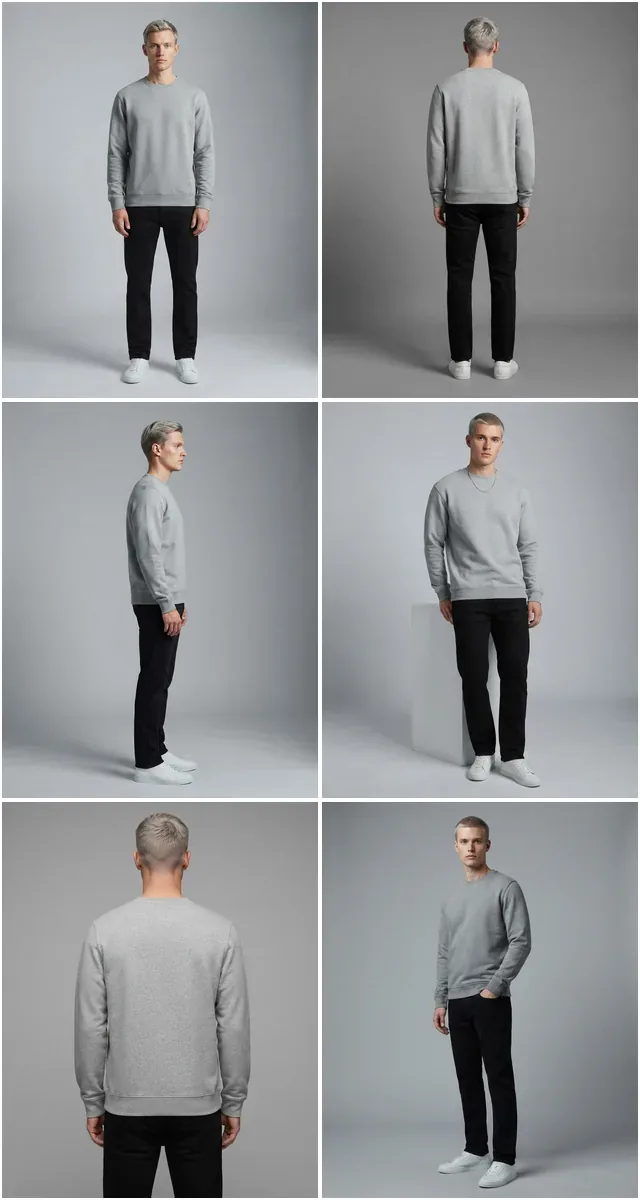
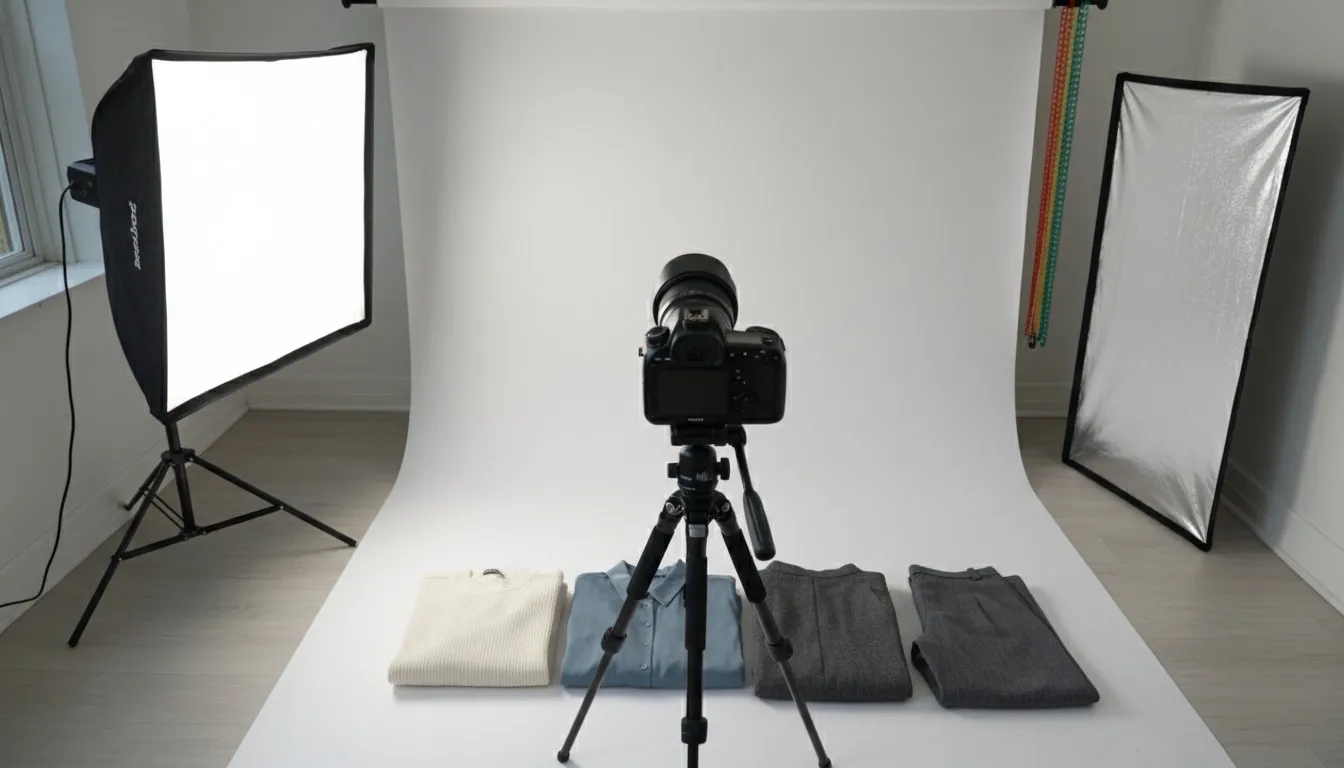
What is AI product photography and how does it work?
AI product photography is the use of generative AI models to turn a single source photo — a smartphone shot, a flat-lay, or a mannequin image — into a marketplace-ready product image, replacing studio hire, lighting setup, and manual retouching. You upload one source image, the model removes the background, corrects lighting and color, and generates the scene or on-model composition. Output takes 10–60 seconds per image versus 30–60 minutes of traditional shoot-plus-retouch time, at a fraction of the $150–$1,500 per-image cost of a traditional studio workflow.
10–60 sec per image $150–$1,500 traditional per image 1000x1000 px Amazon minimum 2048x2048 px Shopify recommended
Shoot one clean source photo per SKU, run it through AI background removal and scene or model generation, then export to each marketplace's spec: Amazon needs pure white RGB 255,255,255 with the product filling 85%+ of a 1000x1000 px minimum frame; Shopify recommends 2048x2048 px square. Processing is 10–60 seconds per image.
Product photography is the single biggest factor in ecommerce conversion. In 2026, the question is no longer whether to use AI for product images — it's how to use it effectively. This guide covers everything you need to know about AI product photography: how it works, which tools to use, what it costs, and how to build a workflow that scales from 10 products to 10,000.
Whether you're a solo seller on Etsy, a growing DTC brand, or an enterprise retailer managing thousands of SKUs, this guide will show you how to produce marketplace-ready product images faster, cheaper, and at higher quality than traditional photography.
AI product photography now produces output that most shoppers do not flag as synthetic on a standard product page. We have not run a controlled blind study on this and are not aware of a published one — treat quality parity as a claim to verify on your own catalog with an A/B test, not as a settled finding.
What does product photography cost in 2026?
Traditional product photography costs $150–$1,500 per image once studio hire, photographer day rate, styling, and retouching are counted, with a 2–4 week turnaround. That is the number AI has to beat, and it is why a growing share of ecommerce product imagery now passes through AI at some stage of production — background removal, color correction, scene generation, or AI model placement.
This shift is driven by three converging forces:
- Cost pressure: Traditional product photography costs between $150 and $1,500 per image. With catalogs growing to hundreds or thousands of SKUs, brands simply cannot afford traditional workflows for every product.
- Speed demands: Fast fashion and dropshipping models require products to go from sample to live listing in days, not weeks. AI reduces image production from days to minutes.
- Quality parity: AI-generated product images have reached a threshold where they hold up next to studio work on a live product page for most apparel and accessory categories. We are not aware of a published blind study establishing full parity, so validate this against your own conversion data before replacing hero imagery.
The numbers tell the story clearly:
| Metric | Traditional Photography | AI Product Photography |
|---|---|---|
| Cost per image | $150–$1,500 | $0.50–$3.00 |
| Time per image | 30–60 minutes | 10–60 seconds |
| Time to publish (100 SKUs) | 2–4 weeks | 1–2 days |
| Scalability | Linear (more images = more cost) | Near-zero marginal cost |
| Consistency | Varies by session | Pixel-perfect consistency |
| A/B testing capability | Expensive reshoots | Generate variants in seconds |
For brands still relying entirely on traditional photography, the competitive gap is widening every quarter. Early adopters are producing 10x more visual content at a fraction of the budget — and seeing the conversion and engagement lift to prove it.
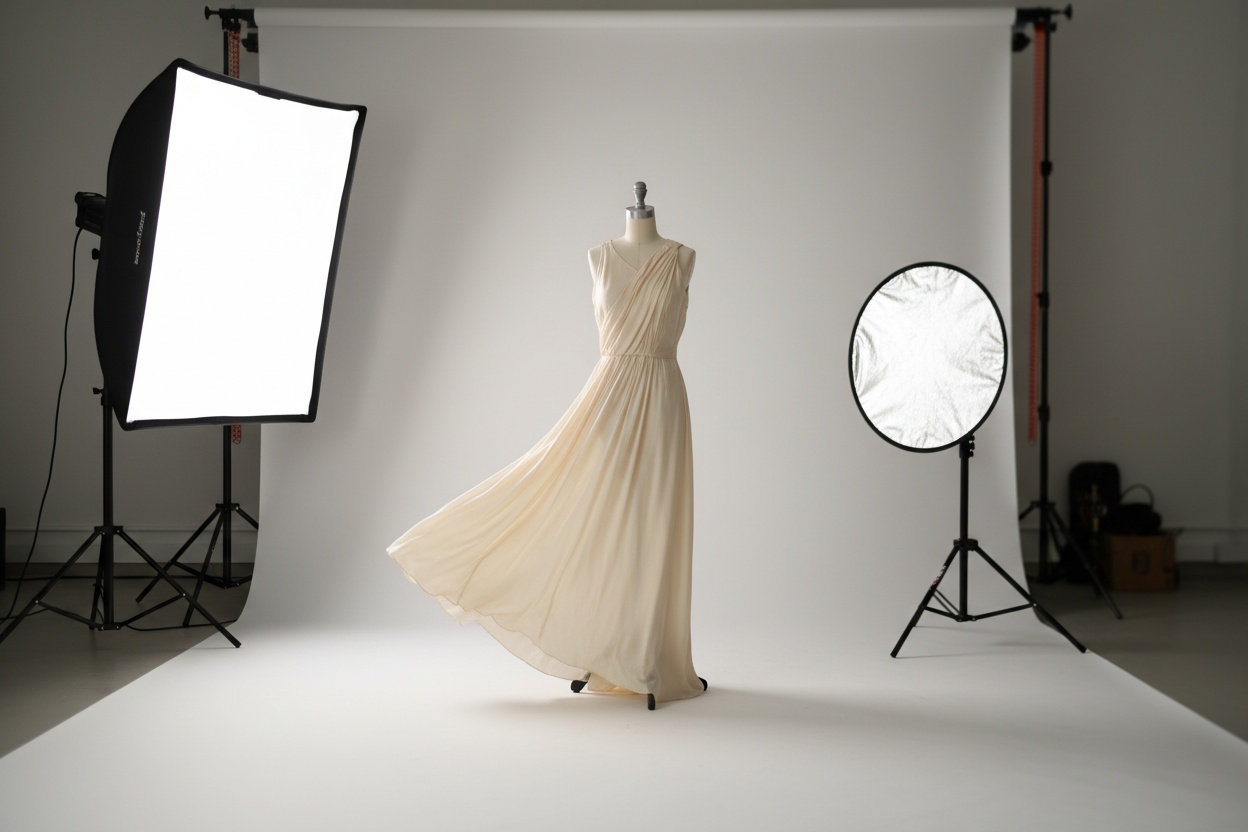
How does the AI product photography pipeline work step by step?
At its core, AI product photography follows a simple three-step process: upload, process, output. But the technology behind each step is sophisticated and continues to improve rapidly.
Step 1: What source image do you need?
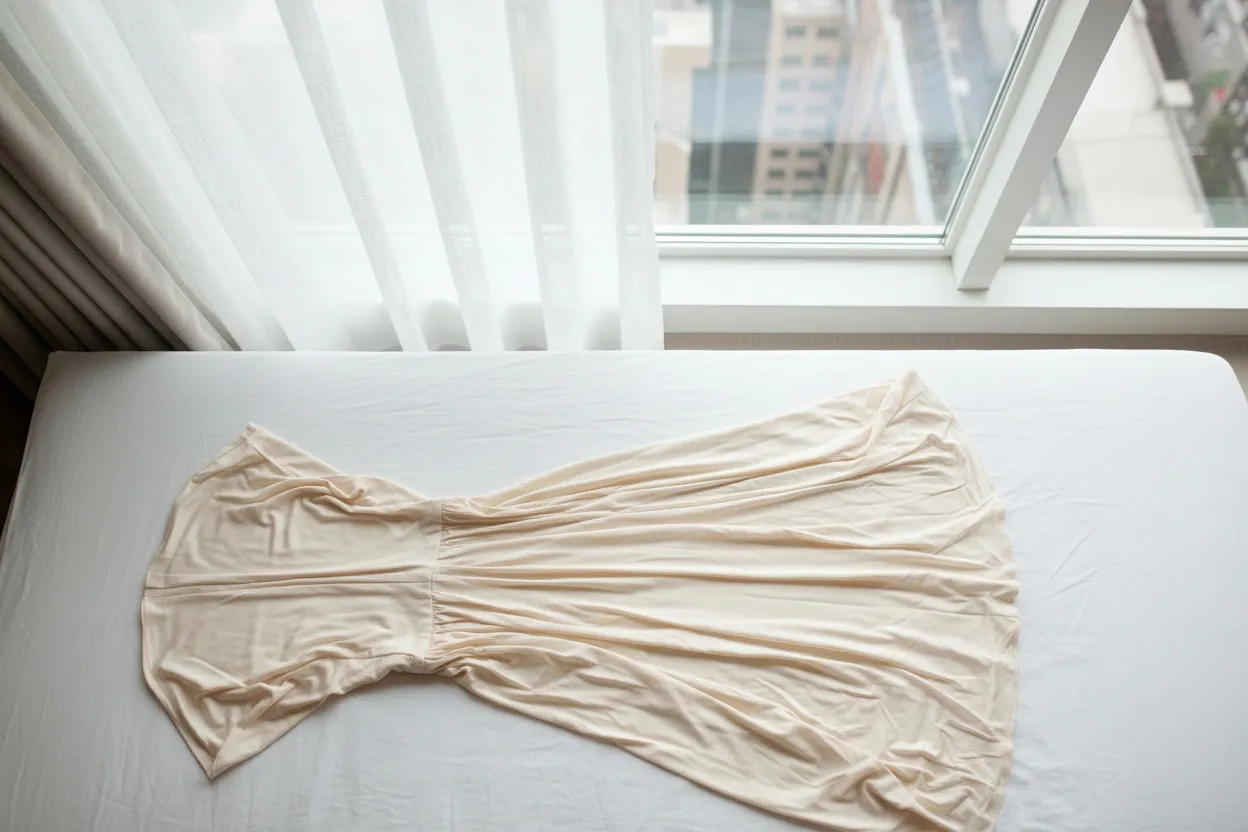
You start with a product photo — this can be a smartphone snapshot, a basic DSLR shot, or even a flat lay on a plain surface. The better your input quality, the better your output, but modern AI tools are remarkably forgiving. A well-lit iPhone photo on a white table is often sufficient.
Step 2: What does the AI actually do?
The AI performs multiple operations depending on what you need:
- Background removal and replacement: Semantic segmentation isolates the product from its background with pixel-level accuracy, handling complex edges like hair, mesh fabric, and transparent materials. Background Remover is trained specifically on fashion products for superior edge detection on garments.
- Lighting and shadow correction: The AI normalizes lighting conditions, removes harsh shadows, and generates natural studio-quality shadows that ground the product in the scene.
- Scene generation: AI creates contextual backgrounds — a kitchen counter for cookware, a lifestyle setting for furniture, or a clean white studio background for marketplace compliance.
- Model generation: For fashion and apparel, AI model generators can place your garment on a photorealistic virtual model, complete with natural fabric drape and accurate fit representation.
- Upscaling and enhancement: Low-resolution source images are upscaled to 2K or 4K resolution while preserving detail and adding natural texture information.
Step 3: What do you get back?
The result is a production-ready image that meets marketplace standards: correct resolution, proper white balance, clean background, natural shadows, and consistent style across your entire catalog. Most tools output in PNG (for transparent backgrounds) or JPEG (for white backgrounds) at resolutions suitable for both web and print.
Which AI product photography tools are worth comparing?
The market for AI product photography tools has matured significantly. Here is a comprehensive comparison of the leading platforms in 2026, evaluated across features, pricing, and use cases.
| Tool | Best For | Key Features | Starting Price | Free Tier |
|---|---|---|---|---|
| Fashio AI | Fashion & apparel | AI model gen, background removal, flat-lay-to-catalog, upscaling, virtual try-on, reframing | Pay-per-use credits | Yes |
| Photoroom | General product photos | Background removal, scene templates, batch editing | $9.99/mo | Yes (watermark) |
| Claid.ai | Marketplace optimization | Auto-enhancement, background generation, resizing | $24/mo | Trial |
| Pixelcut | Quick edits | Background removal, object removal, upscaling | $9.99/mo | Yes (limited) |
| Remove.bg | Background removal only | Automated background removal, API access | $1.99/image | Yes (low-res) |
| Pebblely | Lifestyle scenes | AI background generation, scene staging, templates | $19/mo | Yes (40 images/mo) |
| Flair.ai | Branded product shots | Scene design, brand kit, templates | $10/mo | Trial |
| Booth.ai | Lifestyle product photos | Scene generation, product staging, style templates | $25/mo | Trial |
| ProductAI | Enterprise catalogs | Batch processing, API integration, custom training | Custom | Demo |
| Adobe Firefly | Creative exploration | Generative fill, scene extension, style transfer | $4.99/mo (Creative Cloud) | Limited credits |
| Canva Magic Studio | Non-technical users | Background removal, image enhancement, templates | $12.99/mo | Yes (basic) |
| CreatorKit | Shopify sellers | Product photo generation, video ads, Shopify integration | $29/mo | Trial |
Key Takeaway
General tools work well for simple tasks like background removal. But for fashion and apparel — where fabric accuracy, model realism, and garment-specific understanding matter — purpose-built tools like Fashio AI deliver significantly better results. For end-to-end campaign production — flat-lay to on-model, scenes, lookbooks — see Fashio AI's AI Fashion Studio.
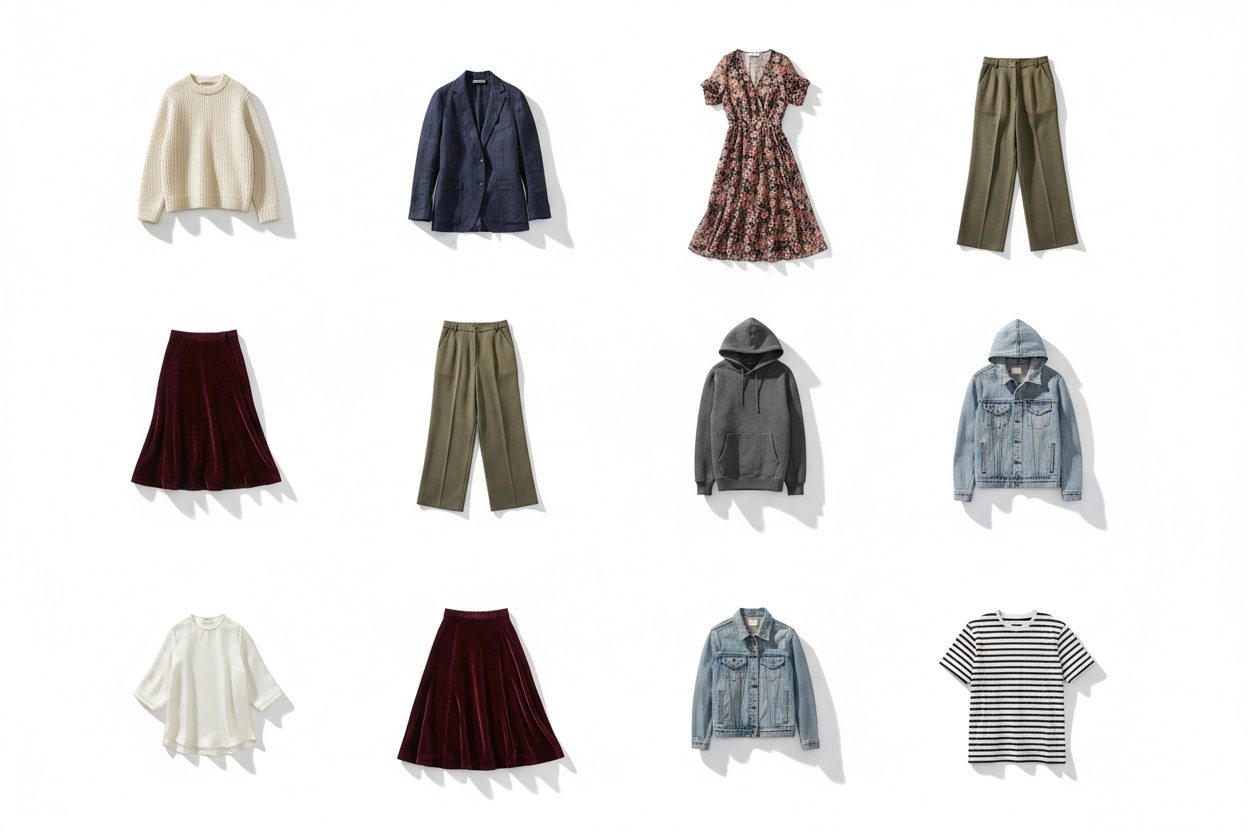
Do you need fashion-specific AI or is a general product AI enough?
This distinction matters more than most sellers realize. A general AI tool processes a handbag the same way it processes a blender. A fashion-specific AI understands the unique challenges of apparel and accessories.
Where does general-purpose AI fall short on fashion?
- Fabric texture distortion: General models often smooth out textures, making silk look like polyester or losing the weave pattern of tweed. Fashion-trained AI preserves material fidelity.
- Garment structure errors: Buttons get hallucinated, zippers change sides, collar shapes morph. Fashion-specific models understand garment construction and maintain structural accuracy.
- Color accuracy: Fashion relies on precise color representation. Burgundy must read as burgundy, not maroon or wine. General AI color correction is often too aggressive, shifting hues in ways that lead to returns.
- Drape and fit: When generating model images, fashion AI understands how different fabrics fall on different body types. A linen shirt drapes differently than a structured blazer — fashion-specific AI captures this.
- Accessory detail: Jewelry, watches, and small accessories require extreme precision. Fashion AI preserves engravings, gemstone facets, and metallic reflections that general tools blur.
- Smooths out fabric textures
- Hallucinates buttons, zippers, collars
- Aggressive color shifts cause returns
- Poor understanding of fabric drape
- Blurs jewelry engravings and facets
- Preserves silk, tweed, and weave fidelity
- Maintains garment construction accuracy
- Precise color representation for fashion
- Understands drape across body types
- Retains metallic reflections and fine details
What does fashion-trained AI add?
Beyond avoiding general AI's pitfalls, fashion-specific tools like Fashio AI offer capabilities that don't exist in general platforms:
Fashion-Specific AI Capabilities
- AI model generation: Create diverse model imagery from a single product shot — select ethnicity, body type, pose, and setting.
- Flat-lay-to-catalog conversion: Transform flat lay product images into styled catalog shots, including on-body images.
- Virtual try-on: Let customers see how garments look on models matching their body type before purchasing.
- Product reframing: Automatically adjust composition, cropping, and aspect ratios for different marketplace requirements.
- Pose variation: Generate multiple poses from a single model shot to create diverse product page galleries.
How do you go from a smartphone photo to a marketplace-ready listing?
Here is the exact workflow that top-performing ecommerce sellers use to go from a raw smartphone photo to a polished, marketplace-compliant product listing image.
Phase 1: Capture (5 minutes per product)
- Set up a simple station. A clean white surface near a window provides natural, even lighting. No studio equipment needed.
- Shoot with your smartphone. Use the rear camera, tap to focus on the product, ensure even lighting with no harsh shadows. Take 3-5 angles: front, back, side, detail, and flat lay.
- Basic framing rules: Center the product, leave padding around edges (AI needs room to work), keep the product occupying 60-80% of the frame.
Phase 2: AI Processing (2-5 minutes per product)
- Remove the background. Upload to Fashio AI's background remover. The AI isolates the product with pixel-perfect accuracy, even on complex edges like lace, fringe, or transparent materials.
- Upscale resolution. If your source image is below marketplace requirements (most need 1000x1000 minimum), use AI upscaling to reach 2000x2000 or higher without quality loss.
- Generate marketplace variants. Create the white-background hero image, lifestyle context images, and — for fashion — on-model images using AI model generation.
- Reframe for each platform. Auto-generate correctly sized and cropped versions for Amazon (1:1), Shopify (variable), Instagram (4:5), and your own website.
Phase 3: Quality Check and Export (1-2 minutes per product)
- Review outputs. Check for any AI artifacts, verify color accuracy against the physical product, and ensure text/logos are legible.
- Export in required formats. PNG for transparent backgrounds, JPEG for white backgrounds, WebP for web performance. Ensure file sizes meet platform limits.
- Upload to your listing. With consistent naming conventions and organized folders, bulk upload to your ecommerce platform.
Total time per product: 8-12 minutes versus 2-4 hours with traditional photography. For a 100-product catalog, that is 13-20 hours versus 200-400 hours.
Stop Overpaying for Product Photography
Create studio-quality product images from smartphone photos in minutes, at about $0.75 per generated image on the Plus plan.
Start creating →How much cheaper is AI product photography than a studio shoot?
Cost is the single biggest driver of AI product photography adoption. The savings are not marginal — they are transformative.
What does traditional product photography cost?
| Cost Component | Per-Image Range | Notes |
|---|---|---|
| Studio rental | $20–$100 | $200–$1,000/day amortized across 10 products |
| Photographer | $30–$200 | $300–$2,000/day for experienced product photographers |
| Models (fashion) | $50–$500 | $500–$5,000/day depending on market and experience |
| Styling & props | $10–$100 | Steaming, accessories, set dressing |
| Post-production | $20–$200 | Retouching, color correction, background cleanup |
| Equipment & lighting | $10–$50 | Amortized or included in studio rental |
| Total per image | $150–$1,500 | Higher end for fashion/model shots |
What does AI product photography cost?
| Cost Component | Per-Image Range | Notes |
|---|---|---|
| Source photo (smartphone) | $0 | Your own phone, no studio needed |
| Background removal | $0.10–$0.50 | Per credit or included in plan |
| AI enhancement/upscaling | $0.10–$0.50 | Resolution boost and quality enhancement |
| Scene/model generation | $0.30–$2.00 | Most compute-intensive step |
| Total per image | $0.50–$3.00 | Including all processing steps |
What does the difference look like on a real catalog?
| Catalog Size | Traditional Cost | AI Cost | Fashio AI Credits | Fashio AI Cost |
|---|---|---|---|---|
| 50 products (3 images each) | $22,500–$225,000 | 750 credits | ~$141 on the Plus plan | |
| 200 products (5 images each) | $150,000–$1,500,000 | 5,000 credits | ~$542 via Agency credit packs | |
| 1,000 products (5 images each) | $750,000–$7,500,000 | 25,000 credits | ~$2,708 via Agency credit packs |
For most ecommerce businesses, the cost savings alone justify the switch. But the real value multiplier is speed — getting products listed and selling weeks sooner.
What are Amazon, Shopify, and eBay product image requirements?
Every marketplace has specific image requirements. AI product photography tools must produce outputs that meet these standards out of the box. Here's what each major platform demands.
What does Amazon require for product images?
- Main image: Pure white background (RGB 255, 255, 255), product fills 85% or more of the frame
- Resolution: Minimum 1000x1000 pixels (1600x1600 recommended for zoom functionality)
- Format: JPEG, PNG, GIF, or TIFF
- File size: Under 10 MB
- No text, logos, or watermarks on the main image
- Product must be the actual product (no illustrations or placeholders)
- Secondary images: Lifestyle shots, infographics, size charts, and in-use images allowed
What does Shopify recommend for product images?
- Resolution: 2048x2048 pixels recommended for high-quality zoom
- Aspect ratio: Square (1:1) is standard, but Shopify supports any ratio
- Format: JPEG for photos, PNG for products with transparency
- File size: Under 20 MB, but optimize for web speed (under 500 KB ideal)
- Consistency: Uniform style, background, and lighting across all product images
What does eBay require for product images?
- Resolution: Minimum 500x500 pixels (1600x1600 recommended)
- Main image: White or light gray background
- Format: JPEG, PNG, or GIF
- No borders, text overlays, or promotional messages
- File size: Under 12 MB
AI product photography tools like Fashio AI can automatically format outputs for each platform, generating correctly sized and styled variants from a single source image.
How do you batch-process product photos for a large catalog?
The true power of AI product photography emerges at scale. Processing one image is useful; processing 5,000 images with consistent quality in a single day is transformative.
How does batch processing work?
- Bulk upload: Upload your entire catalog — hundreds or thousands of images — in a single batch via the web interface or API.
- Apply settings globally: Set background type, output resolution, file format, and any enhancement options once. These settings apply uniformly across every image.
- Parallel processing: Modern AI platforms process images in parallel across GPU clusters, so a batch completes in roughly the time of its slowest image.
- Bulk download: Receive all processed images in an organized ZIP file with consistent naming conventions ready for platform upload.
When is batch processing the right call?
- Seasonal catalog refresh: Update all product backgrounds from white to seasonal lifestyle scenes for holiday campaigns in hours, not weeks.
- New marketplace launch: Reformat your entire Shopify catalog to Amazon specifications in a single batch when expanding to a new channel.
- Model diversity expansion: Generate new model images across different ethnicities, body types, and poses for your entire apparel line to improve representation and conversion.
- Resolution standardization: Upscale legacy product images to meet current marketplace resolution requirements without reshoting.
Can you automate this through an API?
For sellers managing dynamic catalogs with frequent additions, API integration eliminates manual processing entirely. Connect your product management system to the AI photography API, and every new product image is automatically processed, formatted, and pushed to your ecommerce platform without human intervention.
How do you get the best results from AI product photography?
AI can do remarkable things with mediocre input, but better inputs produce dramatically better outputs. Follow these practices to maximize your results.
Pro Tips for Best AI Photography Results
- Lighting: Use natural daylight from a large window. Overcast days give the most even, diffused light. Avoid mixing daylight with artificial light sources.
- Background: Start with a plain white surface. Avoid patterns or textures close to the product's color for best background removal results.
- Camera: Always use the rear camera. Lock focus and exposure by tapping and holding on the product. Shoot at the highest resolution available.
- Preparation: Steam garments, clean products thoroughly, and keep the lens spotless. Every wrinkle and smudge in the source photo carries through to the final image.
What lighting works best for the source photo?
- Use natural daylight from a large window as your primary light source. Overcast days provide the most even, diffused light.
- Avoid mixed lighting. Don't combine daylight with fluorescent or tungsten light — this creates color casts that AI struggles to fully correct.
- Eliminate harsh shadows. Use a white foam board as a fill reflector on the opposite side of your light source to soften shadows.
How should you stage the source shot?
- Start with a clean, contrasting background. A plain white surface works best for background removal. Avoid surfaces with patterns or textures close to the product's color.
- Flatten garments properly. For flat lay photography, steam or iron garments first. Wrinkles in the source image will carry through to the AI output.
- Remove clutter. AI background removal is excellent, but stray threads, tags, or debris near the product edges create extra work.
What smartphone camera settings should you use?
- Use the rear camera — always. Front cameras have lower resolution and more distortion.
- Lock focus and exposure. Tap and hold on the product to lock both, preventing the camera from refocusing or adjusting exposure mid-shot.
- Shoot at the highest resolution available. AI can upscale, but starting with more pixel data gives the algorithms more to work with.
- Keep the lens clean. Oils and smudges cause haze that AI cannot fully remove.
How should you prepare the product?
- Steam garments. Every wrinkle in your source photo is a wrinkle in your final image.
- Clean products thoroughly. Dust, fingerprints, and smudges are harder for AI to fix than for you to wipe away before shooting.
- Show the product accurately. Stretching, pinning, or manipulating the product to look different from reality leads to returns regardless of how good the photography is.
Transforming Your Product Photography with AI Enhancement
One of the most powerful capabilities in modern AI product photography is the ability to take an amateur photo and transform it into a professional-grade image. This is not just background removal — it is comprehensive enhancement that adjusts lighting, color balance, sharpness, shadow depth, and composition to match the quality standards of a professional studio setup.
For sellers just starting out, this capability alone can level the playing field with established brands. Your product listings can have the same visual polish as competitors spending thousands per shoot, all from photos taken in your living room.
The path from amateur to professional-quality imagery has never been shorter. Upload your smartphone photos, let the AI handle the rest, and compete on visual quality with brands many times your size.
Ready to Transform Your Product Photography?
Use Fashio AI to create studio-quality product images in seconds. Start creating — cancel any time.
Start creating →Frequently Asked Questions
What is AI product photography?
AI product photography uses artificial intelligence to transform basic product photos — often taken with a smartphone — into studio-quality, marketplace-ready images. The AI handles background removal, lighting correction, shadow generation, model placement, and scene staging automatically. The results are comparable to professional photography at a fraction of the cost and turnaround time.
Is there a free AI product photography tool?
Several platforms offer free tiers or trials; Fashio AI is not one of them — a new account starts at 0 credits and access begins at $29.99 a month. Free tools typically limit resolution, batch size, or apply watermarks to outputs, so they are rarely usable for production on live listings anyway.
How much does AI product photography cost compared to traditional photography?
Traditional product photography is booked at day rates covering studio, photographer, equipment, models, and post-production, so the cost per finished image depends on how many images that day produces. AI product photography is priced per credit instead: Fashio AI's Plus plan is $29.99/month for 160 credits, and at 4 credits per generation that is roughly $0.75 per generated image. A 500-SKU catalogue at one image per SKU is 2,500 credits — about $271 at the 1,200-credit Agency pack rate of $129.99.
Can AI product photos meet Amazon and Shopify image requirements?
Yes. Modern AI product photography tools output images that meet Amazon, Shopify, eBay, and other marketplace requirements including pure white backgrounds (RGB 255, 255, 255), minimum resolution of 1000x1000 pixels, proper aspect ratios, and file format standards. Fashio AI specifically optimizes outputs for marketplace compliance across all major platforms.
What is the best AI product photography tool for fashion?
For fashion products specifically, Fashio AI is purpose-built for apparel and accessories. Unlike general AI tools, Fashio AI understands fabric textures, garment drape, and fashion-specific requirements. It offers specialized features like AI model generation, flat-lay-to-catalog conversion, virtual try-on, and fashion-specific upscaling that general tools lack.
How long does AI product photography take?
AI product photography typically processes a single image in 10 to 60 seconds depending on the complexity of the edit. Batch processing 100 images takes 15 to 45 minutes. Compare this to traditional photography where a single product can take 30 minutes to an hour to shoot and edit, and a 100-product catalog can take weeks to complete.
Do I need professional photos to use AI product photography?
No. Modern AI product photography tools are designed to work with smartphone photos. A well-lit smartphone image on a clean surface is sufficient for most AI tools to generate professional outputs. Better input quality does produce better results, so basic photography practices like even lighting, sharp focus, and clean backgrounds are still recommended for optimal AI processing.