Four Marketplaces, One Source Photo
1:1 square is the safe default Shoot at the highest spec, downsize per channel Build to the strictest channel first
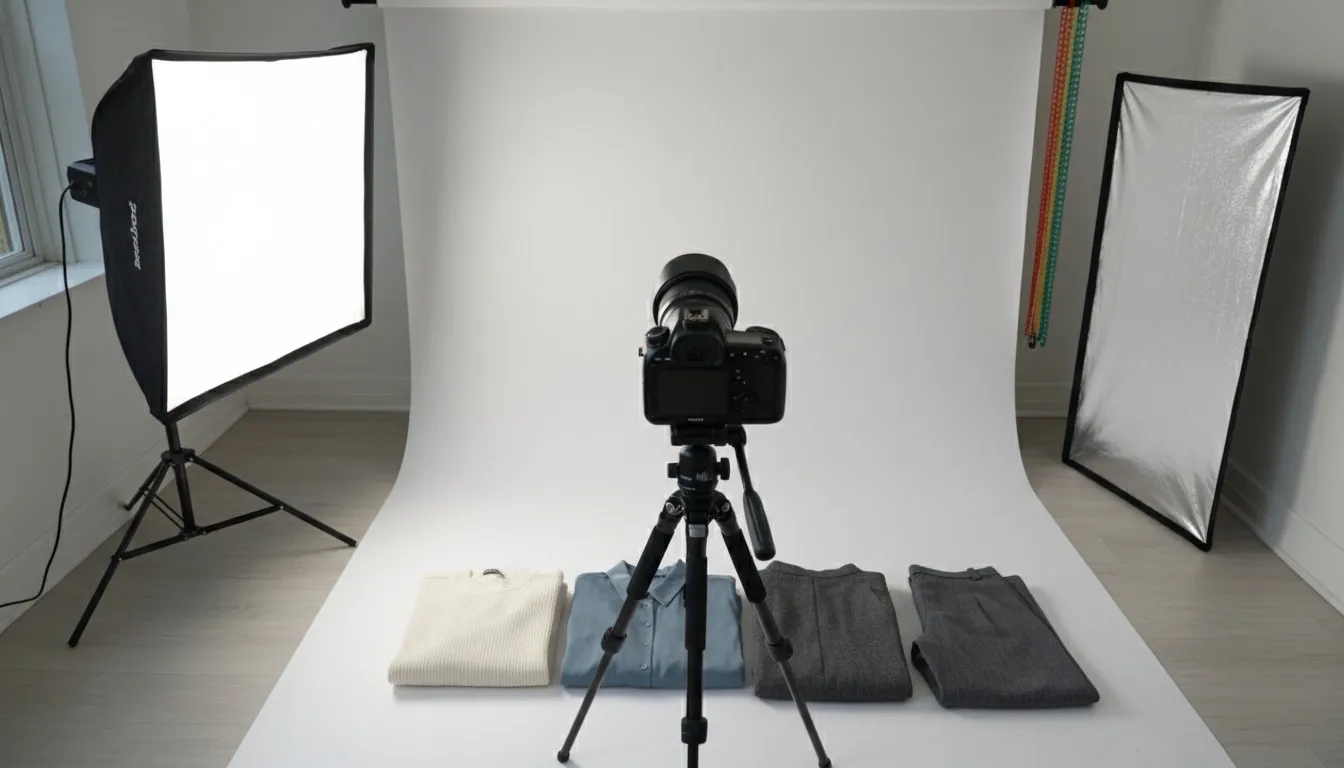
Produce one master file at the largest size any of your channels accepts, on a plain background, generously framed, in a square crop — then export per channel. The file that satisfies your strictest marketplace will satisfy the looser ones with nothing more than a crop.
Every marketplace publishes its own image requirements, in its own place, in its own units. A seller listing the same 200 SKUs across Shopify, Amazon, eBay and Etsy ends up with four tabs open and no single view of what has to be true of a file for it to pass everywhere.
This page does two things. It tells you exactly where each platform publishes its current spec, because those documents are the only source worth trusting and they move. And it covers the part no platform documents: what to do about the fact that four different specs have to come out of one photograph, and which four mistakes pass every validation check and still cost you the sale.
Where Each Platform Publishes Its Spec
Read the numbers from the source, not from a guide. Marketplace image specs change without announcement, and secondary sources go stale silently — while researching this page we found third-party guides disagreeing with each other on eBay's free-photo allowance, quoting both 12 and 24. When a number matters enough to build a pipeline around, it is worth the two minutes to read it from the platform.
| Platform | Where the current spec lives | Verified here |
|---|---|---|
| Shopify | Shopify Help Center → Products → Product media types | ✅ Full spec below |
| eBay | eBay Playbook → Foundations → Image ratio (ratios). Seller Hub / Seller Center photo requirements (pixels, file limits) | ✅ Ratios below |
| Amazon | Seller Central Help → product image requirements (sign-in required) | Read from your account |
| Etsy | Etsy Help Center → requirements and best practices for images, plus the listing-image policy in House Rules | Read from Shop Manager |
Amazon's requirements sit behind a Seller Central sign-in and Etsy's help centre blocks automated readers, so this page does not reproduce their numbers. That is deliberate: quoting a figure we could not read from the source, on a page whose whole value is that the figures are right, would be the wrong trade. Walmart is left out of the table entirely for the same reason — its seller documentation is not publicly readable, so we have nothing to say about it that would be worth your trust.
Shopify — verified 2026-07-27
| Maximum resolution | 5000 × 5000 px, or 25 megapixels |
|---|---|
| Maximum file size | Under 20 MB |
| Recommended for square images | 2048 × 2048 px — the size Shopify says usually displays best |
| Accepted formats | PNG, JPEG, PSD, TIFF, BMP, GIF, SVG, HEIC, WebP — including animated versions |
| Aspect ratio | No fixed ratio required. Shopify asks for a consistent ratio across featured images so collection pages align |
That last row is the one people skip, and it is the only one Shopify frames as a requirement of your catalogue rather than of a file. Mixed ratios across featured images make a collection page look broken even when every individual image is fine.
eBay ratios — verified 2026-07-27
| 1:1 square | eBay's stated dominant and recommended ratio — it ensures consistency across all listing surfaces |
|---|---|
| 3:4 and 4:3 | Supported. eBay notes these are common camera-phone defaults and can be optimal for specific categories including fashion |
| 16:9 and 9:16 | Offered for masonry layouts and video |
eBay's guidance deliberately prioritises consistent aspect ratio over fixed pixel dimensions, and states that images keep their original proportions so they are not cropped or stretched across responsive layouts. In practice that means the ratio decision matters more than hitting an exact pixel count — which is the opposite of how most sellers approach it.
What No Spec Sheet Tells You
Here is the part every spec guide skips, and it matters more than the pixel counts: passing validation and converting are different problems. A file can satisfy every published requirement and still lose you the sale.
Meeting the minimum is not the same as ranking
Minimum dimensions exist so the platform can render your listing. They say nothing about whether a buyer can see the fabric. On a marketplace where zoom activates above a resolution threshold, a photo that clears the minimum but misses the zoom threshold looks identical in the grid and materially worse on the product page — where the decision actually happens. Shoot for the zoom threshold, not the minimum.
The thumbnail crop will not respect your composition
Most marketplaces derive a square thumbnail from whatever you upload. If you composed a tall editorial shot with the garment in the lower two-thirds, the thumbnail may show an empty top third and a cropped hem. Compose for the crop that the platform will actually take, then let the full image be the generous version. This is the single most common avoidable mistake in a multichannel catalogue.
Consistency beats individual quality across a catalogue
Ten excellent photos shot on different days, in different light, at different distances read as a worse catalogue than ten good photos that match. Shoppers scanning a collection page are reading the grid as one object, and an inconsistent grid reads as an amateur shop regardless of how good any single frame is. This is the argument for locking a setup once and reusing it — covered in the catalog creator workflow.
Background rules are a floor, not a style
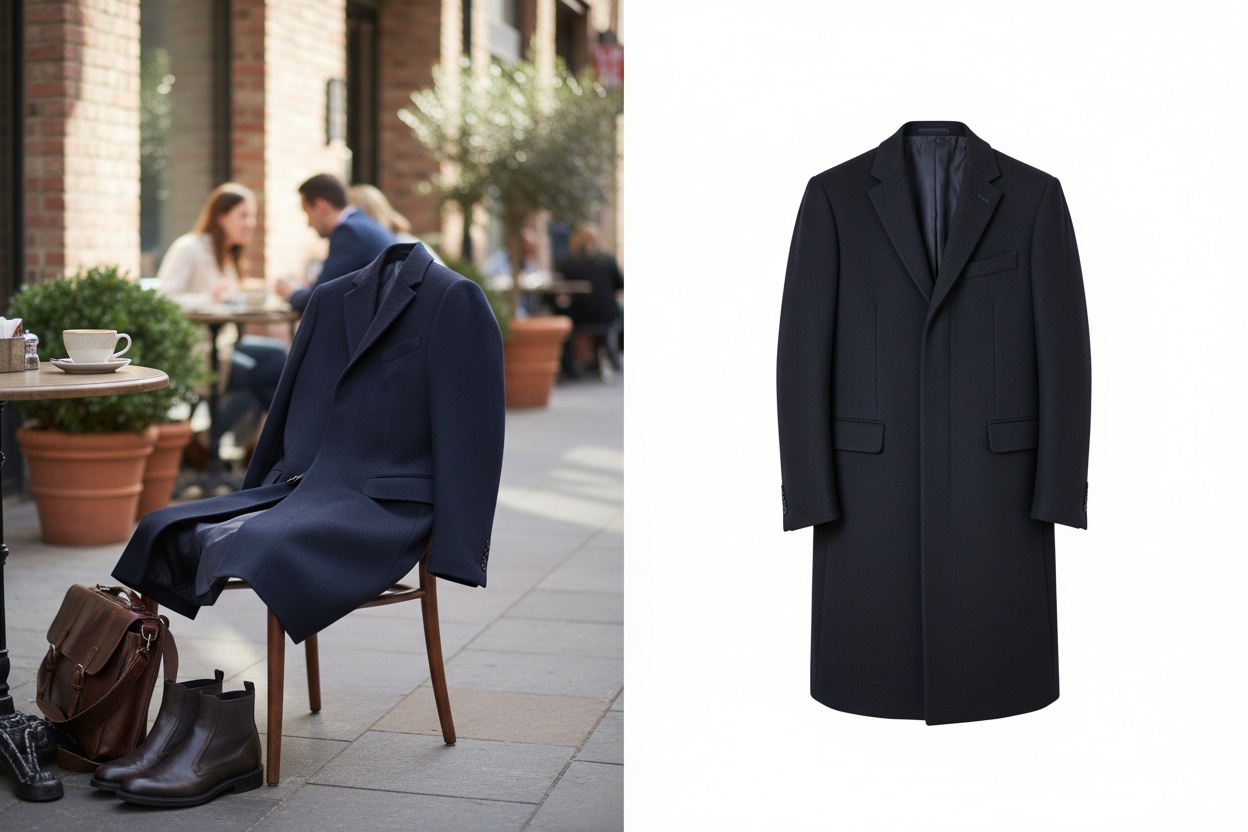
Where a marketplace mandates a plain background on the main image, that constraint applies to the main image. The remaining gallery slots are where fit, drape, scale and styling get communicated, and they are chronically under-used. A compliant main image plus eight empty slots is a listing that met the rules and told the buyer nothing.
Producing Every Spec From One Source File
The efficient shape of a multichannel pipeline is one master file per SKU and a per-channel export step. Not one shoot per channel.
| Step | What it produces | Why this order |
|---|---|---|
| 1. Capture or generate the master | The largest, cleanest version — on-model or flat lay, generous framing, plain background | Every later step removes information. Nothing downstream can add resolution or reveal a hem you cropped off. |
| 2. Fix the background | A plain-background version and, separately, any lifestyle versions | Do this before cropping. Background removal works on more pixels and the plain version becomes the base for the strictest channel. |
| 3. Colourways, if any | One file per colour variant | Recolouring on the master keeps fabric shadow detail intact; recolouring a downsized crop does not. |
| 4. Add resolution headroom if the master is short | A larger file for print or zoom-threshold channels | The 2× upscale pass doubles both dimensions, so whether it clears a given threshold depends on what you started with. Check your own pixel count against the target. |
| 5. Export per channel | Each marketplace's crop, ratio and file type | Last, because it is the only step that is channel-specific. Reframing handles ratio changes without losing the styling to a blind crop. |
The ordering is the whole point. Teams that crop first and fix later end up reshooting, because the information they need was thrown away in step one.
If You Only Change One Thing
Produce your master files square, at the largest size any of your channels accepts, on a plain background, with generous framing around the garment. That single file satisfies the strictest channel directly and every looser channel with a crop. Almost every multichannel imaging problem we see traces back to a master file that was shot for one specific listing and then asked to serve four.
Generate catalogue-ready product images on model
Fashio AI turns a flat lay or mannequin shot into on-model photography with a consistent model, background and lighting across a whole collection — then removes the background and reframes for each channel. From $29.99 a month, cancel any time.
Start creating →Need to swap the garment in an approved image rather than reshoot it? See how to change an outfit in a product photo; for gowns and white-on-white listings, the bridal product photography guide covers what marketplace image checks tend to reject.
Frequently Asked Questions
What size should eBay photos be?
eBay's published ratio guidance names square (1:1) as its dominant and recommended ratio, because it renders consistently across every listing surface. eBay also supports 3:4 and 4:3 — which it notes are common camera-phone defaults and can be optimal for fashion — and 16:9 or 9:16 for masonry feeds and video. eBay's own guidance prioritises consistent aspect ratio over fixed pixel dimensions, and states that images keep their original proportions so they are not cropped or stretched. For the current pixel minimums and file limits, check Seller Hub — eBay serves that documentation behind bot protection and third-party guides disagree on the details.
What is the maximum image size for Shopify?
Shopify accepts up to 5000 × 5000 px or 25 megapixels, with files under 20 MB. For square product images, Shopify recommends 2048 × 2048 px as the size that usually displays best. Accepted formats are PNG, JPEG, PSD, TIFF, BMP, GIF, SVG, HEIC and WebP, including animated versions.
Do I need different images for each marketplace?
Different exports, not different photographs. Shoot or generate once at the highest resolution any of your channels accepts, on a clean background, with generous framing — then produce each channel's crop, ratio and background from that master. The photography is shared; only the export is per-channel.
Can I use the same product photo on Amazon and Etsy?
The same source photo, usually not the same file. Whichever of your channels mandates a plain main-image background is the tightest constraint, and Etsy rewards styled and lifestyle imagery at the other end. Produce the strict version first: a plain-background photo can be restyled into a lifestyle shot, but a styled hero rarely converts back without a background replacement.
Which marketplace has the strictest image requirements?
Whichever channel constrains your composition rather than just your file — a mandated background, or a rule about how much of the frame the product must occupy — is the one to build to, because those cannot be fixed with an export setting the way a resize or a format change can. Confirm the current rules for each channel you sell on, then produce for the tightest and let the rest follow with a crop.
Does image quality affect marketplace search ranking?
Indirectly and materially. Marketplace ranking algorithms are conversion-weighted, so imagery that converts better tends to rank better over time even where image quality is not a direct ranking input. Some platforms also apply a hard floor: a listing whose lead image misses the platform's dimension requirement can be suppressed or blocked outright, which is a ranking effect in practice.