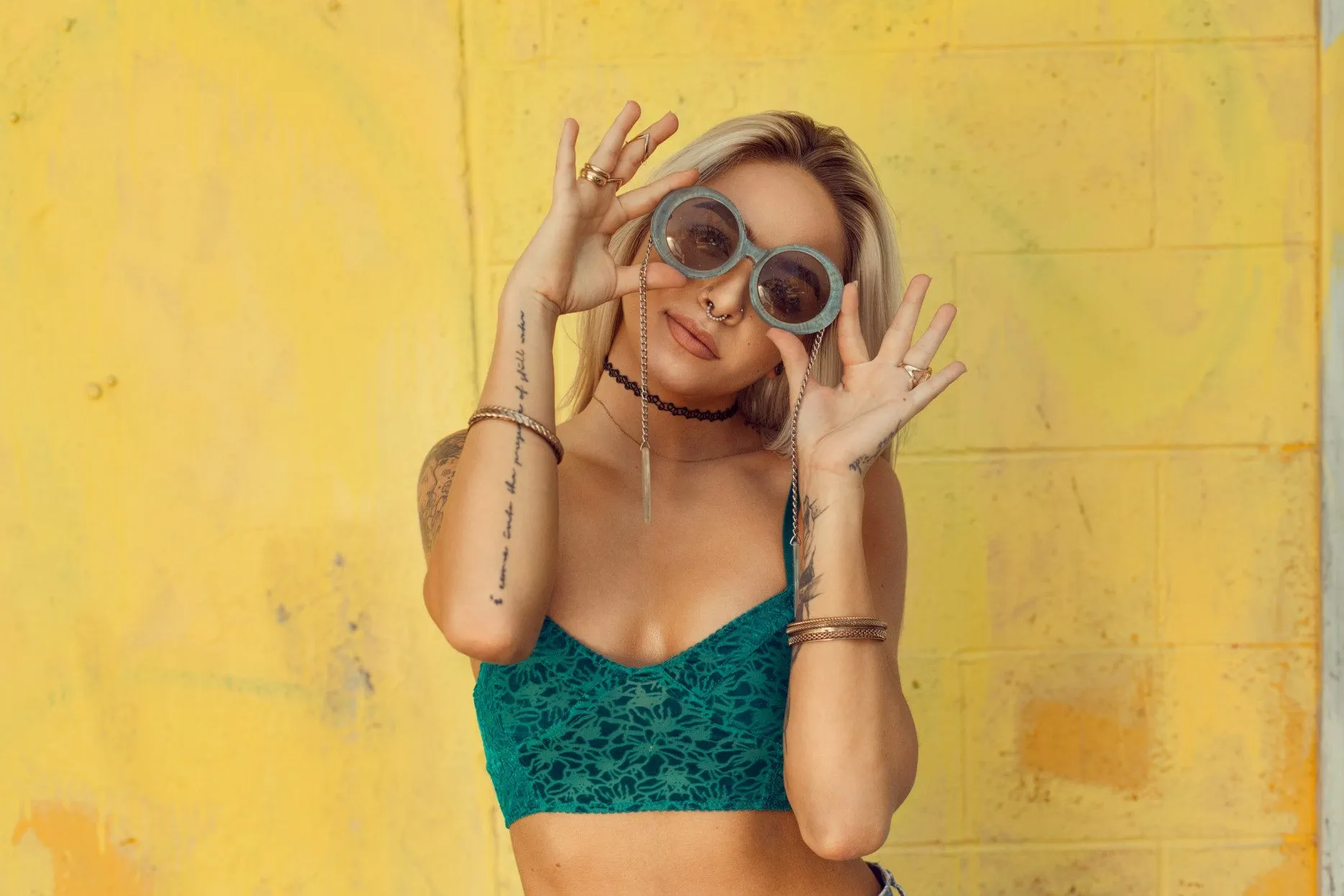
The 2026 Reality: Resolution Is the New Baseline for Ecommerce Photography
2x to 16x scale factor $0-299/mo pricing range Up to 32K max output Batch 100-1000+ photos
Retina displays, zoom functionality, print catalogs, wholesale linesheets — every ecommerce surface now demands higher resolution than DSLRs from five years ago can deliver. AI upscalers fill the gap without a reshoot.
Five years ago a 1500x1500px product photo was "good enough" for most ecommerce stores. In 2026, the same photo looks soft on a 4K monitor, pixelated on a phone's pinch-zoom, and unusable for a print catalog. Resolution requirements have crept upward steadily — and most brands have years of archive imagery that hasn't kept up.
The AI image upscaler category exists to fix exactly this problem. Modern upscalers don't just stretch pixels; they synthesize new fine detail based on what the photo likely contained at higher resolution. For fashion ecommerce, that means fabric weave, embroidery threads, button details, and texture all become legible again at 4K, 8K, even 16K resolution.
This guide tests eight AI upscalers on real fashion product photos, scores them on the factors that matter for ecommerce (fabric detail, color accuracy, batch capability, max resolution, pricing), and helps you pick the right tool for your specific workflow.
What an AI Image Upscaler Actually Does
Traditional image resampling — bicubic, Lanczos, nearest-neighbor — works by interpolating new pixels mathematically. The result at 2x scale is bigger but blurry; the algorithm has no idea what the photo "should" look like at higher resolution, so it averages neighboring pixels and produces a softened version of the original.
AI upscaling is fundamentally different. A neural network has been trained on millions of high-resolution images downsampled to low-resolution and then asked to reconstruct the original. The network learns patterns: what fabric weave looks like, how skin pores appear at close range, what stitch patterns produce. When you upload a low-resolution image, the AI synthesizes plausible high-resolution detail based on those learned patterns.
The implications for ecommerce are direct: a soft archive photo can become a sharp 4K hero image without reshooting. A phone-shot social-feed image can become a print-ready catalog asset. A reference photo from a wholesaler can become usable retail imagery.
Traditional upscaling stretches pixels. AI upscaling synthesizes them. The difference is the same as the difference between blowing up a JPEG in Preview and getting a print-quality enlargement — except now it takes ten seconds and costs cents instead of a darkroom session.
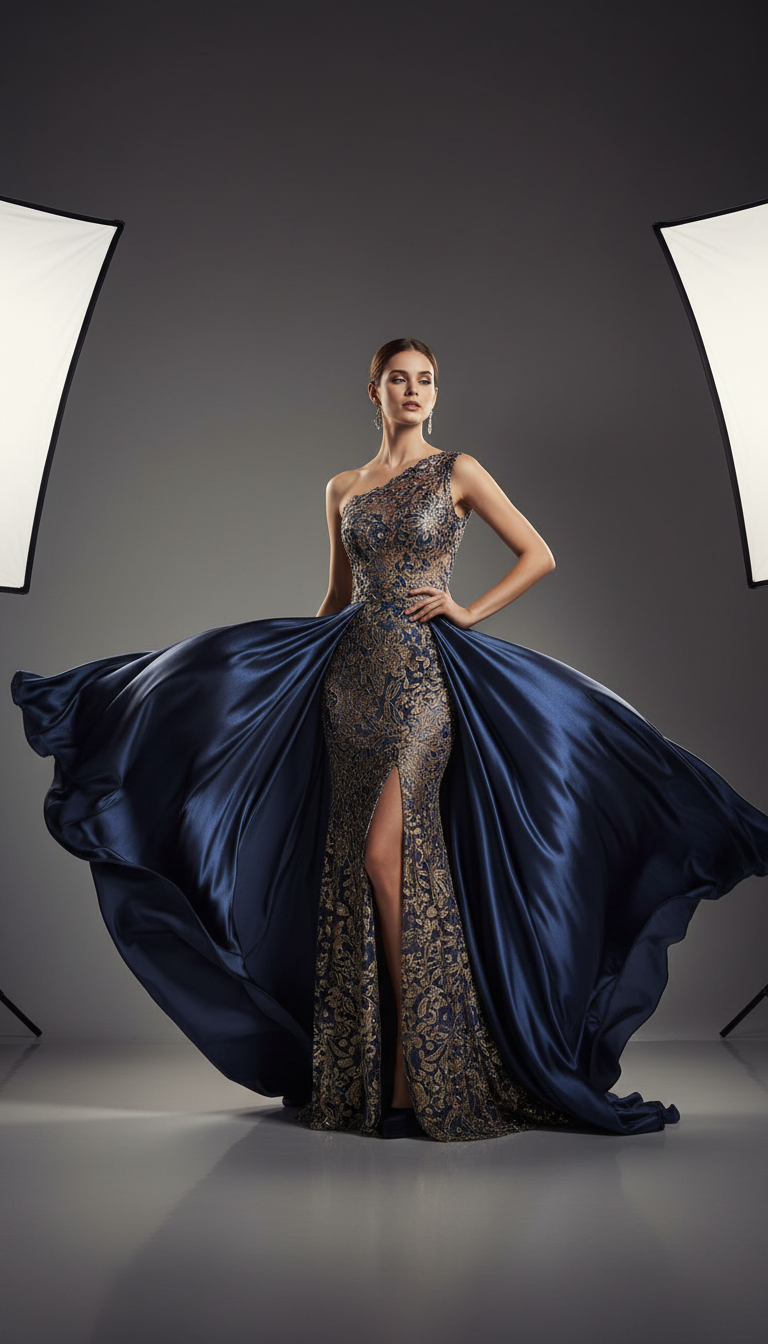
Resolution Requirements by Ecommerce Surface
Before choosing an upscaler, know what resolution you're targeting. Requirements differ dramatically across platforms.
| Surface | Minimum Resolution | Recommended Resolution | Why |
|---|---|---|---|
| Amazon Main Image | 1000x1000px | 1600x1600px+ | Zoom feature requires high res; premium listings prefer 2000px+ |
| Shopify Product Page | 2048x2048px | 3000-4000px | Retina display + zoom hover + theme image-fill |
| Etsy Listing | 2000x2000px | 2000-3000px | Mobile zoom, gallery view, search thumbnail variants |
| Wholesale Linesheet | 2400x2400px | 3600x3600px (300 DPI) | Print at full page size; buyer review quality |
| Lookbook PDF | 2400x3600px | 3600x5400px (300 DPI) | Print magazine standard; spread-page imagery |
| Paid Ad Creative | 1080x1080px | 2160x2160px+ | Meta/TikTok scale for Retina mobile + 4K TV ads |
| Billboard / OOH | 6000x4000px | 10000px+ on long edge | Print at large sizes without pixelation |
| Instagram Feed Post | 1080x1080px | 1440x1440px | Retina mobile viewing |
For most fashion ecommerce work, the baseline target in 2026 is 2400-3000px on the long edge. Anything less looks soft on modern displays.
Tool Comparison — 8 AI Upscalers Tested on Fashion Product Photos
We tested each tool on five fashion product photos: a flat lay knit sweater (texture detail), a model in printed dress (color accuracy + skin detail), a leather handbag close-up (specular reflection), an embroidered jacket (fine pattern), and a low-resolution archive shoe shot (recovery from very low quality). Each tool was scored on fabric detail preservation, color accuracy, max output resolution, batch capability, and pricing.
1. Fashio AI Fashion Photo Upscale
Fashion-trained upscaler designed specifically for apparel ecommerce. Strongest performance on fabric texture preservation — weave patterns, knit structures, and embroidery all reconstruct accurately because the model has seen millions of similar examples in training. Color accuracy is strong; fabric drape detail rendered naturally without the over-sharpening artifacts common in generalist tools. Images are processed one at a time. Best for fashion brands working through product photography.
Max output: 2x the input, so 4K (3840x2160) from a 1080p source. Pricing: 3 credits per image on any plan. Best for: Fashion ecommerce, apparel-focused workflows.
2. Topaz Photo AI
Industry standard for photo enhancement and upscaling. Strong fabric detail preservation through its Gigapixel module. Offline desktop application means no upload limits and full control over output settings. Excellent for one-off premium upscales; less practical for thousands of SKUs because batch processing happens on your local machine.
Max output: 16K (depends on input). Pricing: $199 one-time. Best for: Premium hero shots, agencies, photographers.
3. Magnific
Generative upscaler that synthesizes substantial new detail — almost more like reimagining than upscaling. Output is often more detailed than the original could plausibly have been. Excellent for hero campaign images where you want maximum visual impact. Risk: the synthesized detail may not match the actual product (button shapes, stitch patterns can drift). Use carefully for product accuracy.
Max output: 16K. Pricing: $39-299/mo. Best for: Hero campaigns, editorial imagery, creative work.
4. Adobe Super Resolution (Camera Raw / Lightroom)
Built into Adobe's photo editing suite. 2x scale only, but excellent quality for that range — preserves fabric detail and color accuracy reliably. Batch processing via Lightroom actions. The right choice if you're already in the Adobe ecosystem and your photos only need a modest resolution boost.
Max output: 2x input. Pricing: Included in Creative Cloud $22.99/mo. Best for: Lightroom users, modest upscaling needs.
5. Claid.ai
Ecommerce-focused image platform with strong batch capabilities via API. Product photos benefit from purpose-built training data. Less specialized than Fashio AI for apparel specifically, but strong for general ecommerce categories. Pricing scales with volume.
Max output: 4K (4096x4096px). Pricing: $30-50/mo subscription, API pricing for higher volume. Best for: General ecommerce batch workflows.
6. Let's Enhance
Long-running upscaler with multiple AI models for different content types (photo, art, low-res). Decent fabric handling on the photo model. Web-based with batch upload up to 100 photos per session on paid tiers. Reliable workhorse without specialization advantages.
Max output: 16x scale, up to 256MP. Pricing: $9-50/mo. Best for: General-purpose upscaling, mid-volume catalogs.
7. Upscale.media
Simple, fast, free-tier-friendly upscaler. Good for one-off jobs. Quality on fabric is acceptable for non-critical applications (thumbnails, social posts). Not the tool for premium product photography but useful for quick fixes.
Max output: 4x scale. Pricing: Free / $9+/mo. Best for: Casual one-off upscales, thumbnails.
8. Bigjpg
Free-tier upscaler popular for casual use. Quality is fair for plain backgrounds and simple products. Tends to oversmooth complex fabric texture. Useful as a free backup but not a primary tool for serious ecommerce work.
Max output: 4x scale. Pricing: Free / $7-29/mo. Best for: Free-tier users with low-volume needs.
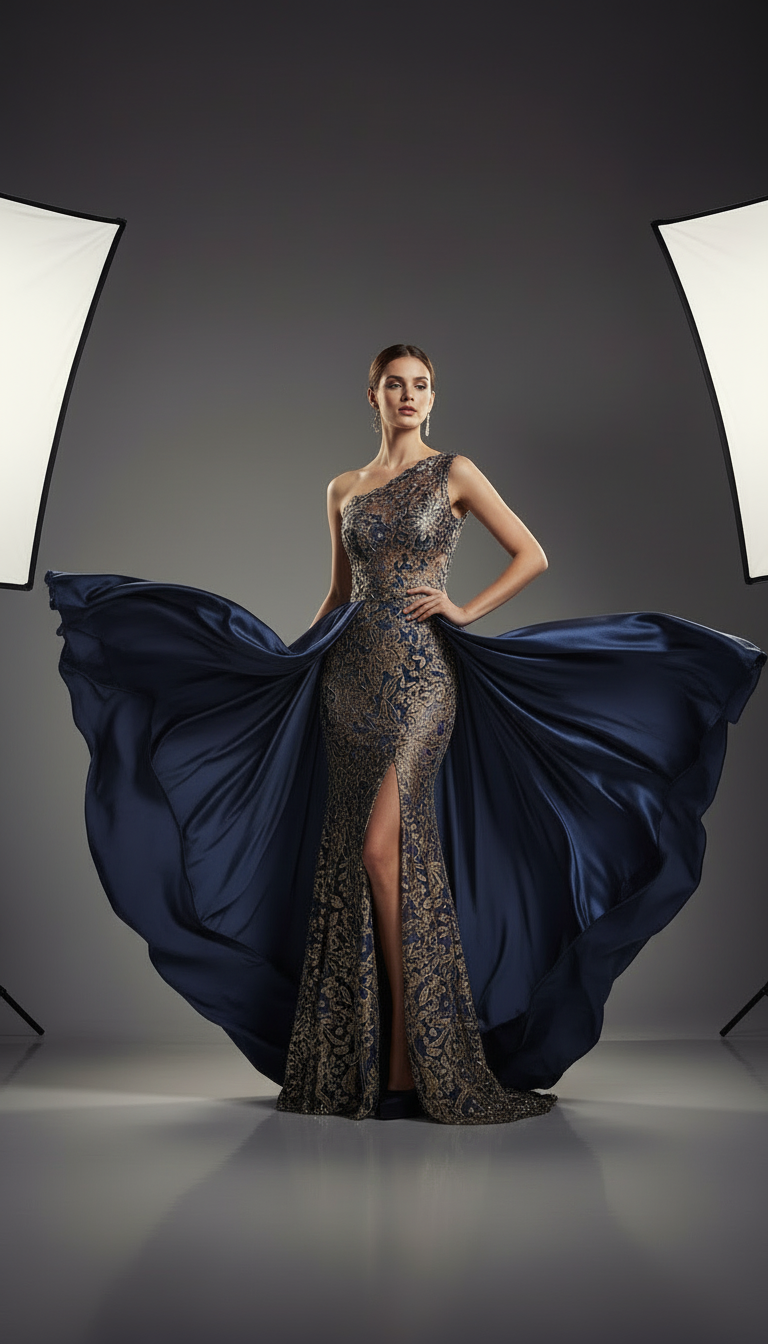
Head-to-Head Comparison Table
| Tool | Max Scale | Fabric Detail | Batch | Pricing | Best For |
|---|---|---|---|---|---|
| Fashio AI | 8K | Excellent | Yes | Free / $19+ | Fashion ecommerce |
| Topaz Photo AI | 16K | Excellent | Local | $199 one-time | Photographers, agencies |
| Magnific | 16K | Excellent (creative) | Yes | $39-299/mo | Hero campaigns |
| Adobe Super Res | 2x | Excellent | Yes | $22.99/mo | Adobe ecosystem |
| Claid.ai | 4K | Good | Yes (API) | $30-50/mo | General ecommerce |
| Let's Enhance | 16x | Good | Yes | $9-50/mo | General workloads |
| Upscale.media | 4x | Fair | Limited | Free / $9+ | Casual use |
| Bigjpg | 4x | Fair | Limited | Free / $7+ | Free-tier needs |
If your source image is already 4000px and sharp, running it through an upscaler at 4x doesn't make it look better — it adds synthesized detail that often diverges from the actual product. Save upscaling for images that genuinely need resolution recovery. Use enhancement tools instead for already-high-res photos that need polish.
Step-by-Step: Upscaling Workflow for Ecommerce
-
Audit Your Source Photos
Sort your catalog by current resolution and identify which images need upscaling. Anything below your target resolution (most often 2400-3000px on the long edge) is a candidate. Anything above target is already fine.
-
Categorize by Quality and Use Case
Sort the upscaling candidates: hero shots (need premium tool), standard listings (need batch tool), archive recovery (need quality tool), social repurposing (free tool is fine). Different categories justify different tools.
-
Pre-Clean Before Upscaling
If photos have noise, color casts, or chromatic aberration, fix those issues first. Upscaling magnifies whatever's in the source — including the flaws. A quick pass through Amateur to Professional or basic color correction before upscaling produces better final output.
-
Choose the Scale Factor
Don't always pick max scale. If your source is 2000px and you need 3000px, a 2x upscale (to 4000px) gives you headroom. A 4x upscale (to 8000px) just wastes computation and may introduce artifacts. Scale to your actual target plus 20-30% buffer.
-
Run a Test Batch First
Before running 1000 SKUs, test 10 representative photos through your chosen tool. Check fabric detail, color accuracy, edge artifacts. If quality is good, proceed; if not, switch tools or pre-process more aggressively.
-
Process the Full Set
For cloud-based tools, upload in batches according to the tool's session limit. For local tools, queue overnight. Most upscaling jobs of 200-500 photos complete in 30-90 minutes total processing time.
-
Verify Output and Deploy
Spot-check 5-10% of the output set at 100% zoom. Check for: oversmoothing of fabric, color shifts, halos on edges, hallucinated details that don't match the product. Reprocess problem photos with different settings or a different tool.
When AI Upscaling Isn't Enough — Enhancement vs Upscaling
Resolution isn't the only thing wrong with most low-quality photos. Most archive images have multiple issues stacked together: low resolution, soft focus, poor lighting, color casts, motion blur, sensor noise. Upscaling addresses one of those — resolution. The others need enhancement.
| Problem | Solution Category | Tool Type |
|---|---|---|
| Low resolution, otherwise sharp | Upscaling | AI upscaler |
| Soft focus / blurry | Sharpening + Enhancement | AI enhancer (e.g., Topaz Sharpen AI) |
| Bad lighting | Relighting | AI relighting tool |
| Color casts | Color correction | Lightroom / Photoshop / AI color tool |
| Sensor noise | Denoising | AI denoiser (often bundled in upscalers) |
| Amateur composition / framing | Reframing | Photo Reframe |
| Multiple problems combined | Full enhancement pipeline | Amateur to Professional |
For ecommerce sellers working with archive photos, mobile-shot images, or wholesale-supplied imagery, the typical workflow is: enhance first (fix lighting, color, sharpness), then upscale (raise resolution). Doing these in the wrong order amplifies problems instead of fixing them.
Upscale Your Fashion Photos to Print-Ready 4K
Fashio AI Fashion Photo Upscale handles fabric, drape, and color with apparel-specific training. Fixed 2x factor, 3 credits per image, full commercial rights.
Try Fashion Photo Upscale →Buying Criteria — How to Pick the Right Upscaler
If you're choosing one tool for your stack, work through these decision factors in order:
- What's your content domain? Fashion-trained tools beat generalists on fabric and drape. Generalist tools handle non-apparel categories more flexibly. Pick to your category.
- What's your volume? Under 50 images/month: any tool works. 50-500/month: batch matters. 500+/month: API access matters. Pick to volume.
- What's your max output need? 4K is the floor for ecommerce. 8K covers most premium use cases. 16K is for billboard / OOH / large print. Pick to your largest deliverable.
- What's your team skill? Photoshop-fluent teams can use desktop tools (Topaz). Marketing-led teams prefer web-based (Fashio AI, Claid, Magnific). Pick to your operator.
- What's your budget? Free tiers handle exploration. $20-50/mo handles most growing brands. $100+/mo justified only at hero-campaign scale or high volume.
- Do you need it offline or cloud-based? Offline desktop (Topaz) keeps assets on your machine. Cloud (everyone else) uploads them — check the terms if you have brand-confidential content.
Use Cases — Real Brand Scenarios for AI Upscaling
| Scenario | Problem | Upscaling Workflow |
|---|---|---|
| Archive Imagery Recovery | 5-year-old product shots are now too small for current site | Batch enhance + 4x upscale; redeploy to new theme |
| Wholesale Linesheet Print | Web-res photos need to print at 300 DPI | 2x upscale plus sharpening; export at print resolution |
| Mobile-Shot Source Photos | Phone-shot product photos for quick listings | Enhance + 2-4x upscale; deploy to Shopify/Etsy |
| Supplier-Provided Imagery | Manufacturer sends 1000px JPEGs; need 3000px for retail | 3x upscale; verify color and detail match samples |
| Billboard / OOH Ad | Hero shot exists at 4K; need 10K for billboard print | Premium upscale (Magnific or Topaz) to 12K+ |
| Social Repurposing | Old Instagram photos at 1080px need to work in Reels at 4K | 4x upscale; deploy to Photo to Video |
Fashio AI Tools for Image Quality and Resolution
- Fashion Photo Upscale — fixed 2x upscaling trained on apparel imagery
- Amateur to Professional — fix lighting, color, sharpness, and resolution in one pass
- AI Image Editing — cleanup before upscaling for best results
- Photo Reframe — pair with upscaling for resized + reframed deliverables
- Remove Background — clean background before upscaling improves output
- Photo to Video — turn upscaled stills into social video
Pricing Reality Check
Cost per upscaled image varies by tool and volume. Here's the realistic per-image economics across volume ranges:
| Volume | Free Tier | $20/mo Plan | $50/mo Plan | $199 One-Time (Topaz) |
|---|---|---|---|---|
| 10 images / mo | $0/img | $2.00/img | $5.00/img | Effective $0 after recoup |
| 100 images / mo | n/a (free tier limits) | $0.20/img | $0.50/img | Effective $0 |
| 500 images / mo | n/a | $0.04/img | $0.10/img | Effective $0 |
| 2000 images / mo | n/a | $0.01/img | $0.025/img | Effective $0 |
At low volume (10-50 images/month), free tiers handle most needs. At medium volume (100-500/month), subscription tools pay for themselves quickly. At high volume (1000+/month), per-image economics drop below $0.05, making AI upscaling categorically cheaper than reshooting or hiring retouchers.
What AI Upscalers Won't Do
For honesty: AI upscaling has limits. Cases where it won't solve the problem:
- Severely damaged source files — Heavily compressed JPEGs, photos saved at extremely low quality, or photos with embedded compression artifacts won't fully recover. The AI works with what's there.
- Wrong subject in focus — If the product is out of focus and the background is sharp, upscaling won't bring the product into focus. It will just enlarge the existing focus distribution.
- Hallucinated detail conflicts with reality — On extremely low-res sources, the AI may invent details that don't match the actual product. Critical for medical, technical, or precision-detail products; less critical for fashion where general fabric look is what matters.
- Replacement for proper photography — Upscaling can't substitute for shooting at the right resolution in the first place. New photography should be captured at the highest practical resolution.
Going Deeper — Related Reading
If you're upgrading your ecommerce imagery pipeline, these guides cover adjacent topics:
- 12 Best AI Tools for Fashion Brands in 2026 — broader tool stack overview
- AI Product Photography Complete Guide — full ecommerce imagery pipeline including upscaling
- AI Background Removal for Fashion: Complete Guide — frequent companion step to upscaling
- Shopify Product Photography AI Guide — platform-specific imagery best practices
Key Takeaways
- AI upscalers synthesize new pixel detail using neural networks trained on millions of high-resolution examples — fundamentally different from traditional resampling
- Baseline ecommerce resolution in 2026: 2400-3000px on the long edge for standard listings; 8K+ for billboards and premium hero work
- Fashion-trained upscalers like Fashio AI Fashion Photo Upscale beat generalists on fabric texture, drape, and color accuracy
- Topaz Photo AI and Magnific are excellent for premium one-off work; Fashio AI, Claid, and Let's Enhance handle volume cleanly
- Enhance first (lighting, color, sharpness), then upscale (resolution) — order matters
- Per-image economics drop below $0.05 at high volume, making AI upscaling categorically cheaper than reshooting
- Use cases span archive recovery, wholesale linesheets, mobile-shot improvement, supplier-photo enhancement, and OOH ad prep
Get the Full Fashio AI Tool Suite Free
Fashion Photo Upscale plus 13 more fashion AI tools — model generator, try-on, background, editing, video — all on one membership.
Start creating →FAQ: AI Image Upscalers for Ecommerce
What is an AI image upscaler?
An AI image upscaler increases the resolution of an image — typically 2x, 4x, or 8x the original — using neural networks trained to synthesize fine details that match the surrounding content. Unlike traditional resampling (bicubic, Lanczos), AI upscalers don't just stretch pixels — they generate new pixel content based on what the image likely contained at higher resolution.
Which AI image upscaler is best for ecommerce product photos?
For fashion ecommerce specifically, fashion-trained upscalers like Fashio AI's Fashion Photo Upscale outperform generalist tools because they preserve fabric weave, drape detail, and color accuracy. For non-apparel ecommerce, Topaz Photo AI and Magnific produce excellent results at premium pricing. For budget options, Upscale.media and Adobe Super Resolution handle standard product shots well.
What resolution should ecommerce product photos be?
Most major marketplaces require minimum 1000x1000px for zoom functionality. Amazon recommends 1600x1600px+ for premium listings. Shopify high-resolution themes display up to 2048px wide. For DTC brand sites with zoom, hover-detail, and Retina displays, 2400-3000px on the long edge is the new baseline. Print catalogs and wholesale linesheets often require 300 DPI at print size, meaning 3600px+ for a full-page image.
Will upscaling make my low-quality photos look professional?
Partially. Upscaling fixes resolution problems but can't fix bad lighting, blurry focus, color casts, or composition issues. For genuinely amateur photos, combine an AI upscaler with an enhancement tool like Fashio AI's Amateur to Professional. Upscaling is the resolution layer; enhancement is the quality layer — they solve different problems.
Can AI upscalers handle batch processing for ecommerce catalogs?
Yes. Most professional upscalers support batch processing: Topaz Photo AI processes folders locally, Claid and Fashio AI handle batch through cloud APIs, and Adobe Super Resolution works inside Photoshop's batch actions. For catalogs of 100-1000+ SKUs, cloud-based batch APIs are the efficient choice.
How much does an AI image upscaler cost?
Pricing varies widely. Free tiers: Upscale.media (limited), Bigjpg (small images), Fashio AI (introductory). Subscription: Claid $30-50/mo, Let's Enhance $9-50/mo, Topaz Photo AI $199 one-time, Magnific $39-299/mo, Adobe Super Resolution included in Creative Cloud $22.99/mo. For ecommerce-scale work, monthly subscriptions usually cost less than the time saved over manual upscaling.
Does upscaling preserve fabric texture and detail?
Fashion-specialized upscalers preserve fabric texture significantly better than generalist tools because they're trained on apparel imagery. Weave patterns, knit structures, embroidery, and drape detail all reconstruct more accurately. Generalist tools sometimes oversmooth fabric or hallucinate fake textures. For apparel ecommerce, use fashion-trained tools when fabric detail matters for the buying decision.
What's the difference between AI upscaling and AI enhancement?
Upscaling increases resolution — the same photo, just bigger and sharper. Enhancement changes the photo — fixing lighting, sharpening focus, removing noise, color-correcting. Most modern tools do both: they upscale and enhance simultaneously. If your photo is already well-shot but just low-resolution, you only need upscaling. If your photo is poorly lit or blurry, you need enhancement as well.