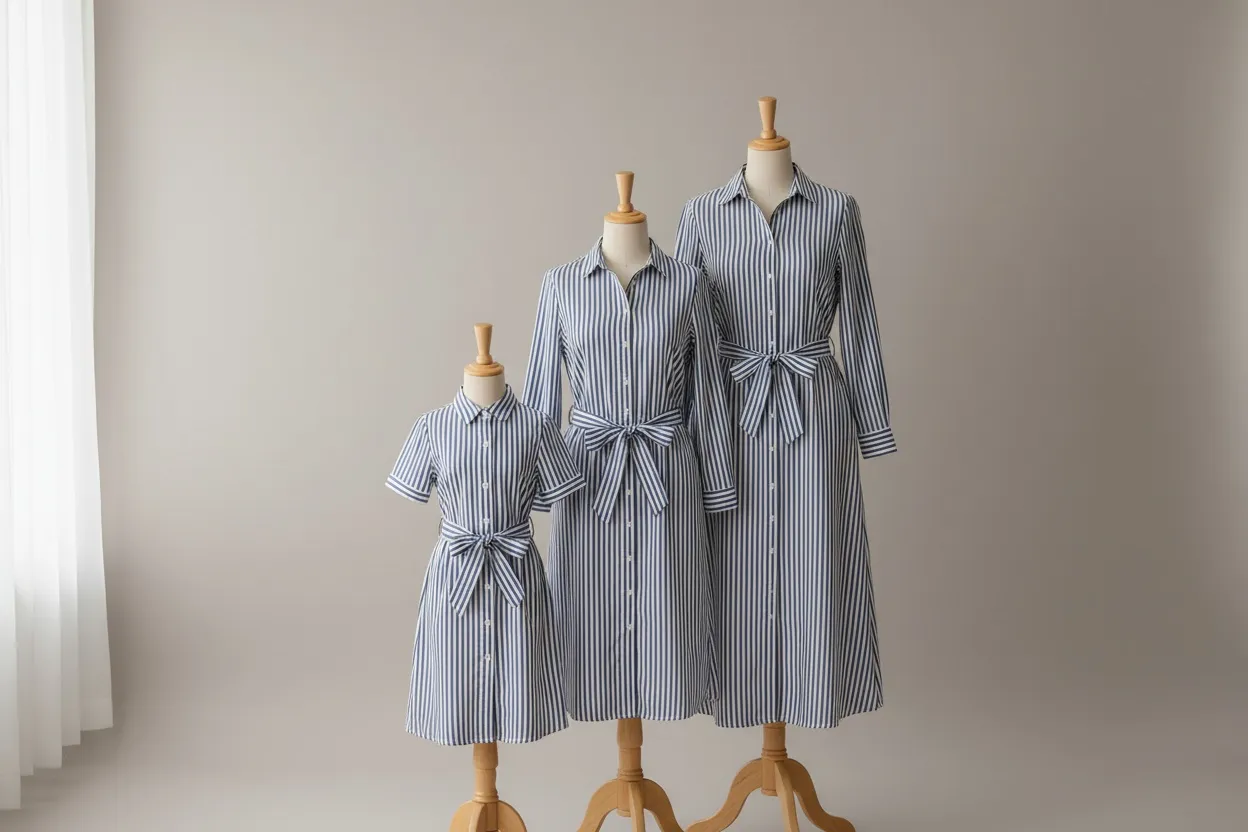
You Are Probably Already In It
Enrolment is automatic 512 × 512 px minimum, 1,024+ preferred Google does not guarantee fit
Google Merchant Center states that all brands with a shopping feed and high-quality imagery are automatically opted in to clothing try-on. Nobody sends you a form. If you sell tops, bottoms or dresses and have free listings running, shoppers may already be rendering your garments onto their own photos.
Most coverage of Google's virtual try-on was written for shoppers — what it is, whether it works, how uncanny it looks. Very little was written for the person whose products are being rendered. This page is that version: what Google actually requires of your images, which of your products qualify, what Google explicitly does not promise, and what you still have to produce yourself.
What It Actually Is
A shopper searching for apparel on Google Shopping, Search or Images sees a Try it on button on eligible products. They upload a photo of themselves, and Google renders your garment onto that photo. They can save or share the result.
The important structural point, and the one that determines how much of your attention this deserves: the render happens inside Google's surfaces, using the shopper's photo, and you never receive an asset. This is a discovery feature that makes your listing more engaging where it already appears. It is not a source of catalogue imagery and it does not touch your product pages.
Who can use it
Google restricts the shopper side. Users must be in Argentina, Australia, Brazil, Canada, Chile, Colombia, Hong Kong, India, Indonesia, Japan, Malaysia, Mexico, New Zealand, Philippines, Singapore, South Korea, the UK or the US. They also have to be 18 or over, signed in, and have Search Services History and Personalized Recommendations enabled.
That last condition is worth registering before you assume broad reach. A meaningful share of shoppers have personalisation switched off, and those shoppers will not see the button at all.
Which of your products qualify
| Category | Status per Google Shopping Help |
|---|---|
| Tops | Supported |
| Bottoms | Supported |
| Dresses | Supported |
| Lingerie | Not supported |
| Bathing suits | Not supported |
| Accessories | Not supported |
| Sponsored placements | No Try it on button on products shown under "Sponsored" |
The exclusions carry a strategic implication that is easy to miss. If you are an intimates or swimwear brand, this feature does not apply to your core catalogue at all — and since those are exactly the categories where fit anxiety drives the most returns, the shopper-side benefit you might have hoped for is not available to you from Google. Your own on-model imagery is doing that work instead, which is the case whether or not Google ever extends coverage. We cover that ground in the lingerie photography guide and the swimwear guide.
The Sponsored exclusion is the other one to note: this is a free-listings feature. Budget shifted into Shopping Ads does not buy it.
Google's Image Requirements — The Actionable Part
This is the section that should change what you do. Google publishes specific requirements for the product images it renders from, and they are stricter about composition than most apparel feeds are built to satisfy.
| Requirement | Google's guidance |
|---|---|
| Resolution | At least 512 × 512 px, "but ideally 1,024 pixels or higher" |
| Composition | One garment on one front-facing model or mannequin in a simple pose, or laying flat on a surface |
| Model pose | Facing directly forwards, arms down at the side |
| Coverage | The entire garment must be visible |
| Obstruction | Garment details should not be covered by hands, handbags or accessories |
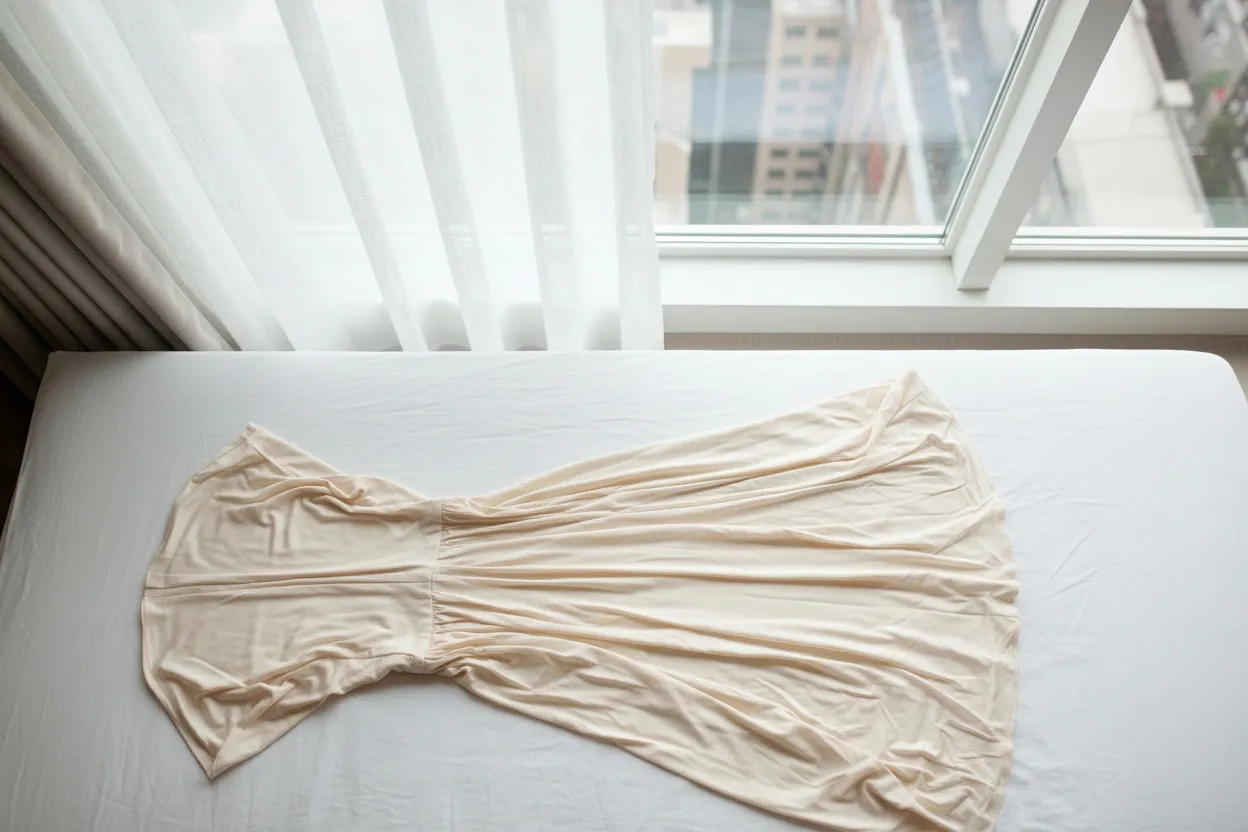
| Flat lays | Should avoid excessive folds or wrinkles |
| Tops specifically | Sleeves rolled down, hoods down, zippers closed, untucked |
Why most catalogues fail this without realising
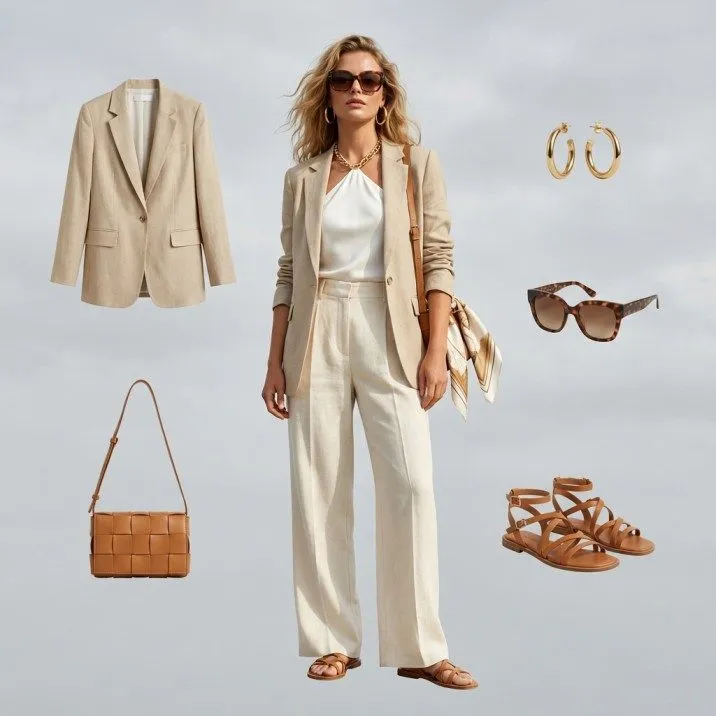
Read that list against a typical editorial or lifestyle catalogue and the mismatch is obvious. Editorial photography is built on everything Google is asking you to remove: three-quarter turns, hands in pockets, a bag on the shoulder, a jacket worn open over a top, a model mid-stride. Each of those is a good photograph and a poor try-on source.
The practical consequence is that a brand can be fully opted in, fully eligible, and still be feeding Google images it renders badly from — producing a try-on result that makes the garment look worse than it does in the listing photo. That is a downside risk you are exposed to by default, since enrolment is automatic.
The fix is not to abandon editorial imagery. It is to make sure at least one image per SKU meets Google's composition spec: a single garment, front-facing, arms down, unobstructed, at 1,024 px or better. Front-and-centre, plainly lit, boring on purpose. Editorial shots can carry the rest of the gallery.
Where AI on-model generation fits
Google's spec describes almost exactly what a generated on-model image is: one garment, one front-facing model, simple pose, arms down, clean and unobstructed. If your catalogue is mostly flat lays, producing a compliant front-facing on-model shot per SKU is the gap to close — either by shooting it or by generating it with an AI fashion model generator, which produces that framing by default and keeps the model consistent across the collection. If you already have on-model imagery but it is styled and three-quarter, pose variation can produce the straight-on version from what you have.
What Google Explicitly Does Not Promise
Google is unusually direct here, and it is worth quoting rather than paraphrasing: the generated images "may include mistakes" and "do not determine or guarantee the actual fit of the garment."
Two things follow. First, this is not a returns-reduction tool, however much it looks like one — it helps a shopper imagine a garment on a body, not judge whether it will fit. Your size guide and your measurements are still doing that job, and if they are thin, this feature does not compensate. Second, since Google is telling you the output may be wrong and you have no control over it, the quality of what shoppers see is bounded by the input image you supply. That is the only lever you hold.
Google's Try-On vs Your Own
"Your own" can also mean self-hosting an open model. Most of them are licensed for research only; the open-source virtual try-on models compared page lists the two that allow commercial use.
| Google try-on | Try-on on your own site | AI on-model photography | |
|---|---|---|---|
| Where it appears | Google Shopping, Search, Images | Your product pages | Anywhere you publish |
| Who is in the image | The shopper | The shopper | A model you choose |
| Do you own the output | No | Depends on your vendor | Yes |
| Control over presentation | None | Substantial | Full |
| Works for lingerie / swimwear | No | Vendor-dependent | Yes |
| Effort to participate | None — automatic | Integration work | Production work |
These are not competing choices. Google's version costs you nothing and reaches shoppers before they arrive; on-site try-on works on the traffic you already have; on-model photography is the only one of the three that produces assets you own and can use in ads, email and wholesale. The honest read is that Google's feature is a free distribution bonus with a quality dependency you should manage, not a strategy.
How to Opt Out
If you do not want your products in the experience, Google's route is to contact support from inside Merchant Center: open Help center and support, then Contact us, and tell Google you do not want your products featured. There is no self-serve toggle at the time of writing.
Reasons a brand might genuinely want out: a strongly art-directed identity where an uncontrolled render is a brand risk, or a catalogue whose imagery you know does not meet the composition spec and cannot be reshot soon. Both are legitimate. Neither is the default answer.
The Short Version
- You are likely already enrolled. Check whether your eligible products show a Try it on button.
- Audit one image per SKU against Google's spec: single garment, front-facing, arms down, entire garment visible, nothing obstructing it, 1,024 px or better.
- If you sell lingerie, swimwear or accessories, this does not cover your core catalogue — plan accordingly.
- Do not treat it as a fit or returns tool. Google says it does not guarantee fit.
- It gives you no assets. Your own on-model imagery remains a separate, and larger, job.
Produce front-facing on-model images that Google renders well from
Fashio AI turns a flat lay or mannequin shot into on-model photography with a consistent model and clean, front-facing framing — the composition Google asks for — and gives you assets you own for your own listings, ads and lookbooks. From $29.99 a month, cancel any time.
Start creating →Frequently Asked Questions
Do merchants have to opt in to Google's virtual try-on?
No. Google Merchant Center states that all brands with a shopping feed and high-quality imagery are automatically opted in to clothing try-on. If you sell eligible apparel with free listings running, your products can appear in the experience without you having chosen it. Leaving requires contacting Google support from your Merchant Center account.
What are Google's image requirements for virtual try-on?
At least 512 × 512 px, ideally 1,024 px or higher. One garment on one front-facing model or mannequin in a simple pose, or laying flat. Models facing directly forwards with arms down at the side, the entire garment visible, and no hands, handbags or accessories covering garment details. Flat lays should avoid excessive folds or wrinkles. For tops: sleeves down, hoods down, zippers closed, untucked.
Which product categories does Google's try-on support?
Google Shopping's documentation states it works with a top, bottom or dress. Lingerie, bathing suits and accessories are not supported. Products under "Sponsored" do not get the Try it on button, so it applies to free listings rather than Shopping Ads.
Does Google's virtual try-on guarantee fit?
No. Google states the generated images may include mistakes and do not determine or guarantee the actual fit of the garment. It is a visualisation aid, not a sizing tool, and it does not replace a proper size guide.
Does Google's try-on give me images I can use on my own site?
No. The render happens inside Google's surfaces using the shopper's own photo. You receive no asset, cannot use the output on your product pages, and do not control the model. Your own on-model photography is a separate job — see the virtual try-on guide for ecommerce for the wider picture.
Will Google's try-on reduce my return rate?
Not on its own, and not in the way a fit tool would. Google explicitly declines to guarantee fit, so the mechanism is engagement and confidence rather than sizing accuracy. Returns work is still driven by accurate measurements, clear size guidance, and imagery that shows drape and scale honestly.