
Google's Virtual Try-On: What Merchants Need to Know
You're likely already opted in. Google's exact image requirements for try-on, which categories qualify, what it does not guarantee, and how to opt out.

Run a complete catalog photoshoot from a single garment photo. Pick one of 55 ready-made sets — a fi...
Upload the gown. Get it worn, in a venue that suits it, with the lace and beadwork intact.
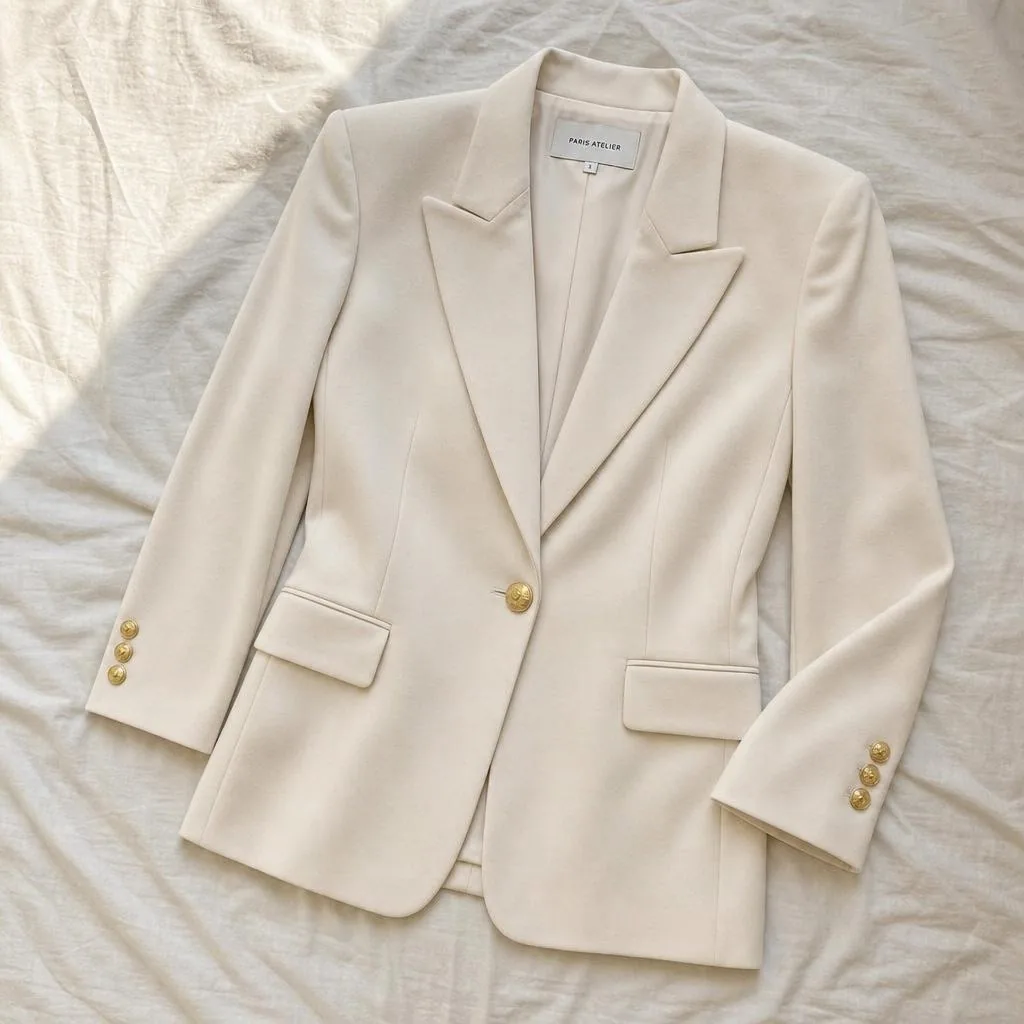
One gown per render. The more detail in the source, the more the render has to work with.
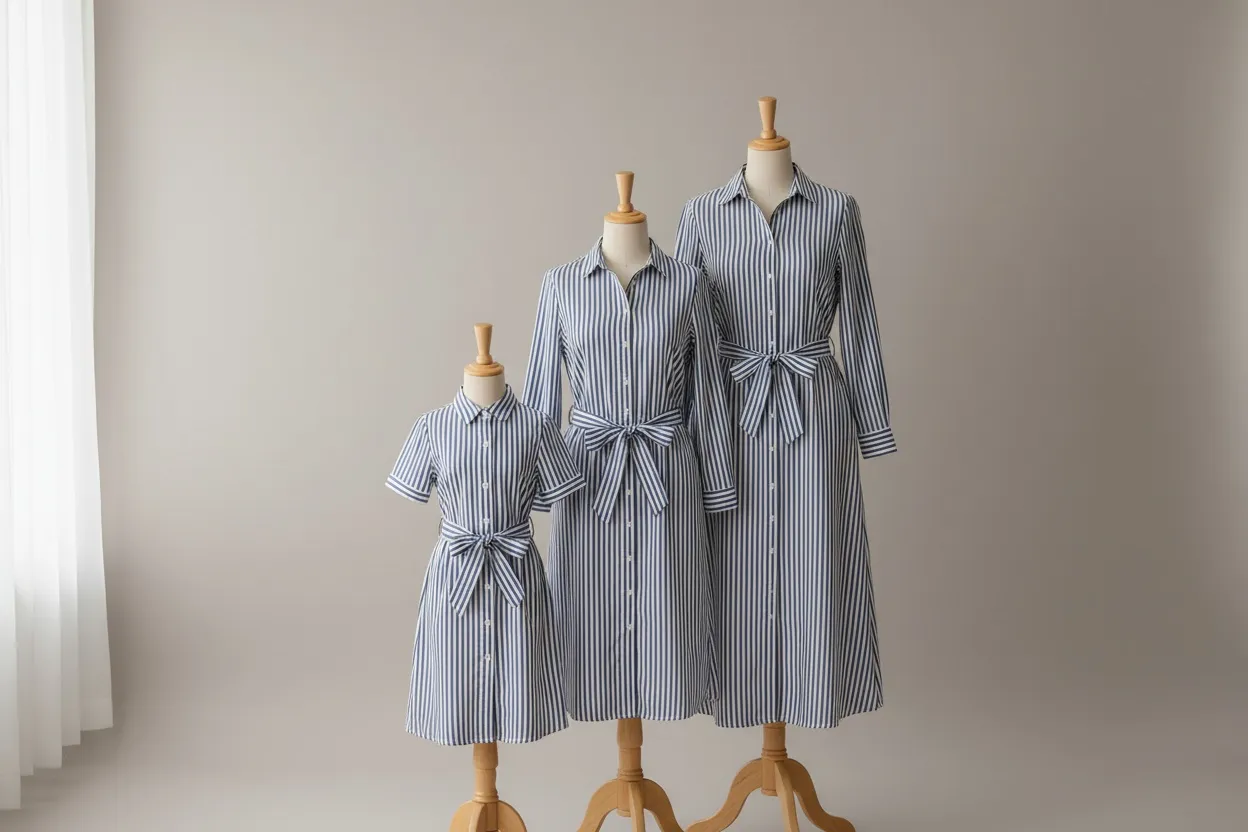
Source · gown photo
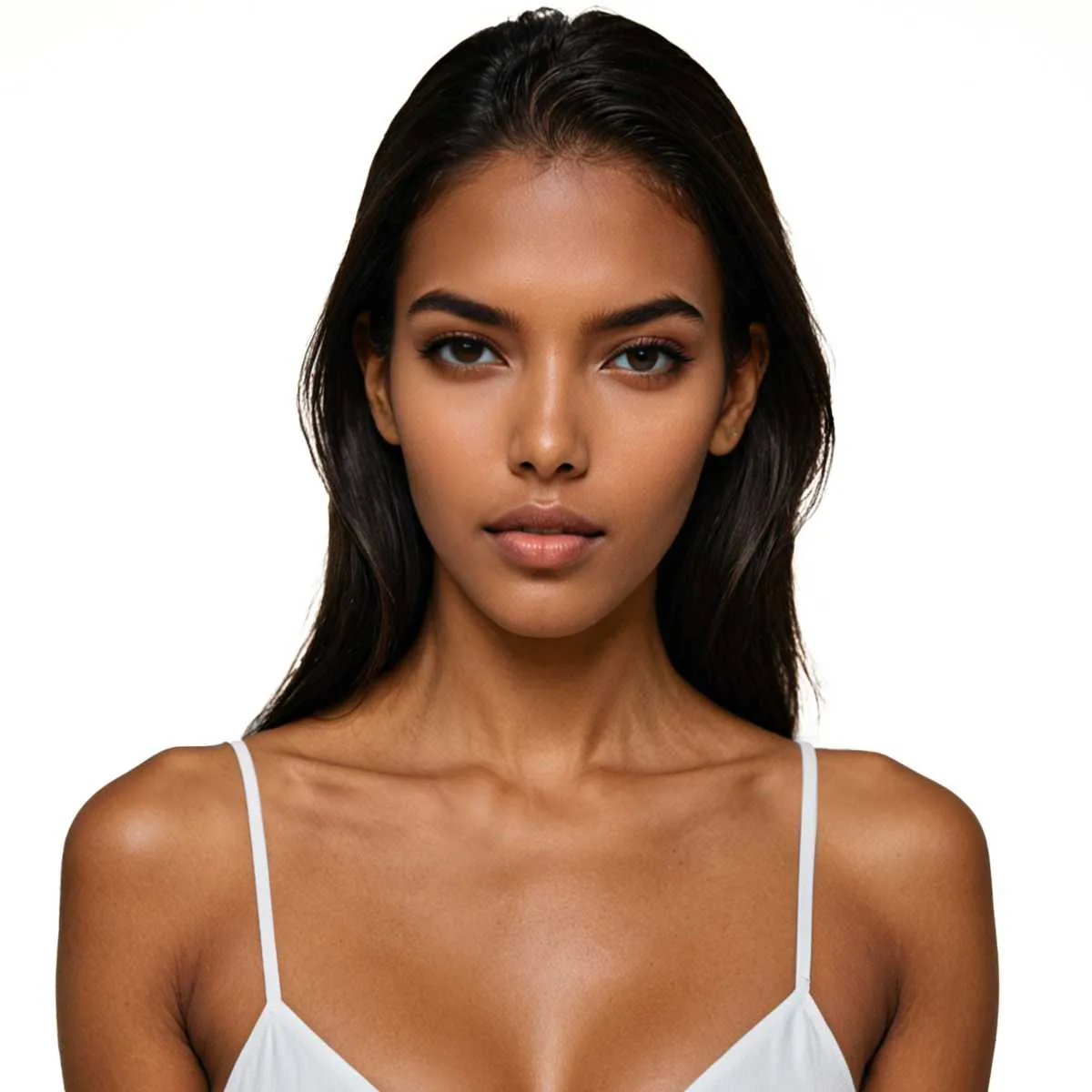
Optional, but the setting that matters most in bridal — the same face across a collection makes it read as one.
Cast · consistent
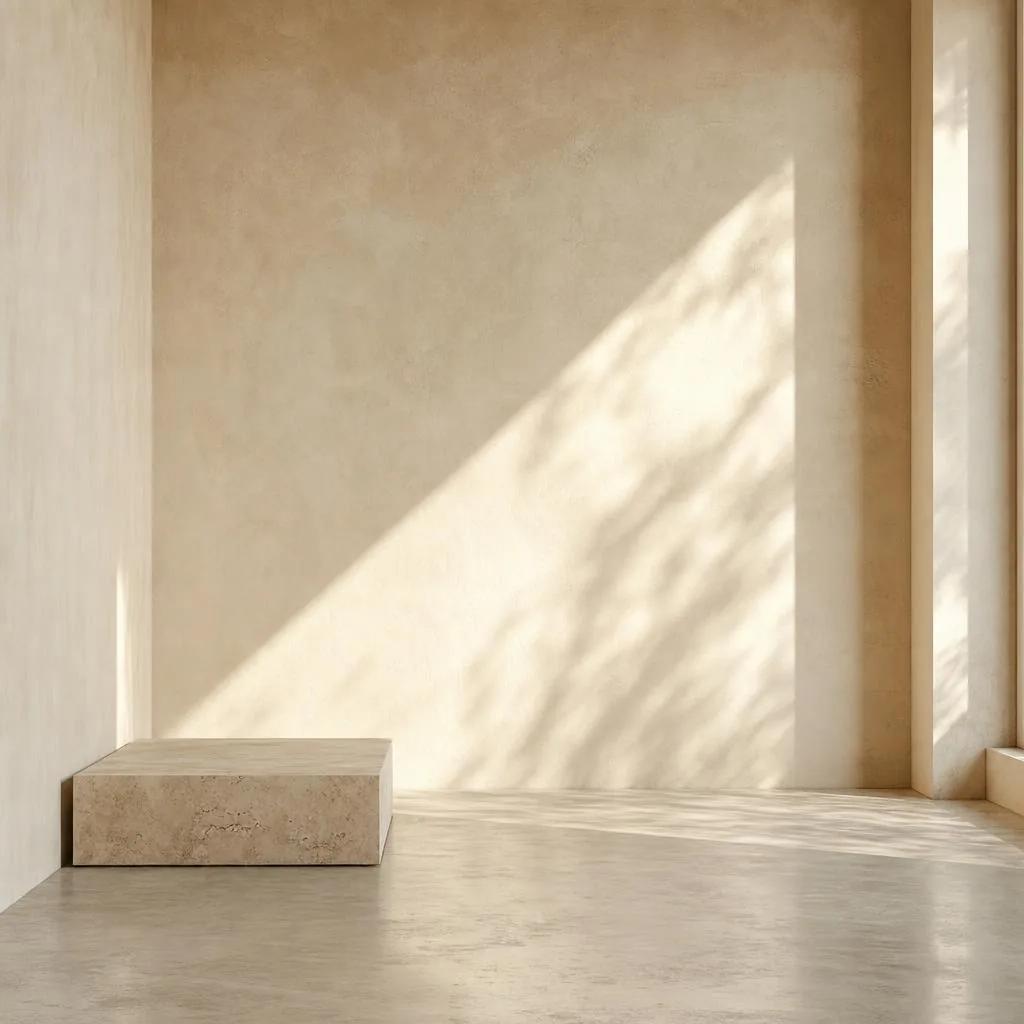
16 studio sets for listings, 7 landmark and 12 nature for campaign work, 8 indoor for a venue feel.
Set · studio or location
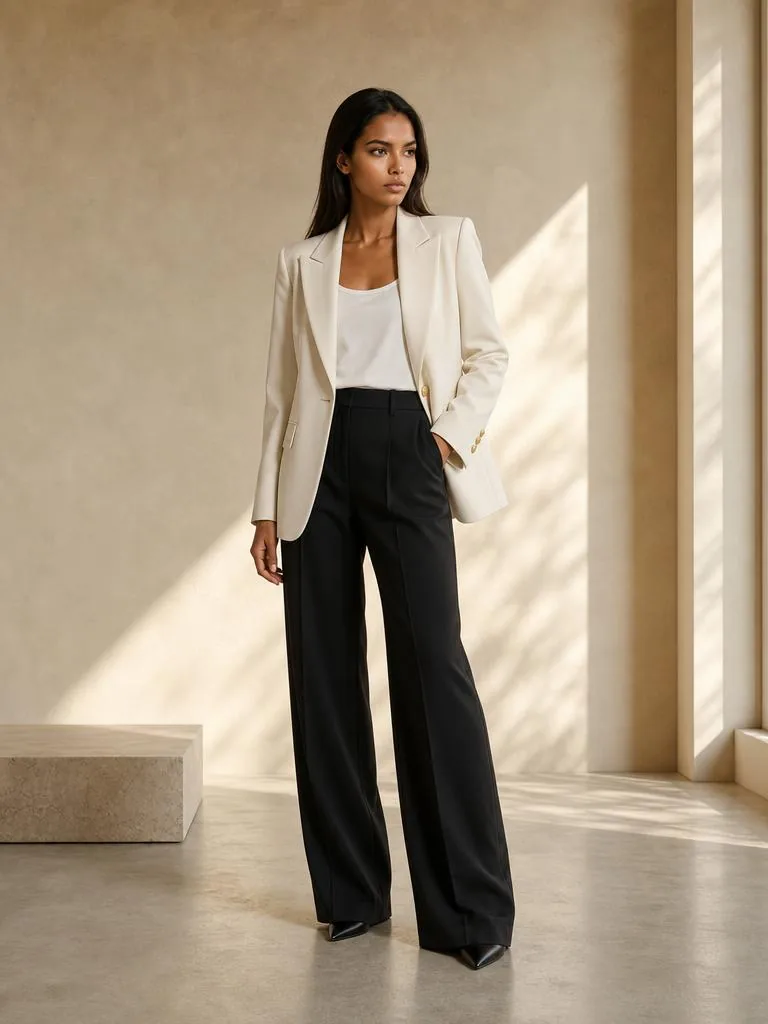
Train length and drape follow the source. Full commercial use rights.
Output · unretouched
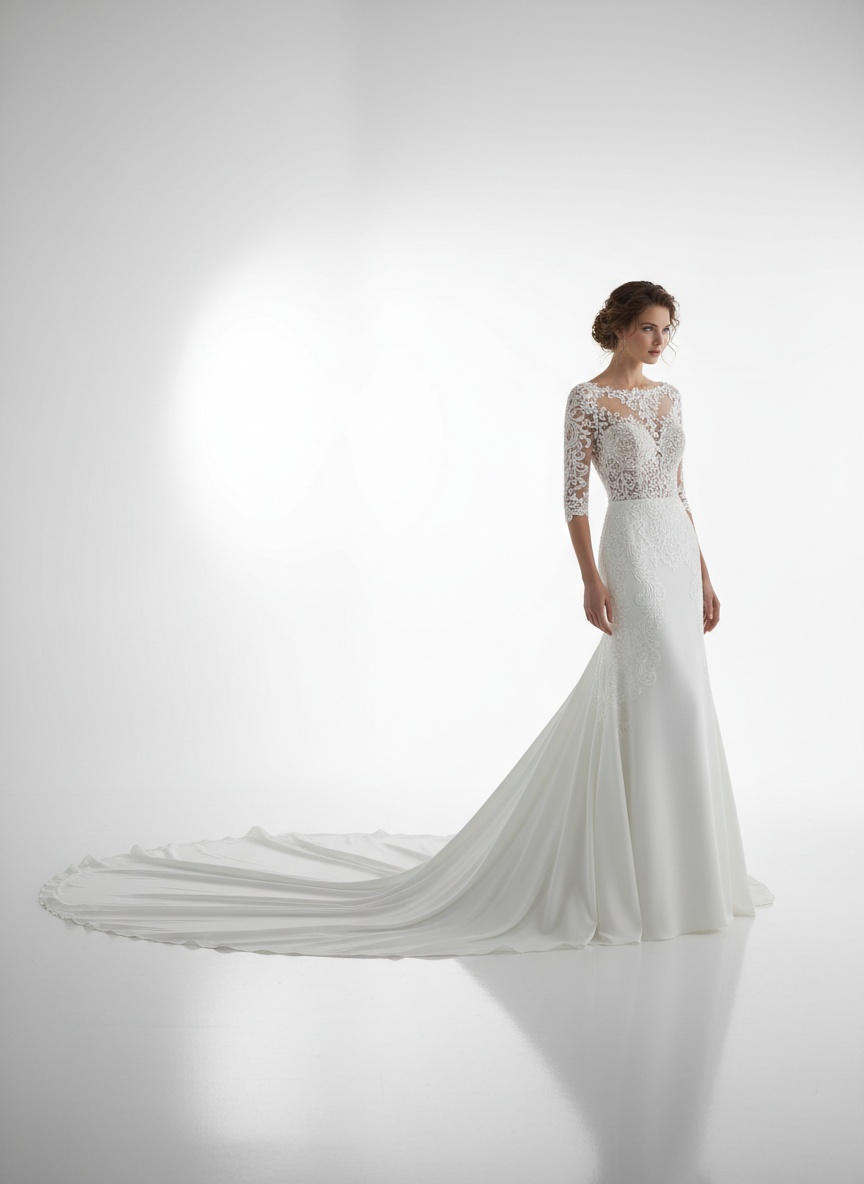 Studio
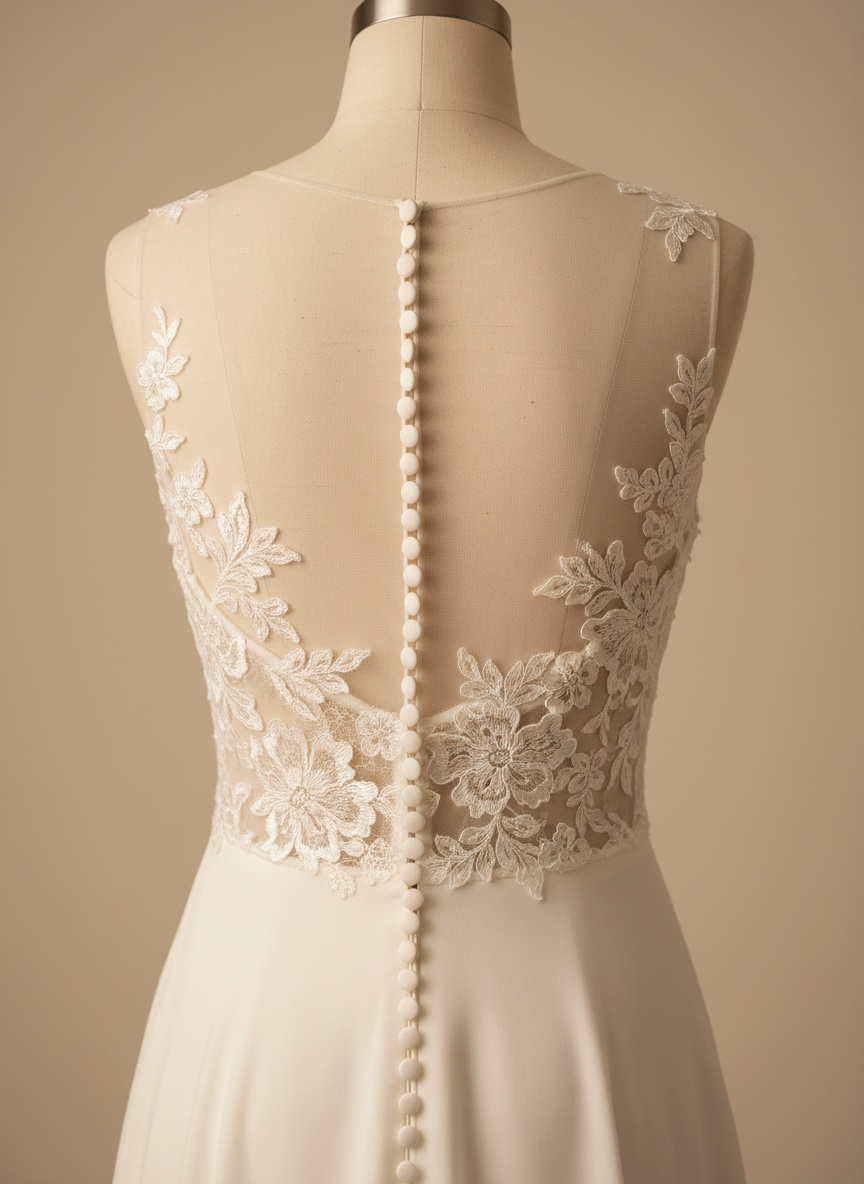 Back
Back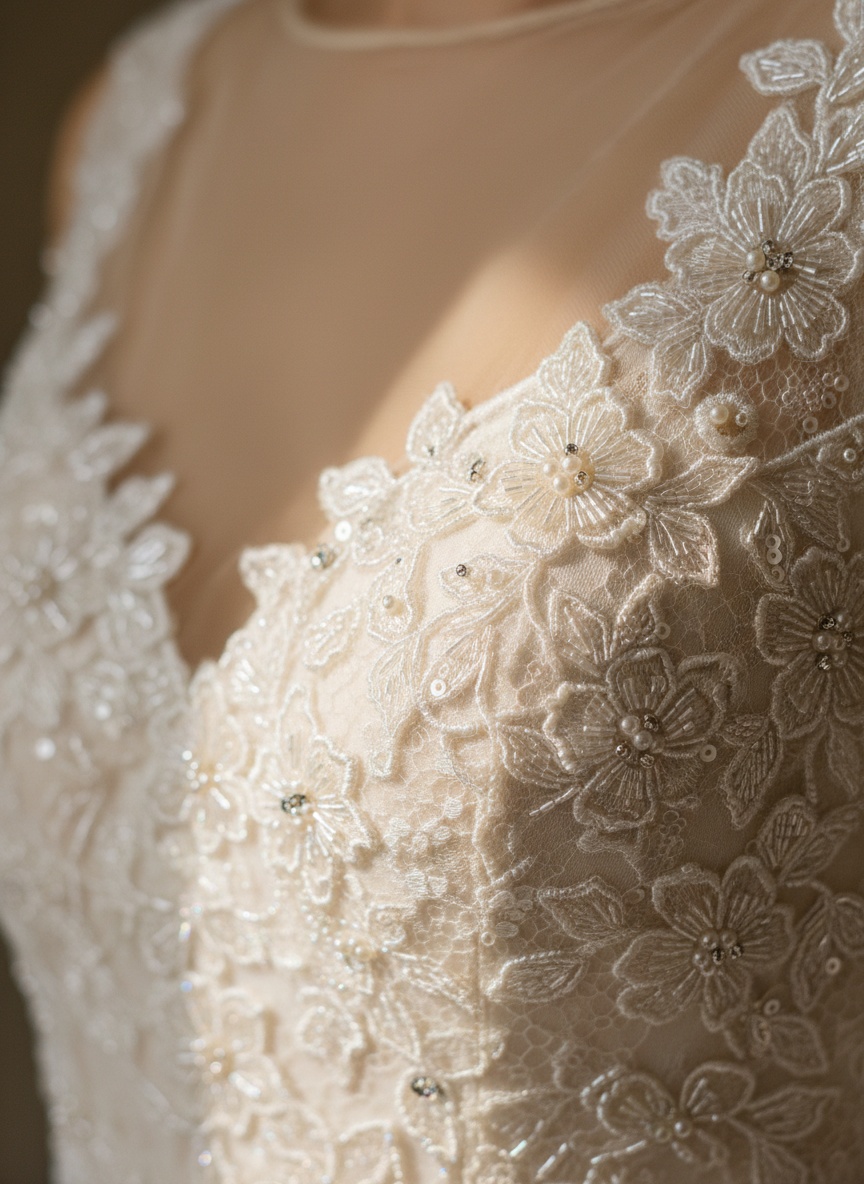 Detail
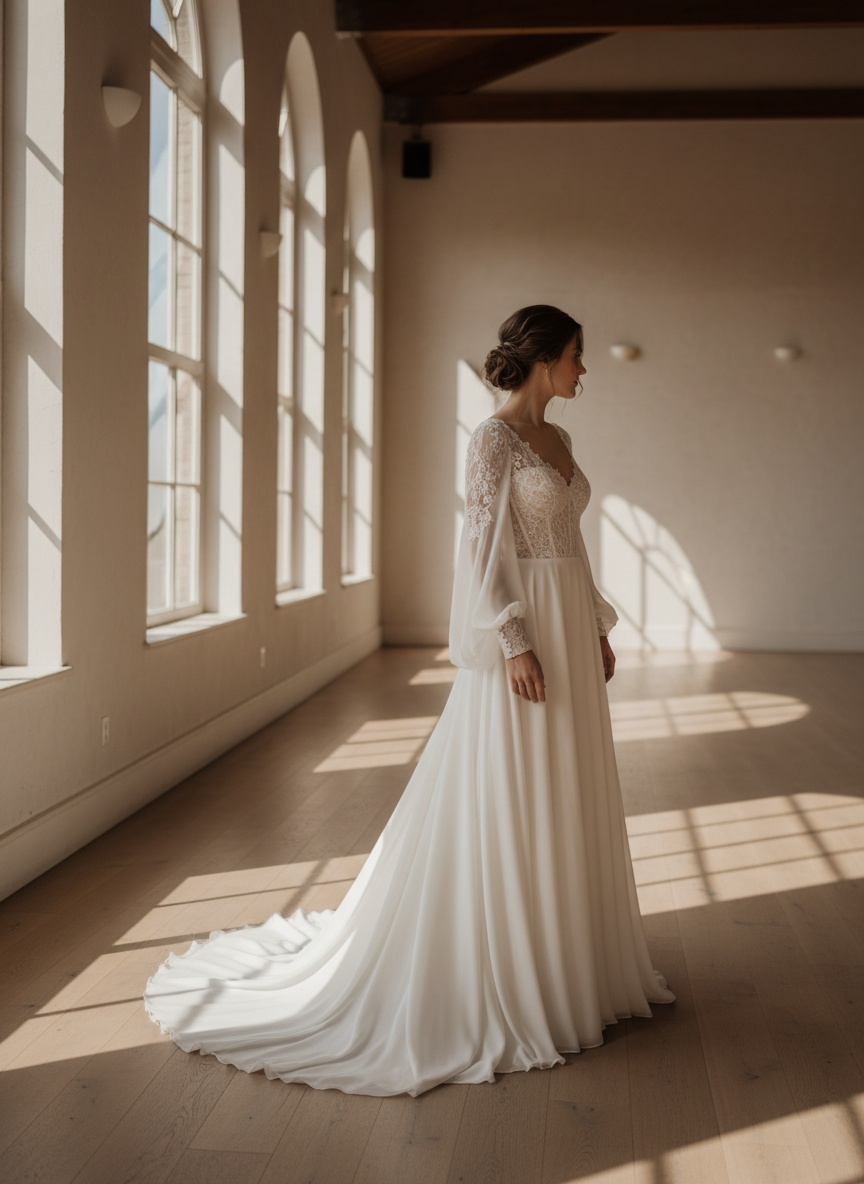 Venue
VenueLace, beadwork, embroidery and train length preserved from the source photo.
Pick one model from the full AI model library and reuse it so the range reads as one shoot.
Studio for the listing, landmark and nature for the campaign.
Optional — including seated, back-view and walking frames a gown needs.
Same as any garment. Bridal does not cost more.
Failed generations return their credits.
Photograph a collection before the sample gowns come back from the factory.
Give every gown you carry a house-style on-model frame instead of the designer's stock image.
Replace inconsistent supplier photos with one consistent look across the listing grid.
The beadwork was the whole question. It came back readable, which is more than the last three tools managed.
One model across the collection made the lookbook feel like a collection. That was worth more than the cost saving.
Use Fashio AI to put your garments on models, without a photoshoot.
All fashion AI tools
You're likely already opted in. Google's exact image requirements for try-on, which categories qualify, what it does not guarantee, and how to opt out.
19 open-source virtual try-on models checked Oct 2026: GitHub, Hugging Face demos, VRAM, licences. Only 2 allow commercial use.
Everything you need to know about virtual try-on AI for ecommerce. How it works, ROI data, implementation guide, and why returns drop 30-40%.
StudioSearch for wedding dress try-on and most of what comes back is a bride trying to solve her own problem: seeing a gown on her own body before an appointment, or having three shipped to her house. Those are at-home try-on services and boutique widgets, and they are the right answer to that question.
This is the other side of the counter. You have a gown and you need a photograph of someone wearing it — for the product page, for the lookbook, for the wholesale line sheet. You upload the gown; the AI generates the model.
If you are a bride, this is not your tool. If you sell gowns, it is.
BackMost apparel forgives a bit of drift. A plain jersey tee looks like a plain jersey tee even if the render softens it. Bridal does not work that way: the entire value of the piece sits in the lace pattern, the beadwork placement, the exact ivory, the way the train falls. Drift any of those and you have photographed a different dress.
The constraint the generator runs under is explicit about this. The uploaded gown is the primary product: no redesign, no reinterpretation, no colour shift, no pattern alteration, no added or removed elements. Fabric texture, stitching, embroidery, prints, proportions and length are preserved, and fabric physics — gravity, drape, folds, tension points — are applied so the gown behaves rather than sits flat.
We would still rather you tested it before committing. Uploading the gown and setting up the shot is free without an account; rendering needs a membership from $14 a month, and each render is 4 credits. Put your most detailed gown through it first, not your simplest.
DetailIn most categories, model consistency is a nice-to-have. In bridal it is the product. A collection photographed on six different women reads as six dresses; the same woman across all six reads as a collection with a point of view.
Model selection is optional in the flow, but for bridal it is the setting worth using. Pick one model from the full AI model library — it is broken down by ethnicity, body type, age band, skin tone, hair length and texture — and reuse it across the range.
VenueThere are dozens of environment presets. For bridal, three groups matter:
Pose is optional too, drawn from the pose library, and bridal benefits from the ones most categories skip: seated frames that show how the skirt collects, back views that show the closure and the train, walking frames that show movement.
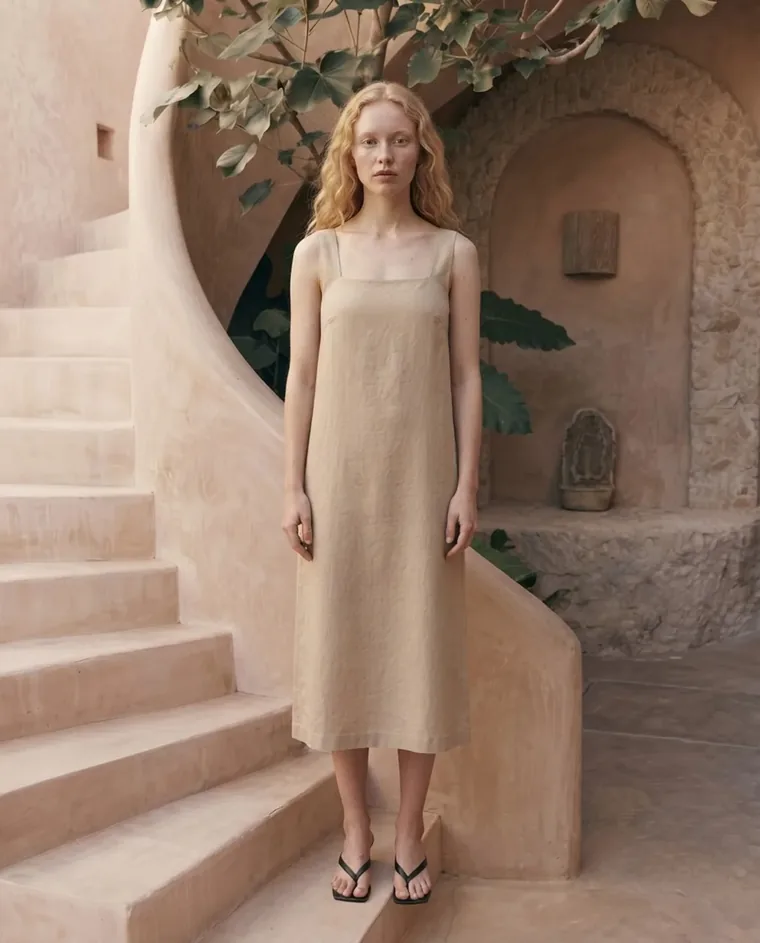 Campaign
4 credits a render — the same as a t-shirt. Plans start at $14 a month (Starter, 50 credits); Plus is $29.99 (160 credits) and Pro $49.99 (500 credits). One render costs 4 credits, about $1.12 on Starter and $0.75 on Plus. There is no free plan on the web. You can upload a photo and set up the shot without an account; generating needs a membership from $14 a month. The 1,200-credit pack at $129.99 brings a render to $0.43.
Failed generations are refunded, and jobs past the 300-second ceiling are refunded in full.