
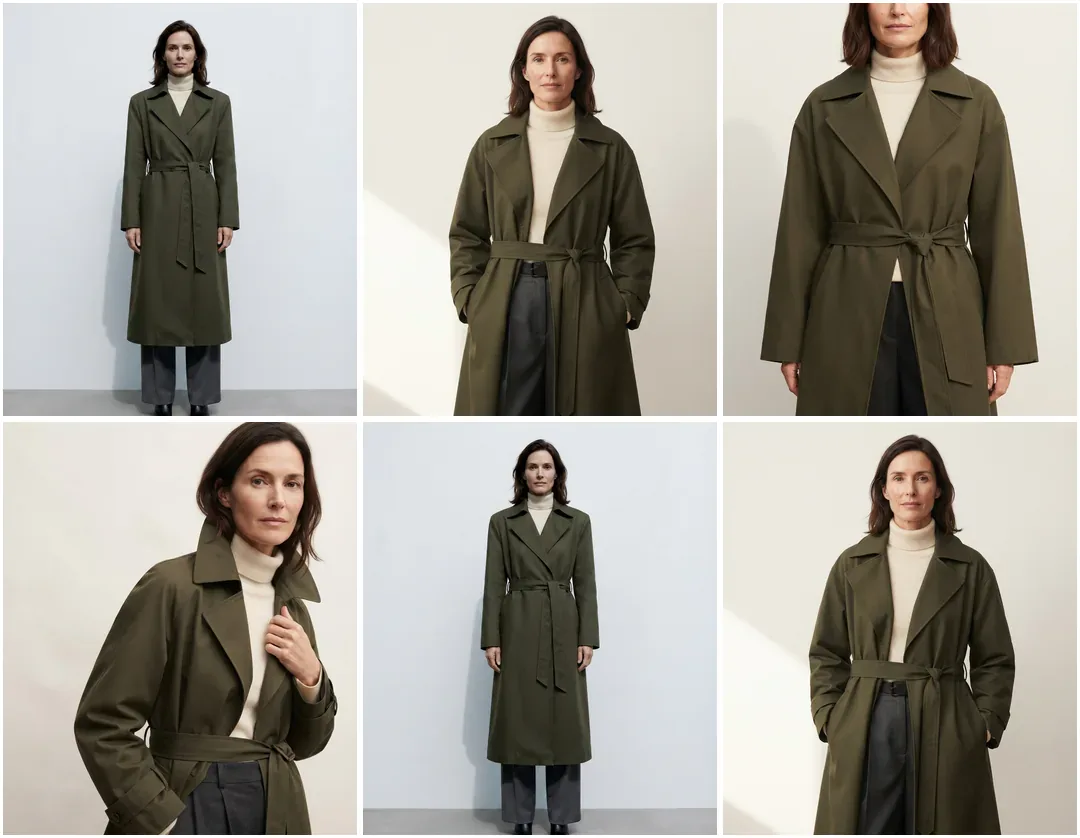
How to Make a Fashion Lookbook (2026 Step-by-Step Guide)
How to make a fashion lookbook step by step — concept, shot list, styling, layout, and the AI workflow that cuts production time. Complete 2026 guide.

Run a complete catalog photoshoot from a single garment photo. Pick one of 55 ready-made sets — a fi...
Generate product catalog shots with consistent styling and lighting — a four-shot set from every flat lay
White background, detail crop, on-model, second pose. The first five frames below are one product, generated in a single run.
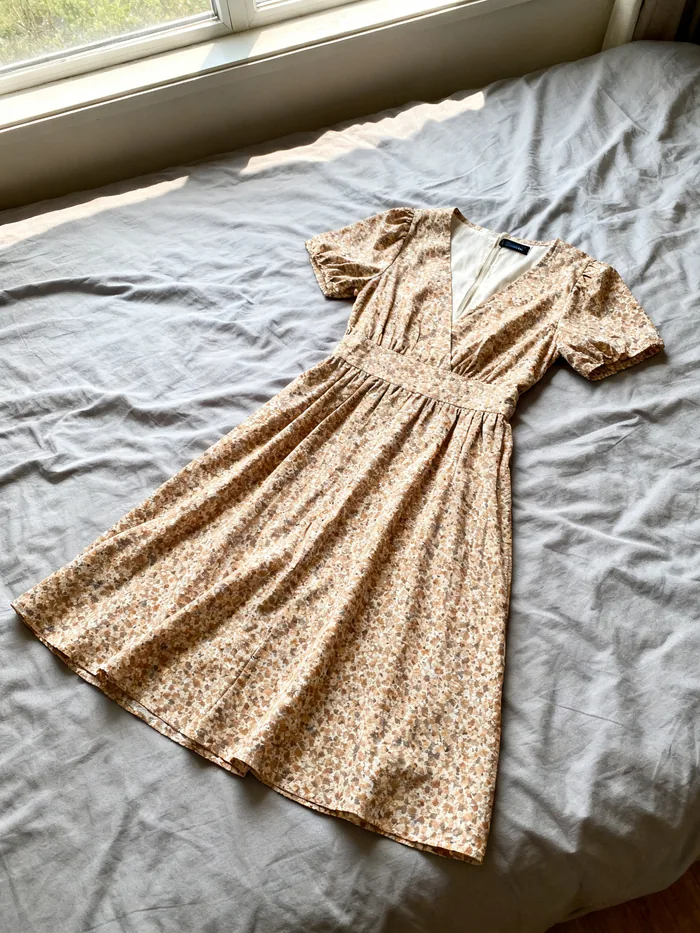 Your photo
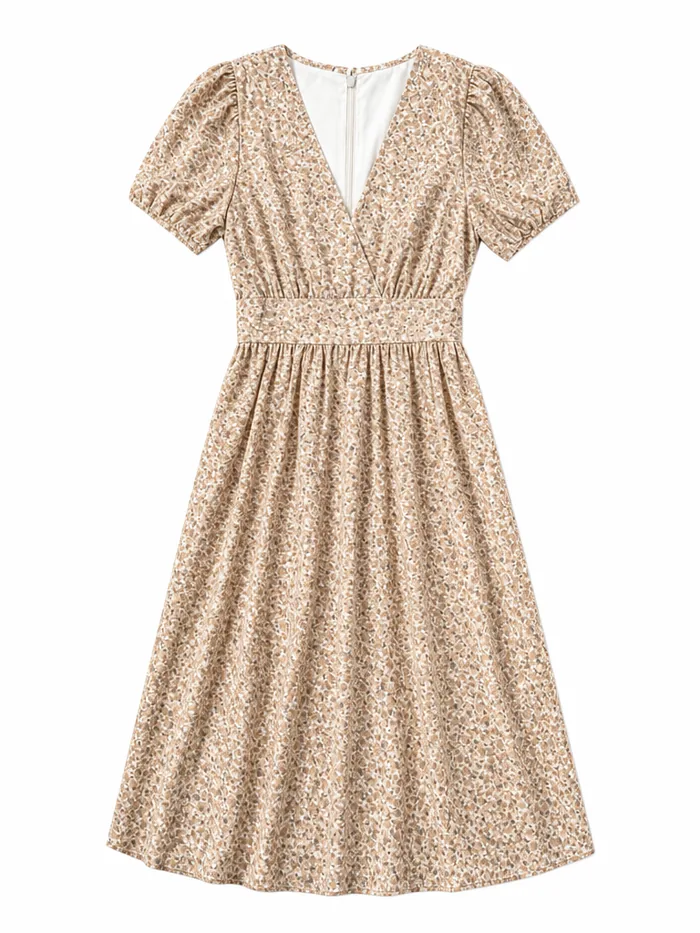 Listing
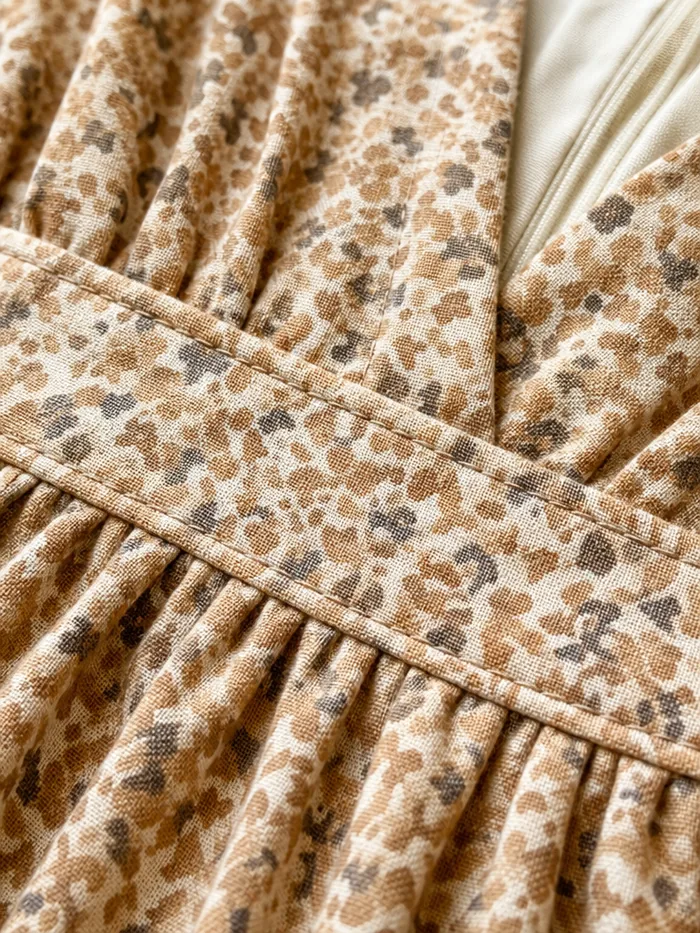 Detail
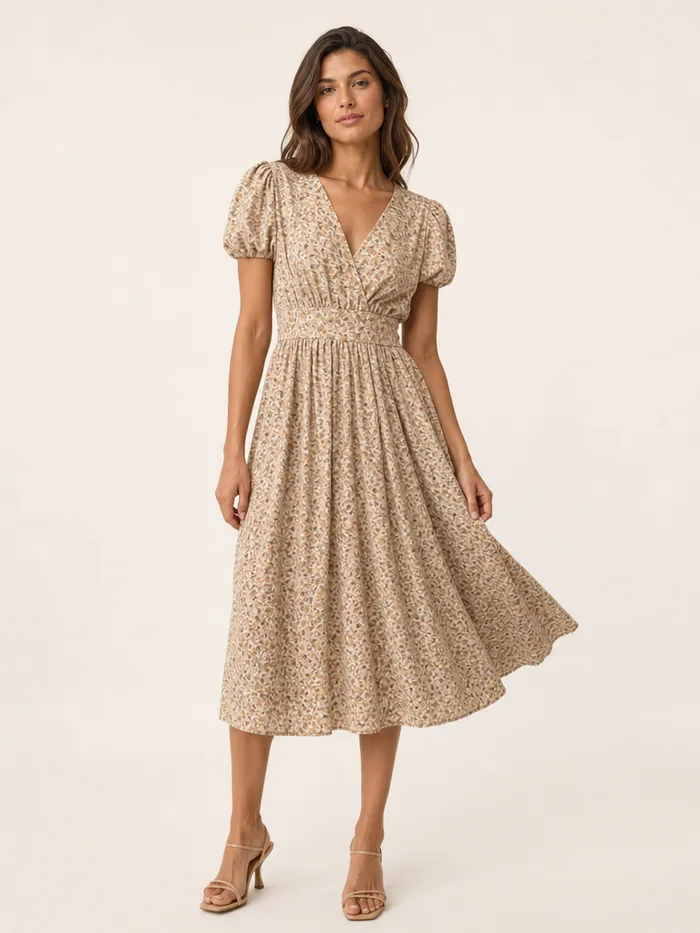 On model
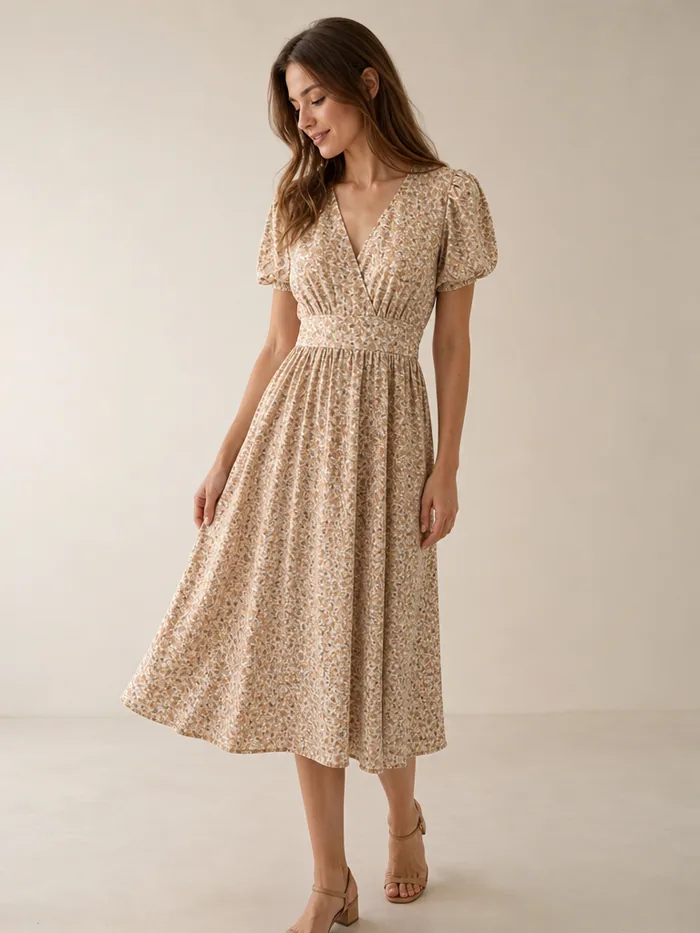 Second look
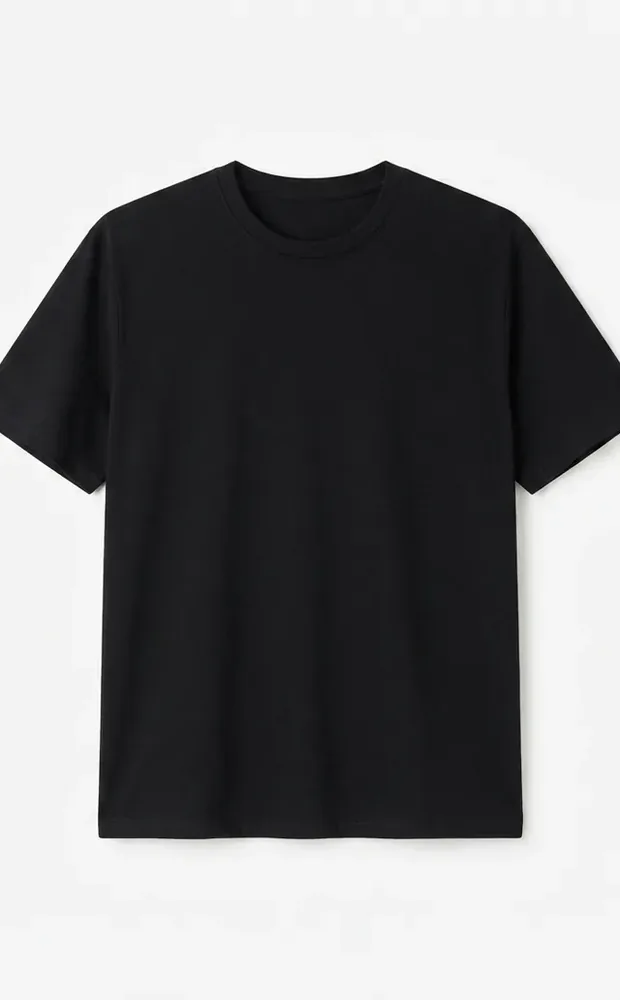 Flat lay
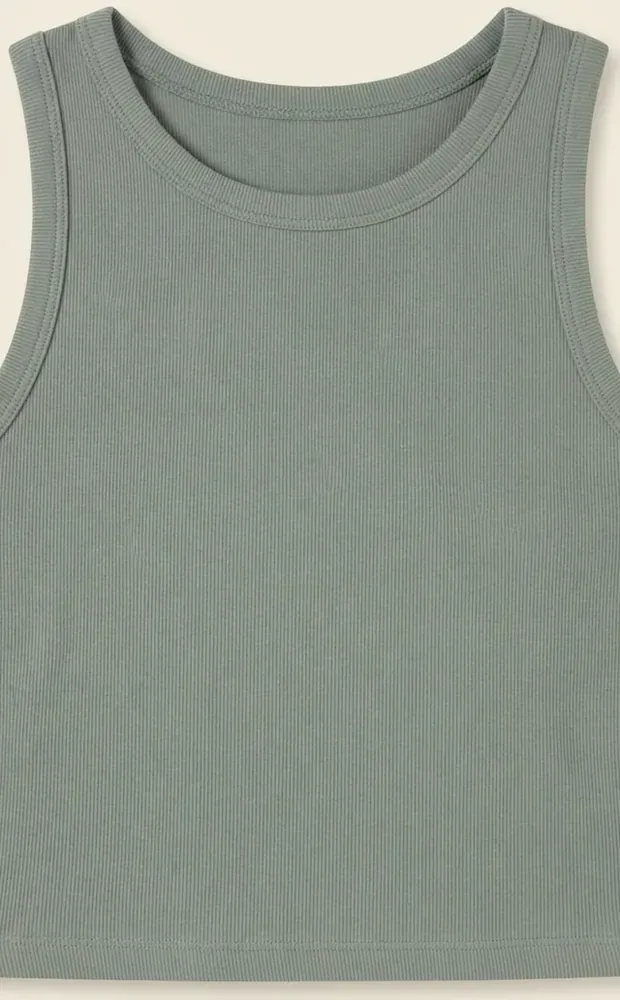 Flat lay
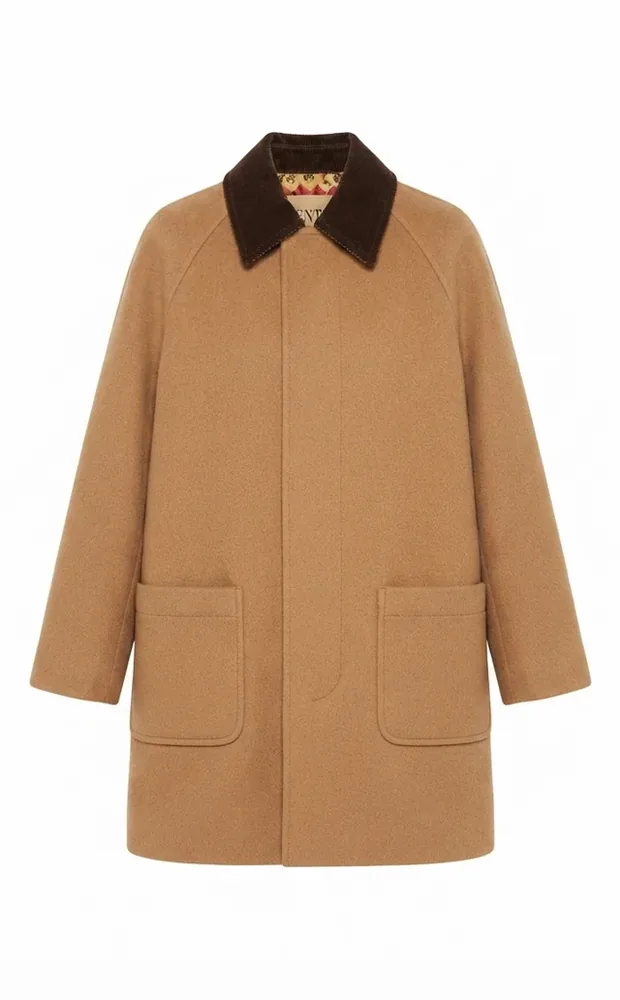 Flat lay
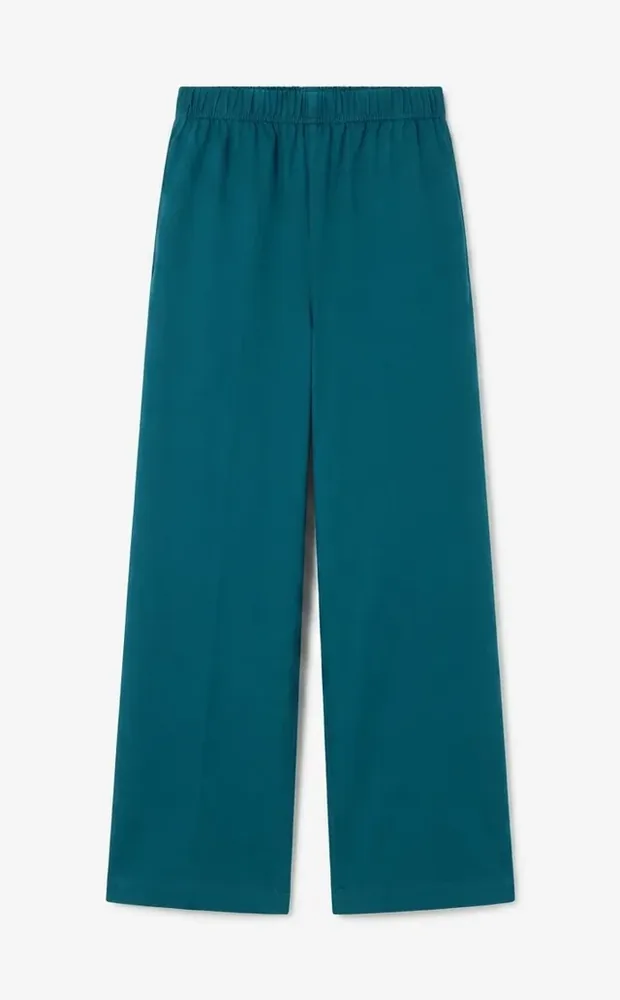 Flat lay
White background, detail, on-model and a second pose from one flat-lay.
3 credits a shot — about $3.36 a pack on Starter.
Every output, on every plan and pack, with no royalties.
Seamlessly convert simple flat lay photography into professional on-model imagery. Choose from our diverse library of virtual models and poses to match your brand aesthetic perfectly.
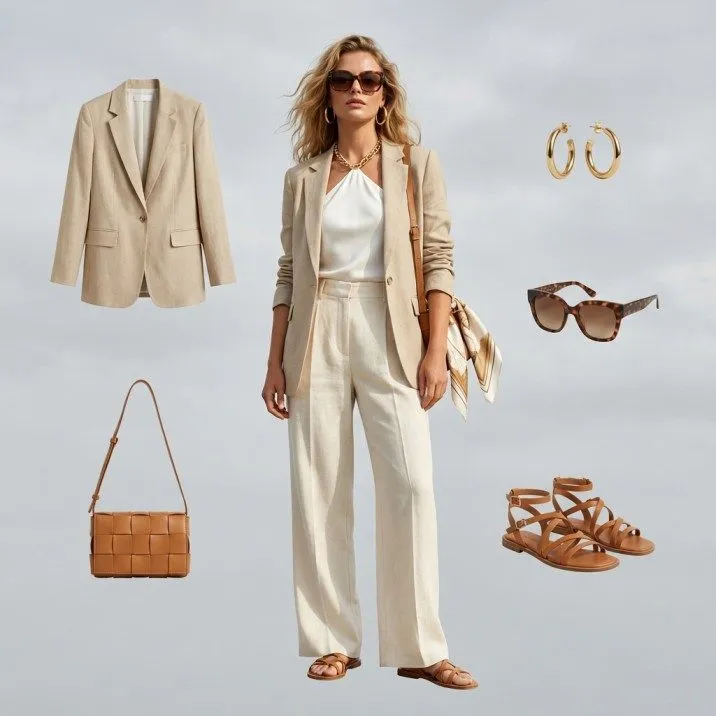
Generate a matched set of lookbook shots from one flat-lay. Each pack keeps lighting and styling consistent across its four frames, ready for product pages, marketplaces and social.
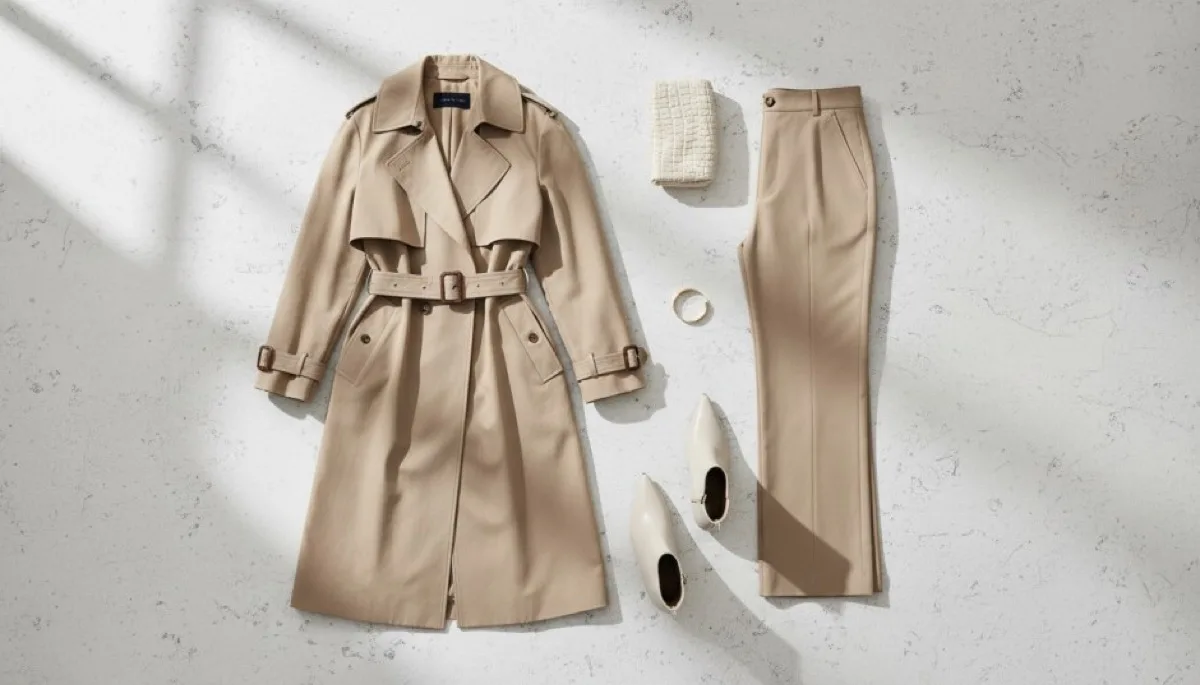
See how we stack up against traditional methods
| Features | Fashio AI | Traditional Photo Shoot | Other AI Tools |
|---|---|---|---|
| Turnaround Time | Minutes | Weeks | Varies |
| Cost per SKU | $1.20 - $3.36 (12 credits) | $50 - $200 | Varies |
| Model Diversity | 101 models | Limited by Booking | Varies |
| Consistency | Matched within a pack | Varies | Varies |
| Scalability | No booking needed | Low | Varies |
| Re-shoot Flexibility |
Choose the model and pose up front, from the full AI model library.
Lock in model, pose, background, and lighting once and reuse them across the collection
Unified styling across all products
Lifestyle, flat-lay, on-model, studio
One run returns a four-shot listing set for 12 credits
Product pages, marketplaces, ads, social, print — no royalties
Spring/Summer collections, holiday catalogs, new season launches, and limited edition releases.
Entire store photography, category-specific catalogs, brand lookbooks, and wholesale catalogs.
Images for magazine-style layouts, PDF catalogs and digital catalogs, assembled in your own layout tool.
Shops building a full listing set from one flat-lay.
One flat-lay in, and I get the white-background shot, the detail crop, and the on-model frame. That is the whole listing in one run.
Marketplaces each want a different set of angles. Generating the whole set at once stopped that from being a weekly chore.
The detail crop is what sells a textured piece. I used to shoot that separately and usually skipped it.
Use Fashio AI to put your garments on models, without a photoshoot.
All fashion AI tools
How to make a fashion lookbook step by step — concept, shot list, styling, layout, and the AI workflow that cuts production time. Complete 2026 guide.
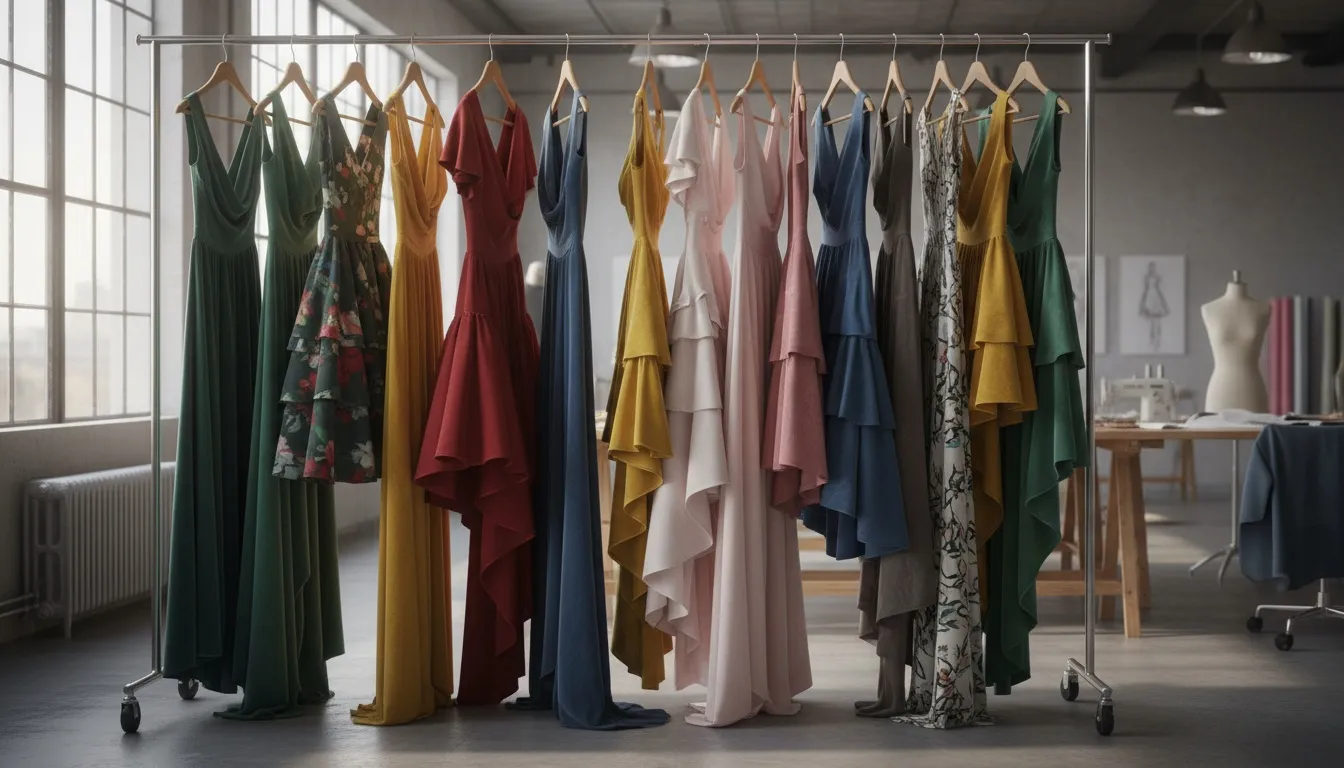
Generate beautiful dress imagery with AI. From evening gowns to casual dresses, learn how to create photorealistic dress visuals for your fashion brand.
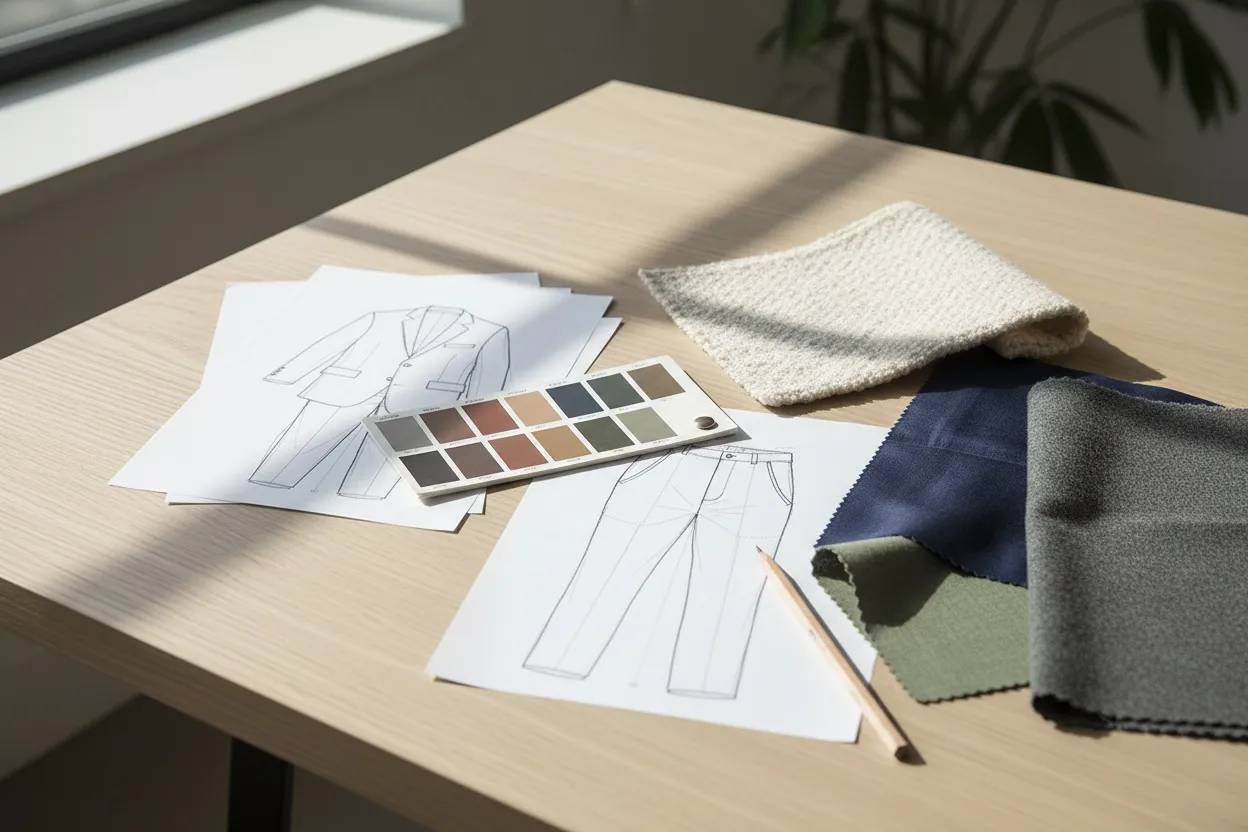
Use AI clothing generators to design, visualize, and photograph fashion collections. Compare tools, learn workflows, and create stunning clothing imagery.
Generate product catalog shots from flat lay photos. Lock in your styling once and reuse it across the collection, and every flat lay comes back as a four-shot set — on-white and on-model frames that look like they came from the same day. Fashio AI lookbook generator turns raw product shots into publish-ready images so your team can focus on selling instead of editing.
Your photoSeasonal catalogs are the backbone of fashion retail. Every spring/summer launch, holiday drop, and mid-season refresh demands hundreds of product images that look like they belong together. When each SKU needs a clean background, consistent lighting, uniform framing, and brand-compliant styling, the manual workload adds up fast. Traditional lookbook production means coordinating photographers, retouchers, and models across weeks of back-and-forth revisions. For brands running four or more collections per year, that cycle never really ends.
The cost pressure is just as real. Hiring a studio team to shoot and retouch 500 products can run tens of thousands of dollars per season. An AI lookbook generator replaces the shoot with a known per-product cost: 12 credits for a four-shot set, which is about $1.20 to $3.36 per product depending on your plan. Your creative team gets back the time it spent on repetitive shoots and can work on campaigns and storytelling instead.
Upload one garment photo — a flat lay, a hanger shot or a ghost-mannequin frame — as a JPG or PNG. Products go through one at a time; there is no batch mode. If your source photo needs cleanup first, run it through AI background removal or AI photo enhancement before uploading.
Pick the look for the collection. Those settings stay in place for the next product, so the tenth SKU is shot the same way as the first without rebuilding the setup.
Each run returns four listing shots of the same garment, including on-white and on-model frames, as PNG or JPEG in the aspect ratio you chose (1:1, 3:4, 4:3, 9:16 or 16:9). Drop them into your store, marketplace listings, or the layout tool you use for the lookbook PDF.
DetailEvery SKU in your catalog can share the same background, lighting, framing, and model. This uniformity is what separates professional catalogs from amateur product listings, and it removes the visual inconsistencies that creep in when multiple photographers or retouchers handle different parts of a collection. For more on-model variants from the same flat lay, pair the catalog output with our AI fashion model generator.
Fashio AI outputs standard web-resolution files sized for product pages, marketplaces, and social. If you need larger files for print, pass them through AI upscaling, which doubles the resolution, and handle CMYK conversion in your print workflow.
Products are generated one at a time, but the setup is not rebuilt each time. Pick the model, pose, background, and lighting once and every subsequent product inherits them, which is what stops a catalog turning into a mix of shots that plainly came from different days. That consistency is where automated lookbook creation earns its keep — matching it manually is exactly the part that used to occupy a retoucher.
On modelThe most efficient lookbook workflow starts at the photography stage. Shoot your garments as flat lays on a neutral surface using consistent overhead lighting. Even smartphone shots work if the lighting is even. Next, upload each flat lay to Fashio AI with your collection settings in place; if any products were originally shot on ghost mannequin photography setups, the tool handles those just as well. Review each four-shot set in the dashboard and rerun anything that is off. Finally, place the images in your online store, your marketplace listings, or the layout tool you use for the lookbook PDF. The pipeline from raw flat lay to published catalog takes days, not weeks.
Second lookThe tool works with fashion products you can photograph as a flat lay — t-shirts, dresses, jackets, trousers, skirts, and other garments. Structured garments with clear silhouettes produce the best results, but it handles soft and unstructured items as well. Fashio AI is fashion-only; for jewelry, use jewelry on model.
Individual product images export as PNG or JPEG at standard web resolution, in 1:1, 3:4, 4:3, 9:16 or 16:9. The tool does not build page layouts or PDFs; those come from your own design tool or store theme.
Yes. Choose the model, pose, background, and lighting for the collection, and those settings carry across products, so every SKU gets the same treatment without manual intervention. You can change a setting for an individual product if needed.
Products are processed one at a time — there is no bulk uploader and no batch queue. The practical limit is your credit balance rather than a cap on the tool. Your styling settings persist between products, so the per-item work after the first one is upload, generate, export.
A four-shot lookbook set costs 12 credits (3 per shot). Plans start at $14 a month (Starter, 50 credits); Plus is $29.99 (160 credits) and Pro $49.99 (500 credits). A single fashion image costs 4 credits, about $1.12 on Starter. There is no free plan, and credit top-up packs for an active plan never expire.
Flat layReady to build your catalog? Start creating with Fashio AI →