AI Dress Generators: What They Do and How They Work
AI Dress Generation in 2026
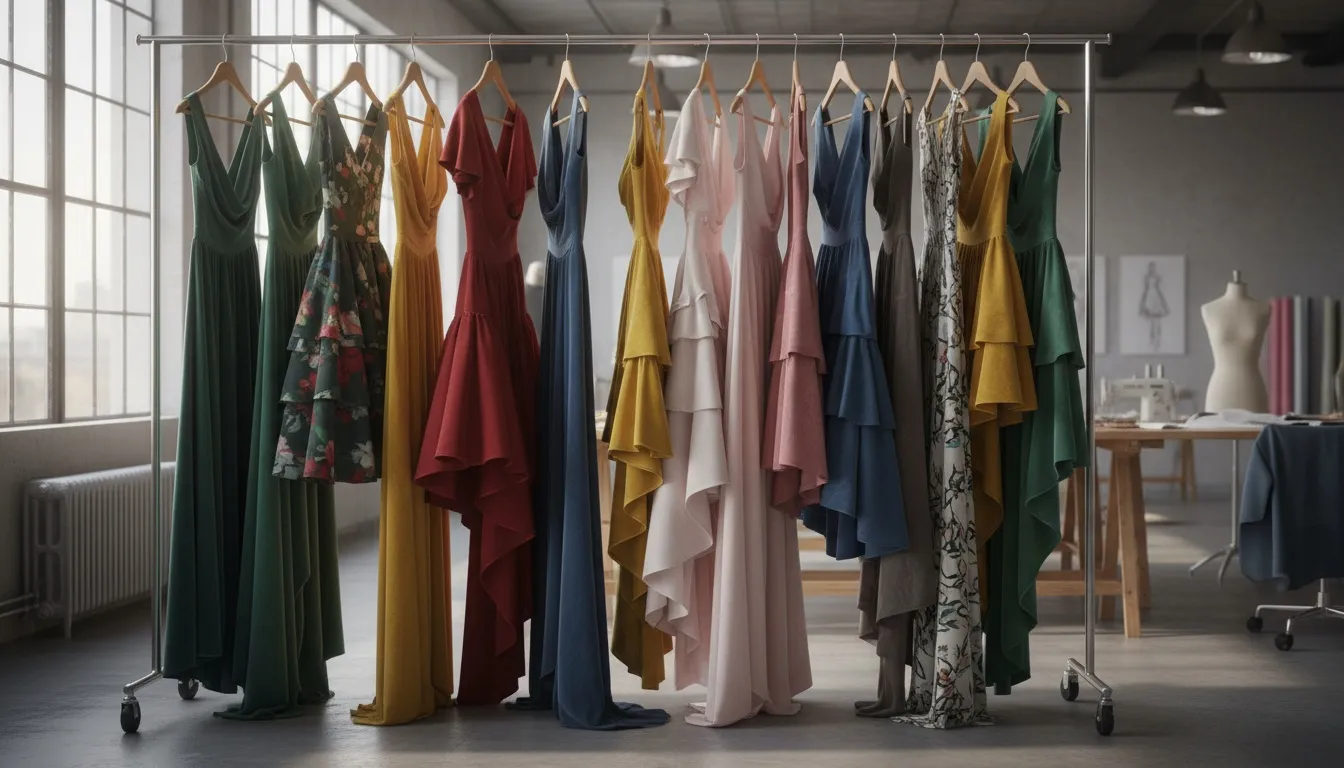
Fashion brands using AI dress generators are producing more visual content than ever — with better consistency and at a fraction of traditional photography costs.
An AI dress generator transforms how fashion brands create dress imagery. Instead of booking studios, hiring models, and spending days on photoshoots, you upload a product photo — or even a rough sketch — and the AI produces photorealistic dress visuals in minutes. The technology behind it combines generative adversarial networks (GANs) and diffusion models trained specifically on fashion data, so the output understands garment structure, fabric behavior, and how dresses fit on different body types.
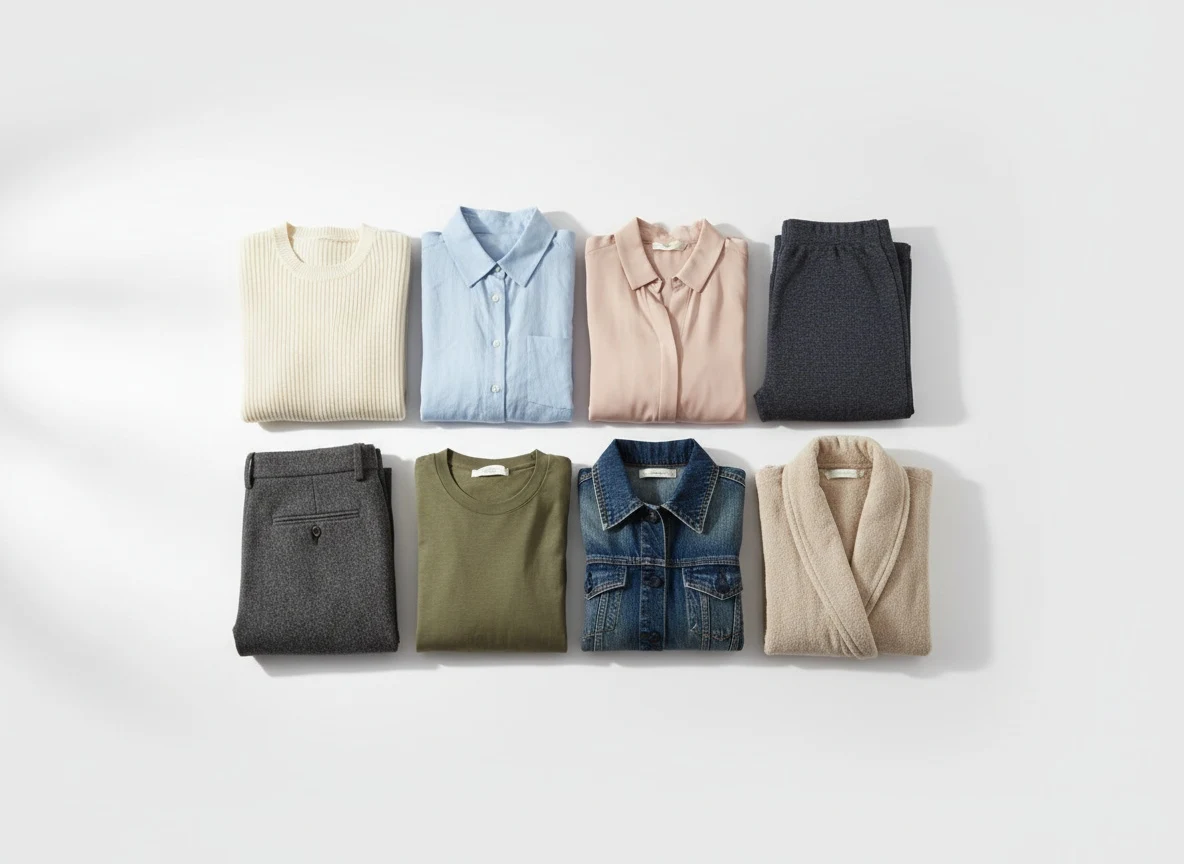
The process is straightforward. You provide an input — a flat lay image, a ghost mannequin shot, a design sketch, or a text description — and the AI dress generator produces on-model imagery that looks like it came from a professional studio. Fashion-specific tools like AI Fashion Model Generator go further: they're trained on millions of garment images, so they understand how a pleated midi skirt falls differently from a structured bodycon dress, how a V-neckline frames the collarbone, and how sleeve length affects the overall silhouette. For complete dress campaigns — multiple poses, scenes, and editorial styling in one workflow — see the AI Fashion Studio.
What separates a dedicated AI dress generator from general image tools is precision. Fashion-trained AI knows that a silk charmeuse evening gown pools at the floor differently than a cotton sundress hits above the knee.
What separates a dedicated AI dress generator from general image tools is precision. General AI can create a "dress" — but it often gets proportions wrong, misunderstands fabric weight, or produces artifacts around necklines and hemlines. Fashion-trained AI knows that a silk charmeuse evening gown pools at the floor differently than a cotton sundress hits above the knee. That specificity is what makes AI dress generation viable for professional use.
Types of Dress Imagery AI Can Create
AI dress generators are not limited to a single output style. The same tool can produce fundamentally different types of imagery depending on your needs — and understanding these categories helps you maximize what you get from every product upload.
Catalog Shots
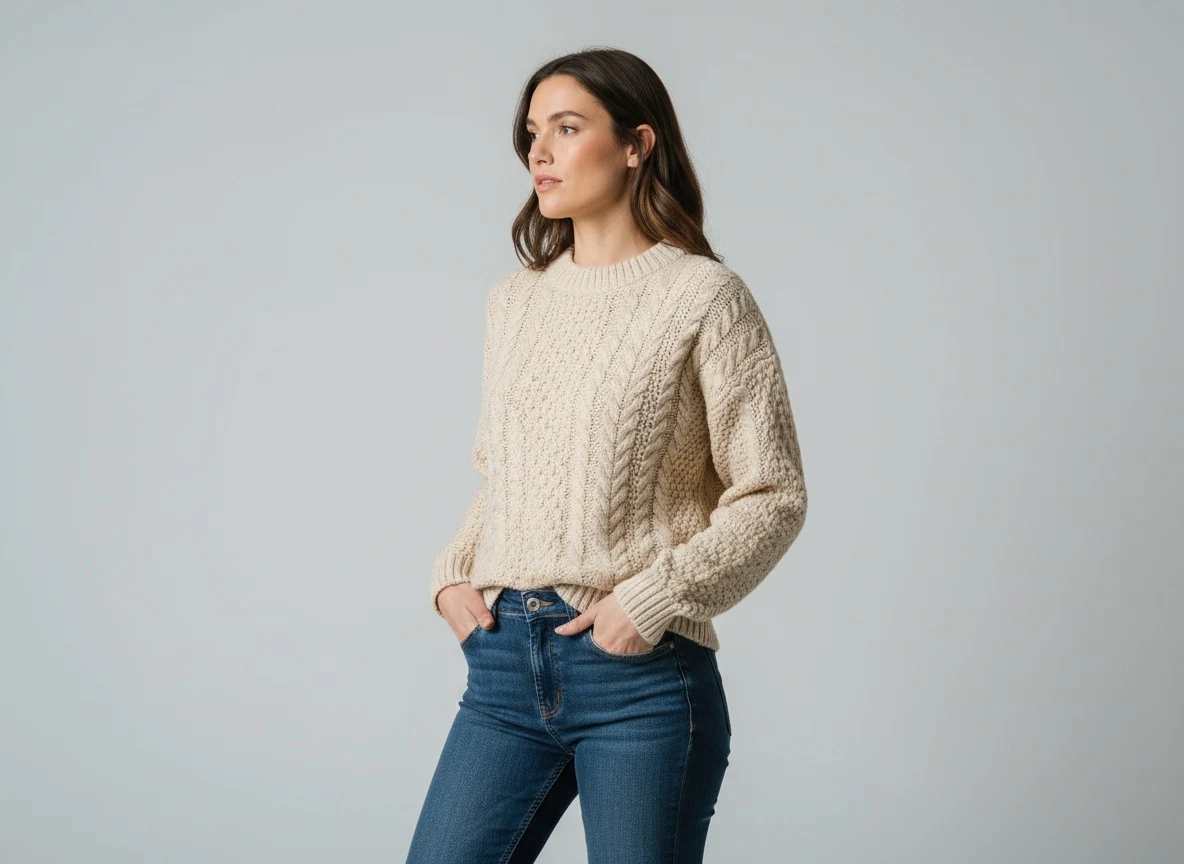
Clean, white-background product images with a model in a neutral pose. These are the backbone of any e-commerce store. AI generates them with consistent lighting, identical model positioning, and a uniform aesthetic that makes your product grid look cohesive. No more visual inconsistency from shooting across multiple days with different lighting conditions.
Editorial Imagery
Dramatic lighting, creative angles, and styled compositions that tell a story. AI can place your dress in editorial contexts — think moody studio lighting with shadow play, or a model mid-stride with fabric catching movement. These images work for lookbooks, brand campaigns, and homepage hero sections.
Lookbook Visuals
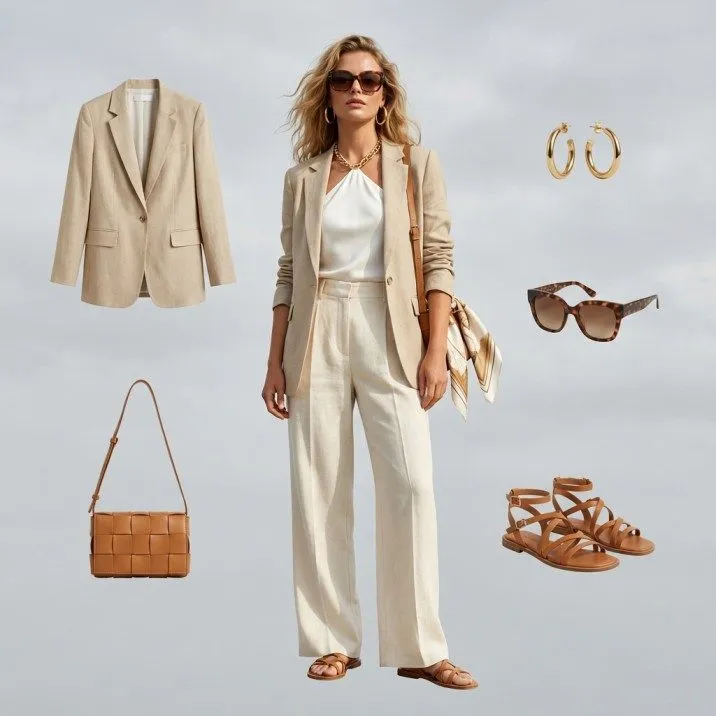
Lifestyle settings that show dresses in context. A floral midi dress at a sidewalk cafe. An evening gown in a grand foyer. A casual wrap dress in a sun-drenched apartment. AI generates these environments without location scouting or travel budgets, letting you place any dress in any setting that resonates with your target customer.
Social Media Content
Platform-optimized imagery designed for Instagram, Pinterest, and TikTok. AI can generate square crops, vertical formats, carousel-ready variations, and trend-aligned aesthetics. From a single dress photo, you can produce an entire week of social content — each image styled differently but maintaining brand consistency.
The versatility matters because a single product upload to AI Fashion Model Generator can produce all four types. One flat lay photo of a black cocktail dress becomes a catalog image, an editorial hero, a lifestyle scene, and five social media assets — all photorealistic, all brand-consistent.
Best AI Dress Generator Tools Compared
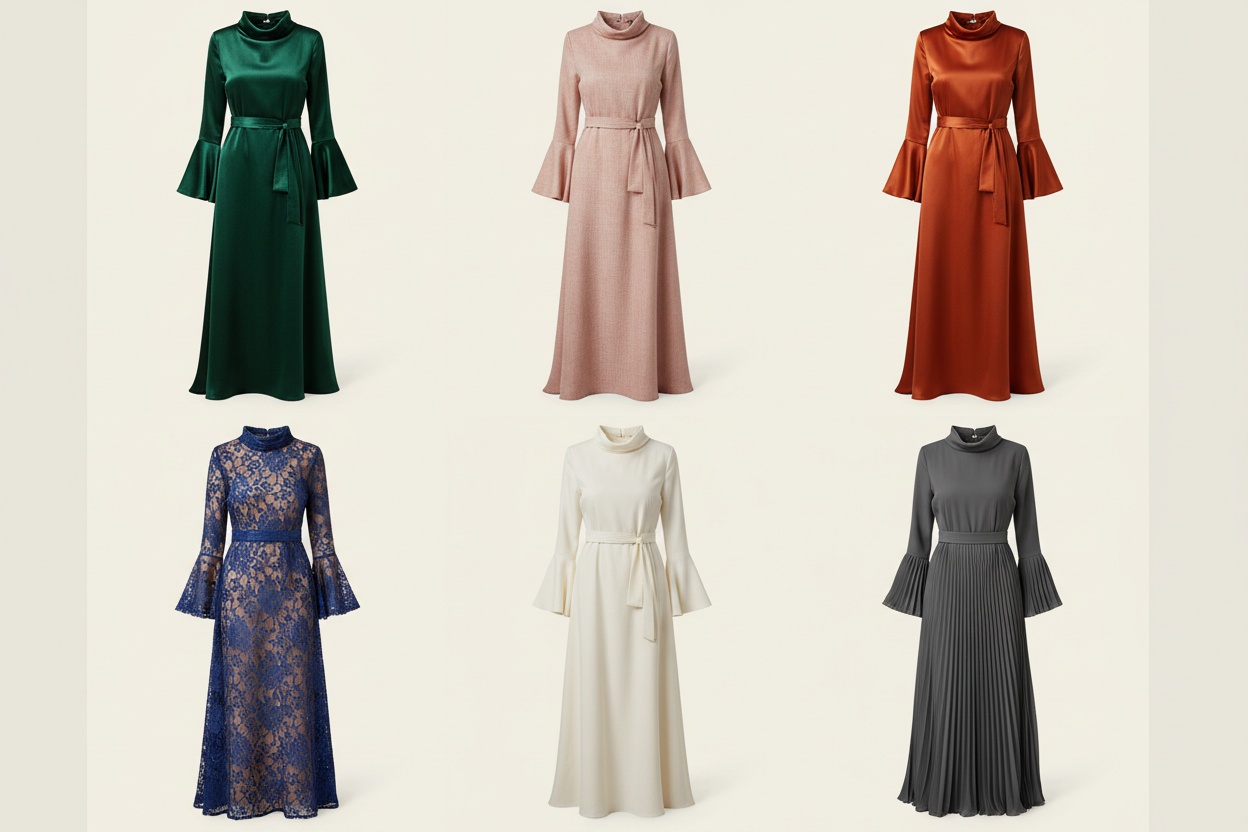
The AI dress generation landscape has matured significantly. Here's how the leading tools stack up for fashion brands specifically looking to generate dress imagery.
Top AI Dress Generator Tools
- Fashio AI — Purpose-built for fashion brands. AI Fashion Model Generator trained on garment data for accurate fabric rendering, natural drape and movement, proper fit visualization, and consistent model identity. Supports flat lay to on-model conversion, pose variation, background replacement, and image editing. Best for production-ready catalog and marketing imagery.
- General AI (Midjourney, DALL-E, Stable Diffusion) — Impressive for dress concepts and artistic fashion imagery, but lack garment-specific training. Fabric textures are approximated, proportions can be inconsistent. Best for mood boards and conceptual exploration.
- Virtual Try-On Tools — Virtual try-on lets customers see how a dress looks on their own body. Serves customer experience rather than content creation. Some brands use both: AI generators for product imagery, virtual try-on for shopping.
Fashio AI
Purpose-built for fashion brands. Fashio AI's AI Fashion Model Generator is specifically trained on garment data, which means it excels at the details that matter for dress imagery: accurate fabric rendering, natural drape and movement, proper fit visualization, and consistent model identity across entire collections. It supports flat lay to on-model conversion, pose variation, background replacement, and image editing — all in one platform. Best for brands that need production-ready catalog and marketing imagery.
General AI Image Generators (Midjourney, DALL-E, Stable Diffusion)
These tools can generate impressive dress concepts and artistic fashion imagery. However, they lack garment-specific training, which means fabric textures are often approximated rather than accurate, proportions can be inconsistent, and maintaining a consistent model identity across images requires significant prompt engineering. Best for mood boards and conceptual exploration, but not reliable for production catalog imagery.
Virtual Try-On Tools
Tools focused on virtual try-on let customers see how a dress looks on their own body or on a model with their proportions. These overlap with AI dress generation but serve a different primary purpose — customer experience rather than content creation. Some brands use both: AI dress generators for creating the initial product imagery, and virtual try-on for the shopping experience.
For fashion brands that need to generate dress imagery at scale — consistent, photorealistic, and production-ready — a fashion-specific tool delivers results that general AI simply cannot match.
Creating Consistent Dress Collections with AI
The biggest challenge in AI-generated fashion imagery is not quality — it is consistency. A single beautiful dress image is easy. A collection of 200 dresses that all look like they were shot in the same studio, on the same model, with the same lighting? That requires a system.
4 Keys to Collection Consistency
- Lock your model identity — same skin tone, hair, proportions, facial features across every product
- Standardize input photos — identical background, lighting, camera distance, and angle
- Use template poses — define 3-5 standard poses and apply them systematically
- Batch process — process dresses in groups to ensure uniform parameters
Lock Your Model Identity
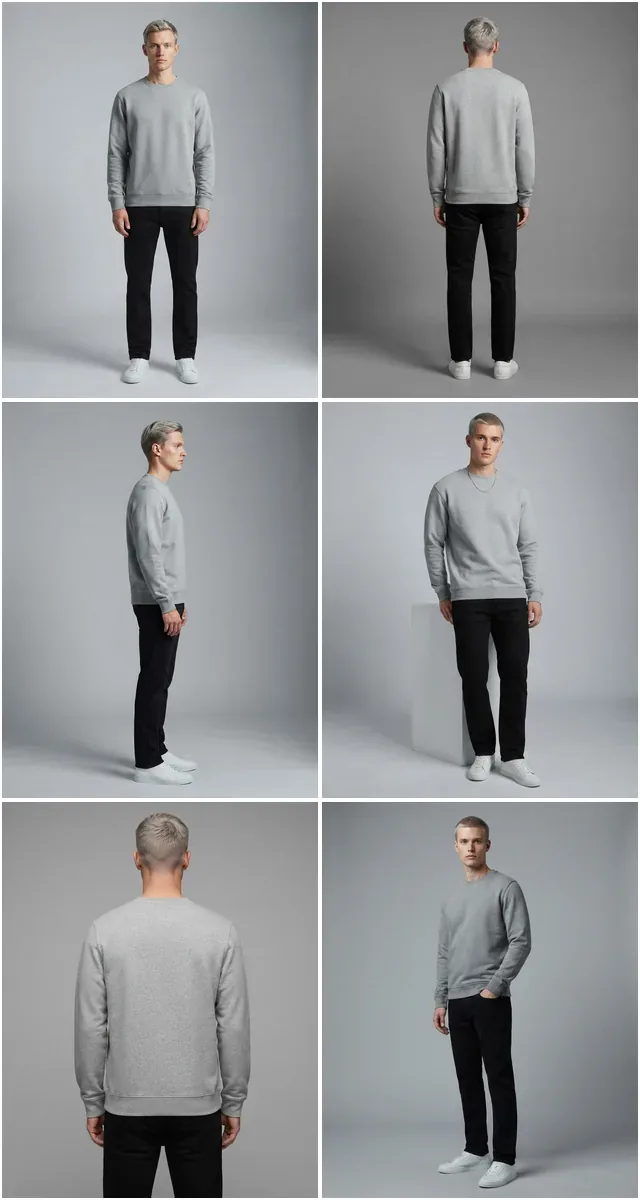
Choose your AI model's characteristics once and apply them across every product. Skin tone, hair color, body proportions, facial features — all should remain identical. Fashio AI lets you define a model profile and reuse it, ensuring that customers browsing your catalog see the same model wearing every dress. This builds trust and helps shoppers compare how different dresses look on the same figure.
Standardize Your Input Photos
Consistency starts before the AI runs. Every dress you photograph as input should follow the same protocol: identical background color, same lighting setup, consistent camera distance and angle. If your flat lays vary — one shot slightly blue-toned, another with hard shadows — the AI output will inherit those inconsistencies. Use the flat lay to catalog creator to convert standardized flat lays into uniform on-model images.
Use Template Poses
Define a set of 3-5 standard poses for your collection and apply them systematically. A front-facing catalog pose, a three-quarter turn, a walking pose for movement, and a detail shot angle. Fashio AI's pose variation tool lets you apply the same pose set to every dress, creating a catalog that feels deliberate and professionally art-directed.
Batch Process for Uniformity
Process your dresses in batches rather than one at a time. Batch processing ensures the AI applies the same parameters — model, lighting, pose, background — across a group of products simultaneously. The result is a collection that looks like it was shot in a single studio session, not assembled from hundreds of independent AI generations.
How to Generate Realistic Fabric Rendering
Fabric is where AI dress generation either succeeds or fails. Customers buy dresses based on how the fabric looks — the sheen of silk, the flow of chiffon, the structure of a tailored wool blend. Getting fabric rendering right is non-negotiable for professional use.
Fabric Rendering Pro Tip
Always use high-resolution input images that clearly show your fabric's light-catching properties. A well-lit flat lay that reveals texture, sheen, and drape gives the AI the data it needs to extrapolate realistic on-model rendering for any fabric type.
Silk and Satin
Silk requires accurate light reflection. The AI needs to render the characteristic liquid shine of silk charmeuse, the subtle matte glow of silk crepe, and the structured sheen of duchess satin. Fashion-trained AI tools handle this because they have learned from thousands of real silk garment photographs. The key input factor: ensure your product photo clearly shows the fabric's light-catching properties. A flat, evenly lit flat lay of a silk dress gives the AI the data it needs to extrapolate realistic on-model shine.
Chiffon and Sheer Fabrics
Transparency is the challenge. Chiffon layers, mesh panels, and sheer overlays require the AI to render what's behind the fabric while still showing the fabric itself. This is where general AI tools typically fail — they either make sheer fabric look opaque or produce unrealistic transparency. Fashion-specific generators understand layered rendering: the base garment beneath, the sheer overlay on top, and the interaction of light through both layers.
Velvet and Textured Fabrics
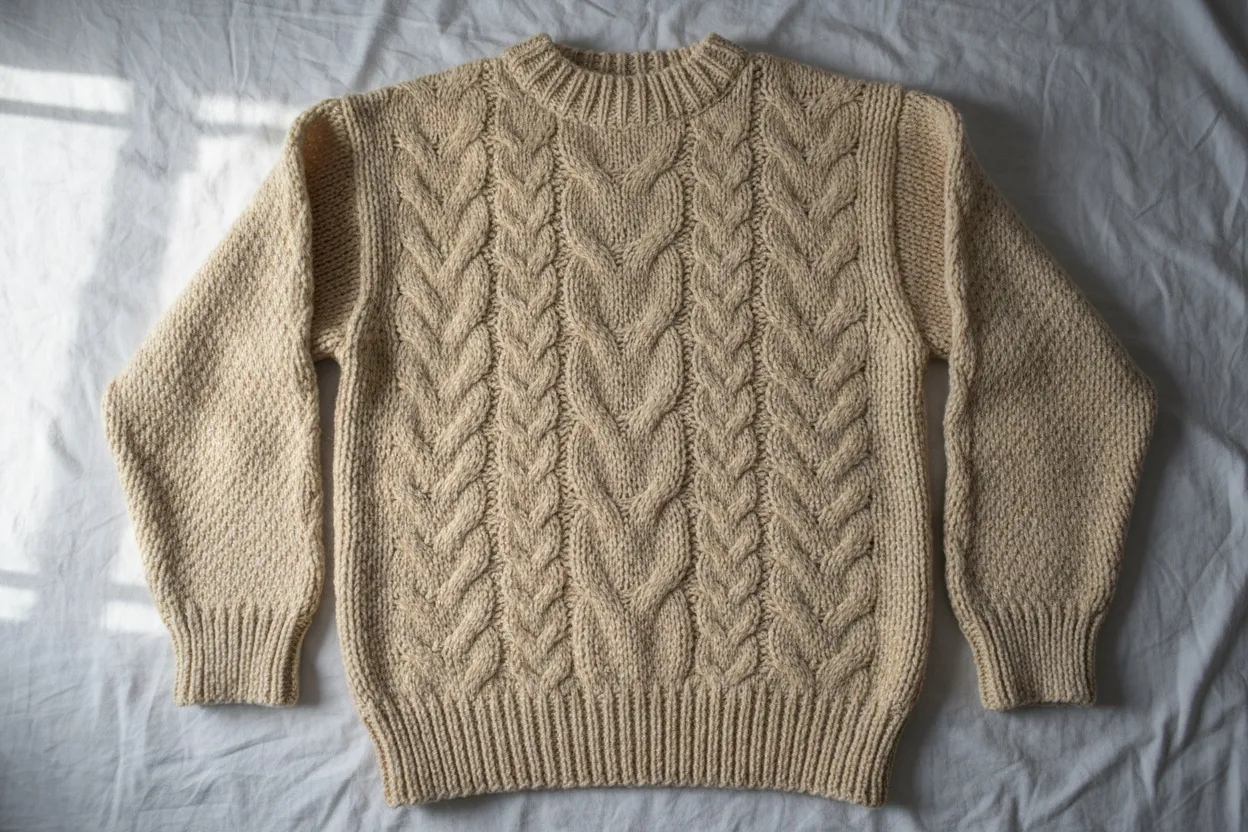
Velvet's depth comes from its pile — the way it absorbs light in some angles and reflects it in others, creating the characteristic color-shift effect. AI must render this directional light behavior accurately, along with the subtle crushing patterns that give velvet its luxurious appearance. Corduroy, boucle, and tweed present similar challenges: surface texture that changes appearance with viewing angle and lighting direction.
Lace and Embellishment
Lace is arguably the most complex fabric for AI to render. It requires generating intricate, repeating patterns with precise negative space — the holes in the lace are as important as the threads. Beading, sequins, embroidery, and other embellishments add another layer of complexity. The best results come from high-resolution input images that clearly show the lace pattern, giving the AI sufficient detail to reproduce the texture accurately on a model.
Across all fabric types, one rule applies: the quality of your input image directly determines the quality of the AI output. A well-lit photograph that clearly shows fabric texture and light behavior gives the AI everything it needs to produce a realistic rendering.
From Sketch to Photorealistic Dress: The AI Workflow
AI dress generation is not just for brands with existing product photography. Designers can use AI to go from initial concept to photorealistic visualization before a single garment is manufactured. Here is the complete workflow.
- Concept Input — Start with a hand-drawn sketch, digital illustration, text description, or mood board. Be specific with text prompts for best results.
- Design Refinement — Iterate on neckline, hem length, sleeve style, and fabric. Each iteration takes seconds, not weeks.
- On-Model Visualization — Generate photorealistic on-model imagery. Test different body types, front/side/back views.
- Collection Context — Place the dress within your broader collection. Create lookbook spreads with accessories and complementary pieces.
- Production Assets — Generate catalog images, editorial shots, social media content, and detail close-ups — all before manufacturing.
Step 1: Concept Input
Start with whatever you have. A hand-drawn sketch, a digital illustration, a text description, or a reference mood board. The AI accepts all of these as starting points. For text-based generation, be specific: "Floor-length A-line dress in navy silk charmeuse, sweetheart neckline, thin spaghetti straps, subtle side slit to mid-thigh" produces far better results than "blue evening dress."
Step 2: Design Refinement
The AI generates initial dress renders based on your input. At this stage, iterate on the design details: adjust the neckline depth, change the hem length, modify the sleeve style, experiment with different fabrics. Each iteration takes seconds, not the weeks required to create physical samples. This rapid prototyping lets designers explore dozens of variations before committing to production.
Step 3: On-Model Visualization
Once your dress design is finalized, generate on-model imagery using AI Fashion Model Generator. See how the dress fits and drapes on a photorealistic model. Test different body types to understand fit variations. Generate front, side, and back views to evaluate the design from every angle.
Step 4: Collection Context
Place the dress within your broader collection. Generate the same model wearing different dresses from the line to see how they work together visually. Create lookbook spreads showing the dress styled with accessories and complementary pieces. Use Fashio AI's image editor to fine-tune colors and lighting across the collection.
Step 5: Production Assets
Generate the final assets you need: catalog images for your e-commerce store, editorial shots for your website, social media content for launch campaigns, and detail close-ups highlighting fabric and construction. From a single dress design, the AI produces every visual asset your marketing team needs — before the dress is even manufactured.
This workflow is transforming how fashion brands operate. Pre-production visualization reduces sampling costs, shortens time-to-market, and lets brands test customer response to designs before investing in manufacturing. Start creating your dress visuals with Fashio AI today.
Go from Sketch to Catalog in Minutes
Turn your dress designs into photorealistic on-model visuals before manufacturing. Fashio AI handles fabric rendering, model consistency, and production-ready output.
Start creating →Using AI Dress Generation for Specific Categories
Different dress categories have different visual requirements. Here's how to optimize AI dress generation for the most common categories.
Wedding and Bridal
Bridal imagery demands perfection. Every detail matters — the lace applique on a bodice, the way a cathedral train spreads behind the model, the sheer illusion neckline that suggests without revealing. AI bridal dress generation requires high-resolution inputs and fashion-specific tools that understand the complexity of bridal fabrics: layers of tulle, structured boning visible through sheer panels, and beadwork that catches light.
The advantage of AI for bridal is scale. A bridal boutique can show every gown on a consistent model, in multiple settings — studio, garden, cathedral, beach — without organizing separate photoshoots for each location. Brides shopping online see exactly how each gown looks in their preferred wedding setting.
Evening Wear and Formal
Evening gowns are about drama: deep colors, luxurious fabrics, and silhouettes designed to command attention. AI excels at rendering the high-contrast lighting that makes evening wear photography compelling — the way a red sequined gown catches a spotlight, how a black velvet column dress absorbs light to create a sleek silhouette. Use editorial-style AI generation for evening wear to create imagery that matches the aspirational nature of the category.
Casual and Day Dresses
Casual dresses benefit from lifestyle imagery. A cotton wrap dress looks better on a model walking through a market than standing against a white background. AI lifestyle generation lets you place casual dresses in relatable settings — morning coffee, weekend errands, office arrivals — creating imagery that helps customers imagine wearing the dress in their own life. The key is natural poses and settings that feel authentic rather than staged.
Resort and Vacation Wear
Flowy maxi dresses, printed kaftans, and linen shifts need sun, movement, and aspirational destinations. AI generates these environmental settings without travel budgets: a Santorini terrace, a Tulum beach, a Provence lavender field. The fabric rendering needs to emphasize movement — resort wear should look like it is catching a breeze, not hanging static on a mannequin.
Across all categories, the principle is the same: match your AI generation approach to the emotional context of the dress category. Catalog imagery sells the product. Lifestyle imagery sells the feeling. The best AI dress generation strategy uses both.
Get Started with AI Dress Generation
AI dress generation has moved from experimental technology to production-ready tool. Fashion brands generating dress imagery with AI today are paying per image rather than per shoot day — Fashio AI's Plus plan is $29.99/month for 160 credits — about $0.75 per generated image at 4 credits per generation — reducing time-to-market from weeks to hours, and producing more visual content than ever before — with better consistency than traditional photography.
The technology will only improve. Fabric rendering will get more precise. Model consistency will become seamless. New capabilities like video generation and 3D visualization are already emerging. Brands that build AI into their content workflow now will have a significant advantage as the technology matures.
Whether you are launching a new dress collection, scaling an existing catalog, or exploring designs before production, AI dress generation gives you the visual assets you need — faster, cheaper, and at a scale that traditional photography cannot match.
Create Stunning Dress Visuals with AI
Upload your first dress photo and generate photorealistic on-model imagery, catalog shots, and marketing assets in minutes — no photoshoot required.
Start creating →Start generating professional dress imagery with Fashio AI — upload your first dress and see the results in minutes.
Frequently Asked Questions
What is an AI dress generator?
An AI dress generator is a tool that uses artificial intelligence to create photorealistic dress imagery from text prompts, sketches, or existing product photos. Fashion-specific AI dress generators like Fashio AI are trained on garment data to accurately render fabric drape, texture, fit, and lighting — producing catalog-ready dress visuals without traditional photoshoots.
Can AI generate realistic fabric textures like silk, chiffon, and lace?
Yes, modern fashion-specific AI tools can render fabric textures with remarkable accuracy. Silk sheens, chiffon transparency, velvet depth, and lace detail patterns are all achievable. The key is using a purpose-built fashion AI tool rather than a general image generator, as fashion-trained models understand how different fabrics interact with light, gravity, and body movement.
How do I create a consistent dress collection with AI?
To create a consistent AI-generated dress collection, use the same model identity, lighting setup, and background across all images. Fashio AI's platform lets you lock in model characteristics and apply them uniformly. Upload your product images in a standardized format — same angle, background, and lighting — and the AI maintains visual coherence across your entire collection.
What types of dress imagery can AI create?
AI dress generators can create multiple types of fashion imagery: clean catalog shots on white backgrounds, editorial-style images with creative lighting, lookbook visuals with lifestyle backgrounds, and social media content with trending aesthetics. From a single product photo, you can generate dozens of variations across these categories.
Can I use an AI dress generator for wedding and bridal collections?
Absolutely. AI dress generators excel at bridal and wedding imagery because they can accurately render delicate fabrics like tulle, organza, and lace. You can generate on-model shots showing how a gown drapes and moves, create imagery in different venue settings, and produce consistent visuals across an entire bridal collection without booking multiple photoshoots.
How does the AI dress design workflow go from sketch to final image?
The typical AI dress design workflow starts with a sketch or concept description, which the AI converts into a rendered design. From there, you refine details like fabric type, color, and embellishments. Next, the AI generates photorealistic on-model imagery. Finally, you use tools like Fashio AI's image editor and pose variation generator to create multiple angles and settings for your final catalog or marketing assets.
Are AI-generated dress images good enough for professional e-commerce?
Yes. Fashion-specific AI tools now produce dress imagery that is virtually indistinguishable from traditional studio photography. Leading fashion brands and retailers are already using AI-generated dress visuals for their main product pages, social media campaigns, and marketing materials. The critical factor is using a tool built for fashion — like AI Fashion Model Generator — rather than a generic image generator.