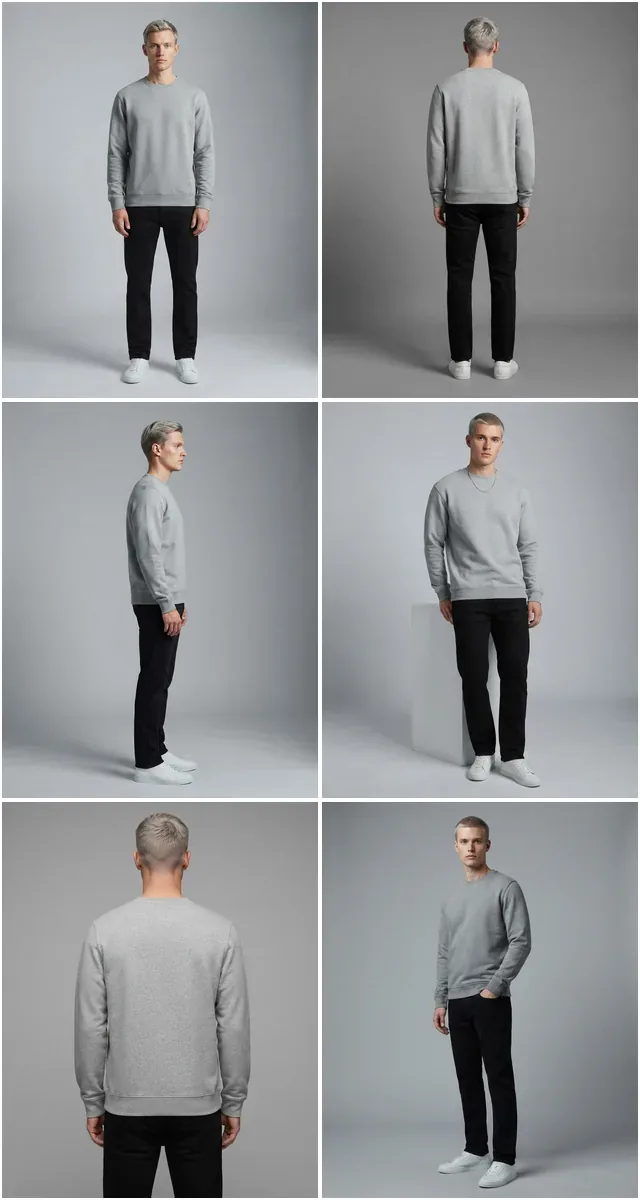
What Is Flat Lay Photography and Why Fashion Brands Rely on It
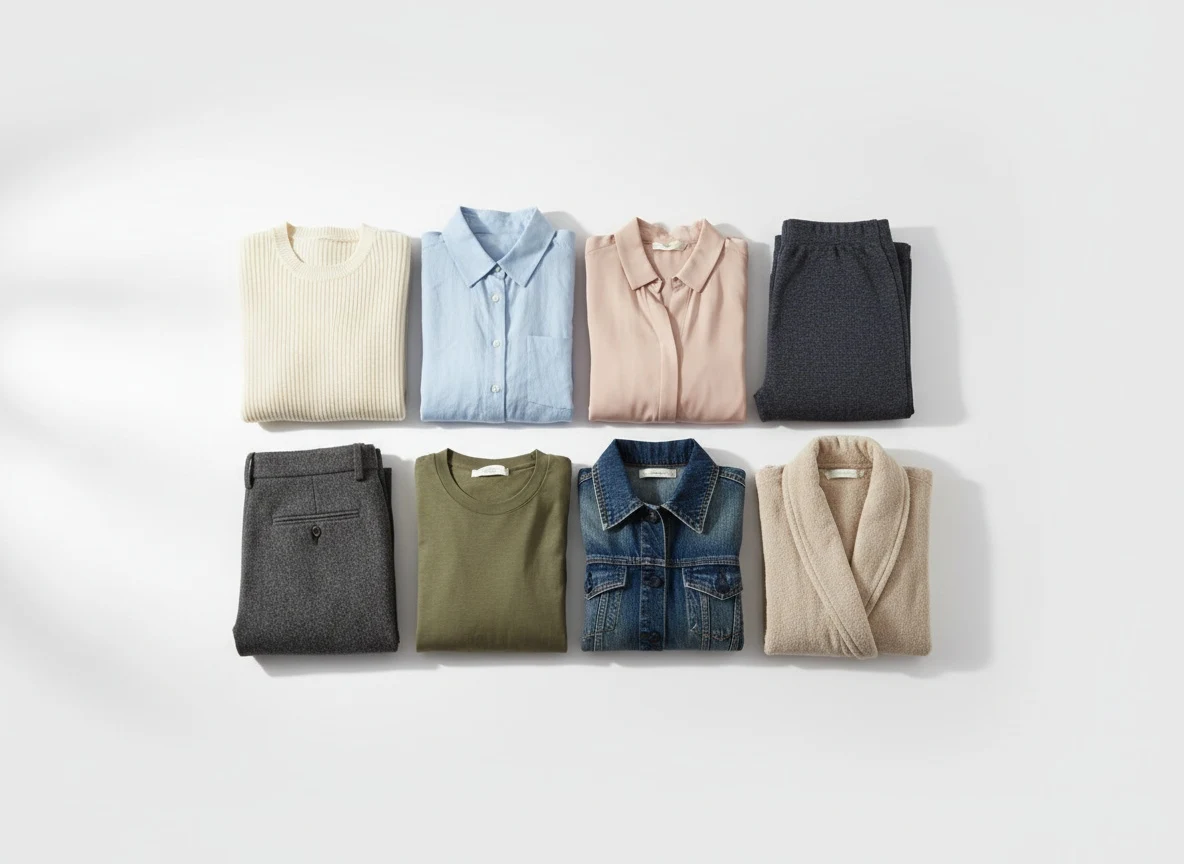
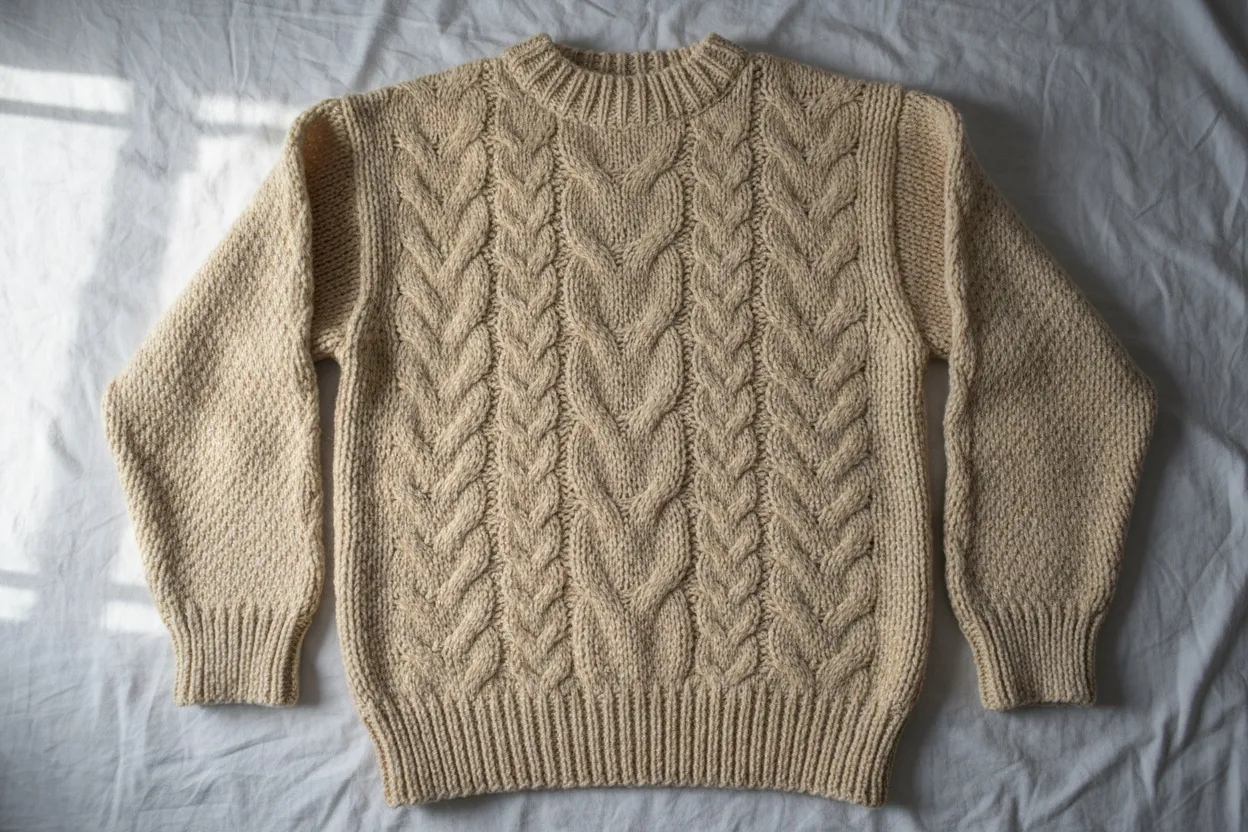
Flat lay photography is a technique where clothing and accessories are arranged on a flat surface and photographed from directly above. It is one of the most widely used product photography styles in fashion e-commerce, and for good reason: it is fast, affordable, and requires no models, no studio booking, and minimal equipment. A single person with a smartphone, a clean white surface, and decent natural light can produce flat lay images for an entire product catalog in a day.
The format has become a standard across marketplaces like Amazon, Etsy, and Shopify stores. Flat lay photography for clothing works particularly well for showcasing patterns, colors, and design details without the distraction of a model or background. It gives customers a clean, unobstructed view of the product itself. For brands launching new collections or managing hundreds of SKUs, flat lay is often the fastest path from warehouse to website.
But flat lay photography has a well-documented limitation: it does not show customers how the garment actually looks when worn. There is no sense of fit, drape, silhouette, or proportion. And this gap has a direct, measurable impact on conversion rates and return rates. The solution used to be expensive — hire models, book studios, run full photo shoots. Today, AI has changed that equation entirely.
Flat Lay Photography Tips for Clothing That Converts
Whether you plan to use your flat lay images as-is or convert them to on-model shots with AI, the quality of your flat lay photography determines everything downstream. Here are the techniques that separate amateur flat lays from professional-grade product images.
Quick Flat Lay Checklist Before You Shoot
- Steam or iron every garment — wrinkles transfer directly to AI output
- Use a plain white or light grey background for best AI compatibility
- Shoot near a large window with diffused natural light, or use two softboxes at 45-degree angles
- Position camera directly above, perpendicular to the surface
- Shoot at minimum 2048x2048 pixels for optimal AI conversion
- Remove all tags, hangers, and non-product props
Lighting: The Single Most Important Factor
Natural light is your best friend for flat lay photography clothing. Shoot near a large window during midday when the light is diffused and even. Avoid direct sunlight — it creates harsh shadows that obscure fabric detail and cause uneven color reproduction. If you are shooting in a windowless space, use two softbox lights positioned at 45-degree angles on either side of your setup to eliminate shadows.
The goal is flat, even illumination across the entire garment. Shadows under collars, along seams, or at fabric folds will reduce the quality of both your flat lay image and any AI conversion you run later. If you see shadows, add a white foam board as a reflector on the opposite side of your light source.
Surface and Background Selection
White is the standard background for e-commerce flat lay photography, and it remains the best choice for AI conversion compatibility. Use a large white foam board, a white seamless paper roll, or a clean white fabric backdrop. The surface should be completely uniform — no texture, no creases, no visible grain.
For lifestyle or social media flat lay photography ideas, textured surfaces like light wood, marble, or linen can add visual interest. However, if your primary goal is converting flat lays to on-model images with AI, stick with plain white or light grey. The cleaner the background, the more accurately the AI can isolate and reinterpret the garment.
Garment Preparation and Arrangement
Steam or iron every garment before shooting. Wrinkles in a flat lay photo will transfer directly to the AI-generated model image — the AI interprets wrinkles as part of the garment's natural drape, producing an unrealistic result. Take the extra five minutes per garment. It pays off exponentially across your catalog.
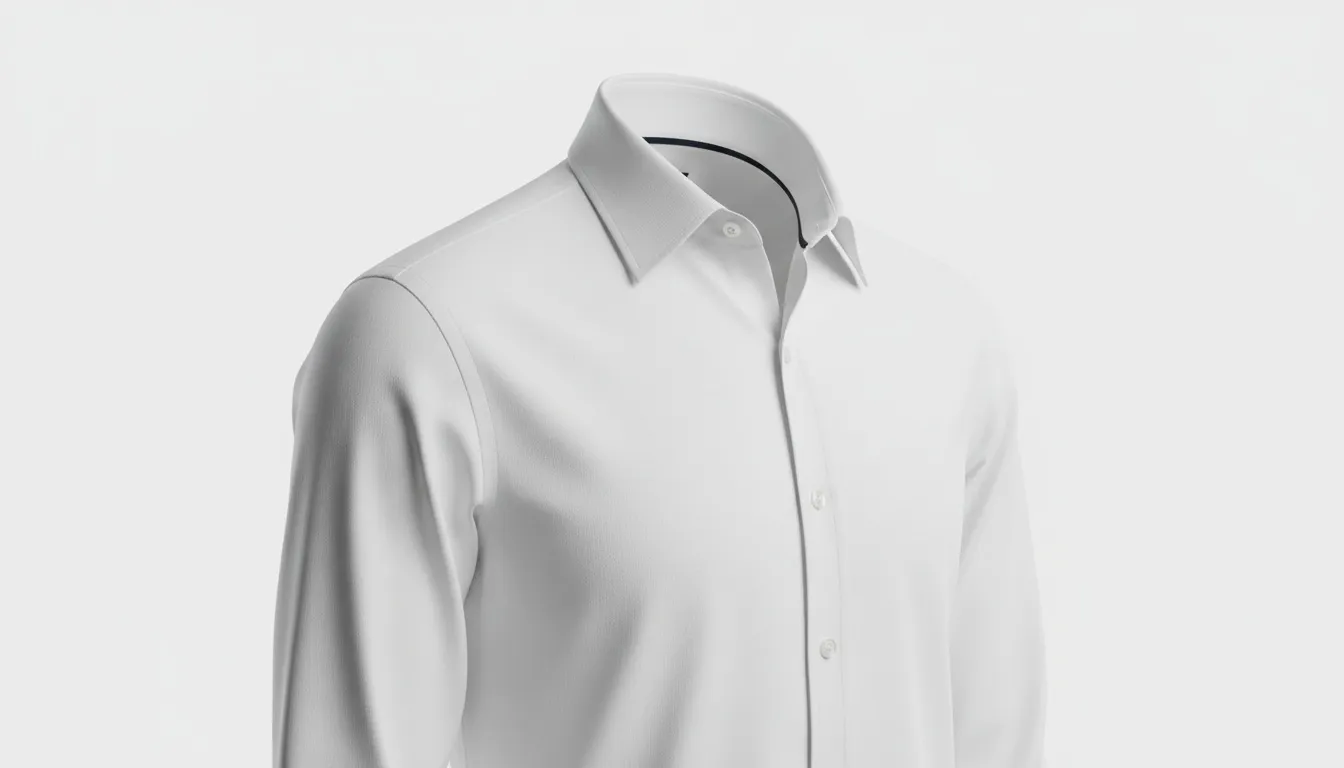
Arrange the garment to suggest its natural shape when worn. Sleeves should be positioned outward or slightly angled — not folded across the body. Collars should be opened and shaped. Buttons or zippers should be in their natural resting state. The flat lay should give a clear impression of the garment's silhouette, because this is exactly what the AI will use to reconstruct the on-model version.
Camera Position and Settings
Shoot from directly above, perpendicular to the surface. Any angle introduces perspective distortion that makes the garment appear skewed. If you are using a smartphone, hold it parallel to the floor or use a phone mount or tripod with a horizontal arm. For DSLR or mirrorless cameras, a tripod with a boom arm is ideal.
Use the highest resolution your camera offers. More pixels means more garment detail for the AI to work with. Shoot in RAW if possible for maximum flexibility in post-processing. At minimum, ensure your images are 2048 pixels on the shortest side.
The Conversion Gap: Why Flat Lays Don't Convert Like On-Model Shots
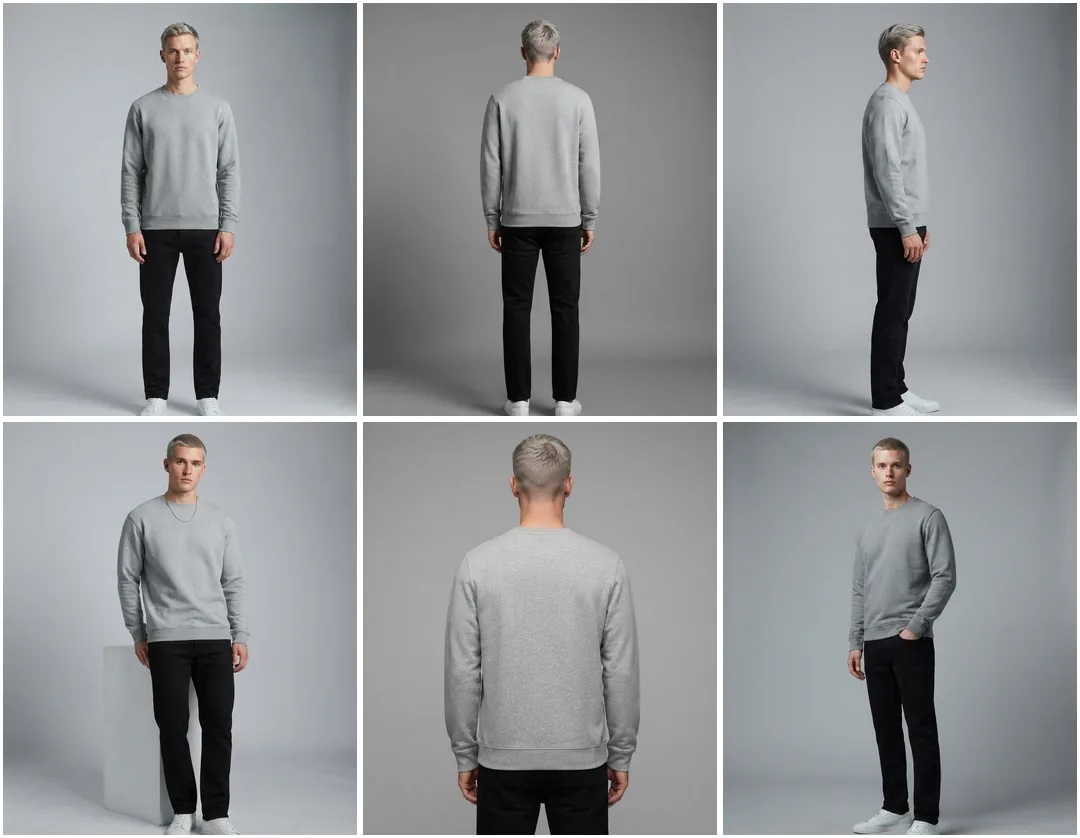
On-model imagery gives a shopper three things a flat lay cannot: scale, drape, and proof the garment works on a body. That is why it is the default format for apparel, and why it tends to move conversion, time on page, and return rate in the right direction at the same time. ASOS folded virtual try-on into a wider returns programme in 2026 — the closest published figure to this effect from a retailer at scale.
The reason is straightforward: customers cannot visualize fit from a flat lay. A shirt laid flat on a table gives no information about how it drapes across shoulders, how the fabric falls at the waist, or whether the length hits at the hip or mid-thigh. Flat lay photography ideas for clothing can be creative and beautiful, but they cannot replicate the information conveyed by seeing a garment on a body.
This creates a painful trade-off for fashion brands. Flat lay photography is fast and cheap, but it leaves conversion potential on the table. On-model photography converts better, but it requires models, photographers, studios, stylists, and post-production — costing $150–$300 per SKU for a professional setup. For a brand with 500 SKUs, that is $75,000–$150,000 per season just for product photography.
How AI Transforms Flat Lay Photos into On-Model Imagery
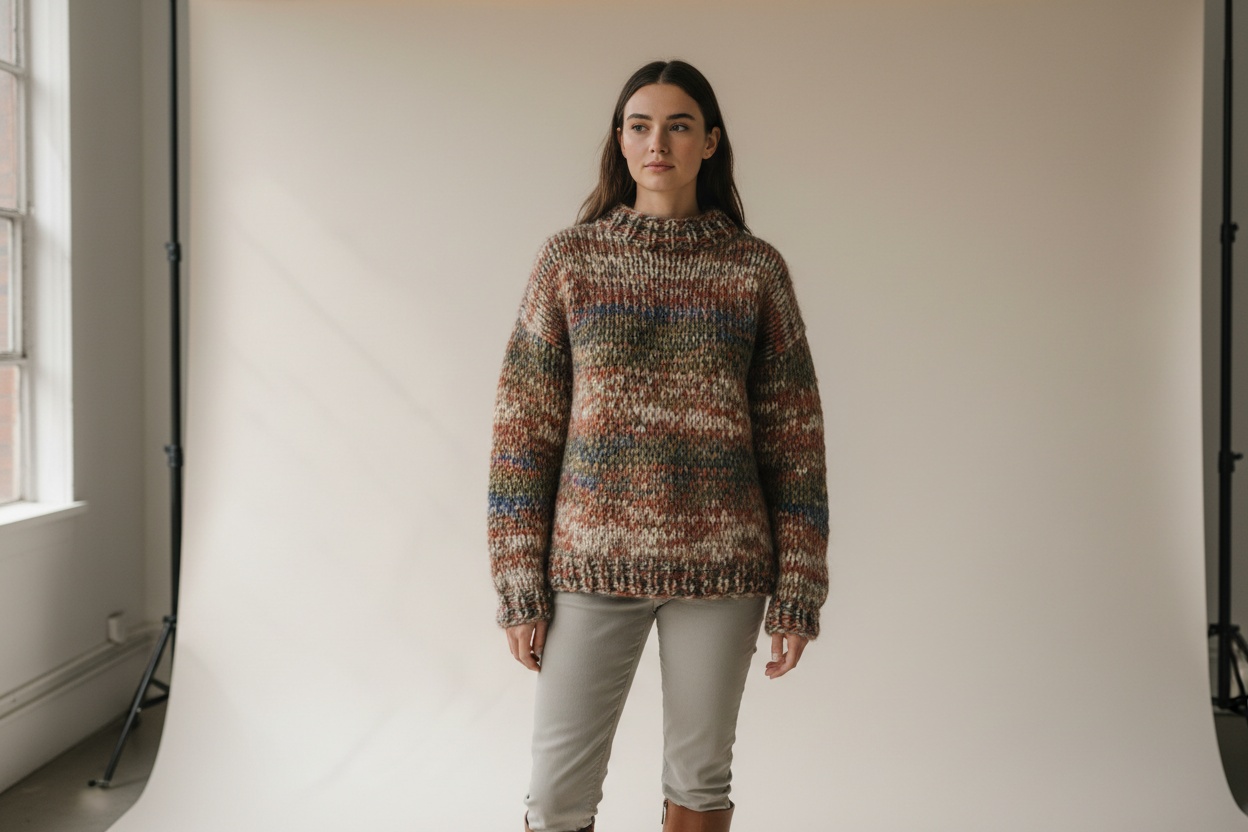
AI-powered flat lay to model conversion works by analyzing the garment in your flat lay photograph — its shape, fabric texture, color, pattern, construction details — and generating a photorealistic image of that exact garment being worn by an AI model. The technology has advanced rapidly, and purpose-built fashion AI tools now produce results that are commercially indistinguishable from traditional photography.
The process relies on deep learning models trained specifically on fashion data. Unlike general AI image generators, fashion-specific tools understand how different fabrics behave — how silk drapes differently from denim, how a cotton t-shirt fits differently from a structured blazer. This domain-specific training is what separates usable commercial output from the uncanny-valley results you get from general-purpose AI.
Fashio AI's Flat Lay to Catalog Creator is built exactly for this workflow. It takes flat lay product images as input and generates studio-quality on-model photos that are ready for your product pages, marketplace listings, and marketing materials. The AI preserves every detail of your actual product — the exact color, pattern, stitching, and design — while adding realistic body fit, fabric drape, and natural posing.
Step-by-Step: Using Fashio AI's Flat Lay to Catalog Creator
Here is the exact workflow for converting your flat lay photography into professional on-model images using Fashio AI.
Step 1: Prepare Your Flat Lay Images
Before uploading, ensure your flat lay images meet these criteria: white or light background, even lighting with no harsh shadows, garment steamed and neatly arranged, minimum 1024x1024 pixel resolution (2048x2048 or higher recommended). Remove any props, tags, or accessories that are not part of the product listing.
Step 2: Upload to Fashio AI
Log in to Fashio AI's dashboard and navigate to the Flat Lay to Catalog Creator tool. Upload your flat lay image. The platform accepts JPG, PNG, and WebP formats. You can upload a single image or batch upload your entire collection.
Step 3: Configure Model Settings
Select the model characteristics for your on-model output. You can specify body type, skin tone, hair style, and overall appearance. For catalog consistency, save your model configuration as a preset that you can apply across all products. This ensures every product page features the same model identity — critical for professional brand presentation.
Step 4: Choose Pose and Background
Select from natural, catalog-appropriate poses. The Pose Variation feature lets you generate multiple angles from a single flat lay — front view, three-quarter turn, slight movement poses, and more. Choose a background that matches your brand: clean white for marketplace listings, lifestyle environments for social media and lookbooks.
Step 5: Generate and Review
Click generate and review the output. Fashio AI produces results in under 30 seconds per image. Examine the garment details — pattern alignment, color accuracy, fabric drape, and fit — to ensure everything matches your original product. If needed, regenerate with adjusted settings.
Step 6: Download and Deploy
Download your on-model images in the resolution and format you need. Upload directly to your Shopify store, Amazon listing, or any e-commerce platform. The images are production-ready with no additional post-processing required.
Turn Your Flat Lays into On-Model Photos in Seconds
Upload your flat lay product images and let Fashio AI generate studio-quality on-model imagery — no models, no studio, no post-production needed.
Start creating →Flat Lay Photography Ideas for Different Product Types
Different garment categories require different flat lay approaches to produce the best AI conversion results. Here are optimized flat lay photography ideas organized by product type.
T-Shirts and Casual Tops
Lay flat with sleeves extended at a natural angle (roughly 30 degrees from the body). Smooth the fabric completely — t-shirt cotton shows every wrinkle. Fold the bottom hem slightly inward to create a natural waistline silhouette. This gives the AI a clear body shape reference for realistic on-model conversion.
Dresses and Skirts
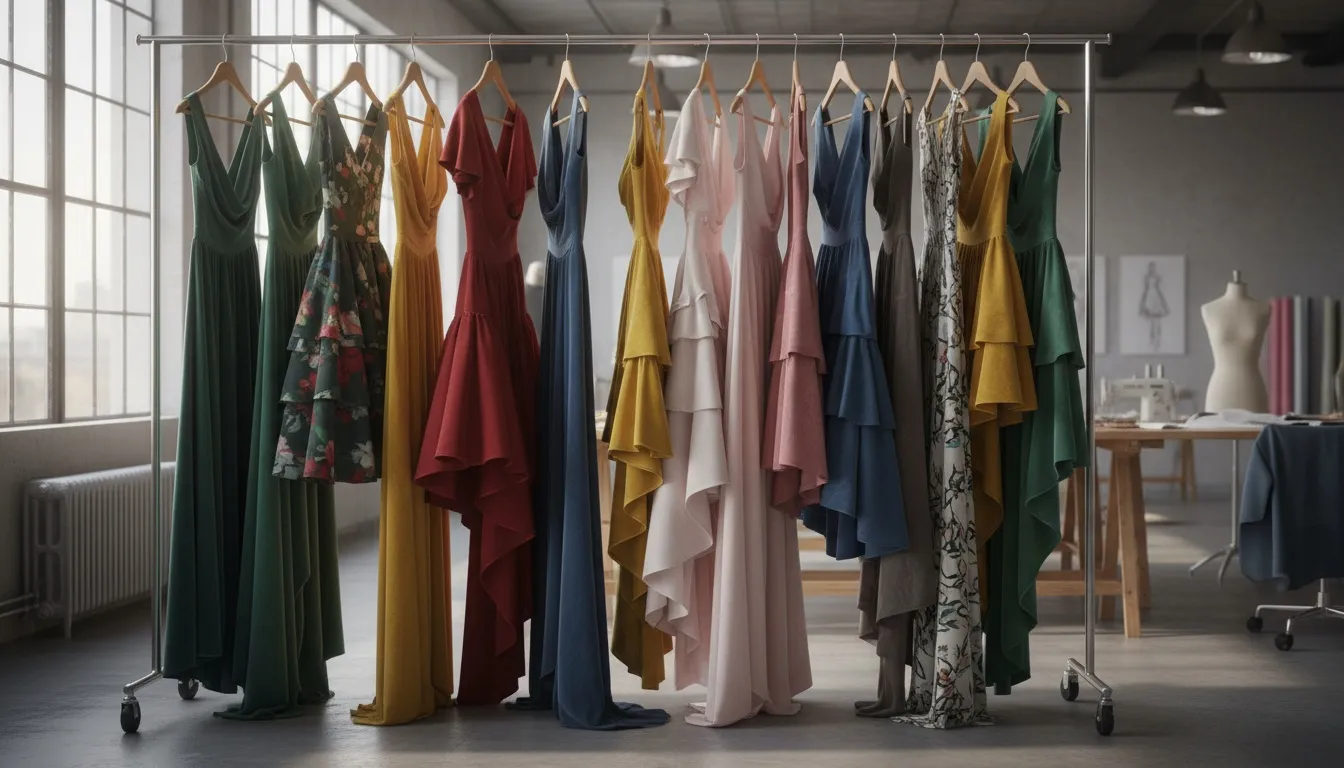
For dresses, extend the full length of the garment with the skirt portion fanned slightly to show volume and movement. Position straps or sleeves symmetrically. For A-line or flared skirts, arrange the hem in a gentle curve that suggests the garment's natural flare when worn. The AI uses these shape cues to render realistic drape and movement.
Jackets, Blazers, and Outerwear
These structured garments are ideal for flat lay photography and produce excellent AI conversions. Open the front to show the lining or inner construction. Position lapels cleanly. Extend sleeves with a slight bend at the elbow to suggest a natural arm position. Button or zip partially to show the garment's closure style.
Pants and Bottoms
Lay pants with one leg slightly overlapping the other to create depth and a natural silhouette. Ensure the waistband is flat and visible. For jeans, style the fly area and pockets carefully — these details are focal points in the AI-generated on-model image. Cuff or hem details should be clearly visible.
Accessories and Jewelry
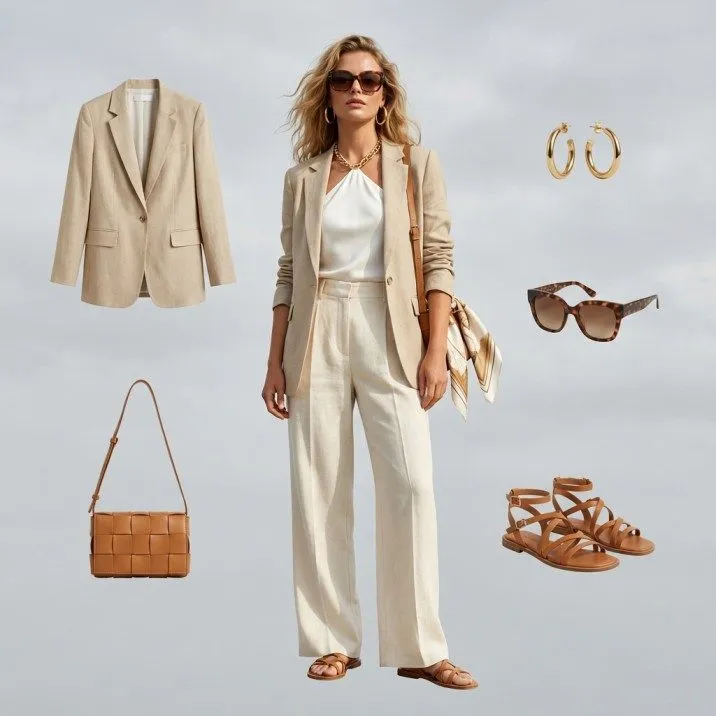
While flat lay to on-model conversion is primarily designed for clothing, accessories benefit from clean flat lay photography for marketplace listings. Arrange pieces with deliberate spacing. Use small props like fabric swatches or color cards to establish scale. For accessories that pair with clothing, consider photographing them alongside the garment for lifestyle flat lay ideas.
Batch Converting Entire Collections from Flat Lay to On-Model
The real power of AI conversion emerges at scale. Shooting flat lay photography for an entire collection is already fast — one person can photograph 100+ products per day. Adding AI conversion means you can have a full set of on-model images for that same collection within hours, not weeks.
Fashio AI's batch processing workflow is designed for exactly this. Upload your entire flat lay collection, apply consistent model settings across all items, and generate on-model images for every product in a single run. The platform maintains model identity consistency automatically — the same AI model appears across all your products, wearing each garment naturally.
Key Benefits of Batch AI Conversion
- Speed: 100+ flat lay photos converted to on-model images in hours, not weeks
- Consistency: Same AI model identity maintained across your entire catalog automatically
- Flexibility: Generate multiple poses, angles, and backgrounds from a single flat lay input
- Time-to-market: On-model images ready within 24 hours of receiving inventory samples
For brands managing seasonal launches, this changes the timeline fundamentally. The traditional workflow — flat lay shoot, model casting, studio booking, shoot day, culling, retouching — takes 2–4 weeks minimum. The AI workflow — flat lay shoot plus batch conversion — takes 1–2 days. That speed advantage compounds across multiple collections per year.
The AI Fashion Model Generator works in tandem with the Flat Lay to Catalog Creator, giving you the option to generate additional model variations, lifestyle shots, and marketing assets from the same source images. One flat lay input can produce 5–8 distinct on-model images across different poses and settings.
Quality Comparison: Traditional Photography vs AI-Converted Flat Lays
The question every brand asks: does AI output actually match traditional photography quality? The answer in 2026 is yes, with specific caveats that are worth understanding.
- Color can shift due to studio lighting and post-production grading
- Variability between shots — pose, lighting, model fatigue
- Excels at complex fabric interactions and editorial movement
- 2–4 weeks from shoot to final delivery
- $80–$250 per SKU
- Exact color and detail preserved from your original flat lay
- Perfectly consistent output across hundreds of images
- Standard catalog poses indistinguishable from real photos
- Results in under 30 seconds per image
- About $0.75 per generated image on the Plus plan
Where AI Matches or Exceeds Traditional Photography
Color accuracy and product detail preservation are areas where AI conversion often outperforms traditional shoots. In a traditional shoot, studio lighting, model skin tone, and post-production color grading can all shift the garment's apparent color. AI conversion works directly from your flat lay image, preserving the exact color and detail you photographed. What you shot is what appears on the model.
Consistency is another advantage. Traditional model shoots introduce variability — different poses, slightly different lighting from shot to shot, model fatigue affecting expression and posture. AI produces perfectly consistent output across hundreds of images.
Where Traditional Photography Still Has an Edge
Complex fabric interactions — like a silk scarf caught mid-movement, or an oversized coat being pulled closed by hand — remain areas where traditional photography captures nuances that AI does not perfectly replicate. These are edge cases rather than typical e-commerce scenarios, but they are worth noting for editorial or campaign imagery.
For standard product catalog photography, however, the quality gap has effectively closed. Multiple fashion brands have conducted A/B tests on their product pages and found no statistically significant difference in conversion rate between traditional model photos and AI-converted flat lay images. Some brands report higher conversion from AI images due to superior consistency and product detail clarity.
If your existing flat lay images need background cleanup before conversion, Fashio AI's background removal tool can prepare them automatically. And if you are currently shooting on mannequins instead of flat lay, the mannequin to flat lay converter can transform those inputs as well.
Cost Analysis: Traditional Model Shoots vs AI Conversion
The financial case for AI conversion is compelling at every scale, but the savings grow exponentially as product count increases.
Traditional Model Photography Costs
A typical model shoot for a mid-size fashion brand involves: model fees ($500–$2,000 per day), photographer ($800–$2,500 per day), studio rental ($500–$1,500 per day), stylist ($400–$1,000 per day), hair and makeup ($300–$800 per day), and post-production retouching ($10–$50 per image). A single shoot day typically produces final images for 30–50 products, putting the per-SKU cost at $80–$250.
For a brand with 200 SKUs per season, that is $16,000–$50,000 per season on model photography alone. Four seasons per year means $64,000–$200,000 annually. And this does not include the time cost — 2–4 weeks from shoot planning to final delivery.
AI Conversion Costs
Flat lay photography requires minimal equipment and can be done in-house: a camera or smartphone, a white backdrop, and basic lighting. Total setup cost under $200. Shooting time for 200 products: 1–2 days with one person.
AI conversion through Fashio AI processes those 200 flat lay images into on-model photos for a fraction of the traditional cost. There is no model fee, no studio, no stylist, no post-production. Producing on-model images for 200 products on Fashio AI's Plus plan works out to roughly $188 in credits, at $29.99/month for 160 credits — about $0.75 per generated image at 4 credits per generation.
ROI Beyond Direct Cost Savings
The less obvious savings are in speed-to-market and operational flexibility. With AI conversion, you can have on-model images ready within 24 hours of receiving inventory samples. New products can go live immediately rather than waiting for the next scheduled shoot. Seasonal restyles, marketplace-specific image requirements, and A/B testing different model looks are all trivial when the marginal cost per image is near zero.
For brands selling on multiple marketplaces with different image requirements, AI conversion is transformative. Generate white-background catalog images for Amazon, lifestyle images for your DTC site, and social-ready creative from the same flat lay source — all without additional shoots.
Frequently Asked Questions
Can I convert any flat lay photo to an on-model image with AI?
Yes, most flat lay photos can be converted to on-model imagery using AI. However, the quality of the output depends heavily on the quality of your flat lay input. Clean, well-lit flat lay images on a plain background with the garment neatly arranged produce the best AI conversions. Wrinkled, poorly lit, or cluttered flat lays will result in lower-quality model images. Take the time to prepare your flat lays properly and the AI output will be dramatically better.
What resolution do my flat lay photos need to be for AI conversion?
For optimal AI conversion results, your flat lay photos should be at least 1024x1024 pixels, with 2048x2048 or higher being ideal. Higher resolution inputs give the AI more detail to work with when rendering fabric texture, drape, and fit on the model. Most modern smartphones produce images well above this threshold, so dedicated camera equipment is helpful but not strictly necessary for good AI conversion results.
How long does it take to convert a flat lay to an on-model photo with AI?
With Fashio AI's Flat Lay to Catalog Creator, a single flat lay image can be converted to an on-model photo in under 30 seconds. Batch processing an entire collection of 50–100 flat lay images typically takes 15–30 minutes. Compare that to a traditional model shoot that takes an entire day to produce fewer final images, plus days or weeks of post-production retouching.
Do AI-converted flat lay images look as good as traditional model photography?
Modern fashion-specific AI tools produce on-model images that are virtually indistinguishable from traditional photography in e-commerce contexts. The key factors are starting with high-quality flat lay inputs and using a purpose-built fashion AI tool like AI Fashion Model Generator rather than a general image generator. Multiple brands have run A/B tests and found no measurable difference in customer conversion rates between AI-converted and traditionally photographed model images.
What types of clothing work best for flat lay to on-model AI conversion?
Structured garments like jackets, coats, shirts, and dresses convert exceptionally well because their shape is clearly visible in flat lay form. T-shirts, sweaters, and most tops also produce excellent results. Items that are harder to display in flat lay — like very flowy dresses or heavily draped garments — may require more careful flat lay arrangement to get optimal conversion results. Pants, skirts, and shorts all convert reliably when properly arranged.
Can I choose the model's appearance when converting flat lay photos?
Yes. With Fashio AI, you can specify model characteristics including body type, skin tone, hair style, and overall appearance when converting flat lay photos to on-model images. You can save model presets and apply them consistently across your entire catalog, ensuring every product page features the same model identity. This consistency is essential for professional brand presentation and helps customers evaluate sizing across products.
How much does AI flat lay to on-model conversion cost compared to traditional photography?
A traditional model shoot for 50 products runs into the thousands once model fees, studio rental, photographer, styling, and post-production are counted. Converting 50 flat lay images with Fashio AI costs about $47 in credits — $29.99/month for 160 credits — about $0.75 per generated image at 4 credits per generation — with no scheduling logistics, no travel, and no post-production overhead. Because AI is priced per image rather than per shoot day, the cost advantage grows with catalog size.
Transform Your Flat Lay Photos into On-Model Images Today
Upload your flat lay product photos and generate studio-quality on-model imagery in seconds. No models, no studio, no post-production.
Start creating →