

What is the best free alternative to Claid AI for fashion?
Fashio AI is not free on the web, but it covers what Claid AI, a general-purpose product photography tool, does not: AI fashion model generation, virtual try-on and fashion video. A new web account starts with 0 credits. You can upload a photo and set up the shot without an account; generating needs a membership from $14 a month. Claid AI upscales images, removes backgrounds in batch, and outputs marketplace-compliant files across any product category, and it wins on those. Fashio AI adds the on-model, try-on and video workflow fashion ecommerce needs, at a stated 4 credits per fashion image (about $1.12 on Starter).
Fashion tools vs general enhancement Fashio AI: from $14/mo (50 credits) AI model generation: Fashio AI only Virtual try-on + video: Fashio AI only
Use Claid AI if you sell across many product categories and mainly need upscaling, background removal, and marketplace compliance. Use Fashio AI if you sell apparel and need on-model imagery, virtual try-on, ghost mannequin processing, pose variation, and fashion video — capabilities Claid AI does not offer at all.
Claid AI (claid.ai) has earned a solid reputation as a general-purpose AI product photography platform. With powerful image upscaling, batch background removal, and marketplace-compliant optimization, it's a go-to choice for e-commerce brands across industries — from electronics to home goods to food packaging.
But here's the problem: fashion is not a general product category. Selling a handbag is nothing like selling a blender. Photographing a silk dress requires fundamentally different AI understanding than photographing a phone case. Fashion brands need AI that understands fabric drape, garment construction, model poses, body proportions, and styling context — none of which general product photography tools are built to handle.
Claid AI can upscale your product photos, swap backgrounds, and optimize images for Amazon or Shopify. What it cannot do is generate an AI fashion model wearing your garment, create a virtual try-on experience, produce fashion video content, or transform a flat lay into a styled catalog shoot. These are the workflows that define modern fashion e-commerce — and they require a fashion-specialized platform.
Key Fashion E-Commerce Statistics
Enter Fashio AI: a complete AI fashion photography platform with a fashion-specialised set of generation and editing tools, a pipeline built for garment photos, and commercial use of every output — product pages, marketplaces, ads, social, print — with no royalties, on every plan and pack.
Here's the full breakdown of where Fashio AI fits better than Claid AI for fashion brands in 2026, and where Claid still wins.
How do Fashio AI and Claid AI compare at a glance?
| Feature | Fashio AI | Claid AI |
|---|---|---|
| Platform Focus | Fashion-specialized AI photography | General product photography enhancement |
| Total AI Tools | A fashion-specialised set of generation and editing tools | Image enhancement, BG removal, upscaling, AI Photoshoot |
| AI Fashion Model Generation | Full model generation, customisable model, pose and scene | Not available |
| Virtual Try-On | Dedicated garment try-on tool | Not available |
| Video Creation | Photo-to-Video + UGC Video | Not available |
| Fashion Focus | A pipeline built for garment photos | General product image AI |
| Free Tier | No free plan; setting up a shot needs no account | Free trial (limited) |
| Entry Plan Price | $14/mo Starter (50 credits), or $59.99/yr billed yearly | $19/month (Essentials) |
| Pose Variation | Precision texture-mapped pose control | Not available |
| Background Removal | Apparel-focused (2 credits) | General product BG removal |
| Image Upscaling | 2x upscale (1080p to 4K), fabric detail enhancement | Resolution upscaling (general) |
| Batch Processing | One image at a time (no batch queue) | Strong batch processing for general products |
| Mannequin Processing | Mannequin to Flat Lay with auto neck joint | Not available |
| Accessory Support | Jewelry, bags, shoes, watches via Product to Model | General product staging only |
What are Claid AI's limitations for fashion brands?
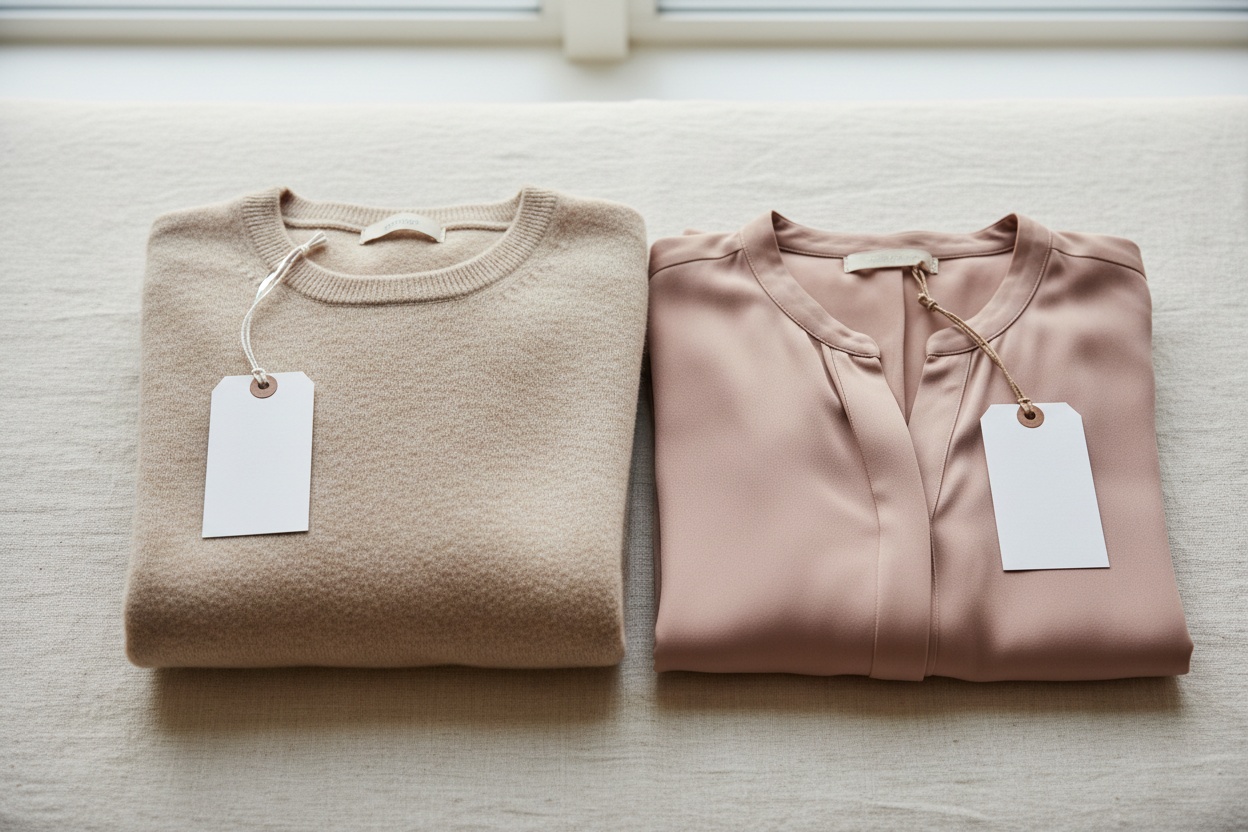
Claid AI is a well-built platform for its intended purpose — general product photography enhancement. But when fashion brands try to use it as their primary content creation tool, they quickly hit walls that no amount of upscaling or background swapping can fix:
Claid AI Limitations for Fashion
- No AI fashion model generation at any price point
- No virtual try-on capabilities
- No fashion video creation (Photo-to-Video or UGC)
- No fashion-specific workflows (flat lay to catalog, mannequin processing, pose variation)
- General-purpose AI not trained on fashion data (fabrics, drape, garment construction)
1. Is Claid AI trained on fashion imagery?
Claid AI's algorithms are designed for broad product categories. They excel at detecting product edges, enhancing lighting, and optimizing images for marketplace specifications. But they don't understand fashion-specific concepts like fabric drape, garment construction, textile textures, or how clothing interacts with the human body.
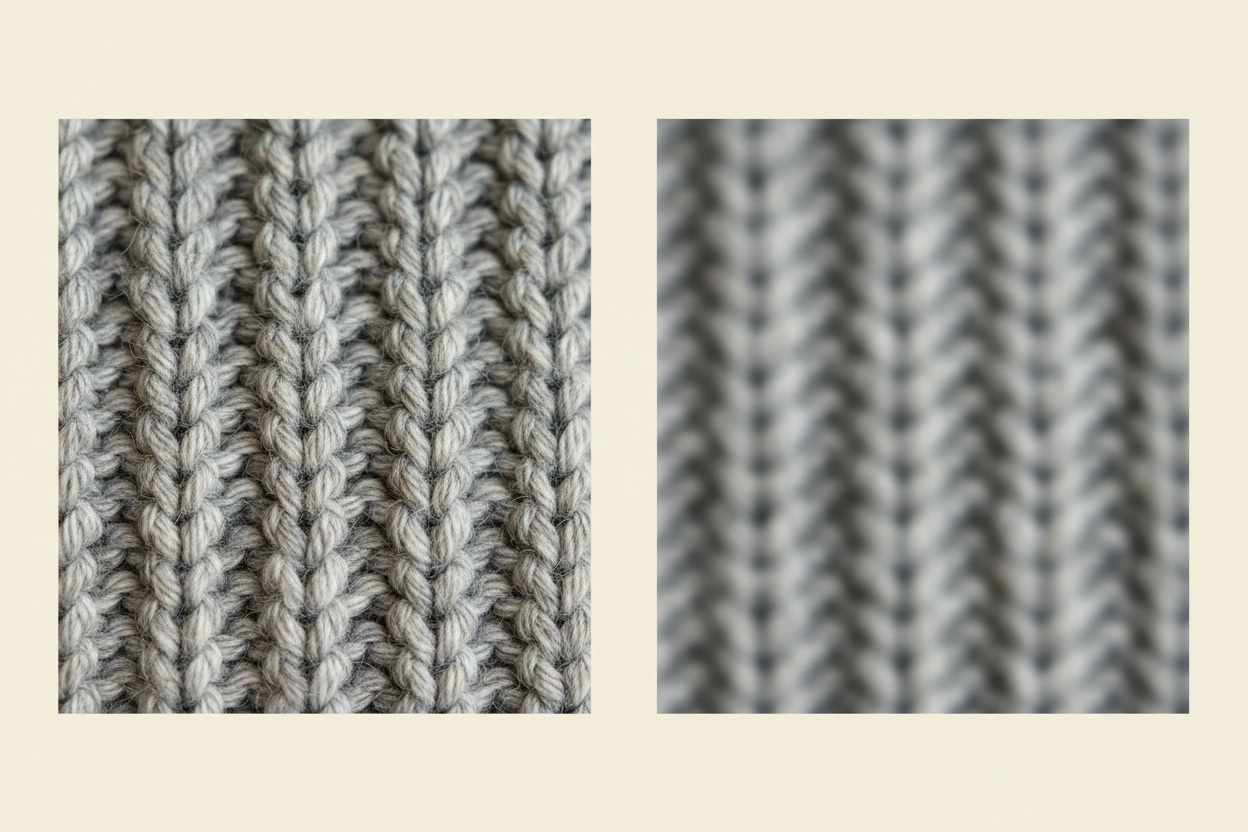
When you upscale a silk blouse with general AI, you get sharper pixels. What a fashion shopper notices is whether the weave pattern and the sheen survive, so judge any tool, Fashio AI included, on a detail crop of your own fabric.
2. Can Claid AI generate AI fashion models?
This is the biggest gap for fashion brands. Claid AI has no capability to generate AI fashion models wearing your garments. Their AI Photoshoot feature stages general products in lifestyle settings — think a coffee mug on a kitchen counter or a phone case on a desk. It does not place garments on human models.
Fashion brands need on-model photography. It is the format apparel sells on, because it gives the shopper scale, drape, and fit that a flat lay or ghost mannequin image cannot. Without model generation, fashion brands using Claid still need expensive traditional photoshoots for their most critical images.
3. Does Claid AI have virtual try-on?
Virtual try-on has become a critical tool for reducing returns and increasing buyer confidence. Claid AI does not offer any virtual try-on capability — it's not part of their product scope. Fashion brands using Claid need a separate platform entirely for try-on experiences, adding complexity and cost to their tech stack.
4. Can you make fashion videos with Claid AI?
In 2026, fashion brands live and die on video content. TikTok, Instagram Reels, and YouTube Shorts drive discovery and purchase decisions for the majority of fashion consumers. Claid AI is a static image platform — it does not create video content of any kind.
Fashion brands using Claid need to invest in separate video production pipelines, whether through traditional filming, freelance videographers, or additional AI video tools. This fragments the workflow and increases production costs significantly.
5. Does Claid AI support fashion-specific workflows?
Fashion e-commerce has unique production workflows that general product tools simply don't support:
- Flat lay to catalog — converting flat lay shots into styled on-model catalog imagery
- Mannequin to flat lay — removing mannequins and creating clean flat lay presentations
- Pose variation — generating multiple pose angles from a single product shot
- Lingerie-specific generation — handling intimate apparel with appropriate model generation
- Accessory-to-model — placing jewelry, bags, and shoes on models in editorial contexts
Claid AI offers none of these workflows. Its feature set — upscaling, background removal, color correction, perspective correction — is valuable but generic. Fashion brands need specialized tools for specialized workflows.
6. What does general-purpose AI cost you on fashion output?
Claid AI's strength in batch processing and marketplace compliance is undeniable for categories like electronics, home goods, or beauty products. But fashion-specific quality requirements — accurate color reproduction across different fabric types, realistic garment shadows, proper proportion rendering, and consistent styling across catalogs — require tools built around garment photos.
A tool optimized for making any product look good on Amazon is not the same as a tool optimized for making a cashmere sweater look irresistible on your Shopify store.
Why is Fashio AI a better Claid AI alternative for fashion?
Fashio AI was built from the ground up for fashion brands. Every algorithm, every tool, every workflow is designed around the unique requirements of apparel, accessories, and fashion content creation. Here's why it's the clear choice:
1. What does a fashion pipeline do that general AI does not?
Fashio AI is a pipeline built for garment photos rather than general products: you upload the garment, choose the model, pose and scene, and the output is an on-model or styled fashion image. The things to check are the ones shoppers notice — how silk drapes differently than denim, how knitwear sits across body contours, and how light reads on sequins versus matte cotton — so test it on your own pieces.
Every tool in the platform is set up for apparel. Background removal keeps fabric edges. Upscaling is a fixed 2×, so a 1080p source becomes 4K. Model generation puts the garment on a person. This is the fundamental difference between a fashion platform and a general product tool.
2. How many fashion-specific tools do you get?
Where Claid AI focuses on making existing product photos look better, Fashio AI gives you an entire fashion content creation pipeline:
| Category | Fashio AI Tool | Claid AI Equivalent |
|---|---|---|
| Model Generation | AI Fashion Model Generator | Not available |
| Virtual Try-On | Virtual AI Fashion Try-On | Not available |
| Flat Lay Conversion | Flat Lay to Catalog Creator | Not available |
| Mannequin Processing | Mannequin to Flat Lay | Not available |
| Pose Control | Pose Variation | Not available |
| Photo to Video | Photo to Video | Not available |
| UGC Video | UGC Video Creator | Not available |
| Background Removal | Remove Background | Background removal (general) |
| Product to Model | Product to Model | Not available |
| Photo Enhancement | Amateur to Professional | Image enhancement (general) |
| Photo Upscaling | Fashion Photo Upscale | Resolution upscaling (general) |
| Photo Reframing | Photo Reframe | Perspective correction |
| Image Editing | AI Image Editing | Color/lighting correction |
| Body Editor | Body Editor | Not available |
| Lingerie Generation | Bra AI Generator | Not available |
That's 10 tools Claid AI doesn't offer at all, plus 5 tools where Fashio AI provides fashion-specialized versions versus Claid's general-purpose alternatives. The result is a platform that covers every fashion content need — not just photo enhancement.
3. What can the AI fashion model generator do?
The single most impactful capability Claid AI lacks is AI fashion model generation. Fashio AI's AI Fashion Model Generator transforms your product photos into professional on-model imagery:
- Model customization — specify exact age, ethnicity, body type, hair style, facial features, and expression through text prompts
- Consistent brand characters — create and maintain a model identity that stays consistent across your catalog
- Fashion-accurate rendering — AI understands how garments fit, drape, and move on different body types
- Full commercial use rights — commercial use of every output, with no royalties, on every plan and pack; no model releases needed
For fashion brands spending thousands on traditional photoshoots, this tool alone justifies the switch from any general product photography platform.
Generate AI Fashion Models Without a Photoshoot
Upload your garment photo and create professional on-model imagery with full customization — no photoshoot needed.
Start creating →4. How do virtual try-on and pose variation work?
Two capabilities that are essential for modern fashion e-commerce and completely absent from Claid AI:
Virtual Try-On lets customers see how garments look on different body types before purchasing. ASOS added virtual try-on in 2026 as one part of a wider returns programme that also covers clearer sizing guidance, product video and 360-degree imagery; it has not published a figure isolating try-on's own effect. The tool is built for garment photos, so check fabric drape, fit and proportions on your own pieces.
Pose Variation generates multiple pose angles from a single product shot using precision texture mapping. Instead of photographing each garment in 5 poses, upload one image and generate the rest — with consistent garment appearance and natural body positioning.
5. How do you produce fashion video at scale?
Claid AI produces zero video content. Fashio AI offers two dedicated fashion video tools:
- Photo to Video — convert product stills into polished short-form videos with AI animation, music sync, and multi-format export (9:16 for TikTok/Reels, 16:9 for YouTube, 1:1 for Instagram feed)
- UGC Video Creator — generate authentic user-generated content style videos that consistently outperform polished brand content in engagement and conversion metrics
For fashion brands that rely on short-form video for discovery, having video creation built into your product photography platform eliminates an entire production pipeline.
6. Does one platform cover the whole fashion workflow?
Fashio AI covers every specialized fashion production workflow that Claid AI simply cannot address:
Flat Lay to Catalog Creator
Transform flat lay shots into styled on-model catalog imagery without a photoshoot
Mannequin to Flat Lay
Remove mannequins and create clean presentations with auto neck joint processing
Product to Model
Convert jewelry, accessory, and shoe product shots into editorial model photography
Bra AI Generator
Specialized tool for lingerie and intimate apparel with appropriate model generation
Body Editor
Fine-tune model proportions and fit presentation for brand consistency
Amateur to Professional
Elevate smartphone product photos to professional studio quality with fashion-aware enhancement
How much does Claid AI cost compared to Fashio AI?
Understanding the cost-to-value ratio is critical for fashion brands evaluating these platforms:
| Comparison | Fashio AI | Claid AI |
|---|---|---|
| Free Tier | No free plan; setting up a shot needs no account | Free trial (limited testing) |
| Entry Plan | $14/mo Starter (50 credits), or $59.99/yr billed yearly | $19/month — Essentials (unlimited enhancements, 100+ backgrounds) |
| Mid Plan | Plus $29.99/mo (160 credits); Pro $49.99/mo (500 credits) | $49/month — Pro (custom backgrounds, outpainting, 200 API credits) |
| Enterprise | Pro $49.99/mo (500 credits) is the top published plan; 1,200-credit pack $129.99 as a top-up | Custom pricing — Business tier |
| AI Model Generation | Included in plans | Not available at any price |
| Virtual Try-On | Included in plans | Not available at any price |
| Video Creation | Included in plans | Not available at any price |
| Fashion-Specific Tools | A fashion-specialised set of generation and editing tools | 0 fashion-specific tools |
| Commercial Rights | Commercial use of every output on every plan and pack, no royalties | Full commercial use on paid plans |
Key Takeaway
Even if Claid AI were free, it still wouldn't replace Fashio AI for fashion brands — because the features fashion brands need most don't exist on Claid at any price point. You can't buy AI model generation, virtual try-on, or fashion video creation from Claid. These capabilities simply aren't part of their platform.
Which features does each platform actually have?
| Capability | Fashio AI | Claid AI | Winner |
|---|---|---|---|
| AI Fashion Model Generation | Full generation, customisable model, pose and scene, consistent characters | Not available | Fashio AI |
| Virtual Try-On | Fabric-accurate garment try-on on any body type | Not available | Fashio AI |
| Pose Variation | Precision texture-mapped multi-pose generation | Not available | Fashio AI |
| Photo to Video | Multi-format video with music sync and brand kit | Not available | Fashio AI |
| UGC Video | Authentic UGC-style content for social | Not available | Fashio AI |
| Flat Lay to Catalog | Flat lay to styled on-model catalog imagery | Not available | Fashio AI |
| Mannequin Processing | Ghost mannequin with auto neck joint | Not available | Fashio AI |
| Product to Model (Accessories) | Jewelry, bags, shoes placed on editorial models | Not available | Fashio AI |
| Background Removal | Apparel-focused, keeps delicate fabric edges | General product BG removal | Fashio AI |
| Image Upscaling | 2x upscale (1080p to 4K), fabric texture enhancement | Resolution upscaling (general) | Fashio AI (for fashion) |
| Color/Lighting Correction | Fashion-aware color accuracy for fabric types | General product color/lighting correction | Tie (different strengths) |
| Batch Processing | One image at a time (no batch queue) | Strong batch processing for general products | Claid AI |
| Marketplace Optimization | Fashion marketplace compliant outputs | Multi-marketplace optimization (DPI, format, size) | Claid AI (broader marketplace scope) |
| API Access | Yes — REST API (docs.fashiolabs.com) and an MCP server on every plan; free self-serve key, calls bill the account's credits | API Starter Pack on Pro plan (200 credits) | Tie |
| Body Editor | Dedicated body proportion editor | Not available | Fashio AI |
| Lingerie/Intimates | Dedicated Bra AI Generator | Not available | Fashio AI |
Score: Fashio AI wins 12 categories, Claid AI wins 2, and 2 are tied. The pattern is clear — for fashion-specific work Fashio AI covers far more, while Claid AI wins on batch processing and marketplace scope.
Who Should Still Consider Claid AI?
Claid AI is a legitimate, well-reviewed platform. It deserves consideration in specific scenarios:
- Non-fashion e-commerce brands — if you sell electronics, home goods, food products, or general merchandise, Claid's general-purpose tools are excellent for your needs
- Marketplace-first sellers — if your primary goal is optimizing product images for Amazon, eBay, or Etsy compliance (DPI, file format, background specifications), Claid has purpose-built tools for this
- Photo enhancement only — if you already have your model photography handled through traditional shoots and only need upscaling, background removal, and color correction, Claid delivers well
- Multi-category retailers — if fashion is just one of many product categories you sell and you need a single platform for everything, Claid's general approach may be practical
- API-first workflows — if you need to integrate image enhancement into existing applications, Claid's API offering is well-documented and mature
Claid AI is a strong tool for what it's built for. The issue arises when fashion brands try to use a general product photography platform for fashion-specific workflows — that's where Claid falls short and Fashio AI excels.
Who should use Fashio AI instead?
Fashio AI is the clear choice for:
- Fashion brands of any size — from solo DTC startups to enterprise apparel companies that need fashion-specialized AI
- Brands that need on-model photography — AI model generation eliminates the need for expensive photoshoots while maintaining professional quality
- E-commerce teams with large catalogs — the same model, pose and scene across every SKU, one generation at a time
- Social-first fashion brands — built-in Photo-to-Video and UGC Video tools power your entire content strategy
- Accessory and jewelry brands — Product to Model converts product shots into editorial model photography
- Lingerie and intimates brands — Bra AI Generator provides specialized, appropriate model generation
- Brands wanting virtual try-on — Virtual Try-On shows the garment on a body before the shopper buys
- Teams consolidating their tech stack — replace 3-5 separate tools with one fashion-specialized platform
Verdict: which should a fashion brand choose?
Claid AI is not a bad product — it's a good general product photography tool being used by fashion brands that need something more specialized. It's like using a Swiss Army knife when you need a sewing machine.
This comparison is different from typical competitor showdowns. Claid AI is not a bad product — it's a good general product photography tool being used by fashion brands that need something more specialized. It's like using a Swiss Army knife when you need a sewing machine. The Swiss Army knife is well-made, but it's not designed for the job.
Claid AI will enhance your product photos, clean up backgrounds, and optimize images for marketplace listings. It does this well across every product category. But it will never generate an AI fashion model wearing your latest collection. It will never create a virtual try-on experience. It will never produce TikTok-ready fashion videos from your product stills. It will never understand that silk and denim require fundamentally different rendering approaches.
Fashio AI does all of this — with a fashion-specialised set of generation and editing tools, a stated 4-credit cost per fashion image, a $14 Starter entry, and one plan that covers the whole pipeline. For fashion brands, the choice is straightforward: use the platform built for your industry.
Stop using a general tool for specialized work. Your products deserve tools built for fashion.
Ready to Switch from Claid AI?
Plans start at $14 a month (Starter, 50 credits). You can upload a photo and set up the shot before signing up; generating needs a membership from $14 a month.
Start creating →FAQ: Fashio AI vs Claid AI
What is the best free alternative to Claid AI for fashion?
Fashio AI is not free on the web: a new web account starts with 0 credits. You can upload a photo and set up the shot without an account; generating needs a membership from $14 a month. The reason to pick Fashio AI over Claid AI for fashion is coverage: Claid is a strong general-purpose product photography tool, but it has no AI model generation, virtual try-on, pose variation or video. Fashio AI has a fashion-specialised set of generation and editing tools, and a fashion image costs a stated 4 credits (about $1.12 on Starter). Claid AI wins on batch processing and multi-marketplace image optimisation.
How does Fashio AI compare to Claid AI for fashion photography?
Fashio AI is purpose-built for fashion, offering a fashion-specialised set of tools including AI Fashion Model Generator, Virtual Try-On, Pose Variation, and Photo-to-Video. Claid AI is a general product photography platform focused on image enhancement, background removal, and upscaling. For fashion-specific workflows like on-model photography and garment visualization, Fashio AI is the clear winner.
Is Claid AI free?
Claid AI offers a free trial to test the platform, but paid plans start at $19/month (Essentials) for unlimited image enhancements and 100+ background templates, and $49/month (Pro) for custom backgrounds, outpainting, and 200 API credits. Plans start at $14 a month (Starter, 50 credits); Plus is $29.99 (160 credits) and Pro $49.99 (500 credits). One fashion image costs 4 credits, about $1.12 on Starter. Every plan covers the full tool set, including AI model generation, virtual try-on and video creation.
Can Claid AI generate AI fashion models?
No. Claid AI does not offer AI fashion model generation. It focuses on product photo enhancement — upscaling, background removal, color correction, and AI Photoshoot for general product staging. Fashio AI's AI Fashion Model Generator creates fully customizable fashion models with control over demographics, poses, expressions, and consistent character identity across your entire catalog.
Does Claid AI have virtual try-on?
No. Claid AI does not offer virtual try-on capabilities. It is a general product photography platform without garment-specific features. Fashio AI offers a dedicated Virtual AI Fashion Try-On tool that accurately renders how garments fit, drape, and move on different body types — reducing return rates and increasing buyer confidence.
Which is better for fashion e-commerce — Claid AI or Fashio AI?
For fashion e-commerce, Fashio AI is the better fit. It runs a pipeline built for garment photos, plus a fashion-specialised set of generation and editing tools covering the fashion content pipeline from model generation to video creation. Claid AI excels at general product photo enhancement but lacks the fashion-specific features that apparel brands need to compete in 2026.
Can I create fashion videos with Claid AI?
No. Claid AI does not offer video creation tools. It focuses exclusively on static image enhancement and optimization. Fashio AI offers two dedicated video tools — Photo-to-Video and UGC Video — that convert product photos into engaging short-form videos optimized for TikTok, Instagram Reels, and YouTube Shorts with music sync and brand kit integration.
