
Best AI Fashion Model Generators Compared (2026 Guide) | Fashio AI
Compare 10+ AI fashion model generators side by side. Honest reviews, pricing breakdowns, output quality tests, and how to choose the right tool for your brand.
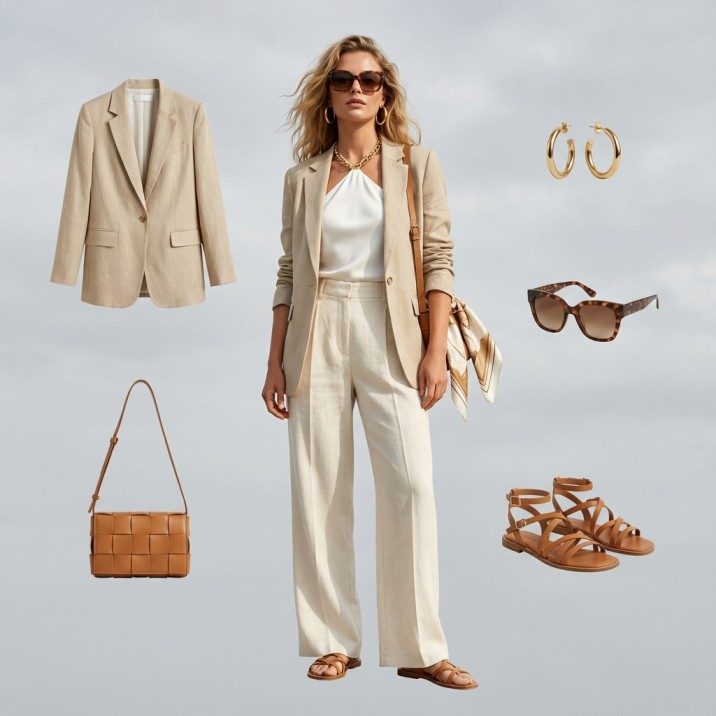
Create photorealistic fashion imagery in completely virtual environments with unlimited creative con...
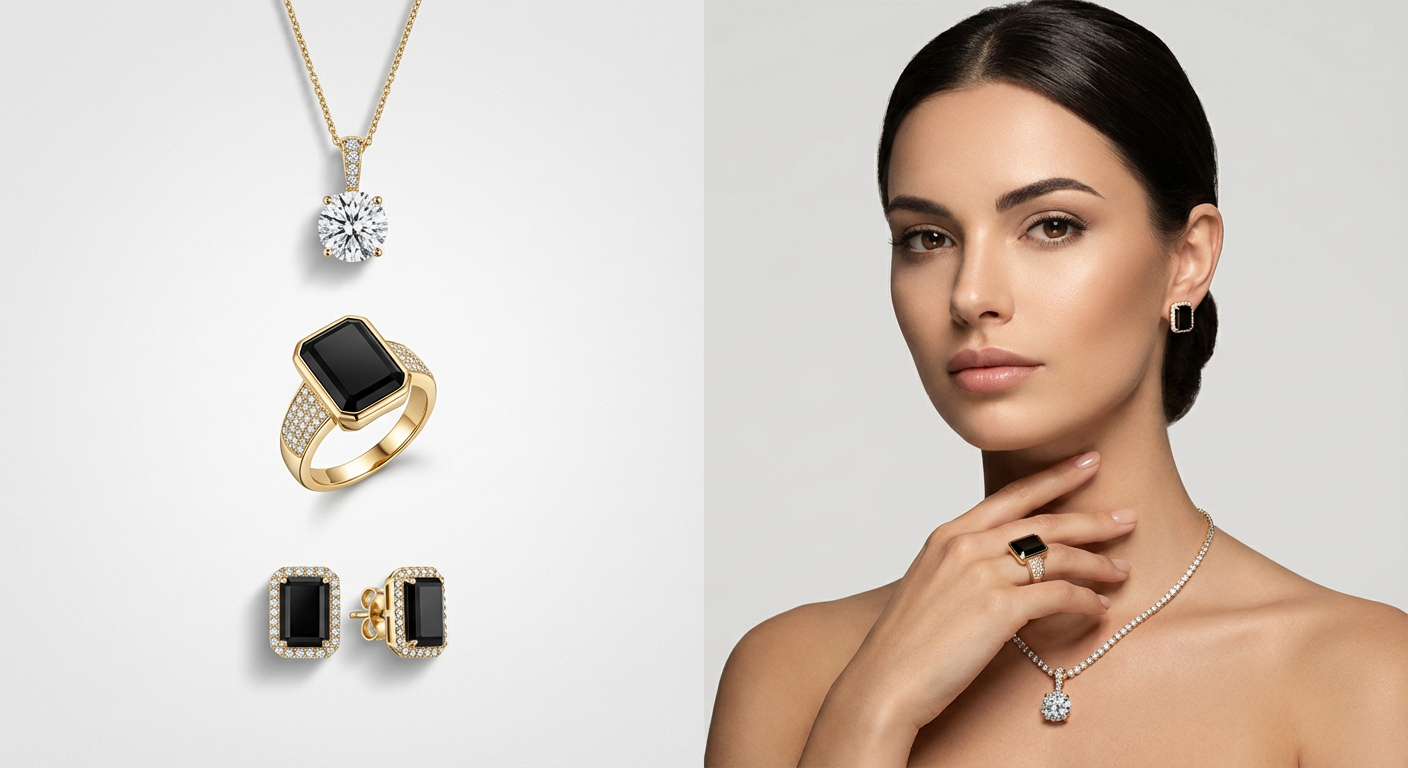
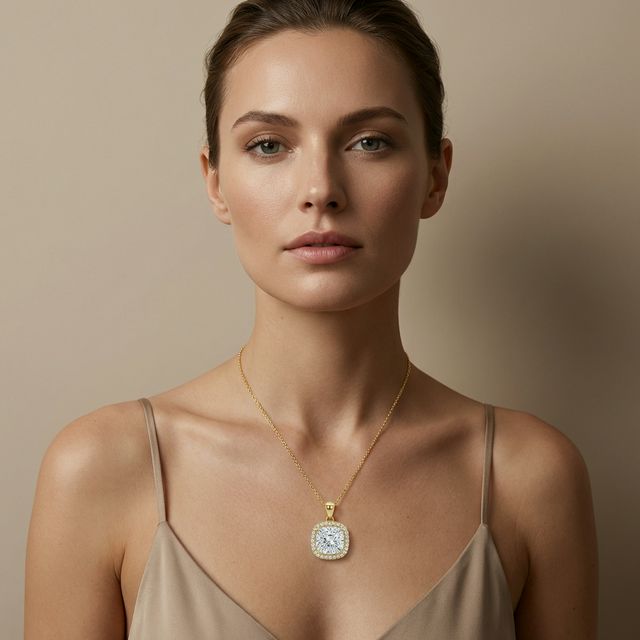
Jewelry and accessories shot flat give a shopper no sense of size. These four frames all came from the first one.
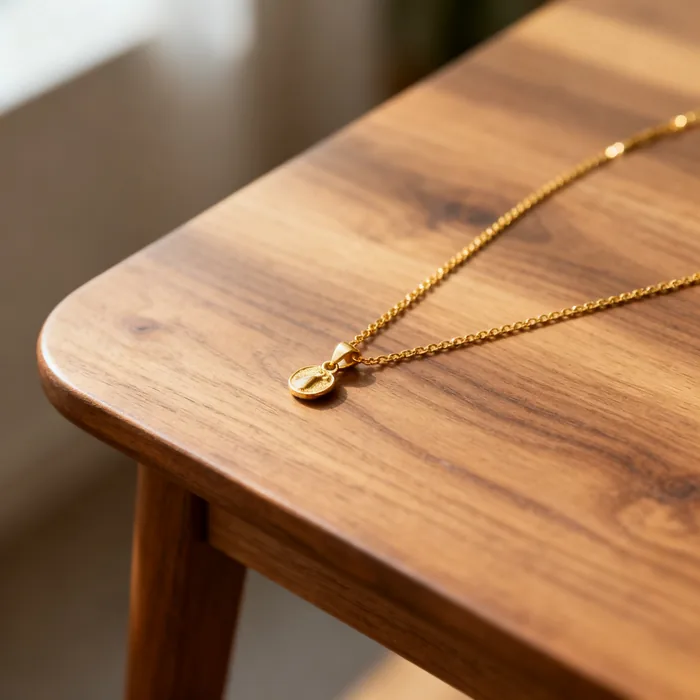 Your photo
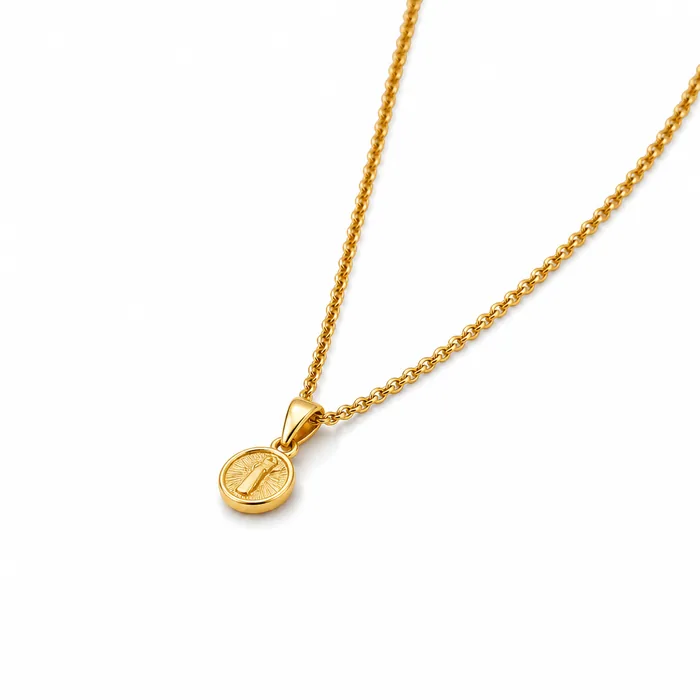 Listing
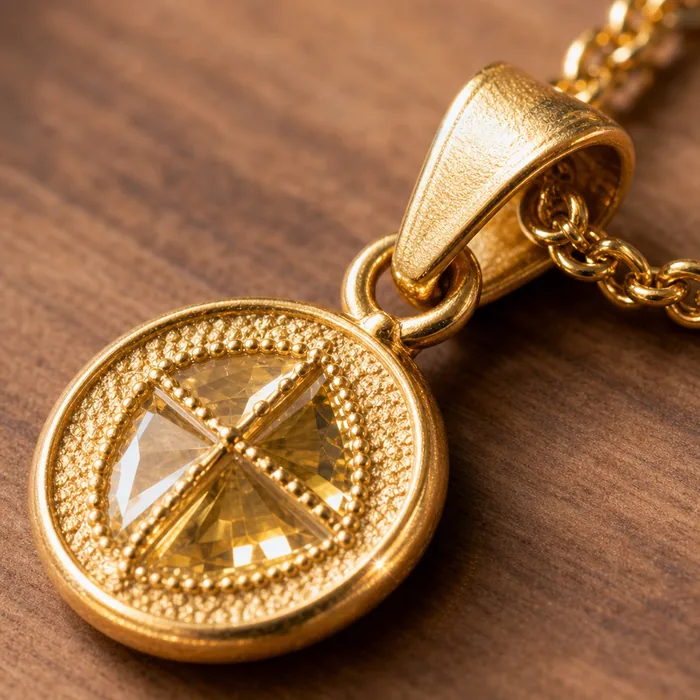 Detail
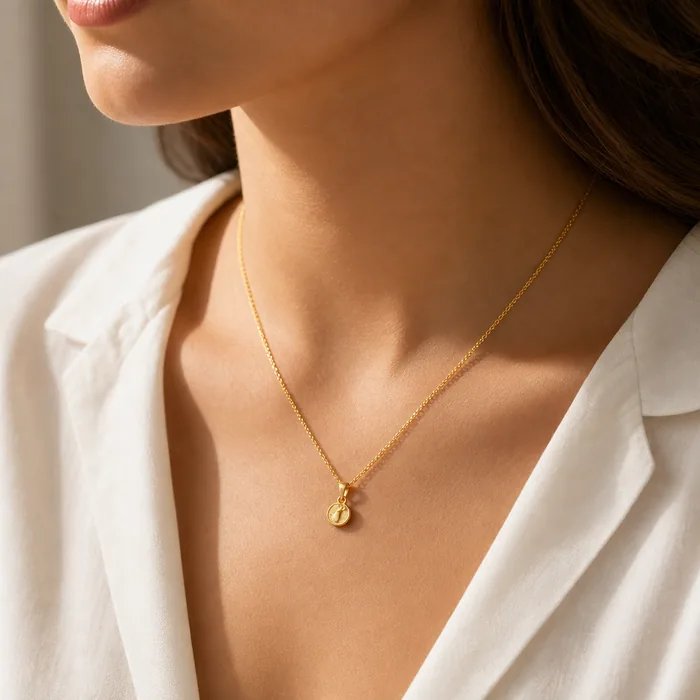 On model
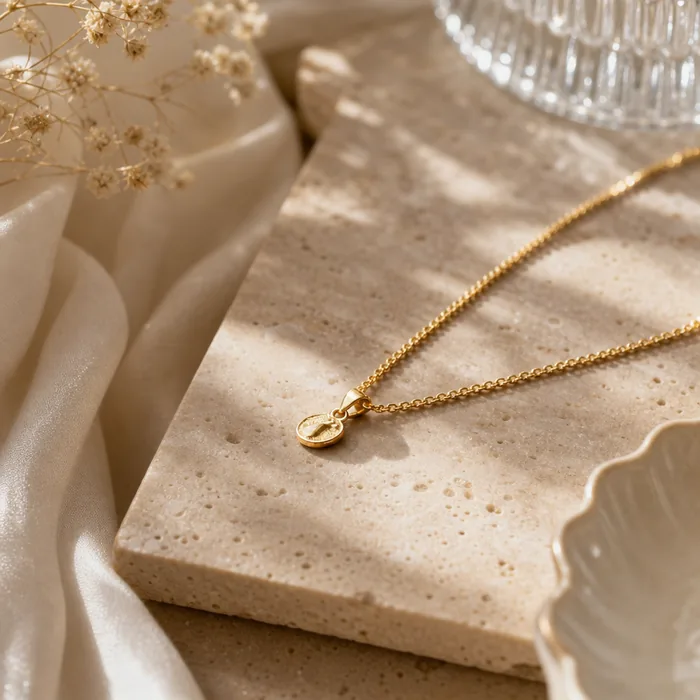 Lifestyle
Transform your product shots into professional on-model photography with a single click. Drag the slider to see the transformation.
 Original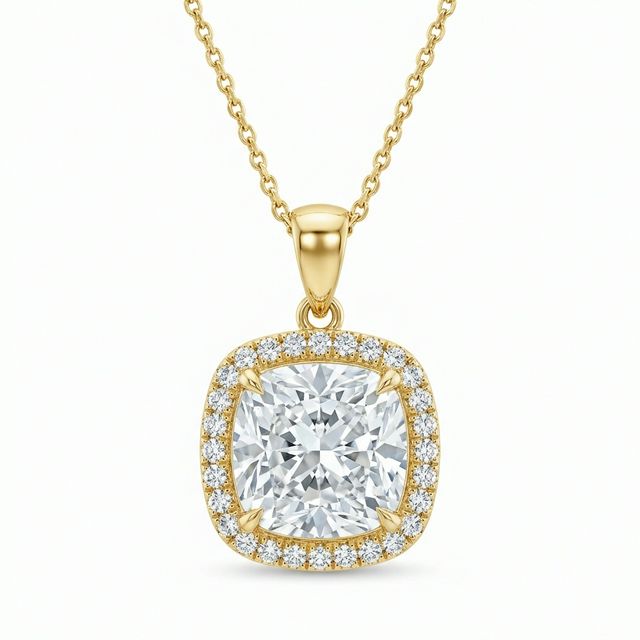
Upload your flat lay product shots and watch as our AI places them on realistic, high-end fashion models. Perfect for jewelry, accessories, and footwear.
Realistic models wearing your products
Accurate sizing and positioning on model
Choose from various ethnicities and styles
Different angles and model poses
Professional photography lighting
Generate on-model shots in seconds
Why spend thousands on model fees and studio time when AI can deliver professional results instantly?
Show every necklace and earring on a model without expensive photoshoots.
Visualize scarves, hats, and glasses on diverse models instantly.
A/B test different model demographics to see what converts best.
See how our AI transforms flat lay jewelry into stunning on-model photography
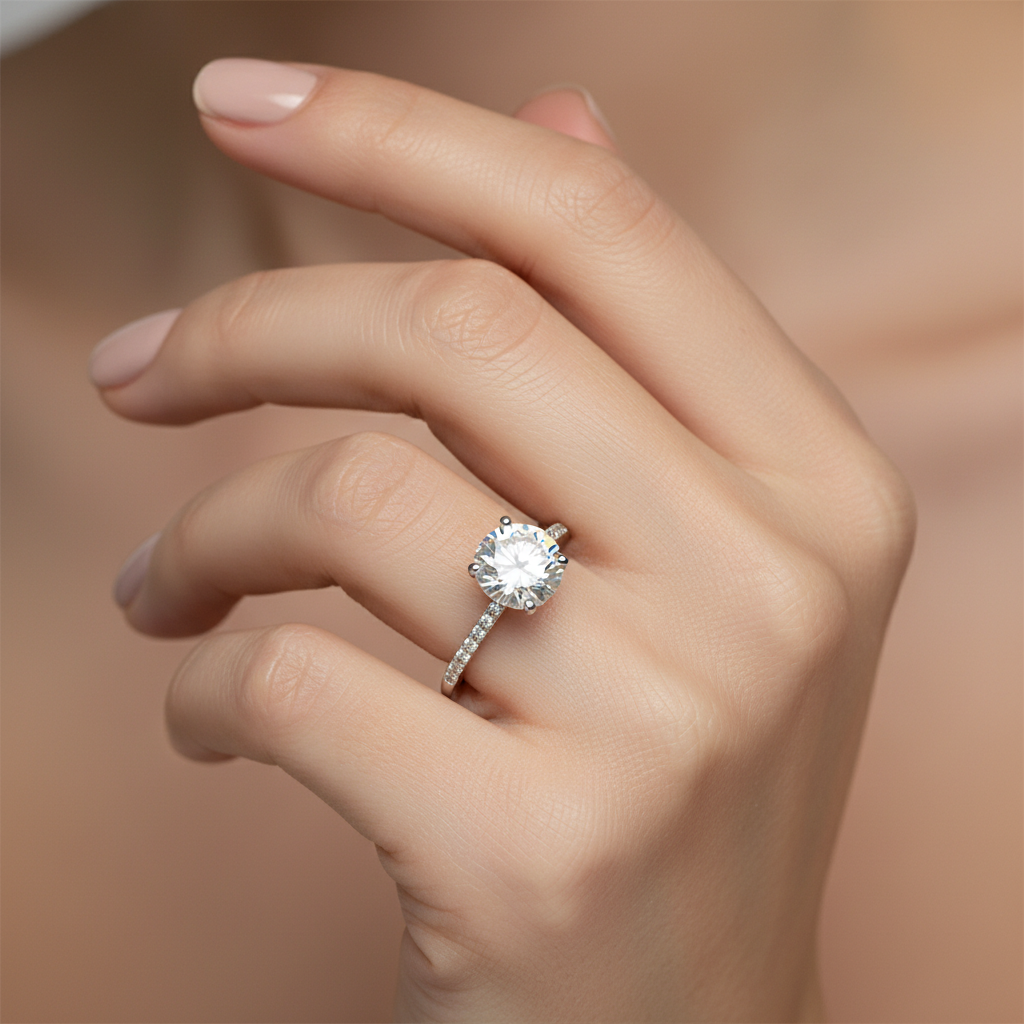 Original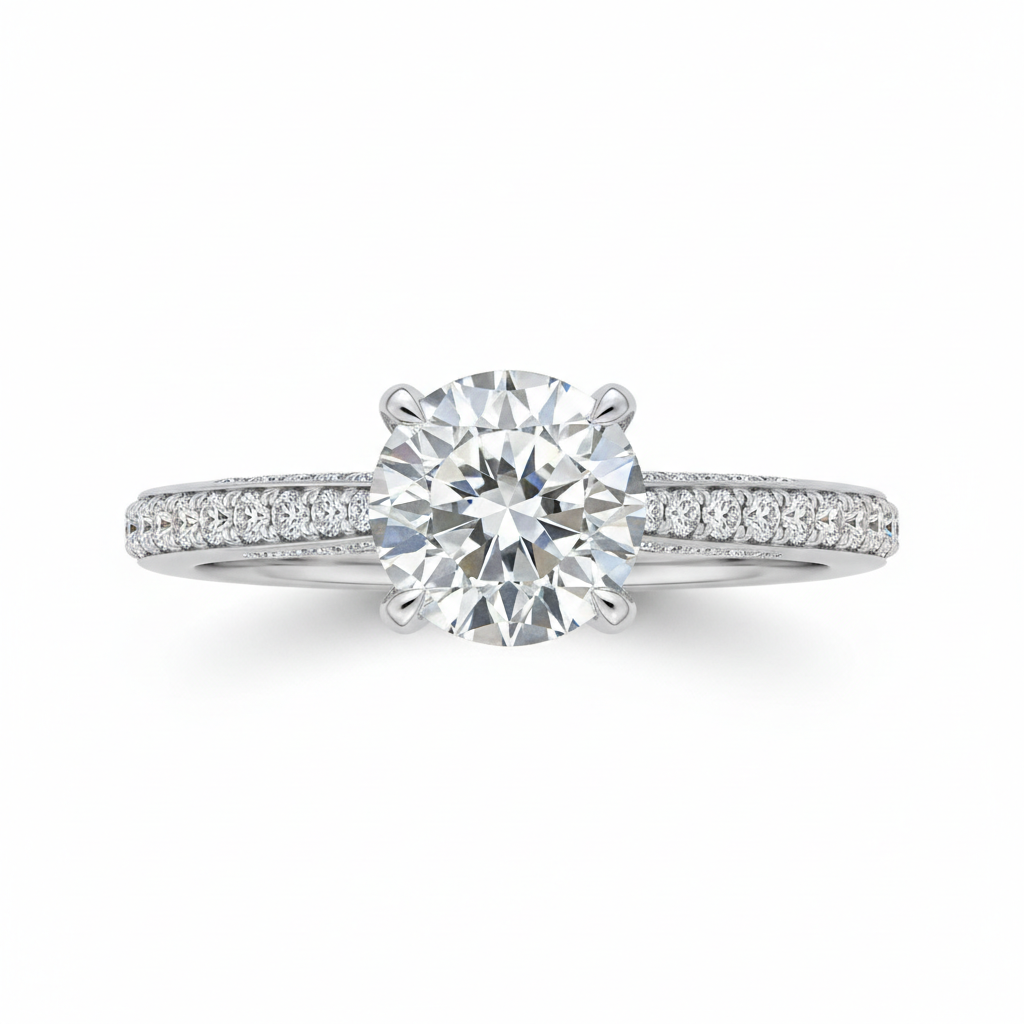
Jewelry and accessory brands showing scale on a body.
Jewelry photographed flat gives no sense of scale. On a neck, the same piece finally reads as the size it actually is.
We sell bags and shoes where fit is everything. Showing them worn cut the size questions in our inbox.
The macro crop and the on-model shot come from the same upload, which is the pair every listing needs.
Compare 10+ AI fashion model generators side by side. Honest reviews, pricing breakdowns, output quality tests, and how to choose the right tool for your brand.
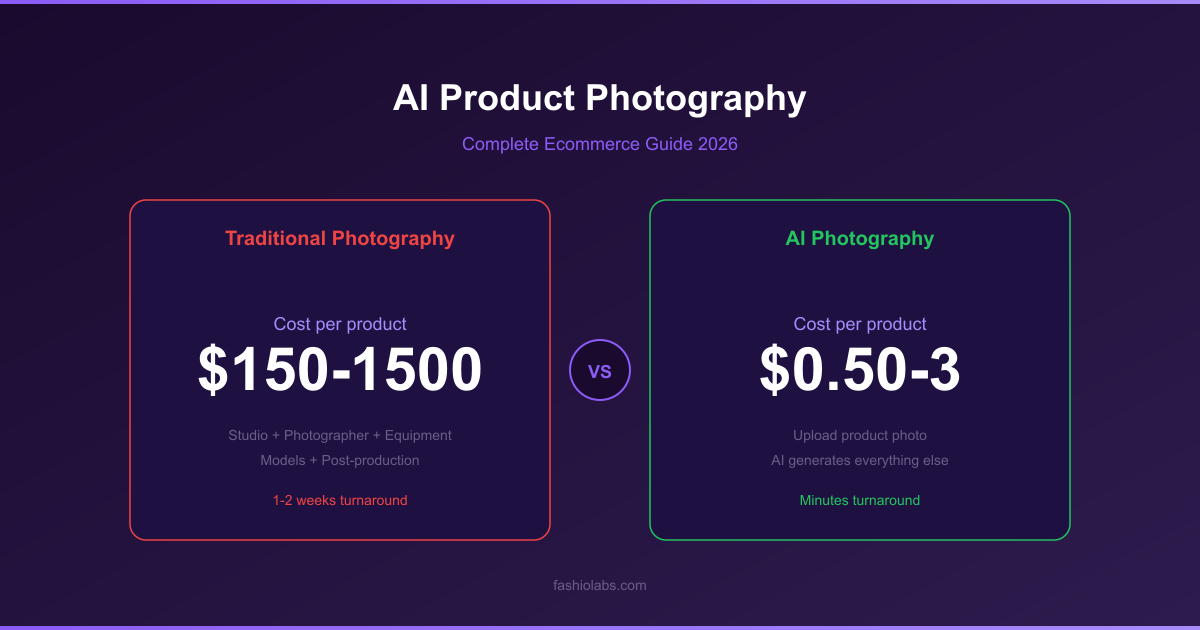
Master AI product photography for ecommerce. Compare tools, learn workflows, understand costs, and create studio-quality product images with AI.
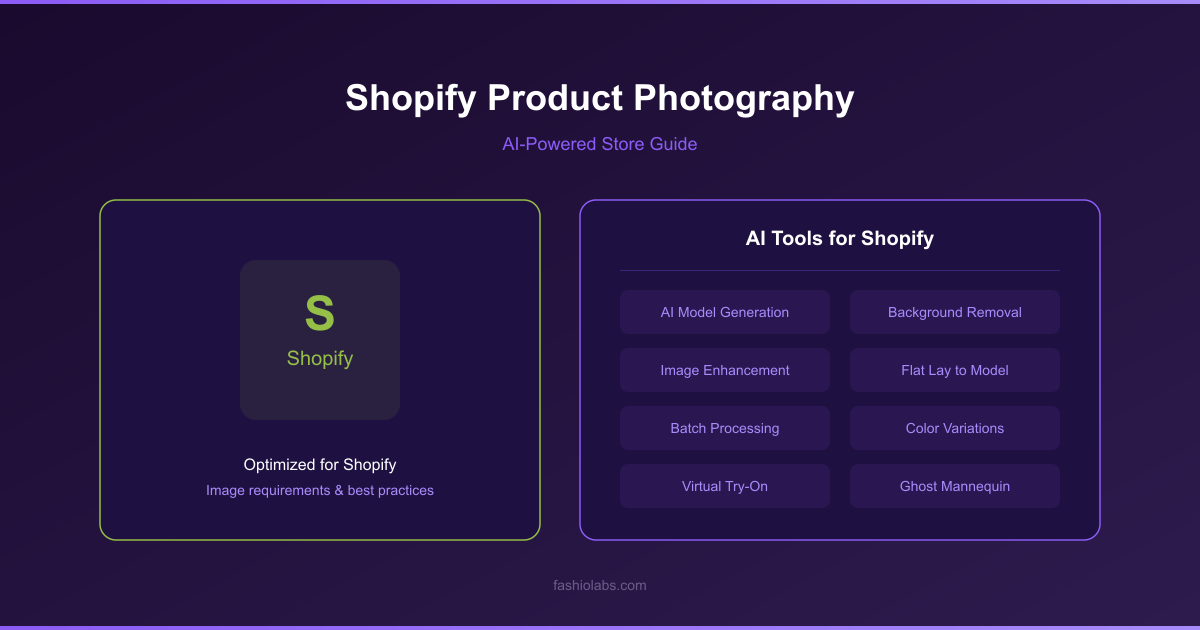
How to shoot product photos for a Shopify store — exact image size requirements, lighting and setup, plus AI shortcuts. Complete 2026 guide for store owners.
Generate professional on-model photography from flat lay product shots of jewelry, accessories, and shoes. No models, no studio, no waiting. With Fashio AI's AI product photography tool, you can turn any static product image into a publish-ready editorial shot — in seconds, not weeks.
Jewelry, shoes, and accessories are inherently personal products. A necklace lying flat on a white background communicates almost nothing about how it drapes against skin. A pair of heels photographed from above gives no sense of how they elongate the leg. Shoppers need context — they need to see the product worn — before they feel confident enough to buy. That is why on-model imagery is not a luxury for accessories brands; it is a conversion requirement.
The problem is that traditional model photography for small items is disproportionately expensive relative to product value. Booking a hand model for ring photography, a foot model for shoes, or a full editorial setup for a $40 earring quickly erodes margins. A single studio session can cost $1,000–$5,000 before retouching, and the images you get back are locked to one model, one pose, and one skin tone. For brands with hundreds of SKUs, scaling this process is financially unrealistic.
The data backs up the investment gap. Accessories product pages with on-model imagery see 2–3x higher conversion rates compared to flat lay alone. Shoppers spend more time on the page, return items less frequently, and share on-model images at a significantly higher rate on social media. Product to model AI closes the gap by making on-model photography accessible at any catalog size — whether you sell 10 pieces or 10,000. You get the conversion lift of studio-quality model shots at a fraction of the cost, with no scheduling, no coordination, and no limit on diversity or poses.
Fashio's product to model pipeline is built for speed and simplicity. Three steps, no learning curve.
1. Upload your flat lay product shot. Take a clean photo of your jewelry, shoe, bag, or accessory on a white or neutral background. High-resolution images (1024px or above) deliver the best results, but the AI handles a wide range of input quality. If your background is busy, use our AI background removal tool first.
2. AI places the product on a model. Choose the placement zone — hand, wrist, neck, ear, ankle, or foot — and select your preferred model characteristics including skin tone, pose, and setting. The AI generates a photorealistic on-model image with accurate scaling, natural lighting, and correct product positioning. Need a different angle? Use AI pose variation to explore alternative compositions.
3. Download your publish-ready image. The output is a high-resolution, commercially licensed image ready for your e-commerce listing, social media, or advertising campaign. For maximum sharpness across platforms, run the result through our AI upscaling tool.
From delicate chain necklaces to statement cocktail rings, the AI understands how each piece interacts with the body. Earrings hang with correct weight and movement. Bracelets wrap naturally around wrists. Pendants rest at realistic chain lengths against the chest. This is where the flat lay to model transformation delivers the most dramatic improvement — turning a lifeless product grid into an aspirational lookbook.
Footwear and handbags benefit enormously from on-model context. The AI generates full or partial body shots that show how a shoe shapes the foot or how a crossbody bag sits against the hip. No more guessing about scale or proportions.
Watches, cufflinks, tie clips, and belts are placed with anatomically correct sizing on wrists, cuffs, and waists. The AI maintains the metallic sheen and texture detail that makes luxury accessories sell.
Soft goods like scarves and hats are draped and positioned with realistic fabric physics. Sunglasses and prescription frames sit naturally on the face with accurate temple angles and bridge placement — a critical detail that cheaper tools get wrong.
| Factor | Traditional Photoshoot | Fashio AI Product to Model |
|---|---|---|
| Cost per look | $50–$500+ (model, studio, retouching) | $0.10–$2 per image |
| Turnaround | 1–3 weeks (booking to delivery) | 5–15 seconds per image |
| Model diversity | Limited by budget and local talent pool | Unlimited — any ethnicity, age, body type |
| Consistency | Varies between sessions and photographers | Identical lighting and style across catalog |
| Scalability | Linear cost increase per SKU | Flat cost whether you process 10 or 10,000 items |
For brands exploring AI product photography free options, Fashio offers a free tier so you can test the quality before committing. The results speak for themselves — most users convert to a paid plan after seeing their first generated image.
Product to Model AI is optimized for jewelry (necklaces, earrings, rings, bracelets, pendants), footwear, handbags, watches, eyewear, scarves, hats, and belts. Essentially any accessory that is worn on or near the body. For full garments like dresses and jackets, our AI fashion model generator is the better fit.
The output is photorealistic and commercially viable. The AI handles lighting, shadows, reflections, and skin interaction with high accuracy. Metal surfaces retain their sheen, gemstones maintain sparkle, and fabric drapes naturally. Most viewers cannot distinguish AI-generated on-model shots from traditional studio photography.
Yes. You can select model ethnicity, approximate age range, skin tone, pose style, and background setting. This means you can create imagery that matches your brand aesthetic and resonates with your target demographic — without booking multiple models. For even more creative control, explore our virtual try-on feature.
Absolutely. Upload your entire product catalog and process hundreds of flat lay images in a single session. Each image generates in 5–15 seconds, so a 500-SKU catalog can be fully converted to on-model imagery in under two hours. This is where product to model AI delivers the most dramatic ROI compared to traditional photography.
Yes. All images generated through Fashio AI are fully licensed for commercial use. This includes e-commerce product listings, paid advertising, social media campaigns, print catalogs, and wholesale presentations. You own the output.
Ready to put your products on models? Try Fashio AI Free →