

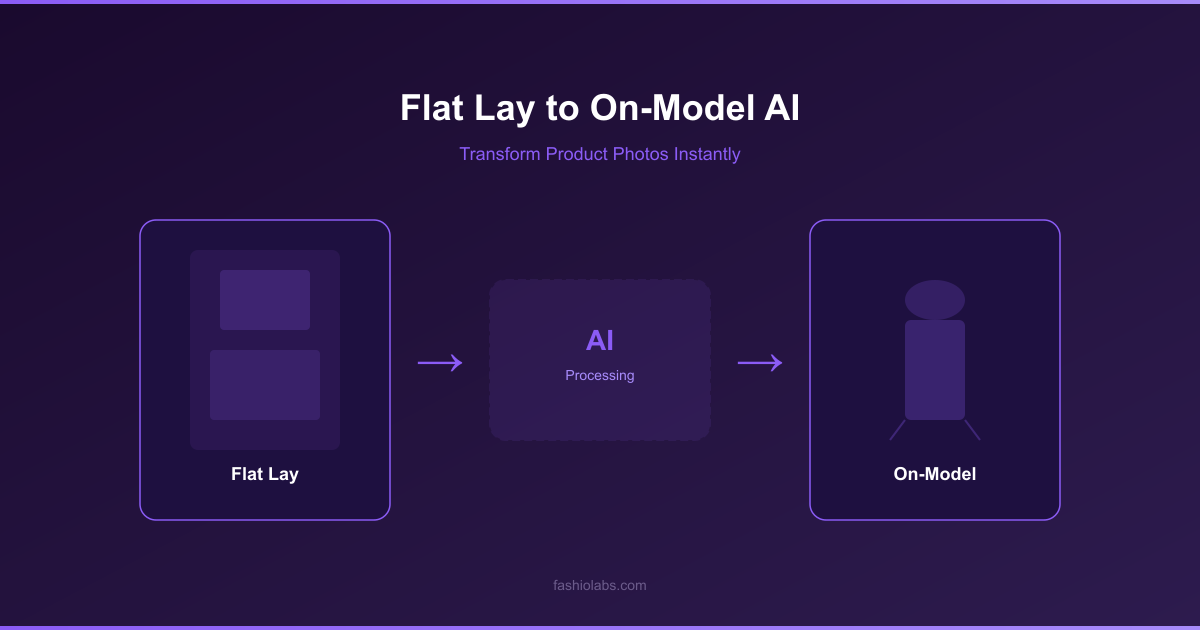
Flat Lay Photography to On-Model: Complete AI Workflow | Fashio AI
Transform flat lay product photos into professional on-model imagery with AI. Step-by-step guide covering flat lay photography tips and AI conversion tools.
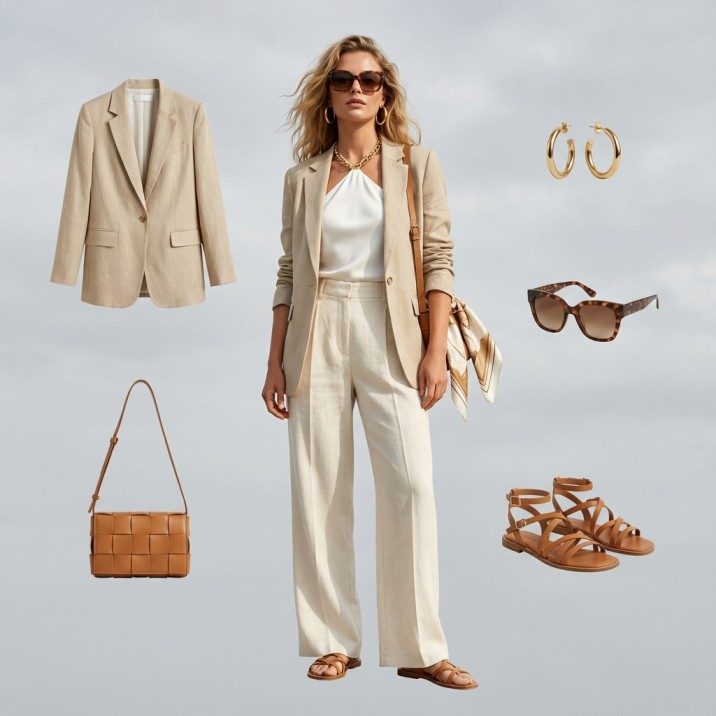
Create photorealistic fashion imagery in completely virtual environments with unlimited creative con...
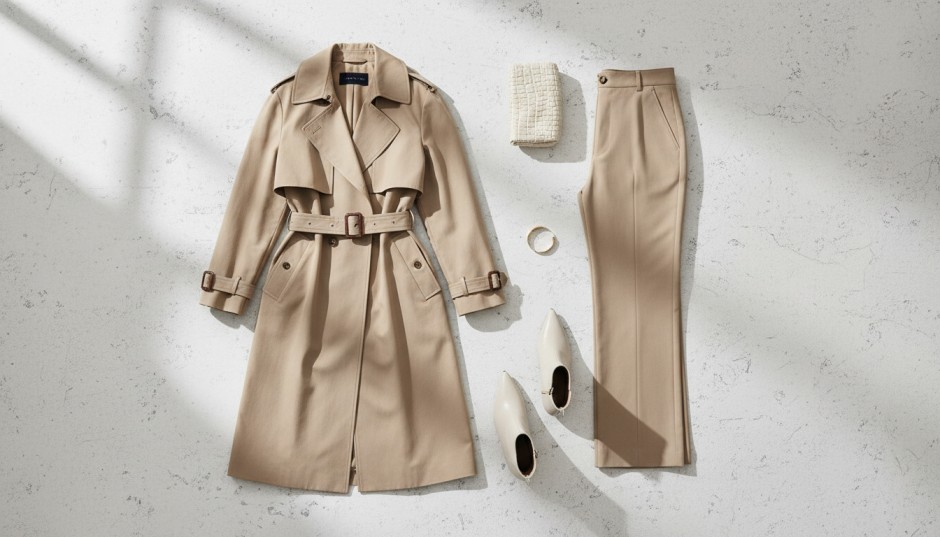
White background, detail crop, on-model, second pose. The first five frames below are one product, generated in a single run.
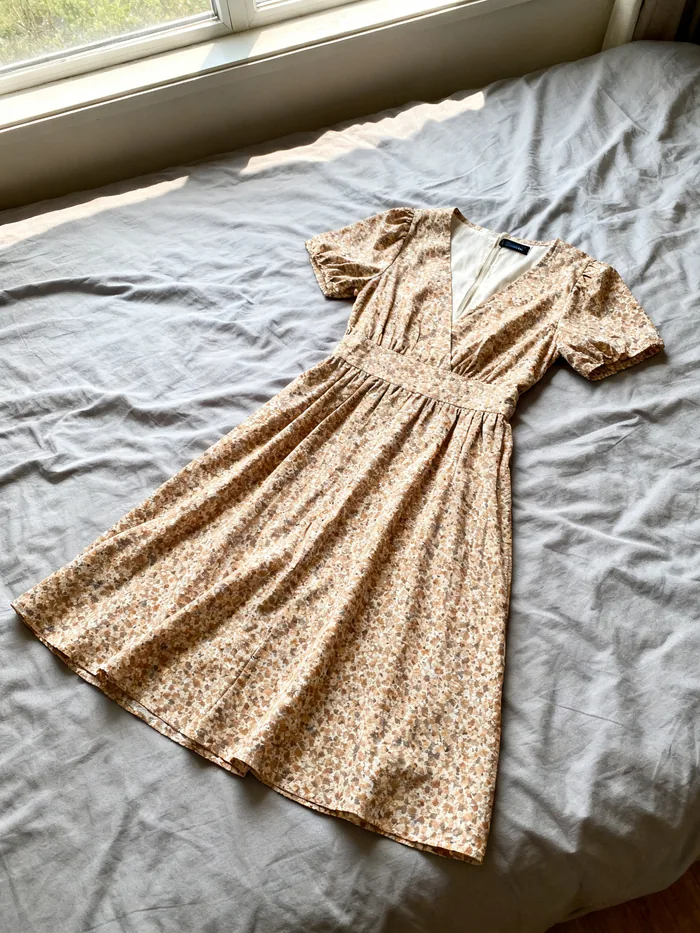 Your photo
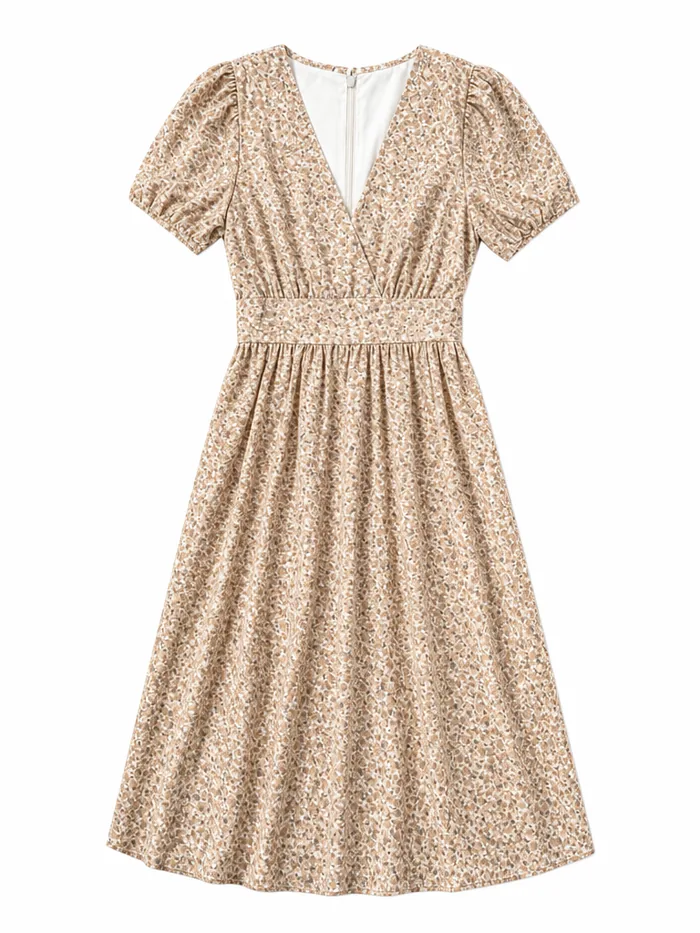 Listing
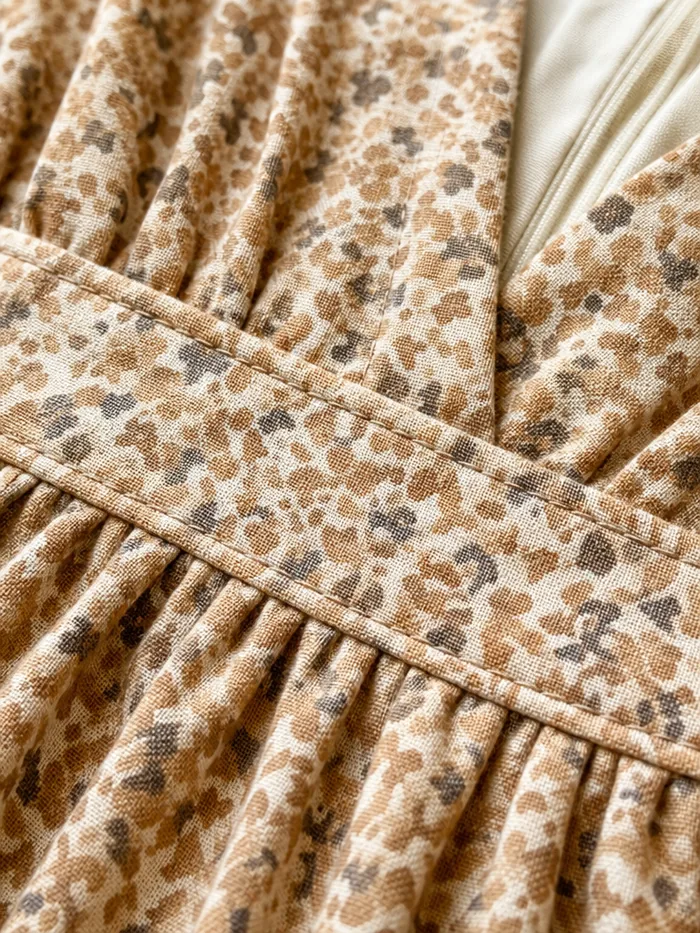 Detail
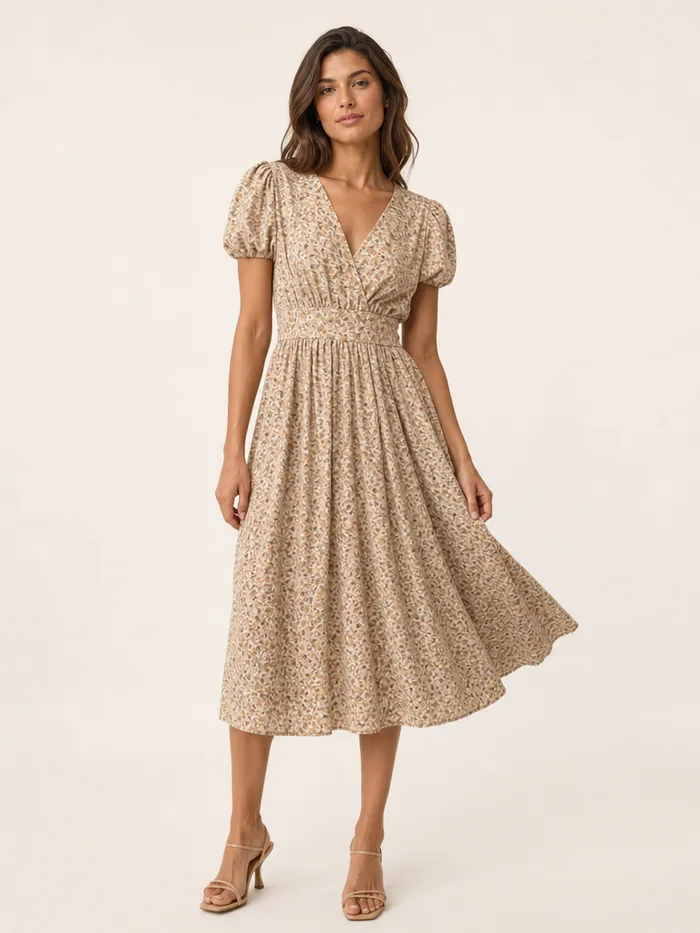 On model
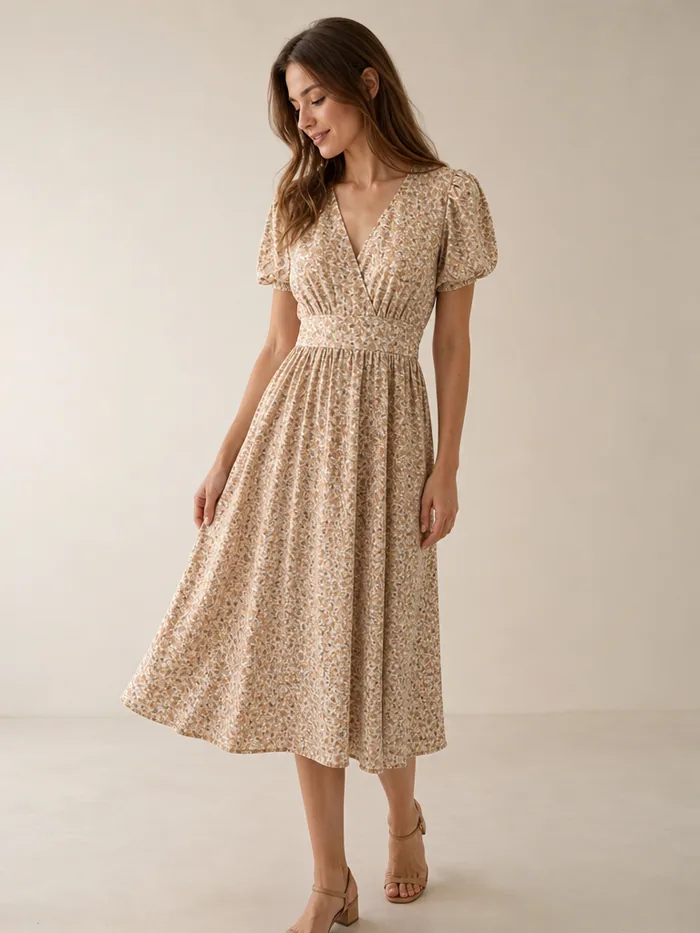 Second look
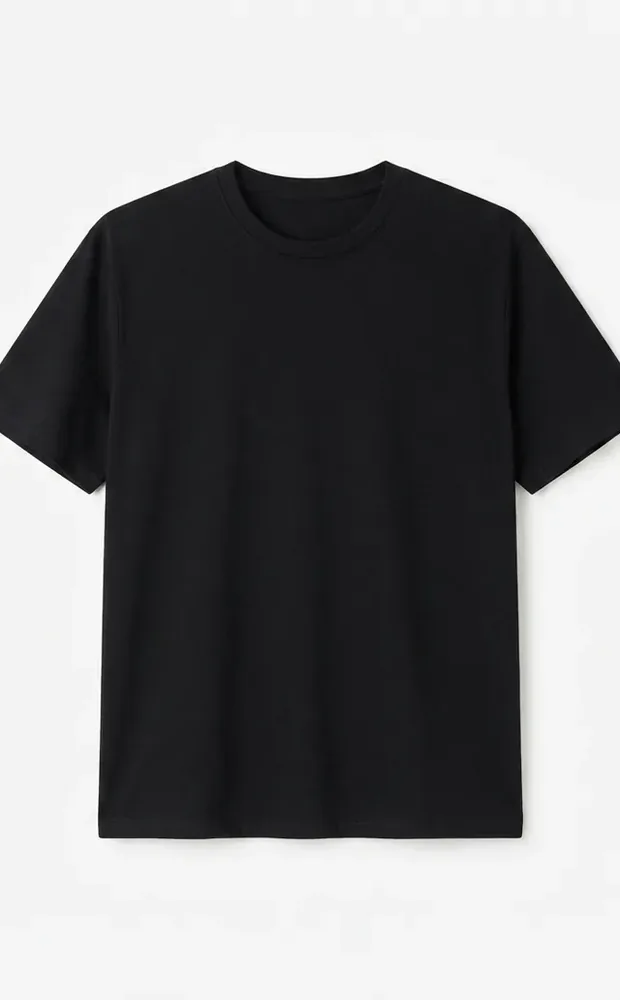 Flat lay
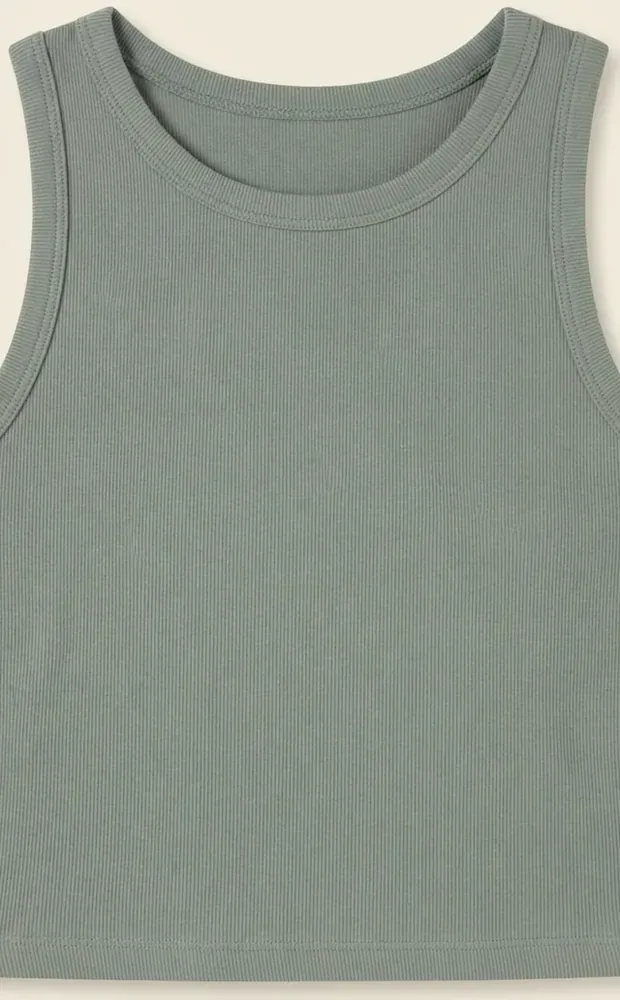 Flat lay
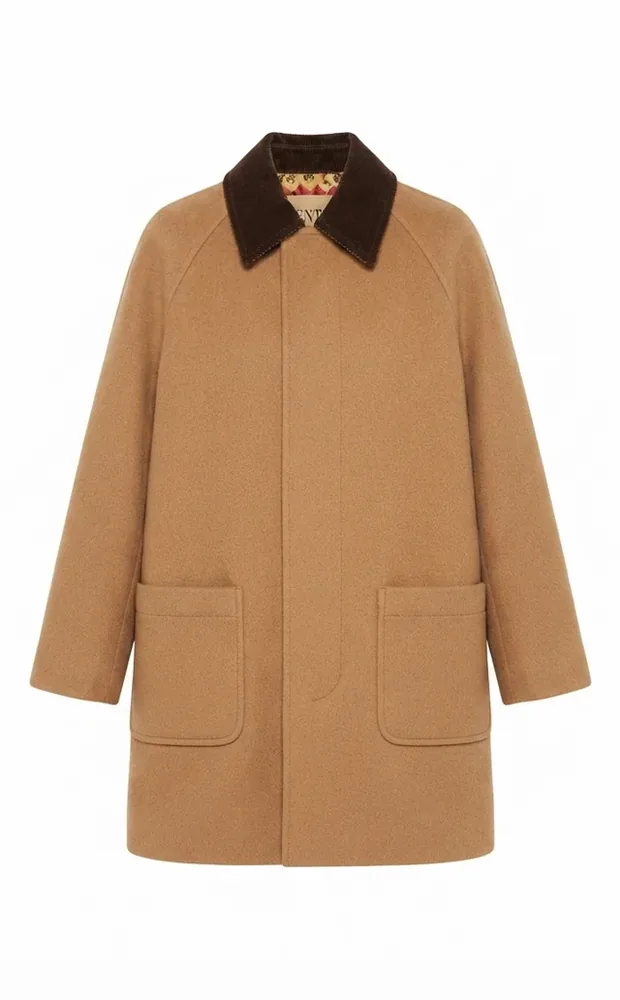 Flat lay
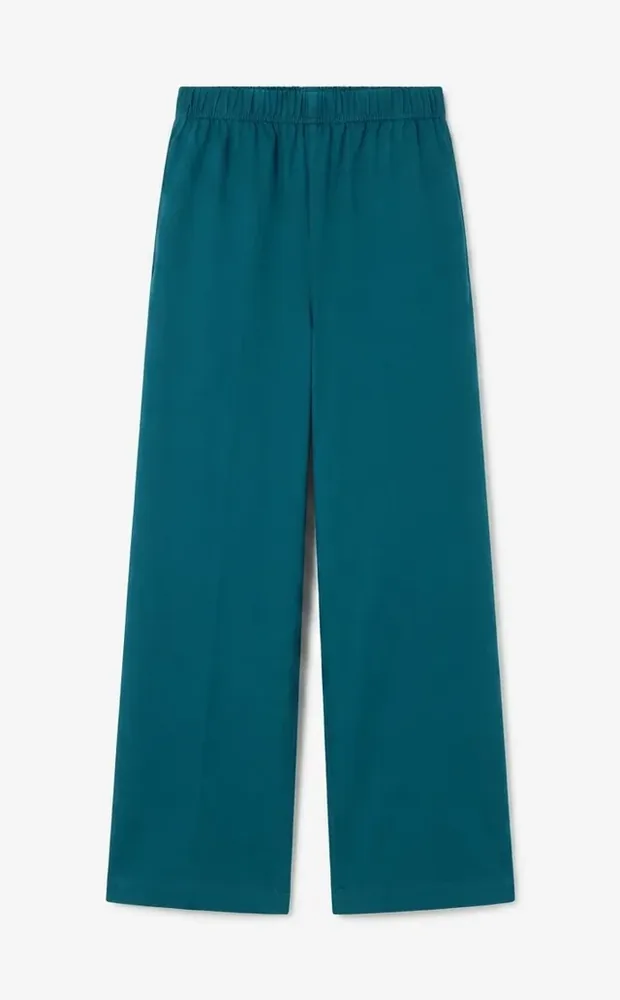 Flat lay
Process entire product catalogs in hours.
Unified styling across all products.
High-resolution CMYK output for production.
Seamlessly convert simple flat lay photography into professional on-model imagery. Choose from our diverse library of virtual models and poses to match your brand aesthetic perfectly.
Generate complete catalog pages instantly. Our AI handles layout, composition, and consistent styling across your entire SKU list, delivering print-ready files in minutes.
See how we stack up against traditional methods
| Features | Fashio AI | Traditional Photo Shoot | Other AI Tools |
|---|---|---|---|
| Turnaround Time | Minutes | Weeks | Hours/Days |
| Cost per SKU | $1 - $5 | $50 - $200 | $10 - $30 |
| Model Diversity | Unlimited | Limited by Booking | Generic/Limited |
| Consistency | 100% Perfect | Varies | Inconsistent |
| Scalability | Infinite | Low | Medium |
| Re-shoot Flexibility |
Choose the perfect model and pose in seconds.
Lock in model, pose, background, and lighting once and reuse them across the collection
Unified styling across all products
Lifestyle, flat-lay, on-model, studio
Auto-generate catalog page layouts
Group by category, color, season
Reusable brand templates
Spring/Summer collections, holiday catalogs, new season launches, and limited edition releases.
Entire store photography, category-specific catalogs, brand lookbooks, and wholesale catalogs.
Magazine-style layouts, PDF catalog generation, interactive digital catalogs, and print-ready deliverables.
Shops building a full listing set from one flat-lay.
One flat-lay in, and I get the white-background shot, the detail crop, and the on-model frame. That is the whole listing in one run.
Marketplaces each want a different set of angles. Generating the whole set at once stopped that from being a weekly chore.
The detail crop is what sells a textured piece. I used to shoot that separately and usually skipped it.
Transform flat lay product photos into professional on-model imagery with AI. Step-by-step guide covering flat lay photography tips and AI conversion tools.
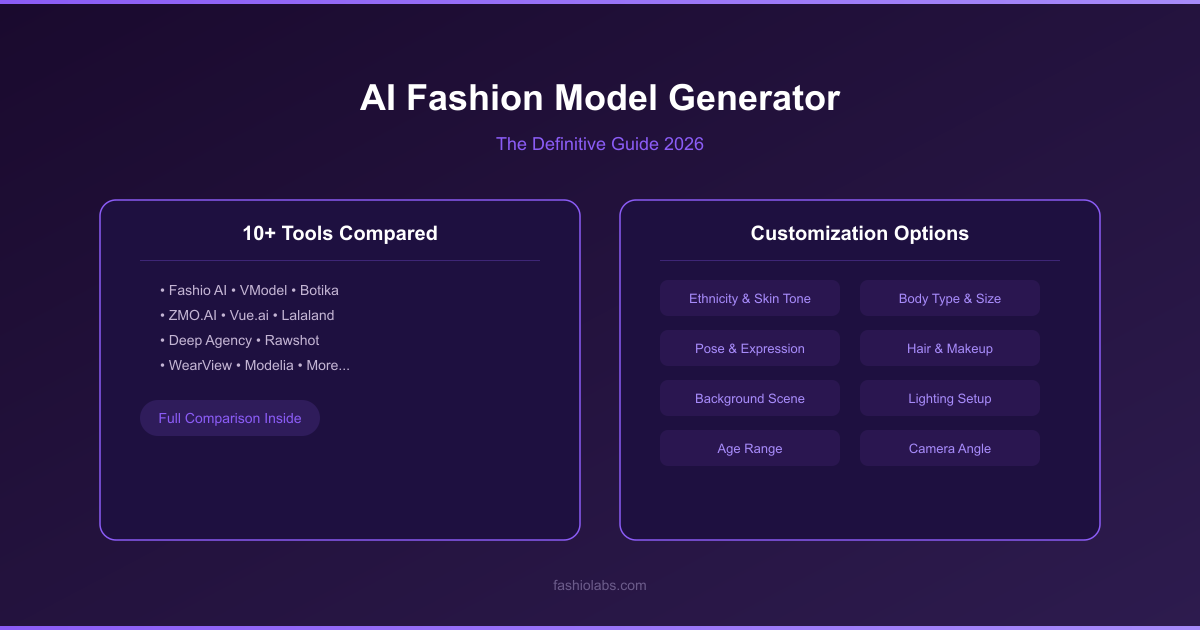
Compare 10+ AI fashion model generators side by side. Honest reviews, pricing breakdowns, output quality tests, and how to choose the right tool for your brand.
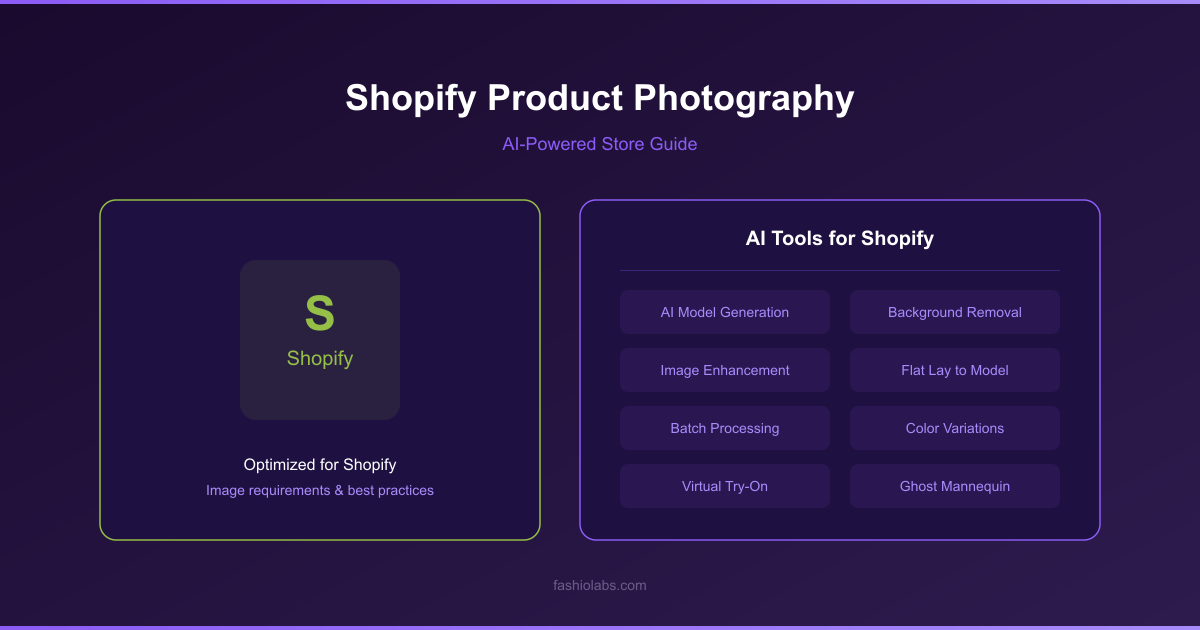
How to shoot product photos for a Shopify store — exact image size requirements, lighting and setup, plus AI shortcuts. Complete 2026 guide for store owners.
Generate complete product catalogs from flat lay photos. Lock in your styling once and reuse it across the collection for consistent layouts and print-ready output. Fashio AI catalog creator turns raw product shots into polished, publish-ready pages so your team can focus on selling instead of editing.
Seasonal catalogs are the backbone of fashion retail. Every spring/summer launch, holiday drop, and mid-season refresh demands hundreds — sometimes thousands — of product images that look like they belong together. When each SKU needs a clean background, consistent lighting, uniform framing, and brand-compliant color grading, the manual workload adds up fast. Traditional catalog production means coordinating photographers, retouchers, and graphic designers across weeks of back-and-forth revisions. For brands running four or more collections per year, that cycle never really ends.
The cost pressure is just as real. Hiring a studio team to shoot and retouch 500 products can run tens of thousands of dollars per season, and that figure doubles when you need both a print-ready PDF and web-optimized images for your e-commerce store. An AI catalog creator collapses that timeline from weeks to hours and cuts production costs by up to 90 percent. Instead of choosing between print quality and digital speed, you get both from the same automated pipeline — freeing your creative team to work on campaigns, lookbooks, and storytelling rather than repetitive image formatting.
Drag and drop your entire collection into the dashboard. Fashio AI accepts JPG, PNG, and TIFF files at any resolution, and there is no practical limit on batch size. Users regularly upload 500 to 5,000 SKUs in a single session. If your source photos need cleanup first, run them through AI background removal or AI photo enhancement before uploading.
Once your images are uploaded, the product catalog generator takes over. The AI analyzes each photo and applies uniform background removal, shadow generation, color correction, and centering. Every product ends up with the same visual treatment regardless of how it was originally photographed. You can choose from preset brand templates or create your own — specifying background color, padding, shadow angle, and aspect ratio so the output matches your brand guidelines exactly.
When processing is complete, download individual product images optimized for your e-commerce platform or export a fully laid-out catalog PDF. The automated catalog creation engine arranges products into pages following standard catalog design principles — grid layouts, category groupings, and consistent spacing. You can also export assets sized for marketplaces like Amazon, Shopify, and Zalando in a single click.
Every SKU in your catalog shares the same background, lighting, framing, and color balance. This uniformity is what separates professional catalogs from amateur product listings. The AI applies identical processing rules to every image in the batch, eliminating the visual inconsistencies that creep in when multiple photographers or retouchers handle different parts of a collection. For products that need to appear on a model as well, pair the catalog output with our AI fashion model generator to create on-model variants from the same flat lay source.
Fashio AI outputs high-resolution files suitable for professional print production — up to 4K, CMYK-compatible, and bleed-ready. At the same time, the fashion catalog maker generates web-optimized versions at the exact dimensions your e-commerce platform requires. No more running the same image through Photoshop twice. If you need even sharper output for large-format printing, pass your files through AI upscaling to double the resolution without introducing artifacts.
Products are generated one at a time, but the setup is not rebuilt each time. Pick the model, pose, background, and lighting once and every subsequent product inherits them, which is what stops a catalog turning into a mix of shots that plainly came from different days. That consistency is where automated catalog creation earns its keep — matching it manually is exactly the part that used to occupy a retoucher.
The most efficient catalog workflow starts at the photography stage. Shoot your garments as flat lays on a neutral surface using consistent overhead lighting. Even smartphone shots work if the lighting is even. Next, upload the full batch to Fashio AI. The AI removes backgrounds, corrects color, and standardizes every image. If any products were originally shot on ghost mannequin photography setups, the tool handles those just as well. Once processing is complete, review the output in the dashboard and make any final adjustments — swap a background color, tweak padding, or reorder products by category. Finally, export your finished catalog as a print-ready PDF, a set of individual product images for your online store, or both. The entire pipeline from raw flat lay to published catalog takes hours, not weeks.
The tool works with any fashion product you can photograph as a flat lay — t-shirts, dresses, jackets, trousers, skirts, shoes, bags, accessories, and jewelry. It also handles non-apparel items like home textiles, beauty products, and small consumer goods. Structured garments with clear silhouettes produce the best results, but the AI adapts to soft and unstructured items as well.
You can export individual product images as PNG (transparent background) or JPG (solid background) at resolutions up to 4K. Full catalog layouts export as PDF with CMYK color profiles for print or RGB for digital distribution. Web-optimized bundles are available pre-sized for Shopify, Amazon, WooCommerce, and other major platforms.
Yes. Create reusable brand templates that define background color, shadow style, product spacing, page layout grid, font choices, and logo placement. These templates apply uniformly across every batch, ensuring brand consistency without manual intervention. You can also override settings on individual products if needed.
Products are processed one at a time — there is no bulk uploader and no batch queue. The practical limit is your credit balance rather than a cap on the tool. Your styling settings persist between products, so the per-item work after the first one is upload, generate, export.
Fashio AI offers a free tier so you can test the product catalog generator on your own photos before committing to a plan. Paid tiers scale with processing volume and unlock features like batch processing, custom brand templates, priority rendering, and API access for fully automated workflows. Visit the dashboard for current pricing details.
Ready to automate your catalog? Try Fashio AI Free →