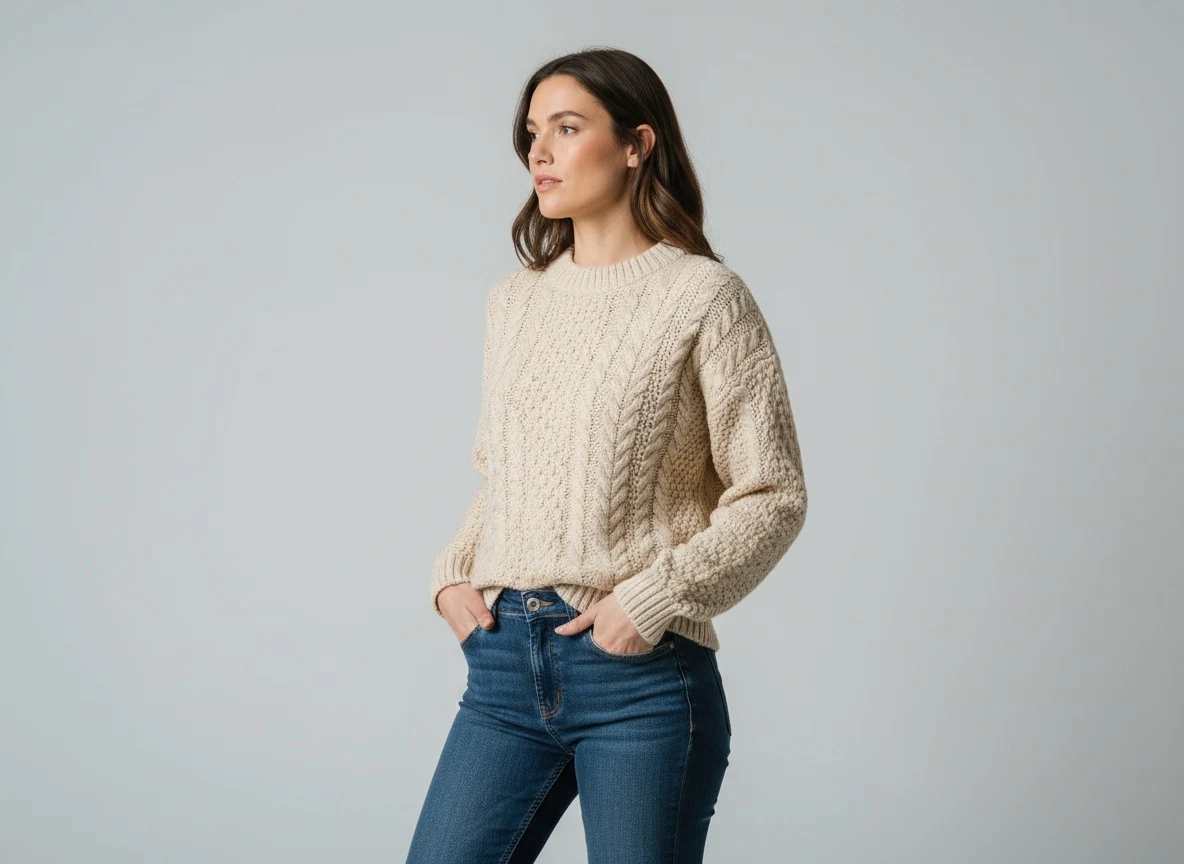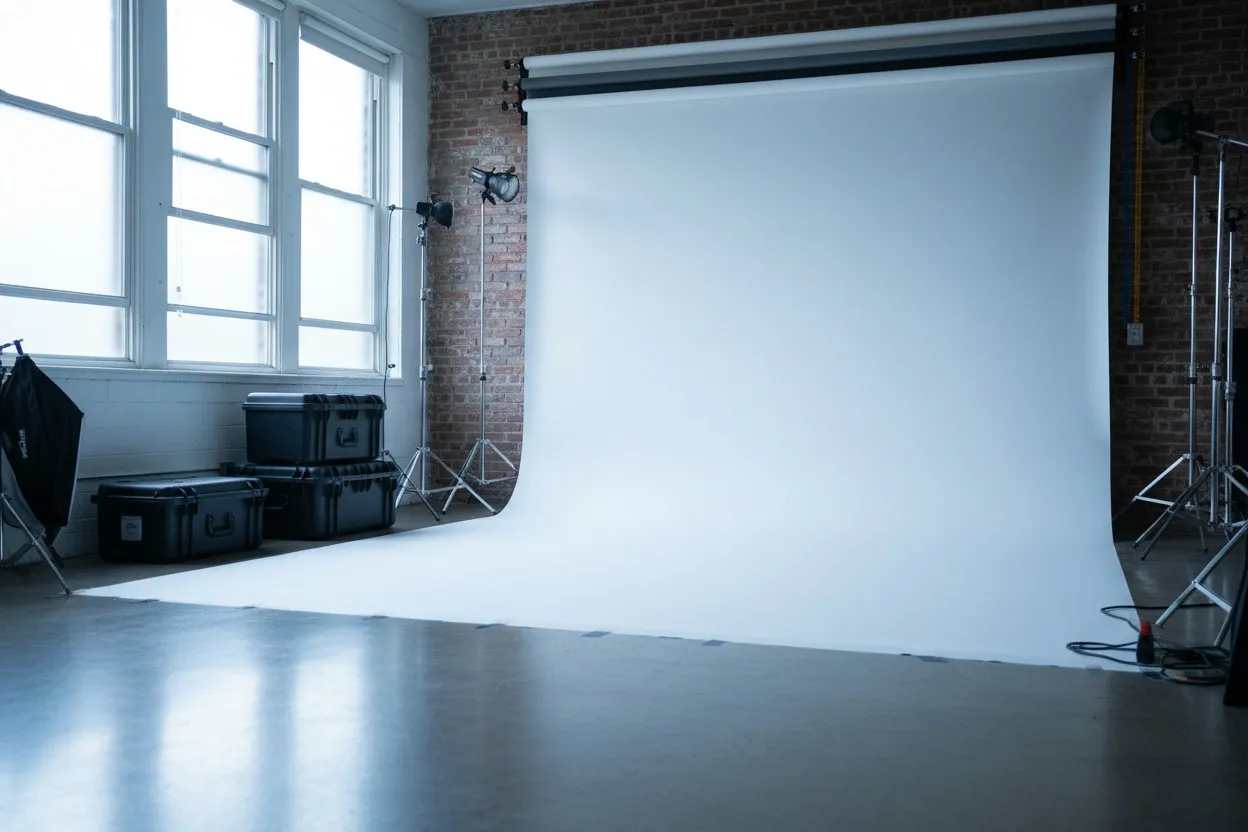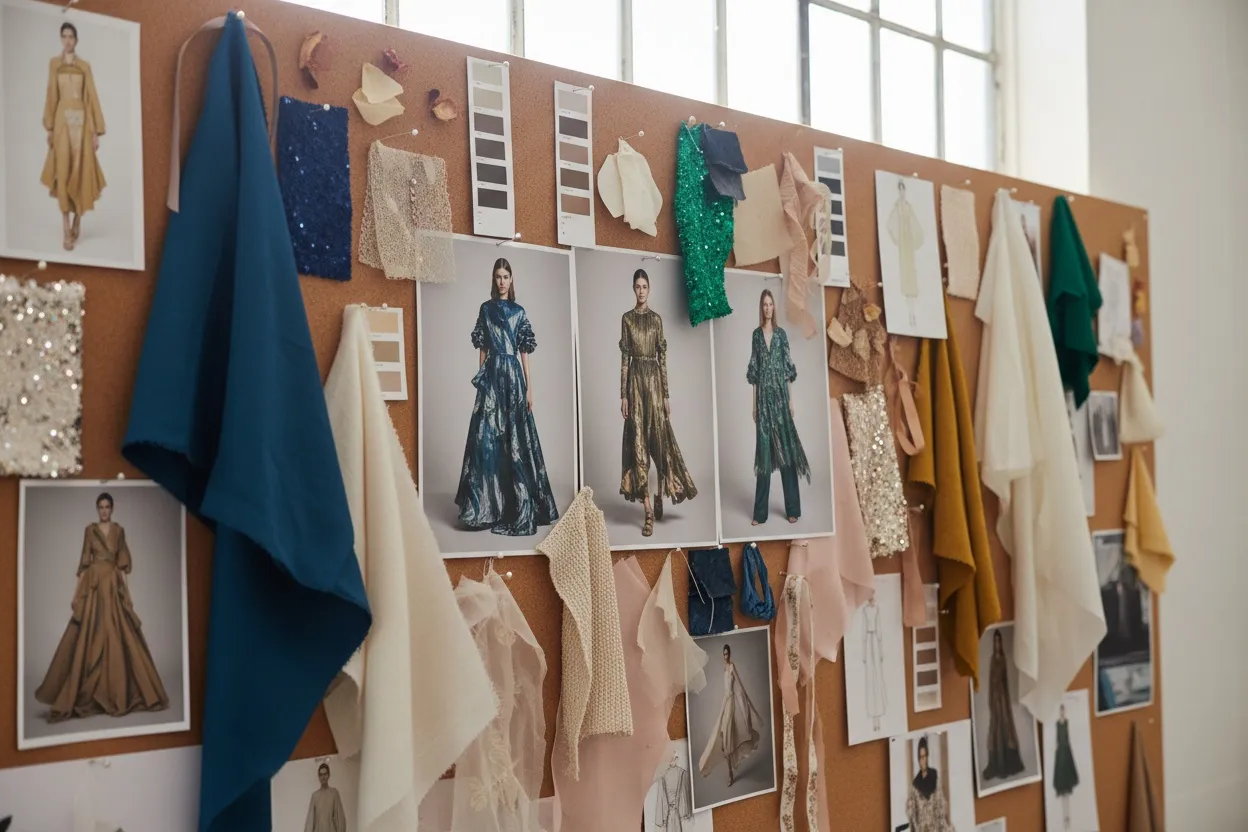
The 2026 Photoshoot: No Studio, No Model, No Photographer
30-90 min vs 1-2 weeks $0-$100/mo vs $3K-$15K/shoot Unlimited revisions Same model, every drop
The AI photoshoot collapses the entire studio pipeline — casting, location, photographer, post-production — into a single same-hour digital workflow. Same brand consistency, same editorial polish, none of the lead time or upfront cost.
For most of fashion's modern history, a "photoshoot" meant the same expensive chain of bookings: model casting, studio or location rental, a photographer, an assistant, hair and makeup, garment styling, and another week or two of retouching before the imagery actually reached the website. A single seasonal catalog could absorb $30,000 in production before a single sale. Brands accepted that math because there was no alternative.
In 2026, there is. The AI photoshoot — a fully digital production workflow built on fashion-trained generative models — produces ecommerce-quality, ad-ready imagery in minutes instead of weeks. It's not a gimmick or a stand-in for "real" photography. For 85-90% of what most brands publish (PDPs, category pages, ad creatives, social posts, email campaigns, wholesale linesheets), AI photoshoots have become the production-grade default.
This guide breaks down what an AI photoshoot actually is, how the workflow runs end to end, how it compares to a traditional studio shoot on every dimension that matters, which tools are leading in 2026, and the use cases where AI still loses to a real camera.
What an AI Photoshoot Actually Is
An AI photoshoot is not one tool — it is a chained workflow that mirrors every step of a traditional production cycle, but executed by AI in the same hour. Each step in the chain replaces a specific line item from the studio invoice.
| Traditional Studio Step | AI Photoshoot Equivalent | What Replaces It |
|---|---|---|
| Model casting + booking | AI Fashion Model Generator | Generate any model identity, save and reuse |
| Studio rental + lighting | Scene / background composition | Choose any backdrop, lighting baked into output |
| Photographer + assistant | Garment fitting + pose control | AI fits your garment, you direct the pose |
| Hair + makeup | Built into model generation | Hair, makeup, and styling rendered with model |
| Retouching + post-production | Output is already clean | No skin retouching, no color correction queue |
| Multi-aspect deliverables | Photo Reframe / batch export | 1:1, 4:5, 9:16, 16:9 from one source |
The output is identical in role to a studio deliverable — high-resolution, commercially licensed, brand-consistent product imagery. The path to get there is the difference. Where a studio shoot serializes every step across weeks of calendar time, an AI photoshoot parallelizes them inside a single platform session.
The Honest Studio vs AI Photoshoot Comparison
Most "AI vs traditional" comparisons skip the hard parts. This one doesn't. Here is the head-to-head on every dimension a production manager actually cares about.
- 1-2 week lead time, plus 1-2 weeks of retouching
- $3,000-$15,000 per 10-look session
- Model booking fees, day rates, usage rights
- Studio or location rental + travel
- Photographer + assistant + stylist + HMUA crew
- Revisions require a reshoot
- Weather, mood, energy all impact the output
- One delivery per shoot; variations cost extra
- Best for: brand-defining hero campaigns, BTS, PR
- 30-90 minutes from upload to ready-to-publish images
- Free daily claim, 28 credits total; Plus plan $29.99/month for 160 credits — about $0.75 per generated image at 4 credits per generation
- Full commercial rights, no model releases needed
- No physical studio or location required
- One operator on one platform
- Unlimited revisions — regenerate any frame instantly
- Same lighting, same mood, same model every time
- One shoot produces stills, videos, and ad variants
- Best for: PDPs, ads, social, email, wholesale, lookbooks
The dollar math is the headline. A brand producing 12 lookbooks and 200 product shoots per year traditionally spends $50K-$200K on production. The same volume on an AI photoshoot platform costs less than $1,500 annually — and ships in a fraction of the time. The bigger shift is structural: fixed monthly cost replaces variable per-shoot spend, which makes weekly content drops economically possible for the first time.
How to Run an AI Photoshoot — Step by Step
The end-to-end AI photoshoot workflow is the same whether you are shooting a single PDP, a 50-SKU catalog, or a full campaign lookbook. The five steps below are the production-grade pipeline used by brands shipping AI imagery at scale in 2026.
-
Define the Model Identity
Open the AI Fashion Model Generator and describe the model your brand needs — age, ethnicity, body type, hair, expression, vibe. Save the model so the same face appears on every product in this and future shoots. This is the single most important step for brand consistency. Without it, every product image features a different person and the catalog reads as inconsistent.
-
Prepare the Garment Inputs
Photograph each garment as a flat-lay or on a mannequin with even, neutral lighting. If you only have mannequin shots, run them through Mannequin to Flat Lay to clean them up first. For flat-lays, no extra prep is needed — most AI photoshoot workflows accept flat product images directly.
-
Fit Each Garment onto the Locked Model
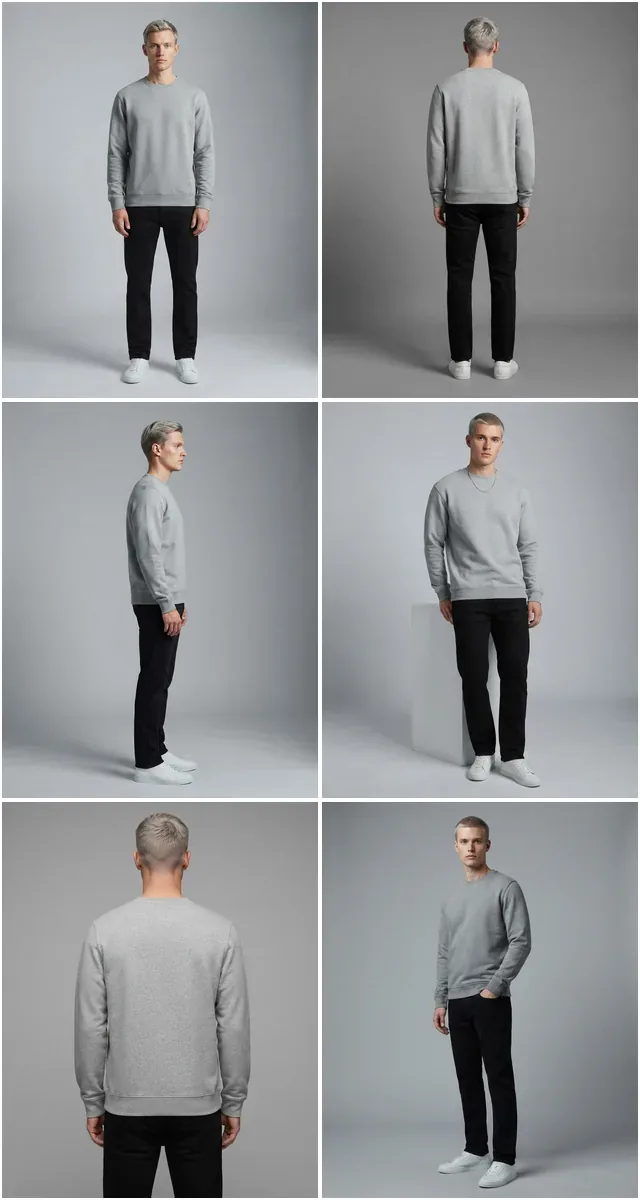
Use Virtual AI Fashion Try-On or Product to Model to fit each garment onto your saved model. Because the model identity is locked, every output preserves the same face and proportions while changing the outfit. This is where the catalog starts to feel coherent — same person, full collection.
-
Vary the Poses for Editorial Range
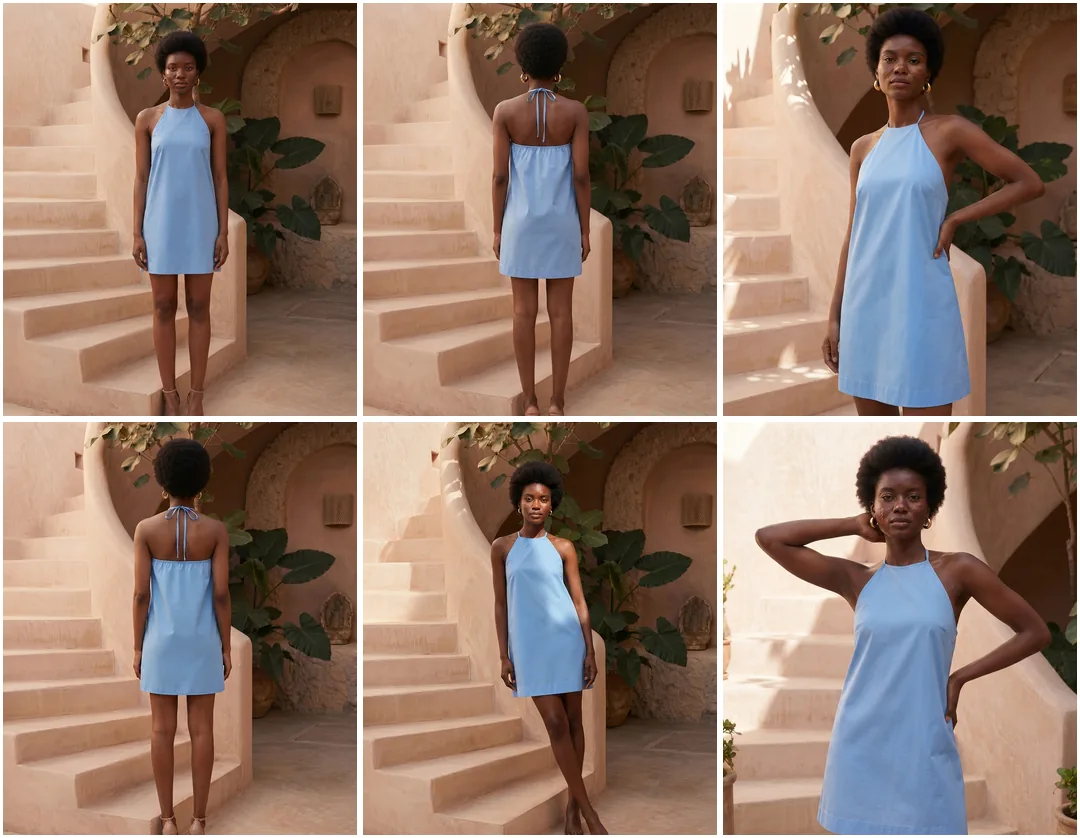
Run each fitted look through Pose Variation to generate 2-4 pose options per product — front, three-quarter, walking, candid. A catalog with pose variety reads as a photoshoot; a catalog of identical front-facing shots reads as automated. The pose layer is what separates production-grade output from "AI looks."
-
Unify the Scene and Export
Apply a consistent backdrop using Remove Background + AI Image Editing. Then run final exports through Photo Reframe to generate every aspect ratio you need (1:1 for Instagram, 4:5 for ad creative, 9:16 for Reels) and Fashion Photo Upscale for print-ready resolution. One photoshoot session, every channel's deliverable.
The #1 reason AI photoshoots look amateur is using a different model on every product. A catalog with 30 different "AI models" reads as stock-photo chaos instead of a unified brand shoot. Always lock one (or a small set of) consistent characters first, then run every garment against that identity. The single step of saving a model and reusing it separates a real AI photoshoot from a folder of random generations.
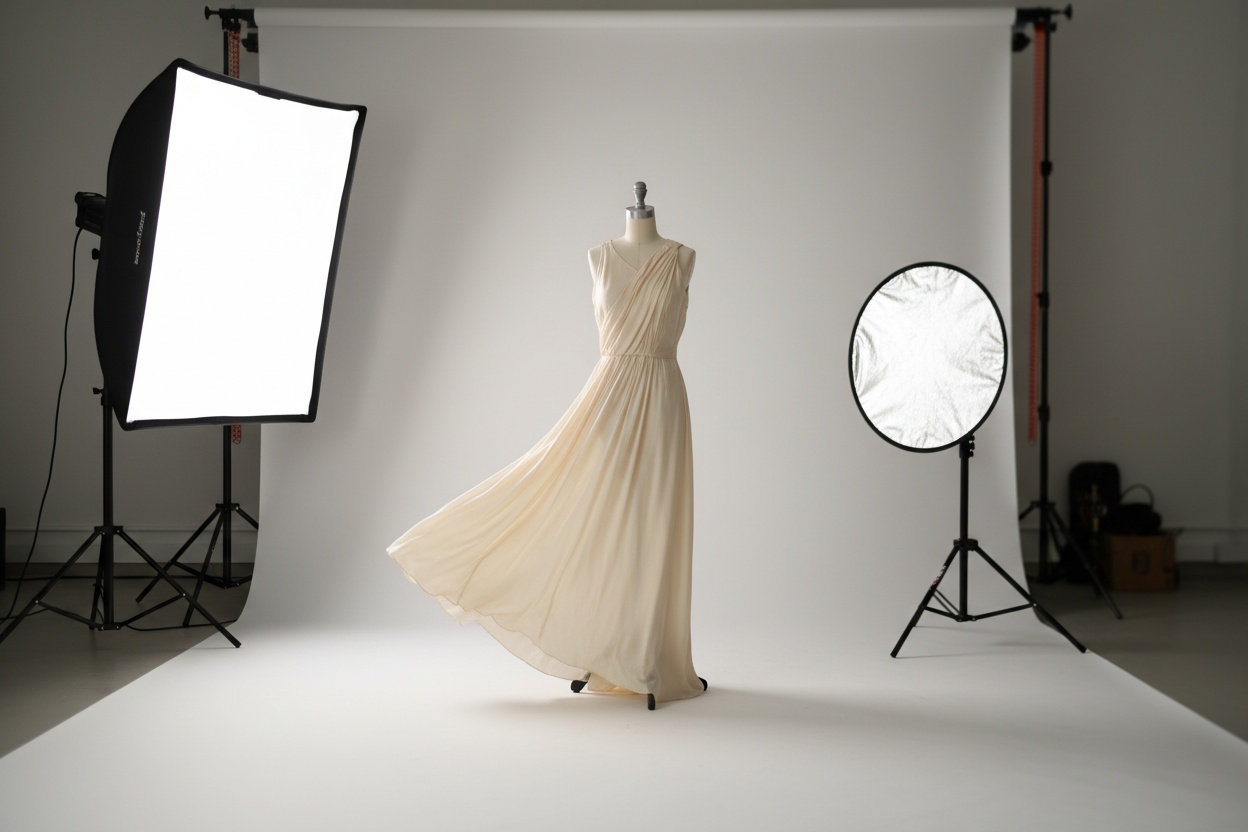
What Makes an AI Photoshoot Look Production-Grade
By 2026, the difference between an AI photoshoot that ships to a brand's homepage and one that looks like a "test image" comes down to four factors. Generic image AIs miss most of them; fashion-trained platforms are built around them.
1. Garment Fidelity
The AI must render your garment, not a vague approximation of it. Stripes should be straight, prints should preserve their pattern, seams should land in the right place, hardware should look like the actual buckle or zipper. Fashion-trained AI does this because it was trained on garment-pair data. Generalist image AI hallucinates plausible clothing — fine for concept art, fatal for ecommerce.
2. Character Consistency
Across a 30-SKU shoot, the model's face has to remain identical. Sub-pixel face drift between products reads as "stock photo set" instead of "campaign." Production platforms preserve face geometry across outputs by locking a saved identity vector; lower-grade tools regenerate the model from scratch each time and produce subtle inconsistencies.
3. Pose Range, Not Pose Repetition
Editorial shoots vary the framing — close portrait, full-length, walking, seated, three-quarter, candid mid-action. An AI photoshoot with deliberate pose variety reads as directed; one with ten identical front-facing poses signals automation. Pose control is the difference.
4. Mood and Lighting Consistency
Lighting temperature, color grade, and backdrop should be unified across every frame. A catalog that mixes warm sunset light on one image with cold studio fluorescents on the next breaks the campaign feel. Production AI photoshoots apply a single scene-level lighting decision across the entire batch.
The AI photoshoot doesn't compete with a $20K Vogue shoot. It competes with the $5K catalog shoot you ran twice a year — and replaces it with one you can run every week, on the same brand model, for a fraction of the cost.
Where Fashion Brands Are Actually Using AI Photoshoots
The brands deploying AI photoshoots in 2026 are not using them for the one big seasonal hero shot. They are using them to fill the long tail of imagery that used to go without — the weekly product drops, the regional creative variants, the wholesale linesheets, the email campaigns that previously had no budget.
| Use Case | Traditional Production | AI Photoshoot Workflow |
|---|---|---|
| PDP / Product Page Imagery | $200-$500 per SKU shot in batches | $0 per SKU on a monthly subscription |
| Category / Collection Page Hero | $3K-$8K editorial shoot | Generate from existing flat-lays, ship same day |
| Seasonal Lookbook | $5K-$15K, 3-4 week lead time | Refresh every drop in 60-90 minutes |
| Paid Ad Creative Sets | $500-$2K per creative round | 10-30 variants per look for A/B testing |
| Wholesale Linesheets | $3K-$8K per linesheet | Full collection on one model in 1-2 hours |
| Email Campaign Imagery | Often skipped, reused old shots | Weekly fresh editorial per send |
| Marketplace (Amazon, etc.) | Separate shoot for marketplace specs | Generate to spec dimensions directly |
| Social Reels / TikTok | Separate video shoot day | Animate stills with Photo to Video |
| Regional Campaign Variants | Re-shoot per market | Swap model ethnicity, same garment |
The pattern is consistent across category leaders: fast-fashion giants use AI photoshoots to keep up with weekly drops that traditional production couldn't sustain; DTC brands use them to extend campaigns across channels that used to be unreached; wholesale brands use them to deliver buyer-ready linesheets in hours instead of weeks.
How Brands Are Actually Adopting AI Photoshoots in 2026
Industry reporting in 2026 has documented widespread AI photoshoot adoption at the major fast-fashion and DTC brands. The patterns are remarkably consistent across companies.
Fast-Fashion Catalog Production
Mass-market retailers shipping hundreds of new SKUs per week have moved most of their PDP photography to AI workflows. The trigger is structural: at 200-500 new products weekly, traditional shoots cannot keep pace. AI photoshoots produce the on-model PDP image in the same hour the product is uploaded to the merchandising system.
DTC Brand Lookbooks
Direct-to-consumer brands launching new drops every 4-6 weeks use AI photoshoots for the lookbook layer — the editorial imagery on collection landing pages and email campaigns — while reserving traditional shoots for the once-a-year hero brand campaign. The split is roughly 90% AI, 10% studio.
Wholesale Brands
Brands selling into department stores and marketplaces have moved linesheet imagery to AI almost entirely. A 40-SKU linesheet on a single consistent model used to require a 2-day studio booking and a fitting day; the same deliverable now ships in a half-day workshop session on AI.
Performance Marketing Teams
Paid social teams have adopted AI photoshoots for ad creative production specifically. The economics — 30 creative variants per concept, weekly refresh cadence, multiple aspect ratios — only work at scale on AI. Traditional shoots cannot match the variant-per-dollar ratio that performance marketing requires.
The 2026 AI Photoshoot Tool Landscape
The AI photoshoot market has consolidated around three tiers of tooling in 2026. Understanding which tier you need is the first decision.
| Tier | Examples | Best For | Trade-Off |
|---|---|---|---|
| Generic Image AI | Midjourney, DALL-E, Stable Diffusion | Concept boards, mood references | No garment fidelity, no character lock |
| Single-Tool Fashion AI | Standalone try-on or model generators | One step of the workflow | Chaining tools manually is slow and inconsistent |
| Integrated Fashion AI Platform | Fashio AI, Botika, Claid | Production photoshoots end-to-end | Subscription cost, but unlimited generation |
For occasional one-off concept work, generic image AI is the cheapest path. For brands producing PDPs, lookbooks, or ad creative as ongoing operations, integrated fashion AI platforms are the only tier that delivers production-grade output at production-grade speed. Single-tool fashion AI tends to fall in an awkward middle — too specialized for concept work, too narrow for full photoshoots.
The honest verdict in 2026: integrated platforms like Fashio AI Studio have closed the gap with traditional photography on the dimensions that matter for ecommerce — garment fidelity, character consistency, scene control, commercial licensing — while keeping the speed and cost advantages that defined the early AI photoshoot category.
What to Look for When Choosing an AI Photoshoot Platform
Not every AI image tool can run a production photoshoot. When evaluating an AI photoshoot platform for your brand, run through this checklist:
- Saved model identity — Can you lock a model and reuse the exact same face across every product? If not, you cannot produce a coherent catalog.
- Garment fitting accuracy — When the AI puts your garment on the model, does it look like your garment? Test with a printed pattern or branded piece to see how well details survive.
- Pose control — Can you direct the pose, or are you stuck with whatever the AI generates? Production shoots need deliberate poses.
- Scene and background control — Can you set a unified backdrop, or does every image land in a different scene?
- Accessory and full-look support — Bags, shoes, jewelry, eyewear all need to work in the same workflow if you sell full looks.
- Commercial license — Are outputs cleared for ads, ecommerce, marketplace listings, and wholesale? Many generalist AIs are not.
- Batch generation — Can you process 20-50 SKUs in one session, or does every image need a manual setup?
- Aspect ratio export — Can the platform output 1:1, 4:5, 9:16, 16:9 versions of the same image without re-generating?
- Resolution and upscaling — Are outputs print-ready or web-only? Look for built-in upscale support.
- Video output — Can stills become Reels and TikToks without a separate shoot? Look for photo-to-video built in.
Fashio AI Tools Used in a Production AI Photoshoot
- AI Fashion Model Generator — lock in the consistent character
- Virtual AI Fashion Try-On — fit each garment onto the locked model
- Product to Model — full looks including accessories
- Pose Variation — editorial pose range across the catalog
- Mannequin to Flat Lay — clean up mannequin source images
- Flat Lay to Catalog Creator — batch convert flat-lays to on-model catalog
- Remove Background — unify the backdrop across the set
- AI Image Editing — apply campaign mood and color grade
- Photo Reframe — multi-aspect-ratio exports for every channel
- Fashion Photo Upscale — print-ready resolution exports
- Photo to Video — animate the photoshoot for Reels and TikTok
Real Numbers: 2026 AI Photoshoot Cost Breakdown
The pricing gap between traditional and AI photoshoot production is the single biggest reason this workflow is reshaping fashion content. Here is the honest comparison for a typical 10-look catalog shoot.
| Cost Line Item | Traditional Studio | AI Photoshoot |
|---|---|---|
| Model Day Rate | $800-$3,000 | $0 (no booking) |
| Photographer + Assistant | $1,000-$5,000 | $0 (AI workflow) |
| Studio or Location | $500-$3,000 | $0 (digital backdrop) |
| Hair, Makeup, Styling | $300-$1,200 | $0 (AI handles styling) |
| Retouching | $500-$2,000 | $0 (clean output by default) |
| Usage Rights / Licensing | $0-$2,000/year | $0 (full ownership) |
| Platform / Software | n/a | $0-$100/month subscription |
| Total Per Shoot | $3,100-$16,200 | $0-$100 (subscription) |
| Annual Cost (10 shoots/year) | $31K-$162K | $0-$1,200 |
Even on the higher end of an AI photoshoot subscription (premium plan, unlimited usage), the annual cost is roughly 1-4% of equivalent traditional production. That is not a marginal improvement — that is a structural reset of how fashion content gets made.
Run Your First AI Photoshoot Free
Generate a model, fit your garments, vary the poses, unify the scene — all on one Fashio AI membership. No watermarks, full commercial rights, cancel any time.
Start creating →From One Photoshoot to a Multi-Channel Campaign
The biggest mistake brands make with AI photoshoots is treating each session as a single-deliverable shoot, the same way they would a studio session. The economics of AI photoshoots only fully pay off when one generation session feeds multiple channels.
A single 90-minute AI photoshoot session can produce:
- 10-20 PDP images (square or 4:5 for product pages)
- 5-10 category page hero images (16:9 horizontal, 9:16 mobile)
- 20-30 paid ad creatives across Meta, TikTok, Google (multi-aspect via Photo Reframe)
- 5-10 email campaign banners (responsive aspect ratios)
- 10-15 Instagram and TikTok Reels (animate stills via Photo to Video)
- 1 wholesale linesheet PDF (full collection on consistent model)
- Regional variants (swap model ethnicity, same garment, for each market)
That is one shoot producing roughly 80-100 distinct deliverables across every channel a fashion brand publishes on. Traditional shoots required a separate session for most of these — or, more commonly, skipped them entirely because the budget did not stretch that far.
What AI Photoshoots Still Cannot Do
For honesty: AI photoshoots in 2026 still lose to traditional photography on a narrow but real set of use cases. The honest list:
- Brand-defining hero campaigns — the big "this is who we are" moment of a seasonal launch still benefits from a real photographer's eye, a real location, and a real director's intent.
- PR and editorial features — some media partners and trade publications still prefer or require traditional photography for editorial integrity.
- Behind-the-scenes content — the "real" feel of a making-of video, a designer at work, a sample sale crowd — these cannot be AI-generated convincingly.
- Influencer and creator collaborations — when the influencer's face is the campaign, AI does not apply.
- Brand documentary content — storytelling moments with real founders, designers, employees, customers.
For everything outside that list — and that "everything else" is roughly 85-90% of what most brands actually publish — AI photoshoots do the job in a fraction of the time and cost. Production teams who try to keep using traditional shoots for routine catalog work are increasingly out of step with the brands they compete against.
Going Deeper — Related Reading
If you are building out your AI photoshoot workflow, these guides cover specific pieces of the pipeline in more depth:
- AI Lookbook Generator Guide — the editorial extension of the AI photoshoot workflow
- AI Product Photography Complete Guide — the PDP-focused subset of AI photoshoots
- Best AI Fashion Model Generators Compared — choosing the right tool for the character-lock step
- How to Make AI Fashion Models Look Real and Consistent — character consistency techniques
- Virtual Try-On AI Complete Guide — the garment-fitting step explained
- Flat Lay to On-Model AI Workflow — preparing inputs for AI photoshoots
Key Takeaways
- An AI photoshoot is a chained workflow that replaces every step of a studio shoot — model casting, photographer, studio, hair/makeup, retouching — with fashion-trained AI
- Production time drops from 1-2 weeks (plus retouching) to 30-90 minutes per shoot
- Annual cost for 10 shoots/year drops from $30K-$160K to under $1,500 on most subscriptions
- Character consistency (saving and reusing a model identity) is the single most important capability — it separates a coherent AI photoshoot from random outputs
- Best use cases: PDP imagery, category pages, lookbooks, wholesale linesheets, paid ad creatives, email campaigns, social Reels, marketplace listings
- One AI photoshoot session produces 80-100 deliverables across every channel — the multi-channel multiplier is where the economics fully pay off
- Traditional shoots still win for hero brand campaigns, PR features, BTS content, and influencer collaborations — roughly 10-15% of typical brand output
- Integrated fashion AI platforms (Fashio AI, etc.) deliver production-grade output; generalist image AIs and single-tool services do not meet ecommerce quality bar
Start Your First AI Photoshoot on Fashio AI
16 fashion AI tools — model generator, try-on, pose variation, scene control, video — on one membership. Generate your first production-grade photoshoot today.
Start creating →FAQ: AI Photoshoots for Fashion Brands
What is an AI photoshoot?
An AI photoshoot is a fully digital production workflow that generates photoreal product and model imagery without a physical camera, studio, or location. Using fashion-trained AI, brands upload flat-lay garments or mannequin shots and produce on-model images, editorial lookbooks, and campaign creatives in minutes — replacing the model, photographer, studio, and post-production chain of a traditional shoot.
How long does an AI photoshoot take?
A complete AI photoshoot for 10-20 products typically runs in 30-90 minutes from garment upload to export-ready images. By comparison, a traditional studio shoot of the same scope takes 1-2 days of shooting plus another 1-2 weeks of retouching and approval cycles.
Can AI photoshoots replace traditional studio shoots?
For roughly 85-90% of production fashion photography — PDPs, category pages, ad creative, social, wholesale linesheets, email campaigns — yes. Hero brand campaigns, PR imagery, and behind-the-scenes content still benefit from real photography. The math is workflow-by-workflow: AI photoshoots win on cost, speed, and consistency; traditional shoots still win on brand-defining moments.
What types of products work for AI photoshoots?
Apparel (tops, bottoms, dresses, outerwear, swimwear, activewear), accessories (bags, shoes, jewelry, eyewear, scarves, belts), and lingerie all work with current fashion AI. The format that works best as input is a clean flat-lay or even-lit mannequin shot. Patterned fabrics, sheer fabrics, and complex draping have all reached production-quality fidelity in 2026.
How much does an AI photoshoot cost?
AI photoshoot platforms are priced per credit rather than per shoot. Fashio AI's Plus plan is $29.99/month for 160 credits — about $0.75 per generated image at 4 credits per generation. A traditional session for a 10-look set carries models, photographer, studio, hair/makeup, and retouching, and is booked at a day rate — so the cost moves from a per-shoot budget line to a predictable monthly one.
Are AI photoshoots legal for commercial use?
Yes, when produced on a platform that explicitly grants commercial rights. Fashion-trained AI platforms like Fashio AI grant full commercial usage with no watermark, no model release requirements, and no per-image licensing fees. Generalist image AIs vary by license — always check the terms before using outputs in paid ads or ecommerce.
Can I use AI photoshoots for Amazon and marketplace listings?
Yes. Amazon, eBay, Etsy, Walmart Marketplace, and Shopify all accept AI-generated product imagery as long as the image accurately represents the actual product. The image must show the real garment as shoppers will receive it — most fashion AI tools meet this standard because they fit your specific garment photo onto the AI model rather than inventing new clothing.
What's the difference between an AI photoshoot and an AI fashion model generator?
An AI fashion model generator produces a model image — the person. An AI photoshoot is the full pipeline: model creation, garment fitting, pose variation, scene composition, and export. The model generator is one step inside a complete AI photoshoot workflow. Brands building catalogs or lookbooks need the full pipeline; brands testing model concepts can stop at the generator.