An AI image description generator reads a product photo and writes the text around it: alt text, image SEO text or product copy. Below, six tools compared on what they return, price, free tier, output rights, API and batch, plus a workflow for a whole fashion catalogue. Two kinds are on the list: dedicated tools with a fixed format (AltText.ai, Azure AI Vision, Modelia) and general AI APIs that write whatever your prompt asks for (OpenAI, Claude, Gemini). Every figure below comes from the vendor's own pricing, documentation or terms pages, and each carries a source ID that points to the list at the end.
Who wrote this: Fashio AI, which makes the images these descriptions are written for: every garment type on a model, with lingerie and jewellery pipelines, plus ghost mannequin, pose variation and video, with full commercial rights on every plan. We do not write descriptions, so we are not one of the six tools, and we have no commercial relationship with any of them. We do not score or rank them.
Last checked 13 October 2026. Prices are in USD as published and exclude tax. Tools are listed alphabetically. This version replaces an earlier one; what changed.
AI image description generators compared: price, free tier, rights, API, batch
✓ = yes, ✗ = no, ◐ = partly or with a condition, ? = the vendor does not publish it. “Not published” is not a negative finding; it only means we could not find it on the vendor's own pages.
| Tool | What it returns | Entry price | Free tier | Output rights | API | Batch |
|---|---|---|---|---|---|---|
| AltText.ai | Alt text, with SEO keywords, ecommerce data, writing styles, 130+ languages [S1] | Bronze $49/yr for 1,200 credits (about 4¢ an image); 1 credit = 1 image [S1] | ✓ 25 credits on sign-up [S1] | ✓ “solely owned by you” [S2] | ✓ Developer API [S3] | ✓ CSV of up to 100,000 image URLs [S3] |
| Azure AI Vision | One-sentence caption, or Dense Captions for up to 10 regions; English only [S5] | Caption: $1.50 per 1,000 transactions up to 1M, then $0.60 [S4] | ✓ Free tier: 5,000 transactions a month, 20 a minute [S4] | ? Not stated on the pages read [S4] | ✓ Analyze Image API [S5] | ? Not stated [S4] |
| Claude API (Anthropic) | Any text your prompt asks for [S7] | From $0.10 per 1M input tokens (Claude Haiku 5.5); an image costs ⌈width/28⌉ × ⌈height/28⌉ tokens [S6] [S7] | ◐ Free Claude app plan [S8]; no API free tier published [S6] | ✓ Customer owns its Outputs [S9] | ✓ [S6] | ✓ Batch API, a 50% discount on input and output [S6] |
| Gemini API (Google) | Any text your prompt asks for [S12] | From $0.25 per 1M input tokens, text or image (Gemini 3.1 Flash-Lite) [S10] | ◐ Free tier; content is used to improve Google's products [S10] | ✓ “Google won't claim ownership over that content” [S11] | ✓ [S12] | ✓ Batch API at 50% of standard cost [S13] |
| Modelia | SEO description (meta title, meta description, alt tags) or product description (title, description and fit, material, care) [S14] | ? Price per description not published; paid plans from $30/mo [S15] | ◐ Free Starter plan exists (20 credits a month); whether descriptions use credits is not published [S15] | ? Not stated for text outputs [S14] | ? The API page lists no description endpoint [S16] | ◐ “Download in bulk” [S14] |
| OpenAI API | Any text your prompt asks for; images count as input tokens [S18] | From $0.10 per 1M input tokens (gpt-6-luna) [S17] | ◐ Free ChatGPT plan with limited uploads [S20]; no API free tier published [S17] | ✓ Customer “owns all Output” [S21] | ✓ [S18] | ✓ Batch API, 50% lower cost, within 24 hours [S19] |
The table splits into two kinds of tool. AltText.ai, Azure and Modelia return a fixed format, so there is little to set up. The OpenAI, Gemini and Claude APIs write whatever the prompt asks for (alt text, a product description, a JSON list of attributes), which means you write and maintain the prompt, but one call can return all three text layers described below.
Start with the image the text describes
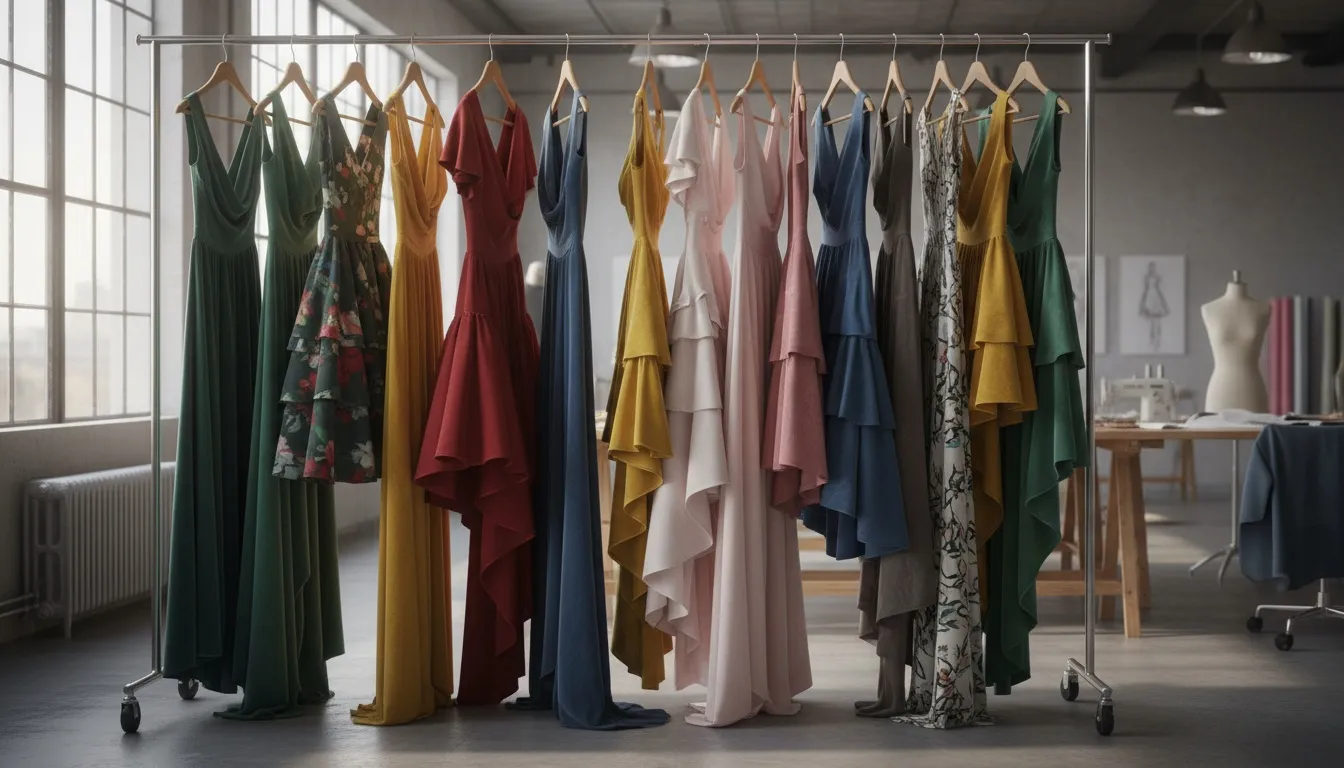
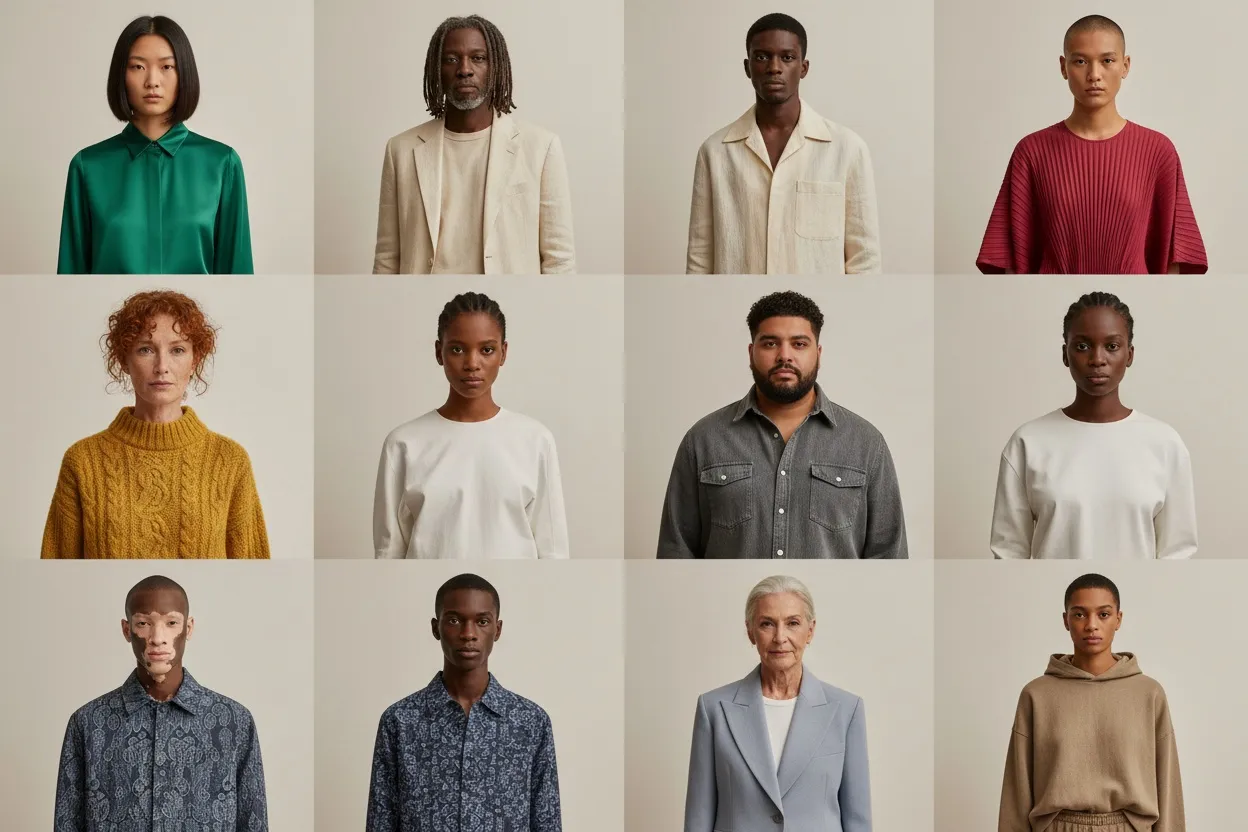
Fashio AI does not write descriptions, so this page does not pick one of the six. What we make is the image they are written for: every garment type on a model, with dedicated lingerie and jewellery pipelines, plus ghost mannequin, pose variation and video, from 101 pre-built AI models and 87 pose presets. Every output carries full commercial rights on every plan, so the image and the text written for it can go on the same listing.
- Context is an attribute. On a model, flat lay or ghost mannequin changes what the alt text and the product copy should say, so describe the final image, not the source photo.
- One look across the range. When one model, pose set and lighting carry a whole line, descriptions can follow one pattern too.
- Check the tool against your catalogue. The table above lists, for each of the six, the format it returns, its output rights, API and batch route, read from its own pages.
Azure's captions are English only and available only in some Azure regions [S5], so check both before planning a multilingual catalogue on them.
The three text layers every product image needs
A product photo on a fashion store usually carries three pieces of text. All three describe the same picture, which is why one model call can draft them together.
| Layer | What it is | Who reads it |
|---|---|---|
| Alt text | The alt attribute on the image | Screen readers, search engines |
| Image SEO text | File name, caption, surrounding copy, structured data | Search engines, image and visual search |
| Product copy | Title, description, fit and material bullets | The shopper |
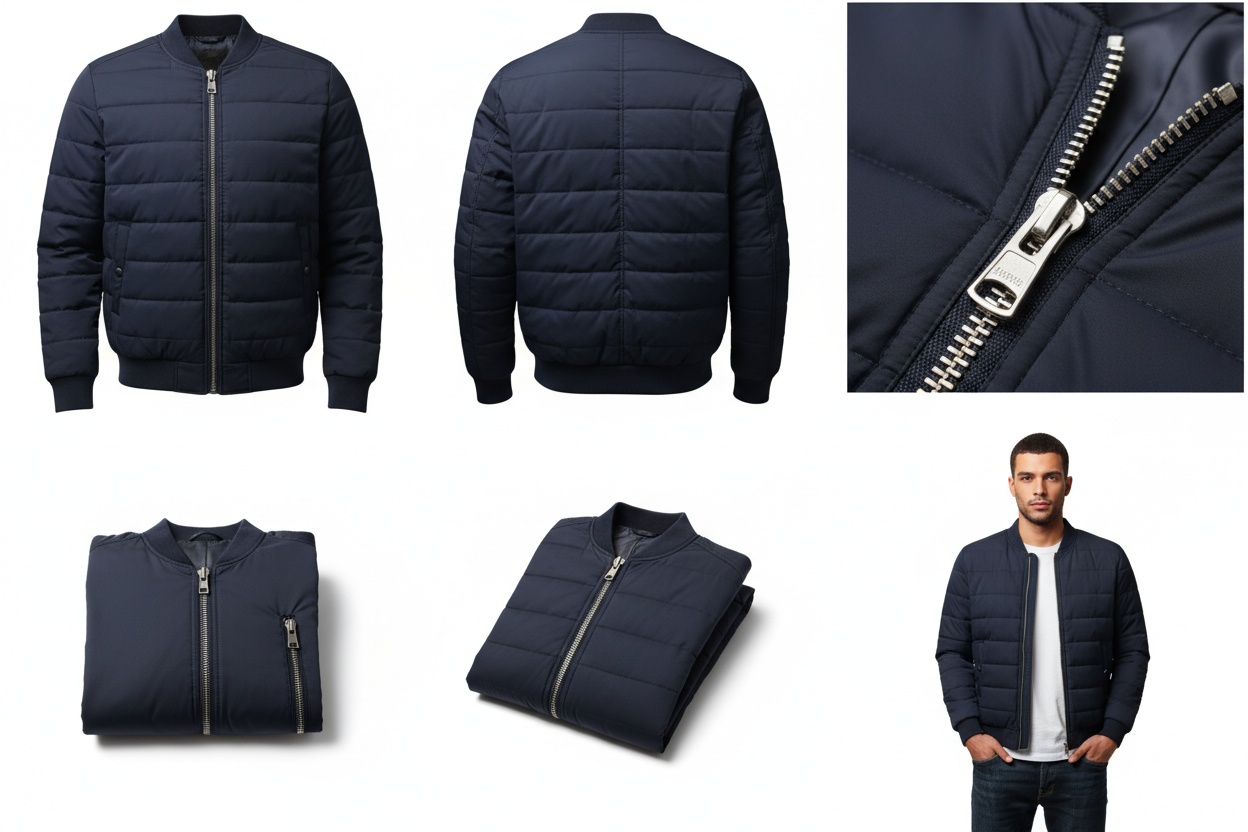
For a fashion image the useful attributes are the same in all three: garment type and silhouette, colour and pattern, fabric as it appears, construction details (neckline, sleeves, closures, hem), fit, and context (on a model, flat lay, setting).
The six tools, one by one
AltText.ai
A dedicated alt text service. One credit writes one image's alt text; yearly plans run from Bronze at $49 for 1,200 credits to Platinum at $2,199 for 120,000, and one-off packs cost $3 for 50 credits. Unused plan credits roll over when a plan renews normally. AltText.ai gives 25 free credits to start [S1]. It plugs into WordPress, Shopify, WooCommerce, Magento, BigCommerce and other platforms, and its API takes a CSV of up to 100,000 image URLs [S1] [S3]. Its terms say the alt text you produce is solely owned by you [S2].
Azure AI Vision
Microsoft's Image Analysis 4.0 has a Caption feature that writes one sentence about the whole image and a Dense Captions feature that adds sentences for up to 10 regions. Captions are English only, available in certain Azure regions, and can be made gender-neutral with a request parameter [S5]. Captions are priced in Group 2 at $1.50 per 1,000 transactions up to 1M, then $0.60; the free tier allows 5,000 transactions a month at 20 a minute [S4]. It returns short captions rather than product copy, so plan to expand them.
Claude API (Anthropic)
Claude reads images sent through the API and writes whatever the prompt asks for. Claude Haiku 5.5 costs $0.10 per million input tokens and $0.50 per million output tokens for prompts up to 100,000 tokens, and the Batch API gives a 50% discount on both [S6]. An image costs ⌈width/28⌉ × ⌈height/28⌉ visual tokens, with larger images downscaled first [S7]. Anthropic's commercial terms say the customer owns its outputs [S9]. The consumer Claude app has a free plan [S8].
Gemini API (Google)
Gemini models accept images and return text [S12]. Gemini 3.1 Flash-Lite costs $0.25 per million input tokens for text, image or video and $1.50 per million output tokens on the paid tier; the free tier is free of charge, but content sent on it is used to improve Google's products [S10]. The Batch API runs at 50% of the standard cost with a 24-hour target turnaround [S13]. Google says it won't claim ownership of generated content [S11].
Modelia AI Image Description Generator
Modelia, a fashion image company, offers a description generator that detects garment type, fabric, colour, pattern, fit and context, and returns either an SEO set (meta title, meta description, alt tags) or a product set (title, description and fit, material, care instructions), with bulk download [S14]. Its pricing page does not say what a description costs; Modelia's plans run from a free Starter to Creator at $30 a month [S15]. Its API page covers image generation and lists no description endpoint [S16].
OpenAI API
OpenAI's models take images as input, and images are billed as input tokens [S18]. The cheapest flagship model listed, gpt-6-luna, costs $0.10 per million input tokens and $0.50 per million output tokens [S17]. The Batch API runs asynchronous jobs at 50% lower cost within 24 hours [S19]. Under OpenAI's services agreement the customer owns all output [S21]. ChatGPT, the consumer app, has a free plan with limited uploads [S20].
Every tool here can name a fabric wrong, miss a subtle pattern or pick an odd colour name, and OpenAI and Anthropic both say in their terms that you are responsible for checking outputs [S21] [S9]. Have a person check hero products, and spot-check a sample of everything else.
Step by step: descriptions for a fashion catalogue
-
Write down the three layers
Decide what alt text, image SEO text and product copy look like for your brand: length, voice, required attributes. The tool follows whatever template you give it, so the template has to exist first.
-
Hand-write 25 to 50 reference examples
Cover your main categories. They become the examples in your prompt (for the OpenAI, Gemini and Claude APIs) or the yardstick you judge a fixed-format tool against.
-
Run a pilot of about 100 products and read every output
Look for wrong garment types, inconsistent colour names, misread fabric, missing fit details and voice drift. Note the recurring errors.
-
Fix the prompt or settings, then rerun the pilot
Give the model a colour vocabulary, tell it to describe the garment rather than the model wearing it, and pass known fabric data alongside the image.
-
Run the full catalogue
Use the bulk route your tool publishes; the Batch column in the table above lists each one, with its source.
-
Load the text into your PIM or store
Export to CSV or JSON, or use a store integration where one exists.
-
Spot-check a random sample
Check 5 to 10% of the published descriptions, fix and rerun the SKUs that fail.
-
Describe new products as they arrive
Wire the same prompt or integration into product upload, so new photos get their text the day they go live.
Alt text: what good looks like
WCAG 2.2 success criterion 1.1.1 requires that “all non-text content that is presented to the user has a text alternative that serves the equivalent purpose”, and purely decorative images should be ignorable by assistive technology [S22]. It sets no length. Our house rules for product images:
- Length: one sentence, roughly 100 to 150 characters
- Content: garment type, colour, one or two defining details, then context if it matters
- Voice: descriptive, not promotional
- Keywords: only where they describe the image; no stuffing
- Repetition: do not repeat the product title word for word
Example patterns
- Flat lay: “Black cotton ribbed crew-neck T-shirt laid flat on a white backdrop.”
- On model: “Model in an oversized beige linen blazer over a white tank top and dark jeans, in soft daylight.”
- Detail: “Close-up of gold metal buttons and a notched lapel on a navy double-breasted blazer.”
- Lifestyle: “Woman in a floral midi dress walking down a cobblestone street at golden hour.”
Keeping AI copy in your brand voice
- Write a voice reference. Ten to twenty product descriptions in your voice, used as prompt examples.
- Set explicit constraints. “No superlatives. Mention texture and feel, not only appearance. Second person.”
- Triage by visibility. Alt text and attribute lists can go out after spot checks; customer-facing copy on top products gets a human edit.
Common errors and their fixes
- Wrong fabric: pass the fabric from your product data with the image.
- Inconsistent colour names: give a fixed colour list in the prompt.
- Describing the model instead of the garment: say so explicitly in the prompt.
- Every description opening the same way: add varied examples.
- Missing fit or closures: use a structured prompt with required fields.
What these tools do not replace
- Brand and collection storytelling: the story behind a range still needs a writer.
- Hero product copy: the products that carry the most traffic deserve a human pass.
- Regional nuance: local idioms and seasonal references need a native reviewer.
What changed and what we left out
An earlier version of this article said “we tested seven tools by feeding them 25 fashion product photos” and scored the output, then rated each tool's fashion accuracy and brand voice from Excellent to Good. We found no record of that test: no input photos, outputs or scores in our files or in the article's history. So we removed the claim, the ratings and the head-to-head table built on them. We did not run new tests for this version.
The old version also listed “Fashio AI Image Description” as the first tool, with brand-voice toggles, batch processing and a price, and its calls to action offered Fashio image descriptions. Fashio AI has no image description or alt text feature, so all of that is gone. We also removed unsourced figures: 1 to 3 seconds and $0.005 to $0.05 per image, copywriter rates and hours, catalogue processing times, and the claim that AI shopping assistants skip products without alt text.
Related reading
- Clothing description generator guide: product copy in depth
- AI product photography guide: the image side of the pipeline
- Shopify product photography with AI
- 12 AI tools for fashion brands
FAQ: AI image description generators for fashion
What is an AI image description generator?
A tool that reads an image and writes text about it: a one-line caption, alt text, or longer product copy. Two kinds are on this page: dedicated tools (AltText.ai, Modelia's generator, Azure's caption feature) that return a set format, and general AI models behind an API (OpenAI, Gemini, Claude) that write whatever your prompt asks for.
Which AI image description generator is best for fashion?
Fashio AI does not make one, so we do not name a winner. For fashion, check four things against your own catalogue: the format a tool returns (alt text, SEO text or product copy), the output rights, the batch route and the languages it writes. The table on this page lists what each of the six publishes, read from its own pages on 13 October 2026. Fashio AI makes the on-model images those descriptions are written for.
Does Fashio AI make an image description generator?
No. Fashio AI makes the images: every garment type on a model, lingerie and jewellery, ghost mannequin, pose variation, editing and video, with full commercial rights on every plan. For the text, the table above lists what six description tools publish. An earlier version of this article described a Fashio image description tool in error; it has been removed.
Who owns the descriptions an AI tool writes?
On these six, mostly you. AltText.ai says alt text produced with it is solely owned by you, OpenAI's services agreement and Anthropic's commercial terms assign the output to the customer, and Google says it won't claim ownership of generated content. Azure and Modelia do not state ownership of text outputs on the pages we read.
How long should alt text be for a product image?
There is no official length. WCAG asks only that the text alternative serve the equivalent purpose of the image. For product photos we suggest one sentence, roughly 100 to 150 characters: garment type, colour, one or two defining details and the context, for example “Black ribbed cotton midi dress with a V-neck and short sleeves, on a model against a beige backdrop.”
Did you test these tools?
No. An earlier version of this article said we fed seven tools 25 fashion product photos and scored the output, and it rated each tool's fashion accuracy and brand voice. We have no record of that test, so we removed the claim, the ratings and the comparisons built on them. This version lists only what each vendor publishes, read on 13 October 2026.
Sources
Every source is the vendor's own page (or the W3C for WCAG), read on 13 October 2026. No comparison sites, no figures from memory.
| ID | URL | Supports | Read |
|---|---|---|---|
| S1 | alttext.ai/pricing | AltText.ai plans, credits per image, packs, 25 free credits, rollover, integrations, features | 13 Oct 2026 |
| S2 | alttext.ai/terms | AltText.ai: generated alt text is solely owned by the user | 13 Oct 2026 |
| S3 | alttext.ai/apidocs | AltText.ai API and bulk CSV upload (up to 100,000 rows) | 13 Oct 2026 |
| S4 | azure.microsoft.com/en-us/pricing/details/computer-vision | Azure Image Analysis prices (Caption in Group 2) and free tier | 13 Oct 2026 |
| S5 | learn.microsoft.com/en-us/azure/ai-services/computer-vision/concept-describe-images-40 | Azure Caption and Dense Captions, English only, region availability, gender-neutral option | 13 Oct 2026 |
| S6 | platform.claude.com/docs/en/about-claude/pricing | Claude model token prices, Batch API 50% discount | 13 Oct 2026 |
| S7 | platform.claude.com/docs/en/build-with-claude/vision | Claude image input and visual-token cost formula | 13 Oct 2026 |
| S8 | claude.com/pricing | Claude app Free plan | 13 Oct 2026 |
| S9 | anthropic.com/legal/commercial-terms | Anthropic commercial terms: customer owns Outputs; customer evaluates Outputs | 13 Oct 2026 |
| S10 | ai.google.dev/gemini-api/docs/pricing | Gemini API free and paid tier prices; free-tier content used to improve products | 13 Oct 2026 |
| S11 | ai.google.dev/gemini-api/terms | Gemini API terms: Google won't claim ownership of generated content | 13 Oct 2026 |
| S12 | ai.google.dev/gemini-api/docs/image-understanding | Gemini image understanding | 13 Oct 2026 |
| S13 | ai.google.dev/gemini-api/docs/batch-api | Gemini Batch API at 50% of standard cost, 24-hour target | 13 Oct 2026 |
| S14 | modelia.ai/image-description-generator | Modelia description generator: detected attributes, output formats, bulk download | 13 Oct 2026 |
| S15 | modelia.ai/pricing | Modelia plans (free Starter, Creator $30/mo) | 13 Oct 2026 |
| S16 | modelia.ai/api | Modelia API scope (no description endpoint listed) | 13 Oct 2026 |
| S17 | developers.openai.com/api/docs/pricing | OpenAI model token prices | 13 Oct 2026 |
| S18 | developers.openai.com/api/docs/guides/images-vision | OpenAI image input; images billed as input tokens | 13 Oct 2026 |
| S19 | developers.openai.com/api/docs/guides/batch | OpenAI Batch API, 50% lower cost, 24-hour turnaround | 13 Oct 2026 |
| S20 | chatgpt.com/pricing | ChatGPT Free plan (limited uploads) | 13 Oct 2026 |
| S21 | openai.com/policies/services-agreement | OpenAI services agreement: customer owns all Output; customer evaluates Output | 13 Oct 2026 |
| S22 | w3.org/WAI/WCAG22/Understanding/non-text-content.html | WCAG 2.2 success criterion 1.1.1 Non-text Content | 13 Oct 2026 |