







加入您的用戶端
Claude、Cursor、ChatGPT,或自行在終端機執行。
{
  "mcpServers": {
    "fashio": {
      "url": "https://mcp.fashiolabs.com/mcp",
      "headers": {
        "Authorization": "Bearer fio_live_..."
      }
    }
  }
}
請先在 fashiolabs.com → 個人資料 → API 金鑰 建立金鑰。完整設定步驟: docs.fashiolabs.com
所有 fashiolabs 套件: npmjs.com/~fashiolabs
輸入一張商品照
輸出各種格式
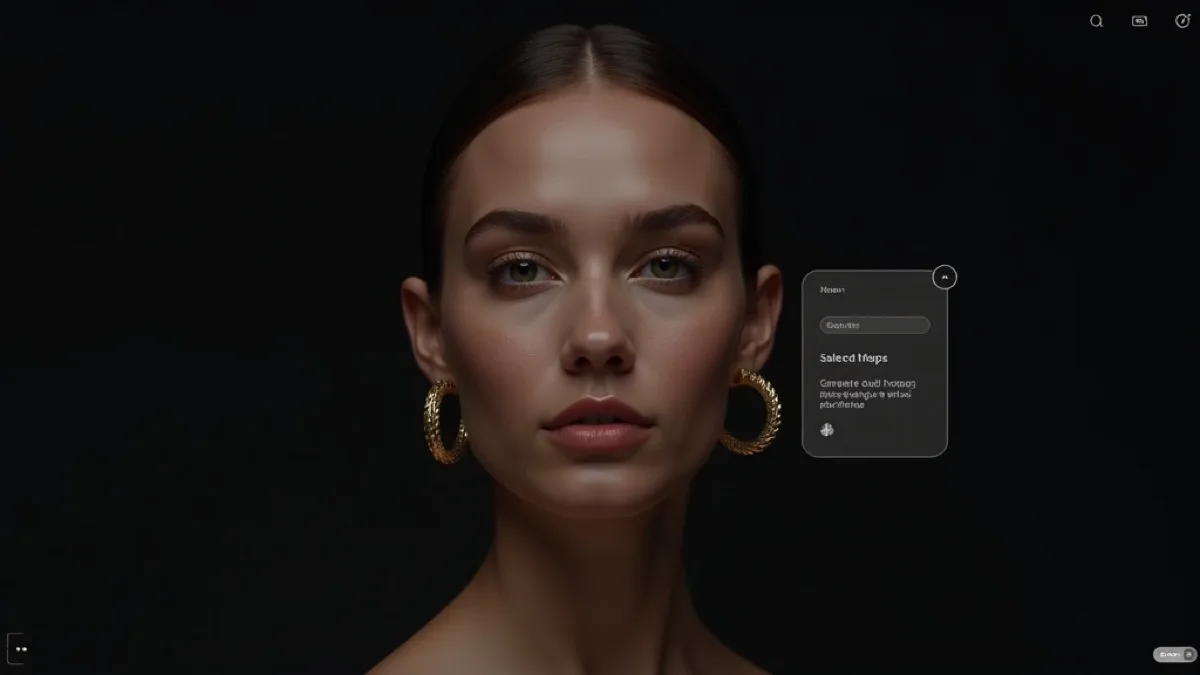
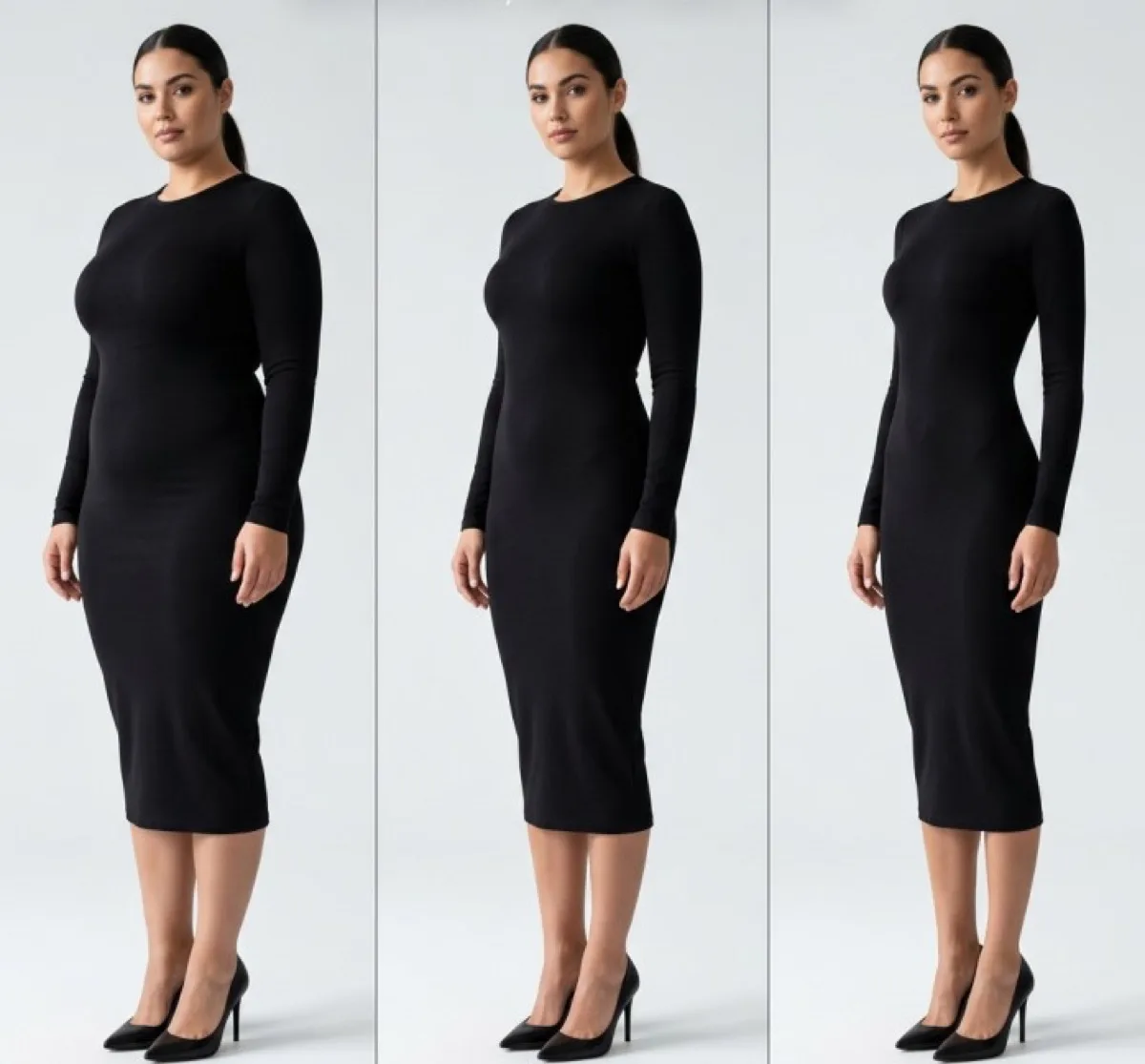
請您的 agent 生成一張 create_generation 它就能回傳廣告大片、型錄圖、lookbook、商品刊登圖、社群圖或影片 —— 全部只需一張照片。
 廣告形象
廣告形象 產品型錄
產品型錄 造型手冊
造型手冊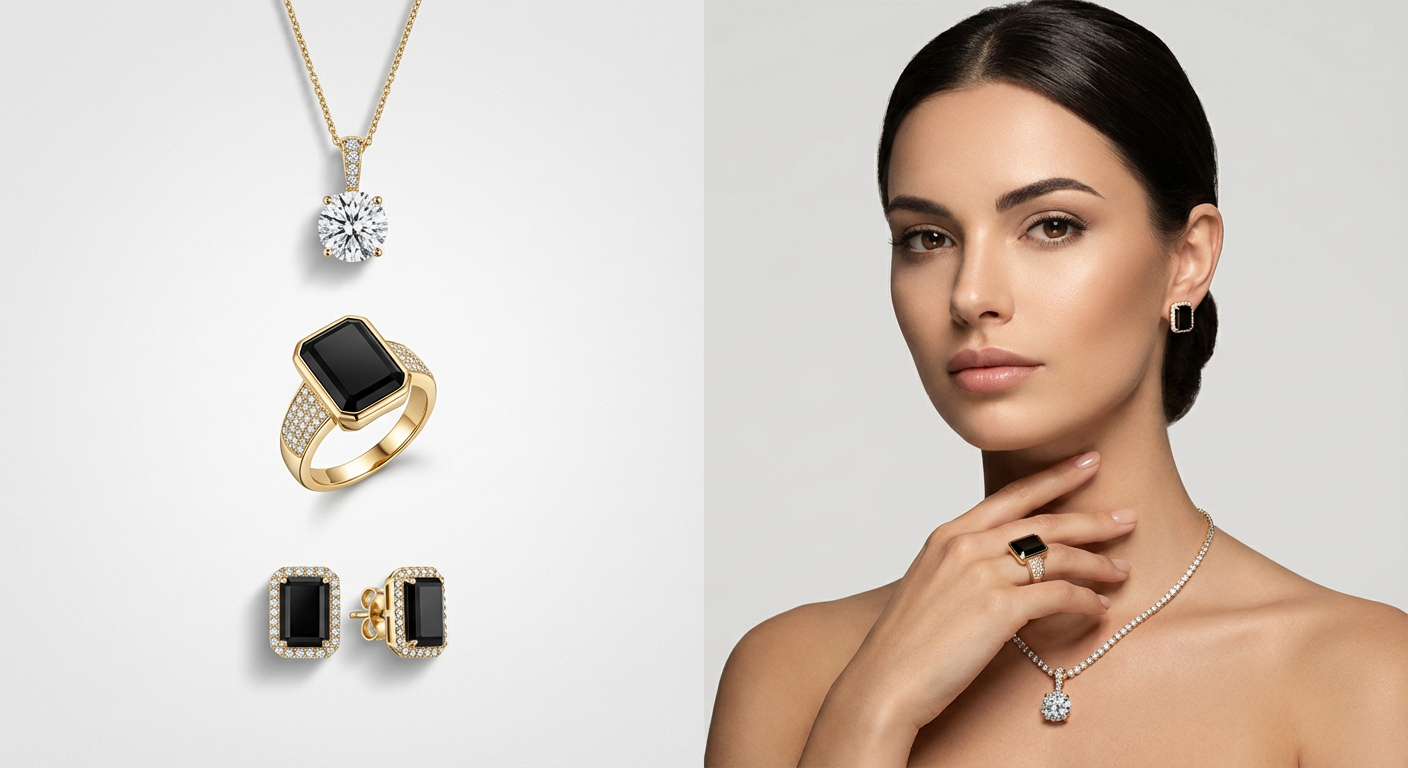 電商
電商 社群
社群 影片
影片 街拍
街拍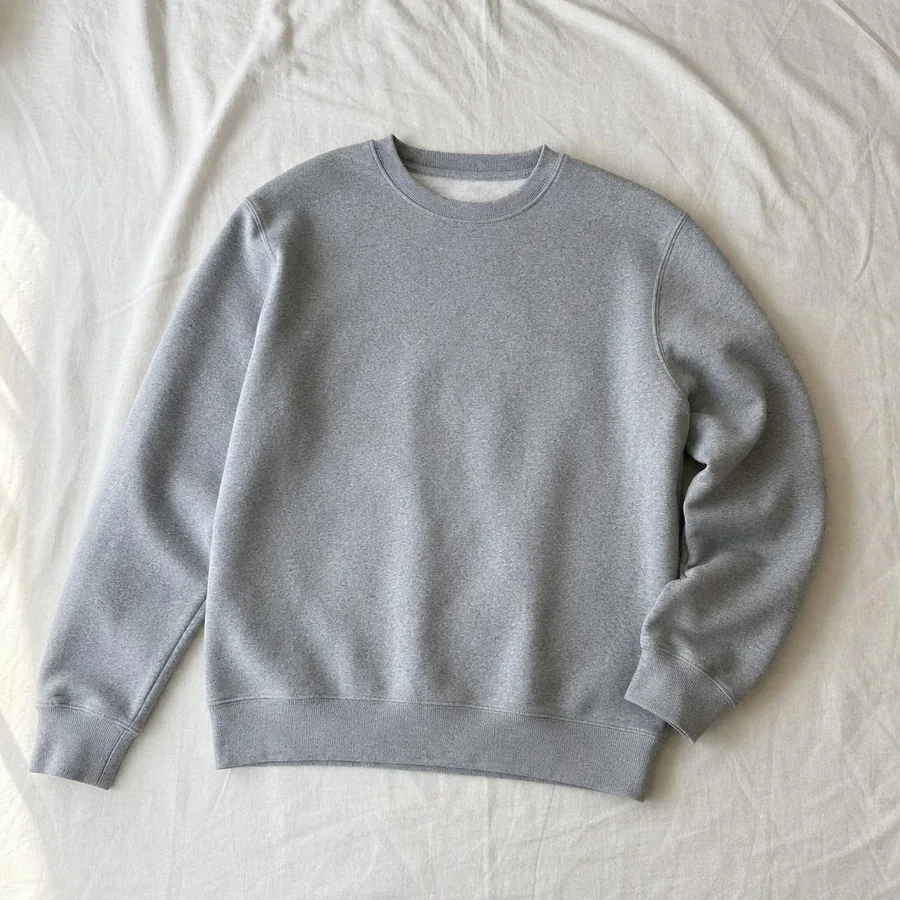


十四個工具
create_generation 所需的一切
list_models每個生成工具,以及它需要的參數。
list_fashion_models瀏覽 AI 模特兒目錄。
list_venues瀏覽場景/背景目錄。
list_poses瀏覽姿勢目錄。
upload_image上傳圖片,取得可用的網址。
create_generation啟動一項工作 —— 虛擬試穿、去背、放大解析度等等。
get_generation輪詢工作直到完成。
get_account電子郵件、方案、點數餘額與續約日期。
create_template_set將某次生成使用的模特兒/場景/姿勢儲存為可重複使用的預設組合。
list_template_sets列出已儲存的預設組合。
delete_template_set刪除已儲存的預設組合。
list_ready_template_sets瀏覽 Fashio 精選的現成拍攝組合庫。
get_ready_template_set取得某個精選組合的所有鏡頭。
create_catalog_job依精選拍攝組合,一次生成完整型錄。
為什麼選擇 MCP server,而不只是 API
原生 agent 工具
list_models、list_fashion_models、list_venues、list_poses、upload_image、create_generation、get_generation、get_account、create_template_set、list_template_sets、delete_template_set、list_ready_template_sets、get_ready_template_set、create_catalog_job —— 不必自己寫 HTTP 用戶端。
同一個帳號,同一筆點數
以您現有的 Fashio API 金鑰進行驗證 —— 不必另外註冊,也不必另立餘額。
本機檔案上傳
指向磁碟上的檔案,它會自動上傳並回傳一個網址,讓 agent 可以直接用在生成工作上。
支援 Claude、Cursor 等多種用戶端
標準 stdio MCP server —— 可放進任何相容 MCP 用戶端的設定檔。
開發者用它做什麼
對話式商品攝影
請 agent「把這張照片上傳,放在白色棚拍背景的女性模特兒身上」—— 不必寫任何程式碼。
由 agent 打造的型錄流程
讓 coding agent 把 Fashio 直接接進它正為您建置的大型自動化流程,直接呼叫工具,不必自己猜 HTTP 該怎麼寫。
快速打樣測試
在寫下任何一行串接程式碼之前,先在對話中把 API 的全部功能試過一輪。
Fashio MCP 常見問題

fashio-mcp 是一個輕巧的 MCP(Model Context Protocol)server,把同一套 Fashio v1 API 包裝成工具,讓 AI agent 能夠直接呼叫 —— 列出模特兒/場景/姿勢目錄、上傳照片、啟動生成、輪詢查詢結果,全部只要用自然語言,不必手寫 HTTP 呼叫。
設定步驟
廣告形象- 在 fashiolabs.com → 個人資料 → API 金鑰 建立 API 金鑰(不需額外付費)。
- 把
https://mcp.fashiolabs.com/mcp加進您的 MCP 用戶端,設為遠端 server,並以您的金鑰作為 bearer token —— 不必安裝任何東西。(如果您想自己執行,也可以改用本機的 stdio 套件fashio-mcp。) - 請您的 agent 列出 Fashio 的模特兒、上傳照片,或啟動一次生成 —— 它現在已經有工具可以直接完成這些操作。
完整原始碼、安裝說明與工具參考文件:docs.fashiolabs.com。想了解這些工具背後呼叫的 REST API,請見 Fashio API。