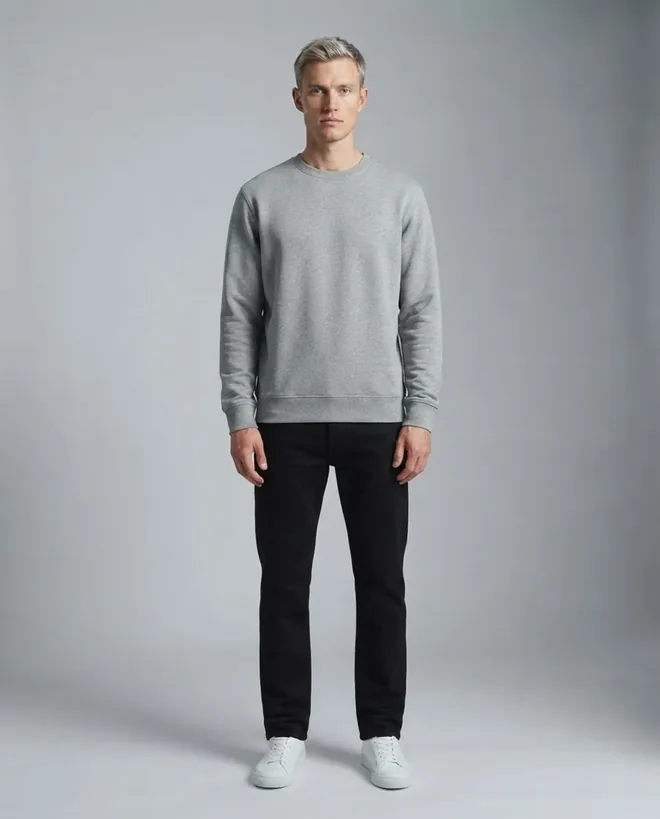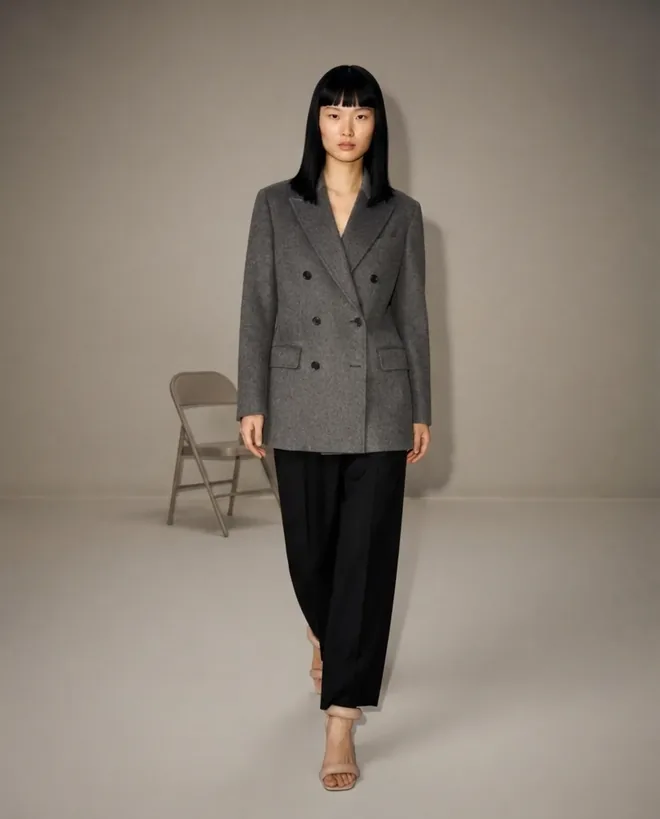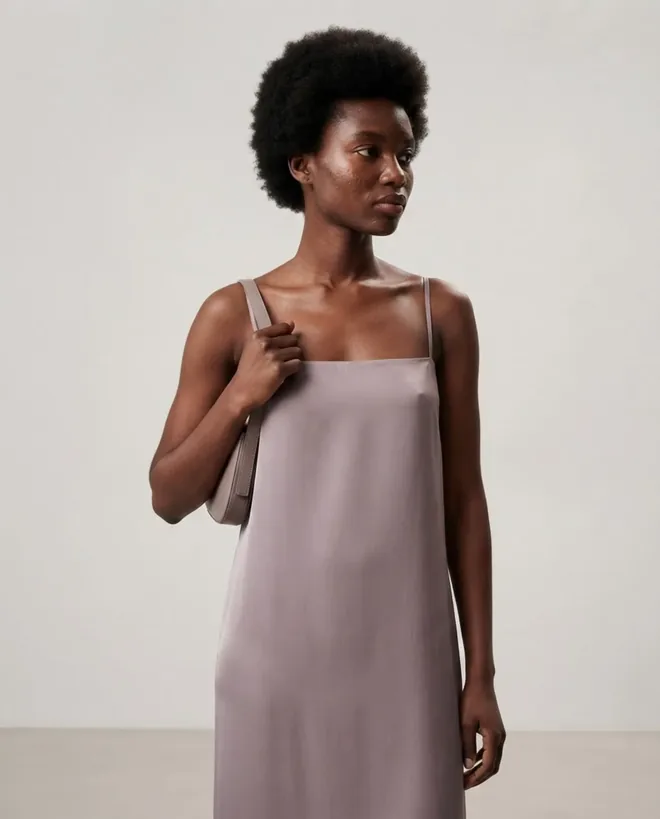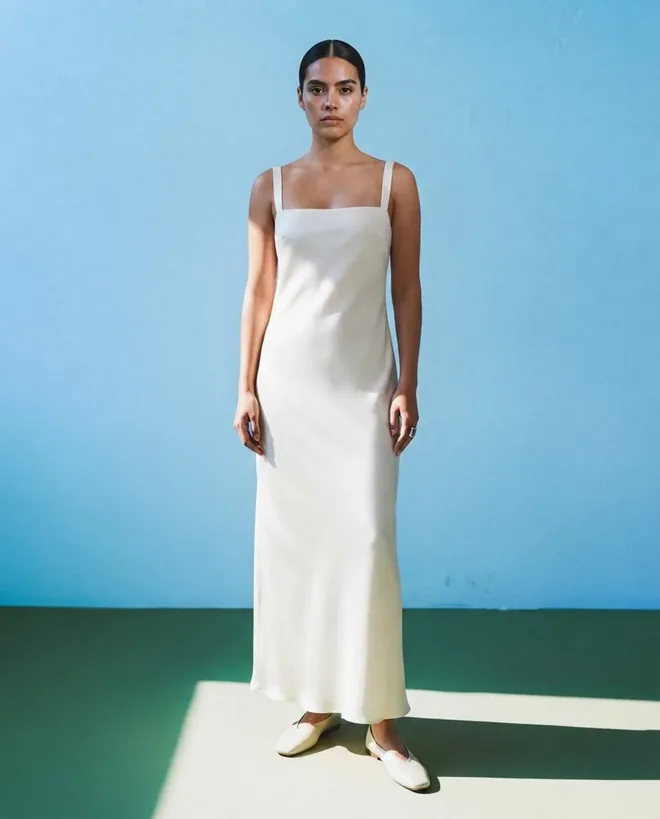
Virtual Try-On

AI時尚虛擬試穿——立即在任何模特身上呈現服裝

只需一張商品照片,即可生成上身視覺效果,快速產出電商素材。

92 models, every body type
Around 30 seconds per image
Full commercial rights
From $9.99, credits never expire
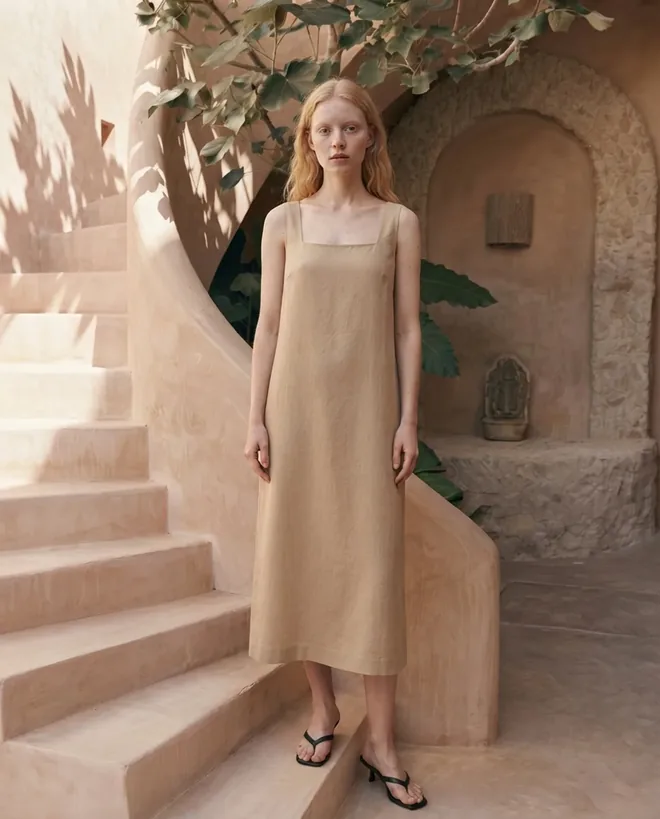
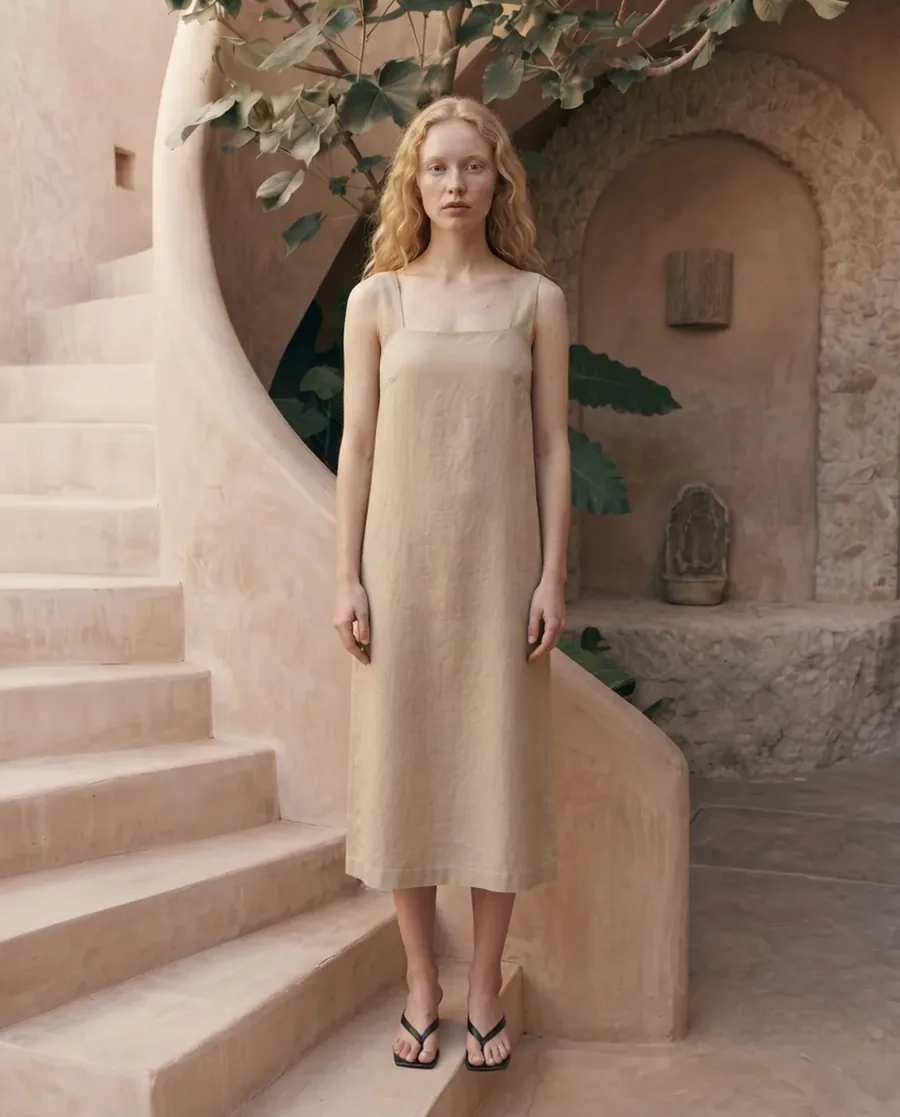
Beige linen dress on an AI model against a terracotta riad staircase
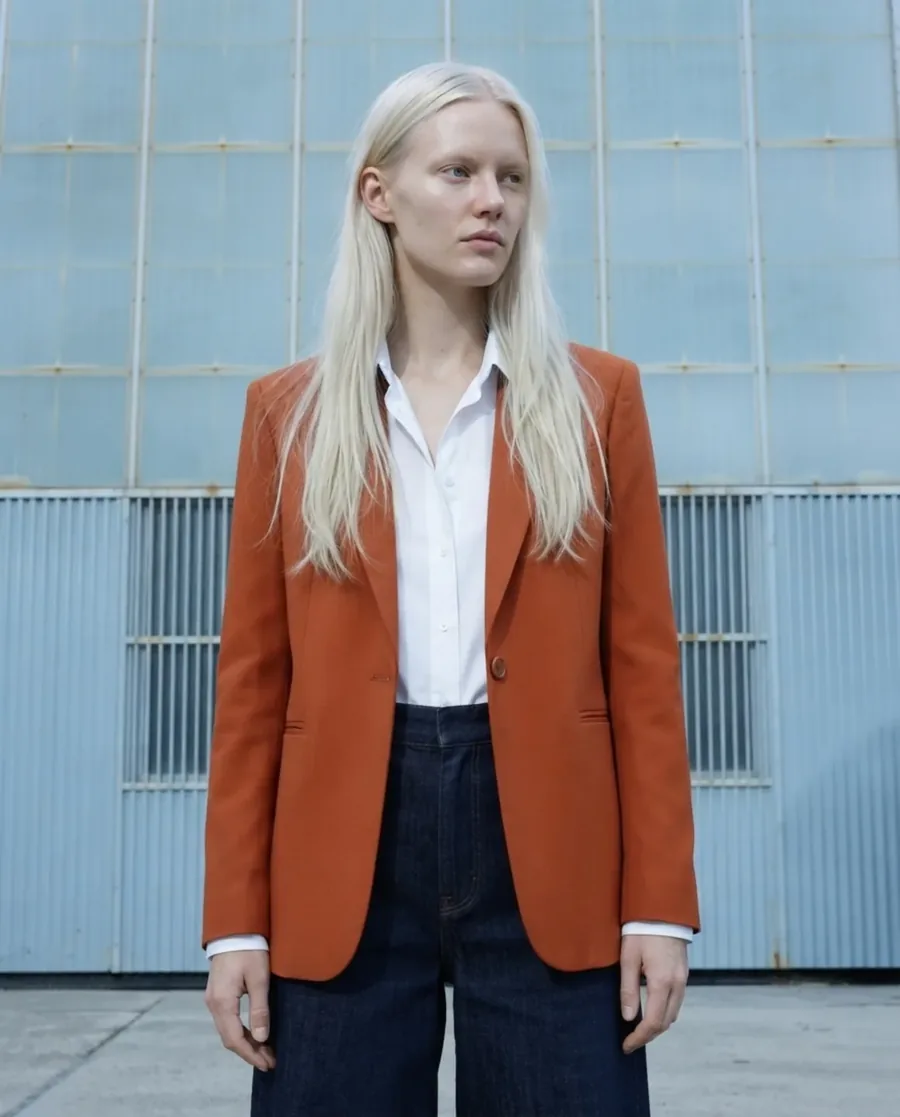
Rust blazer and navy trousers on an AI model against a blue tiled wall
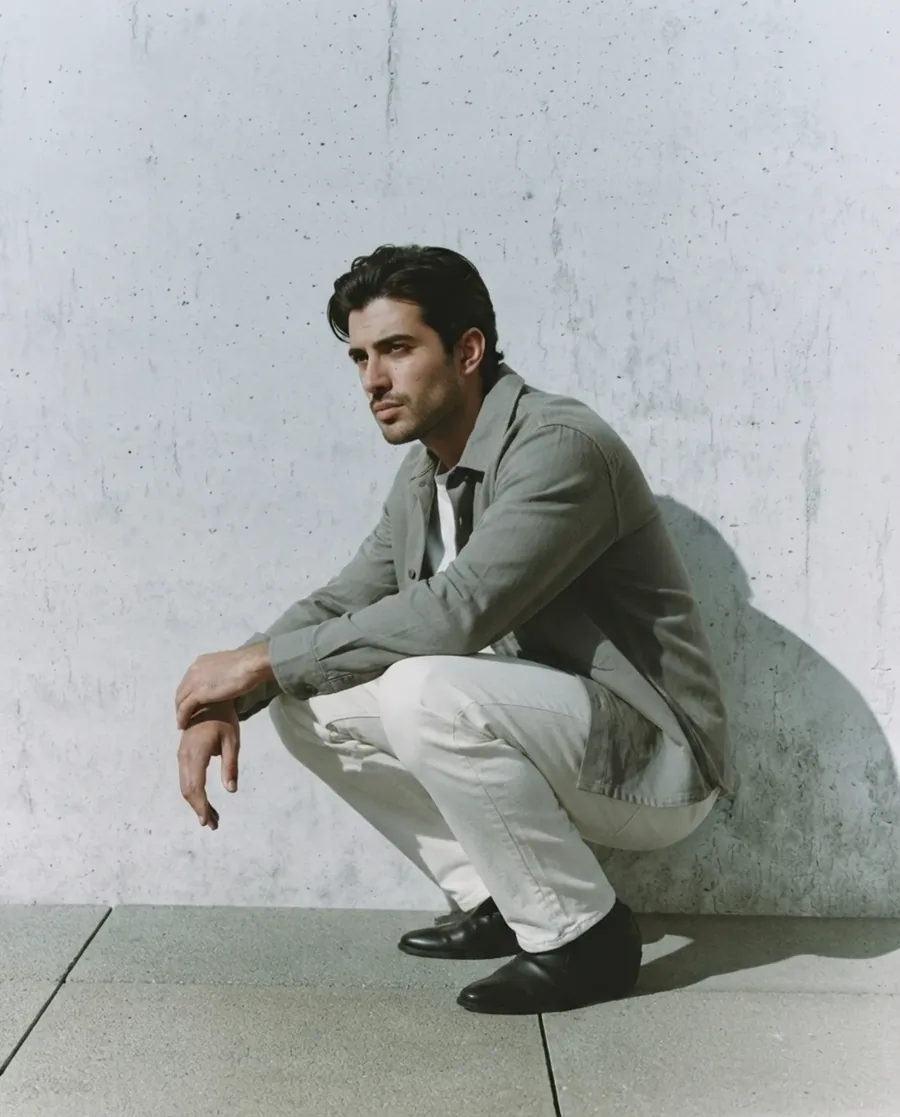
Sage overshirt and cream trousers on an AI model against concrete architecture
One garment photo in
Every model, every backdrop out.

The three shots above came from flat-lays like the ones you already have on your phone.

4.4 on the App Store (10 ratings)
92
AI models
55+
Backdrops
~30s
Per image
$9.99
To start
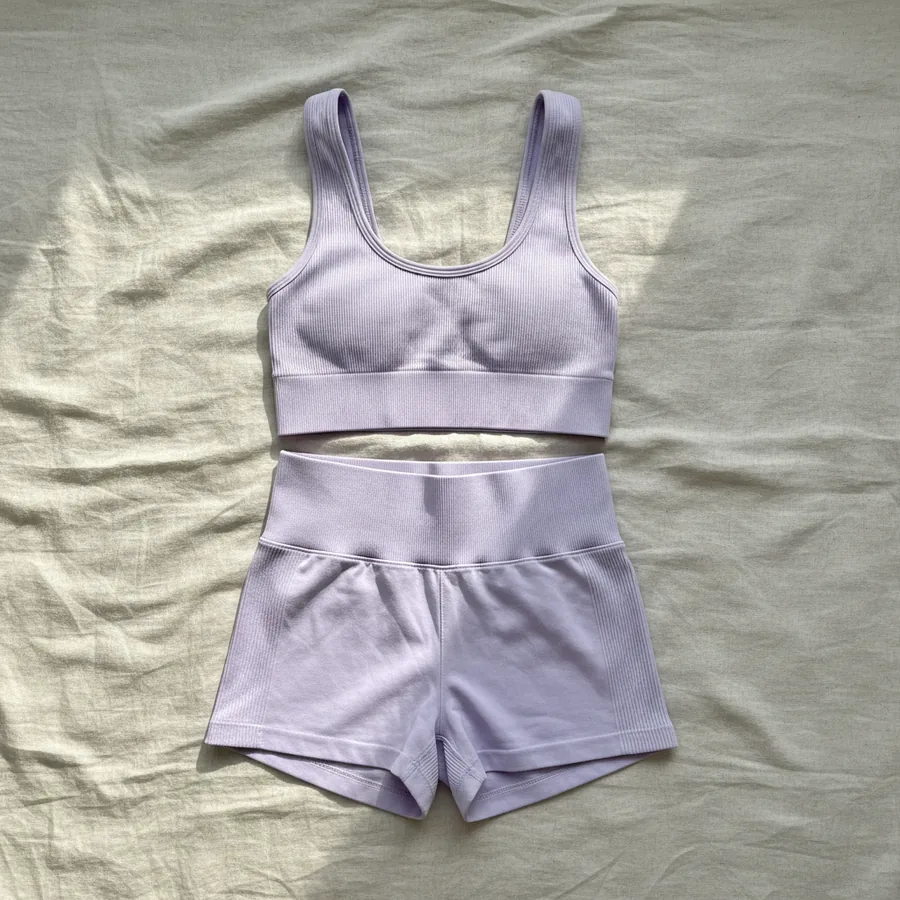
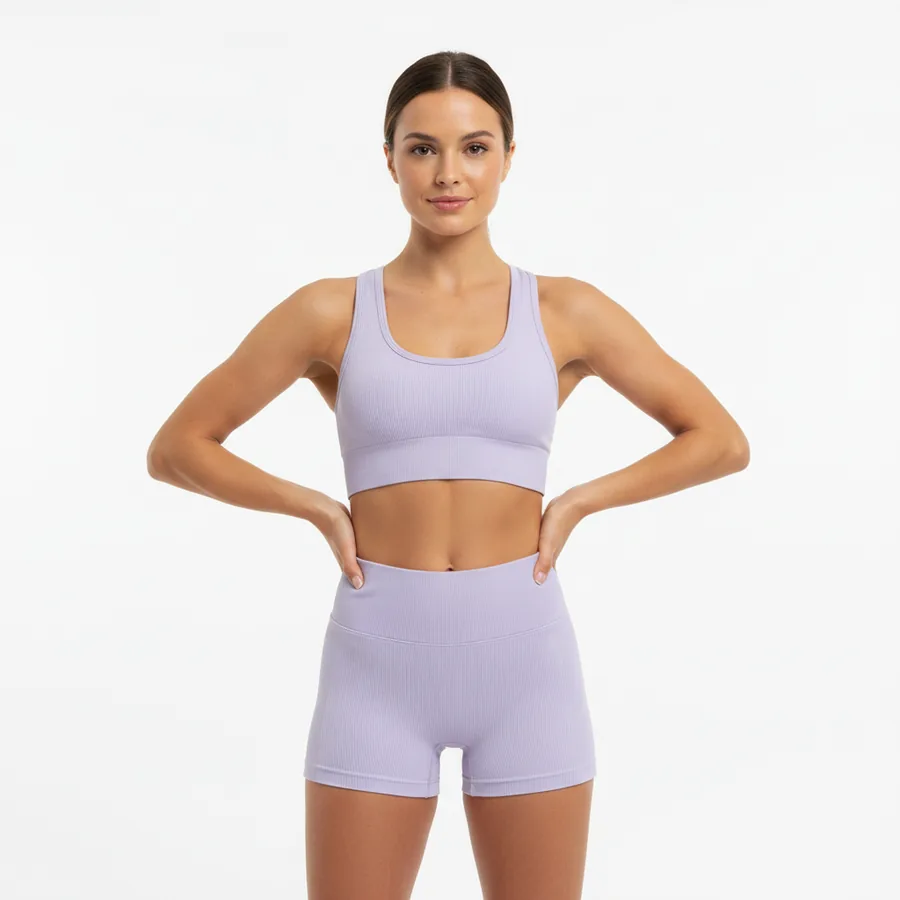
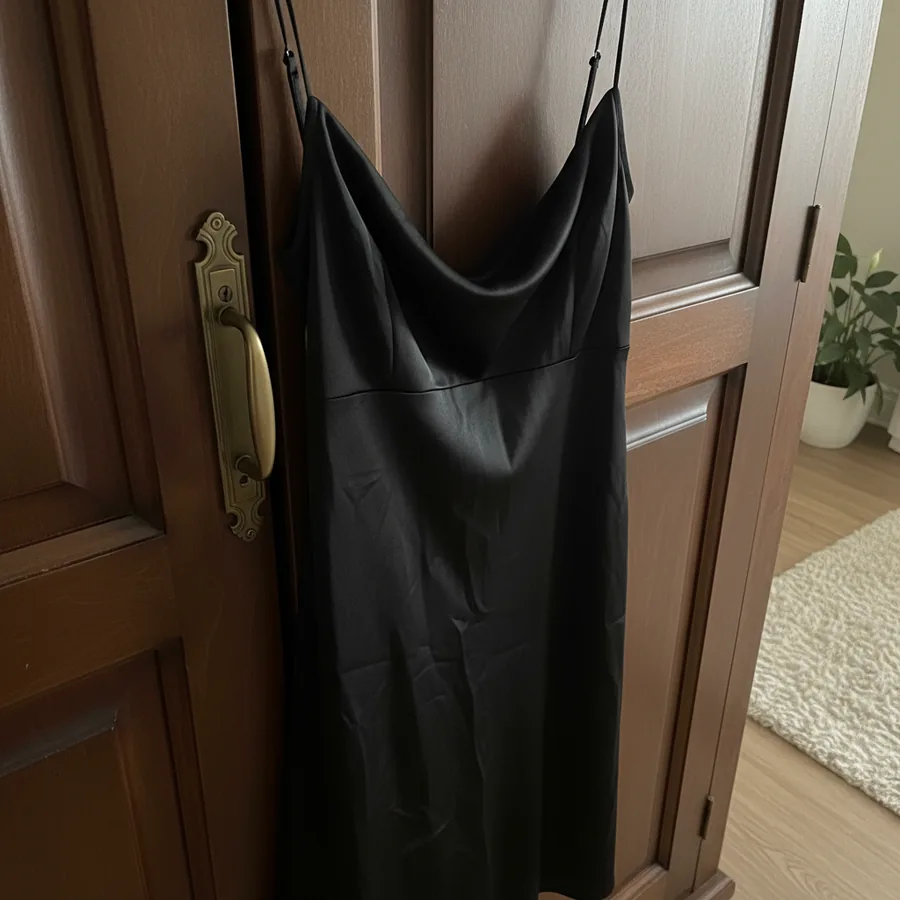
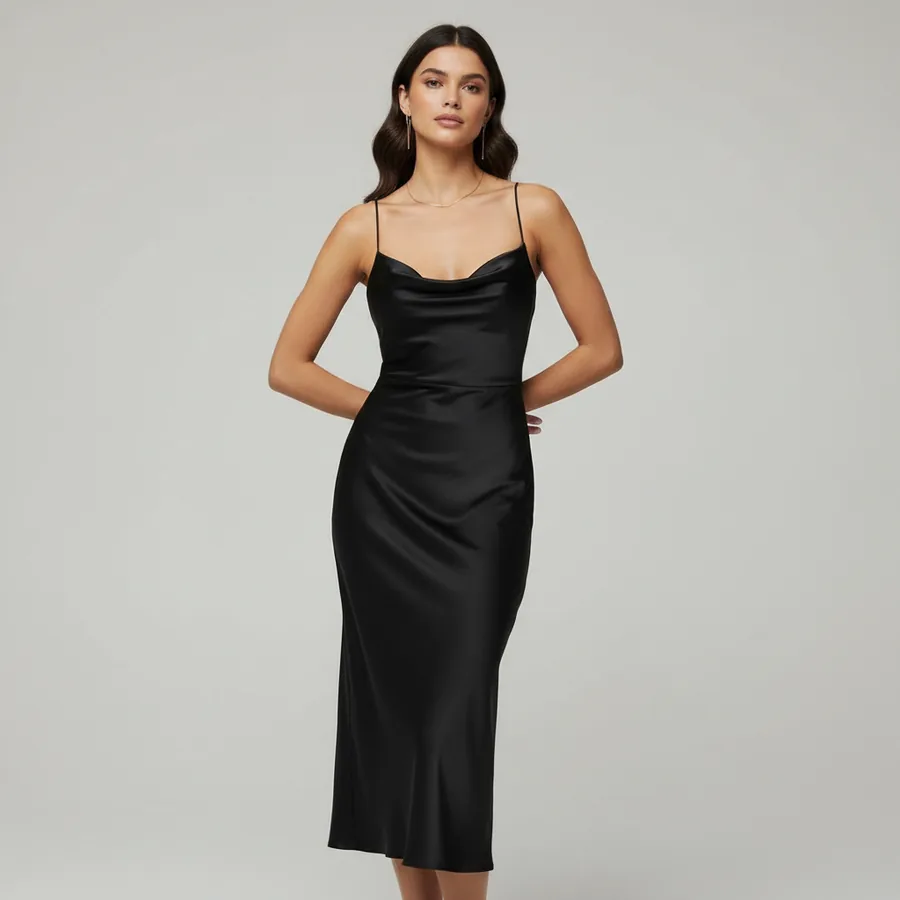
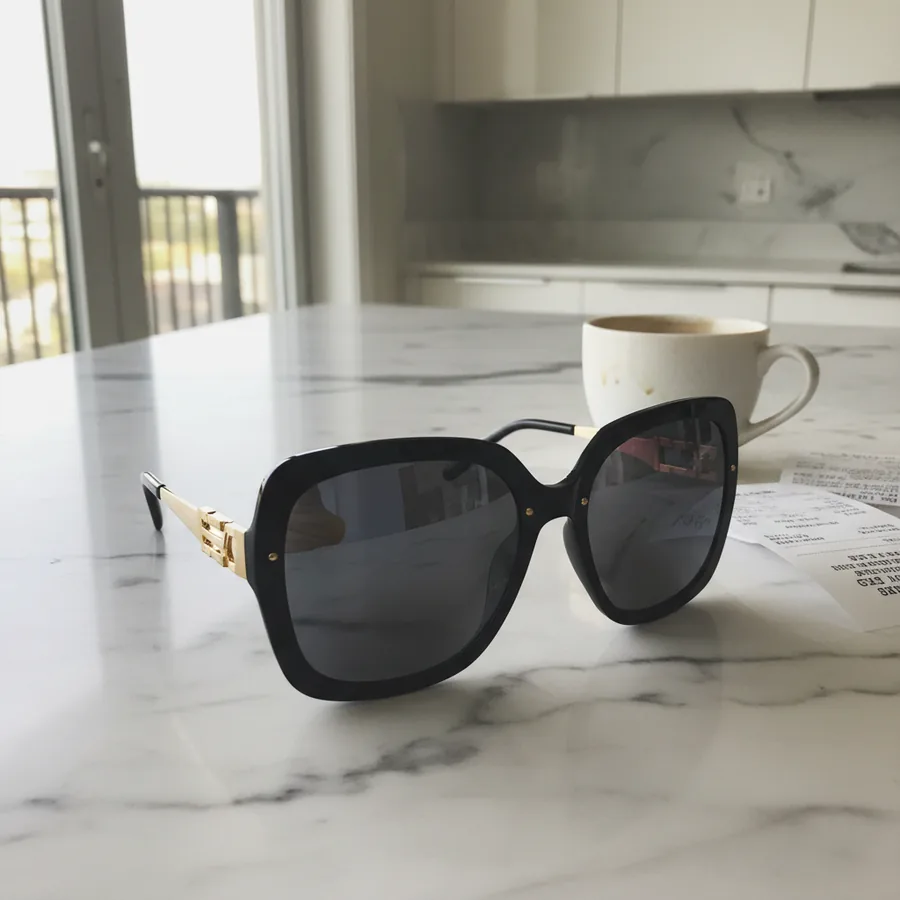
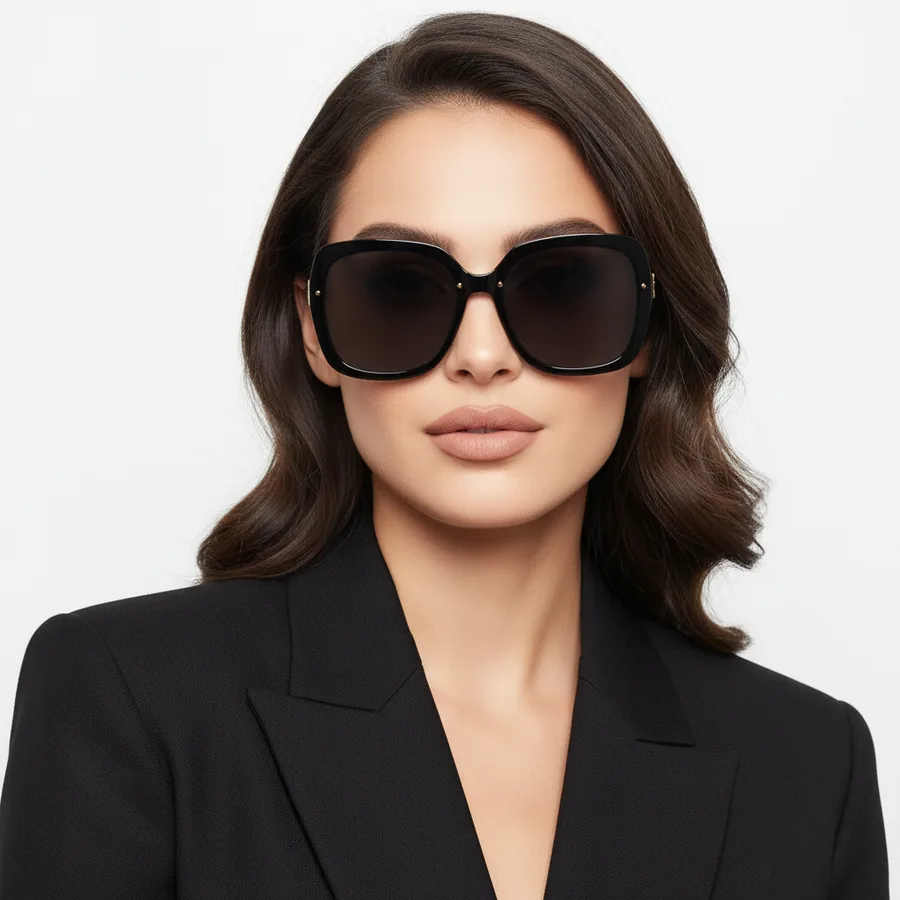
Before / After

Virtual try-on: phone photo in, catalog photo out.

These are unretouched Fashio AI results. The left frame is the kind of photo you already take; the right is what goes on the product page.

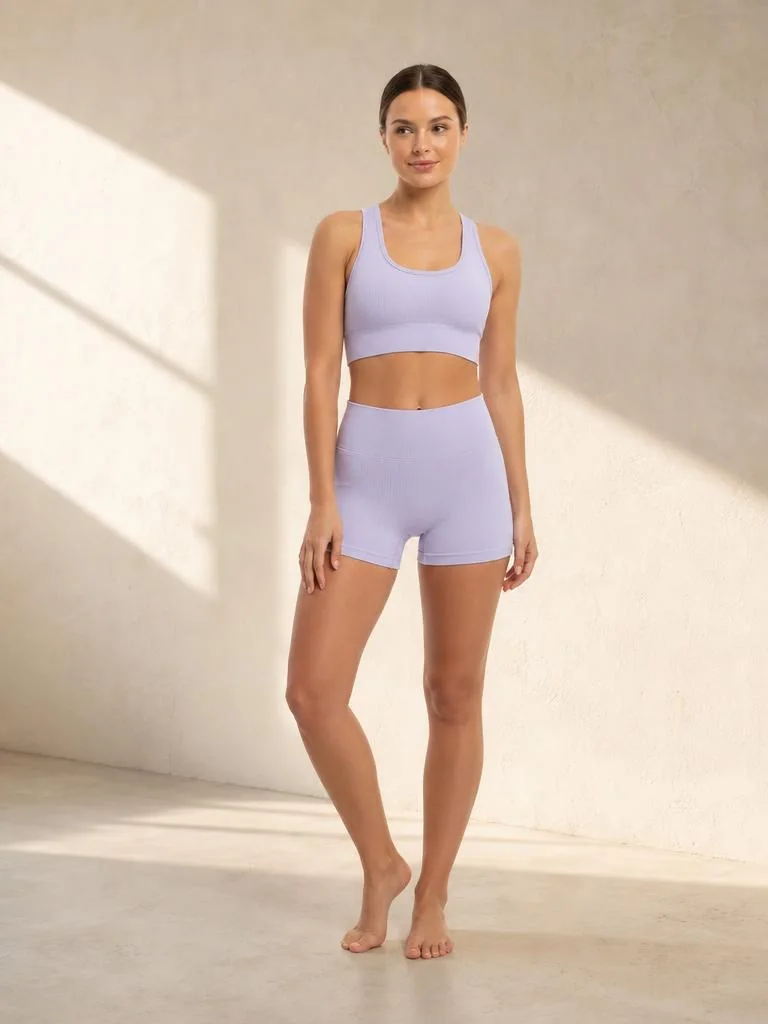
Lilac ribbed activewear set — original product photo before AI try-onYour photo
Lilac ribbed activewear set shown on an AI fashion model after virtual try-onFashio AI
Phone shot, flat on a bedsheetStudio on-model, ready to list
Black satin slip dress — original product photo before AI try-onYour photo
Black satin slip dress shown on an AI fashion model after virtual try-onFashio AI
Hanging on a door, hallway lightEditorial studio, full drape
Oversized black sunglasses — original product photo before AI try-onYour photo
Oversized black sunglasses shown on an AI fashion model after virtual try-onFashio AI
On the kitchen counterWorn, close-up beauty crop
How it works

How virtual try-on works: four steps, about a minute.

One garment, one run. The set you upload in step 01 is the set on the model in step 04 — nothing swapped in between.

Upload the garment — Source · phone flat-laySource · phone flat-lay
01

Upload the garment

A flat-lay, hanger, or ghost-mannequin shot. A phone photo in daylight is enough.

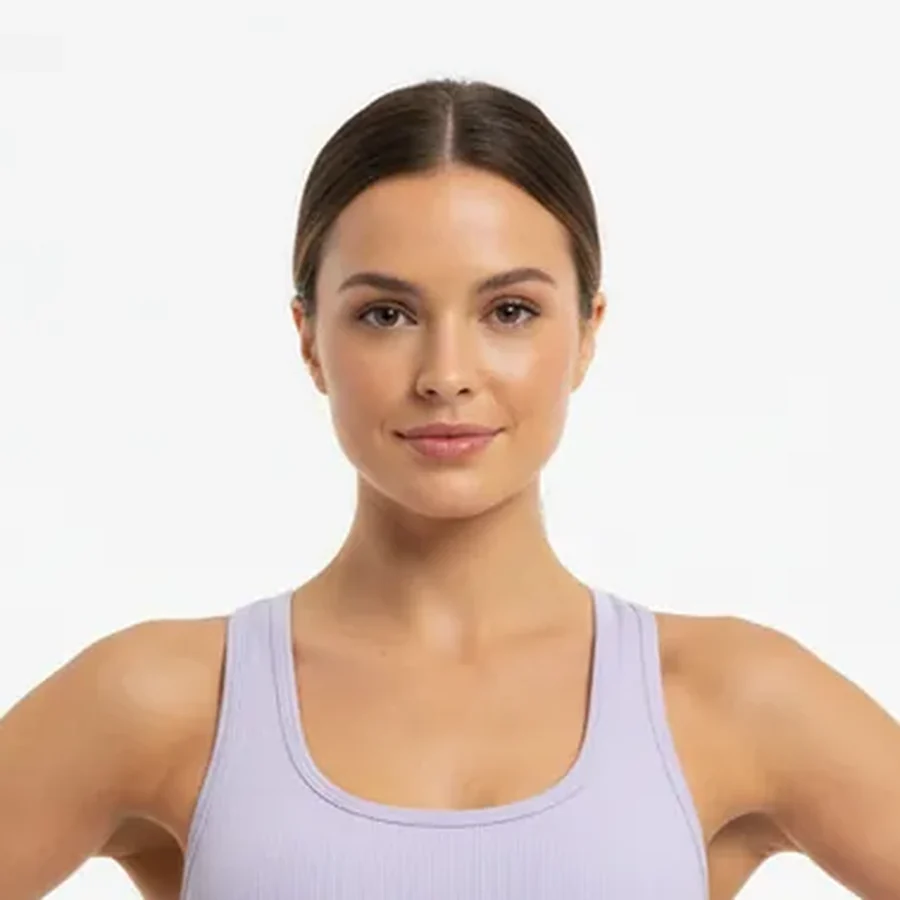
Pick a model — Cast · the model belowCast · the model below
02

Pick a model

Filter the library by body type, skin tone, age, and hair until the casting fits your buyer.

Choose the backdrop — Set · warm plasterSet · warm plaster
03

Choose the backdrop

Studio seamless for the listing, or a catalogue set — riad, street, poolside — for the campaign.

Generate and publish — Output · listing frameOutput · listing frame
04

Generate and publish

Around 30 seconds per image. Download, or push straight to your Shopify listing.

The casting

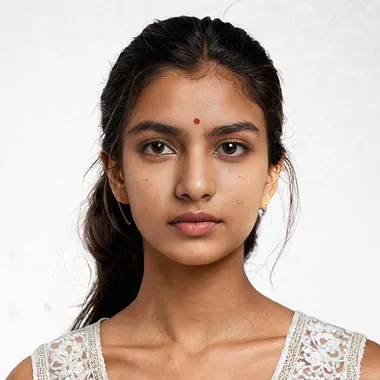
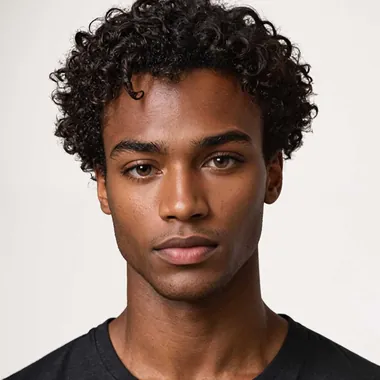
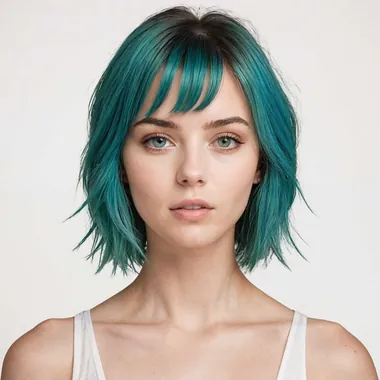
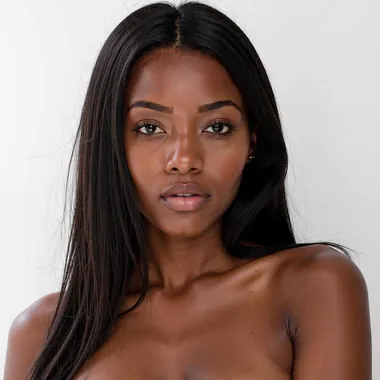
92 try-on models. Your buyer is one of them.

Every body type, skin tone, and age range, ready before you upload anything. Shoppers who see someone built like them order their real size the first time.

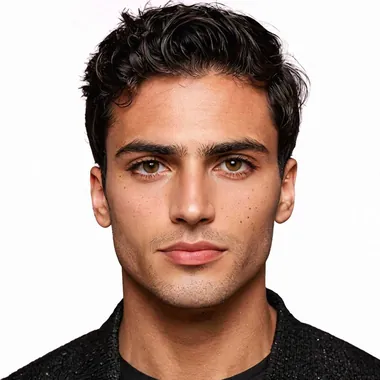
Adrian — Mediterranean · 30s AI fashion model
Adrian
Mediterranean · 30s
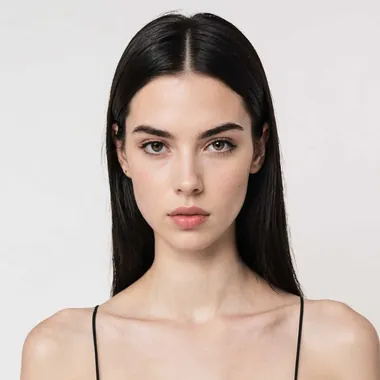
Alessia — European · Slim AI fashion model
Alessia
European · Slim
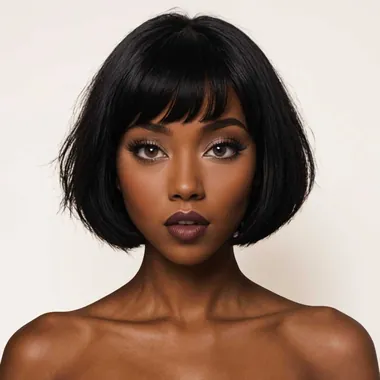
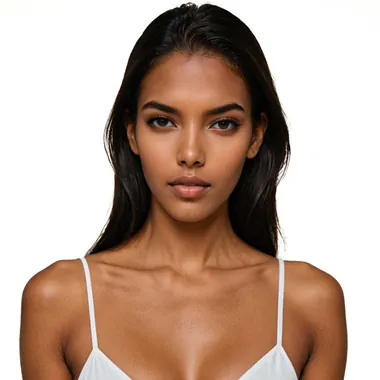
Amara — West African · Bob AI fashion model
Amara
West African · Bob
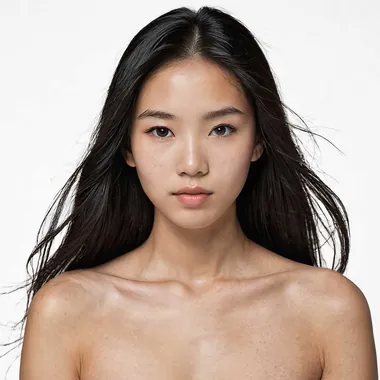
An — East Asian · Editorial AI fashion model
An
East Asian · Editorial
Ananya — South Asian · Natural AI fashion model
Ananya
South Asian · Natural
Elijah — Black · Curly AI fashion model
Elijah
Black · Curly
Elisa — European · Colour hair AI fashion model
Elisa
European · Colour hair
Erica — Black · Long hair AI fashion model
Erica
Black · Long hair
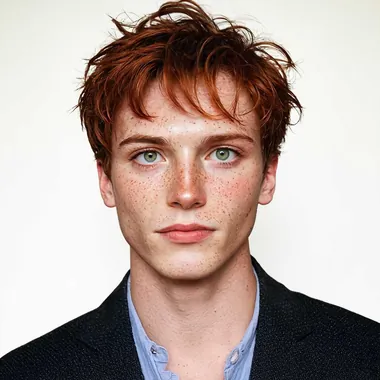
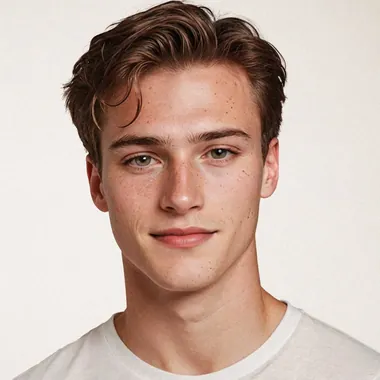
Finn — Redhead · 20s AI fashion model
Finn
Redhead · 20s
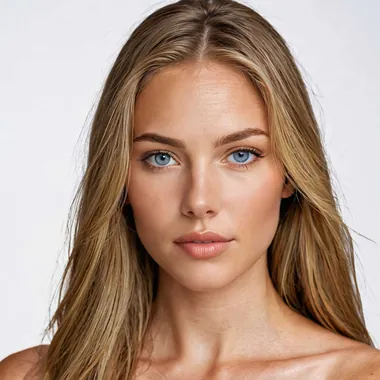
Isabella — Blonde · Commercial AI fashion model
Isabella
Blonde · Commercial
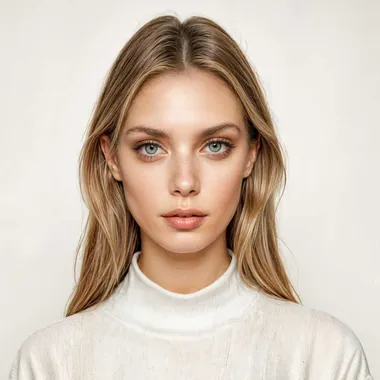
Joanna — Nordic · Soft blonde AI fashion model
Joanna
Nordic · Soft blonde
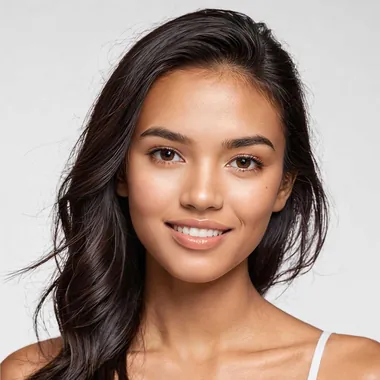
Khadija — Mixed · Warm tone AI fashion model
Khadija
Mixed · Warm tone
Leena — Latina · Deep tone AI fashion model
Leena
Latina · Deep tone
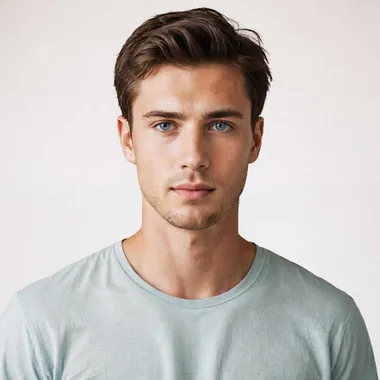
Liam — European · Clean cut AI fashion model
Liam
European · Clean cut
Lucas — European · Brunette AI fashion model
Lucas
European · Brunette
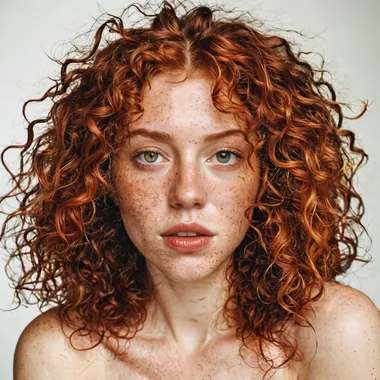
Maeve — Freckled · Curly red AI fashion model
Maeve
Freckled · Curly red
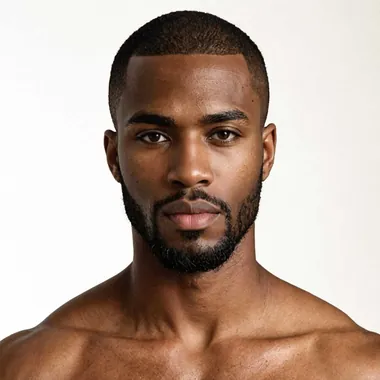
Malik — Black · Bearded AI fashion model
Malik
Black · Bearded
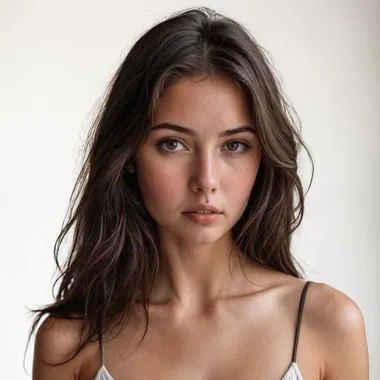
Mona — Brunette · Editorial AI fashion model
Mona
Brunette · Editorial
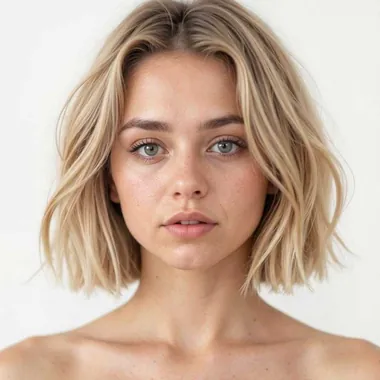
Nicola — Blonde · Short crop AI fashion model
Nicola
Blonde · Short crop
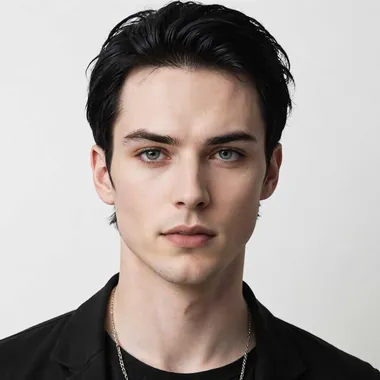
Nikolai — European · Dark hair AI fashion model
Nikolai
European · Dark hair
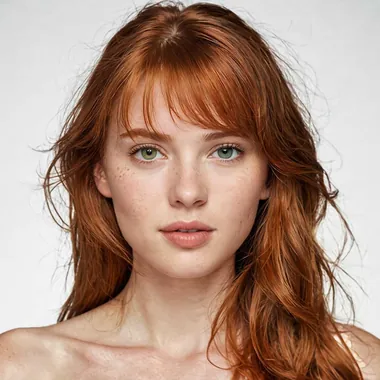
Rose — Auburn · Freckled AI fashion model
Rose
Auburn · Freckled
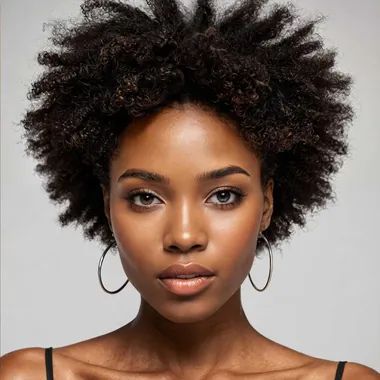
Sarah — Black · Afro AI fashion model
Sarah
Black · Afro
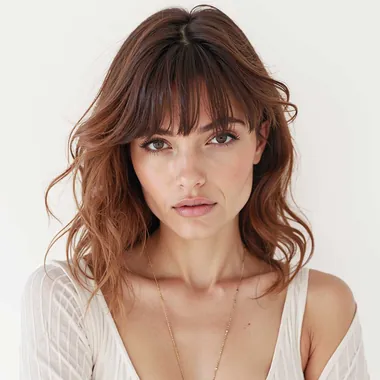
Sofia — Brunette · Fringe AI fashion model
Sofia
Brunette · Fringe
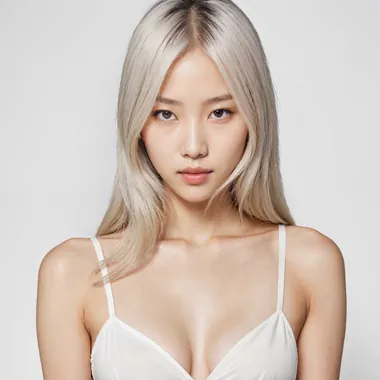
Yuna — East Asian · Platinum AI fashion model
Yuna
East Asian · Platinum

Showing 24 of 92. Body type, ethnicity, age, hair, and pose are all selectable — or generate a custom model and reuse it across the season.

Backdrops

Virtual fitting room: listing and campaign shots from one upload.

Marketplaces want white seamless. Instagram wants a street. You should not have to book two shoots to get both.

Grey seamless — the marketplace default for a clean listing.Studio
Grey seamless — the marketplace default for a clean listing.
Neutral studio for tailoring, where the edges need to read.Studio
Neutral studio for tailoring, where the edges need to read.
White couture lighting for satin, silk, and anything that falls.Studio
White couture lighting for satin, silk, and anything that falls.
Saturated colour backdrop when the drop needs to stop a scroll.Studio
Saturated colour backdrop when the drop needs to stop a scroll.
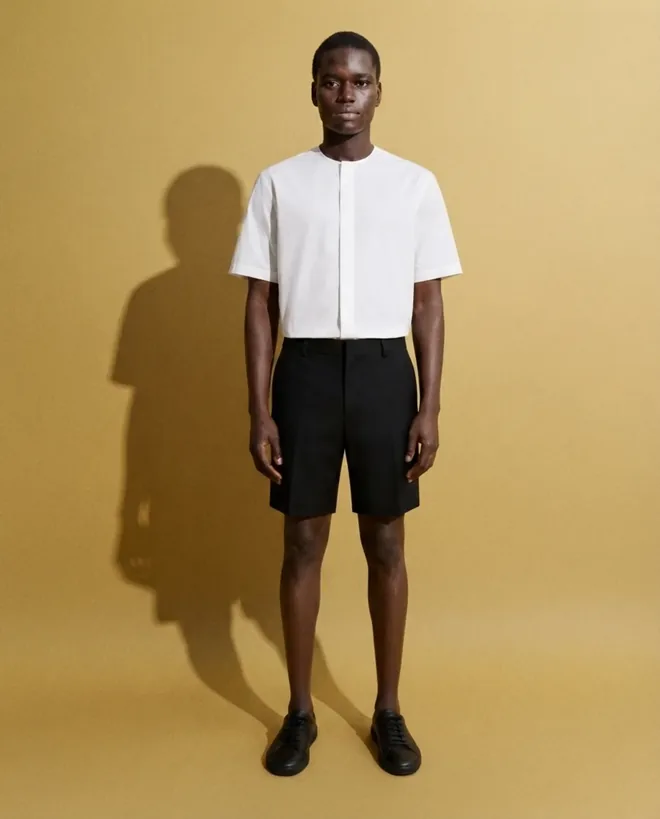
Gold backdrop and hard shadow for shirting and campaign frames.Studio
Gold backdrop and hard shadow for shirting and campaign frames.
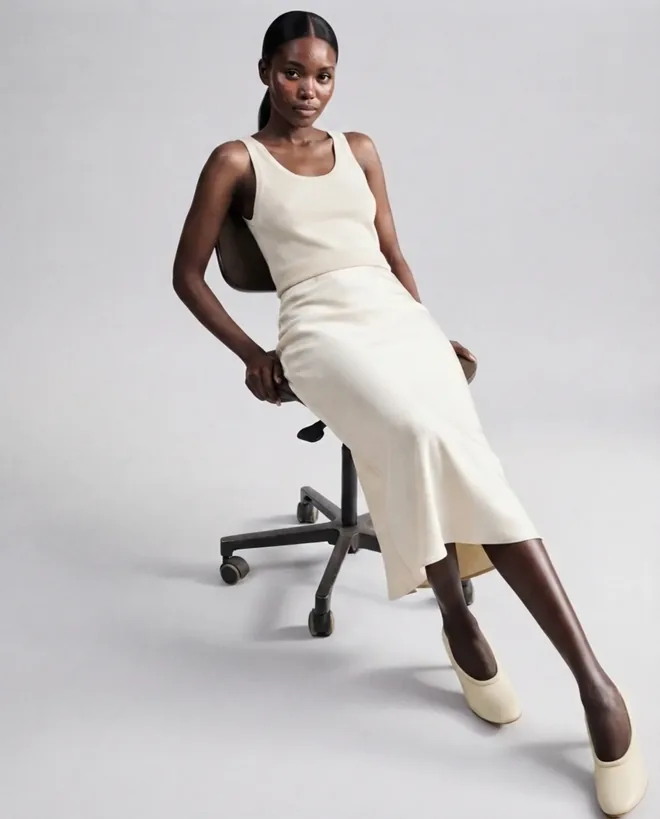
Office editorial — workwear shown where it is actually worn.Interior
Office editorial — workwear shown where it is actually worn.
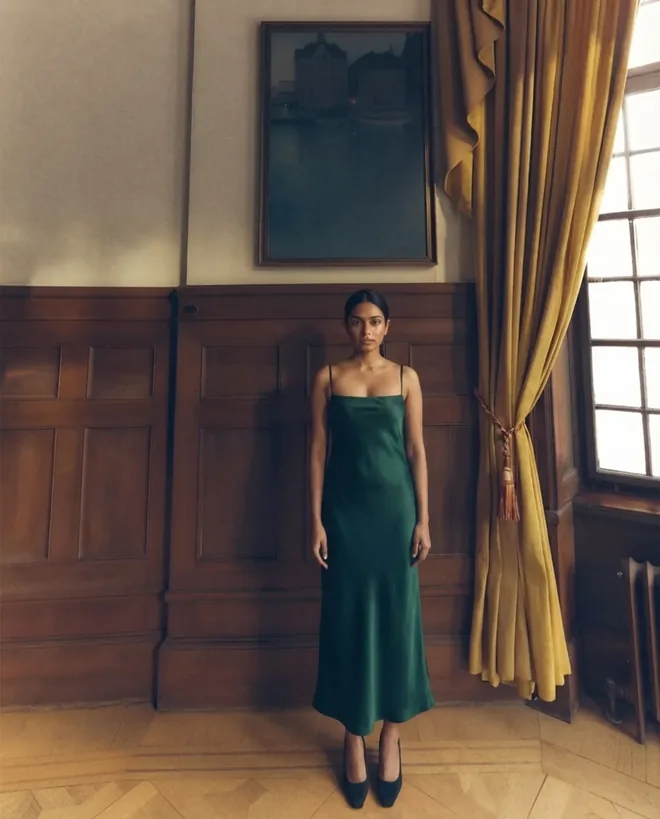
Panelled room, evening light, for occasion and eveningwear.Interior
Panelled room, evening light, for occasion and eveningwear.
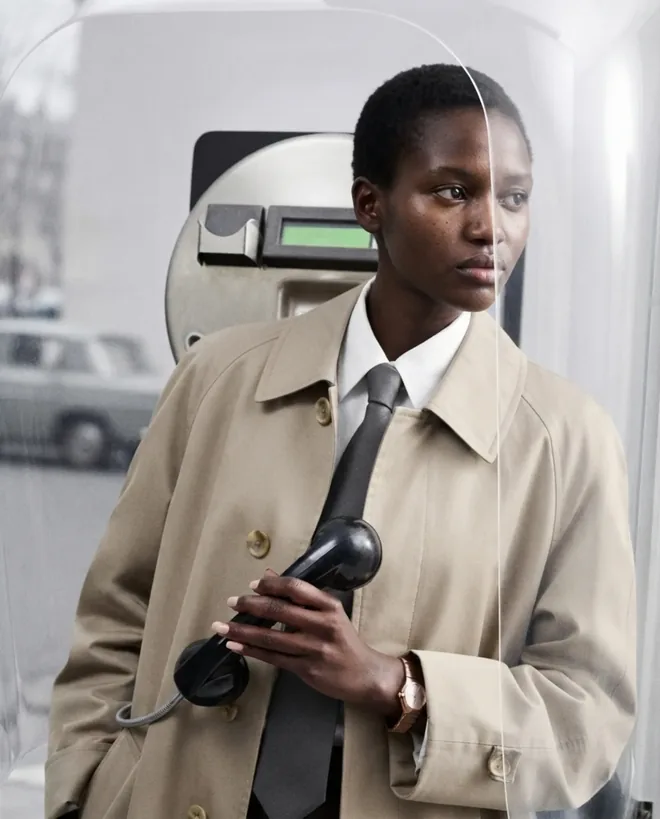
City street for outerwear and lifestyle crops.Street
City street for outerwear and lifestyle crops.
Riad terracotta — linen, resort, and warm-season ranges.Location
Riad terracotta — linen, resort, and warm-season ranges.
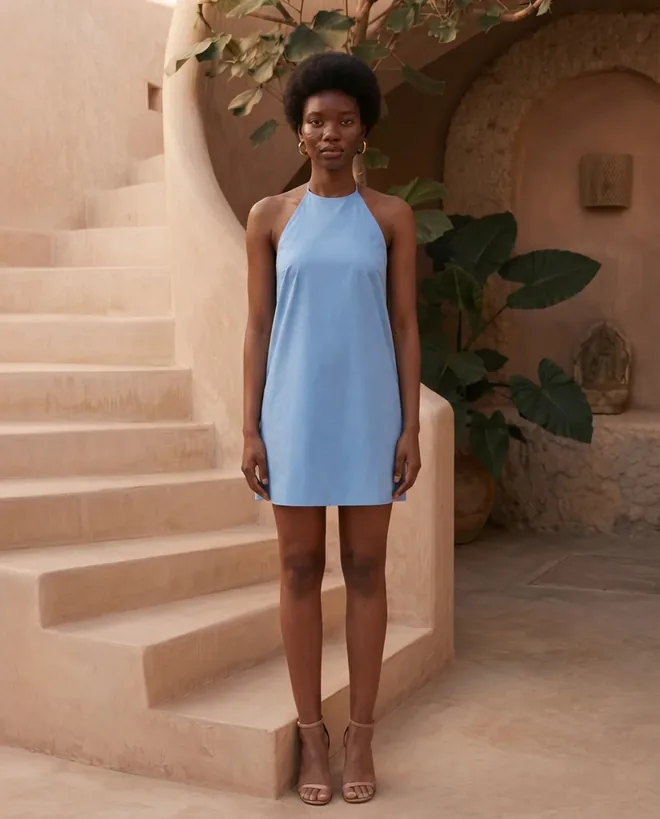
Sunlit stone stairs — a second warm-weather set with more colour.Location
Sunlit stone stairs — a second warm-weather set with more colour.
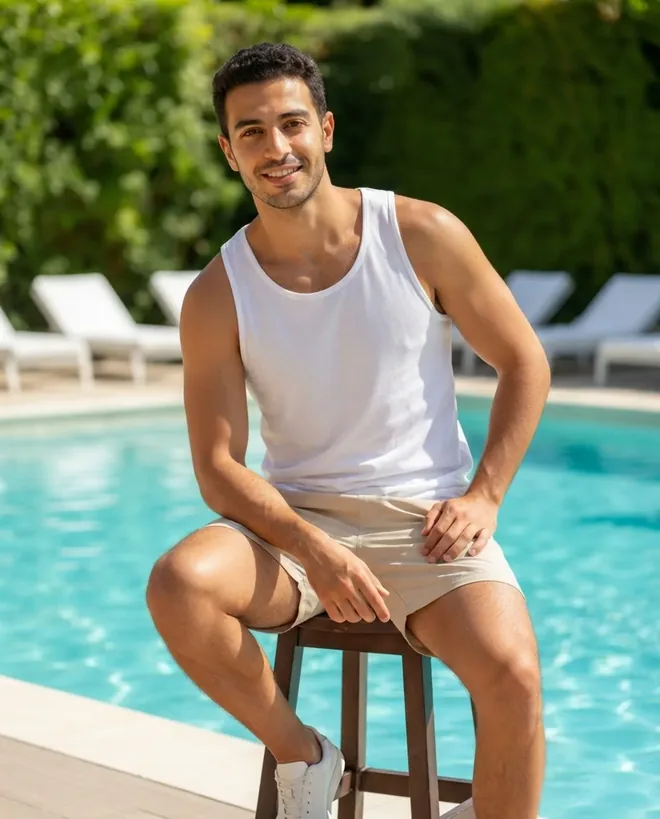
Poolside for swim, resort, and summer menswear.Location
Poolside for swim, resort, and summer menswear.
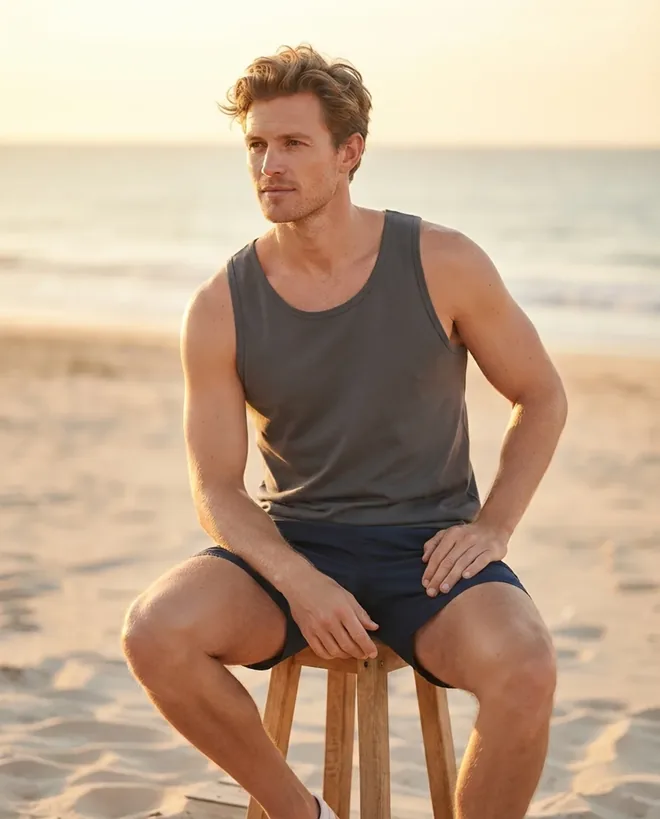
Golden-hour beach when the season needs a hero frame.Location
Golden-hour beach when the season needs a hero frame.

Everything You Need for Virtual Try-On Photography

92位模特資料庫

涵蓋各種體型、膚色與年齡範圍,隨時可用

背景控制

攝影棚無縫背景、日光室內、街景、健身房或度假風格

細節保留

商標、印花與刺繡在轉換過程中完整保留

批次生成

一次生成同一件服裝在十位模特身上的效果

完整商業版權

可用於任何地方發佈——無版稅、無需肖像授權

Shopify發佈

將完成的照片直接推送至你的商品頁面

Use cases

Free virtual try on for teams shipping listings daily.

01

商品目錄全覆蓋

為每個款式與色系都提供上身照片,包括從未安排過拍攝的長尾商品。

02

多元尺寸商品呈現

在不同體型上展示同一件服裝,讓消費者第一次就買對真正適合的尺寸,而不必訂購兩件。

03

跨平台一致性

在Amazon、Shopify與你的自營商店中維持一致的燈光、角度與造型,讓所有商品頁看起來出自同一個品牌。

Customer stories

What virtual try-on users say

Brands using virtual try-on to cover the catalog they could never afford to shoot.

We were shooting one model day a quarter, which meant half the catalog never got an on-model photo. Now the long-tail SKUs get one too, and those are the listings that moved.
Leah T.
Founder, womenswear label
340 SKUs
The part I did not expect was consistency. Same garment, ten models, and the colour holds. Our old shoots drifted between mornings and afternoons and we retouched to fix it.
Marcus D.
E-commerce manager
Marketplace seller
I photograph on a bedsheet with my phone and get back something I would have paid a studio for. The close-up trick for embroidery made the difference on our detailed pieces.
Ayşe K.
Boutique owner
Modest wear

Virtual Try-On FAQ

Fashio AI能生成逼真、攝影棚等級的影像。AI會處理布料垂墜、陰影與膚色匹配,讓成果看起來像是真實拍攝的照片,而不是拼貼上去的裁剪圖。大多數品牌可以直接將輸出結果用於商品頁面,無需額外修圖。
在明亮均勻的日光下拍攝的平拍、掛拍或人形模架照片效果最好,且服裝需完整入鏡。手機照片也沒問題——本頁大多數範例最初都是用手機拍攝的。如果有需要精確呈現的細節,例如商標、印花或刺繡,建議加拍特寫;若正反面設計不同,也建議一併拍攝背面。
上衣、洋裝、外套、褲子、裙子、運動服、泳裝與大衣都能有良好效果。系統也能處理多層次穿搭,因此你可以呈現西裝外套疊穿在襯衫上,或大衣疊穿在整套穿搭外的效果。珠寶、眼鏡、包包與鞋類則透過專屬的上身工具支援。
可以。你可以從模特庫中選擇體型、族裔、年齡範圍、髮型與姿勢,再挑選背景——攝影棚無縫背景、日光室內、街景、健身房或度假風格。你也可以透過AI去背功能匯出透明背景版本,再自行將模特置入你的場景中。
可以,而這正是品牌使用虛擬試穿的主要原因。將同一件服裝生成在不同體型、膚色與年齡的模特身上,讓消費者看到與自己相似的形象。每次生成都會維持相同的服裝,因此顏色、剪裁與細節在整組影像中保持一致。
可以。付費方案包含完整的商業版權,因此你可以將輸出結果發佈在商品頁面、平台、廣告與社群媒體上,無需額外授權。沒有單張版稅費用,也不需要追蹤模特肖像授權,因為並未實際預訂攝影師或模特。
大多數單一模特影像會在30秒內完成生成。批次作業——例如一件服裝生成在十位模特身上——通常在幾分鐘內完成。速度會依解析度與佇列負載而有所不同,但仍遠比安排一場傳統拍攝需要等待數天要快得多。
沒有免費方案,也沒有單獨販售的點數包——新帳號一開始為零點數,加購點數僅限訂閱會員使用。使用權限從Growth會員方案開始,每月29.99美元或每年99.99美元,每月會提供160點數。一次時尚生成需要4點數,去背2點數,AI影片15點數。方案也解鎖批次處理與更高解析度匯出功能。詳情請參閱定價頁面。
支援。Shopify整合功能讓你能生成上身影像,並直接推送至你的商品頁面。同步商品目錄、生成視覺內容,並在同一個控制台完成發佈。

Ready to take control of
your fashion content?

Use Fashio AI to create premium product imagery in seconds.

From $9.99 · credits never expire
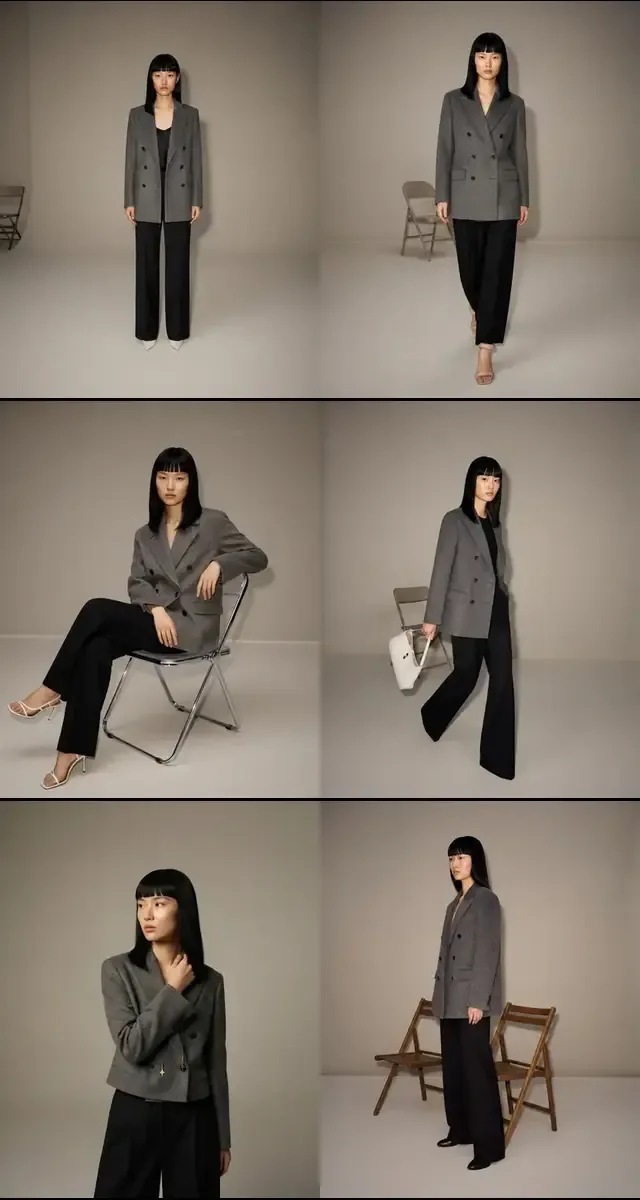
Fashion Model Walking

讓你的顧客在不安排任何拍攝的情況下,直接看到服裝穿在不同體型與膚色身上的效果。Fashio AI的虛擬試穿功能能在幾秒鐘內生成逼真的上身影像,讓每個商品頁都能自信地銷售。

為什麼虛擬試穿AI正在重塑時尚電商

時尚產業每年因線上退貨損失超過2000億美元,而「和我預期的不一樣」是消費者退貨的首要原因。平拍照片與尺寸表所能提供的資訊終究有限。當顧客無法想像一件洋裝穿在自己體型上的垂墜效果,或一件外套穿在較寬肩膀上的合身度時,他們要不是放棄購物車,就是買了之後再退貨。這兩種結果都會侵蝕你的利潤。

讓消費者看到服裝穿在人身上的品牌,因尺寸落差而退貨的比例明顯較低,因為預期落差正是服飾退貨的主要原因。展示在真實、具親和力模特身上的商品,也比空白人形模架或單一體型照片提供更多資訊給消費者。

消費者的期待也在改變。顧客現在會拿你的商品頁與已經提供虛擬試穿體驗的品牌相比較。如果你的商品目錄仍然只依賴少數幾張攝影棚照片,你就正在流失顧客給那些能在多位不同年齡、族裔與體型模特身上展示每件服裝的競爭對手。虛擬試穿AI能在不需要傳統拍攝成本的情況下,補上這個差距。

Fashio AI的虛擬試穿如何運作

開始使用只需要三個步驟——不需要設計技能、不需要3D軟體,也不用等待攝影棚預約。

步驟一:上傳你的服裝照片 拖曳上傳任何服裝的平拍、人形模架或掛拍照片。Fashio AI的商品變模特AI引擎會自動辨識並分離服裝,即使是雪紡上衣或紋理針織這類較棘手的布料也能處理。

步驟二:選擇你的模特 從各種依體型、族裔、年齡範圍與姿勢分類的AI生成模特中選擇。需要同一件上衣呈現輕鬆站姿與自信走姿嗎?使用Fashio AI的姿勢變化工具從單一選擇中生成多種姿勢——不需要重新拍攝。

步驟三:下載上身影像 幾秒鐘內,Fashio AI就會生成一張逼真的服裝上身影像,呈現在你選擇的模特身上。以高解析度下載用於商品頁面,或批次匯出整個商品目錄。需要乾淨的去背版本嗎?搭配AI去背即可製作平台上架所需的素材。

虛擬試穿為時尚品牌帶來的關鍵優勢

降低退貨率,提升轉換率

當顧客能免費虛擬試穿服裝、不再需要憑空猜測時,購買信心便會提升。使用AI上身影像的品牌回報退貨率因尺寸問題而降低25–35%,加入購物車比率則提升15–20%。每一個百分點都很重要:以一家年營收1000萬美元的中型時尚零售商為例,退貨率降低5%每年就能節省50萬美元以上。

無限的模特多樣性

傳統拍攝迫使你只能挑選有限數量的模特。Fashio AI的AI時尚模特生成器徹底消除了這項限制。你可以在任何族裔、體型與年齡範圍的模特身上展示你的系列商品——不需要試鏡、不需要協調時間,也不需要交通預算。多元代表性從此成為標準配備,而不是額外的目標。

立即擴大你的商品目錄規模

要推出50款新商品嗎?在幾分鐘內,而不是幾週內,就能把每件服裝呈現在10位不同的模特身上。季節性更新、限時上架與平台擴張,不再受限於攝影棚的產能。你的創意團隊能把時間花在策略上,而不是後勤安排上。

虛擬試穿AI應用場景
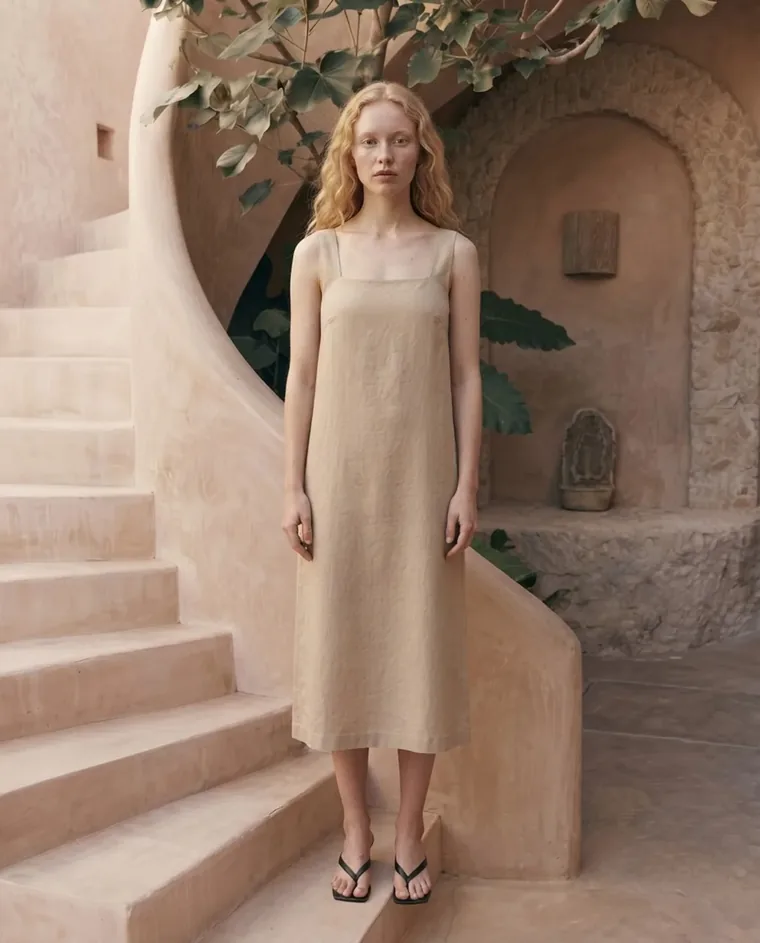
  • 電商商品頁——以多元的上身影像取代單一模特的圖庫,貼近你的顧客組成。更高的親和力帶來更高的轉換率。
  • 社群媒體行銷——不需要安排任何一天的拍攝,就能為Instagram、TikTok與Pinterest生成吸睛的生活風格照片。
  • 平台商品上架——Amazon、Zalando與ASOS都會給予擁有多張上身照片的商品頁更好的曝光。用AI生成符合各平台要求的視覺素材,擴大你的平台曝光度。
  • 無需網紅的網紅風格內容——為廣告與自然貼文製作真實感十足的模特內容,符合品牌調性又不超出預算,也不需要協商使用權或等待交付。

虛擬試穿常見問題解答
虛擬試穿生成的效果有多真實?

Fashio AI能生成逼真、攝影棚等級的影像。AI會處理布料垂墜、陰影與膚色匹配,讓成果看起來像是真實拍攝的照片,而不是拼貼上去的裁剪圖。大多數品牌可以直接將輸出結果用於商品頁面,無需額外修圖。

Fashio AI支援哪些服裝類型?

上衣、洋裝、外套、褲子、裙子、運動服、泳裝與大衣都能有良好效果。系統也能處理多層次穿搭,因此你可以呈現西裝外套疊穿在襯衫上,或大衣疊穿在整套穿搭外的效果。圍巾與帽子等配件功能正在規劃中。

可以自訂模特的外觀與背景嗎?

可以。你可以選擇體型、族裔、髮型與姿勢。至於背景,可以從預設的攝影棚與生活風格場景中選擇,或使用AI去背匯出透明背景版本,再自行將模特置入你需要的場景中。

計費方式是如何運作的?

沒有免費方案,也沒有單獨販售的點數包——新帳號一開始為零點數,加購點數僅限訂閱會員使用。使用權限從Growth會員方案開始,每月29.99美元或每年99.99美元,每月會提供160點數。一次時尚生成需要4點數,去背2點數,AI影片15點數。方案也解鎖批次處理、更高解析度匯出與API存取權限。

Fashio AI是否支援Shopify整合?

支援。Shopify整合功能讓你能直接生成上身影像並推送至你的Shopify商品頁面。同步商品目錄、生成視覺內容,並在同一個控制台完成發佈。

影像生成速度有多快?

大多數單一模特影像會在30秒內完成生成。批次作業(例如一件服裝生成在10位模特身上)通常在幾分鐘內完成。速度取決於解析度與佇列負載,但這個流程仍比預約並執行一場傳統拍攝快上許多。


準備好體驗虛擬試穿了嗎? 開始你的第一次試穿 →