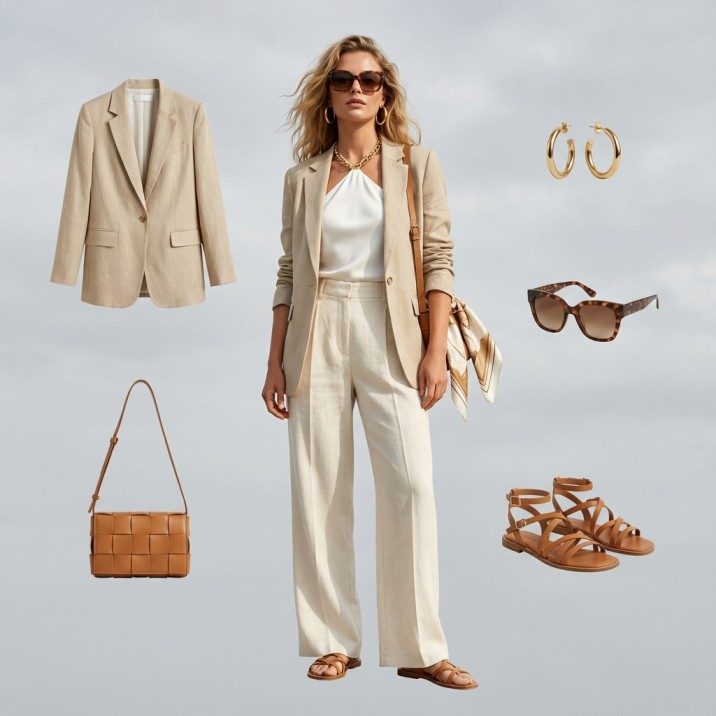
What is the best free alternative to Pebblely for fashion?
Fashio AI is the best free Pebblely alternative for apparel brands, because Pebblely stages products against AI backgrounds and has no AI human models, no virtual try-on, no video and no pose variation. For a candle or a serum bottle that is a complete toolkit. For a dress it is half a workflow, because the asset apparel converts on is the garment worn by somebody — and no amount of background generation produces that.
Pebblely: $9–$39/mo, 30–500 images Pebblely per image: ~$0.095 on Basic Fashio AI free tier: 25 credits/mo AI models + try-on: Fashio AI only
Use Pebblely if your products photograph well as objects and you mainly need scenes and backgrounds at volume — it is cheaper per image and it does bulk generation, which Fashio AI does not. Use Fashio AI if your product is clothing and the shot you are missing is the one with a person in it.
Pebblely (pebblely.com) is a well-executed piece of software with a clear job: take a plain product photo, drop it into a generated scene, and let you adjust the product's rotation and size within the frame. It advertises 100+ templates to start from and 40+ background themes across every plan, and its Basic and Pro tiers can bulk generate with similar or varied backgrounds. It resizes output for different platforms and formats. It is fast, it is cheap, and it does not pretend to be anything else.
Its own marketing gallery tells you who it is for: skincare and beauty, jewellery, candles, home goods and furniture, pet products, beverages, watches, soap. Objects that sit on a surface and look like themselves.
Apparel is not that. A folded jumper on a marble slab in soft light is a competent image and a bad product page, because the shopper cannot tell how it falls, where the hem lands, or what it looks like on a body roughly their size. That is not a criticism of Pebblely's rendering quality — it is a statement about which asset sells clothes.
What does Pebblely cost?
| Plan | Price | Images/month | Cost per image | Features |
|---|---|---|---|---|
| Lite | US$9/month | 30 | $0.30 | 40+ background themes, custom prompts |
| Basic | US$19/month | 200 | $0.095 | 40+ themes, custom prompts, bulk generate |
| Pro | US$39/month | 500 | $0.078 | 40+ themes, custom prompts, bulk generate |
Yearly billing is advertised as giving 2+ months free, and subscriptions renew automatically with cancellation available in-app. Pebblely's pricing page lists questions about commercial use rights and unused-credit rollover in its FAQ; we are not going to paraphrase answers we could not read, so check both directly if either matters to your workflow.
Be honest about the price comparison
Pebblely at $0.095 per image on Basic is cheaper than Fashio AI at $0.75 per fashion generation on the Growth plan, and cheaper than Fashio AI's $0.37 background removal. That is a real advantage and we are not going to argue with arithmetic.
What it does not settle is cost per usable asset. If the image you need is a garment on a model, Pebblely's price per image is irrelevant, because it does not produce that image on any plan at any price. Compare the tools on whether they can make the asset first, and on unit cost second.
How do Fashio AI and Pebblely compare at a glance?
| Capability | Fashio AI | Pebblely |
|---|---|---|
| Core job | Fashion-specialised generation and editing | Product background and scene staging |
| AI human models | 91 presets plus prompt-described models | Not available |
| Virtual try-on | Dedicated tool | Not available |
| Pose variation | Yes — 4 credits per generation | Product rotation and resize within the frame only |
| Video | Photo to Video and UGC Video, 5s or 10s | Static images only |
| Background generation | Fashion-trained background swap | 40+ themes, 100+ templates, custom prompts |
| Bulk generation | No — one image at a time | Yes, on Basic and Pro |
| Ghost mannequin | Yes, with auto neck joint | Not available |
| Upscaling | Fixed 2× — 1080p source to 4K | Resizing for platforms and formats |
| Free tier | Starter, $0, 25 credits/month | Not detailed on the pricing page |
| Entry price | $29.99/month for 160 credits | US$9/month for 30 images |
| Cost per image | $0.75 fashion generation, $0.37 background removal | $0.078–$0.30 depending on plan |
| Target categories | Apparel, accessories, jewellery, intimates, swim | Beauty, home, pet, beverage, watches, jewellery |
| Public API | No | Not published on the pricing page |
The four things Pebblely cannot do for apparel
1. It cannot put the garment on a person
This is the whole gap. Pebblely generates the environment around a product; it does not generate a human figure inside the product. A shopper looking at outerwear wants to know where the shoulder seam sits, how long the sleeve runs, whether the volume reads as oversized or just large. A scene does not answer any of that.
Fashio AI's AI Fashion Model Generator ships with 91 model presets — 69 female and 22 male, spread across four age bands with 48 in the 25–34 range, 22 in 16–24, 16 in 35–44 and 5 at 45 and above. You can also describe a model in a prompt instead of picking one, and hold that character consistent across a catalogue so a collection looks shot rather than assembled.
2. It cannot show fit, which is what returns are about
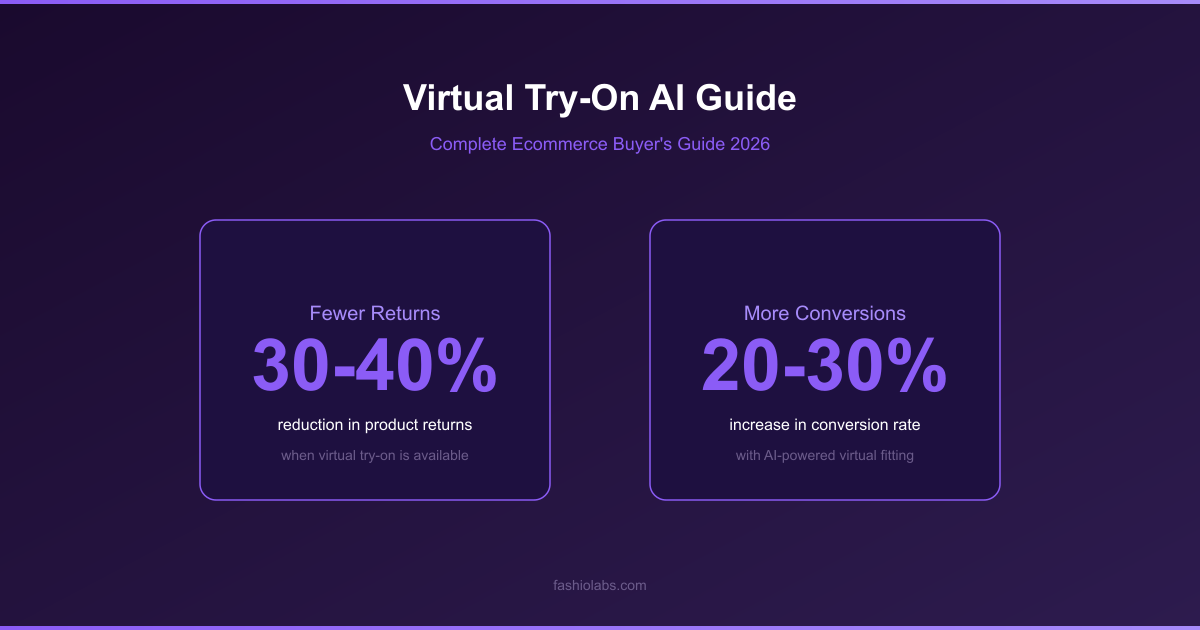
Apparel's return problem is a fit-information problem, and a background swap contributes nothing to it. Fashio AI's Virtual AI Fashion Try-On renders a garment on a body so the drape and proportions are visible before purchase. Our virtual try-on guide covers what the technology does and does not settle — and it is worth reading the limits before treating it as a returns fix.
3. It produces no motion
Pebblely is a still-image tool by design. Fashion discovery increasingly happens in short vertical video, and if that is part of your plan you need a second tool regardless. Fashio AI includes Photo to Video and a UGC Video Creator, though with an important constraint: the video models accept only 5-second and 10-second durations. That is enough for a social cut and not enough for a campaign film.
4. It has no garment-specific processing
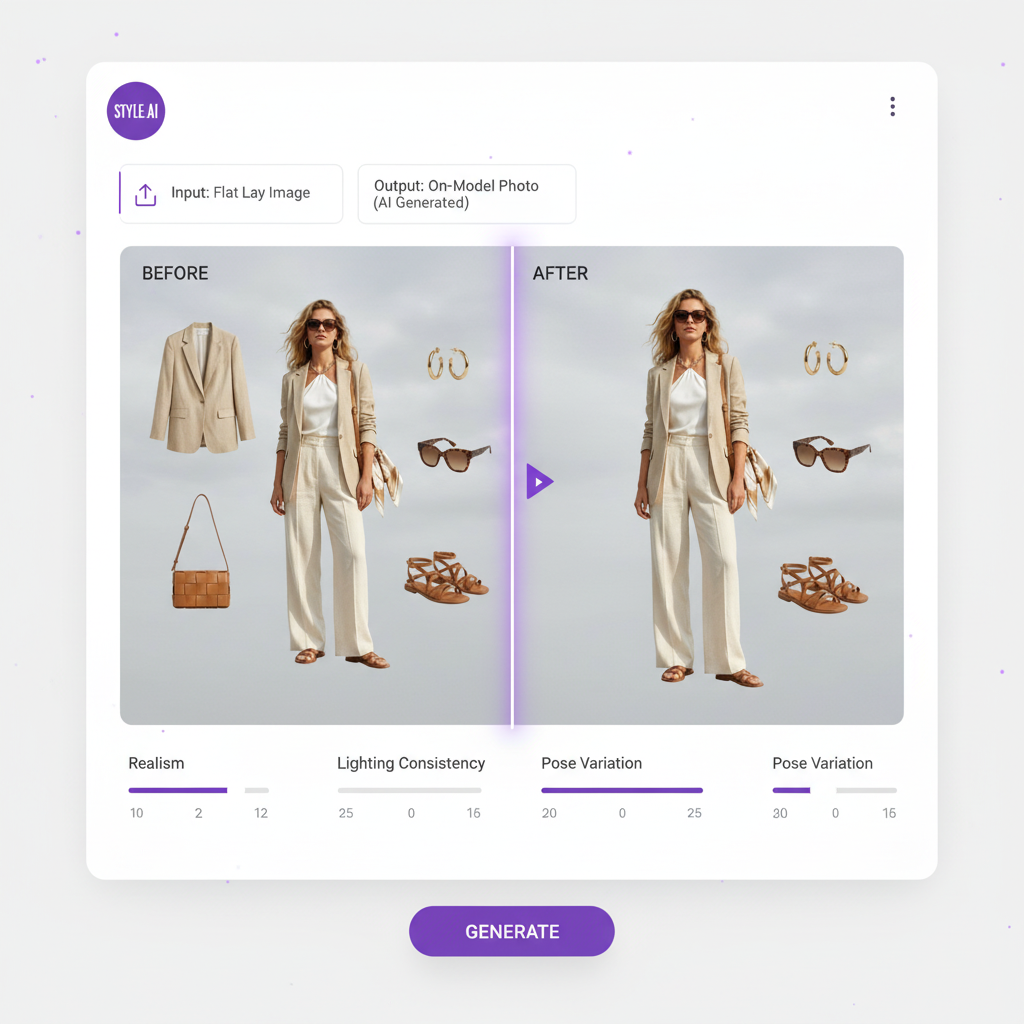
Apparel production has steps that general staging tools have no reason to build: removing a mannequin and closing the neck opening cleanly, turning a flat lay into a styled catalogue shot, generating a second pose of the same look. Fashio AI has Ghost Mannequin Generator, Flat Lay to Catalog Creator and Pose Variation for exactly these. Our flat lay to on-model guide walks through the first of those end to end.
What Fashio AI covers that Pebblely does not
AI Fashion Model Generator
91 preset models or a prompt-described one, held consistent across a catalogue — 4 credits per generation
Virtual AI Fashion Try-On
Render a garment on a body so fit and drape are visible before purchase
Flat Lay to Catalog Creator
Turn a flat lay into a styled on-model catalogue shot without a shoot
Ghost Mannequin Generator
Remove the mannequin and close the neck joint automatically
Pose Variation
Generate additional angles of the same look from one source image
Product to Model
Place jewellery, bags, shoes and watches on a model rather than a surface
Bra AI Generator
Lingerie and intimates handled as their own category
Fashion Photo Upscale
Fixed 2× enhancement — a 1080p source lands on 4K at 3840×2160
See what your garment looks like on a model
Starter is free with 25 credits a month — 6 fashion generations, enough to judge the output on your own product.
Try Fashio AI Free →Where Pebblely genuinely wins
Pebblely's real advantages
- Bulk generation. Basic and Pro process in bulk. Fashio AI runs one image at a time with no batch queue, and on a 200-SKU catalogue that difference is felt every day.
- Unit cost. $0.078 per image on Pro is roughly a tenth of a Fashio AI fashion generation. If the job really is just backgrounds, paying ten times more for a fashion-trained model buys you nothing.
- Category breadth. Pebblely stages any product. Fashio AI is fashion-only and will be the wrong tool the moment your catalogue includes homeware.
- Cheap entry point. US$9 per month for 30 images is a low-commitment way to test scene staging.
- Template library. 100+ templates and 40+ themes is a broader ready-made scene selection than a fashion-specific tool maintains.
Who should choose which?
Choose Pebblely if: your catalogue is mostly objects rather than garments; you need scene variety at volume and cost per image is the binding constraint; you already have on-model photography handled some other way; or you sell across several unrelated product categories and want one staging tool for all of them.
Choose Fashio AI if: you sell clothing and the missing asset is the on-model shot; you need try-on, ghost mannequin, pose variation or flat-lay conversion; you want the same garment shown on different model demographics without rebooking anything; or you need short-form video from stills you already have.
Use both if: your catalogue splits into worn and not-worn. Accessories, footwear on a surface, packaging and gifting shots go through a staging tool cheaply. Garments go through a fashion tool because nothing else produces the asset. This is the most common sensible arrangement, and pretending otherwise would not help you.
What Fashio AI cannot do
Honest limitations
- No bulk queue. One image at a time. Pebblely's bulk generation on Basic and Pro is a straightforward advantage for high-SKU catalogues.
- Higher unit cost. $0.75 per fashion generation against Pebblely's $0.095 on Basic. Fashion-trained generation is a different and more expensive operation, but the number is the number.
- Fixed 2× upscaling. A 1080p source becomes 4K and stops. There is no 8× mode.
- Video is 5 or 10 seconds. Those are the only durations available.
- No public API. Everything runs through the dashboard.
- Fashion only. If half your catalogue is candles, you will need a second tool.
Verdict
Pebblely and Fashio AI are not competing for the same image. One generates the room; the other generates the person wearing your product in it.
Most "alternative" comparisons try to establish that one tool is better. This one does not, because the tools are not substitutes in the direction that matters. Pebblely is a good, cheap, fast background-staging product and its per-image economics are better than ours. It also cannot produce an on-model fashion image, and for an apparel brand that is not a feature gap — it is the entire deliverable.
If you are an apparel brand currently using Pebblely and finding it insufficient, the reason is almost certainly this and not rendering quality. And if you are an accessories or homeware brand happily using Pebblely, there is no argument in this article that should move you.
Key Takeaway
Pebblely wins on unit cost and bulk throughput; Fashio AI wins on producing the asset apparel actually sells on. Fashio AI's Starter tier is $0 with 25 credits a month, so test it against a real garment photo from your catalogue rather than deciding from a comparison table — including this one.
Test it on one product photo
25 free credits a month, no card required. Upload a garment and see whether the on-model output is what your listings are missing.
Try Fashio AI Free →FAQ: Fashio AI vs Pebblely
What is the best free alternative to Pebblely for fashion?
Fashio AI, with a Starter tier at $0 including 25 credits per month. Pebblely is a background and scene staging tool — it places an already-photographed product into an AI-generated setting. It does not generate AI human models, does not offer virtual try-on, does not produce video and does not do pose variation. For fashion, where the garment needs to be seen on a body, that gap decides the question.
How much does Pebblely cost?
Three published plans: Lite at US$9 per month for 30 images, Basic at US$19 per month for 200 images, and Pro at US$39 per month for 500 images. All include 40+ background themes and custom prompts; Basic and Pro add bulk generation. Yearly billing is advertised as 2+ months free, and the marketing references 100+ templates to start from.
Is Pebblely cheaper than Fashio AI per image?
Yes, for the job Pebblely does. Basic at US$19 for 200 images is about $0.095 per image. On Fashio AI's Growth plan, $29.99 buys 160 credits and a fashion generation costs 4 credits — $0.75 per image — while a background removal at 2 credits is $0.37. Pebblely is roughly four to eight times cheaper per image, but it is producing a background swap rather than a garment on a model. Compare cost per usable asset, not cost per generation.
Does Pebblely generate AI models wearing clothes?
No. Pebblely generates backgrounds and scenes around a product and lets you adjust the product's rotation and size in frame. It does not place garments on human figures, and its gallery leans toward skincare, jewellery, candles, home goods, pet products, beverages and watches rather than apparel. Fashio AI's AI Fashion Model Generator ships with 91 model presets and also accepts a prompt-described model.
Does Pebblely have virtual try-on or video?
Neither. Pebblely produces static images only. Fashio AI offers Virtual AI Fashion Try-On, Photo to Video and a UGC Video Creator — with the caveat that Fashio AI's video output is limited to 5-second and 10-second durations.
Should a fashion brand use Pebblely at all?
For accessories, footwear, bags, jewellery and packaging shot as objects, Pebblely is a reasonable and cheap choice, and its bulk generation is a genuine advantage over Fashio AI, which processes one image at a time. For garments that need to be seen worn, Pebblely cannot produce the asset on any plan. Splitting the catalogue between a staging tool and a fashion tool is a sensible arrangement, not a compromise.
What does Fashio AI's free tier include?
Starter is free with 25 credits per month — 6 fashion generations, 12 background removals or 8 upscales. A daily credit claim adds 4 credits at a time, capped at 7 claims for the life of the account, for 28 further credits. Pebblely's published plans start at US$9 per month for 30 images.