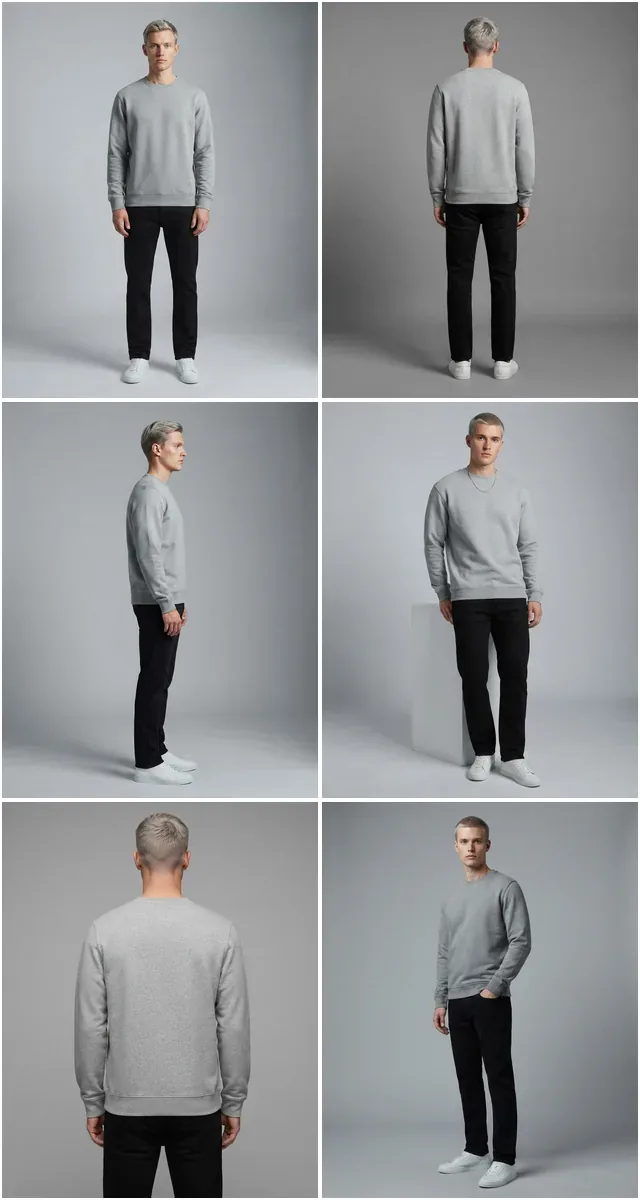
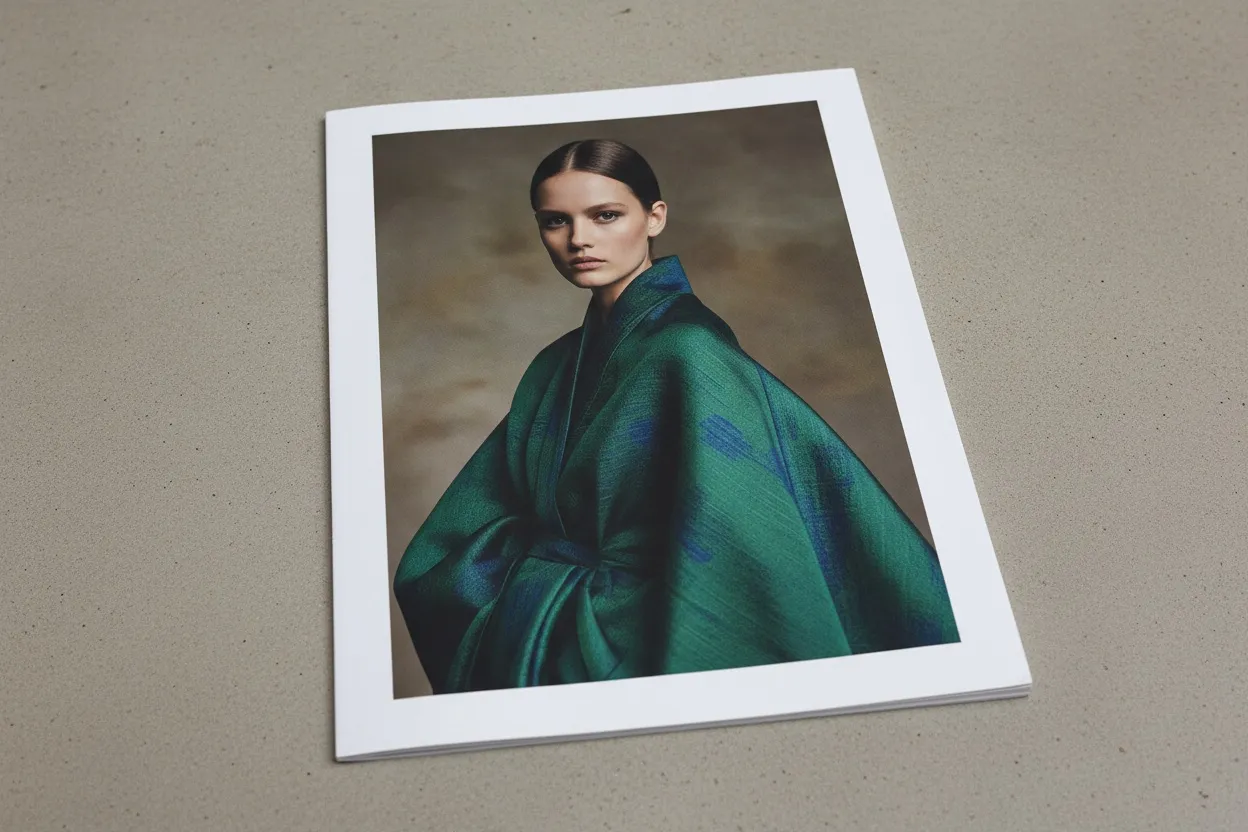
The 2026 Reality of Fashion Magazine Covers
30-60 minutes vs 4-8 weeks $0 vs $20K-$200K traditional cover Print-ready 300 DPI output Vogue, Harper's, Elle styles in one workflow
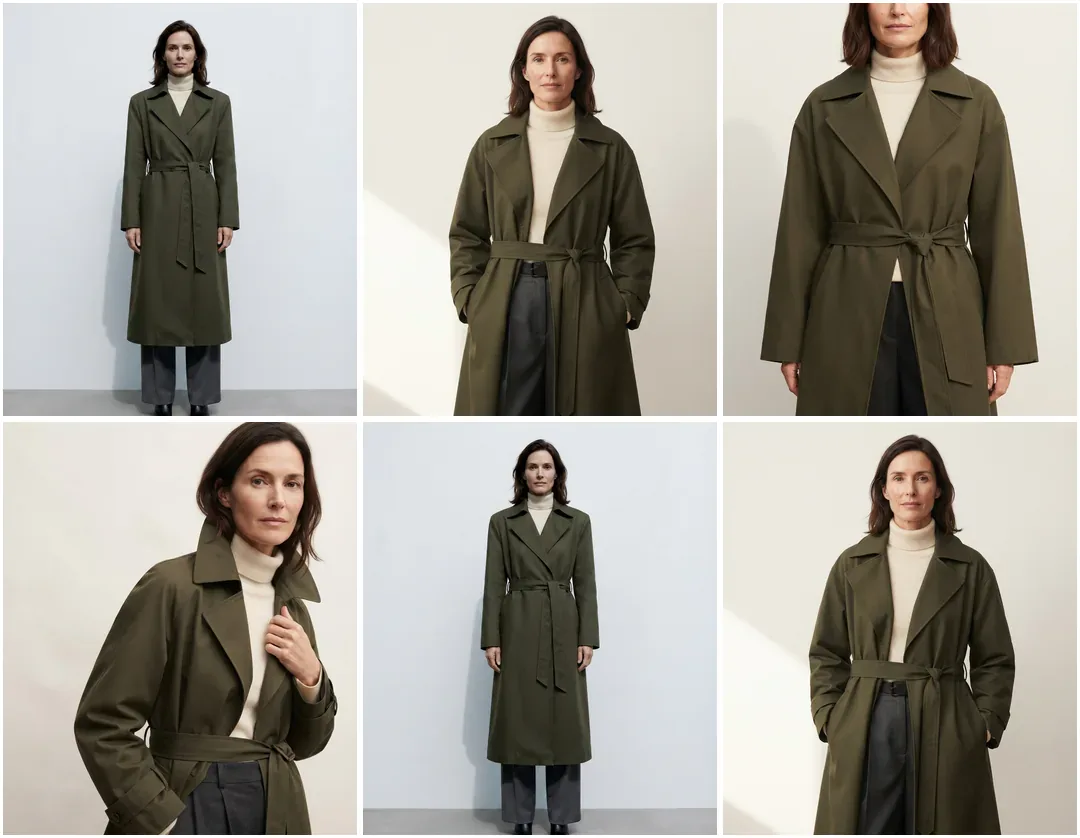
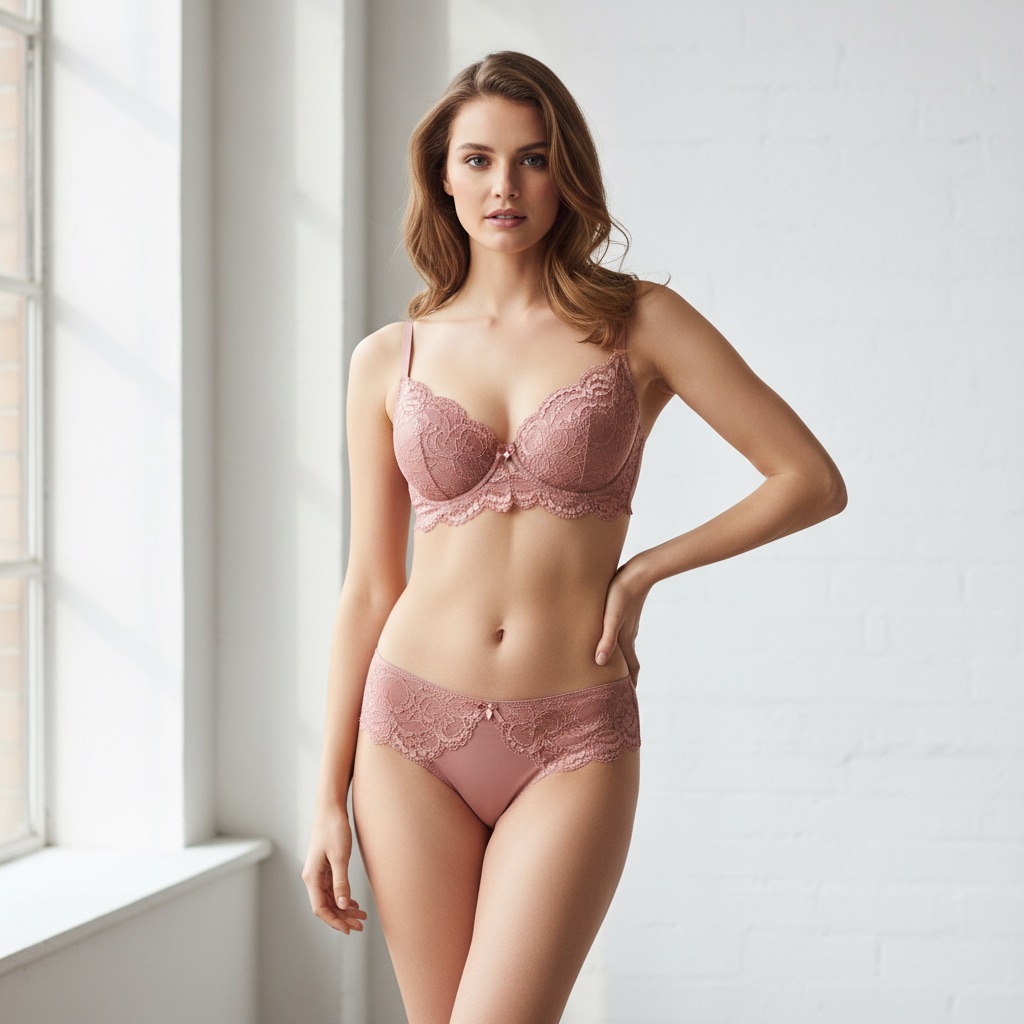
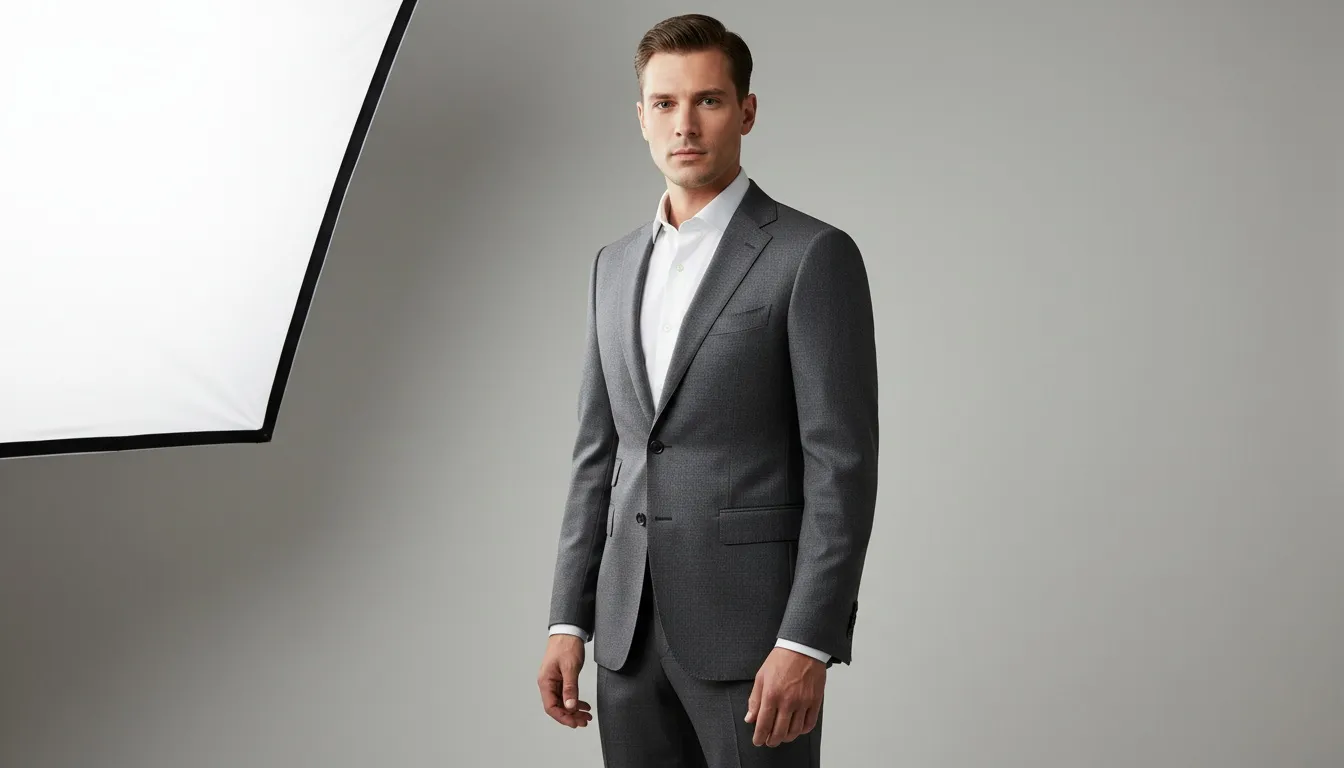
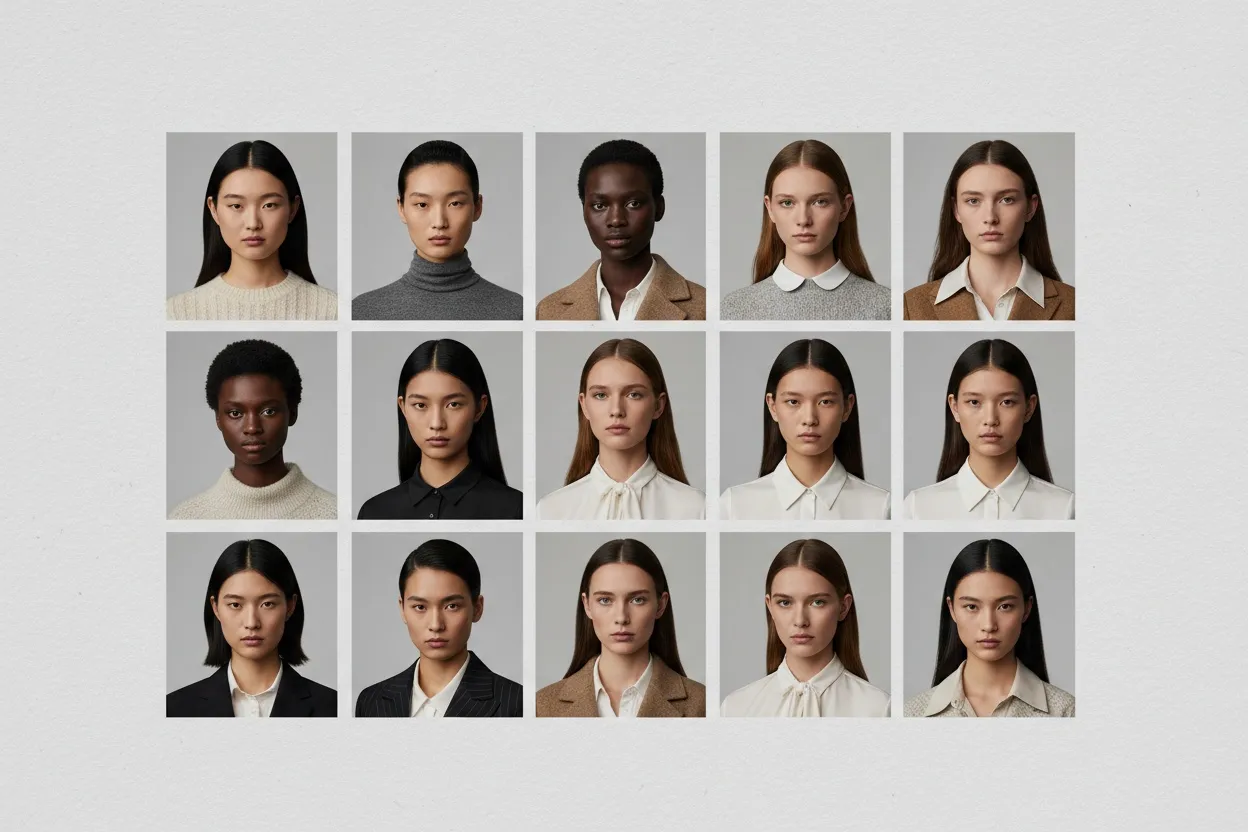
Fashion magazine covers used to be the most expensive single image in publishing. AI generators have collapsed that economy. Indie magazines, brand zines, and marketing teams can now produce editorial-grade covers in minutes — with the same compositional principles and typography discipline that defined the genre for a century.
For most of fashion's history, the magazine cover was a flex — proof that a brand or publication could afford the talent, the photographer, the studio day, the retouching team, and the print run. A single Vogue cover ran $50,000 to $200,000 in full production. Independent magazines were locked out of the genre entirely; brand zines were stuck with budget-friendly stock-style hero shots that never quite read as editorial.
That gate has come down. AI magazine cover generators let any team produce a cover that reads as editorial — composed, considered, magazine-quality — in the time it takes to brief a designer. The model is AI-generated, the garment is fitted accurately, the lighting is controlled by prompt, and the typography is dropped on top using design discipline that's been documented for a hundred years.
This guide walks the complete workflow: what makes a cover read as editorial, the four-step AI pipeline that produces the imagery, prompt templates for Vogue/Harper's Bazaar/Elle styles, typography rules that turn an AI image into a believable magazine cover, and tool comparison for 2026.
What Makes a Fashion Magazine Cover Actually Work
Before tools and prompts: the design principles that separate a cover from a glossy photo with text on it. A successful fashion magazine cover does five things at the same time:
- One focal point — usually the model's face or upper body, taking 50-70% of the frame. The viewer's eye lands on one thing first, then moves through everything else.
- A direct or knowing gaze — the model engages the viewer or deliberately doesn't. Both work; ambiguous in-between gazes fail.
- Controlled lighting with intentional shadow — completely flat lighting reads as catalogue; harsh shadows read as editorial.
- A unified mood — the garment, the backdrop, the lighting, and the color grade all serve one emotional register.
- Typography hierarchy — masthead, cover star name, two or three teasing cover lines, no more. Restraint reads as confidence.
Every legendary cover from Penn to Meisel to Mert & Marcus follows these five principles. AI-generated covers that fail typically fail one of them — usually focal point or lighting. AI-generated covers that succeed nail all five.
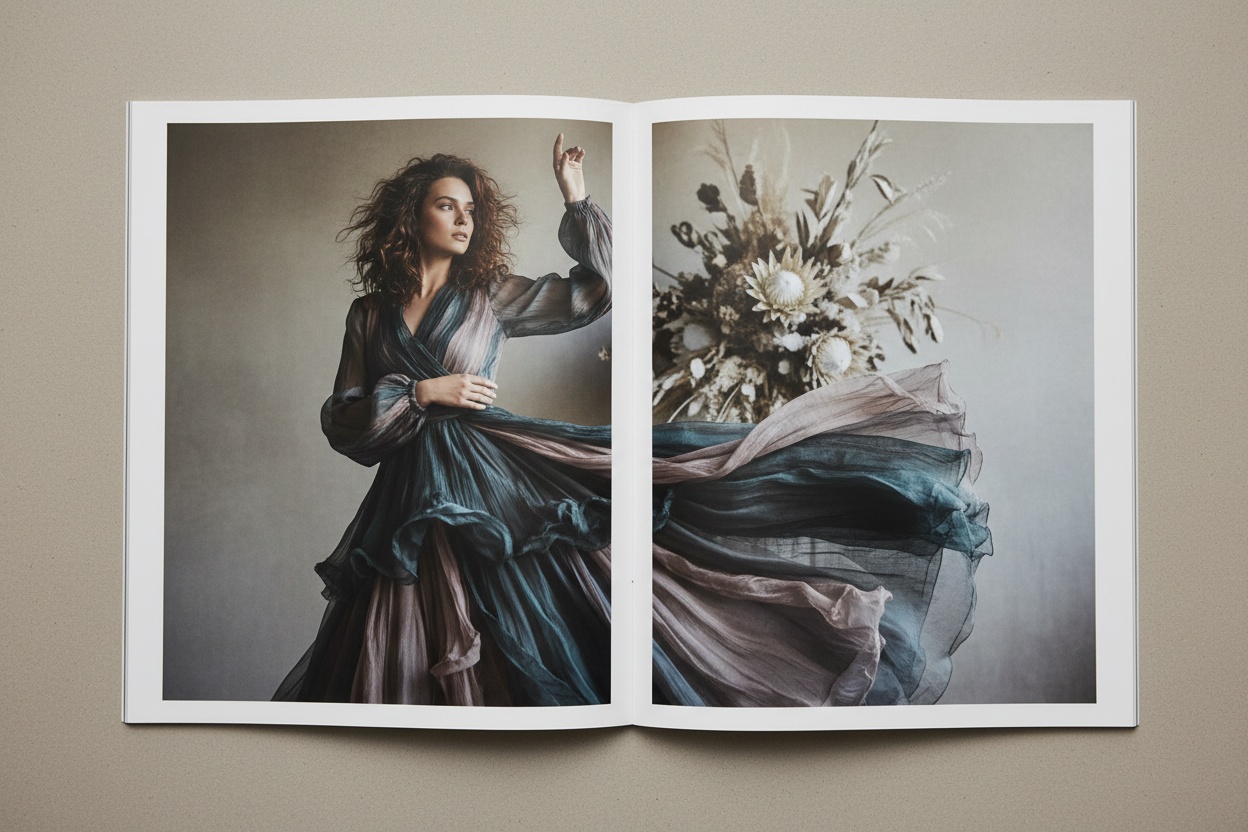
The Four-Step AI Magazine Cover Workflow
An AI magazine cover generator isn't a single tool — it's a chained workflow that combines fashion AI capabilities with editorial design discipline. The pipeline produces the cover image; you handle the typography overlay separately.
| Step | Capability | What It Produces |
|---|---|---|
| 1. Cover Star Creation | AI Fashion Model Generator | A locked cover model identity — face, age, expression, hair |
| 2. Garment Fitting | Virtual Try-On / Product to Model | The featured garment fitted accurately on the cover star |
| 3. Cover Composition | Pose Variation + AI Image Editing | Editorial pose, controlled lighting, single-mood backdrop |
| 4. Layout & Typography | Design tool (Canva, Figma, InDesign) | Masthead, cover lines, hierarchy applied to the final image |
Steps 1-3 happen inside the AI platform. Step 4 happens in any design tool — Canva is fine for digital-only covers, InDesign or Figma for print-quality covers. The AI is doing the production work; the designer is doing 10% of the original labour and producing 100% of the typography logic.
Vogue, Harper's Bazaar, Elle — Why Style References Matter
The fastest way to produce a cover that reads as editorial is to anchor your prompt to a recognizable style reference. Each major fashion magazine has a distinct visual logic. Use the reference to direct the AI; then break from it deliberately if you want a contemporary twist.
| Magazine | Visual Signature | Typical Cover Style |
|---|---|---|
| Vogue | Direct gaze, head-and-shoulders or three-quarter, polished glamour | Saturated single-color or studio backdrop, strong serif masthead |
| Harper's Bazaar | Editorial precision, sculptural pose, elevated minimalism | Neutral or monochrome backdrop, condensed serif masthead |
| Elle | Approachable energy, motion, color, contemporary mood | Bold colors, modern sans-serif or geometric masthead |
| i-D | Conceptual, often face-half-cropped, art-directional | Stripped backdrop, minimal cover lines, distinctive nameplate |
| Dazed | Youth, subculture, experimental, irreverent | High-contrast, mixed typography, surreal compositions |
| W Magazine | Large-format editorial, artistic, celebrity-driven | Single bold image, minimal text, expansive scale |
Pick the reference closest to your project's mood and use it as the anchor in your prompt. Strong prompts say things like "Vogue cover style, late 1990s Steven Meisel reference" — specific enough to direct the AI without copying any single existing cover.
Prompt Templates by Cover Style
Vogue-Style Cover Prompt
The Vogue cover formula is direct, glamorous, and confident. Head-and-shoulders or three-quarter framing, one luxury garment, saturated backdrop, polished controlled lighting.
Template: "Vogue magazine cover style — fashion model wearing [garment], head-and-shoulders framing, direct confident gaze, polished beauty lighting, saturated [color] backdrop, full-frame composition with negative space at top for masthead, glossy editorial fashion photography, late-1990s Steven Meisel reference, 300 DPI print resolution."
Harper's Bazaar-Style Cover Prompt
Harper's Bazaar leans more sculptural and architectural. Three-quarter or full-length, considered pose, neutral or monochrome backdrop, light that defines structure.
Template: "Harper's Bazaar magazine cover style — fashion model wearing [garment], three-quarter framing with one arm visible, sculptural considered pose, monochrome [neutral color] backdrop, directional light defining garment structure, editorial precision, minimal composition, full-frame with vertical negative space for masthead, contemporary fashion photography."
Elle-Style Cover Prompt
Elle reads as contemporary, energetic, and approachable. Bigger smiles, more motion, brighter colors, modern energy.
Template: "Elle magazine cover style — fashion model wearing [garment], three-quarter framing, energetic warm expression, gentle motion in hair or garment, bold [color] backdrop, bright contemporary lighting, modern editorial fashion photography, full-frame composition with negative space for masthead."
i-D / Dazed-Style Cover Prompt
Conceptual, art-directional, often breaking the standard portrait composition. Half-face crops, surreal elements, experimental color.
Template: "i-D magazine cover style — fashion model wearing [garment], experimental cropping with right half of face visible, single eye direct to camera, high-contrast lighting, [bold color] backdrop, conceptual art-directional fashion photography, subcultural mood."
Over-stuffing the prompt with adjectives. "Beautiful stunning gorgeous luxurious editorial professional Vogue magazine cover ultra-detailed 8K masterpiece" produces worse output than a focused, specific prompt with clear creative direction. AI tools respond to specificity — garment description, pose direction, lighting style, backdrop color, reference photographer — not generic praise words. Trim the prompt to what's actually directing the image.
The Five-Step Cover Production Workflow
-
Define the Cover Brief
Before generating: write one paragraph describing the cover's purpose, mood, and reference. "Spring issue cover for an indie sustainable fashion magazine, Harper's Bazaar minimalism reference, monochrome stone palette, featuring a hero coat from the SS26 collection." This brief governs every prompt downstream.
-
Generate the Cover Star
Use AI Fashion Model Generator to create the cover model. Lock the identity — face, age, expression, hair. The same character should be reusable for related editorial spreads inside the magazine.
-
Fit the Garment
Run the featured garment through Virtual AI Fashion Try-On or Product to Model on the locked cover star. The fit needs to be accurate — buyers and readers will scrutinize the cover at print resolution.
-
Compose the Cover Image
Use Pose Variation to direct the cover pose — head-and-shoulders, three-quarter, full-length — and AI Image Editing to apply the mood, lighting, and backdrop using one of the prompt templates above. Generate 5-10 variants. Pick the strongest.
-
Reframe and Upscale
Use Photo Reframe to convert to magazine cover dimensions (8.375 x 10.875 in US, A4 in EU). Then Fashion Photo Upscale for 300 DPI print resolution — critical for any print run or large-format use.
-
Apply Typography Overlay
Open the upscaled cover in Canva, Figma, or InDesign. Apply your masthead, cover star credit, and 2-3 cover lines using the typography rules in the next section. Export.
Typography Discipline — The 10% That Makes 90% of the Difference
The AI does the imagery. The typography decides whether the result reads as a magazine cover or as a glossy photo with words pasted on it. Five rules govern editorial cover typography:
Rule 1: The Masthead Earns Its Position
The masthead — magazine name — anchors the top of the cover. Use a classic serif (Didot, Bodoni, Caslon, Vogue's own Didone) for traditional editorial. Use a confident geometric sans (Futura, Helvetica Neue) for contemporary publications. Size: roughly one-fifth of the cover width. Position: top of cover, with negative space behind it carved out of the image during generation.
Rule 2: Cover Lines Come in Threes (Maximum)
The temptation is always to list every story in the issue. The discipline is to pick three at most. The cover-line stack typically reads: one major story (largest), one secondary story (medium), one teaser (smallest). Anything more reads as cluttered.
Rule 3: Hierarchy Through Size, Not Color
Pro covers vary size dramatically across cover lines — the major story may be 4x the size of the teaser. They rarely vary color beyond two or three tones. Amateur covers do the opposite: similar sizes, many colors. Restraint reads as editorial.
Rule 4: Cover Star Name Gets a Dedicated Line
The featured model or talent gets their own typography moment — usually directly under the masthead, or strategically placed to interact with the image. The name in a classic serif, all caps or title case, slightly smaller than the masthead. This single typographic decision separates a cover from a campaign image.
Rule 5: Let the Image Breathe
The strongest covers have at least 40% of the visible area free of typography. Cover lines clustered in the bottom-left or right corner, masthead anchoring the top, and the rest of the image visible. Crowded covers feel desperate; spacious covers feel confident.
An AI magazine cover that fails almost always fails the typography step. The imagery is fine; the layout is busy, the masthead is wrong, the cover lines compete with the model. The cover star is the focal point — the typography should frame, not fight.
Layout Templates for Common Cover Styles
Three reliable layout templates cover roughly 90% of editorial cover use cases. Pick the one that aligns with your brief and adapt the typography to your masthead and cover lines.
Template 1: Classic Centered (Vogue Style)
Masthead centered at top, taking the full upper fifth of the cover. Cover lines stacked in lower-left corner, ranging from large major story to smaller teaser. Cover star name in upper-right or centered below masthead. Model occupies the central two-thirds of the frame. The negative space behind the masthead is carved out during AI generation by prompting for upper-frame breathing room.
Template 2: Asymmetric Minimal (Harper's Bazaar Style)
Masthead flush-left or flush-right at top, smaller and more refined than the centered version. One or two cover lines, dropped in opposite corner from the masthead. Cover star name often integrated as a small line beside the model. Heavy use of negative space. Reads as restrained, premium, considered.
Template 3: Bold Contemporary (Elle / Dazed Style)
Masthead may overlap the model deliberately. Cover lines can use modern type pairings — sans-serif teaser with serif headline. Color in the typography is allowed but disciplined. The composition feels energetic rather than considered. Reads as contemporary, youth-driven, more permissive of motion and color.
Where AI Magazine Covers Are Being Used in 2026
This isn't just for legacy magazine reproduction. AI cover generators have unlocked a category of editorial output that was previously cost-prohibitive:
| Use Case | What It Replaced | Volume Possible |
|---|---|---|
| Indie Magazines | Stock photo or DIY hero shot | Monthly issues, multiple cover variants |
| Brand Zines | Skipped because too expensive | Quarterly or per-collection issues |
| Lookbook Covers | Generic title page | Every drop gets a unique cover |
| Campaign Hero Imagery | Traditional shoot, $20K+ | Multiple campaign concepts tested |
| Editorial Concept Pitches | Mood boards, low-fi mockups | Full cover mocks per concept |
| Social Media Editorial Posts | Photoshopped lifestyle imagery | Weekly "cover" posts as ongoing format |
| Awards & PR Imagery | Repurposed campaign shots | Custom imagery per submission |
| Investor & Pitch Decks | Stock photography | Branded editorial imagery on every slide |
The pattern: AI covers aren't replacing one Anna Wintour cover a month. They're filling every editorial slot where the budget never stretched to a real cover before.
AI Magazine Cover Tools Compared
| Tool Type | What It Does | Cover-Ready? |
|---|---|---|
| Generic Text-to-Image AI | Generates any image from a prompt | Partial — needs character lock and garment accuracy added |
| AI Model Generator Only | Creates a model image | Partial — need to add garments and scene |
| Virtual Try-On Only | Fits one garment onto a model | Partial — need to add cover composition and mood |
| Layout Template Tools | Drop typography onto existing image | Only the typography step — still need imagery |
| Integrated Fashion AI Platform | Model + try-on + pose + scene + reframe + upscale | Yes — full editorial cover image in one workflow |
The takeaway: a true AI magazine cover generator is a chained pipeline, not a single tool. Brands and indie editors who try to assemble it from point tools end up with character drift, mood inconsistency, and resolution issues. Brands using an integrated fashion AI platform like Fashio AI get a print-ready cover image in one pass and overlay the typography in their design tool of choice.
Cost Comparison — Traditional vs AI Cover
- $20,000-$200,000 typical cost range
- 4-8 weeks lead time
- Talent booking + day rate + usage rights
- Photographer + assistant + stylist + HMUA
- Studio or location rental
- Retouching team (1-2 weeks)
- Print-resolution deliverables required
- One cover per shoot, no variations
- $0-$100 total spend on an AI platform
- 30-60 minutes from prompt to print-ready cover
- Full commercial rights, no model releases
- No studio, no location, no crew
- One operator and one design tool for typography
- Unlimited variants for A/B testing
- Print-resolution via AI upscale
- Multiple covers per concept, multiple concepts per session
For indie magazines and brand zines, AI cover generation has shifted the cover from "aspirational feature we can't afford" to "monthly deliverable on a free-tier subscription." For established publications, AI is now used for secondary covers, regional variants, and digital-only editions where the economics of a traditional shoot don't pencil out.
Common Cover Concepts and Their AI Prompts
Five reliable cover concept directions, each with the prompt anchor that produces it cleanly:
The Studio Glamour Cover
Saturated single-color backdrop, controlled beauty lighting, direct gaze, head-and-shoulders or three-quarter framing. Classic Vogue territory.
Prompt anchor: "Saturated [color] backdrop, beauty-dish lighting from above, direct confident gaze, three-quarter framing, polished glamour, Vogue 1990s reference."
The Editorial Minimalist Cover
Neutral or monochrome backdrop, sculptural pose, restrained lighting, lots of negative space. Harper's Bazaar territory.
Prompt anchor: "Neutral stone backdrop, directional north-light, sculptural three-quarter pose, considered editorial minimalism, ample negative space for masthead, Bazaar reference."
The Concept Cover
Surreal element or art-directional crop. Half-face, mirrored compositions, scale shifts, or unusual color treatments. i-D or Dazed territory.
Prompt anchor: "Conceptual art-directional cover, half-face crop, single eye direct to camera, high-contrast lighting, [bold color] backdrop, subcultural editorial mood."
The Color-Block Cover
Two or three strong saturated color zones — backdrop, garment, accent. Contemporary, graphic, social-friendly. Elle or Self Service territory.
Prompt anchor: "Color-block composition, [color 1] backdrop, [color 2] garment, [color 3] accent, bright daylight, energetic contemporary fashion editorial."
The Motion Cover
Mid-action or mid-movement, with deliberate motion blur on hair or garment but sharp focus on face. Reads as kinetic and youth-driven.
Prompt anchor: "Cover star in mid-motion, gentle motion blur on hair and garment edges, sharp focus on face, energetic editorial mood, daylight studio environment."
Create Your First AI Magazine Cover Free
Generate a cover star, fit your garment, compose the scene, upscale to print resolution — every step of the workflow on a Fashio AI membership. No watermarks, full commercial rights.
Start creating →Common Mistakes — What Kills an AI Magazine Cover
- No focal point. The cover image has competing elements — background detail competes with model, accessory competes with face. Solve by directing the prompt to one clear hero element.
- Inconsistent model identity across cover and inside spread. If you're producing a full editorial, the cover star should appear inside. Lock the model identity early and reuse.
- Resolution too low for masthead. Standard AI output is often 1024px short side; magazine covers need 2400+ pixels short side. Always upscale before composing typography.
- Wrong aspect ratio. AI tools default to square or 16:9. Magazine covers are roughly 4:5 or 3:4. Use Photo Reframe early in the workflow.
- Cluttered cover lines. More than three cover lines kills the editorial feel. Discipline beats completeness.
- Masthead in the wrong typeface. Comic Sans on a Vogue-style cover is the obvious version; using a generic system font on what should be a Didot moment is the version most people make.
- No negative space for typography. Prompt the AI for breathing room at the top of the frame so the masthead has somewhere to live.
Print vs Digital — What Changes
If the cover will only live on Instagram, a landing page, or a digital pitch deck, you can stop at the AI upscale step at roughly 2400x3000 pixels. For print, the requirements are stricter:
- 300 DPI minimum at final dimensions — for a US standard cover, that's 2513 x 3263 pixels minimum.
- CMYK color profile for offset print — most AI tools output sRGB; convert in InDesign or Photoshop before sending to press.
- Bleed area of 3-5mm beyond trim — extend the backdrop, not the typography, into this area.
- Font files embedded in the final PDF — outline mastheads and cover lines if the print shop doesn't accept live fonts.
Most indie magazines and brand zines now use digital-only or print-on-demand workflows where the AI output works directly. Only larger print runs require the full CMYK conversion step.
Fashio AI Tools for the Cover Workflow
- AI Fashion Model Generator — generate the cover star and lock identity
- Virtual AI Fashion Try-On — fit the featured garment
- Product to Model — full looks including accessories
- Pose Variation — direct the cover pose
- AI Image Editing — apply mood, lighting, and backdrop
- Photo Reframe — convert to magazine cover dimensions
- Fashion Photo Upscale — 300 DPI for print resolution
- Remove Background — for ultra-minimal covers needing pure backdrop swap
Going Deeper — Related Reading
- AI Lookbook Generator Guide — building the inside-spread editorial that pairs with the cover
- Fashion Designer Photoshoot Ideas: 30 Creative Concepts — concept directions that translate into cover briefs
- AI Fashion Design Tools & Trends Guide — the broader AI fashion landscape
- How to Make AI Fashion Models Look Real & Consistent — locking the cover star identity
Key Takeaways
- An AI magazine cover generator is a chained workflow: cover star → garment → composition → typography overlay
- 30-60 minutes to a print-ready cover vs 4-8 weeks for a traditional shoot
- Spend drops from $20K-$200K to under $100 on most AI platforms
- Five editorial principles still apply: one focal point, intentional gaze, controlled lighting, unified mood, typography hierarchy
- Style anchors (Vogue, Harper's Bazaar, Elle, i-D) direct the AI cleanly when used as prompt references
- Typography discipline — classic masthead, three or fewer cover lines, hierarchy through size — separates editorial covers from photos-with-text
- Upscale and reframe before adding typography; print covers need 300 DPI and CMYK conversion
- Use cases extend far beyond legacy publishing: indie magazines, brand zines, lookbook covers, campaign hero imagery, pitch decks
Build Your First Magazine Cover on Fashio AI
16 fashion AI tools — model generator, try-on, pose, scene, upscale, reframe — on one membership. Build your first editorial-quality cover today.
Start creating →FAQ: AI Magazine Cover Generators
What is an AI magazine cover generator?
An AI magazine cover generator is a chained workflow that produces editorial-quality fashion magazine covers — model, styling, lighting, and composition — without a physical photoshoot. It combines AI model generation, garment fitting, pose control, scene composition, and resolution upscale into a single pipeline. The output is a print-ready cover image; typography is then layered on in a design tool to complete the cover.
Can AI really produce Vogue-quality magazine covers?
Yes, with the right workflow. Fashion-trained AI like Fashio AI produces covers that read as editorial — sharp focus on the cover star, intentional pose, controlled lighting, accurate garment representation. The remaining 10% that makes the difference is typography discipline: a classic serif masthead, restrained cover lines, hierarchy that prioritizes one focal point. AI handles the imagery to Vogue standards; design discipline carries the layout.
What size should an AI-generated magazine cover be?
Standard magazine cover dimensions are 8.375 by 10.875 inches (212 by 276 mm) for the US format and 210 by 297 mm (A4) for the European format. Export resolution should be 300 DPI for print, which translates to roughly 2513 by 3263 pixels at US dimensions. For digital-only covers, 2400 by 3000 pixels is adequate. AI outputs should be upscaled to this resolution via Fashion Photo Upscale before any typography is composed on top.
How long does it take to make a magazine cover with AI?
A complete editorial cover — cover star generation, garment fitting, scene composition, pose variation, upscale, and typography overlay — can be produced in 30-60 minutes with AI. Traditional cover production takes 4-8 weeks across talent booking, location, photography day, hair and makeup, retouching, and design. The compression is what makes indie magazines, brand zines, and concept covers economically viable in 2026.
Do I need design skills to create an AI magazine cover?
Basic typography discipline is more important than advanced design skills. The five rules — classic serif masthead in a refined size, three or fewer cover lines, hierarchy through size rather than color, dedicated typography moment for the cover star name, and at least 40% of the visible area free of typography — carry most of the design weight. Layout templates in Canva, Figma, or InDesign make the typography step accessible even to non-designers.
What is the difference between AI magazine covers and traditional ones?
Traditional covers require physical talent booking, location, photography crew, hair and makeup, retouching team, and weeks of lead time at five- to six-figure budgets. AI covers compress the entire pipeline into minutes at near-zero marginal cost, with full commercial ownership of the imagery. The visual output is functionally indistinguishable for digital use; print covers may require an upscale step and CMYK conversion. The creative judgment — which model, which garment, which mood — stays entirely with the editor.
Can AI magazine covers be used commercially?
Yes, when generated with a commercial-use AI platform like Fashio AI. Outputs are watermark-free with full commercial ownership. AI covers are commonly used for indie magazines, brand zines, marketing campaigns, social media editorial content, paid ads, lookbook covers, pitch decks, and editorial concept presentations. Confirm licensing terms with whichever AI platform you use; not all generic image AIs grant full commercial rights, and some require attribution or restrict commercial use entirely.