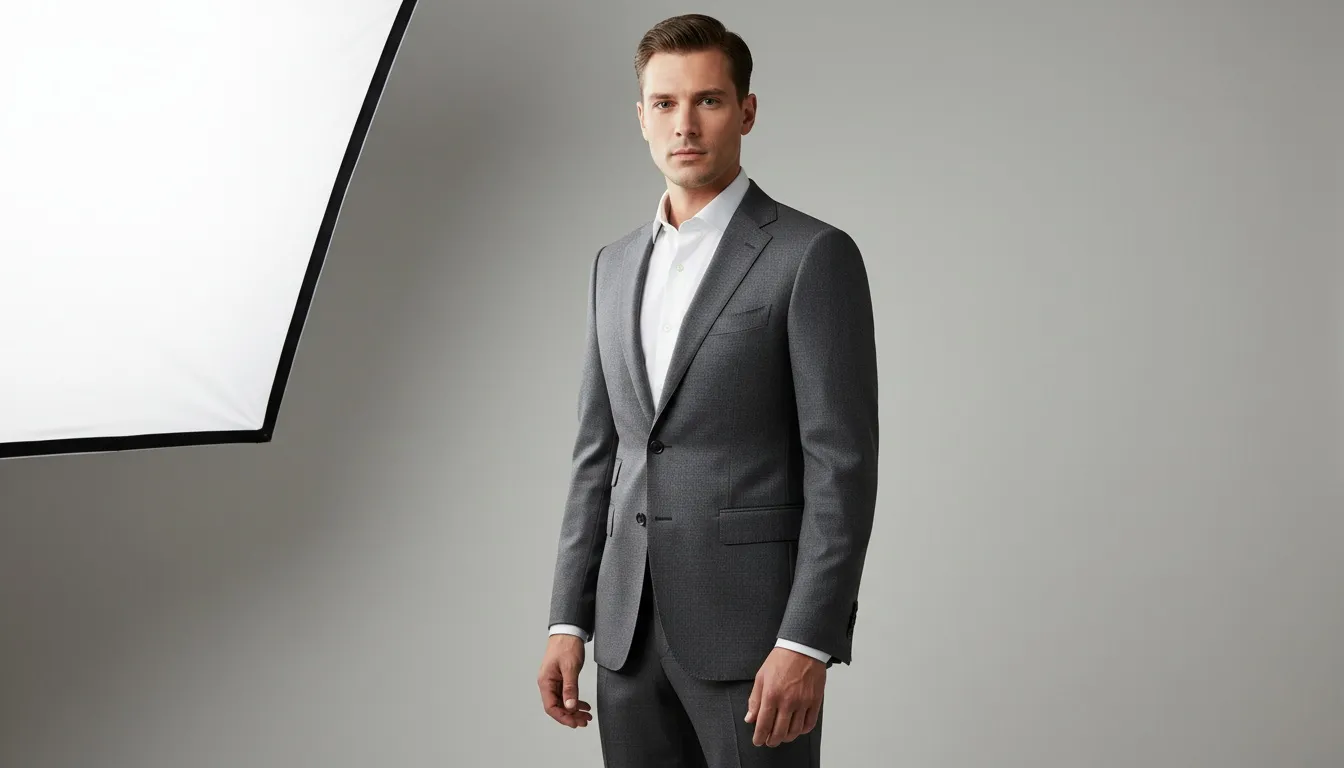
Menswear Photography Has Always Been the Harder Shoot — AI Changes That
Menswear: Fashion's Largest Untapped AI Segment $200 vs $3.5K-$8K per shoot day Hundreds of SKUs in hours Locked male model identity
AI menswear photography compresses tailoring, streetwear, denim, and outerwear shoots into a single workflow — preserving construction detail, layering accuracy, and pose variety that menswear specifically demands. Same catalog polish, none of the studio lead time.
Menswear shoots have a quiet reputation in fashion production: they're harder to direct, harder to cast, and harder to make visually interesting than womenswear. Male models historically work from a narrower pose vocabulary. Tailoring needs to be shown with clean lines that survive editorial movement. Layering — a hoodie over a tee over a button-down — has to read as styled, not stacked. And a sport coat that fits perfectly on the model still has to show its shoulder structure on a flat 2D image.
For decades, the answer was to hire the right photographer, the right model, and pay for the time. A menswear catalog day routinely runs $3,500-$8,000 and produces 30-60 final images. For a brand managing a tailoring line, a denim program, and a streetwear capsule across multiple seasons, the photography budget alone can exceed six figures annually.
AI menswear photography reframes that math. Fashion-trained AI now generates photorealistic male model imagery across suits, casual, streetwear, denim, outerwear, workwear, and men's activewear — with consistent identity, deliberate pose variety, and the layering accuracy that menswear specifically demands. This guide breaks down exactly how menswear brands are using AI in 2026: which segments work, which tools matter, where male model generation hits its limits, and how leading brands are integrating AI into their catalog and campaign workflows.
Why Menswear Is Specifically Difficult — And Where AI Helps
Before getting into segments, it's worth being honest about what makes menswear photography uniquely demanding. These aren't generic fashion-photography problems — they're menswear-specific:
- Pose vocabulary is narrower. A female model can shift between dozens of editorial poses that all read as natural. Male models work from a much shorter list before the imagery starts looking stiff or forced.
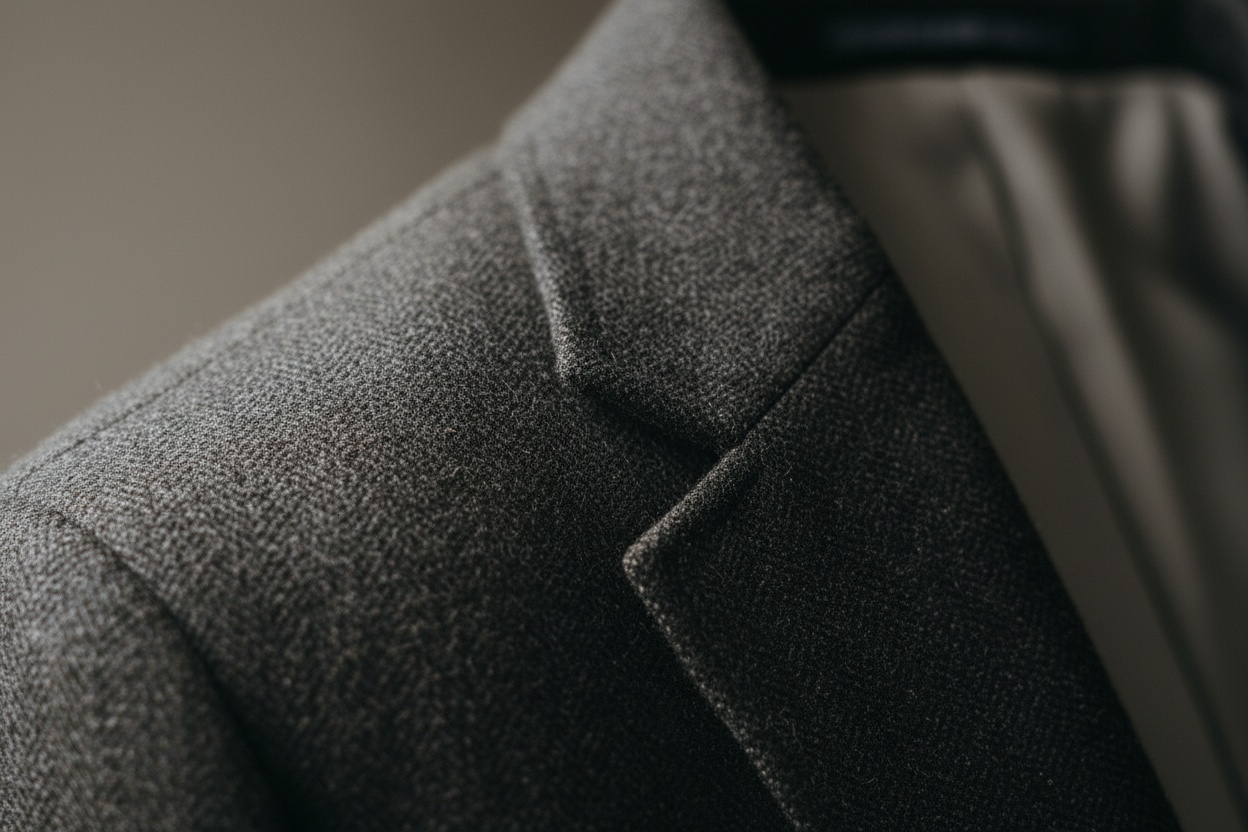
- Tailoring construction has to be visible. A buyer evaluating a sport coat needs to see lapel shape, shoulder line, button stance, and trouser break. Soft or hallucinated tailoring is immediately spotted.
- Layering complexity is higher. Menswear looks routinely stack 3-4 garments — tee, button-down, vest or sport coat, outer layer. The visual order has to read correctly.
- Casting is genuinely restrictive. A model who can pull off both a charcoal three-piece suit and a workwear chore coat is rare. Most male models excel at one register, not all of them.
- Grooming details matter more than they should. Hair, beard styling, and skin texture all become focal points faster on a male model than on a female one. A bad grooming day kills a shoot.
- Fabric weight has to be readable. The difference between a 9oz worsted wool and a 12oz flannel matters to the menswear customer. Generic AI flattens this; fashion-trained AI preserves it.
The AI menswear workflow solves each of these structurally, not stylistically:
Pose libraries built for menswear cover the narrower-but-deliberate stances male editorial actually uses. Fashion-trained models preserve lapel, shoulder, and trouser-break detail rather than smoothing it. Layering is handled in stacking order. Model identity locks one brand-appropriate male face across the entire catalog — no casting compromises.
The Menswear Segments AI Now Handles Well
Not all menswear segments respond the same way to AI photography. Some are essentially solved problems in 2026; others still benefit from a hybrid approach. Here's where AI menswear photography is genuinely production-ready:
| Menswear Segment | AI Readiness | What Works Well |
|---|---|---|
| Suits & Formal Tailoring | Strong | Lapel shape, shoulder line, button stance, trouser break all preserved by fashion-trained AI |
| Casual & Smart-Casual | Very strong | Chinos, polos, sweaters, oxford shirts — high-volume catalog category that AI handles natively |
| Streetwear | Strong | Hoodies, tees, graphic prints, oversized fits — pose vocabulary matches AI's strength |
| Denim | Strong | Raw denim texture, wash variation, fit silhouettes (slim, straight, relaxed) all render accurately |
| Outerwear | Strong | Parkas, overcoats, technical shells — drape and structure preserved |
| Workwear & Heritage | Moderate-to-strong | Chore coats, flannel, duck canvas — fabric weight reads correctly with fashion-trained AI |
| Men's Activewear | Strong | Performance fabrics, compression, technical detail — see the sportswear guide |
| Black-Tie / Custom Tuxedo | Hybrid recommended | AI handles 80% of imagery; hero shots may still benefit from a tailored shoot |
The pattern: high-volume catalog menswear is essentially an AI category now. Hero campaigns and bespoke tailoring features still benefit from traditional photography. The decision isn't "AI or traditional" — it's "AI for the 80%, traditional for the 20% that defines the brand."
Segment Deep Dive — How to Shoot Each Menswear Category with AI
Suits and Formal Tailoring
Tailoring is the menswear segment that lives or dies on construction detail. The customer evaluating a $700 sport coat is reading lapel shape, shoulder padding, button stance, and the way the jacket breaks at the hip. Generic AI flattens all of this; fashion-trained AI preserves it.
The workflow: start with a flat-lay or mannequin shot of the jacket in even lighting. Run it through Virtual AI Fashion Try-On against a locked male model with a brand-appropriate physique (slim suiting vs. classic-cut customer base — pick the one that matches your buyer). Use Pose Variation for the tailoring-specific stances: hand in pocket with jacket open, three-quarter view showing side seam, seated lean to show jacket length at the hip.
What to watch: button stance is a common AI failure point. Verify the button position visually matches your sample. Same for trouser break — different brands have different house standards (slight break, full break, no break) and a buyer will spot the wrong one immediately.
Casual and Smart-Casual
This is the highest-volume menswear category for most brands and the one where AI delivers the strongest ROI. Chinos, polos, henleys, oxford shirts, lightweight sweaters, knit pieces — the catalog is large, the styling is consistent, and the construction detail is less demanding than tailoring.
The workflow is essentially the same as the lookbook process: one locked model, batch-process the catalog, apply consistent pose variation. A brand with 80 SKUs across this segment can produce a complete photo catalog in an afternoon. Use Amateur to Professional if you're starting from in-house phone shots rather than studio captures.
Streetwear
Streetwear is an AI-friendly category because the pose vocabulary — relaxed stance, oversized layering, casual confidence — overlaps directly with what AI generates naturally. Hoodies, graphic tees, cargo pants, technical pieces, statement outerwear all photograph well. What makes or breaks a streetwear image is proportion — how the top's volume sits against the trouser — so it is worth knowing the streetwear outfit rules before styling the shoot.
Key detail: graphic placement accuracy. If your tee has a chest logo, run the output side-by-side with the source garment to verify the logo is positioned correctly. Fashion-trained AI is much better at this than generalist tools, but always verify on graphic-heavy pieces.
Denim
Denim is one of the menswear categories where fabric texture is most important. Raw denim, washes, fades, distressing patterns — all of this has to render correctly. Use a clean flat-lay with even lighting as the source image, run it through the AI workflow, and verify the wash pattern is preserved on output.
Pose-wise: denim photographs best in three-quarter and seated stances that show fit through the seat and thigh. Use Pose Variation to generate these specifically. Front-facing standing shots undersell the fit story that denim customers care about.
Outerwear
Outerwear — parkas, overcoats, field jackets, technical shells — is a strong AI category because drape and structure are exactly what fashion-trained models render well. The workflow handles bulk, padding, and weight convincingly.
Background choice matters more in outerwear than other categories. A parka shot on a neutral studio background reads as catalog; the same parka on an outdoor backdrop reads as campaign. Use AI Image Editing to apply seasonal or environmental context (snow, urban, trail) without leaving the workflow.
Workwear and Heritage
Workwear — chore coats, flannel, duck canvas, work boots — depends heavily on fabric weight reading correctly. Fashion-trained AI handles this; generalist AI tends to make everything look weightless. Source image quality matters more here than in lighter categories. Always start with a high-resolution, well-lit flat lay.
Men's Activewear
Men's activewear follows the same pattern as women's activewear — see the sportswear photography guide for the full breakdown. Key difference for menswear: the male athletic body comes in a wider range than the marketing default. Use the Body Editor to generate models across runners, lifters, climbers, and recreational athletes — not just the lean-shredded default.
Male AI Model Generation — Variety That Actually Matters
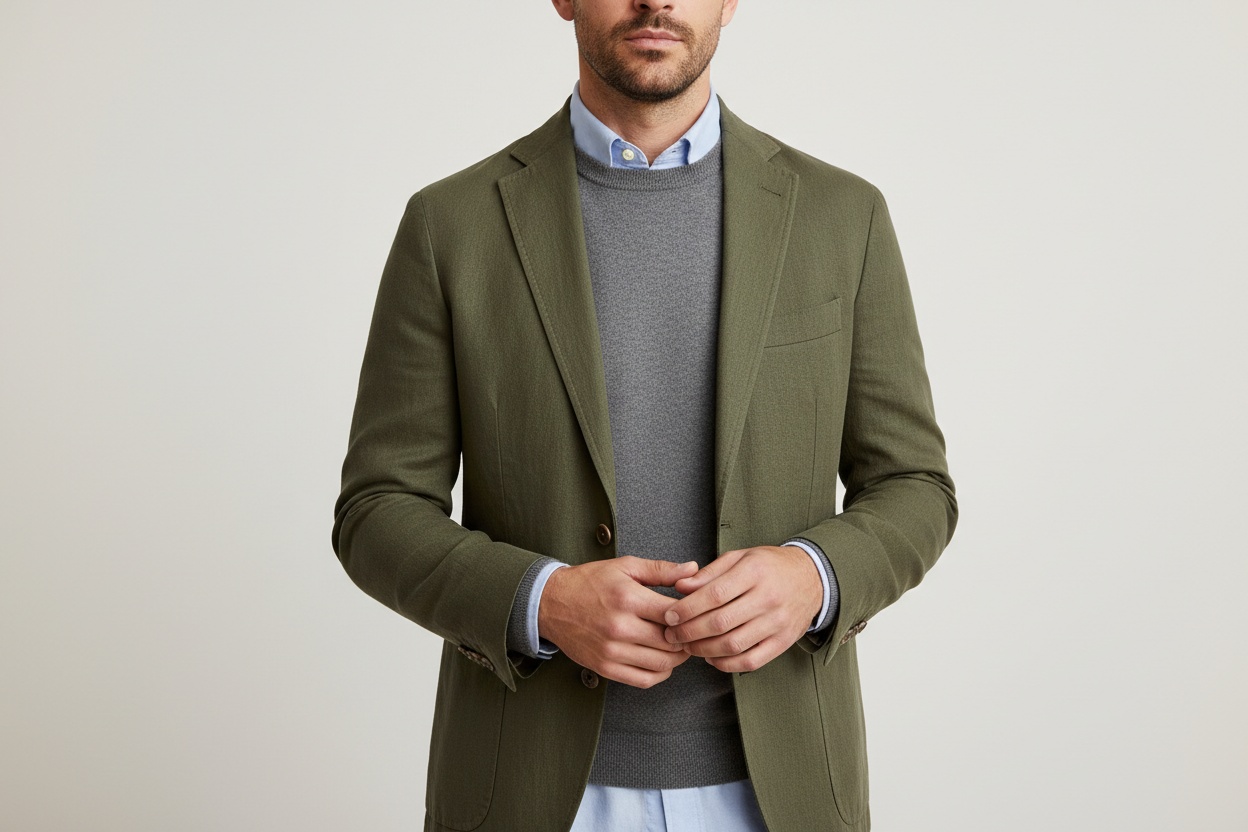
The single most-discussed menswear AI question: can the model actually look like your customer? In 2026, the answer is yes, with some specifics worth understanding.
Age Range
Most male AI models default to mid-20s to early-30s. For menswear specifically, this is often wrong. A tailoring brand selling to a 45-year-old finance professional needs a 45-year-old model. A workwear brand needs the weathered, lived-in face of a 50-something. AI handles age generation across the full 20-65+ range, but you have to ask for it explicitly in the prompt — defaults skew young.
Ethnicity and Cultural Specificity
AI male model generators support full ethnic variety. The question is matching the model to your actual customer demographic, not generating one generic "diverse" image. A brand with strong customer presence in Southeast Asia should generate models that read accurately to that market — facial features, skin tone, styling cues — not a generic Asian default.
Body Type Range
Male body diversity is where many brands miss the opportunity. The athletic-lean default doesn't match most menswear customers. Use the Body Editor to generate:
- Slim build — for slim-fit tailoring and streetwear brands
- Athletic build — the default, but only one option among many
- Classic / regular fit — broader through the chest and waist, matching most menswear customers
- Big and tall — large size menswear is a growing category; AI handles it accurately
- Older / mature — slightly heavier build with age-appropriate proportions
Styling Cues and Grooming
Grooming is where male AI models can go wrong fast. Generic AI generates "fashion model haircut" by default — clean fade, light stubble. For different menswear positioning, you need different grooming:
- Traditional tailoring: clean-cut, short side part, clean shave or trimmed beard
- Streetwear: longer, textured, sometimes bleached or color-treated
- Heritage and workwear: longer beard, lived-in hair, weathered grooming
- Minimalist / luxury: short, neutral, no facial hair
Specify this in the model prompt. Don't accept the default unless it matches your brand voice.
Male AI model generation isn't just "make a man" — it's making the right man for your brand. Age, ethnicity, body type, and grooming all need to be intentional, not default.
Pose Variety — The Menswear Constraint That Defines Output Quality
Pose variety is where most menswear AI workflows succeed or fail. Female model pose libraries are deep — dozens of natural editorial poses that all read as intentional. Male pose libraries have historically been shallower, and brands working with generic AI tools often end up with a folder of nearly-identical front-facing shots.
The deliberate menswear pose vocabulary, applied correctly, looks like this:
| Pose Category | When to Use | What It Shows |
|---|---|---|
| Hands in pockets, jacket open | Tailoring, smart-casual | Jacket structure, shirt fit, posture |
| Lapel hold / button-up motion | Suits, sport coats, blazers | Lapel detail, jacket length, shoulder line |
| Three-quarter walking | Editorial, full looks | Trouser break, jacket movement, full silhouette |
| Seated lean | Tailoring, denim, knitwear | Fit through seat and thigh, jacket length at hip |
| Hand on chin / thoughtful | Knitwear, layered looks | Sleeve, cuff, neckline detail |
| Back / three-quarter back | Denim, outerwear | Yoke, back panel, hood drape |
| Layer adjustment | Streetwear, outerwear | Layering order, zipper detail, hood pull |
| Casual stance, hand on hip | Casual, streetwear | Relaxed silhouette, full body fit |
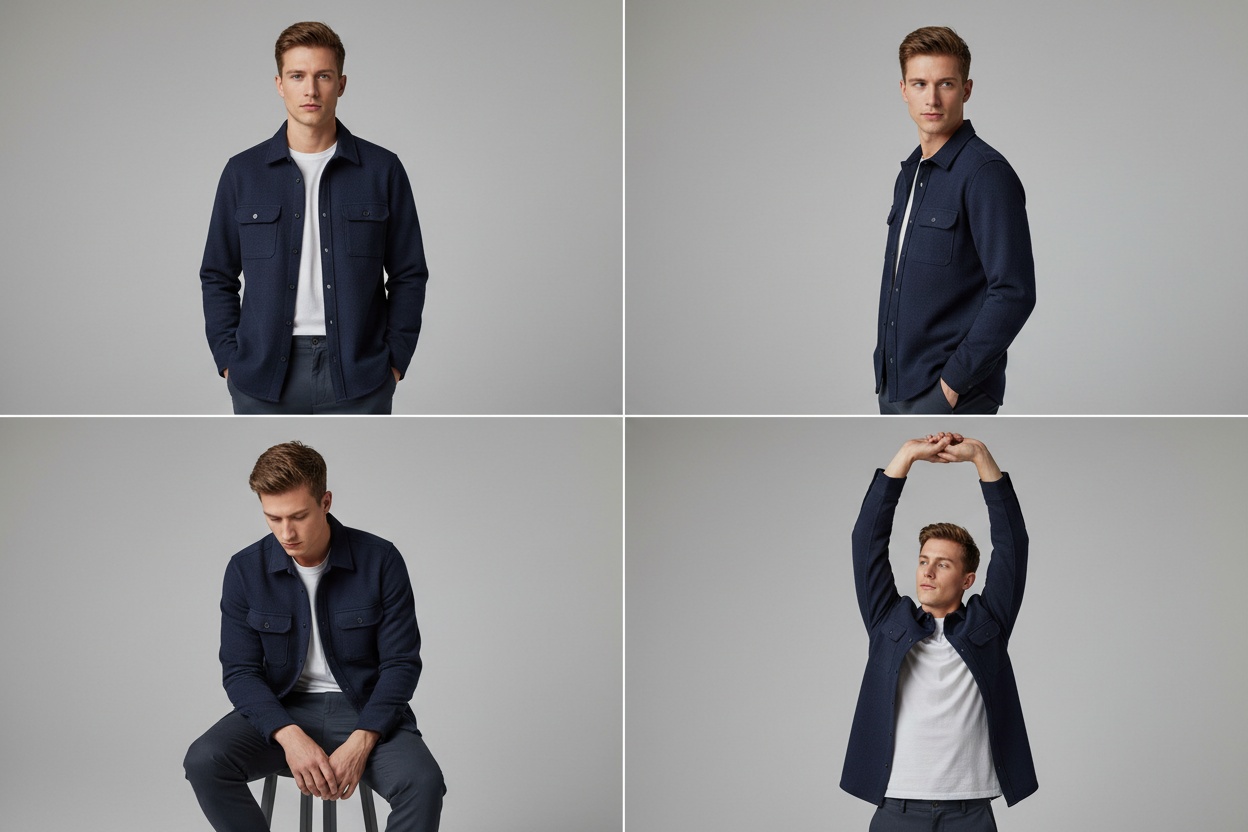
The right menswear catalog uses 4-6 of these across a single look, not 1-2. Fashion-trained tools like Fashio AI's Pose Variation generate these specifically — the male pose library is built for the constraints menswear actually faces.
Layering Accuracy — The Hidden Menswear Test
If you want to know whether an AI tool handles menswear well, run a layering test. A styled male look — tee, button-down shirt, vest or cardigan, sport coat or jacket — has a strict visual order. The tee should peek below the shirt collar. The shirt should sit under the cardigan or vest. The outer jacket should drape over everything without distorting the layers underneath. Generic AI gets this wrong constantly.
Generic image AI often "merges" stacked menswear layers into one indistinguishable garment, or reorders them illogically (jacket under vest, shirt over coat). Always test your AI tool with a 3-4 layer styled look before committing to a catalog workflow. Fashion-trained tools handle this; generalist tools rarely do.
The Fashio AI workflow for layered looks: build the look in order, locking each layer before adding the next. Start with the base layer on the locked model, then add the shirt, then the mid-layer, then the outer. Each step uses Virtual Try-On or Product to Model against the previous locked state. This produces correct layer order; "all at once" prompts produce hallucinations.
How Menswear Brands Are Actually Using AI in 2026
AI menswear photography isn't replacing every shoot — it's filling the gaps where traditional photography never made budget sense:
| Use Case | Old Approach / Cost | AI Workflow |
|---|---|---|
| Core catalog SKU imagery | $3.5K-$8K shoot day, 30-60 images | Hundreds of consistent catalog images in hours |
| Colorway variants | Reshoot or expensive retouching | Re-render from one source per color in minutes |
| Seasonal lookbook refresh | 2-3 week production cycle | Same-day lookbook from existing flat-lays |
| Wholesale linesheets | $3K-$5K linesheet shoot | Every SKU on one consistent male model |
| Paid ad creative | Custom shoot per campaign | Multiple variants from one image set |
| Marketplace expansion | Skip or use sub-par imagery | Format-specific outputs at scale |
| Customer-archetype imagery | Limited by casting realities | Multiple model archetypes per product |
Brand Examples — What Strong Menswear AI Workflows Look Like
While most brands don't publicly disclose their AI workflows, the pattern across the menswear market is consistent. Tailoring brands in the Bonobos / Suitsupply / Mr Porter tier use AI for catalog SKU expansion, colorway imagery, and second-tier campaign assets — preserving traditional photography for hero seasonal launches and editorial features. Performance basics brands lean heavily on AI for every catalog SKU and reserve traditional shoots for athlete collaborations. Streetwear drops use AI for the long tail of imagery (Reels, ad creative, product page secondary shots) while keeping traditional photography for the drop hero image.
The structural insight: high-volume catalog imagery is now an AI category. Brand-defining storytelling is still a traditional category. Most menswear brands now run a hybrid model where roughly 80% of their imagery is AI-generated and 20% is traditional.
The AI Menswear Workflow — Step by Step
-
Define Your Male Model Archetype
Start with the AI Fashion Model Generator. Specify age, ethnicity, body type, grooming, and styling vibe — explicitly, not defaults. Save this as your brand model and lock it. For menswear, you may want 2-3 archetypes (e.g. tailoring customer vs. streetwear customer) rather than one universal model.
-
Prepare Garment Inputs
Use clean flat-lays or mannequin shots in even lighting. For tailoring specifically, capture the garment laid flat with lapels visible. For denim, capture both fronts and three-quarter views. For layered pieces, capture each layer separately — you'll stack them in the workflow.
-
Fit Each Garment to Your Locked Model
Run garments through Virtual AI Fashion Try-On or Product to Model against your saved model. For layered looks, fit layers in order — base layer first, then mid, then outer — locking each step before adding the next.
-
Apply Menswear-Specific Pose Variation
Use Pose Variation with the menswear pose vocabulary above. Aim for 4-6 deliberate poses per look — not 1-2 — so the imagery reads as editorial, not catalog-automated.
-
Unify the Scene and Mood
Apply a consistent backdrop with AI Image Editing. Tailoring works on neutral studio backdrops. Streetwear works in urban contexts. Workwear and outerwear benefit from environmental backgrounds. Pick one mood and apply it consistently across the look set.
-
Quality-Check Tailoring and Layering Detail
Before committing the output, verify button stance, lapel shape, trouser break, and layer order against your source samples. Fashion-trained AI handles these by default, but a quick visual review catches edge cases on premium tailoring SKUs.
Build Your First Menswear AI Catalog Free
Lock in a male model archetype, fit your suits or streetwear, vary the poses with menswear-specific options, unify the mood — all on one Fashio AI membership. No watermarks, full commercial rights.
Start Your Menswear Workflow →Where AI Menswear Still Hits Limits
For honesty: AI menswear has specific edge cases where traditional photography still wins:
- Bespoke and made-to-measure imagery — when the point of the shoot is the artisan and the customer, AI misses the human story.
- Heritage brand editorial — multi-generational brand storytelling benefits from real photographers and real locations.
- Black-tie and ultra-formal hero imagery — the season's defining tuxedo campaign still typically gets a traditional shoot.
- Brand-founder content — when the founder is the face, AI doesn't apply.
- Behind-the-scenes and process content — the "made by hand" story can't be faked.
For everything else — and "everything else" is roughly 80% of what most menswear brands actually publish — AI handles it.
Comparison: Traditional Menswear Shoot vs. AI Workflow
- 2-3 week production cycle per catalog
- $3,500-$8,000 per shoot day
- 30-60 final images per day after post
- Single model per shoot (casting constraints)
- One styling direction per day
- Reshoots required for colorway variants
- Location/weather risk on outdoor shoots
- Limited pose range for the male model book
- Same-day catalog production
- Priced per credit: $29.99/month for 160 credits — about $0.75 per generated image
- Hundreds of images per session
- Multiple model archetypes per product
- Multiple styling directions in parallel
- Colorway variants re-rendered in minutes
- No location/weather dependence
- Deliberate menswear pose library at scale
Fashio AI Tools for Menswear Workflows
- AI Fashion Model Generator — generate and lock a male model archetype
- Virtual AI Fashion Try-On — fit each garment accurately
- Product to Model — full styled looks with accessories
- Pose Variation — menswear-specific pose library
- Body Editor — adjust build to match brand customer
- Amateur to Professional — clean up phone-shot inputs
- AI Image Editing — apply campaign mood and backgrounds
- Fashion Photo Upscale — print-ready resolution exports
- Photo to Video — animate stills into social video
Pricing Reality Check — Menswear Catalog Day vs. AI
| Cost Bucket | Traditional Catalog Day | AI Workflow |
|---|---|---|
| Studio rental | $1,000-$2,000 | $0 (digital backdrop) |
| Photographer + assistant | $1,500-$3,000 | $0 (AI workflow) |
| Male model day rate | $800-$2,500 | $0 (no booking) |
| Stylist + grooming | $500-$1,200 | $0 (AI handles) |
| Post-production | $800-$2,000 | $0 (clean output by default) |
| Platform subscription | n/a | $0-$199/month |
| Total per catalog cycle | $4,600-$10,700 | $0-$199 |
| Output volume | 30-60 final images | Hundreds of catalog-ready images |
The math holds across every tier of menswear. Whether you're a $2M DTC tailoring brand or a $200M multi-channel menswear retailer, the AI workflow delivers more imagery at a fraction of the catalog cost.
From Stills to Social Video — The Menswear Multiplier
Menswear has historically been slower to adopt short-form video than womenswear. AI changes the production economics enough that even the most catalog-focused menswear brands can now run weekly Reels and TikTok content. Every still in the AI catalog becomes a short clip via Photo to Video:
- 9:16 vertical for Instagram Reels and TikTok product showcases
- 1:1 square for in-feed Meta ads
- 16:9 horizontal for YouTube Shorts and pre-roll
- Subtle motion that suits menswear's restrained editorial tone — fabric drape, slight body shift, button adjustment
This is the multiplier most menswear teams miss. The AI catalog session is also the social video session.
Key Takeaways
- AI menswear photography is production-ready across suits, casual, streetwear, denim, outerwear, workwear, and men's activewear
- Male AI model generation requires explicit prompting on age, ethnicity, body type, and grooming — defaults skew young and lean
- Pose variety is the constraint that defines output quality; use the menswear-specific pose library, not generic ones
- Layering accuracy is the hidden test for any AI tool — layer in order, lock each step, verify visual stack
- Tailoring construction (lapel, shoulder, button stance, trouser break) requires fashion-trained AI; generalist tools flatten it
- Costs move from a $3.5K-$8K day rate to a per-image price — $29.99/month for 160 credits — about $0.75 per generated image at 4 credits per generation
- Most brands run a hybrid model: 80% AI for catalog and ad creative, 20% traditional for hero campaigns and editorial
- AI catalog stills convert directly into social video — same workflow, double the output
Try the Full Menswear Workflow on Fashio AI
16 fashion AI tools — model generator, try-on, pose variation, layering, scene control, video — on one membership. Build your first complete menswear catalog today.
Start creating →Going Deeper — Related Reading
- AI Fashion Model Generator Guide — picking the right tool for the male model lock step
- AI Sportswear & Activewear Photography Guide — the activewear-specific workflow for men's performance lines
- AI Lookbook Generator Guide — turning your menswear catalog into editorial lookbooks
- XXXXL size in numbers — what 3XL and 4XL mean in chest inches, for extended-size menswear
FAQ: AI Menswear Photography
Can AI generate realistic menswear product photos?
Yes. Fashion-trained AI like Fashio AI generates photorealistic menswear product images across suits, casual, streetwear, denim, and outerwear. Output preserves fabric structure (worsted wool, raw denim, technical outerwear), shoulder construction, and layering accuracy at studio quality for ecommerce and catalog use.
How does AI handle male model pose variety for menswear?
Male model pose libraries historically had less natural variety than female poses. Modern fashion AI tools like Fashio AI's Pose Variation library include menswear-specific stances — hands in pockets, jacket adjustment, lapel hold, three-quarter walking, seated lean — so menswear brands get genuine editorial range, not repeated front-facing shots.
What male model variety can AI generate for menswear brands?
The AI Fashion Model Generator supports full demographic variety: age range from 20s to 60s, every ethnicity, body types from slim to athletic to plus-size, and styling cues from groomed corporate to streetwear to rugged outdoors. Brands can lock in a single brand model identity or rotate across customer-matching archetypes.
Can AI render suit construction and tailoring details accurately?
Yes. Fashion-trained AI preserves the construction details that matter in tailoring — lapel shape, shoulder line, jacket length, button stance, trouser break, and fabric weight. This is where fashion-specific AI dramatically outperforms general-purpose image generators, which often blur or hallucinate tailoring detail.
How does AI handle layering for menswear (jacket over shirt over tee)?
Layering is one of the most complex menswear AI challenges. The Product to Model and Virtual Try-On tools stack garments in the correct visual order — tee under shirt under jacket under coat — preserving collar lines, sleeve break, and hem stack. Brands can build full styled looks rather than single-garment shots.
What menswear brands are using AI for product photography?
AI-driven menswear imagery is now common across the DTC tailoring space, performance basics brands, streetwear drops, and large multi-brand retailers. The pattern is the same: brands use AI for catalog SKU expansion, colorway variants, and seasonal refreshes while reserving traditional shoots for brand-defining hero campaigns.
How much does AI menswear photography cost vs a traditional shoot?
A traditional menswear catalog day costs $3,500-$8,000 (studio, photographer, male model, stylist, grooming, post-production) and produces 30-60 final images. An AI menswear workflow on Fashio AI is priced per credit instead — $29.99/month for 160 credits — about $0.75 per generated image at 4 credits per generation — and produces catalog-ready images with consistent model identity across the whole collection.