What Is an AI Outfit Generator and How Does It Work?
An AI outfit generator is a tool that creates complete, coordinated fashion looks using artificial intelligence. Instead of manually browsing through clothing items and guessing what goes together, you feed the AI your preferences — occasion, style, season, color palette — and it produces fully styled outfit combinations in seconds.
The technology behind outfit generator AI tools varies, but most rely on a combination of computer vision, style classification algorithms, and generative AI models. Here is a simplified breakdown of how the process works:
| Stage | What Happens | Technology Used |
|---|---|---|
| Input Analysis | AI identifies clothing items, colors, patterns, and garment categories from images or text | Computer vision, image classification |
| Style Matching | Algorithm evaluates compatibility between items based on color theory, style rules, and trend data | Recommendation engines, fashion datasets |
| Outfit Assembly | AI selects complementary pieces to build a complete look — top, bottom, shoes, accessories | Combinatorial optimization, style scoring |
| Visualization | The assembled outfit is rendered as a flat lay collage, mood board, or on a virtual model | Generative AI, virtual try-on models |
The most advanced outfit generators go beyond simple matching. They understand occasion context (a business meeting requires different coordination than a weekend brunch), seasonal appropriateness (fabric weight, layering), and even current trend alignment. This makes AI outfit generation useful for both personal styling and professional fashion applications — from individual wardrobe planning to full-scale brand lookbook production.
Best AI Outfit Generator Tools Compared
The AI outfit generator landscape spans consumer apps for personal wardrobe styling to professional platforms built for fashion brands. Here is how the leading tools compare across the features that matter most:
| Tool | Best For | Own Clothes? | On-Model Visualization | Brand/E-commerce Use | Free Tier |
|---|---|---|---|---|---|
| Fashio AI | Fashion brands, e-commerce, lookbooks | Yes — product catalog | Photorealistic AI models | Full professional workflow | Free trial |
| Acloset | Personal wardrobe management | Yes | Flat lay only | No | Yes |
| Stylebook | Personal outfit planning | Yes | Flat lay only | No | Paid app |
| Google Gemini / ChatGPT | General outfit suggestions | With image upload | Text-based or basic image | Limited | Yes |
| Smart Closet | Daily outfit suggestions | Yes | Flat lay | No | Yes |
| Cladwell | Capsule wardrobe planning | Yes | Basic | No | Freemium |
For personal use, consumer apps like Acloset and Stylebook handle wardrobe cataloging and basic outfit combinations well. But for fashion brands — where you need photorealistic on-model imagery, catalog-scale output, and e-commerce-ready visuals — AI Fashion Model Generator is the only platform that combines AI outfit creation with professional-grade visualization in a single workflow. The AI Fashion Studio turns styled outfits into editorial campaigns in one click.
The fundamental difference: consumer outfit generators suggest what to wear. Professional outfit generators like Fashio AI create publishable visual content showing how it looks when worn.
How to Use AI to Generate Outfit Ideas from Your Own Clothes
One of the most practical applications of outfit generator AI is working with clothes you already own. Whether you are a consumer trying to get more out of your wardrobe or a brand wanting to create "complete the look" suggestions from existing inventory, the workflow follows a similar pattern.
For Personal Wardrobe Styling
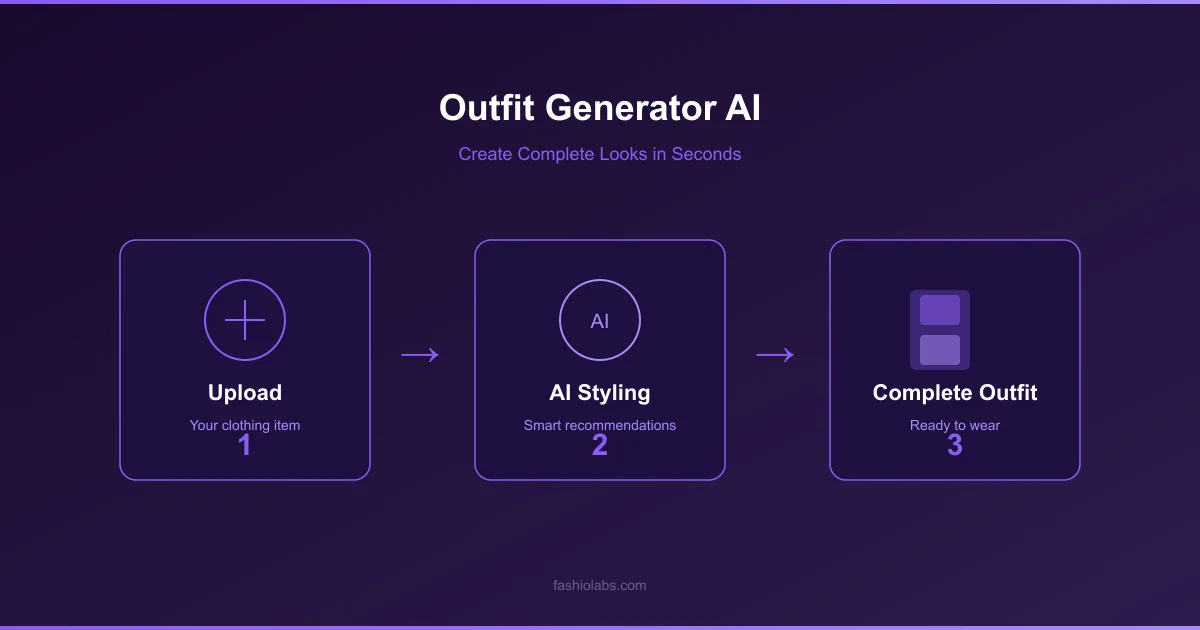
- Photograph each item individually. Lay each piece flat on a white or neutral surface. Good lighting matters — natural daylight near a window works best. Capture the full garment with no cropping.
- Upload to your chosen outfit generator. Most apps use image recognition to automatically categorize each piece by type (top, bottom, dress, outerwear), color, and pattern.
- Set your parameters. Tell the AI what you need: occasion (work, casual, date night), weather, color preferences, and any items you specifically want to include or exclude.
- Review and refine. The AI generates multiple outfit options. Save the ones that work, dismiss the rest, and the algorithm learns your preferences over time.
For Fashion Brands and Retailers
Brand-level outfit generation works differently because the goal is not personal styling — it is creating shoppable, visually compelling outfit content at scale. Here is the professional workflow:
- Upload your product catalog. Start with clean product photography — flat lays or mannequin shots with consistent backgrounds and lighting.
- Define outfit groupings. Identify which products work together as complete looks. This can be manual curation, algorithmic matching based on style and color data, or a combination of both.
- Generate on-model visualizations. Using AI Fashion Model Generator, create photorealistic model images wearing individual items. Then use Virtual Try-On to layer and combine pieces into complete styled looks on the same model.
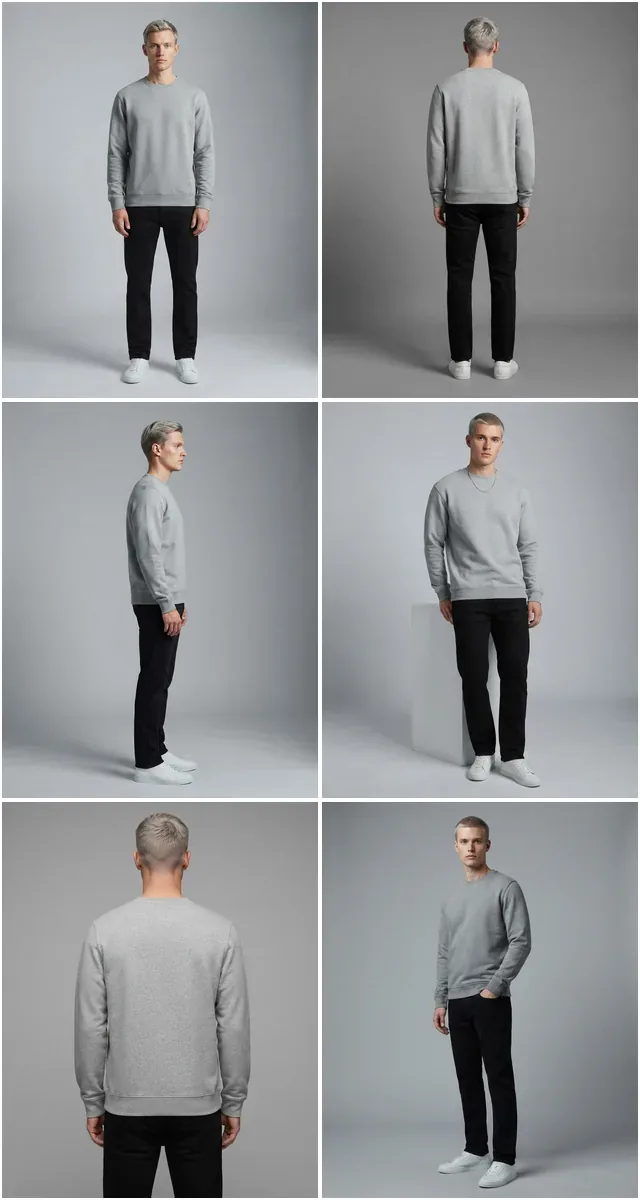
- Produce multiple angles. Use Pose Variation to generate different views of each styled outfit — front, three-quarter, and lifestyle poses — from the same base generation.
- Publish across channels. The resulting outfit imagery is ready for product pages ("Complete the Look" sections), email campaigns, social media, and lookbook galleries.
Key Benefits of AI Outfit Generation
- Speed and volume: A human stylist might create 10-20 outfit combinations per day — AI produces hundreds in the same timeframe.
- Consistency: Every generated look maintains the same lighting, model identity, and aesthetic standard.
- Discoverability: AI surfaces unexpected but stylistically coherent pairings a human might overlook.
- Scalability: Works with your own clothes or an entire product catalog — the workflow scales identically.
AI Outfit Generation for Fashion Brands
For fashion brands, AI outfit generators are not styling apps — they are content production tools. The three primary use cases are catalog styling, lookbook creation, and cross-sell optimization.
Catalog Styling: From Individual Items to Complete Looks
Most e-commerce catalogs display products in isolation. A shirt is photographed alone. Pants are photographed alone. The customer has to imagine how they work together. AI outfit generation changes this by automatically creating styled look imagery that shows products in context — coordinated outfits that demonstrate how pieces from your collection complement each other.
This is not hypothetical. Fashion brands that show "styled outfit" imagery alongside individual product shots consistently see higher engagement and increased average order value because customers can visualize the complete look rather than assembling it mentally.
Lookbook Creation Without Photo Shoots
Traditional lookbook production requires booking models, photographers, stylists, hair and makeup artists, and a location. The logistics alone can take weeks and cost thousands per look. AI outfit generation compresses this entire process into hours.
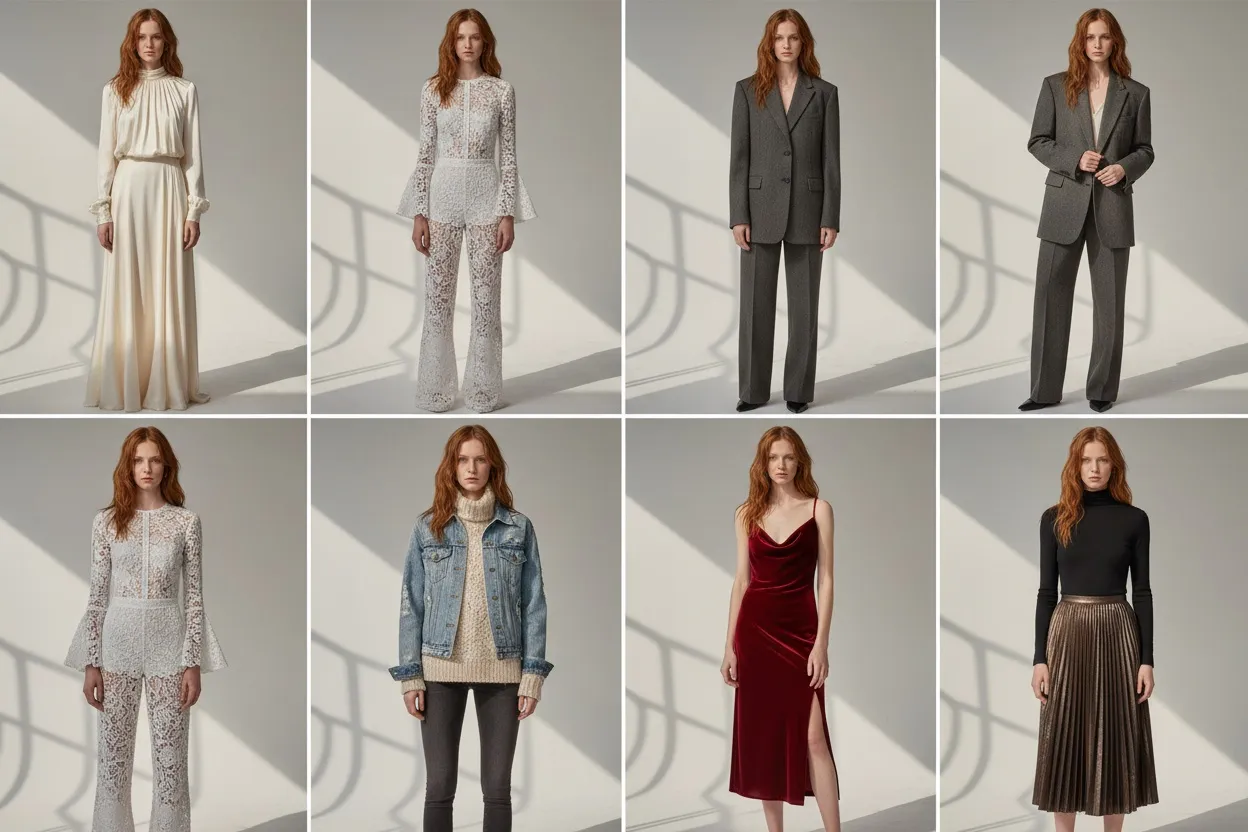
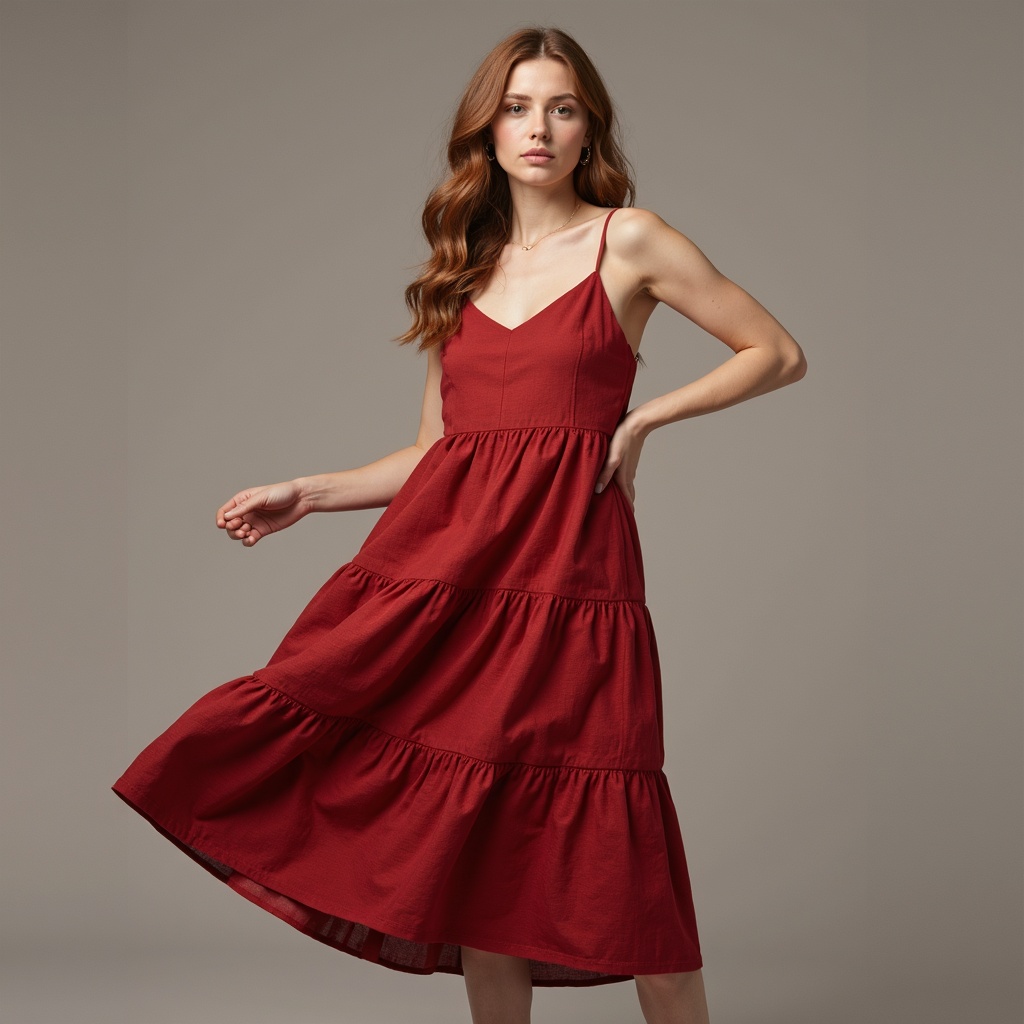
With Fashio AI, a brand can take their seasonal collection, define 20-30 styled outfit combinations, generate photorealistic on-model imagery for each look in multiple poses, and have a complete digital lookbook ready for publication — all without a single physical photo shoot. The quality is indistinguishable from traditional editorial photography, and the consistency across all images is actually higher because every shot uses the same lighting, model identity, and aesthetic standard.
For a full walkthrough of this workflow — character lock, garment fitting, pose variation, scene composition — see the AI Lookbook Generator Guide.
Cross-Sell and "Complete the Look" Automation
AI outfit generation enables automated cross-selling at scale. When a customer views a blazer, the AI can generate a styled outfit showing that blazer with matching trousers, a complementary shirt, and appropriate shoes — all from your catalog. This visual cross-sell converts significantly better than text-based "customers also bought" recommendations because it shows the customer how the pieces look together, not just that other people purchased them.
How Fashio AI's Tools Enable Outfit Creation
Fashio AI provides three core tools that work together to create a complete outfit generation pipeline for fashion brands. Each tool handles a different stage of the process, and combining them produces results that no single tool can achieve alone.
Fashio AI Outfit Creation Toolkit
- AI Fashion Model Generator — Create photorealistic on-model imagery from product photos
- Virtual Try-On — Layer and combine garments into complete styled looks
- Pose Variation — Generate multiple angles of every outfit
- AI Image Editing — Background, lighting, and detail refinements
AI Fashion Model Generator: The Foundation
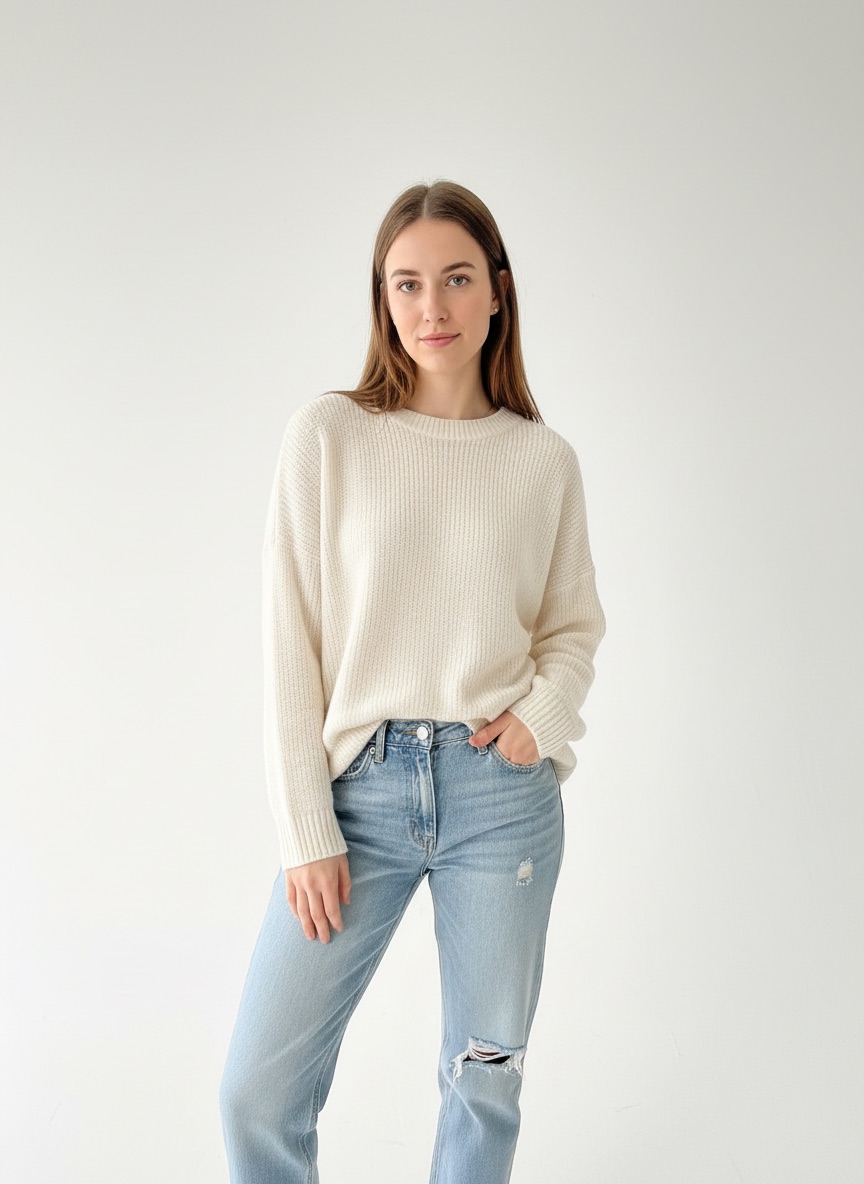
The AI Fashion Model Generator is the starting point. Upload a product photo — flat lay, mannequin shot, or ghost mannequin — and the AI generates a photorealistic model wearing that specific garment. The model's appearance, pose, and background are configurable, and once you lock in a model identity, it stays consistent across your entire catalog.
For outfit generation, this means every individual item in a styled look can be visualized on the same model with the same lighting and aesthetic, creating the visual coherence that makes outfit imagery look professional rather than collaged together.
Virtual Try-On: Layering and Combining Pieces
Virtual Try-On is where individual items become outfits. This tool lets you take a model image and apply different garments to it — essentially dressing the AI model in specific combinations of clothing from your catalog. Layer a jacket over a dress, swap the shoes, change the accessories. Each variation produces a new photorealistic image showing the complete outfit as it would appear if physically worn together.
This is the critical tool for outfit generation because it eliminates the need to physically assemble and photograph every possible combination. If you have 50 tops and 50 bottoms, that is 2,500 possible outfit combinations. Virtual try-on can visualize any of those combinations on demand without a single physical styling session.
Pose Variation: Multiple Angles of Every Look
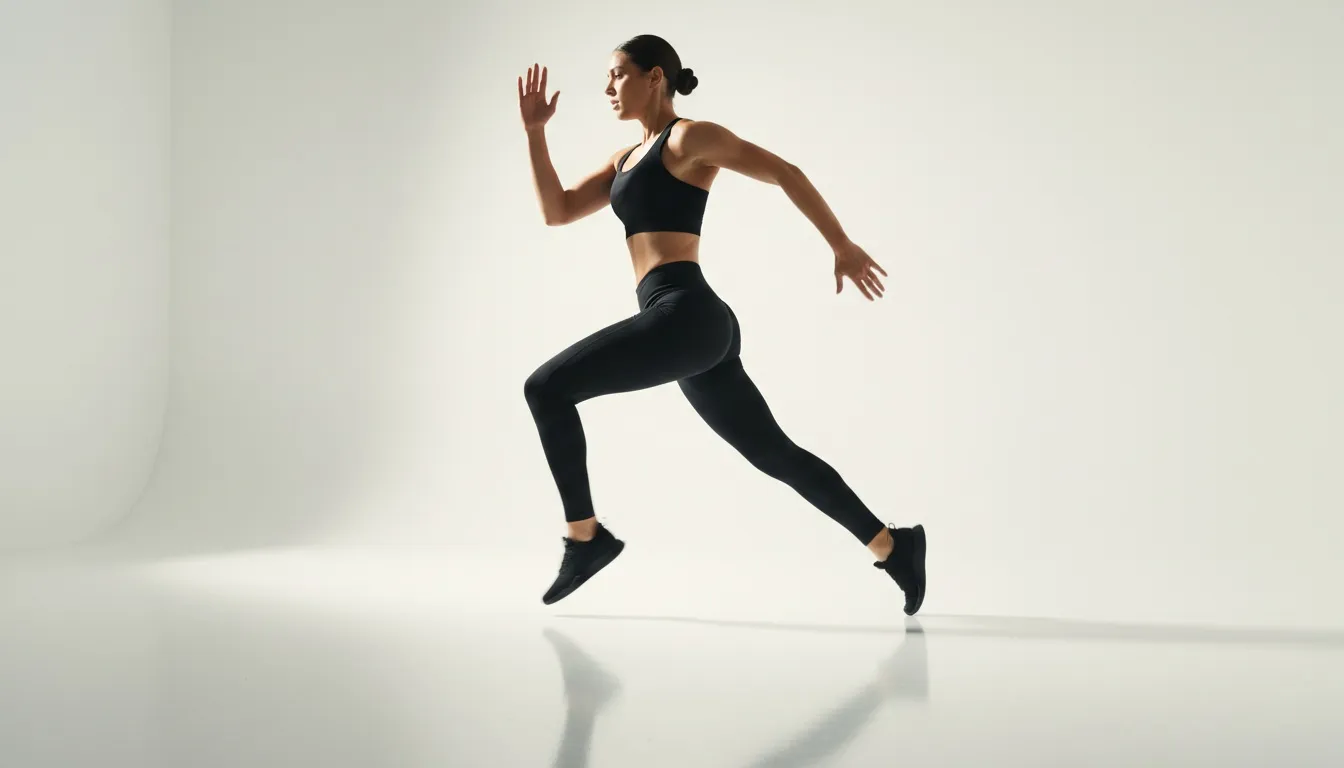
Once you have a styled outfit on a model, Pose Variation generates multiple views — front, three-quarter, side, walking, seated. This is essential for outfit content because a single static front view does not fully communicate how an outfit looks and moves. Multiple angles give customers a complete picture and make the imagery suitable for different placements: product pages (front view), social media (lifestyle pose), and lookbooks (editorial angle).
Image Editing: Final Refinements
The AI Image Editing tool handles post-generation adjustments — background changes, lighting corrections, color adjustments, and detail refinements. For outfit imagery, this is typically used to place styled looks into lifestyle settings (a coffee shop background for casual outfits, an office setting for business looks) or to ensure color accuracy across all items in a multi-piece outfit.
Create Complete Outfit Looks with AI
Upload your products, generate AI models, combine garments into styled outfits, and produce multiple angles — all without a photo shoot.
Start creating →Outfit Generator for Different Occasions
One of the most common uses for AI outfit generators is occasion-based styling. Here is how AI approaches outfit creation for different contexts, and what makes each occasion's styling requirements unique:
Casual and Everyday Outfits
Casual styling is deceptively complex because the rules are loose. AI excels here by analyzing color harmony and proportional balance — pairing relaxed silhouettes without looking sloppy, mixing textures that add visual interest, and balancing casual pieces with one slightly elevated item (a structured bag with jeans and a tee, clean sneakers with a relaxed linen set). For brands, casual outfit imagery drives the highest engagement on social media because it reflects how customers actually dress most days.
Business and Professional Outfits
Professional outfit generation follows tighter rules, which actually makes it easier for AI to produce consistently strong results. The algorithm prioritizes structure, neutral-anchored color palettes, and appropriate formality matching — ensuring that a blazer pairs with complementary trousers rather than contrasting ones, that accessories are understated, and that the overall look communicates competence without being visually boring. AI is particularly good at business casual, which is the most ambiguous dress code and where most people struggle.
Party and Evening Outfits
Evening styling allows for more creative AI combinations — bolder colors, statement pieces, texture contrast (leather with silk, matte with sparkle), and accessories that would overpower a daytime look. AI outfit generators handle this well because the pattern recognition draws from editorial and event photography, where dramatic styling is the norm. For brands, party outfit imagery is valuable for seasonal campaigns and holiday marketing.
Seasonal Outfit Generation
Seasonal styling adds layering logic and fabric weight awareness to the equation. A good AI outfit generator understands that a fall outfit layers differently than a winter one — transitional pieces (light knits, unlined jackets) versus heavy layering (coats over sweaters over base layers). It also factors in color seasonality, suggesting warmer palettes for autumn and lighter tones for spring. For fashion brands, seasonal outfit content should be generated 4-6 weeks ahead of season to align with how customers shop.
| Occasion | Key AI Styling Rules | Typical Pieces Per Outfit | Brand Content Use |
|---|---|---|---|
| Casual | Color harmony, relaxed proportions, one elevated piece | 3-4 items | Social media, everyday lookbooks |
| Business | Structure, neutral palette, formality matching | 4-5 items | Professional catalog, B2B marketing |
| Party / Evening | Statement pieces, texture contrast, bold accessories | 3-5 items | Seasonal campaigns, holiday marketing |
| Seasonal | Layering logic, fabric weight, seasonal color palettes | 4-6 items | Pre-season lookbooks, email campaigns |
Tips for Getting the Best Results from AI Outfit Generators
Whether you are using an AI outfit generator for personal styling or professional fashion content, these practices consistently produce better results:
7 Tips for Better AI Outfit Results
- Start with quality input images. Clean, well-lit photos on a neutral background — the AI's accuracy depends entirely on input quality.
- Be specific about context. "Business casual for a creative agency meeting in early spring" beats "a nice outfit" every time.
- Use consistent model identity. Lock in one AI model for all outfit combos to create visual cohesion across your lookbook.
- Generate multiple variations and curate. Produce 5-10 options per concept, then pick the top 2-3.
- Layer your tool usage. Outfit generator → Virtual Try-On → Pose Variation → Image Editing for the best results.
- Build an outfit template library. Save winning formulas and apply them to new inventory each season.
- Test outfit content performance. Measure engagement and conversion to make your outfit strategy data-driven.
1. Start with Quality Input Images
Every AI outfit generator performs better with clean, well-lit images. For personal use, photograph your clothes on a flat white surface in natural light. For brands, use standardized product photography — consistent background, lighting, and framing across all items. The AI's ability to accurately assess color, texture, and garment structure depends entirely on the quality of what you feed it.
2. Be Specific About Context
Vague inputs produce generic outputs. Instead of asking for "a nice outfit," specify the occasion, setting, weather, and any constraints. "Business casual for a creative agency meeting in early spring" gives the AI enough context to produce a relevant and specific result. For brands generating outfit content, define the lifestyle scenario each outfit is meant to represent before generating imagery.
3. Use Consistent Model Identity for Brand Content
If you are generating outfit imagery for a fashion brand, use the same AI model identity across all outfit combinations. This creates visual cohesion that makes your lookbook or catalog feel professionally produced. With AI Fashion Model Generator, lock in your model specifications once and apply them to every generation.
4. Generate Multiple Variations and Curate
AI outfit generators are at their best when you treat them as a volume tool. Generate 5-10 variations of each outfit concept, then curate the top 2-3. This approach is faster than trying to get one perfect result on the first attempt, and it often surfaces unexpected combinations that a human stylist would not have tried.
5. Layer Your Tool Usage
The strongest results come from combining multiple AI tools rather than relying on a single one. Use an outfit generator for the initial combination, then Virtual Try-On to visualize it on a model, then Pose Variation for multiple angles, and finally Image Editing for background and lighting polish. Each layer adds quality and professionalism to the final output.
6. Build an Outfit Template Library
Once you find outfit formulas that work — specific item category combinations, color pairings, layering structures — save them as templates. Apply these templates across new inventory as it arrives. This gives you a head start on each new season's content and ensures your outfit styling remains consistent with your brand aesthetic over time.
7. Test Outfit Content Performance
If you are producing outfit content for e-commerce, measure which outfit combinations drive the most engagement and conversion. Use that data to inform future AI outfit generation. Over time, your outfit content strategy becomes data-driven rather than intuition-based, and your AI-generated outfits become increasingly aligned with what your customers actually want to see and buy.
Frequently Asked Questions
What is an AI outfit generator?
An AI outfit generator is a tool that uses artificial intelligence to create complete, coordinated fashion looks. These tools analyze color compatibility, style rules, trend data, and occasion context to suggest or visualize outfit combinations. They range from consumer apps that help you style your personal wardrobe to professional platforms like AI Fashion Model Generator that generate photorealistic on-model outfit imagery for fashion brands and e-commerce.
Can I use an AI outfit generator with my own clothes?
Yes. Most consumer outfit generators let you photograph and upload your own clothing items, then generate outfit combinations from your existing wardrobe. The AI categorizes each piece by type, color, and style, and suggests pairings you may not have considered. For fashion brands, Fashio AI's Virtual Try-On takes this further — letting you combine any garments from your product catalog on photorealistic AI models to create styled outfit imagery.
Are there free AI outfit generators?
Yes. Consumer apps like Acloset and Smart Closet offer free tiers for personal wardrobe styling. General AI chatbots like ChatGPT and Google Gemini can also suggest outfit combinations when given clothing descriptions or images. For professional use, Fashio AI offers a free trial that includes access to the Model Generator, Virtual Try-On, and Pose Variation tools needed to create complete outfit content.
How do fashion brands use AI outfit generators?
Fashion brands use AI outfit generation for three primary purposes: catalog styling (showing products as part of complete looks to increase average order value), lookbook creation (generating editorial outfit imagery without physical photo shoots), and automated cross-selling ("Complete the Look" sections on product pages). Fashio AI's tool suite enables all three workflows, producing photorealistic outfit imagery at catalog scale.
What is the best AI outfit generator for creating professional content?
AI Fashion Model Generator is the most capable platform for professional outfit content. Its Model Generator creates photorealistic on-model images from product photos, Virtual Try-On lets you combine multiple garments into styled looks on the same model, and Pose Variation generates multiple angles of each outfit. The output is e-commerce-ready and indistinguishable from traditional styled photography. Start a free trial to test it with your own products.
Can AI generate random outfit ideas for styling inspiration?
Yes. Random outfit generation is a popular feature in consumer styling apps and a useful creative tool for brands. The AI creates unexpected but stylistically coherent combinations by drawing on pattern recognition from fashion datasets. For brands, this translates to discovering product pairings for "Complete the Look" or "Style It With" sections that a human merchandiser might not have considered — broadening the range of products surfaced to each customer.
How accurate are AI-generated outfit recommendations?
Modern AI outfit generators are highly reliable for color coordination, style compatibility, and occasion matching. They draw on vast fashion photography datasets and established styling rules. Where accuracy can vary is in personal fit and proportion recommendations, highly subjective taste preferences, and emerging micro-trends that have not yet accumulated enough data. The best approach is to use AI-generated outfits as a strong starting point, then apply human judgment for the final selection and curation.
Are AI outfit generators free to use?
Many AI outfit generators offer free tiers with limited features or generation credits. Consumer apps like Acloset and Stylebook have free versions for personal wardrobe styling. For professional and brand use, platforms like Fashio AI offer free trials that include AI model generation, virtual try-on, and pose variation — the tools needed to create complete outfit visualizations for e-commerce and marketing.
What is the best AI outfit generator for fashion brands?
For fashion brands, Fashio AI offers the most complete outfit generation workflow. Its AI Fashion Model Generator creates photorealistic on-model imagery from product photos, Virtual Try-On lets you dress models in any garment combination, and Pose Variation generates multiple angles of each styled look. Unlike consumer outfit apps, Fashio AI produces e-commerce-ready imagery that can go directly to your product pages and marketing materials.
Can AI generate random outfit ideas for inspiration?
Yes. Random outfit generators use AI to create unexpected but stylistically coherent combinations, which is useful for breaking out of styling ruts or discovering new ways to wear existing pieces. For brands, this same concept applies to merchandising — AI can suggest product pairings for 'complete the look' sections that a human stylist might not have considered, increasing average order value.
Build Better Outfit Content with AI
AI outfit generators have crossed the threshold from novelty to genuine utility — for personal styling, for brand content production, and for e-commerce merchandising. The technology understands color, style, occasion, and trend well enough to produce outfit combinations that are both visually compelling and commercially effective.
For fashion brands, the opportunity is not just about suggesting outfits. It is about creating photorealistic styled look imagery at a scale and speed that traditional production cannot match. When you combine AI outfit logic with professional-grade visualization tools — model generation, virtual try-on, pose variation — you get a complete content pipeline that turns your product catalog into a styled lookbook without booking a single photo shoot.
Fashio AI gives you every tool in that pipeline. Upload your products, generate AI models, combine garments into styled outfits with virtual try-on, produce multiple angles with pose variation, and publish outfit content that drives engagement and conversion.
Turn Your Product Catalog into a Styled Lookbook
Generate photorealistic outfit imagery at scale — no photo shoots, no delays. Fashio AI handles model generation, virtual try-on, and pose variation in one workflow.
Start creating →